The Topaz Photo AI v3.4.3 keeps crashing. The App starts with some sample images and crashes after 1 second. I tried to go back to the old version and now it crashes as well (it was working a few hours ago). MacBook Pro (Apple M4 Pro)
Try deleting the CoreML folder.
See here:
2 Likes
Yes, exactly! thanks @jo.vo
@yingli.wang seeing crash reports that you are on OS 15. Make sure to do the coreML deletion step posted above by jo.vo and it will fix your issue 
I have the same experience 15 days later.
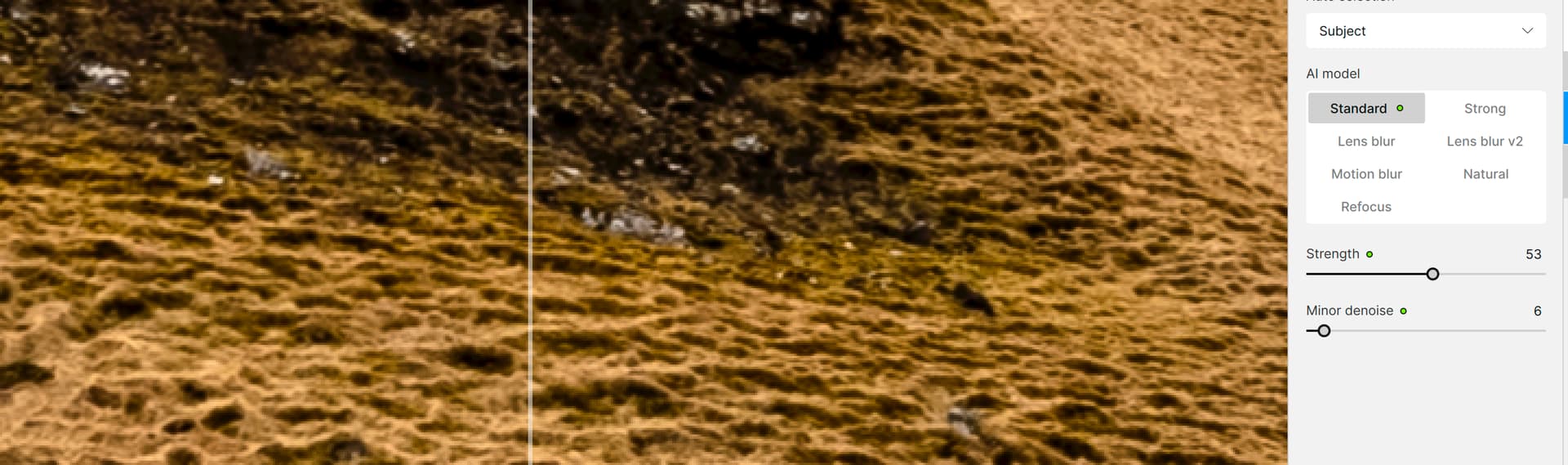
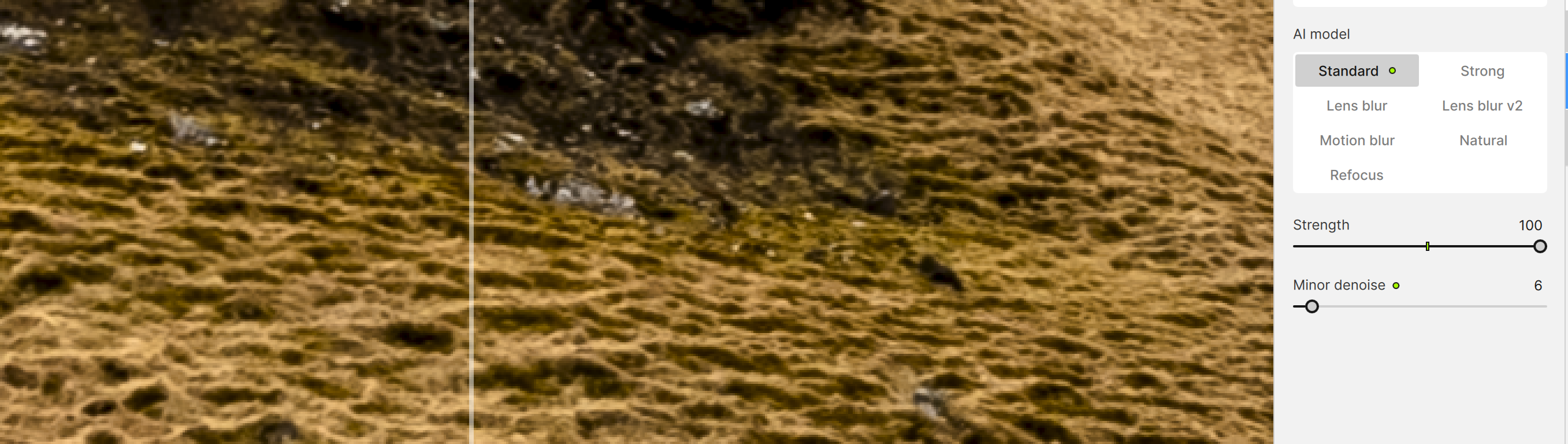
Moreover, if I force enhancements, say Sharpening, PhotoAI does nothing, but says it did:
No suggestions
Default Sharpening when forced to sharpen (no different than original)
Sharpening when pushed to 100; no difference again.
Any fixes out there???
1 Like
Please stay tuned for an upcoming patch release
4 Likes
EDIT - I should add that SUBJECT was default. I presumed the mountain, which is the only subject, was the subject. But it turns out I had to switch to ALL and then the forced Sharpening happened. Not sure if that’s a feature or a bug.
2 Likes
Yup that sounds right - in the future we are looking at ways to predict the correct subject (landscape vs subject) by analyzing the image. But we would do this offline on your local machine, so it’s non-trivial at the moment. We are looking at ways to do this while still retaining your privacy as a user. Stay tuned!
1 Like
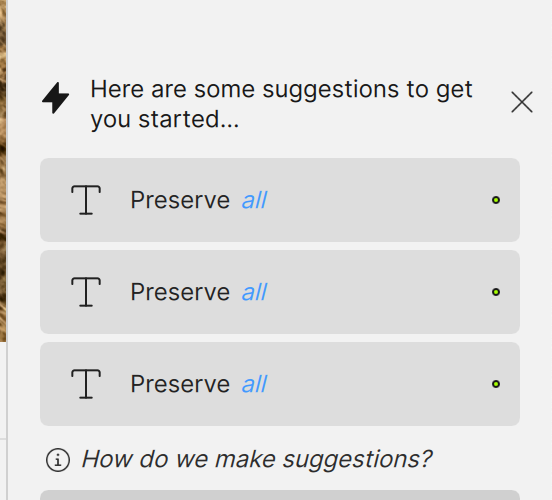
Why does T Preserve all appear multiple times?
It is a bug
2 Likes
A patch set to be released at the end of the week will fix the multiple Preserve Text Suggestions, amongst other fixes!
3 Likes
The difference with other apps is that upgrades to fix problems are not at a cost even after a year. Despite having bought the software license, I would need to now pay to have problems and bugs in the software repaired via a patch (???). This is crazy. I would have no issues paying a fee again for an upgrade but this should not be for repairing a product that should be working as intended.
1 Like
Ah ha! Thanks, Ange.
I didn’t know if there were different parts of the image to be processed selectively and sequentially.
1 Like
@DFLO - All released patches for a specific version (example, we will release v3.4.4 this week) are always included - if you own v3.4.0 version for example, even if you are expired on v3.4.0 it will include any v3.4.X.
If you get any issues, make sure to send us an email to support@topazlabs.com and we can troubleshoot and if the issue is an open ticket with development team, we can reach out once a fix released and make sure that you have access to this version on your account once released. Make sure to reach out to our Support Team by email if any issues do arise and we will always make things right 
3 Likes
Where’s the release 3.4.4?? It’s end of the week and no new version with bugfixes avaliable.
3 Likes
Most likely it failed to pass the pre-release quality check so they sent it back for correction.
Or they’re busy preparing the iOS App launch…
1 Like
Really, it runs on an iOS (mobile?) app? I can’t even get the newer models to process reasonably fast on a Win 11 desktop.
Well it’s a stripped down version that only runs one model (seems similar to the desktop low-res one with added face recovery.
For a more sophisticated upscaling you need cloud rendering, costing you credits…
Still, especially for portrait and very low res images the iOS version does run quite decently.
1 Like
Great, looking forward to it.
Cool! Thx. That’s interesting to know. I’m an Android. So don’t see things like that.
