Hi,
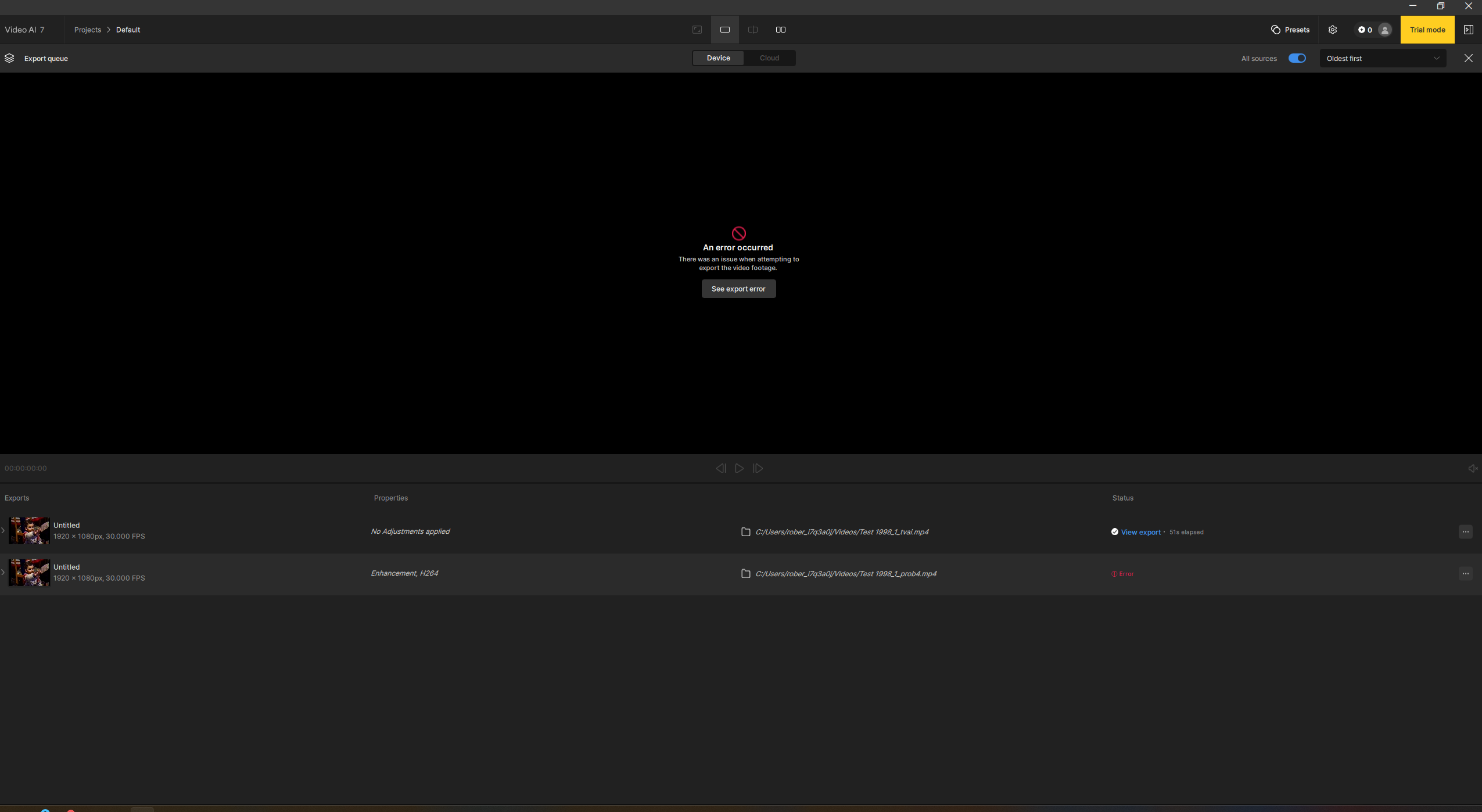
The title is pretty self explanatory: it is impossible to test or try anything, an error keeps appearing, not a single image previewed.
On a M3 max MacBook Pro with 128 Go RAM.
Some help would be great! logsForSupport.zip (175.6 KB)
Thanks.
The bug / behavior you have encountered
Your system profile
Your log files (Help > Logging > Get Logs for Support)
Any screenshots as necessary
[Please be sure to have searched for your bug before posting. Duplicate posts will be removed.]
Thank you for your reply. I have seen enough of Topaz to wanna subscribe to it. But I won’t be able to use the last version? Or is the problem only in the trial version, please?
Regards.
I downgraded my official license to 7.0.2 and getting the same error with it, as with 7.1.0. No preview, no render works with any of the models on my M3 Macbook AIr.
Can you share your app’s logs? To gather logs, please open Video AI and select Help > Logging > Get Logs for Support and attach the zip file to your reply.
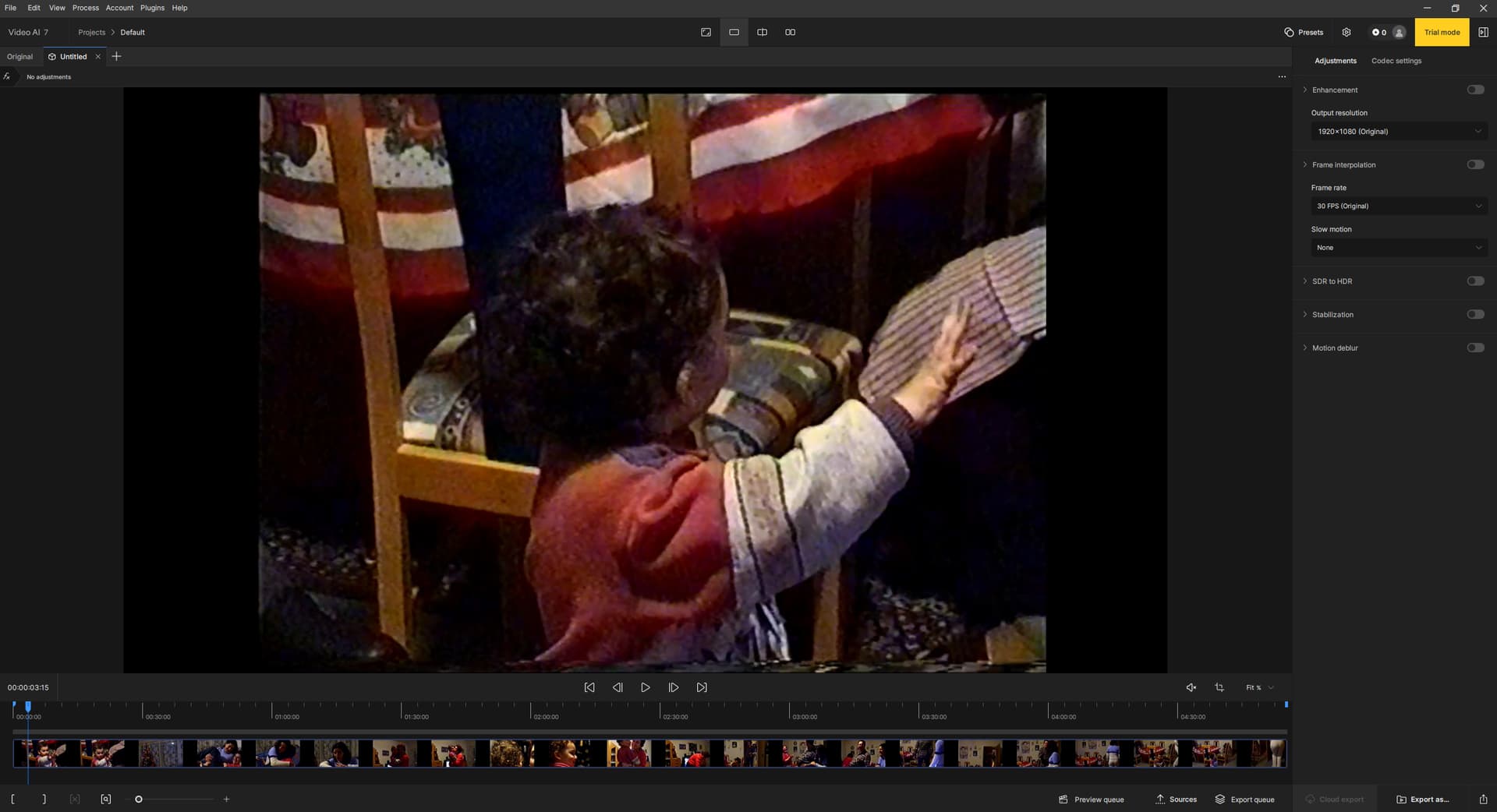
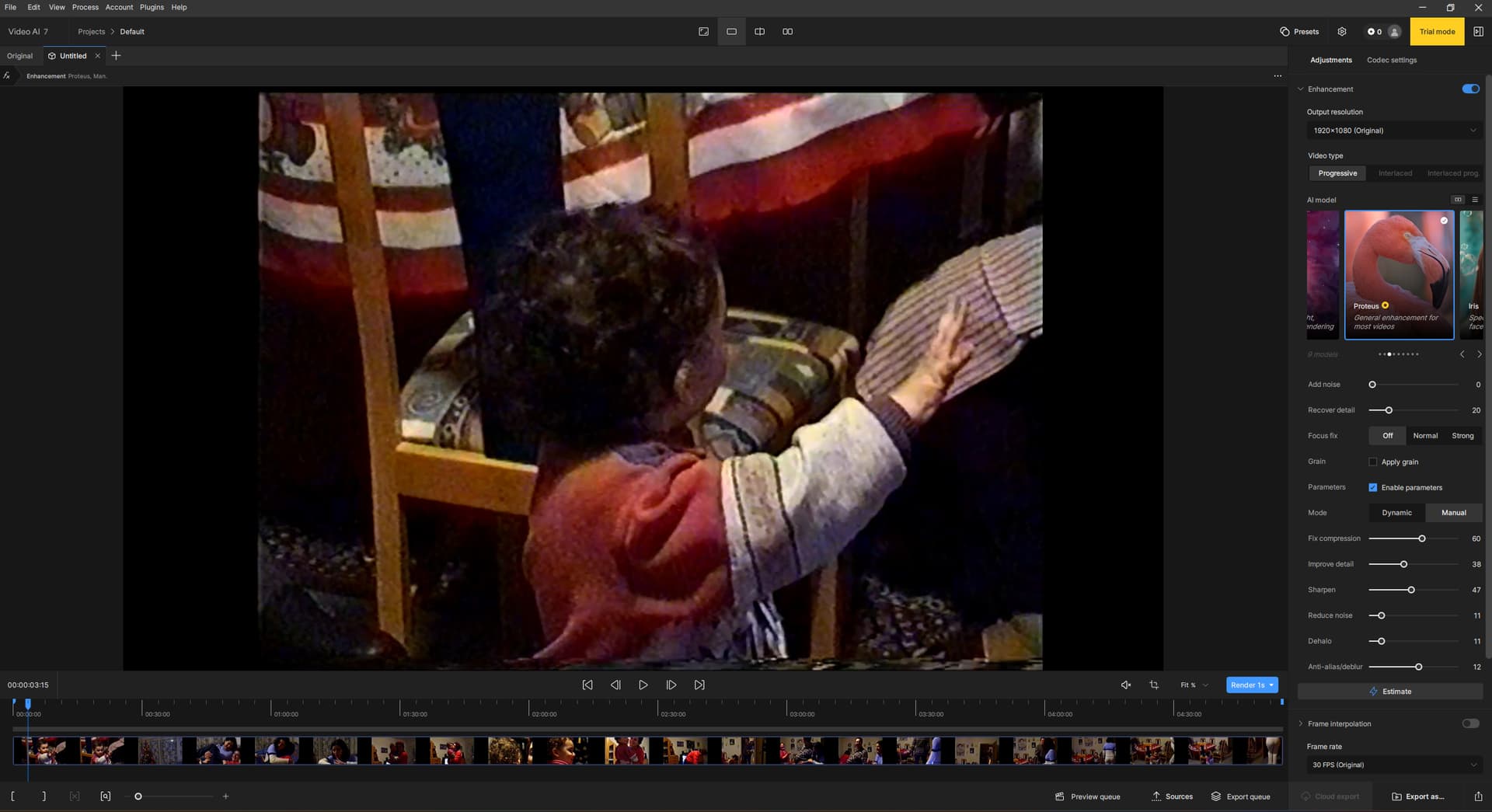
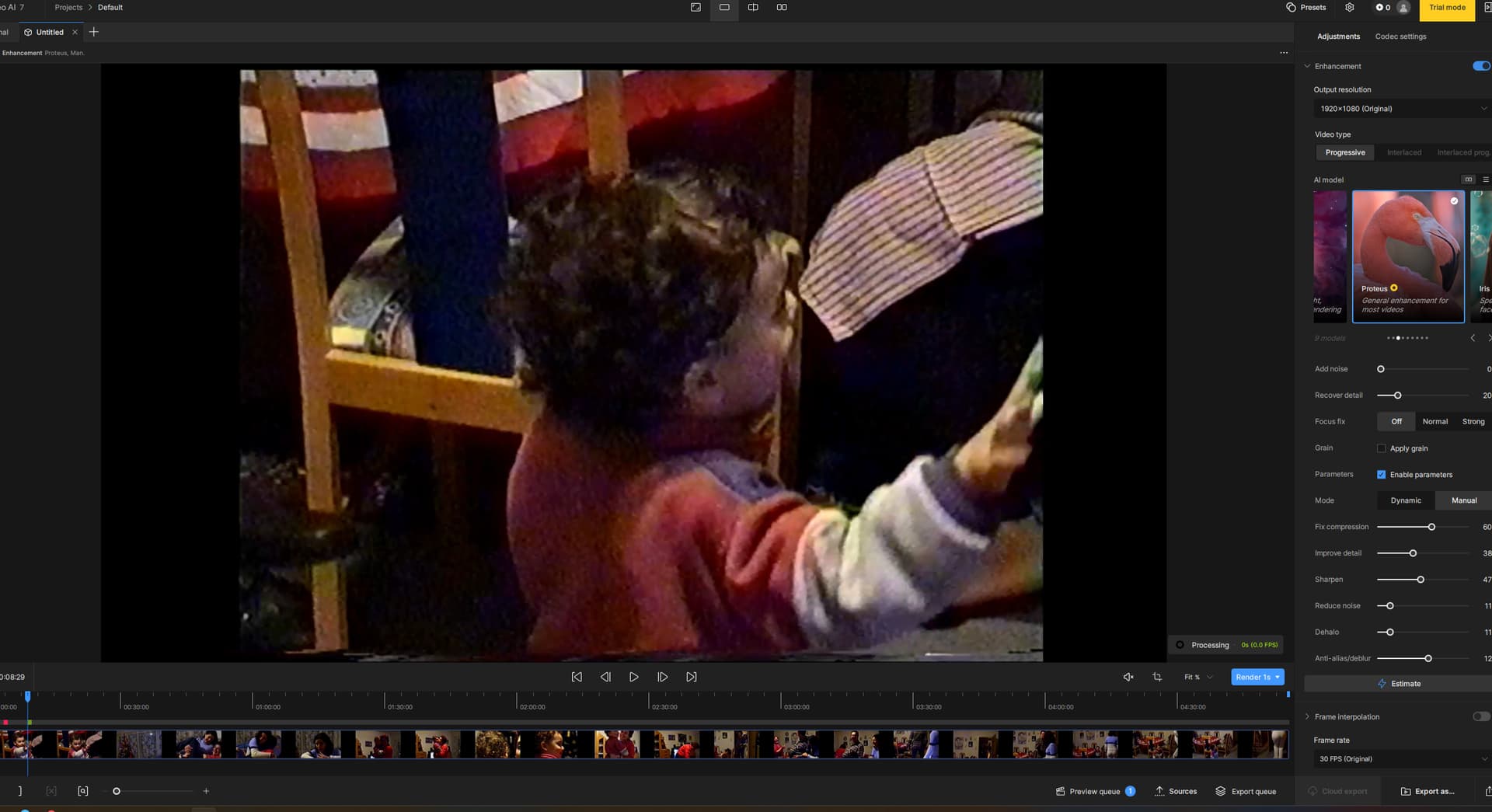
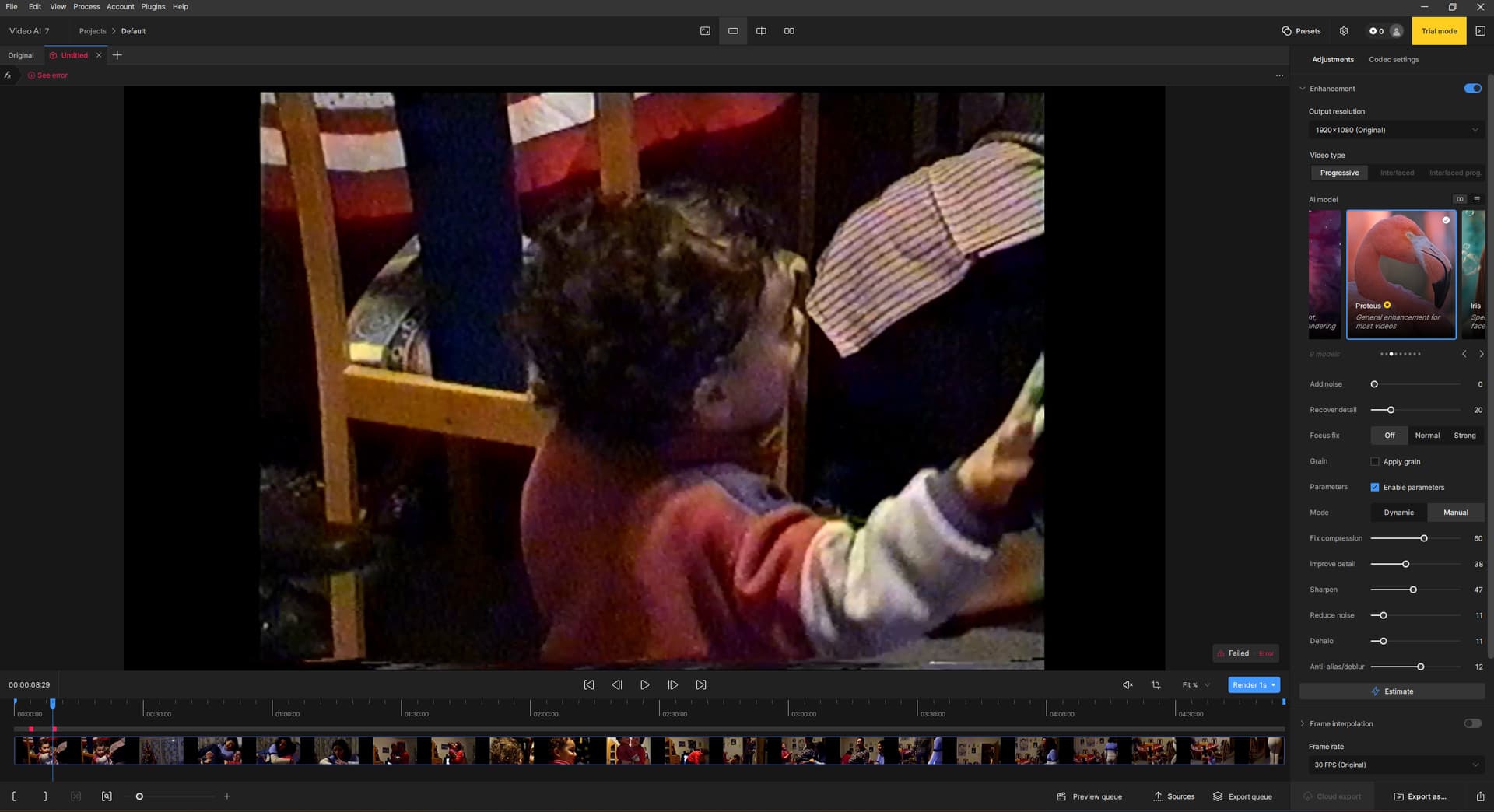
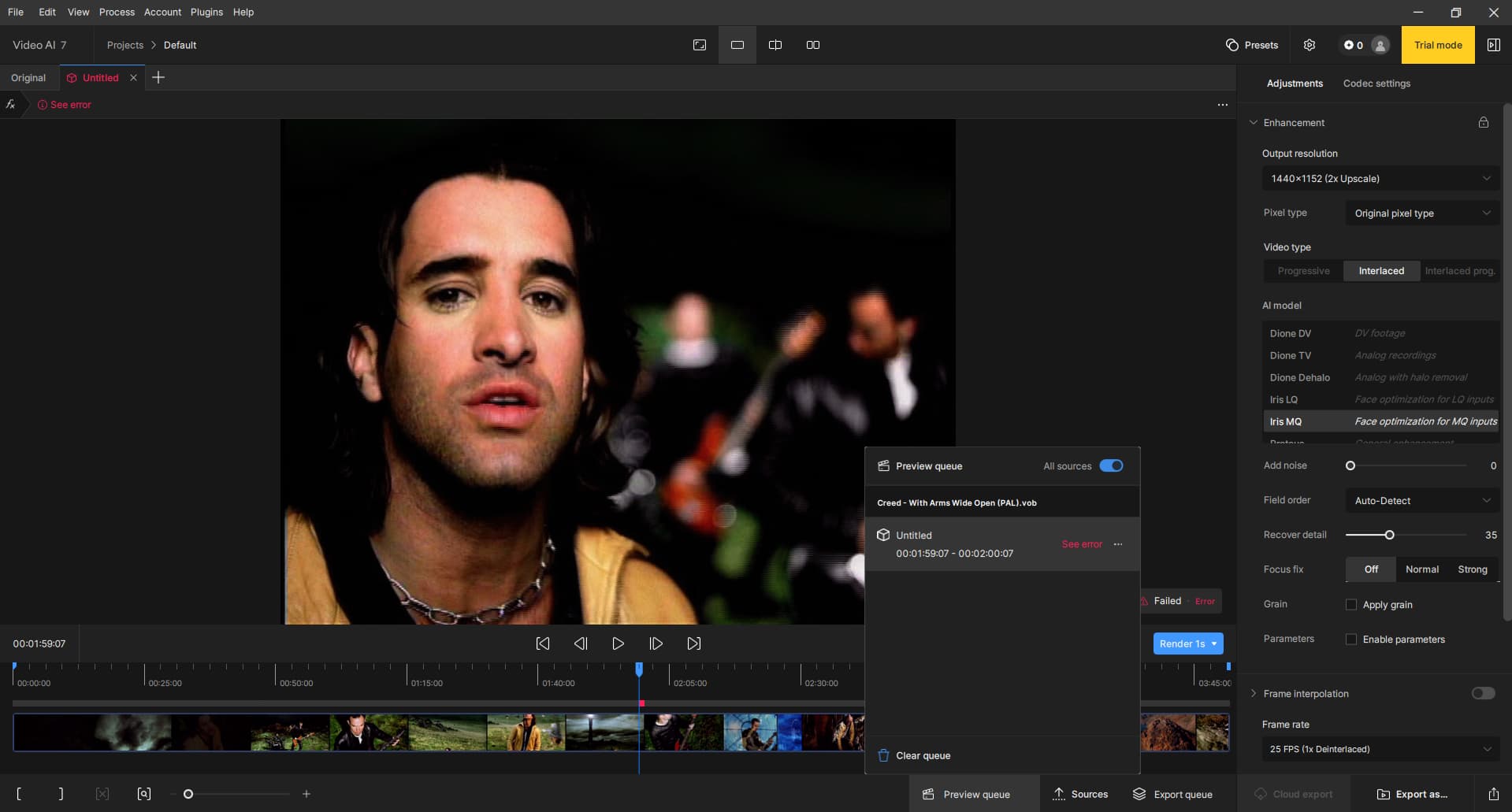
After searching for a program that enhances my VHS videos via AI, I discovered Topaz Video AI and am currently testing it. Unfortunately I quickly encountered a problem. I selected a video and wanted to test the preview after a few settings. Unfortunately, the preview does not work. Only a “Failed” appears.
My Hardware
CPU: AMD Ryzen 5 5600X 6-Core Processor
RAM: 32 GB; 2/4 Slots; Speed: 3600MHz
SSD: Intel 1TB
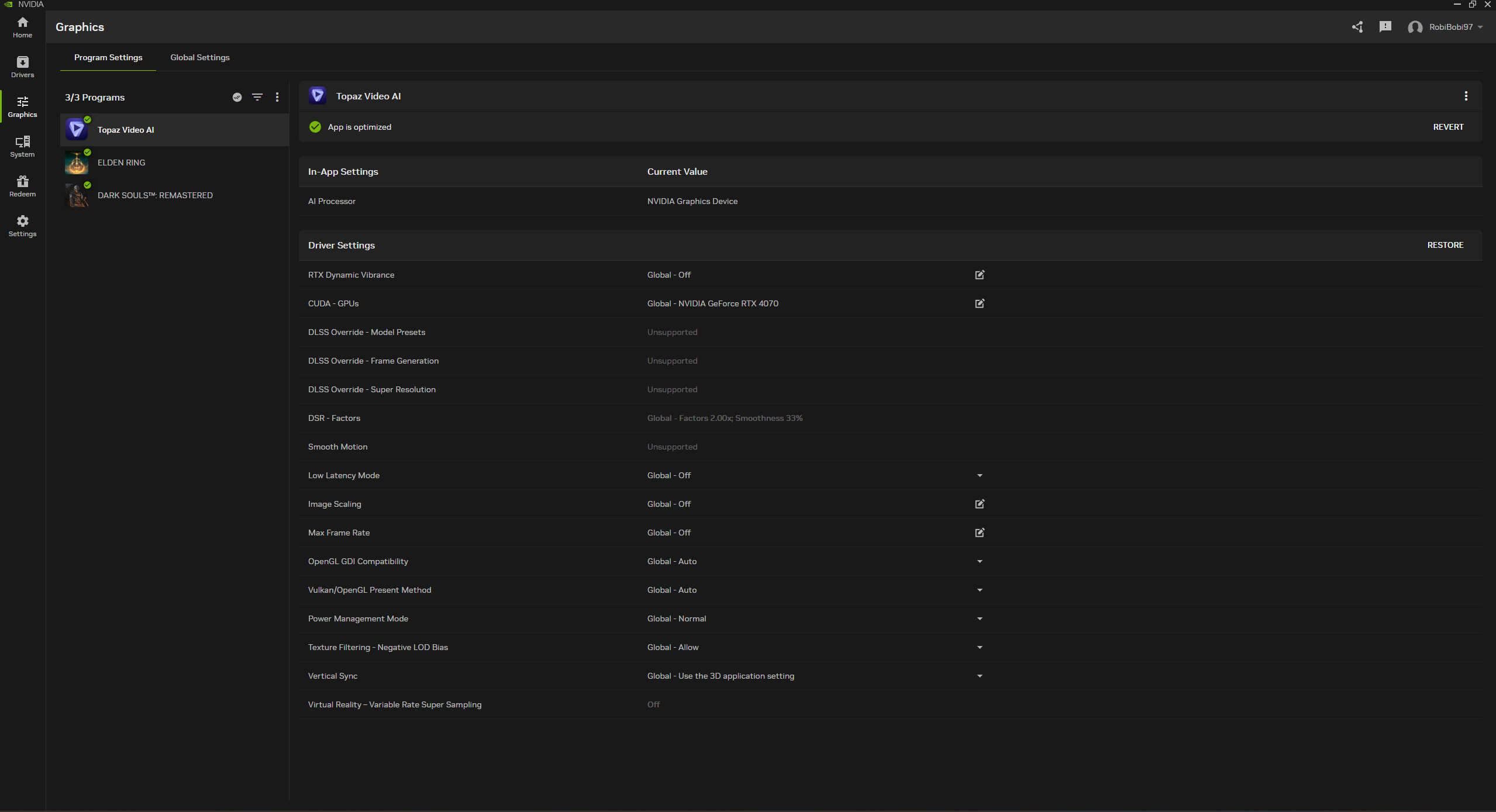
GPU: NVIDIA GeForce RTX 4070
OS: Windows 11 Pro
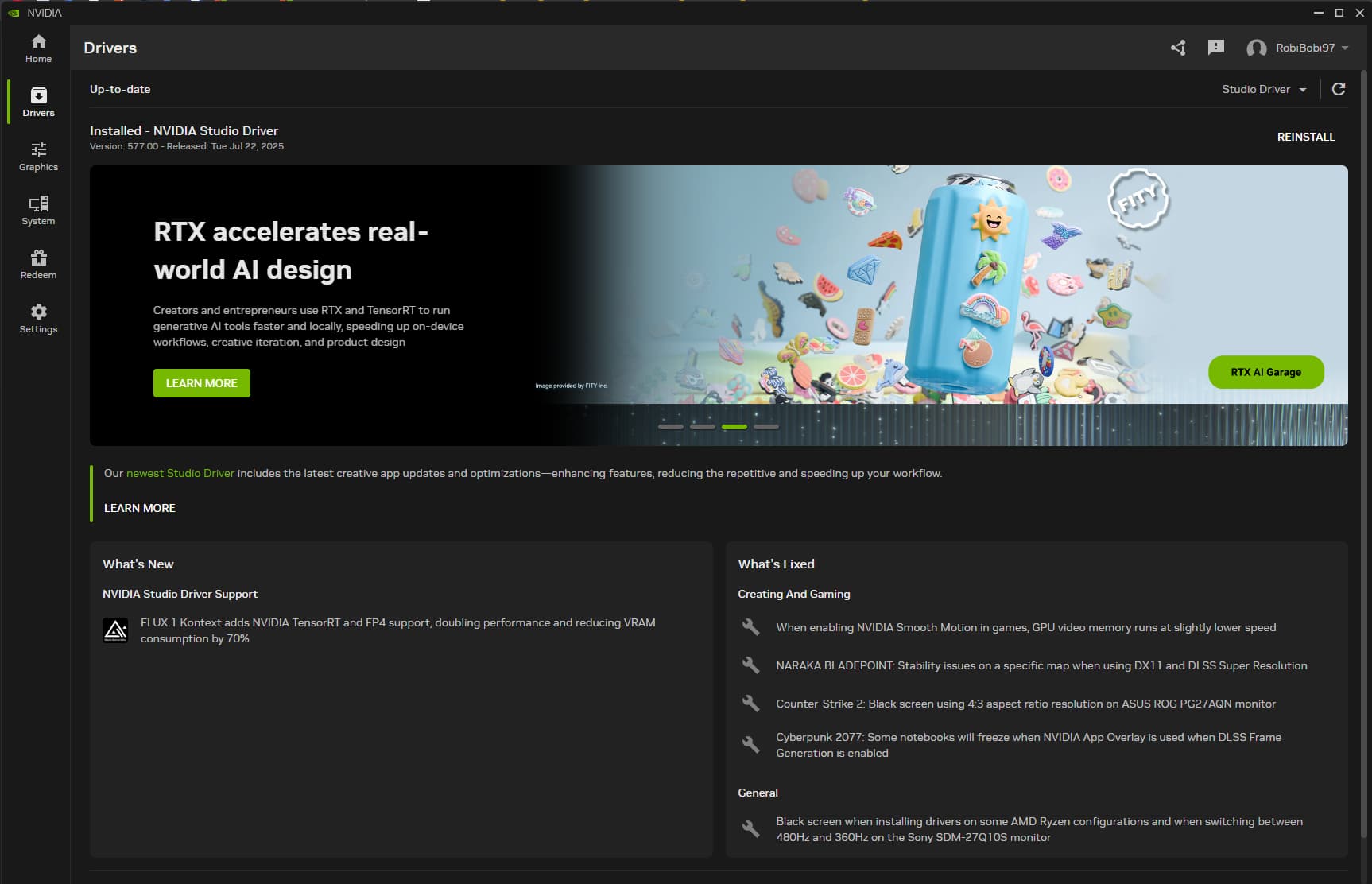
Nvidia Driver: Nvidia Studio Driver Version: 577.00 (Newest Version)
I have tried to solve the problem myself. i have googled, looked on youtube and on this website on older topics but nothing could help me. i hope you can help me, you are my last hope. Thank you very much.
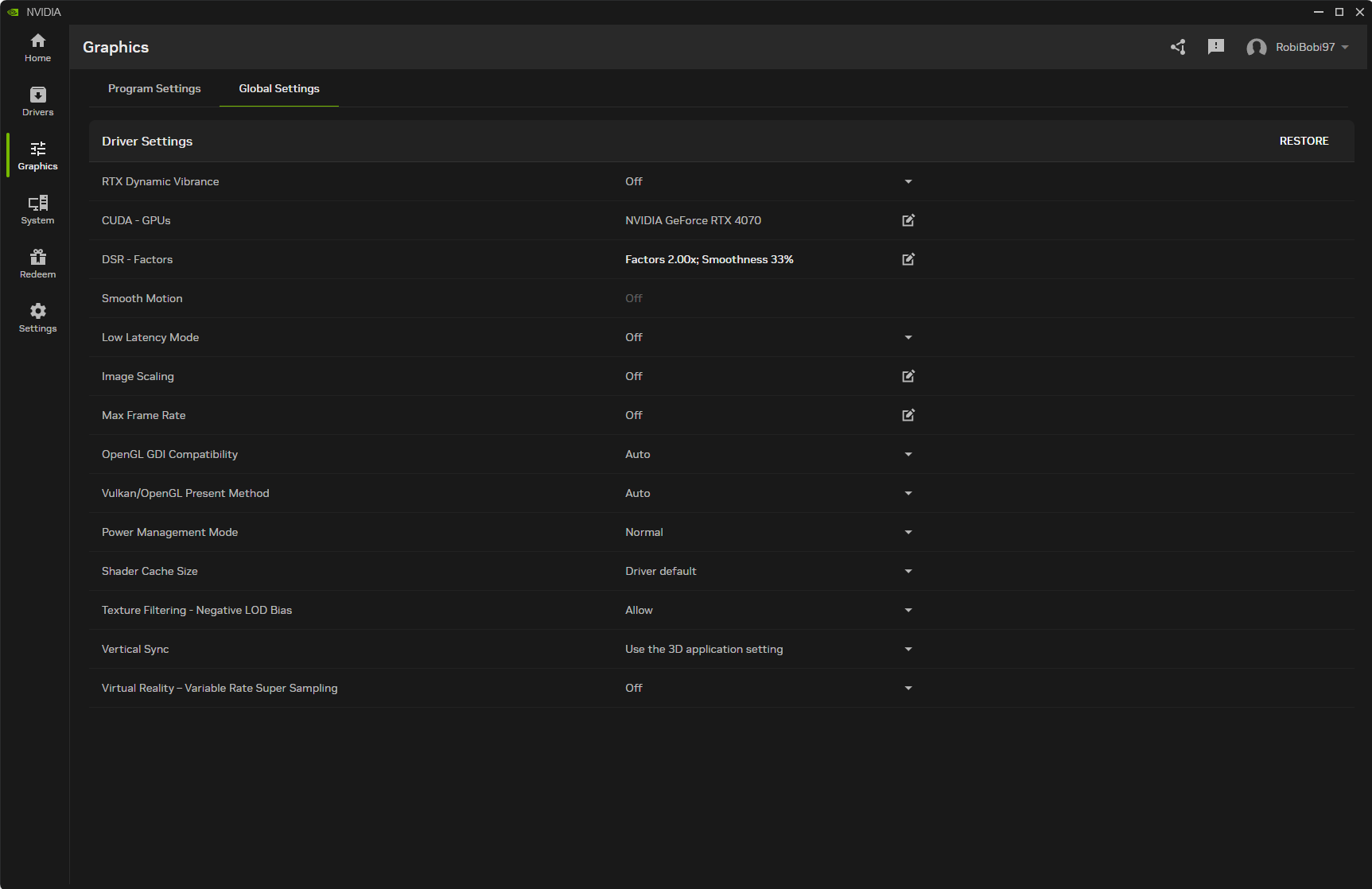
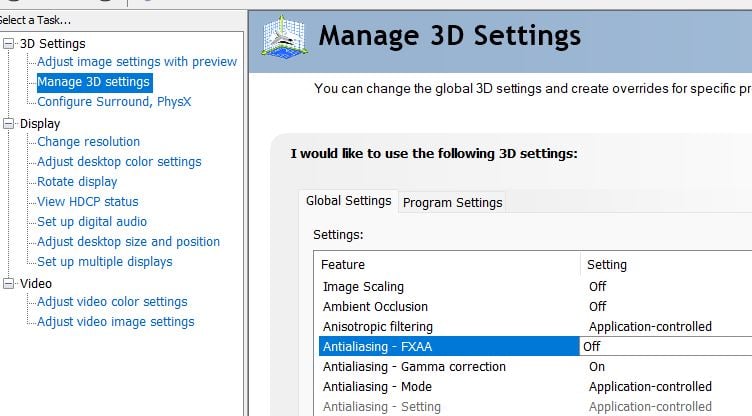
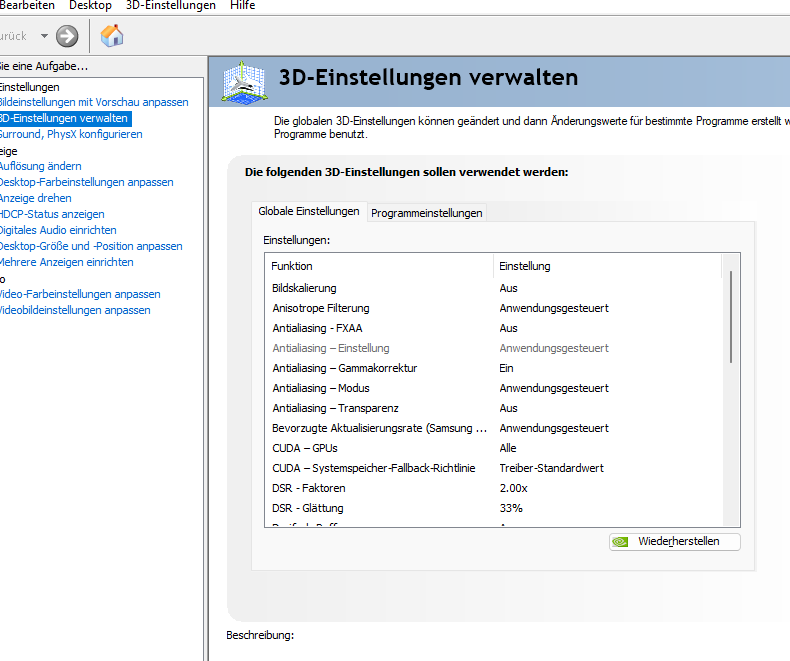
Hi, check in the NVidia Panel if “FXAA” is set to OFF, some had in the past preview problems when FXAA was enabled and I’m not sure if it’s finally solved.
German? Installiere doch mal die Beta, der Vorteil ist diese parallel zur LIVE gleichzeitig installiert werden kann. Ich schlage vor nimmt nicht die neuste Beta da diese zu ähnlich zu der Live ist die du hast probiere die 7.04b hier
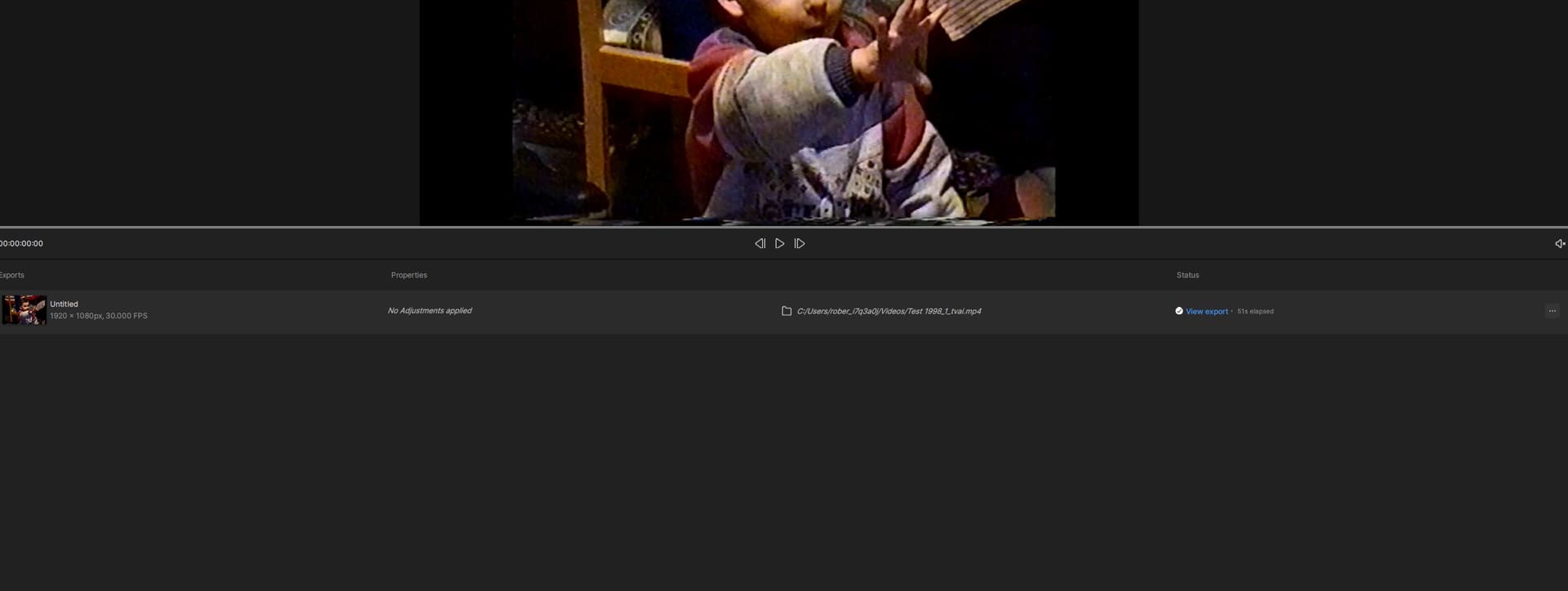
auch Deutscher? Wie schön Ich konnte nicht früher schreiben weil ich in der Woche lange arbeite. Jedenfalls die Beta Version funktioniert Es funktioniert sowohl das rendering als auch das exportieren. Vielen herzlichen dank du hast mir einen Lächeln gezaubert
Das Problem scheint anscheinend an der Version 71.0 zu liegen, ich hoffe das man den Fehler findet und schnell behebt.
English version
Evening Mayday,
German too? How nice I couldn’t write earlier because I work long hours during the week. Anyway, the beta version works It works both rendering and exporting. Thank you very much for making me smile
The problem seems to be with version 71.0, I hope they find the bug and fix it quickly.
Unable to generate any videos today, despite having no problem 48 hours ago. Simple, basic upscale 720 to 4k and framerate adjust. Have run this exact enhance several times over the last few days with no problems. Tried and failed on multiple different sources.
Version 6.2.2
Proteus (720 to 4k)
Recover Detail 25
Frame Interpolation (24 to 29.97)
H264 Output (source and output in same destination)


 Ich konnte nicht früher schreiben weil ich in der Woche lange arbeite. Jedenfalls die Beta Version funktioniert
  Es funktioniert sowohl das rendering als auch das exportieren. Vielen herzlichen dank du hast mir einen Lächeln gezaubert
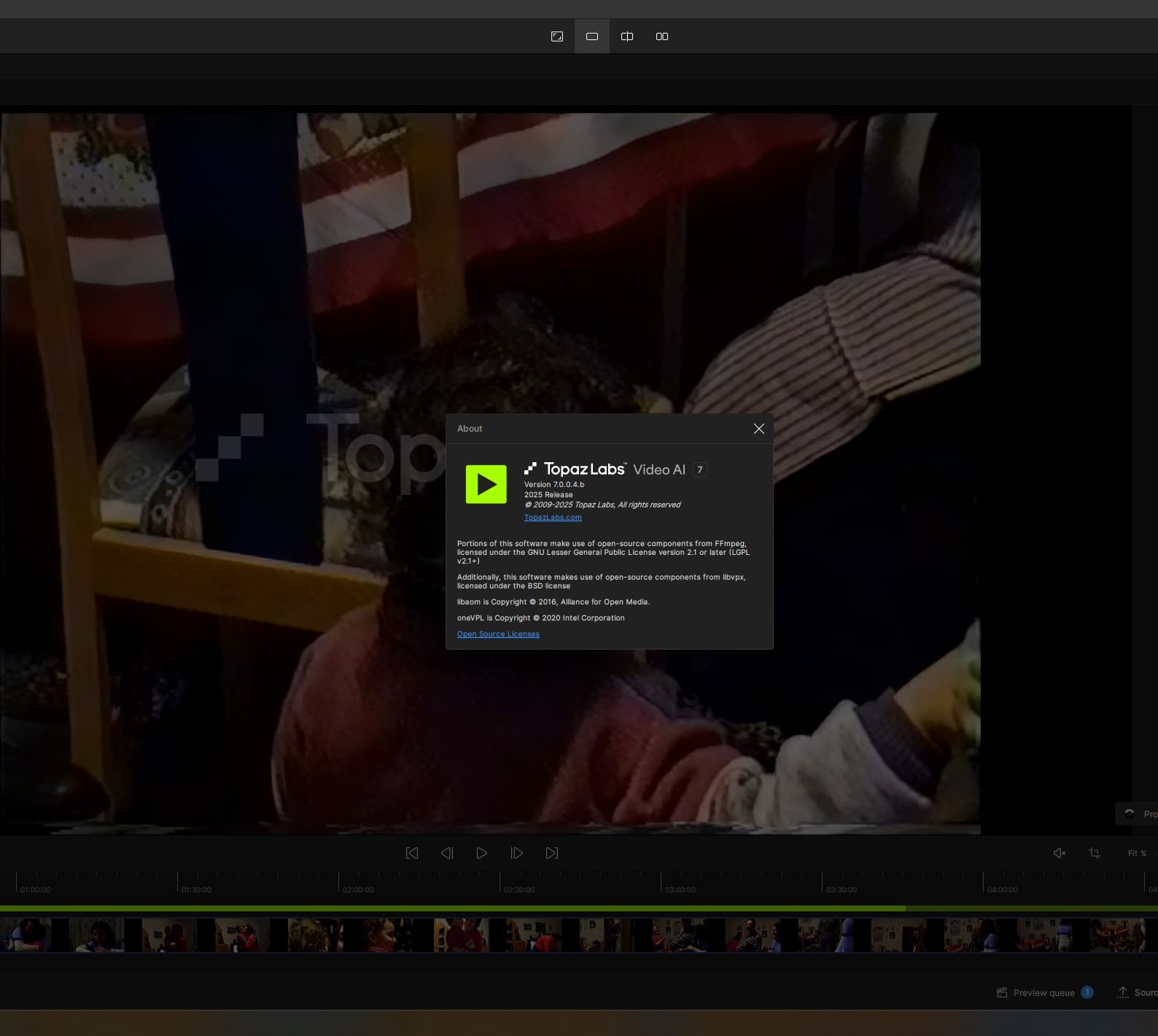
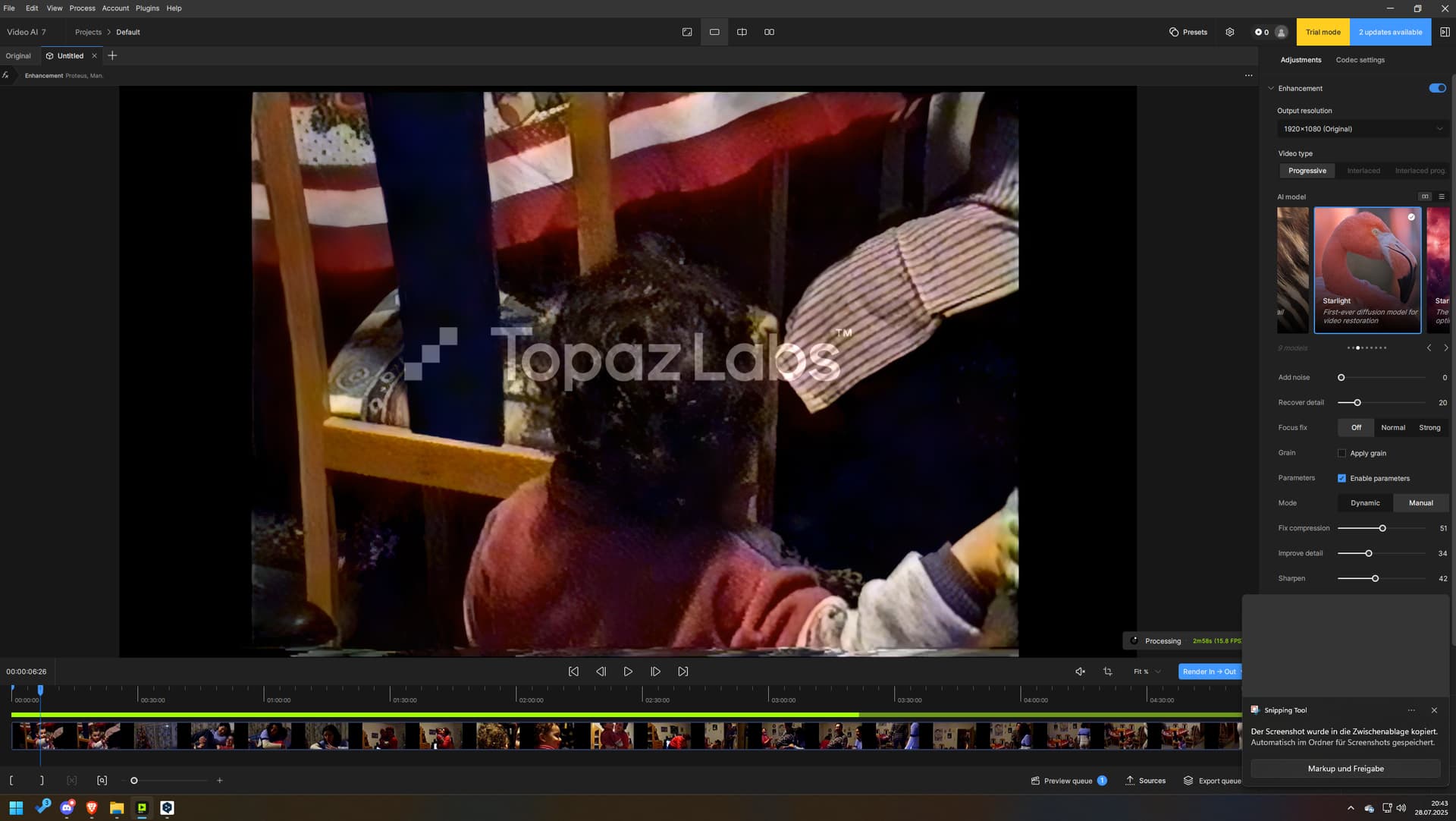
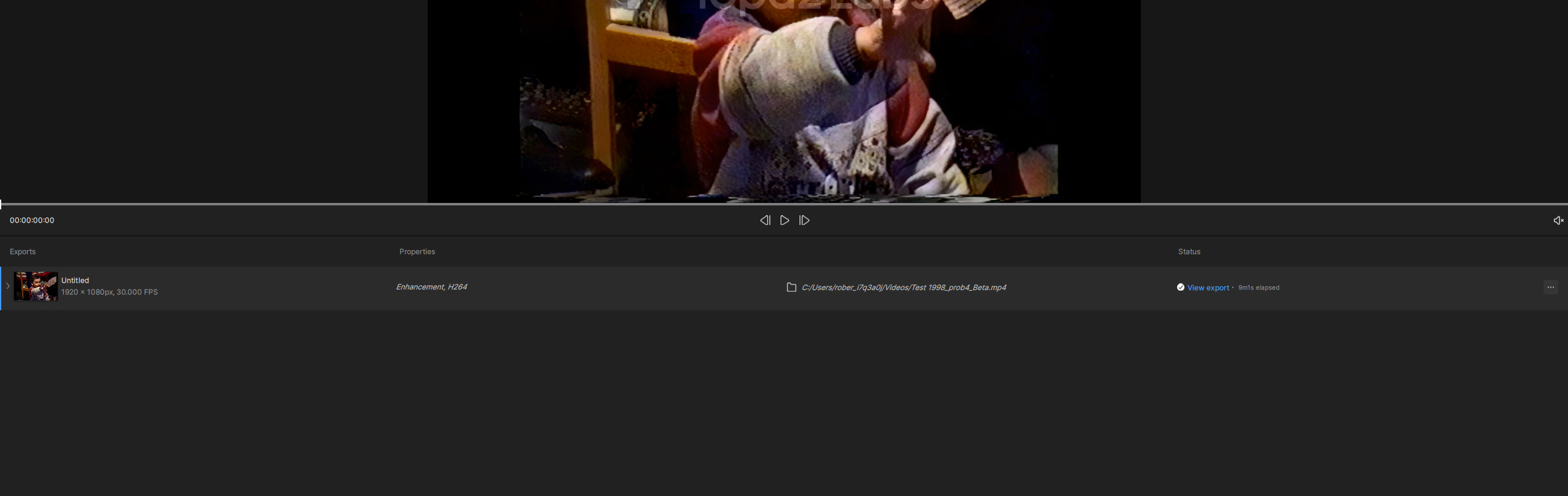
 greetings to Germany!