Topaz Video 1.0.0 (New Studio Release)

I had the same experience of the Topaz Labs servers for activation being overwhelmed today (and probably for a few days more), and the same resolution of just waiting and then successfully trying again in an hour or so.

Actually I think the Studio rollout has gone relatively smoothly. I was expecting total chaos, not so much because I doubted Topaz, but just given the scope of what they’re trying to do here in a fairly short period of time. Of course there are issues. But overall it’s going pretty well.

3 Likes

Anyone get full access to the cloud tools like Bloom, yet? I activated topaz video and topaz photo and those seem to work, but when I go to Bloom it says i need to use credits instead of having unlimited power.

2 Likes

I’m confused. I own Topaz Video AI, will there still be yearly subscriptions and updates?

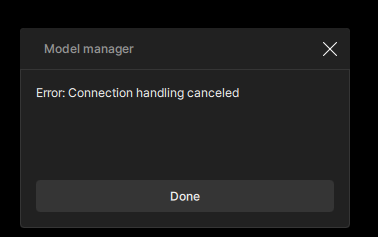
The download, for the Stabilization Full Frame & Auto Crop v2 model will not download. Keeps getting connection error, all other models for new studio version downloaded. Even if i set Auto Proxy enabled or disabled.

Looks like, same issue that was in previous non studio versions of Topaz Video AI

1 Like

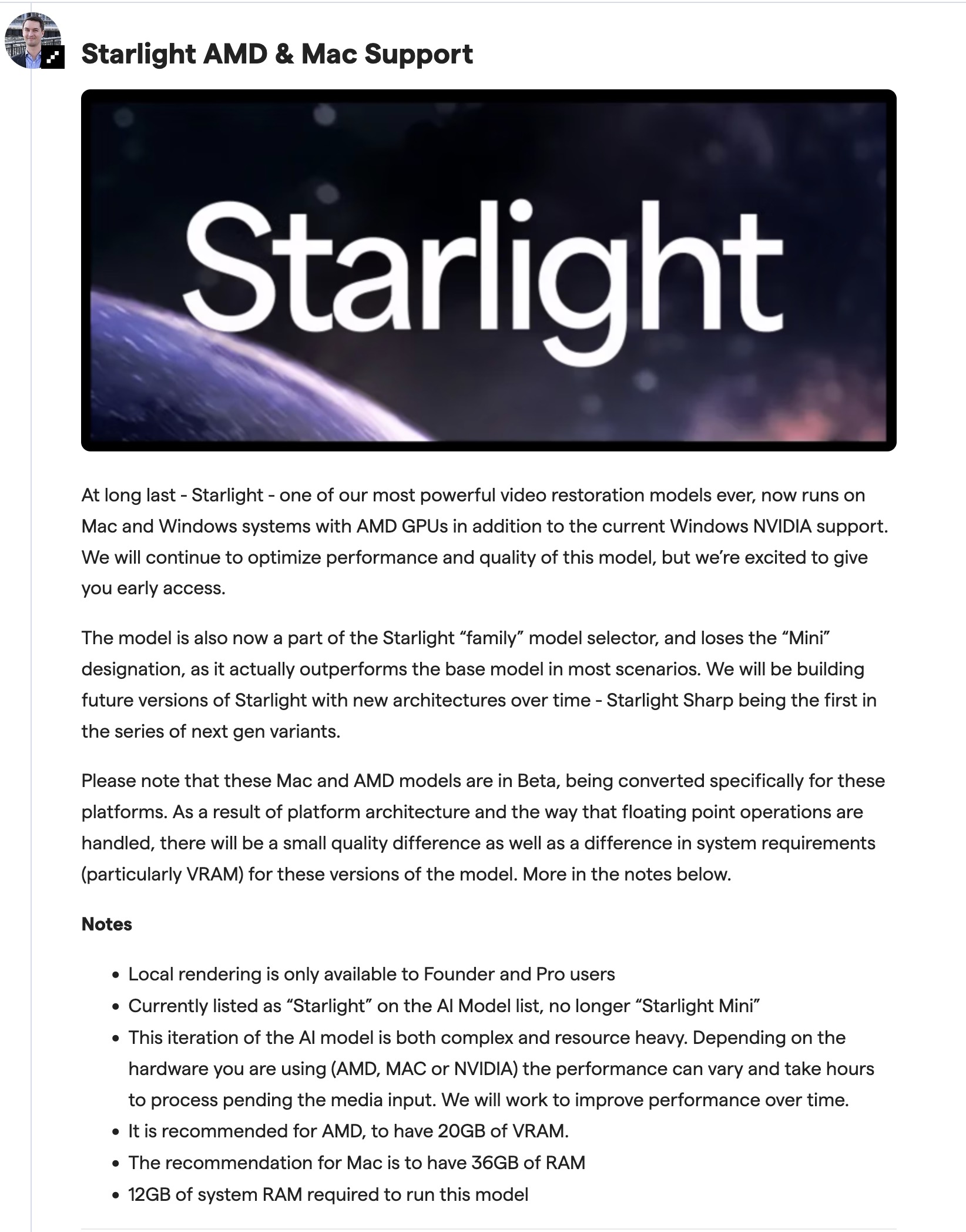
Is Starlight supposed to work locally on Mac Silicone M1 Max?
I keep getting errors…

Why can i only have one preview in queue per tab?

Instead of previous Topaz AI versions where i could have as many previews in my preview queue, as i wanted?

My last preview in the preview queue always gets overwritten, so you can never have multiple preview versions per tab, in your preview queue.. to quickly test various settings out.

Any help with this?

My problem with the several Starlight downloads has solved by it self; reason not known.
Now it works.

2 Likes

Ah, yes I see now - when I render a starlight model the file is indeed called starlight-mini…very confusing!

Starlight-mini does seem slower than sharp but at least the preview panel / time remaining is working (sharp is all over the place) The sharp processing is OK but has been too harsh / plastic for faces, which is odd given its touted as being better at face detail recovery.

I was getting 0.3fps for Starlight mini in version 7.1.4, I am now getting 0.1fps in Video 1.0 on a 5060ti

I definitely prefer the softer look of Starlight-mini for family DVtapes.

On a plus not I’ve only had one crash, that was saving as proresHQ using the Starlight-mini model. H265 exports have been stable so far.

8 Likes

CLI usage is now NOT PERMITTED with the personal licence (of Topaz Video) according to the EULA. Please can Topaz confirm that is correct, as it is still available in the menu in Topaz Video 1.0.0. Here’s the relevant EULA section:

A Personal License grants You the right to install and use the Software on (1) device

assigned to a single named user, not shared, per license purchased. Personal Licenses

are only valid for a single user and may not be shared between individuals. Access to or

use of the Command Line Interface (“CLI”) is strictly prohibited under a Personal License.

At all times, Topaz may monitor Your use of the Software in accordance with the Privacy

Policy and applicable law and terms of use. If Topaz, in its sole discretion, determines

that Your use of the Software exceeds the permitted use under the Personal License,

then You shall promptly obtain and pay for the Professional License, unless You can

provide documentary evidence, acceptable to Topaz in its sole discretion, demonstrating

compliance. If You fail to do so, Your right to use the Software may be immediately

suspended or terminated, in Topaz’s sole discretion, and Topaz may pursue appropriate

remedies, including account suspension and recovery of any amounts due.
As Starlight is “working” (despite the totally blurred output) on my Mac Studio, does that mean I have a Pro licence? How do I know for sure by another means?

I have active licences for legacy TVAI and Photo AI. I’m not sure if that is enough to give me “founder” status and therefore the Pro licence automatically. If not, then bye-bye Topaz. There’s absolutely NO WAY I’m ever subscribing to a Pro licence - at twice the price - just for the CLI - AND only able to use that one computer rather than the previous allowance of 2 computers concurrently. So that works out at 4x the price to get the near equivalent of what I had before i.e. the CLI working on 2 computers at once IF I want to use the latest versions. And even that is limited duration due to the subscription model i.e. I lose access entirely if I stop paying.

Topaz, at this rate you deserve to fail as a company due to your GREED.

Hi.

Who said you get a Pro License you get access to the Pro Models if you qualify for the Founders Topaz Studio

The Pro License is a separate entity that can only be set if you sign up for it

The price for the Founders Topaz Studio is cheaper than you would have paid for the old Topaz DeNoise, Sharpen and Gigapixel AI combined from a few years ago and you’re getting Seven Applications including Topaz Video and a whole lot more besides.

So, I’m afraid you get access to Pro Models not a Pro License that’s different.

Hope this helps

If I am looking to clean up progressive VHS recordings with a denoiser, stabilizer, and Starlight AI upscale, what is the best order I should do these in for the best quality output?
Currently I’m thinking Nyx XL pass + stabilize, and then run through Starlight Sharp. Is Starlight better than Starlight Sharp or the other way around?
Should I run Nxl XL and stabilize after the Starlight pass, or before it? Or do I not even need them?

1 Like

After first tests I’m very impressed with the new Starlight Sharp.
Before I rendered my old footage with Starlight.
In comparison I would say so far, that the Starlight Sharp is the best option.
Also it renders a lot faster (RTX 5090 0,9 fps Starlight/3,4-4,2 fps in average Starlight Sharp).
TopazLabs said here in the thread, that Starlight Sharp is optimized.

Before I render in Starlight/Starlight Sharp I deinterlace with TMPEnc; for me the best deinterlacer.
Afterwards I stabilize with Prodad Mercalli (v6).
And then using Starlight/Sharp.

1 Like

TMPEnc does it also converts it to 50fps when you deinterlace?

Does this mean, it’s only availbale on outdates (2020 and older) Macs with Intel and AMD GPU?

2 Likes

There are a lot of Deinterlace options; not sure, if 50fps is available.
In my case I use “Interpolation High Precision”. So for me no need to use 50fps, cause the results are very good from my point of view.
Perhaps you have a chance to test it via trial.

1 Like

I’ve still been unable to find a definitve answer on whether the new ‘studio’ products will work offline despite emailing support and I’m getting very frustrated. There is no internet access where I use Topaz software, so Studio will be unusable for me if I cannot use it offline.

Obviously cloud-rendering etc… will not work (but I don’t care about that) and I understand that periodic re-authorisation would be necessary, but can you e.g use Topaz Video local rendering offline in the new Studio version? Will new models be available offline? Can I get a definitve offical answer please?

Because if you can’t then Topaz products just became 100% unusable for me across the board.

They are different products, so yeah being logged into Video AI won’t count against Topaz Video.

The Studio apps will have a 1 seat per user restriction across the board.

Topaz Video (the new studio app) will receive new major features and AI models. Video AI (perpetual license) will only receive maintenance updates moving forward.