I think your rough estimate of a 2x speed uplift from 3090 to 5090 is about right. For me, a 5090 under 2K almost feels good.
If you got the 5090 you would probably need a new, very high quality PSU.
I have had all the typical errors/issues people talk about with the 4000 and 5000 series (high power draw) cards. The black screens, Event 153, TDR timeout driver resets and even one cable meltdown… For me, the errors could always be traced back to the quality of the 12V voltage being supplied to the card. This includes the quality, fit and operating temperature of the power cable, the overall PSU quality, voltage transients, the max 12V vdroop under big power draw, the quality of the utility company mains voltage and the quality of your UPS.
With that in mind… installing a great PSU is another $500+
The other thing to be concerned about is temperature.
If I have a SLm job running, it usually draws just under 1,200 watts. That’s the same as running a space heater in your room (let alone in an a small, enclosed case). If you haven’t planned for that kind of heat output when getting a 5090 then you should.
Part of the heat depends on how much overclocking is taking place. I have all components on on a chiller at 10C which makes a lot of OC possible, but altogether, the whole system puts out at least 50% more heat. The OC is probably not worth it given that, at best, you get 10-15% uplift for TVAI.
Nevertheless, even the 3090 heat generation on a days-long job needs some consideration…
You have been teasing a Premiere plugin for a long time now. I am glad to hear it is still on your roadmap, but what is the expected timeframe to actually see Topaz in Premiere? Is it in development now, or still just on a “wishlist”?
Ya all valid points. I do have a 1200w Super Flower PSU and a dedicated 120V circuit, but the heat would be a problem indeed. Well fortunately (?) the 5090 went OOS so I don’t have to make a quick decision after all. I keep my eyes open for a Founders Edition at $1999 as, I think they look so much better than the AIBs.
Can you comment on the Starlight (mini/Sharp) model and the following quality differences with the same source?
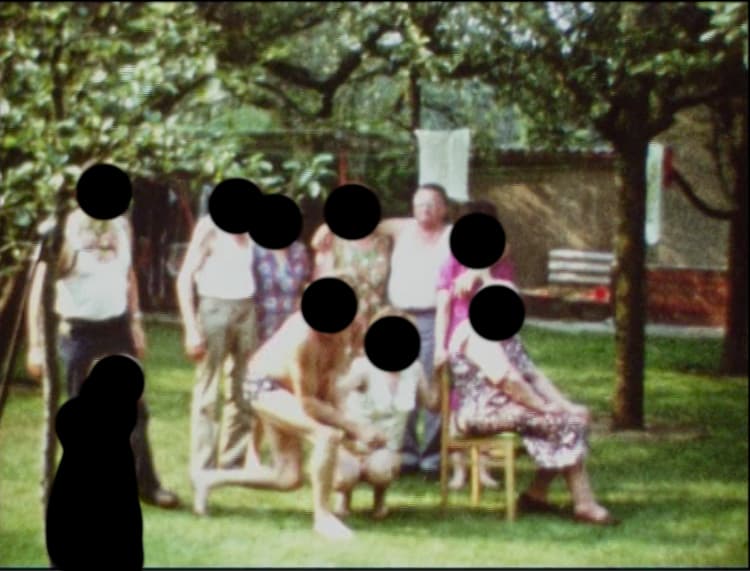
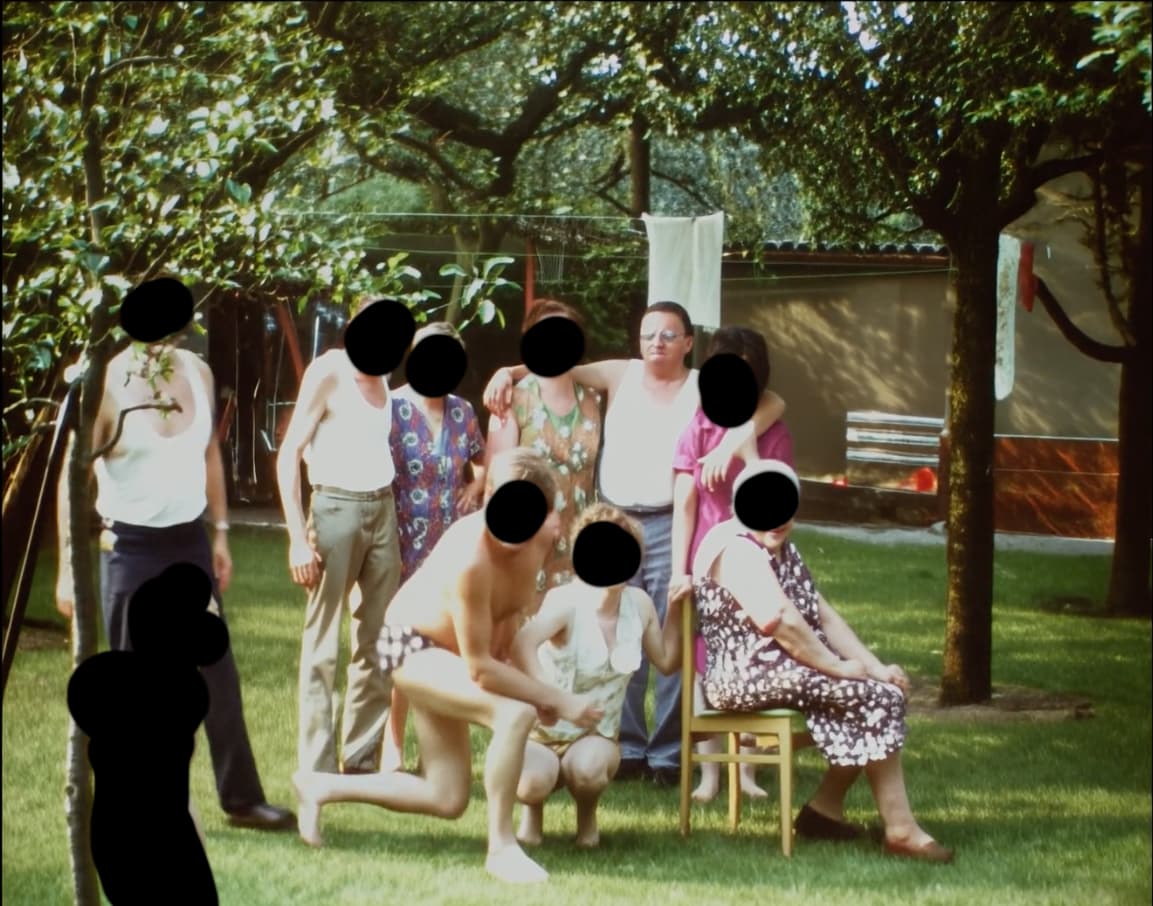
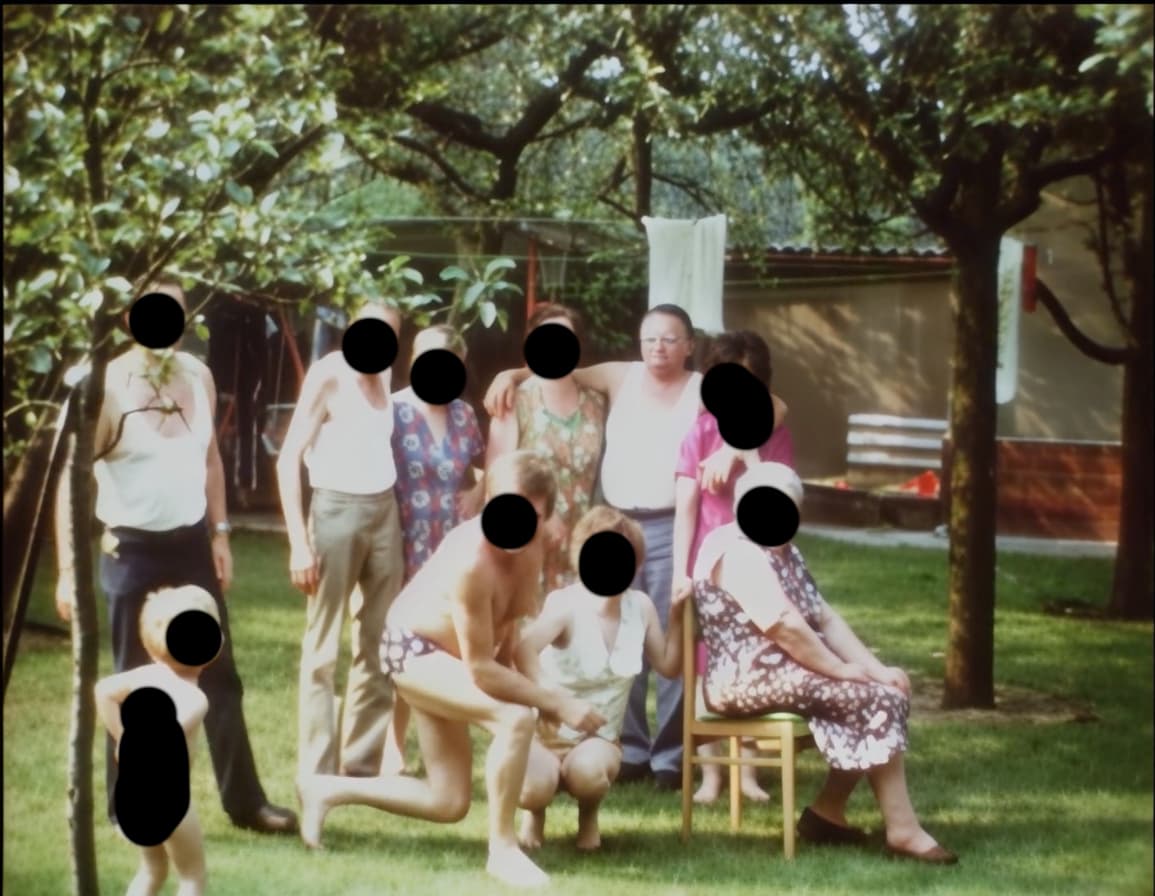
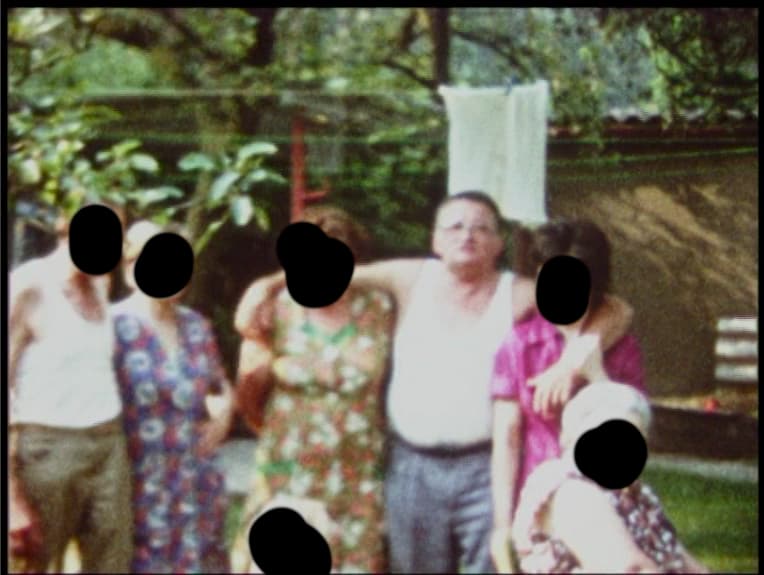
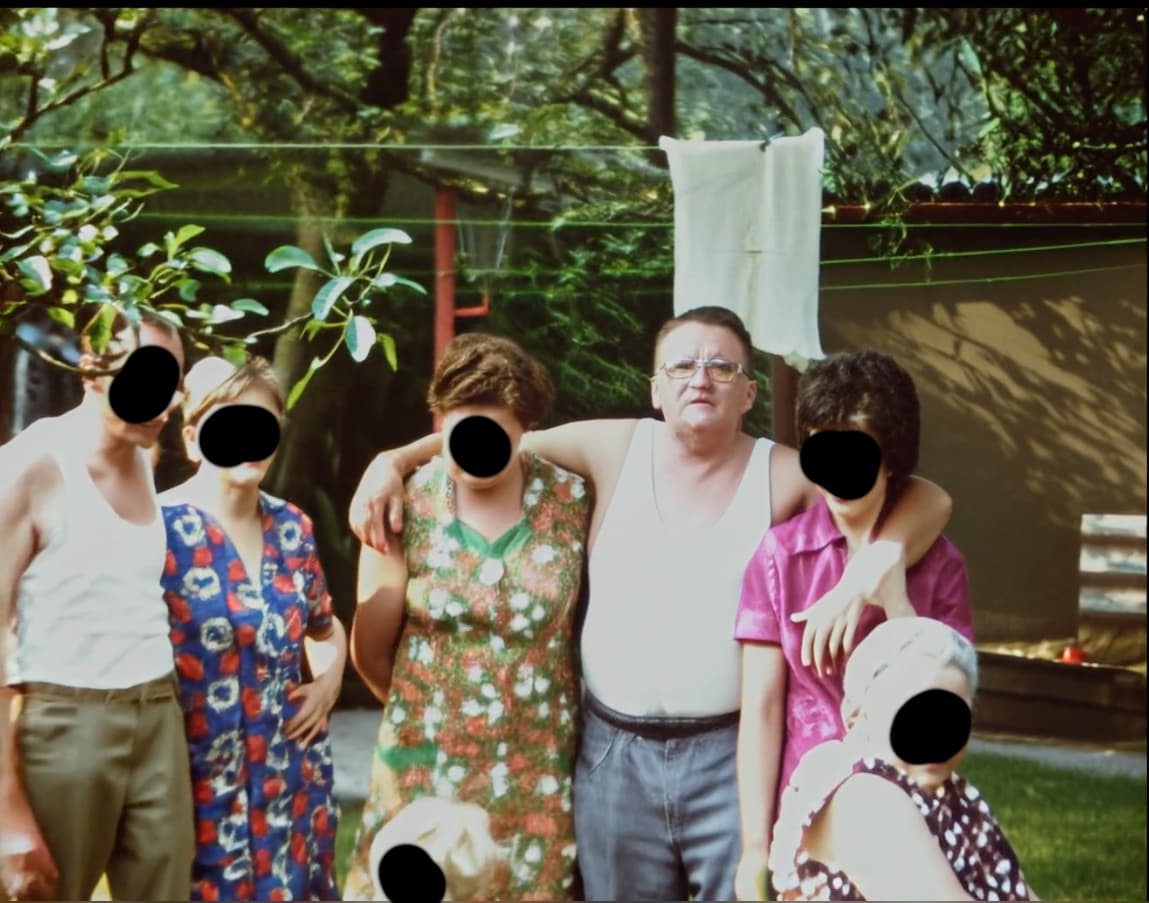
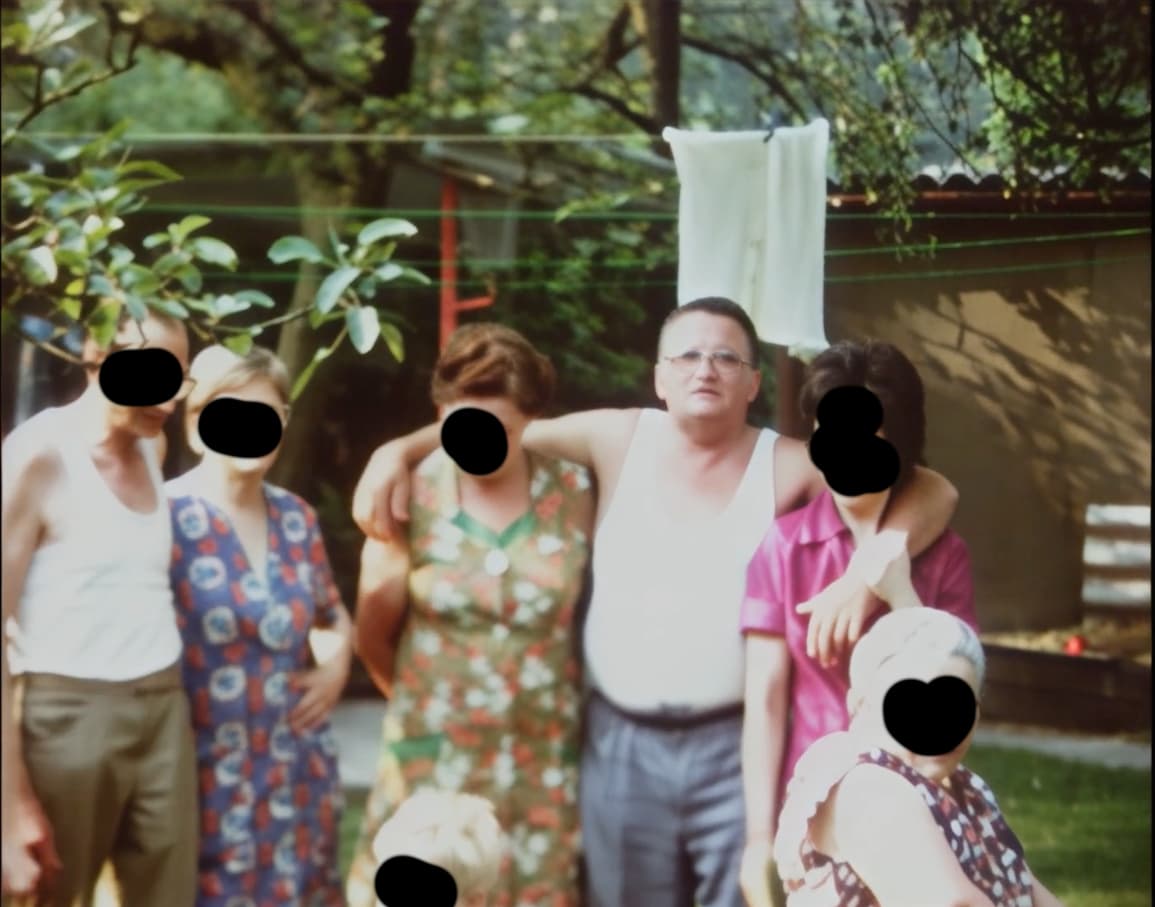
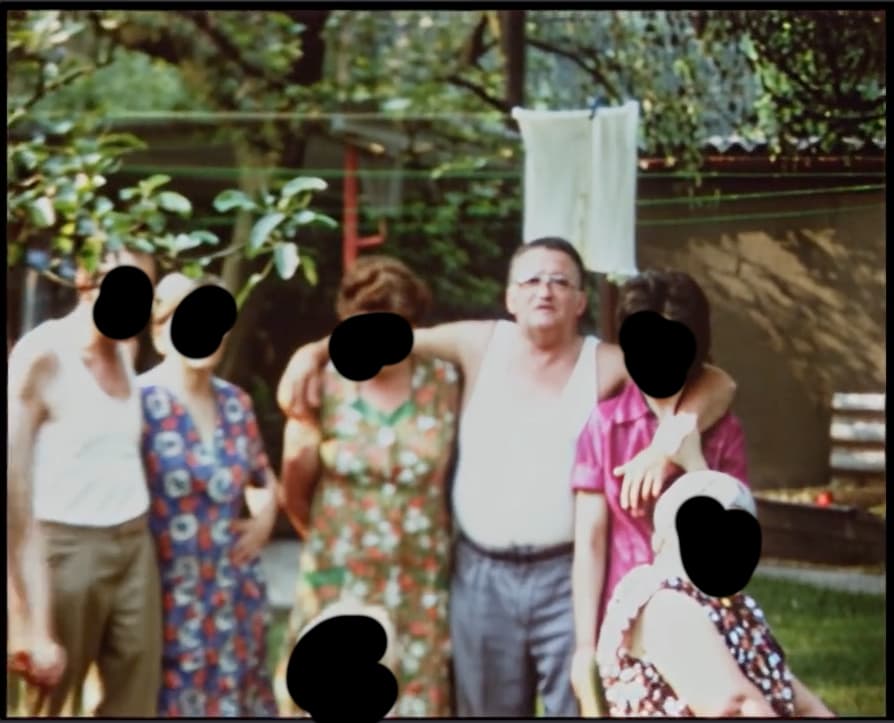
These are two still images (wide + tele optic) from a digitized Super8 film, which is available in 576p.
This same source was used in all tests. The first two times, the cloud model Starlight was used, and in the last test today, Starlight Sharp was used.
First of all: The quality of the versions from 09/17 is similar to the local SLM version.
Only the one time rendering took place in the cloud – no other model was used.
The following pictures … #1 and #2 Starlight (mini) Cloud 05/05/2025 (tele + wide) #3 and #4 Starlight (mini) Cloud 09/17/2025 (tele + wide) #5 and #6 Starlight Sharp Cloud 09/24/2025 (tele + wide)
… in my opinion, they reliably trace the development of the Starlight model.
The May version (pictures #1 and #2) is a stunning result compared to the original.
The new tests were conducted in VAI 7.2.0.2 and VAI 7.2.0.3.b Studio. There is no difference between them. The last test was performed with Topaz Video 1.0.0.
To interpret it humorously: Did the Starlight (Sharp) model take a wrong turn on its way forward, less than five months after the first tests?
__
I realize that this is almost a duplicate post that already appears in the Starlight thread. However, I think it’s more likely to be forgotten there. I will delete that post if this one is correct and needs to be discussed.
I have the same issue, manually downloading models has no problem, but Starlight downloading, showing complete. but doesnt work after that. reopening of the software will prompt to download Starlight again, tried already 10 times without success.
Is this the reason it doesnt fully download Starlight in the Studio v1.0 ?
it downloads, show completed in the end, but doesnt work and when restarting the app it asks to download again. already 10 times without success.
I had a 3090-24GB (I sold them), the card always worked around 75-82°C (ok was hot in June/July), my 3090 gets loud/hot and was not stable as my 5090. So the cooling from 30x to 40x to 50x generations has been improved.
As I can say the 5090 is more than twice as fast as a 3090, by roughly the same power consumption (if you undervolt the 5090 to 850mV which I can recommend).
If your choice falls to expensive 5090 baby, dont’ buy PNY or Inno3D I’ve seen videos of an electronics engineer who repairs graphics cards, he complained that both manufacturers save on components. So far I’m happy with my Gigabyte 5090 Windforce, i get for good price, also check MSI and others.
Or a 5070Ti which is faster than the 3090, but not very much and there are only 16GB Vram. difficult decision and unfavorable, which is why I went straight for the 5090 even if the price is nasty
Hi devs, i have one good idea how to improve quality even more but don’t wanna say this information to public because others can stole this idea. Where to write?
According to the help documents on the website the minimum requirements to run Starlight on an Nvidia gpu now state 10GB vram. That was probably increased as a result of the beta testing.
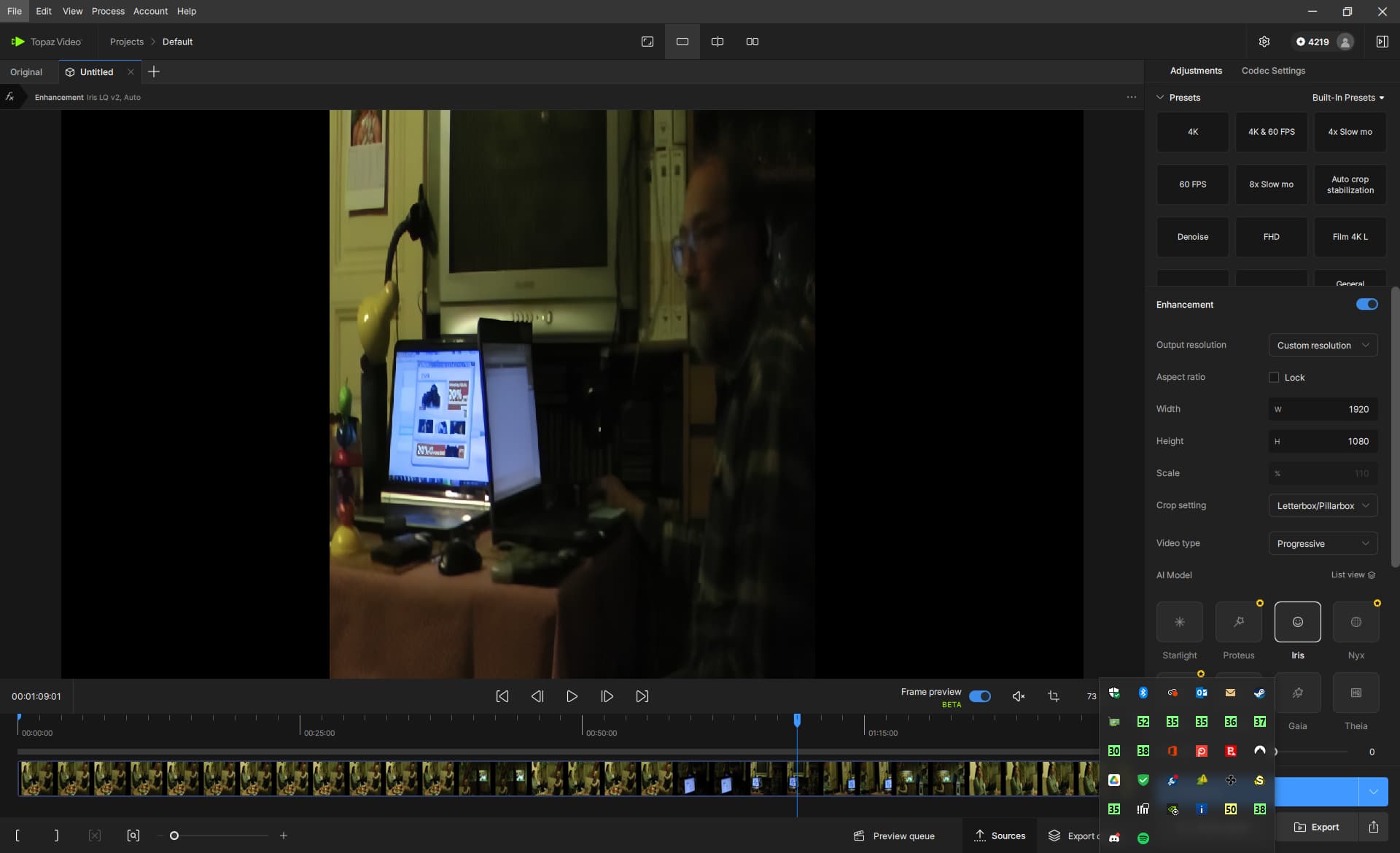
I have stereo video recorded as side-by-side. I need to enhance only 2D version of it, meaning cropping and stretching 2x horizontally and doing 1920x1080 enhancements.
Where I have problem is selecting custom resolution with "Keep Aspect Ratio" unchecked but it still offers only cropping either “letterbox” or “crop to fill”.
What is missing is “stretch to fill” or for “keep aspect ratio unchecked” to work properly. Why it doesn’t stretched according to output resolution. 828x980 → 1920x1080
The problem with the seed VR open source is not that it might be a decent option…
The problem is unless you’re willing to spend a lot of time trying to get it set up and understanding the so-called “easy” comfy UI….and really excellent with computer skills…
And are willing to put up with the absolute constant tweaking required….
For the vast majority of folks… it’s just not an option.
But it does serve to provide competition, which I think is good.
I think starlight sharp’s speed improvement is simply because they’ve lowered their default minimum resolution.
At default, they’re rendering at a smaller resolution than starlight (mini) does.
At least that’s what it appears to me. I don’t think there’s any measurable differences in the actual two models speeds per se.
What starlight Sharp may do is eliminate the need to run starlight mini through a second process like Proteus with sharp settings…. Which would be a time savings, but not much since Proteus runs so fast..
(accidentally deleted an initial suggestion, so am rewording it to try again…
This looks like a job for tackling in a video editor before sending to Topaz Video. (I use Magix Vegas Pro) You can do all the sizing/cropping/stretching and then write it as a clip to do further enhancement with Topaz Video.
Starlight (formerly mini) does work on my M2 Ultra with 64GB of RAM.
It is slow, about the speed of a RTX 4070 with TVAI 7.0.2 and at times uses nearly all RAM (so it’s probably not so a good idea to go with the minimum of 32GB…) and the quality - while massively up from the first beta - isn’t quite fully on par with SLM on TVAI 7.0.2 on the Nvidia chip.
Still near enough that one can hope that this delta can be easily closed - if Topaz wants to, that is (considering that quality has been said to have reduced also on NVIDIA GPUs).
See here for some examples (the Mac SLM model in the 1.0 „Studio“ release version is said to be the exact same as the one in that 7.0.2.3b).
P.S.: Sl sharp isn’t (yet) available on the Mac for local rendering at all.
I see the same problem with Topaz Video 1.0.0 not closing properly if I close it by clicking on the upper right “X” box. However if I go the the menu and chose “File - Exit” then it does close cleanly.