Now I’m a bit confused - I interpreted this sub-thread to indicate that superfocus renders the entire image (regardless of what’s selected in the Selection box), and that you can change the selection post-render without incurring a re-superfocus (which is to say the superfocus rendering is always of the full image, and you can always change what displays as superfocused after rendering (post-rendering process).
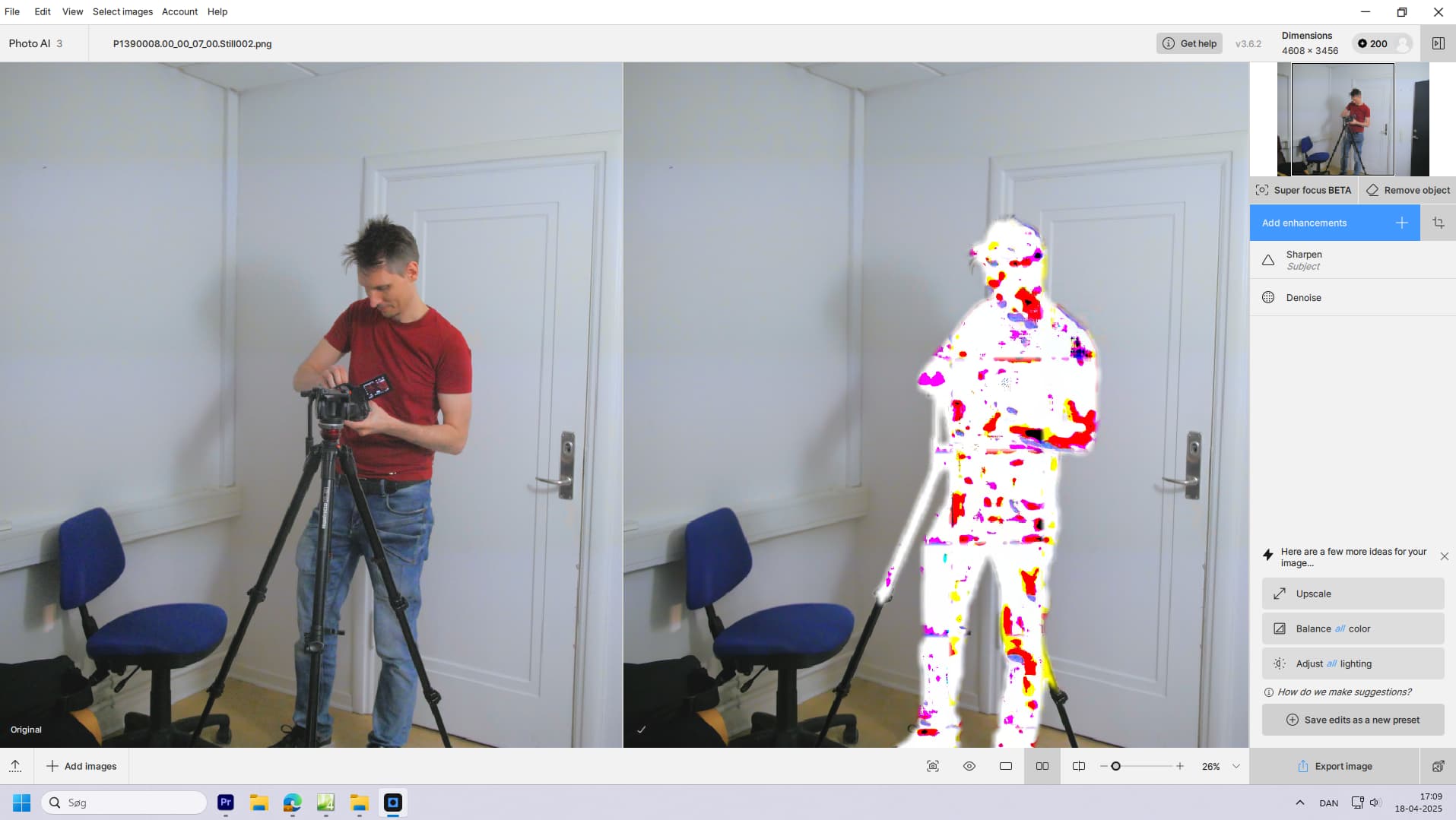
And I just tried this on 3.6.2, selecting Subject in the pre-render window, and then having it render/superfocus (sorry, my terminology here is a bit meta). Then in the post-render/process screen (after tpai did the subject-only superfocus rendering), I selected All in the “auto selection” pulldown and it promptly showed the full image focused (without require additional compute time).
So even if I pick Subject in before clicking “Render” TPAI appears to render the whole image and all choosing something in the pre-process selection pulldown does is pre-set that selection in the post-process selection pulldown. Is that correct (this was 3.6.2 with “none” set for focus boost)?
It (pre-render focus selection) does help in the preview window (which is still missing in the v4beta) I suppose, but only there, as it doesn’t speed up actual render time as this is always done on the full image.
Hi,
Just tried first subject only after rendered i choose all , the whole images got lots of artifacts.so subject only works as intended even it process the whole image in background,
In future if it render subject only it will be lot faster than the current workflow.
At first both lists are inconsitent!!
And the second point is, I used for masking on Super Focus most of the time the Custom setting, because the predefined masks are useless for me.
If the Custom option for masking is in the list in the preview section of Super Focus the using will be much easier.
I also see no reason why this option cannot be included in the list.
@david.horita - that is correct. No matter what is selected in the selection drop down, that is in both v1 and v2, the whole image is rendered. making a choice in the Selection drop down will show you the preview results only for that selection, but when you render, no matter what the selection is, the whole image is rendered. If you had a selection other then All, then the render will show the results with that selection. You can then tweak the selection to remove areas that have artifacts, or add in any areas that the auto-selection menu had missed or any areas you want to add now that you see the results. Then, you can continue adding other enhancements and export and it will take in that selection choice. That is the same from v1 to v2, the only part that changed is 1. v2 is faster 2. Any custom Selections to be done after the render as the brush and Edit Selection Panel is available only after the render is done!
So this started happening as soon as I updated to 3.6
I was hoping it would be fixed quickly, but after the 3.6.2 update and it still occuring (every time), I’m getting a little annoyed.
It happens whenever I use sharpen and denoise on the same picture. The order of the filters doesn’t matter, and it happens both with png and jpg (or jpeg) images. I don’t use other formats.
I just checked and it happens every time I use sharpen. No matter what. I feel like sharpen worked in 3.6 but it only did this when sharpen AND denoise was added together, but maybe I remember wrong.
@mr.mart - yes most likely this is because you have the new RTX 5000 series graphic cards, that will have issues with the specific NVIDIA Standard AI model. Referenced here as a known issue that the development team is working on! For now, use Sharpen Strong, which you can force as the default model to be used in Edit > Preferences. Our development team is looking into the issue with Standard and we will circle back here once resolved!
I have discovered a new problem.
It’s with Recover face and Denoise
If I use both the Recover face and Denoise filters, then recover face insists on recovering EVERY face that it has detected, including the deselected ones. But if I remove denoise, then it will only recover the faces that have been selected (as it should).
@r.dekker - great to hear! this cache folder could of had conflicting files with the OS 15 so deleting it once should solve your issue. It will reset and create new cache files as you edit. Happy editing!
A question about how and whether Photo AI is learning from my editing style has come up in my discussion with unrelent and I would really like your comments and advice.
Most specifically whether testing extremes in my option settings is distorting my perceived “work style”?
This is a copy of my most recent post in the Gigapixel AI Forum where our discussion started -
Thanks for your reply - most of which I like and fully agree with.
My comments about Photo AI - Personalization data - and AI Learning for an individual were possibly misplaced in this Gigapixel AI Forum - but I did specifically say “Photo AI”.
I still beg to differ with your opinion as to whether Photo AI is Learning from how I edit.
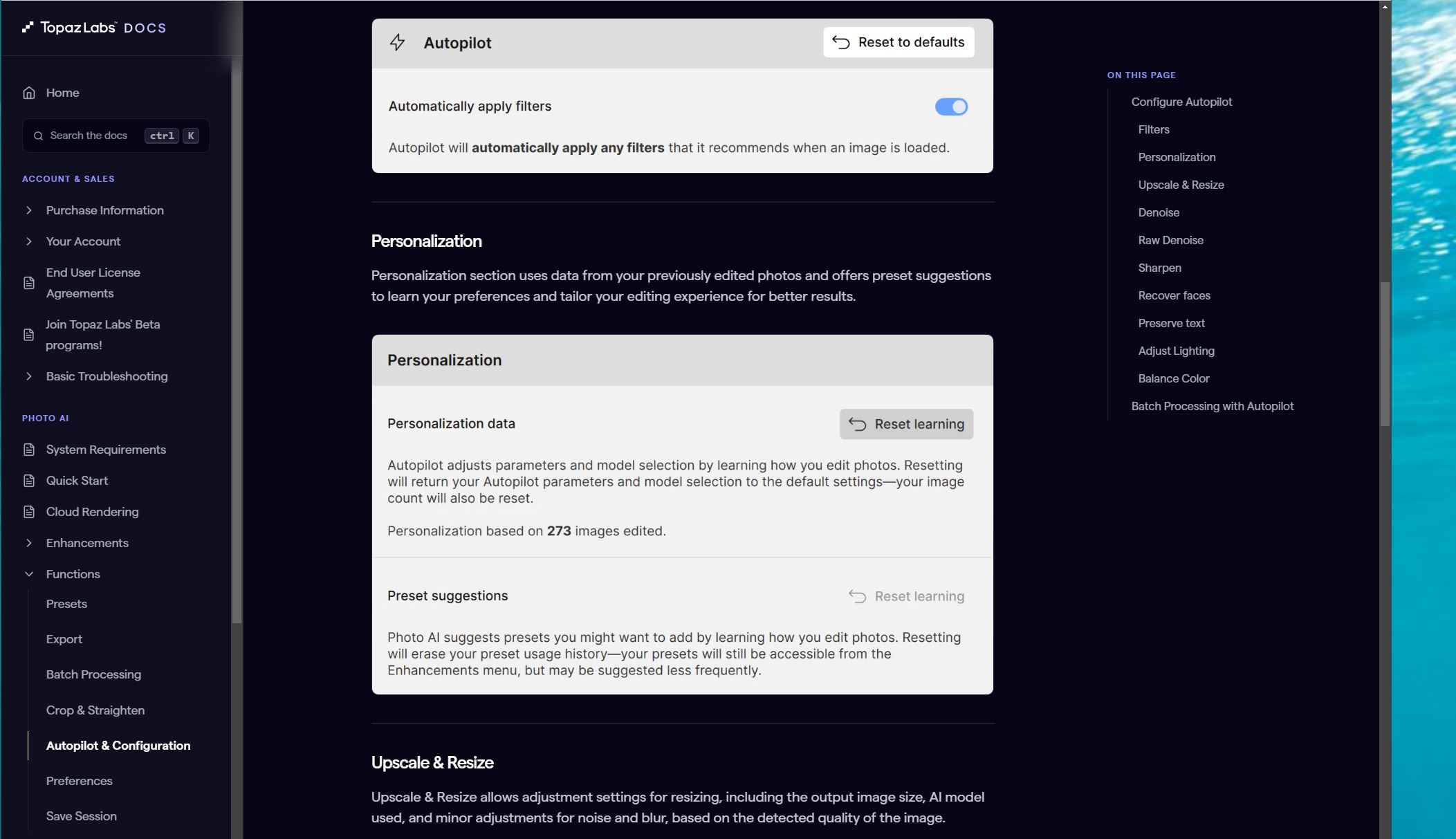
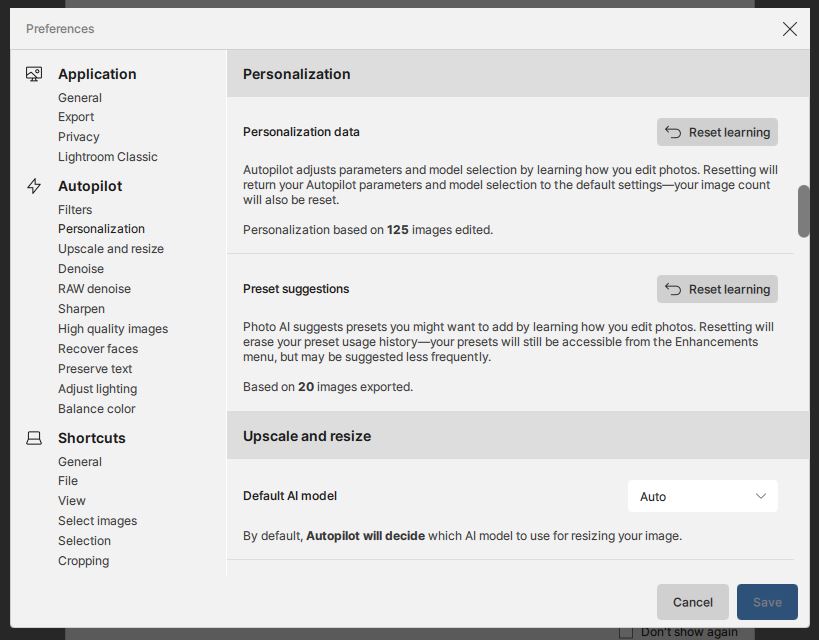
This snip from TopazLabs Docs > PHOTO AI > Autopilot & Configuration seems to clearly say that my personal editing (work style) will be recorded and used to learn how I edit photos ?
.
.
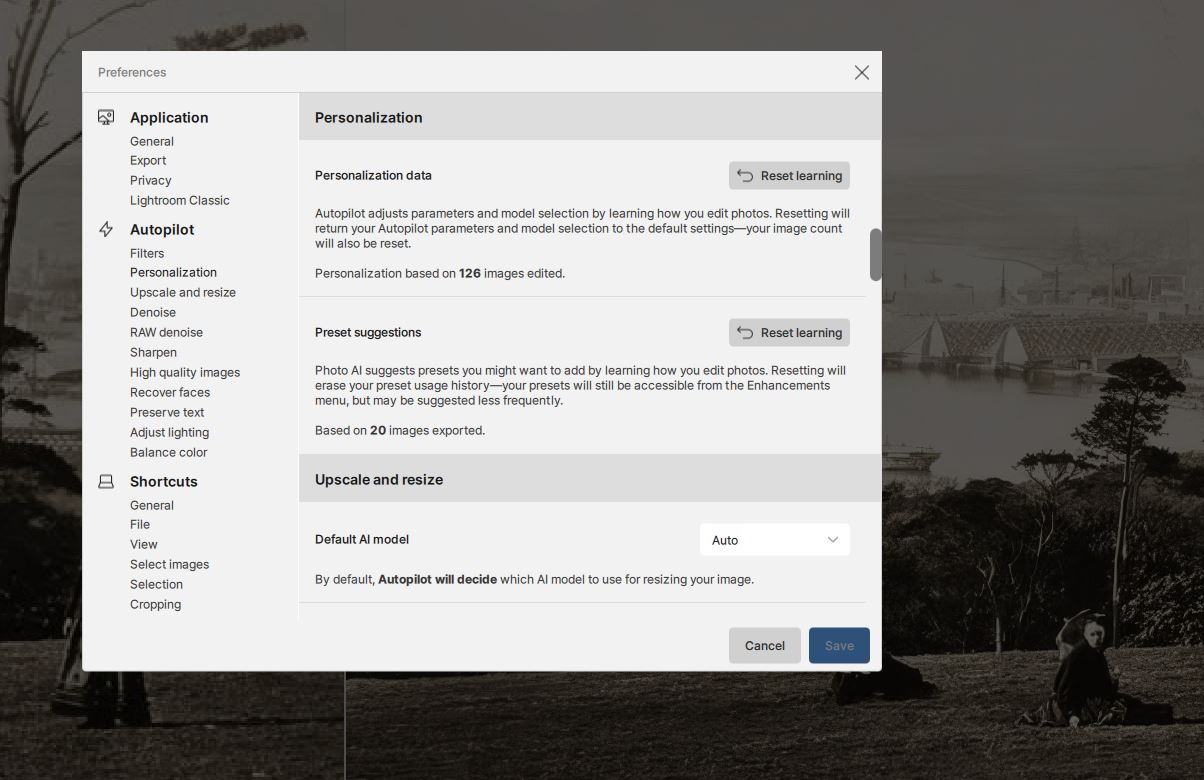
My Personalization tally has incremented to 126 - so I’m assuming that Photo AI now THINKS it has “Learnt” more about how I edit photos ?
.
.
BUT what I am wondering is whether my deliberate use of many different setting for testing and comparison is distorting what Photo AI is recording as “my work style of settings choices” ?
My inclination is that I ought to have an option to “Save this to my personal setting learning profile” ONLY for the final and “best” render that my permutations and combinations produced ?
.
.
I would very much like to know how you interpret the Topaz Docs and internal Preferences menu statements.
I’m also going to send this post to Lingyu on the Photo AI Forum for his comments and advice.
@Zed1 and @unrelent - Talked to Lingyu and we added a feature request to be able to “pause” the learning. The only way right now would be to Reset the learning and only have it start once your tests are done and you are doing your “real” edits. Let me know if you have other feature requests as well!
Yes that would be useful.
At the moment I’m doing a lot of combinations and permutations in Gigapixel and trying to identify the ones that work.
I know that at the moment Personalization data is only in Photo AI but I hoping it will be added to Gigapixel in the future. In Gigapixel the Creativity, Texture and file-size variables are really interesting and I’m sure some help with AI learning will be a great idea to find the best combinations.
I’m going through a tough spell with Photo AI. For some reason I seem to have lost a good workflow that I felt I had last year and my results now are faster but are not producing renders I’m happy with.
Maybe I need to take a break and start again next month !

 unrelent