Where are they? Can you point out?
How are you using the app (Standalone or Plugin)?
What system specs (OS, processor…)?
What image file types?
Hello.
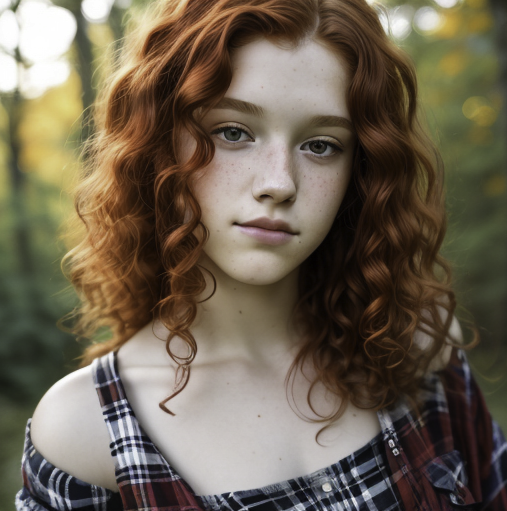
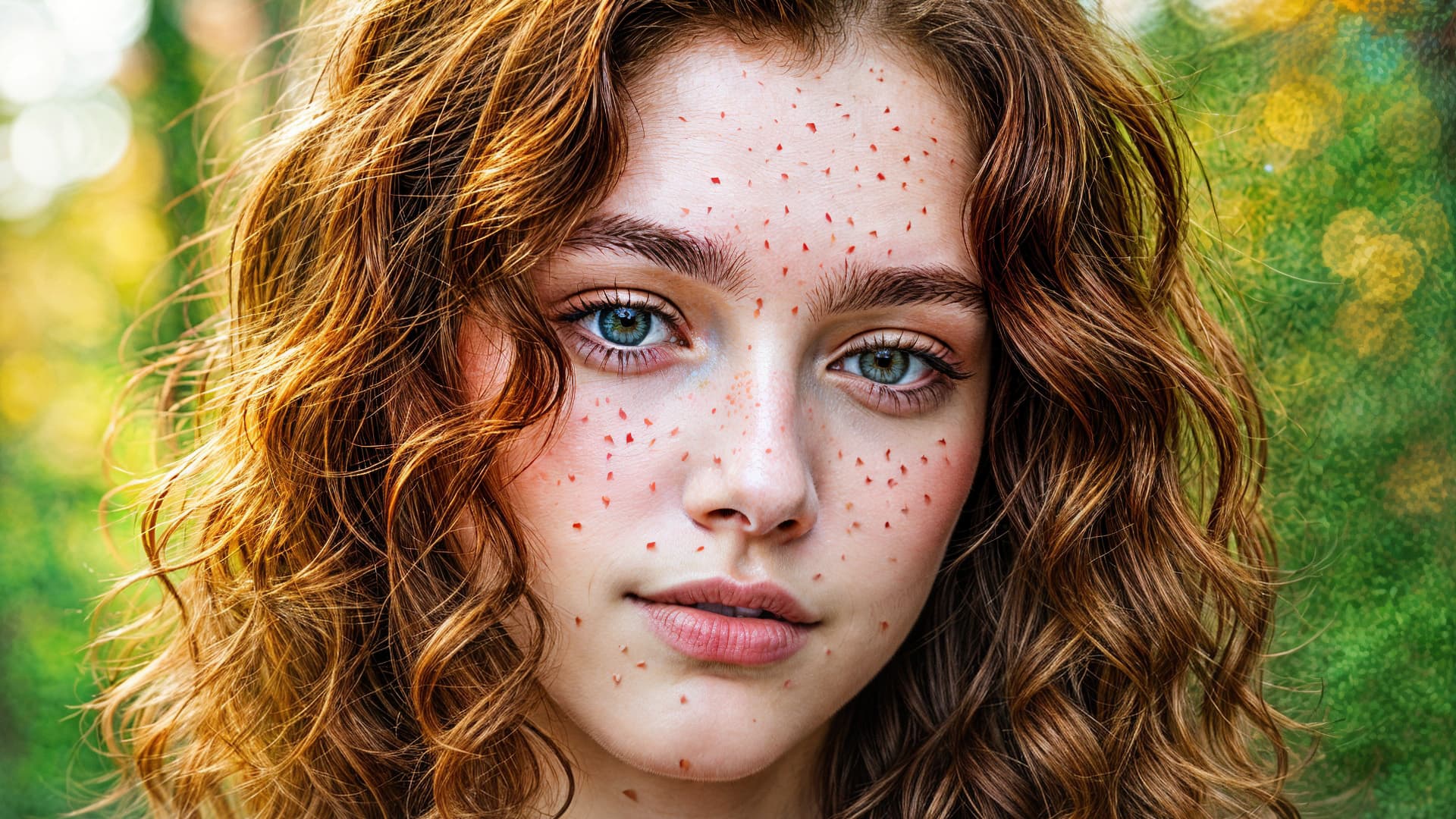
If you magnify / zoom-in, there are freckle-like patterns on Bill’s face, neck and even on his teeth. 
3 Likes
I’m going to use my best Crocodile Dundee voice: “Those are not freckles. THESE are freckles!”
And we’ve got something again which I will call “Topaz teeth” (from Gigapixel):
1 Like
Well… at least she doesn’t have the famous Topaz Eye! But THESE freckles, poor girl…
Eye Of The Topaz (cue music)!
Thx. I’ll zoom in to look for them! Y’sure he’s not just getting old & age spots … 
Seriously, there’s a ton of color noise on the original. Do the ‘freckles’ happen even if Denoise is run before the megasharpening?
Whoa! Ha-ha!
Topaz’s measles / chickenpox?! 
1 Like
Hard to track all the various release issues here and there . Which release do you find works best for you?
Using it standalone. Using MacOS Sequoia v15.0.1. Images are jpg, as an output from PM.
Although I have just tried editing direct from Lightroom and that’s just as bad, closes pretty much straight away.
Was going to try and upload a screen record, but don’t think it’s allowing me to.
1 Like
Thx.
If it’s crashing immediately, you likely can’t get to the Help menu to copy a Log to send (they should have included a Dropbox link at top of each release thread) or post here.
I’m a Win user. I can’t tell you where to find the Logs on a Mac. Hopefully you know, or one of the Mac users can post the file path to assist you…
Good luck!
At the moment I working with 3.3.0 and I’m happy with the results.
But I use only denoise and sharpen. All other features I do not need.
I don’t have time at the moment to test the update to 3.3.1
I’ve managed to fix it, uninstalled, installed the older version available, then updated and it’s now working
2 Likes
The path, as described by Terminal:
/Users/yourname/Library/Application\ Support/Topaz\ Labs\ LLC/Topaz\ Photo\ AI
1 Like
Over on the Gigapixel thread I started my story about using GPAI to upscale an AI image 4X + 4X. Then I wondered what would happen to those results with Photo AI’s new Super Focus.
Since Super Focus was recently optimized to run 2X faster on Macs I gave it a try on my M2 Mac Mini.
First up:
Loading the beast of a render (373 MB) into PAI gave a preview but no “Before” image:
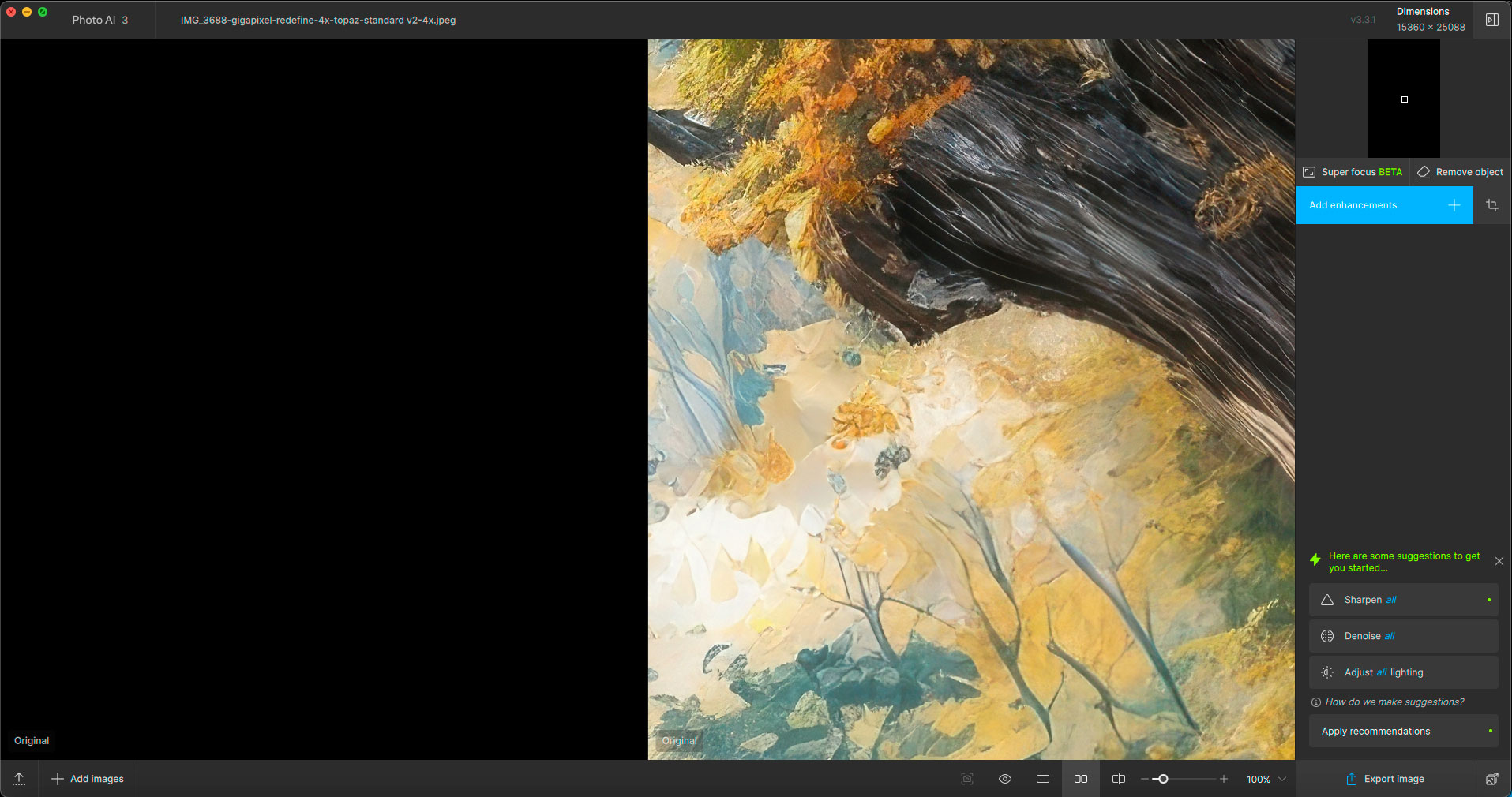
However, I was able to do some selective previewing of Super Focus and try different settings on the M2 without much delay at all. You can see how different combos affected the image differently (especially the roofing):
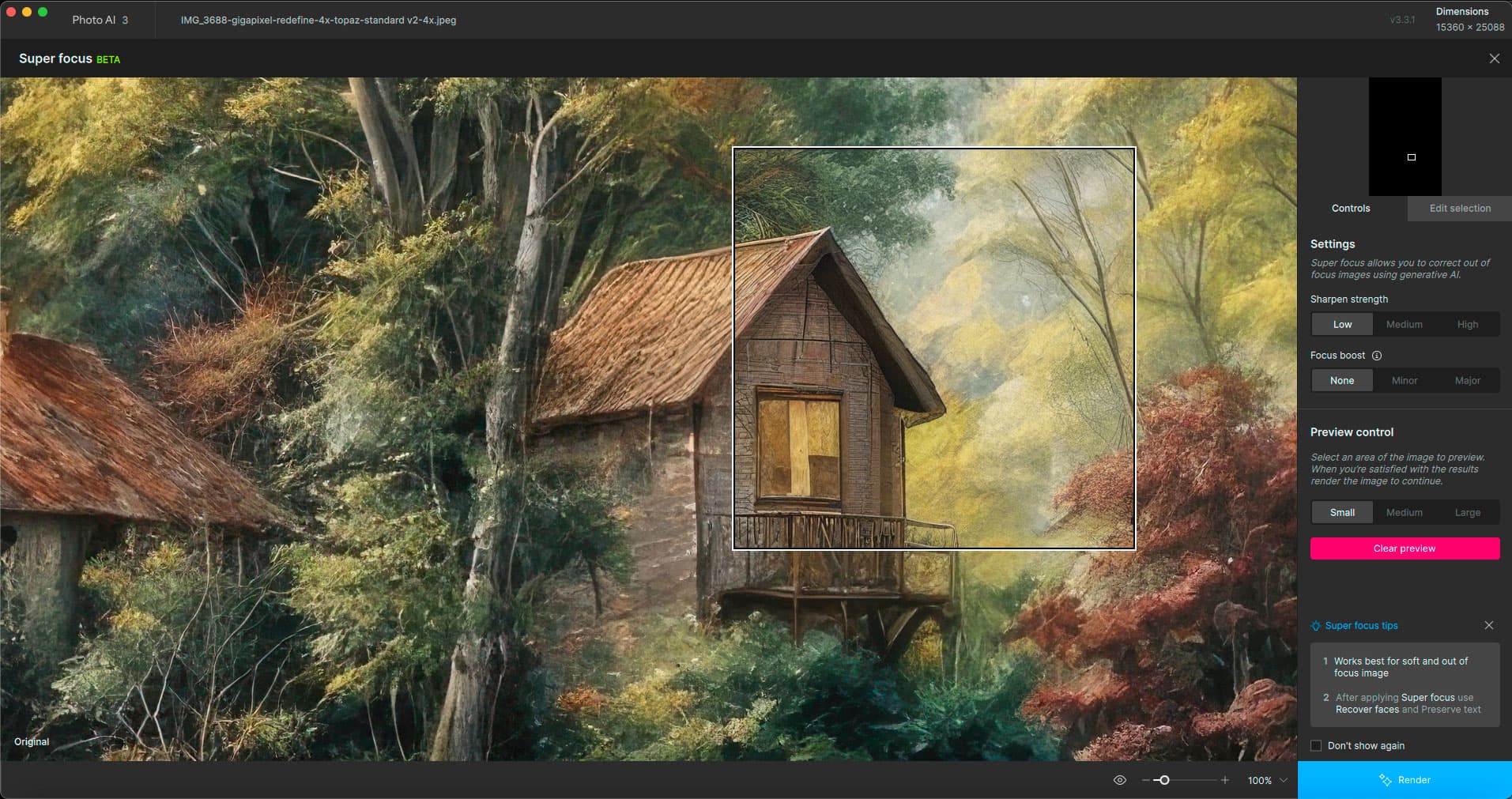
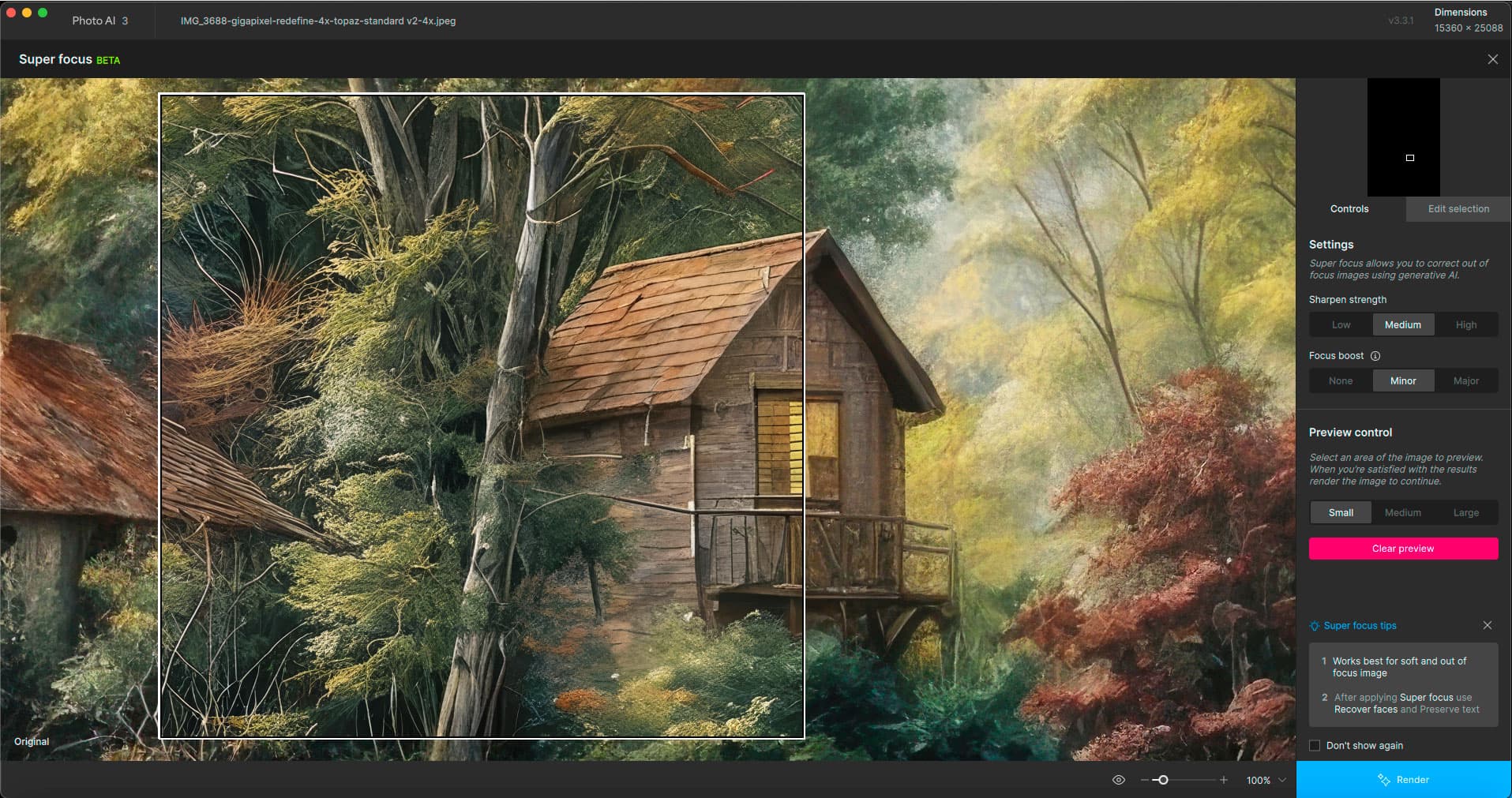
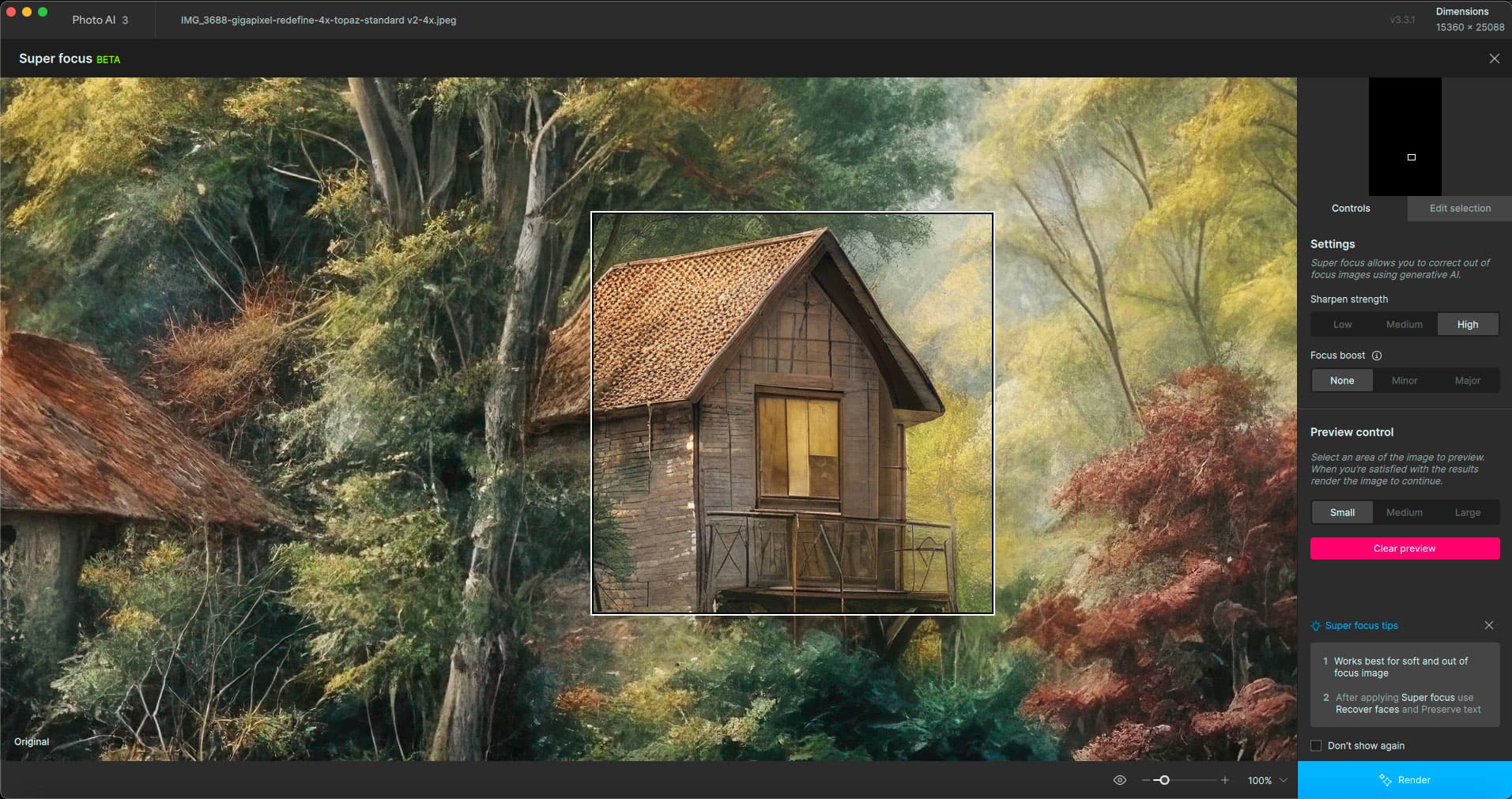
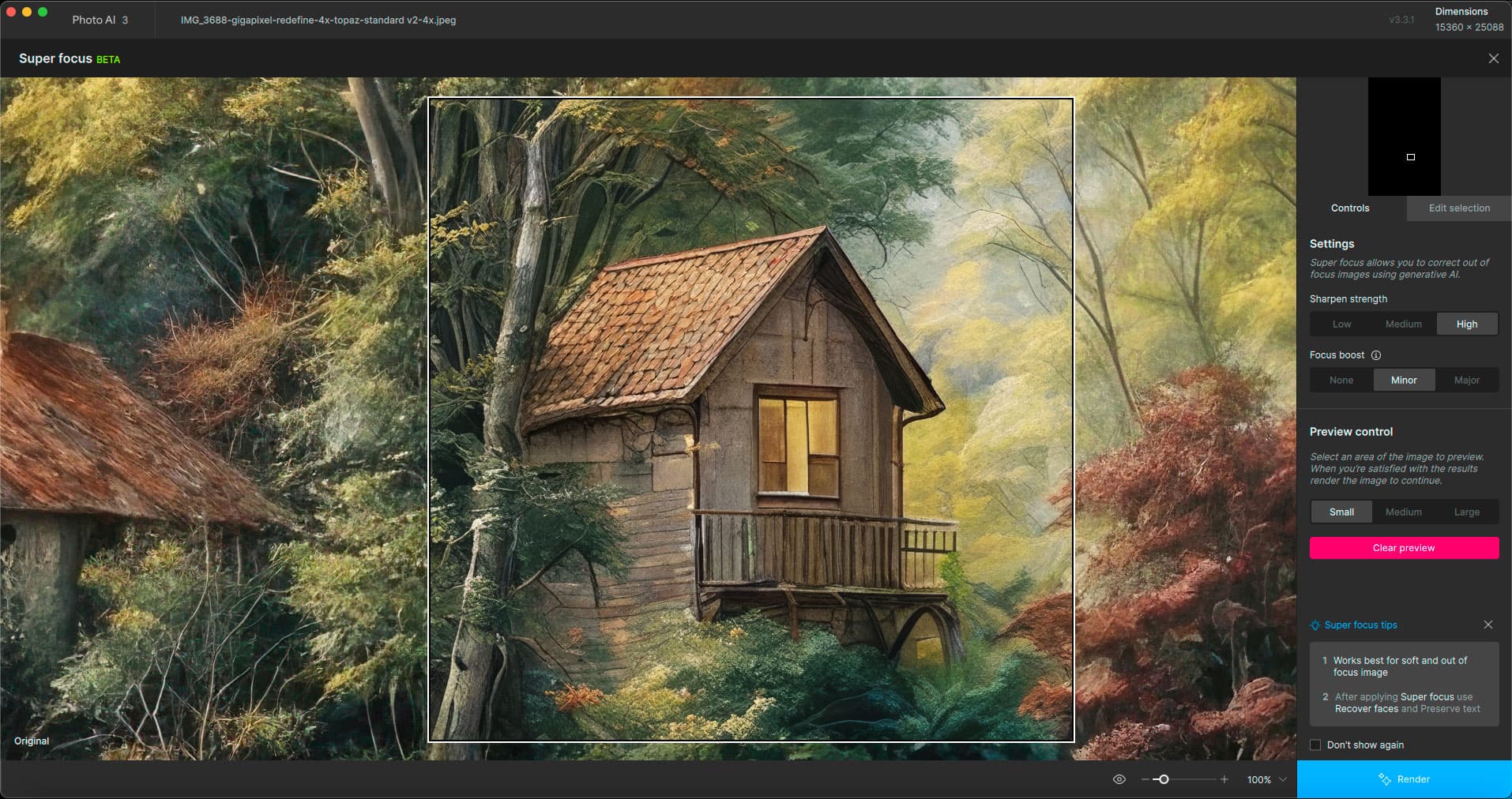
To actually output the Super Focused results of this new monstrosity would’ve taken over 2 hours so I passed ;-). At least we got the previews.
Interesting that all of your settings permutations changed the design of the original roof. Versus just sharpening it (if that’s what someone would want to happen).
Unless Medium/None would have done that and it wasn’t a tested combo… I’m trying to look at the roof of the bldg segment on the right with the light in the window (and there isn’t a comparable preview box for that roof area in your 1st snip - so maybe the Low/None would have handled it).
Thx for the visible comparisons.
1 Like
Pretty soon I’ll do a more proper comparison. The heat of creativity and all that…
1 Like
It does get exciting! I can relate … Just not yet on these new TL features b/c I can’t use them on my PC or in Ps.
What about Super Focus? Assuming it already worked well on PCs. At least on mine it did, ha!
It’s quite a thrill to be able to use it on my Mini. Waiting for Redefine to be optimized, that’s the one I enjoy most.
