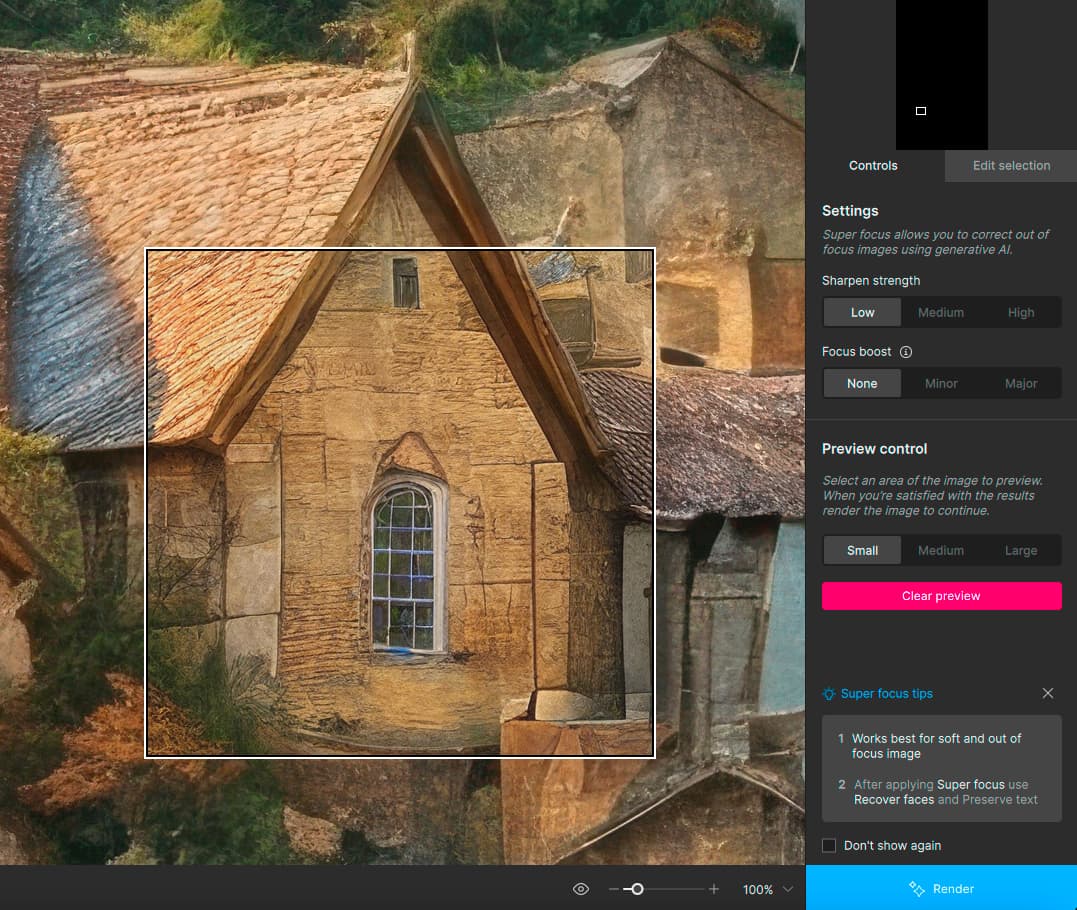
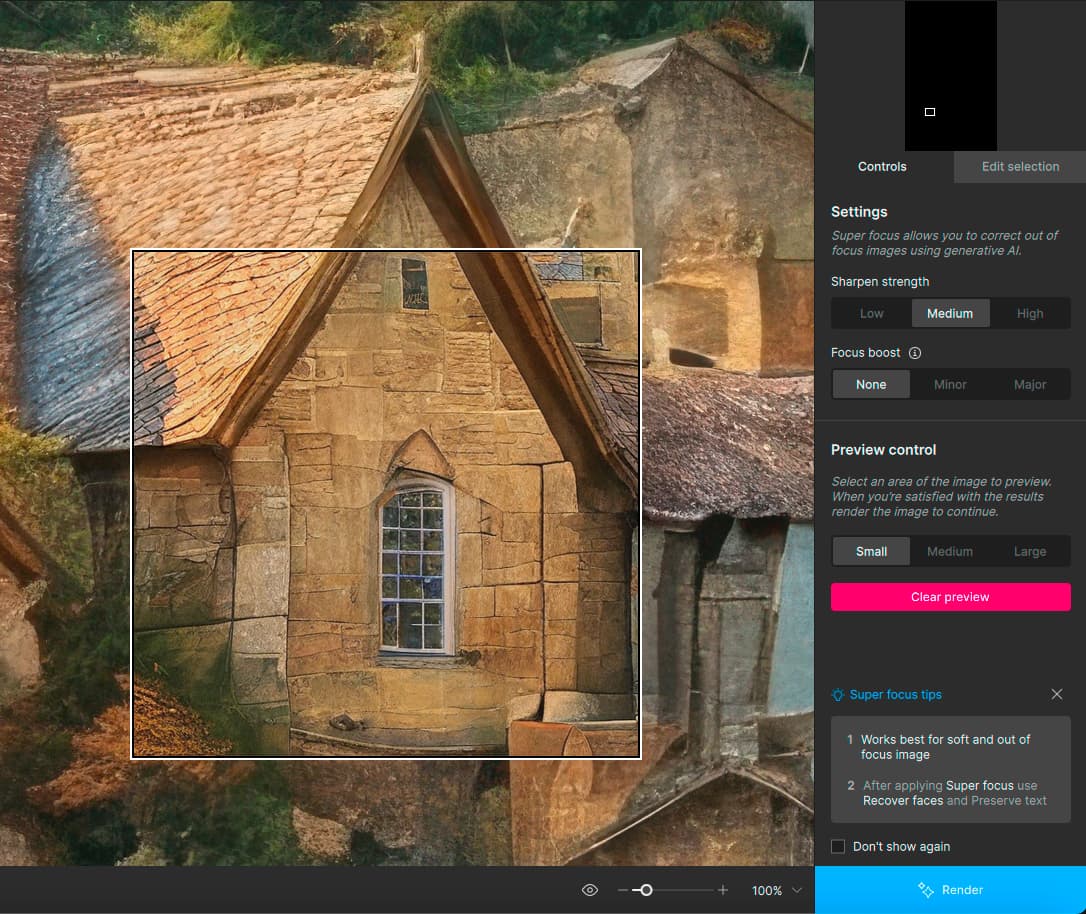
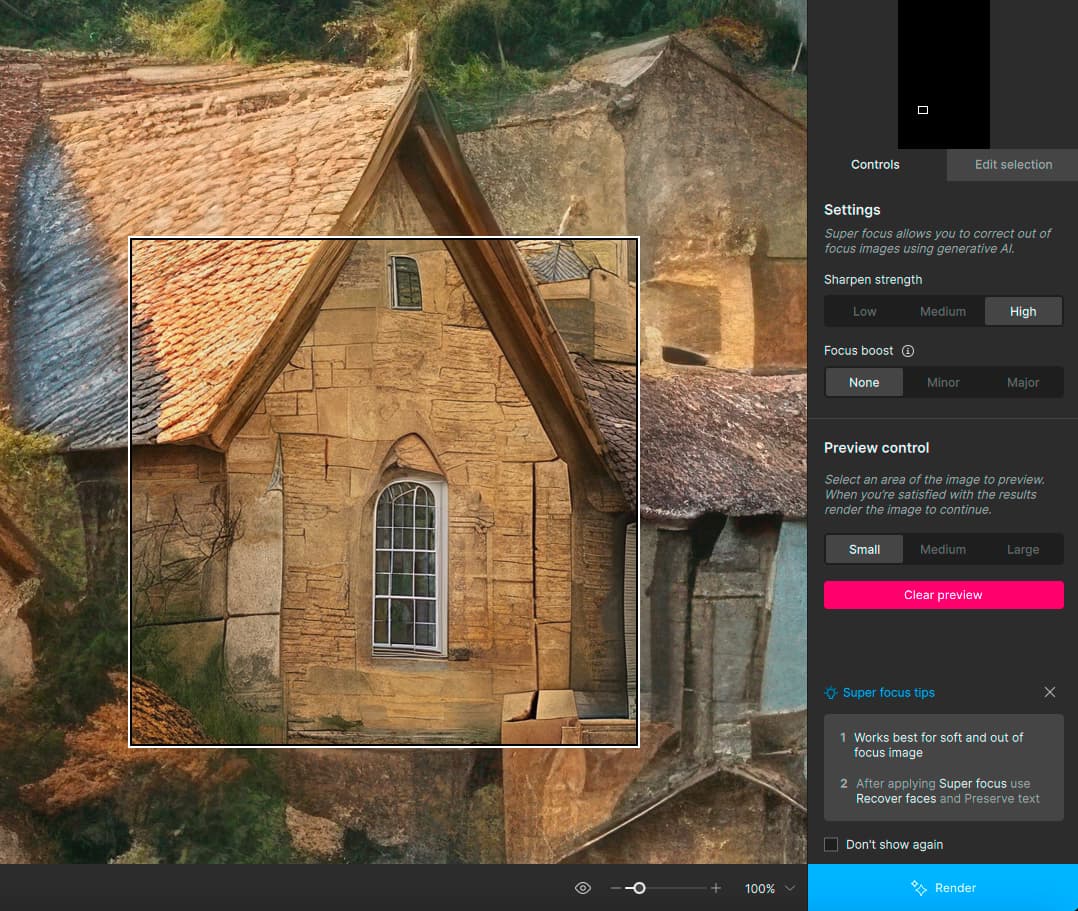
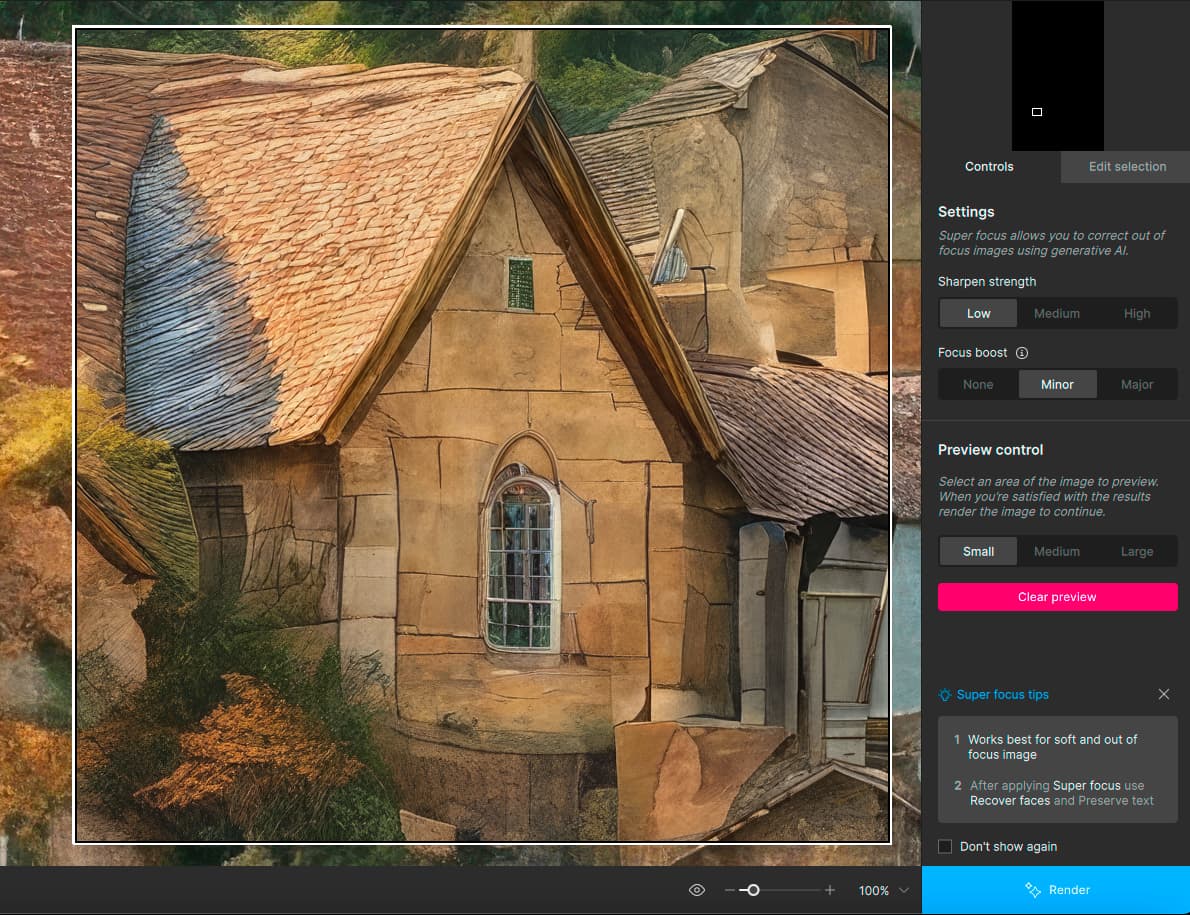
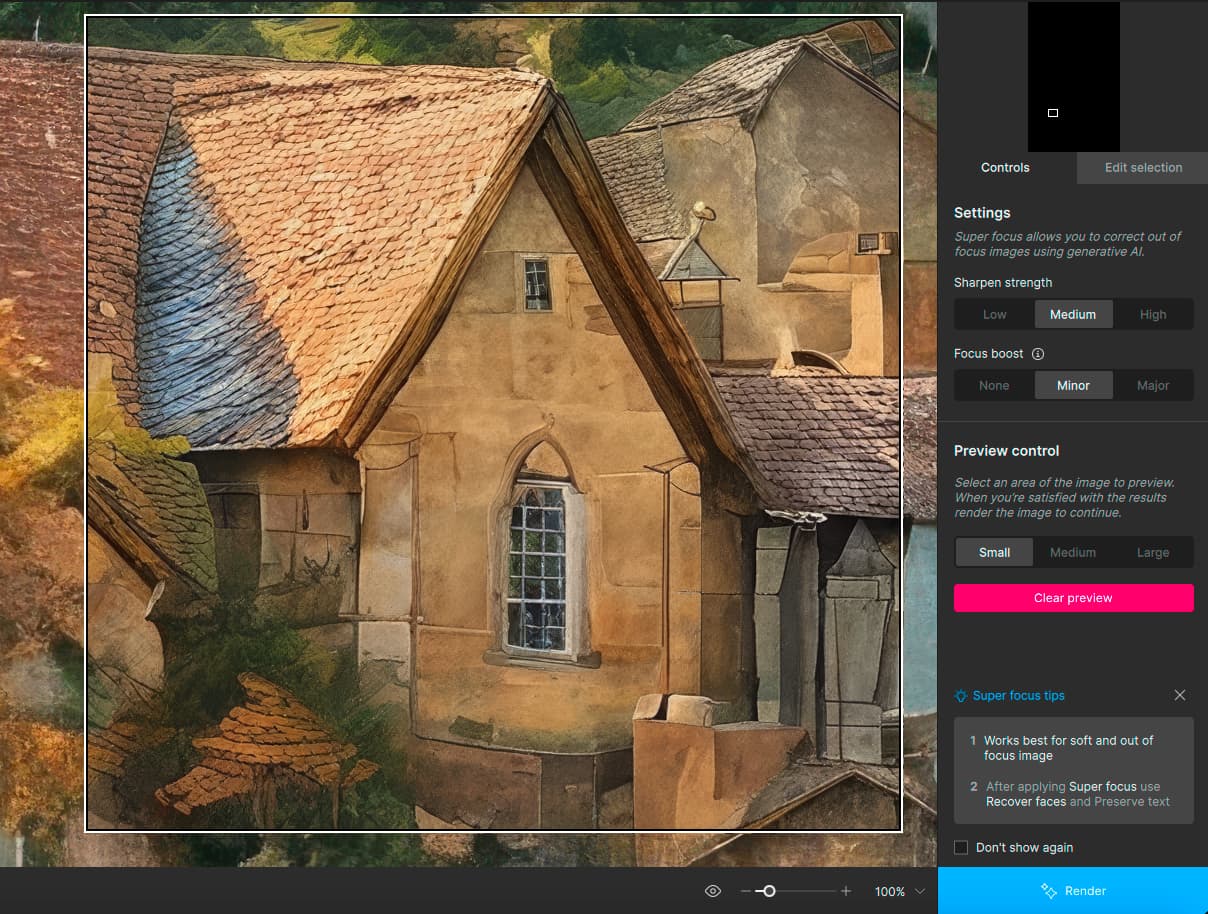
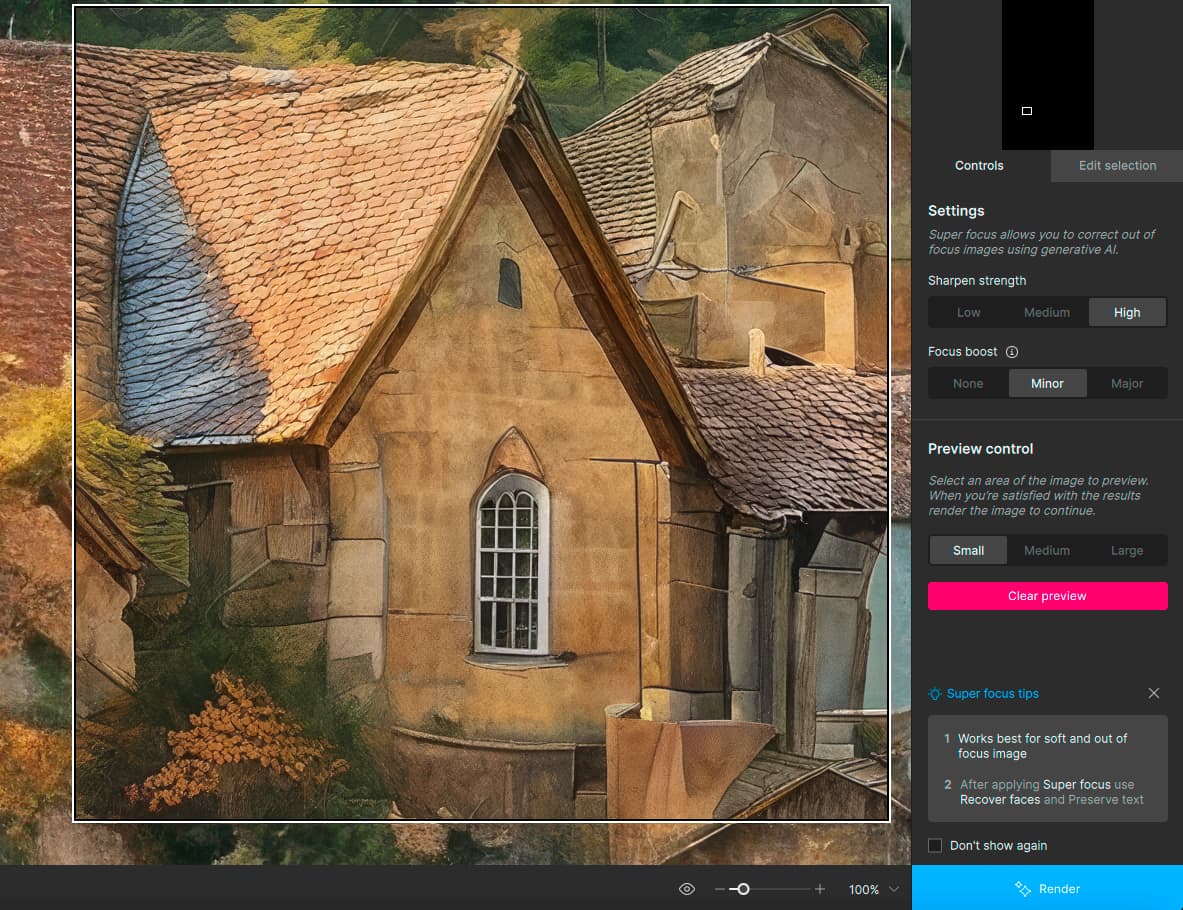
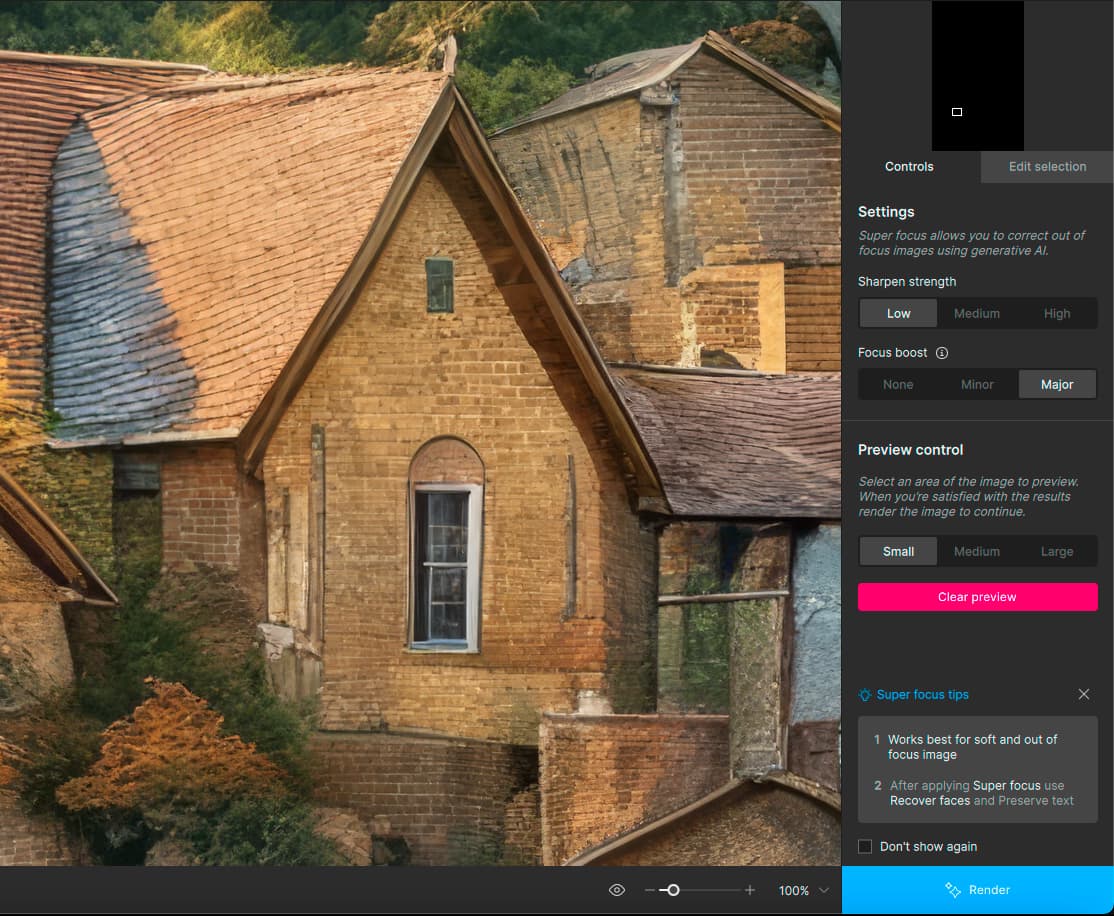
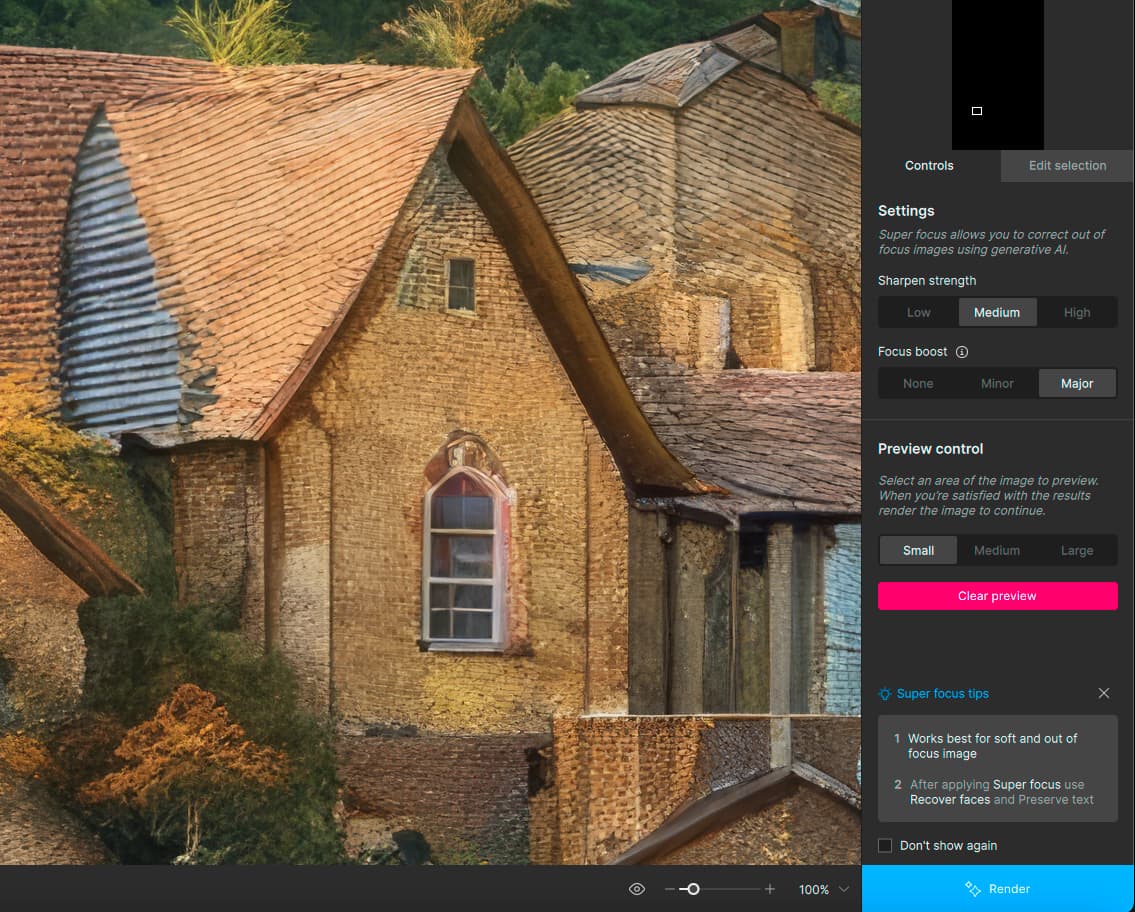
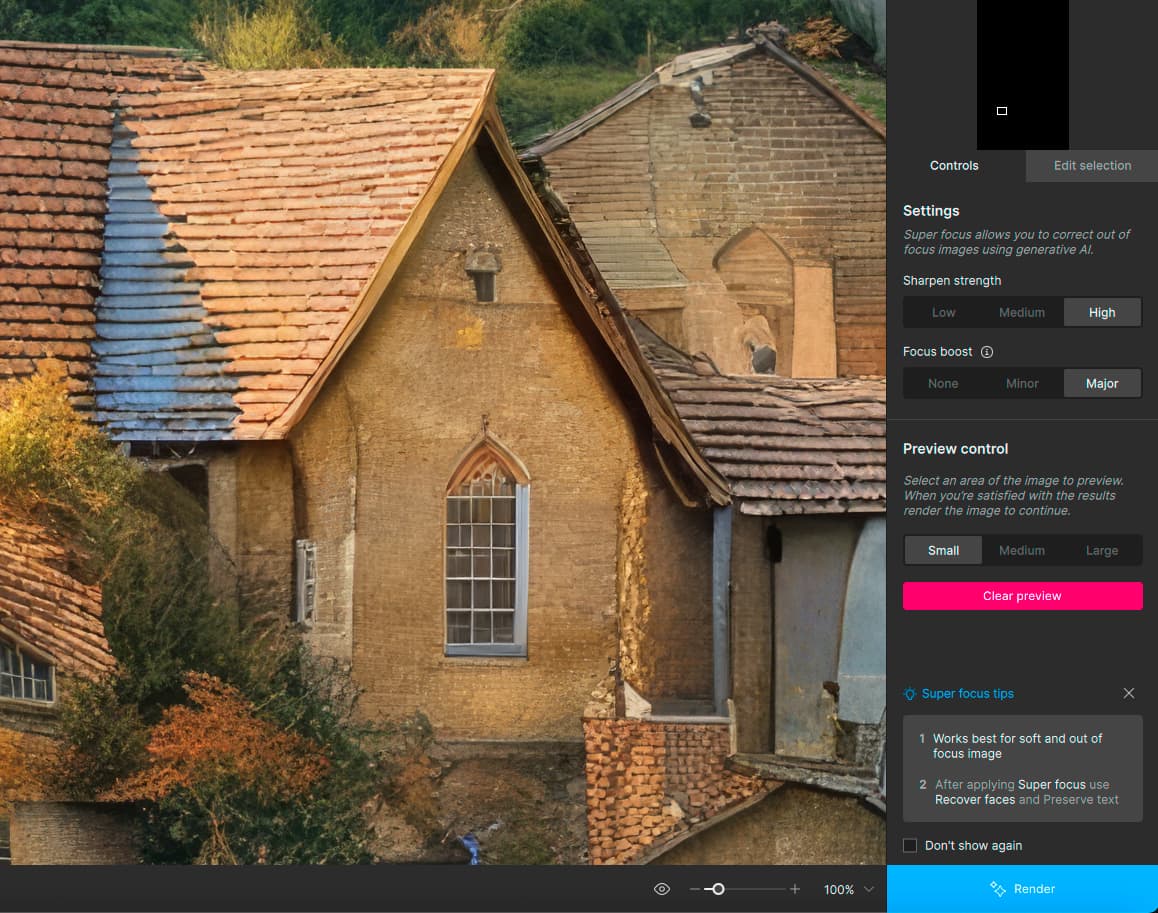
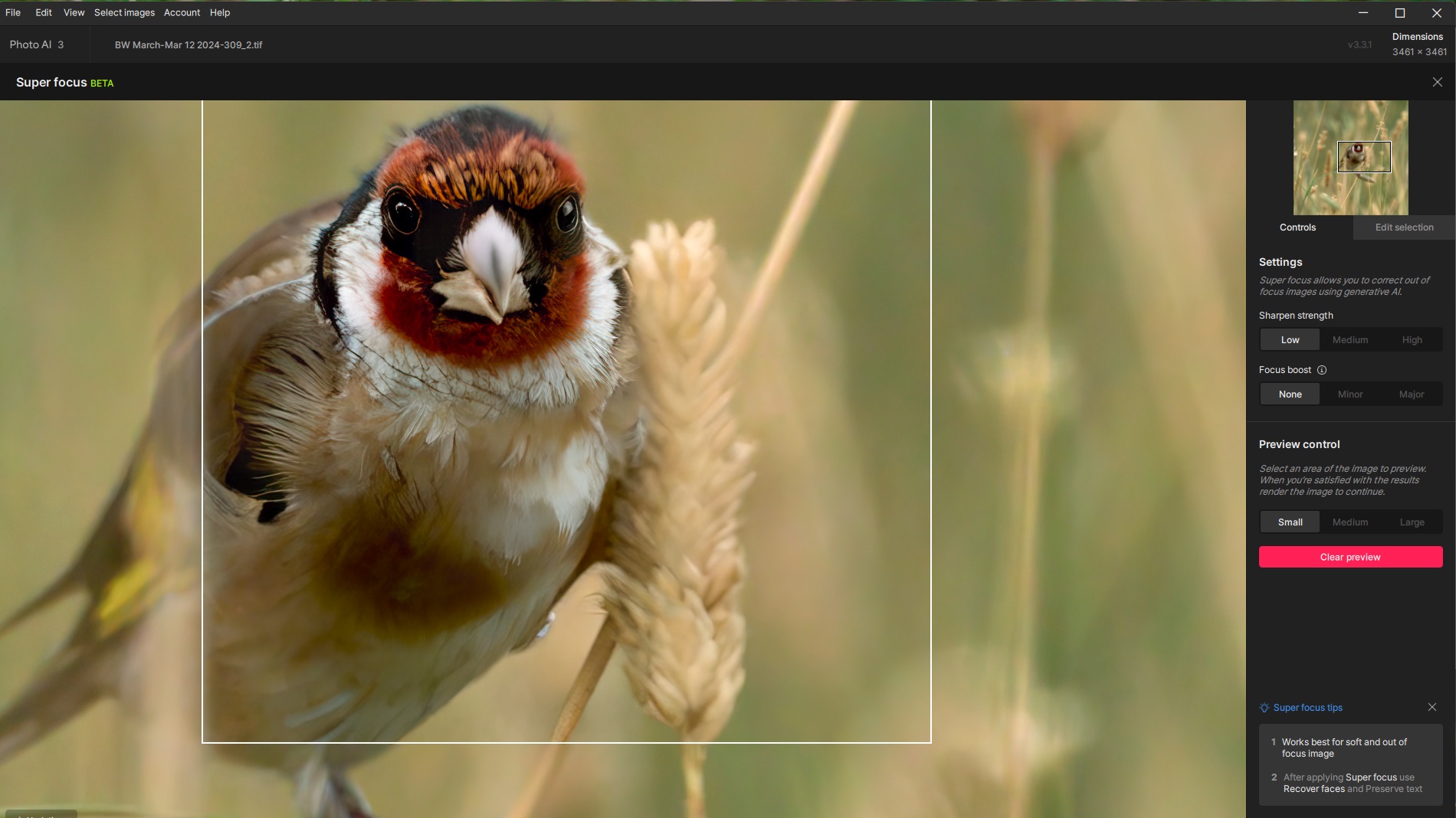
These results from the same 4X + 4X render (different building) are a bit more methodical (the white outline box gets much bigger on some combos so you don’t see it).
Conclusion: Maybe Super Focus is better left for more out-of-focus images?
These results from the same 4X + 4X render (different building) are a bit more methodical (the white outline box gets much bigger on some combos so you don’t see it).
Conclusion: Maybe Super Focus is better left for more out-of-focus images?
Generally running well. We are troubleshooting a crash on a small number of macOS Sequoia devices which we are aiming to fix very soon.
I retested on my Mac and was still getting it, so we will be looking into it. Glad to hear it’s working for you without crashing now!
What settings did you use? Was focus boost used for this image? It will introduce some creativity to the processing, may be best to use none or minor focus boost.
When I do a preview control I see changes (sometimes good, sometimes less so). When I then commit to render, no changes whatsoever when completed.
Thanks for the feedback on this. I also noticed this, will process more images with Focus Boost - Major as I suspect it’s not improving the results as you are saying.
Could you send logs from Photo AI? Are you running Photo AI in admin mode always? I wonder if that’s affecting the plugin running. Try disabling admin mode for Photo AI and use the plugin after.
If it’s still crashing, then send me the logs. We are working on a potential solution for the admin permissions issue.
Dropbox File Request
I tested in 3.3.1 and was not able to reproduce this issue. Could you send exact steps to help@topazlabs.com so I can help troubleshoot? I can take a look at the preview issue as well.
This is a known issue that the recover faces researcher is working on.
This looks like a model error with the GPU. Go to the Preferences > General > AI Processor menu and select CPU for processing. If you no longer see the artifact, then I recommend updating your graphics driver for the NVIDIA graphics card.
If that does not change the behavior, please reach out to help@topazlabs.com and we can help troubleshoot.
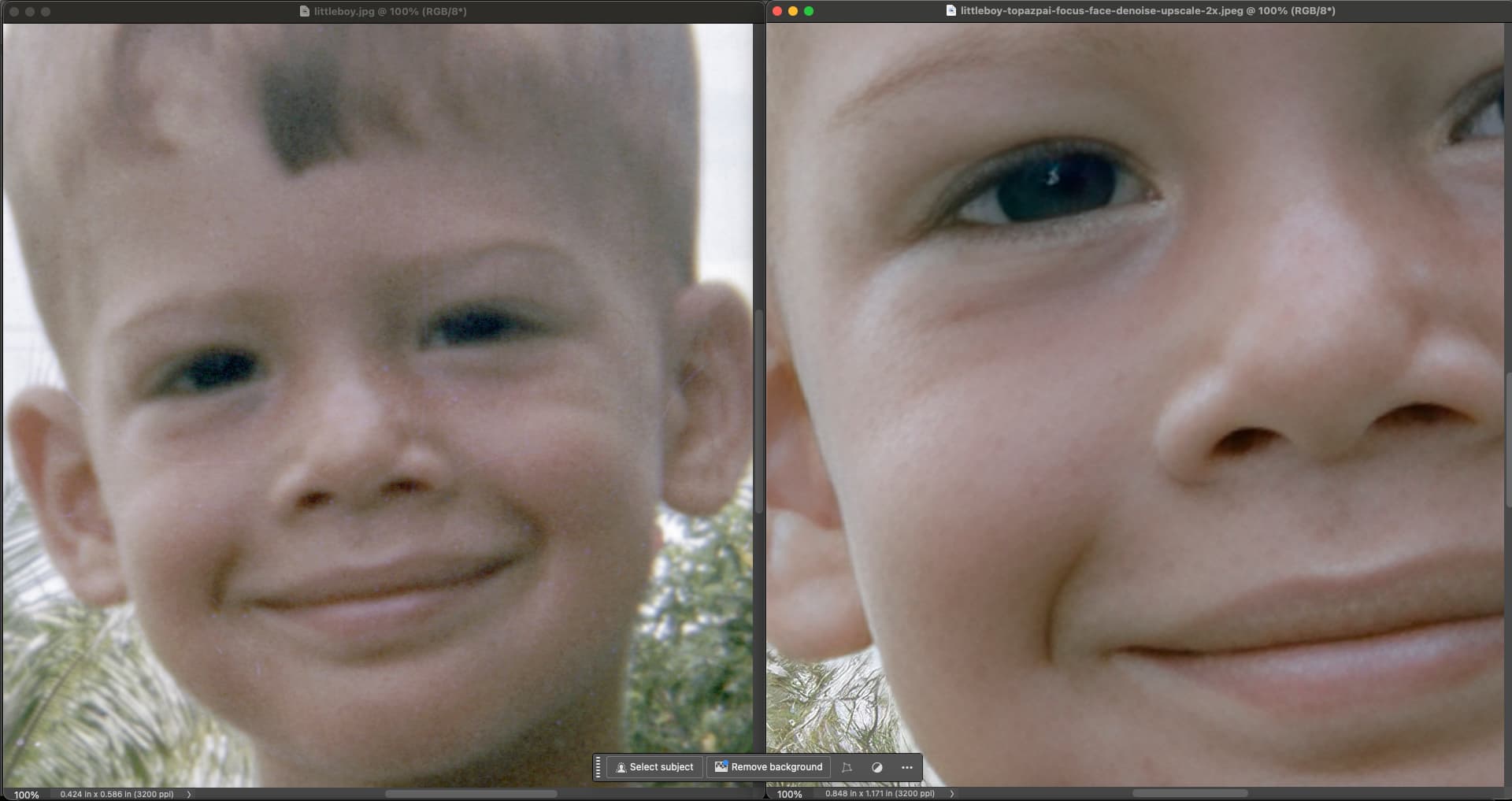
It looks like the starting image is very small. For small images that have low detail, I would highly recommend simply using Upscale and Recover Faces. Super Focus will not work well on these types of images when used first, as the initial problem is low resolution NOT blurriness.
Hi Lingyu -
Okay, it’s complicated…
I followed the steps you’d suggested the other day and turned on the Run as Administrator for PAI this past week (b/c I was getting no logs in the past few app releases - I used to always get Logs prior to the recent 3.3.x series, including or starting with the beta).
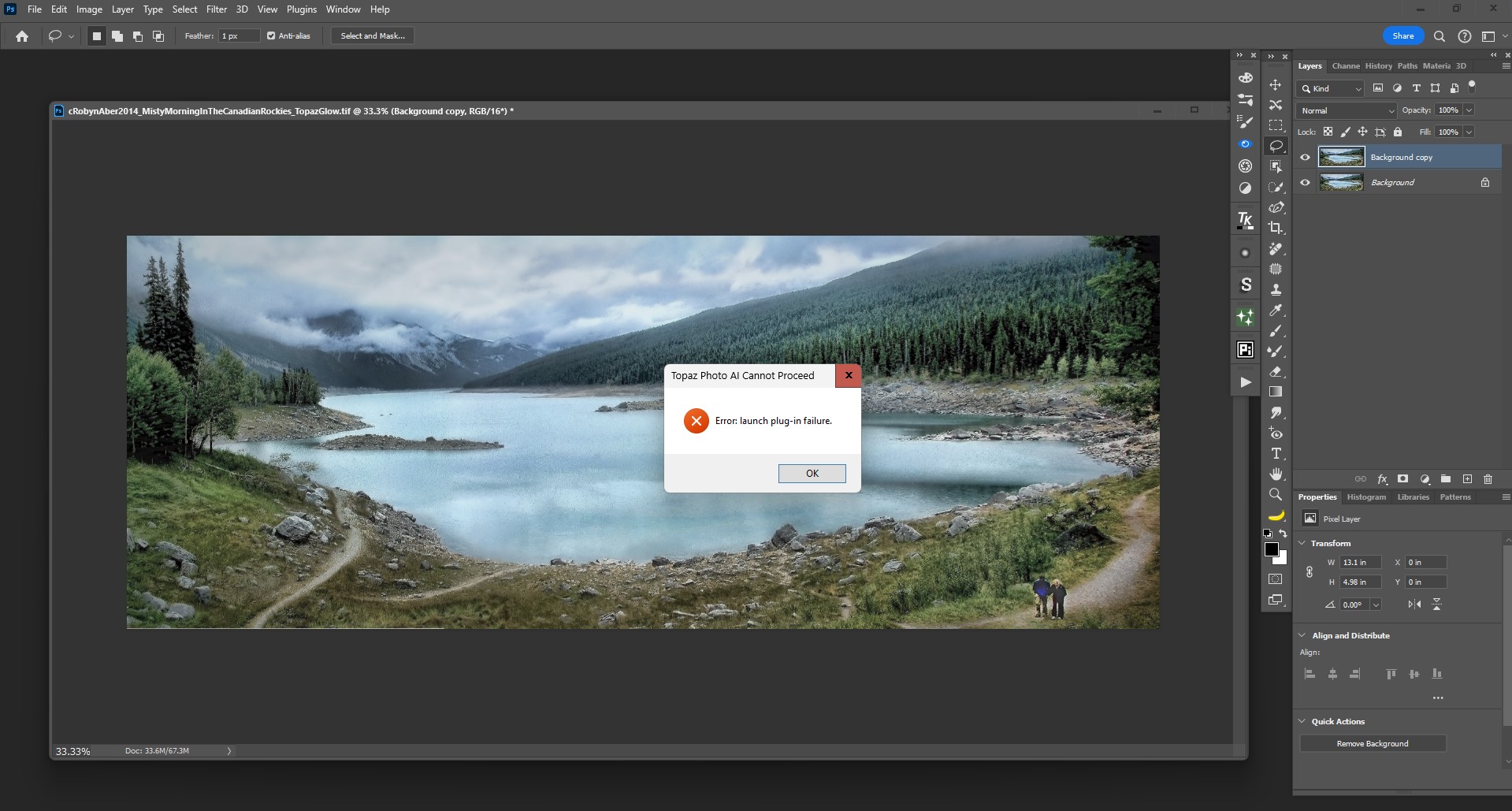
I tried launching PAI 3.3.1 as plugin from inside Ps (still 2024 - Win 11) as 1st step to see if it would behave differently on new day. It didn’t launch at all. I got the same error msg as my post the other day (I’ll attach snip from just now). When I checked PAI it showed it was supposed to be running as Admin. It then crashed Ps.
Interestingly, even though I had it set to Run as Admin. No Log was generated. Sigh.
I went back to my desktop icon for PAI and turned Off Run as Admin. Applied that. Then restarted PC (to be on safe side…).
Then I reopened Ps 2024. Was able to launch PAI 3.3.1 both from the Filter menu and via File > Automate, make settings changes and save back to my Ps layer.
Needless to say, I got no Log from that run either b/c it’s not generating logs on my system anymore. Only way I seem to be able to get a Log produced is if I click Run as Admin for a single session. But I’m assuming if I do that it will not launch as a Ps Plugin and will crash Ps. Kinda a Catch 22. I can’t provide you the Logs b/c there are no logs anymore and I must have Run as Admin set to Off to work in Ps as Plugin… And, no offense, but I don’t want to have to tell the app I’m a legit admin or re-run an .msi every time I want to use the program.
Sorry I don’t know how to provide you with any add’l. info for troubleshooting purposes. Any ideas?
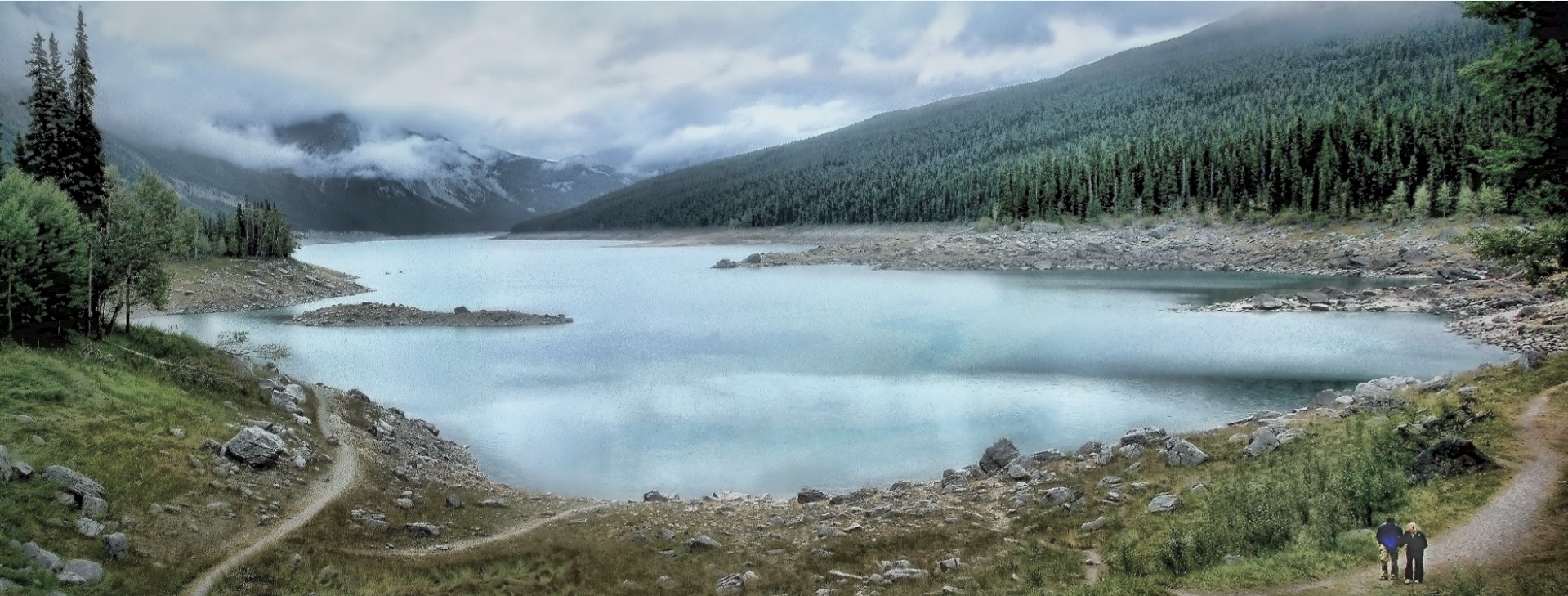
BTW, Here’s partially truncated snip of original image if needed. But doubt having it is relevant:
Thank you for looking at it. I am sure that Super Focus along with Focus Boost will get better over time. As I wrote in a post above, I found that them together in 3.3.0 did a pretty good job on a particular photo. Unfortunately, I tried the same photo again with 3.3.1 and the results were worse. I think that the Generative AI part should be optional with Focus Boost because for some photos it may be better, but for other photos it is worse. Gigapixel AI 8 has Generative AI as an option and I think it should be an option in Photo AI also.
Yes it is Apple Silicon only. I updated the thread to reflect that. Intel Macs will not have change in performance for super focus.
Hi, Did you see my reply above last night to you re: Run as Admin in Ps and no Logs?
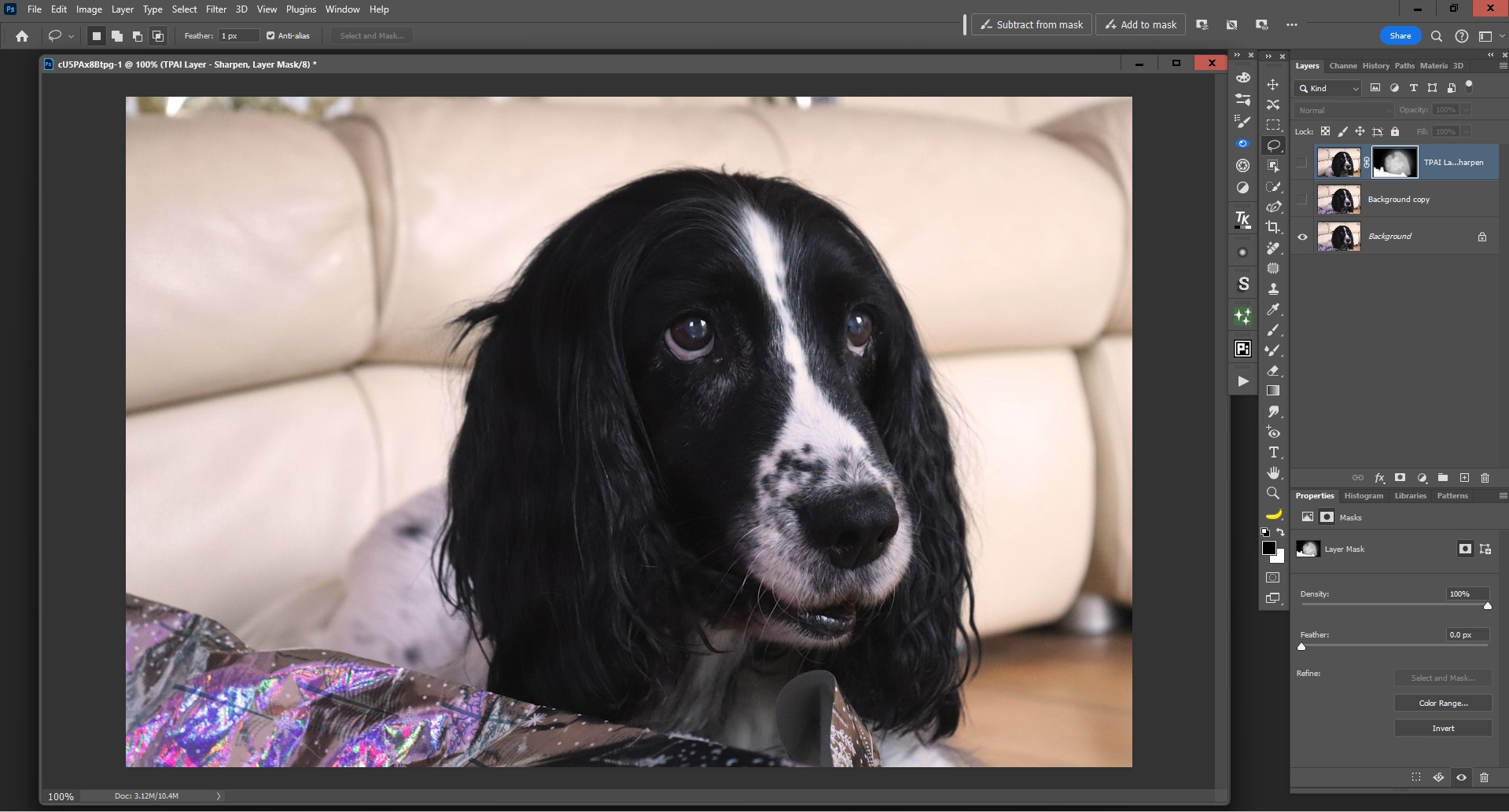
One of the reasons I like to run these products (incl. PAI) in Photoshop (besides efficiency of workflow) is that I can selectively mask or lower the opacity of PAI enhancements on my Ps layer once saved back there.
In this case I ran SuperFocus, then a regular Sharpen (Natural model) with some light denoising + used the Remove Tool in PAI.
I didn’t want the dog’s fur as delineated as it became with the PAI models (I tinkered at various slider levels then said ‘good enough, I can get this where I want it once saved to my host’). I was able to add a layer mask and Brushed at varied lowered opacities in different places on the mask to achieve the amt of sharpening I wanted without the foreground distraction of the original image.
If I want to, then I can make more Ps adjustments b/c the result is in a layer stack… Or extract the dog and put it into a composite.
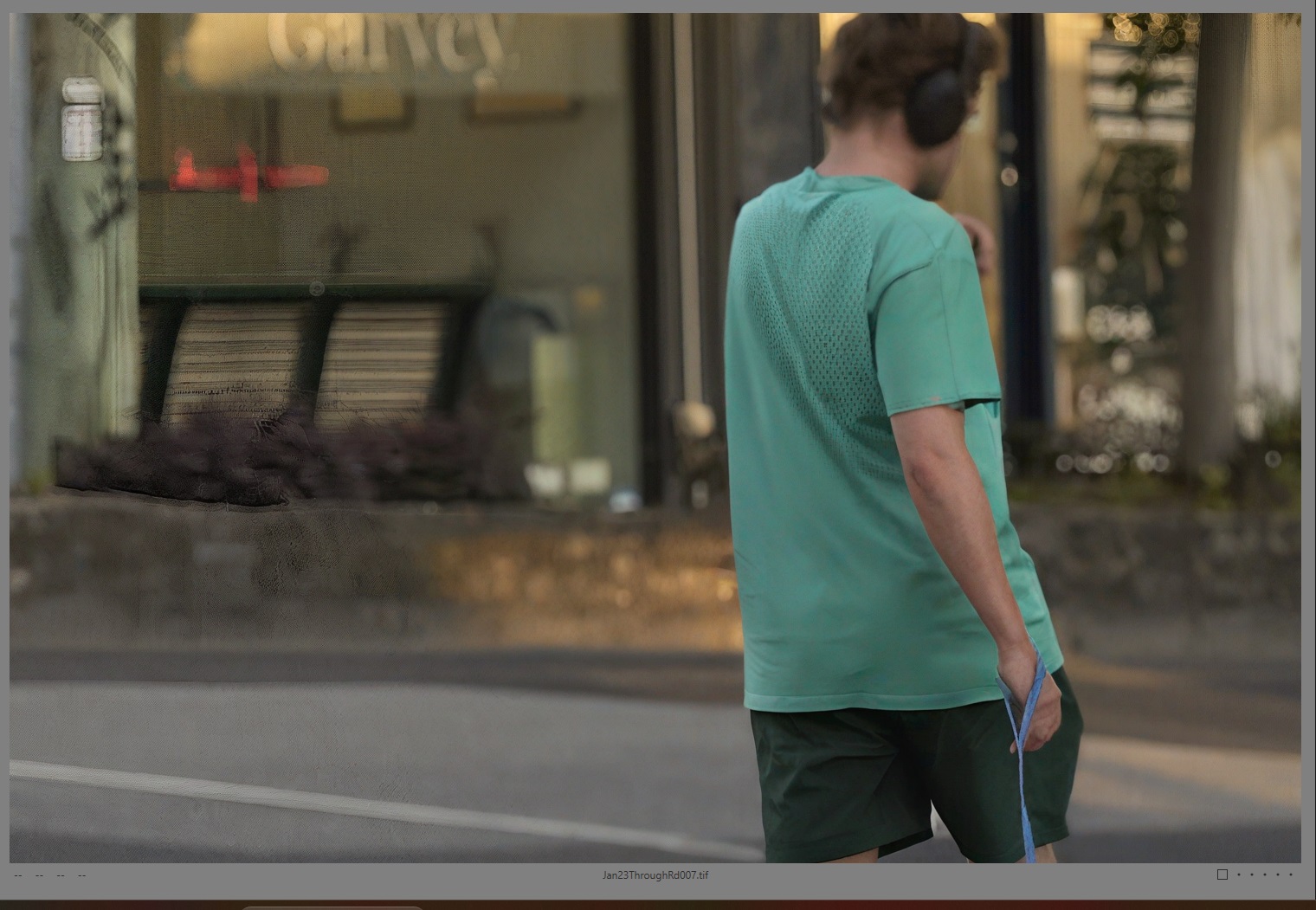
The problem I have with Super focus is the lack of consistency over an image. Use preview in one section to determine settings then artifacts pop up in other areas. In the attached image I had previewed other people in the image and they are OKish but this guy is a bit of a mess. And other artifacts in the back ground. Seems its only useful for small areas of an image but its so slow as it seems to process the whole image one is tempted to apply it to the entire image. Not a good idea.
Topaz Photo AI v3.3.0 would continually crash on my M3 MacBook Air 16GB RAM running macOS Sequoia 15.1/15.2 Developer beta when trying to export multiple images with Denoise and sharpening applied. I tried numerous reinstallation’s but ended up having to roll back to v3.2.2. I have recently installed v3.3.1 and was able to successfully export a batch of a thousand images without any issues. Thank you to the Team for this update
Awesome - glad this version is working better for you! Our team is continuing to improve compatibility and performance with all hardware. Cheers
It looks a bit wuff to me. 
 Oooh, good one!
I was also thinking of suggesting you use Pant-shop Pro but thought better of it. 
When I taught art to elementary school kids (as a volunteer) years ago I studiously avoided teaching hands on painting classes. Other media + art history I was okay with.
I’d classify my watercolor skills, especially, as creating “mud”. So, anything with ‘Paint’ in its name doesn’t seem as if it would play to my strengths… 
App continues to crash when recovering faces. Tried rebooting and even downgrading to previous version 3.3.0. Running MBP with M1.