OK have fun! 
Here is
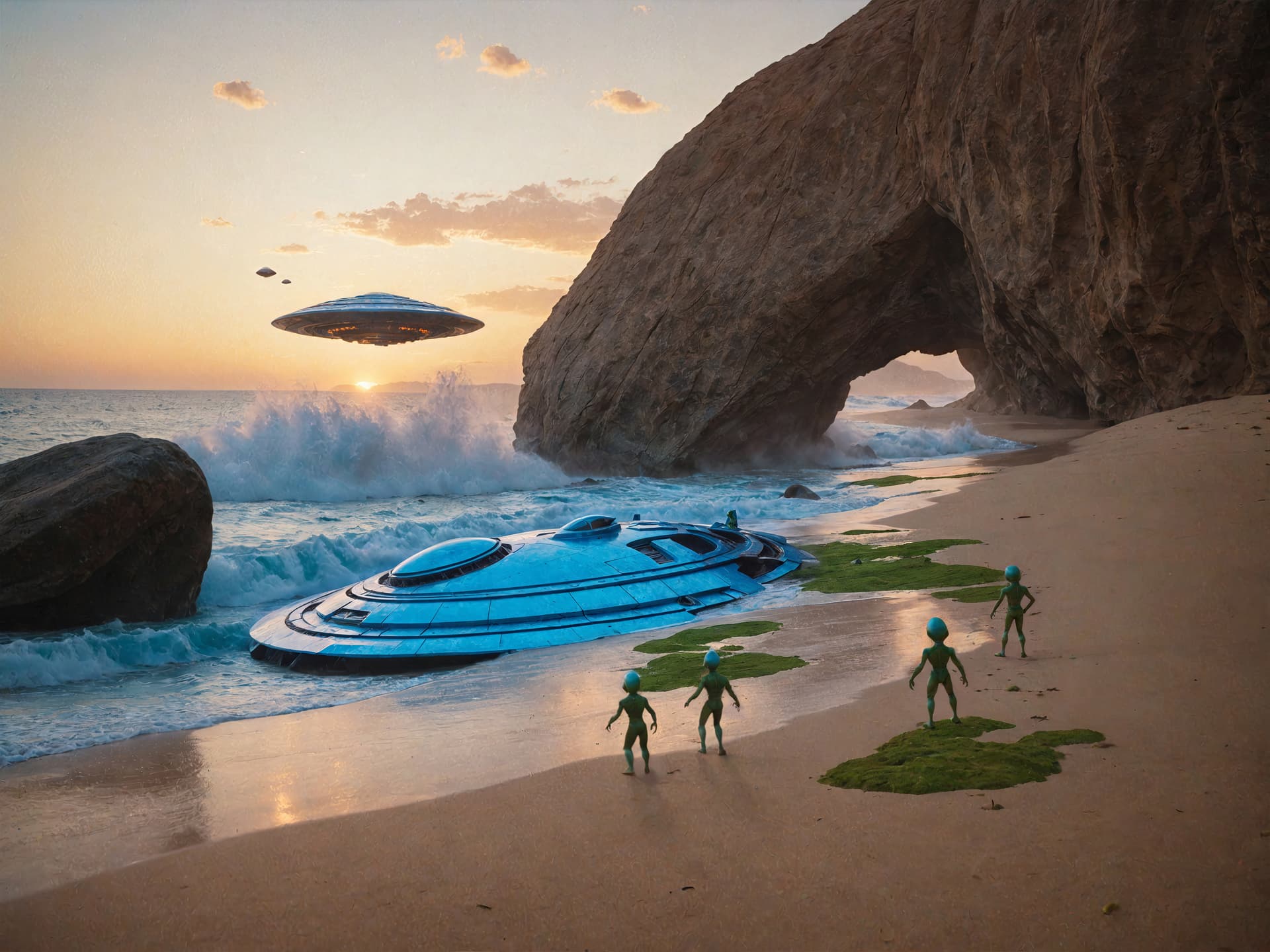
I used 3 different models for each subtle variation in Fooocus AI. Then I enlarged the image frame and cropped it to 4/3. I also combined the best elements of 3 variations. Finally, I used Gigapixel recovery and the standard V2 model. I combined the 2 images in photoshop to use the best of the 2 images.
2 Likes
There we go, good work!
Thanks ^^
It’s been on your radar for at least 6 weeks (Brush problems - #4 by john.topazlabs), Perhaps (like the software) your radar is not working.
You guys should start a collab. for concept & development! Cool.
1 Like
Win 11 Pro desktop PC. Using PAI 3.0.2 Ps (2024) Plugin via File > Automate. Processor = AMD RX6800 XT. Orig. image .ARW Raw - sent to PAI as .tif from Ps layer.
Did some minor straightening and color balance in ACR/Ps 2024 before sending to PAI to Denoise, Sharpen, Preserve Text, Upscale 1.5x.
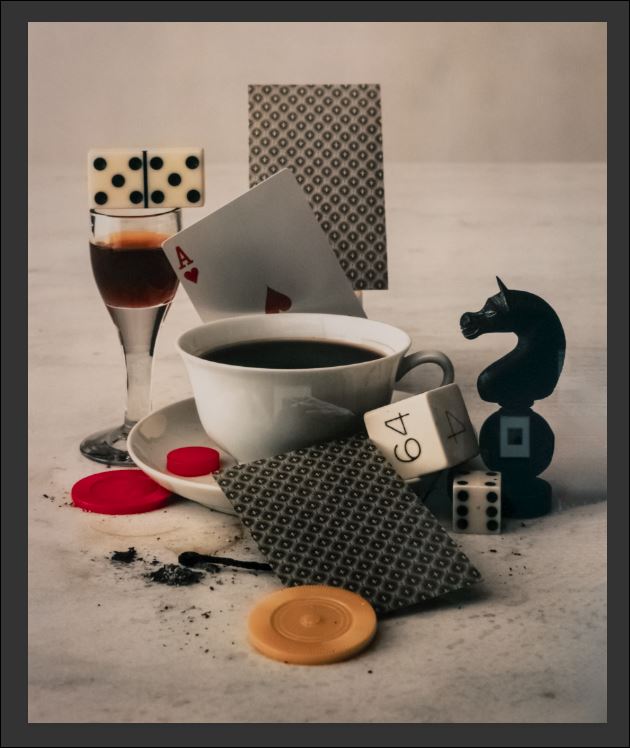
Orig. Still Life Image:
Processed Image in PAI UI:
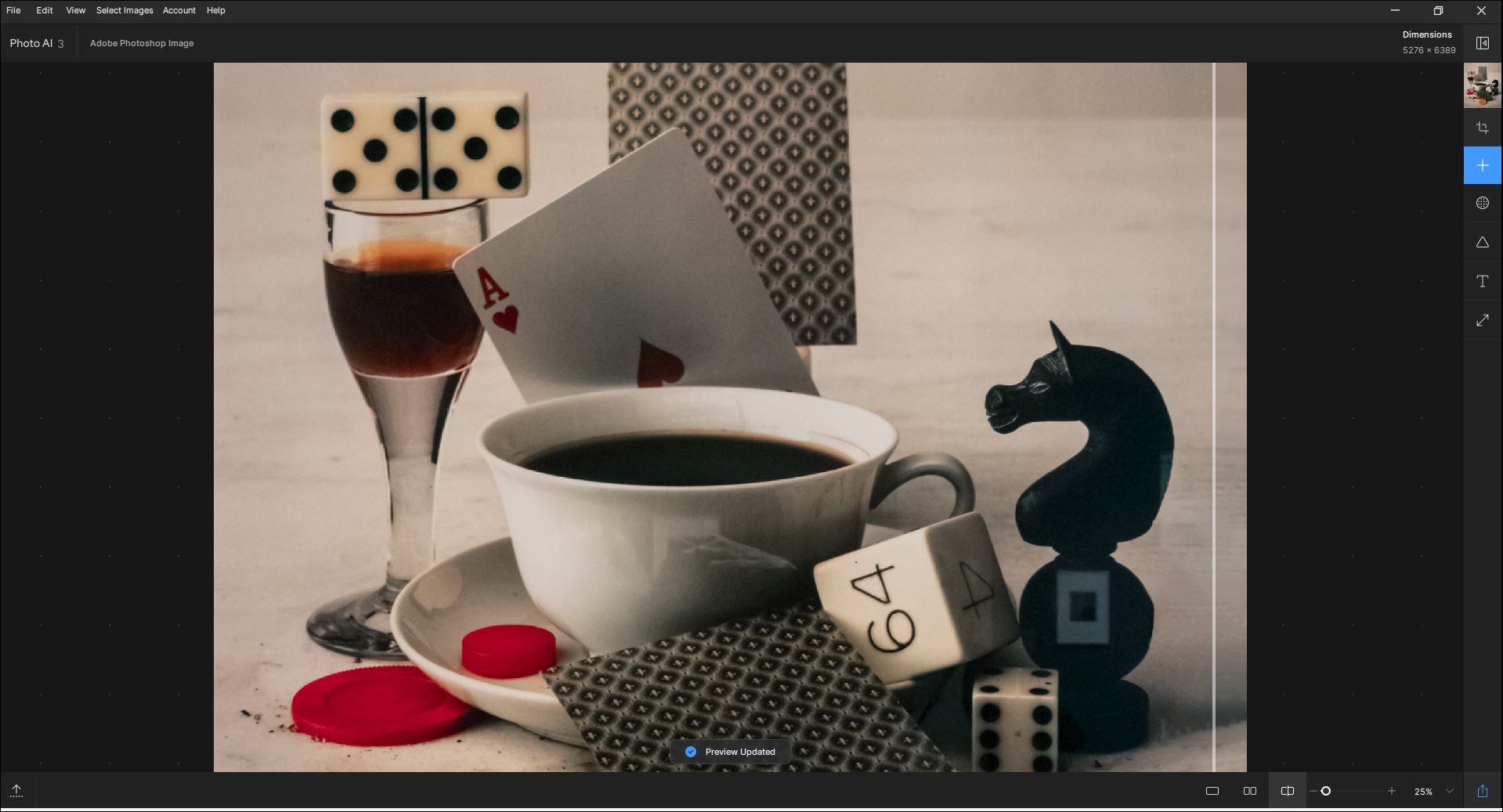
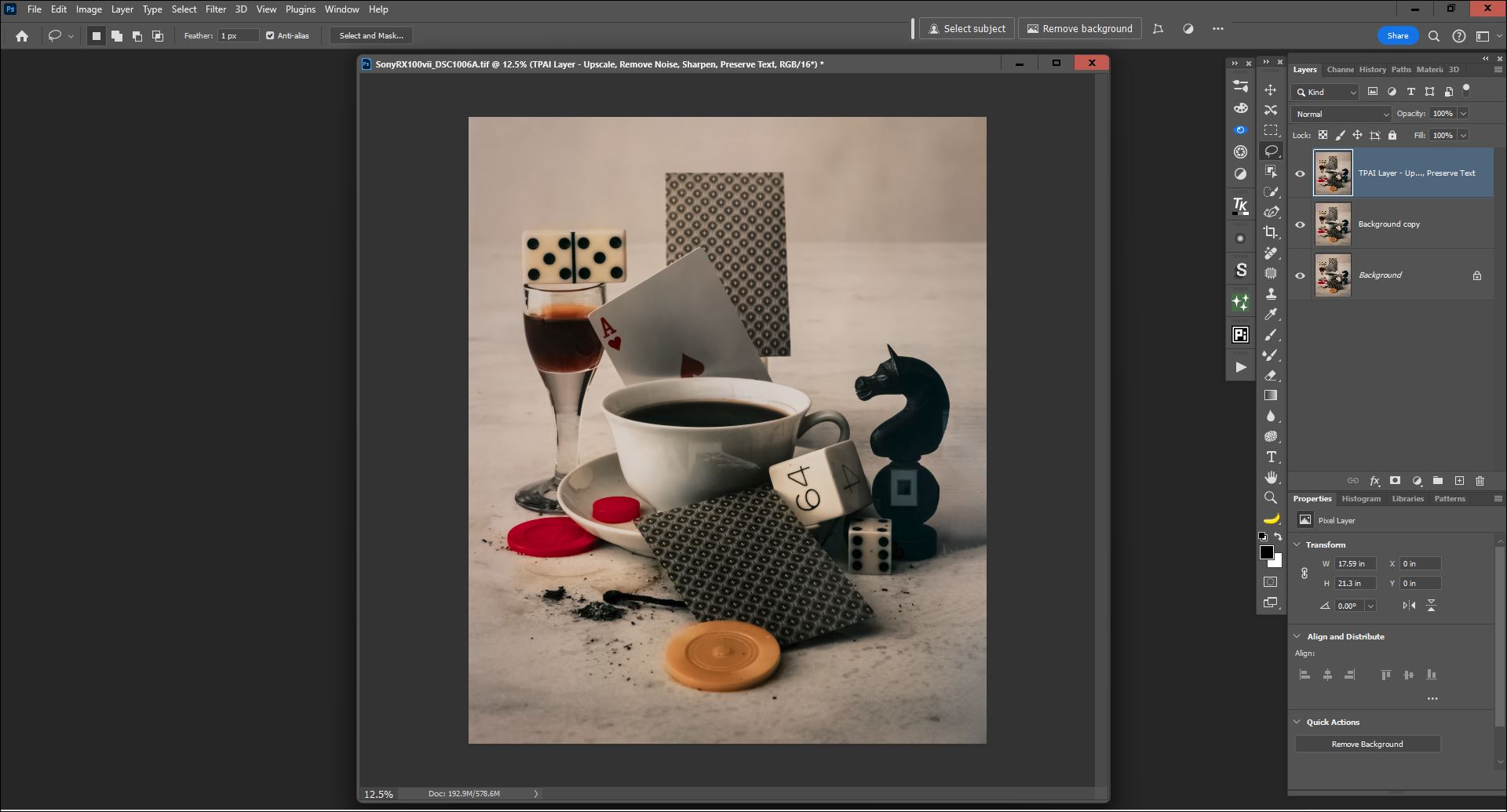
Image Saved/Exported Back to Ps Layer Stack: (I know I lead a shallow, empty life & therefore have a low threshold for excitement, but I am sooo excited that when I save my PAI 3.0.2-processed image back to Ps it now automatically puts the result - which looks like an upsized, dimensionally improved vers. of the orig. - on its own labelled layer w/out me having to intercede & preserves the colors from the sending/launch layer w/no pixel hop):
I think I’d feel like Sally (in the diner scene from When Harry Met Sally) if the labels covering over the lower parts of the image in the UI image workspace were ever moved to the top horizontal grey bar of the UI off the image rather than over image content …
4 Likes
I still can’t export as DNG to LRc (via file>plug-in Extras). Only RAW Denoise and Sharpen were applied to the Sony ARW files. DNG is activated in the settings. In addition, only 10 of the 40 selected files are now transferred to PAI.
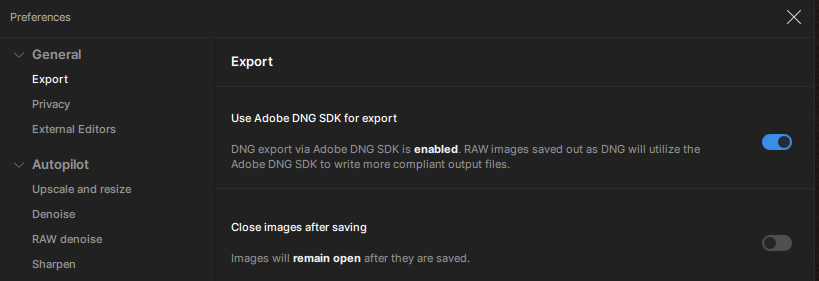
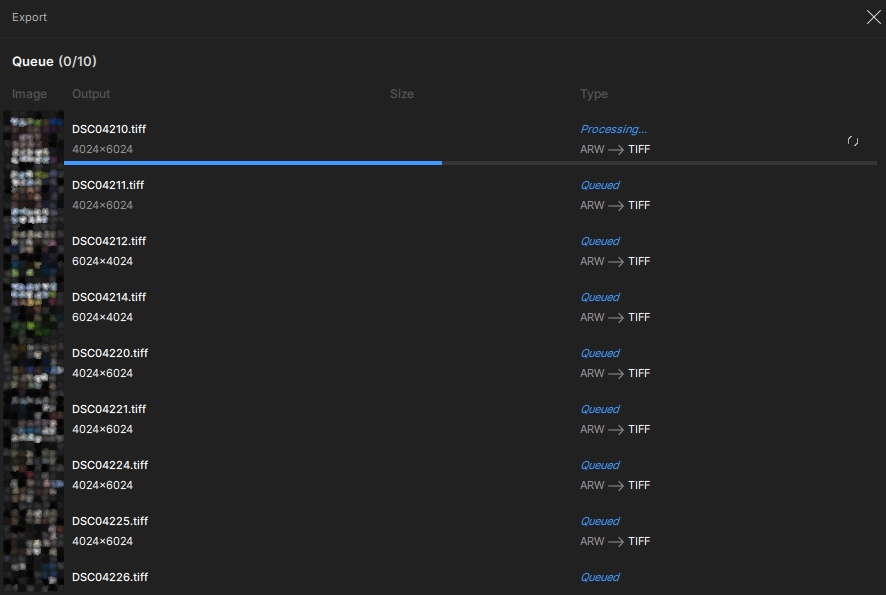
I’m really tired of paying money to be a beta tester. PAI was a really great program. But with every update it gets more and more messed up. I’m sticking with 2.3.2 and won’t be renewing my subscription.
1 Like
Updated to 3.0.2 . Sony ARW files are still not saving as DNG files when using AI as an external editor with Elements.
Installed / updated Topaz Photo AI on two different computers. Started editing some DNGs from my Pentax K-1ii, sending them from LR to Topaz. When the finished editing, LR kicked back a 2755 error that it couldn’t import the photos. Everything is updated, and the error is happening the same on both.
Please, consider also capture one.
Hi, there. I’ve almost finished redoing your image. I just have to increase the scale. Depending on how long it takes (I’m using the Recovery model) you’ll have it today or tomorrow morning 
But I can already show the unscaled version. I just used 2 SDXL turbo models in Fooocus AI in subtle variation mode and used Fooocus AI’s delete tool to remove some unwanted stuff.
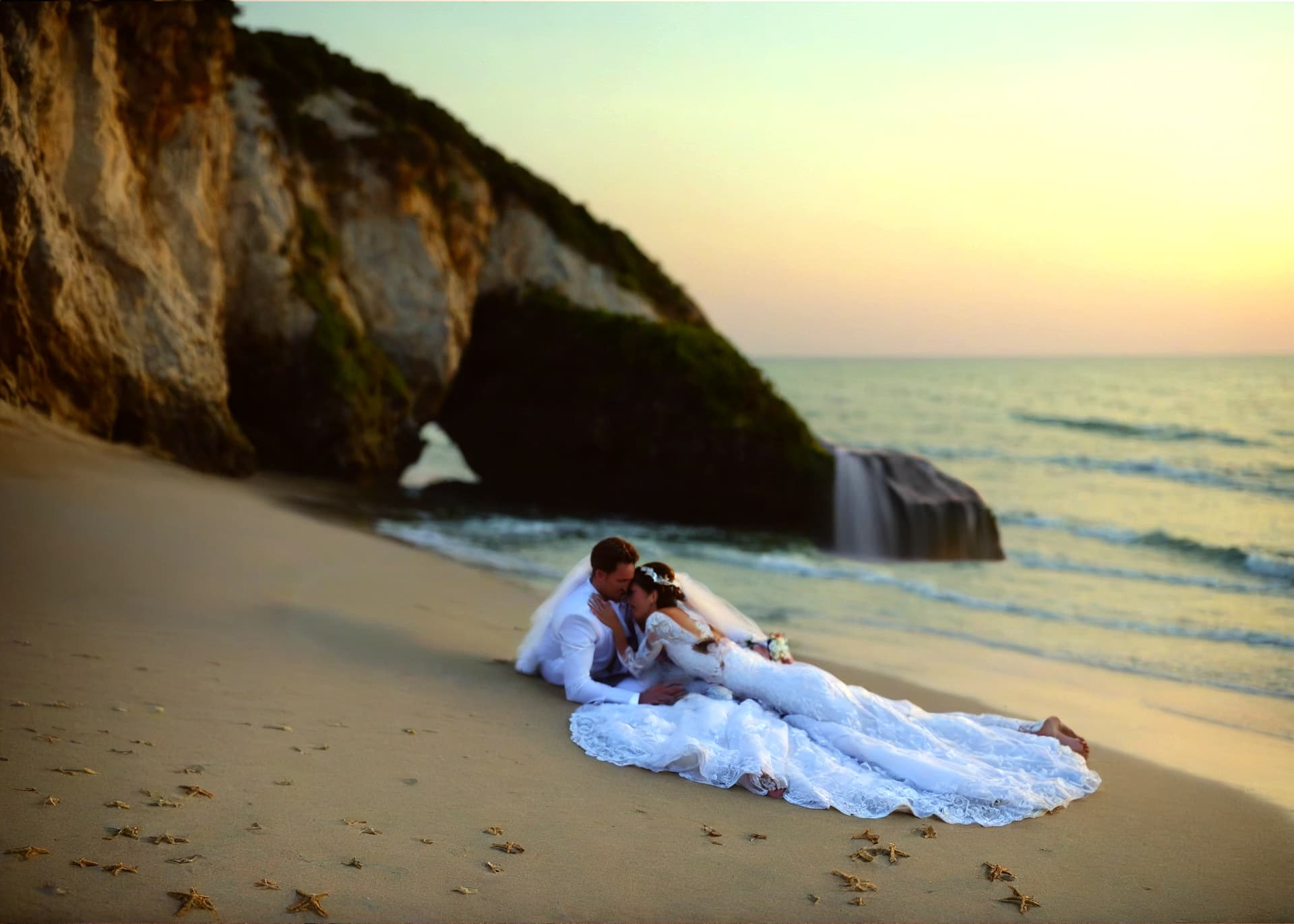
1 Like
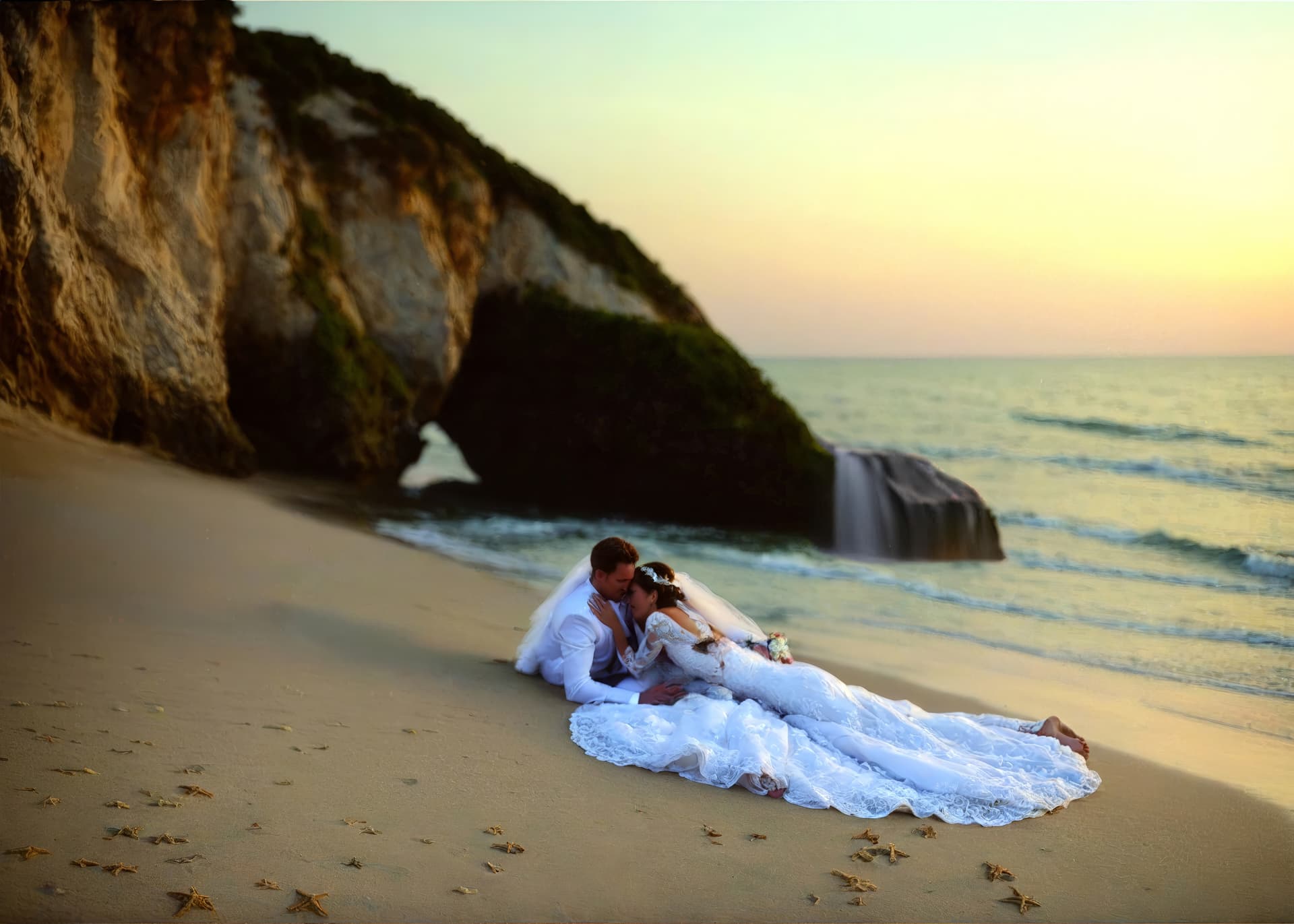
That’s a big improvement for sure! Thanks again for your efforts
So pretty much everyone that purchases a license is a beta tester. The quality of your releases are abysmal. Instead of just dumping a new release every 2 weeks, why don’t you wait and fully test it. I have decided that I will not be using Topaz software moving forward.
9 Likes
I agree with you, but it seems a lot of people like to be guinea pigs and can’t wait for their weekly (now bi-weekly) update fix. It’s akin to an addiction, lucky for Topaz.
That’s one tall bride!
2 Likes
It’s been about a month since I reported a problem with upscaling and there is still no ETA on it’s resolution. Tech support is helpful but they tell me the hold-up is with the developers.
I do a ton of small bird photography that requires cropping and upscaling. Up through version 2.3.2 this has worked perfectly (using PAI with the original ORF RAW file). But for whatever reason, in version 3.x it returns a small file size that eventually saves to a JPEG that is 1 megabyte or less: totally unusable.
I have not seen this issue discussed anywhere else on this forum so maybe it is just me and my configuration. But I simply cannot upgrade to version 3.x or higher until this problem is resolved.
Can I get an ETA on fixing this problem?
I was doing a lot of cropping and upscaling of bird photos last week, and didn’t see this problem.
I just tried again (on a Canon Compressed CR3)
Original CR3 image was 8191x5463 (28,166KB)
I used PhotoAI 3.0.2, opening the file directly.
Cropped to 1587x1059, and denoised and sharpened
Exported to DNG was 9,988KB
Exported to JPG was 781KB
Upscaled 2x to 3174x2118
Exported to DNG was 39,530KB
Exported to JPG was 2,831 KB
I’ve attached a screenshot of the crop, and the resulting 2x jpg
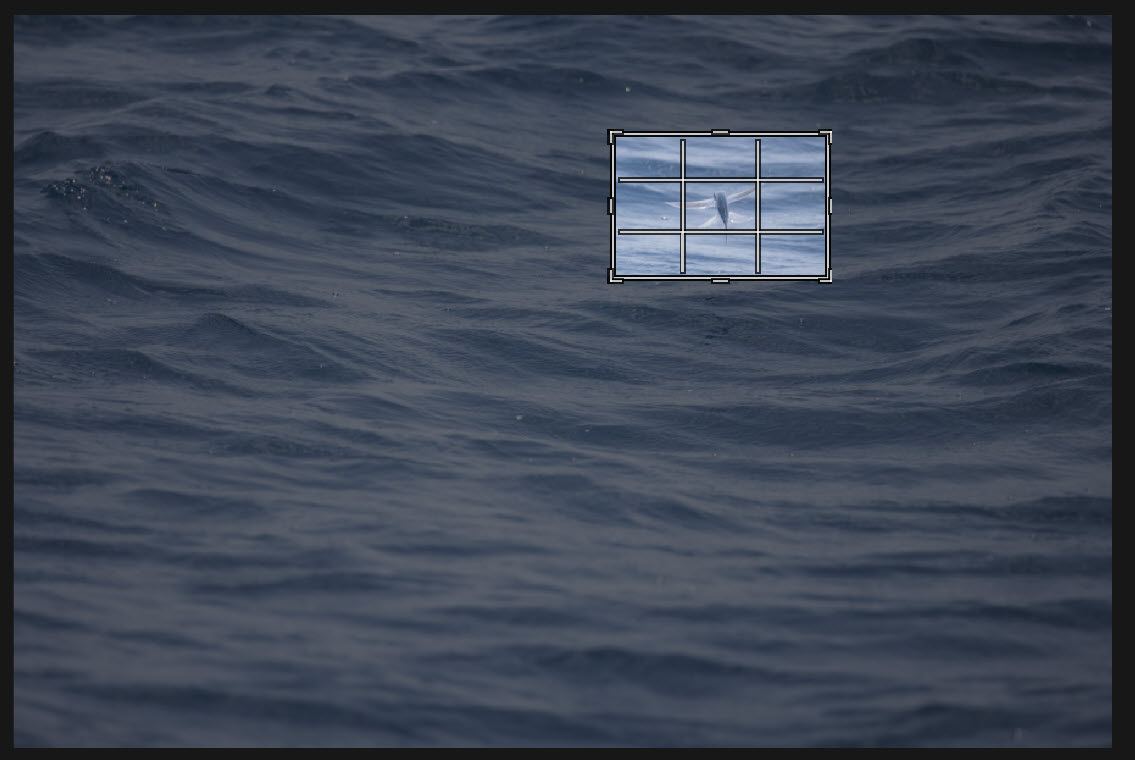
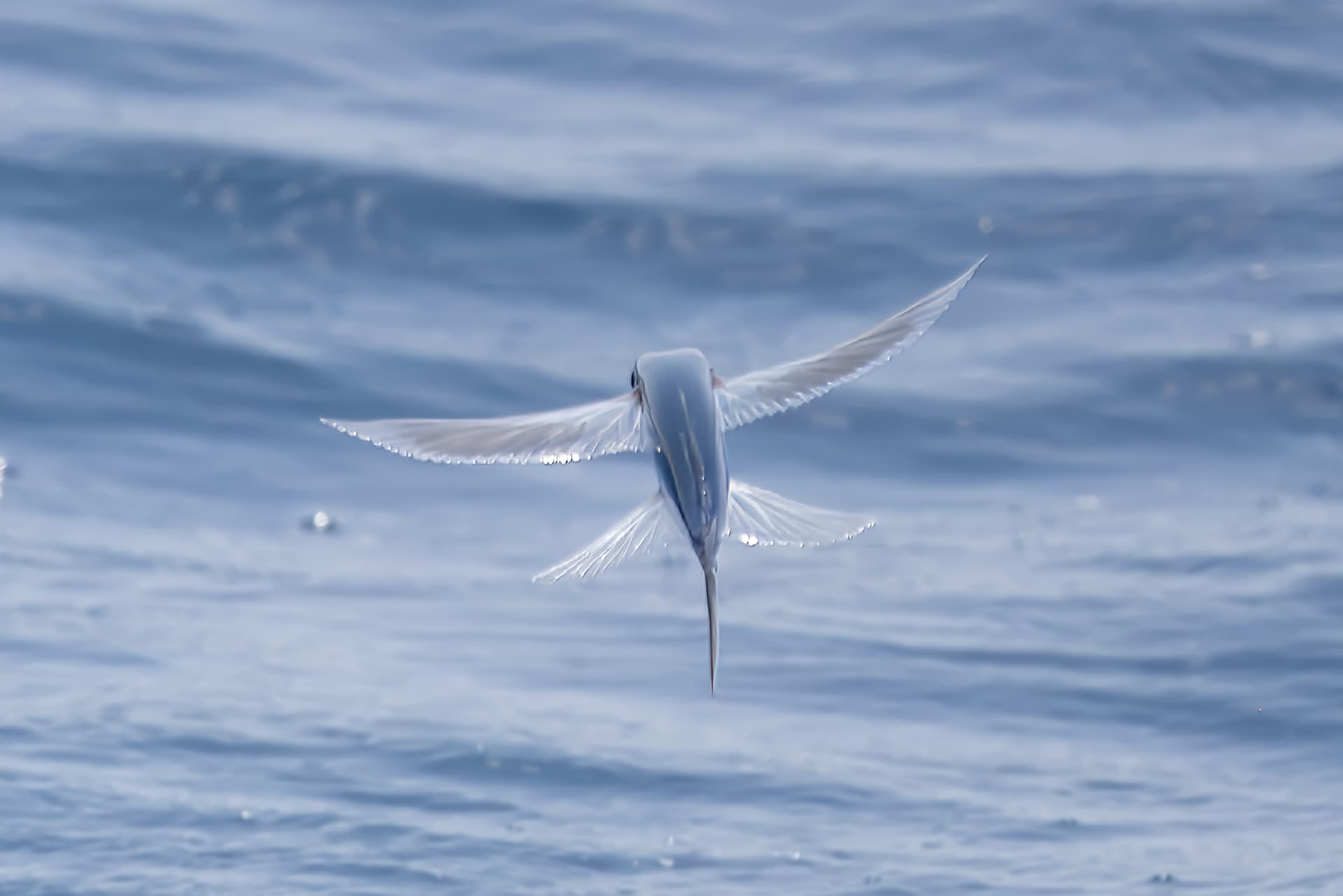
5 Likes
In my case, when I export a RAW filw in 2.3.2 the resultant DNG is about 121 megabytes. If I crop and upscale to the original size (about 5200 pixels wide), I still get a DNG of about 121 megapixels. After processing in Photoshop Elements the resultant JPG is 8-13 meg, depending on the detail contained.
In PAI 3.x the resultant DNG is still 121 megabytes if I don’t crop. But if I do crop and upscale it is considerably smaller at around 30 megabytes. It’s as if upscaling isn’t being done at all. After processing that file in Photoshop Elements, the resultant JPG is about 1 megabyte, far too small to be useful.
Topaz is fully aware of this bug and I’ve sent them a Loom file containing all the steps I’ve taken. I’ve also sent them specific examples of the DNG and RAW files.
Perhaps there is something quirky about my specific setup or preferences. Perhaps it is operator error. Perhaps it has something to do with the ORF RAW file. Perhaps it’s a bigger issue than is recognized. Regardless, they’ve known about it for a month and all I hear back is “we are aware of the problem and it’s in the queue to be worked on. We have no ETA for resolution.”
