Same problem here. Running a .jpg file from Plug-in Extras option in Lightroom Classic gives you an option to edit a copy. The same used to be true for DNGs, but now they default to Overwrite mode.
Please correct this. It takes a good hour or more to install the latest revision of Photo AI, test it, discover the DNG problem, uninstall it, and reinstall 2.4.2 so I can get back to editing my raw files.
Hello,
i have the same problem with the 3.0.2 version of Topaz Photo AI as with the 3.0.1.
Using it as a module extern in lightroom 5.7 it gives me the message “Could not find namespace Lrsocket”. How can I fix it? Or did you fixed it already? Have I missed something here?
I presume you are talking about Lightroom Classic V5.7, which was released on November 2014? If so, do you really feel that Topaz should be supporting an over 9 year old product?
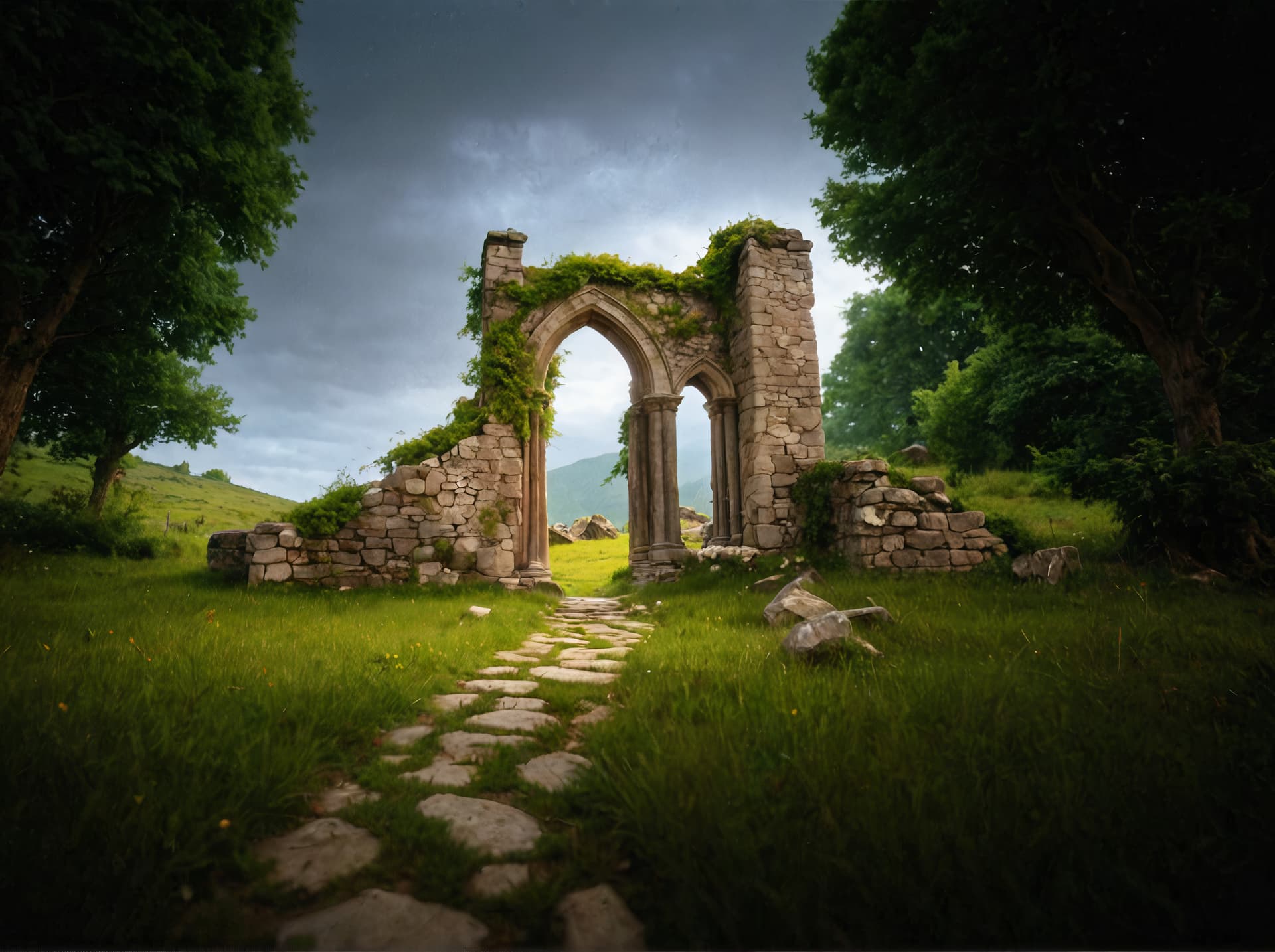
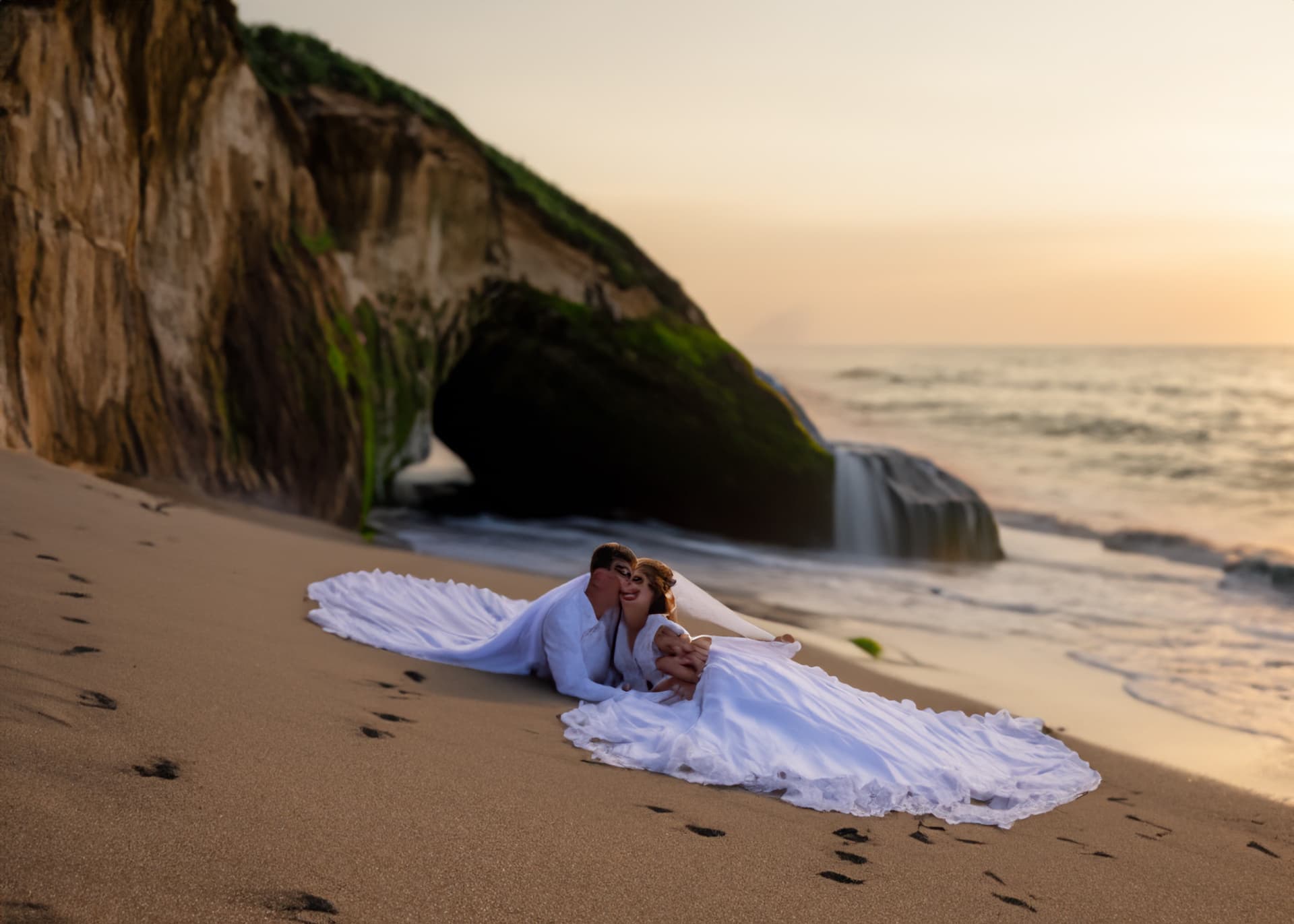
Yes indeed. You can have fun with generative filling again, adding other murals either by AI or photoshop, and then ironing it all out in a subtle variation to remove all the little defects in object integration.
I had made this kind of statement on this image
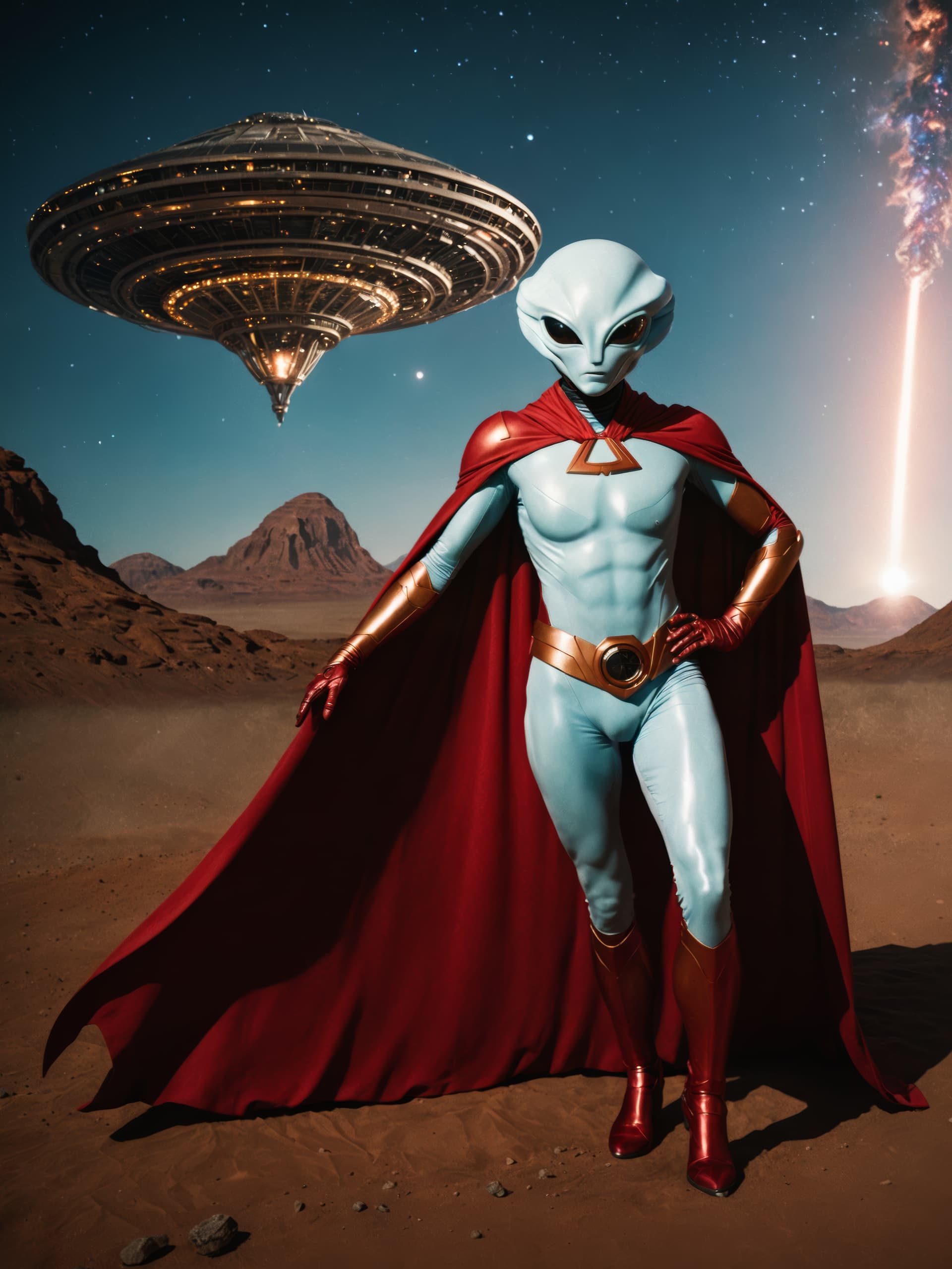
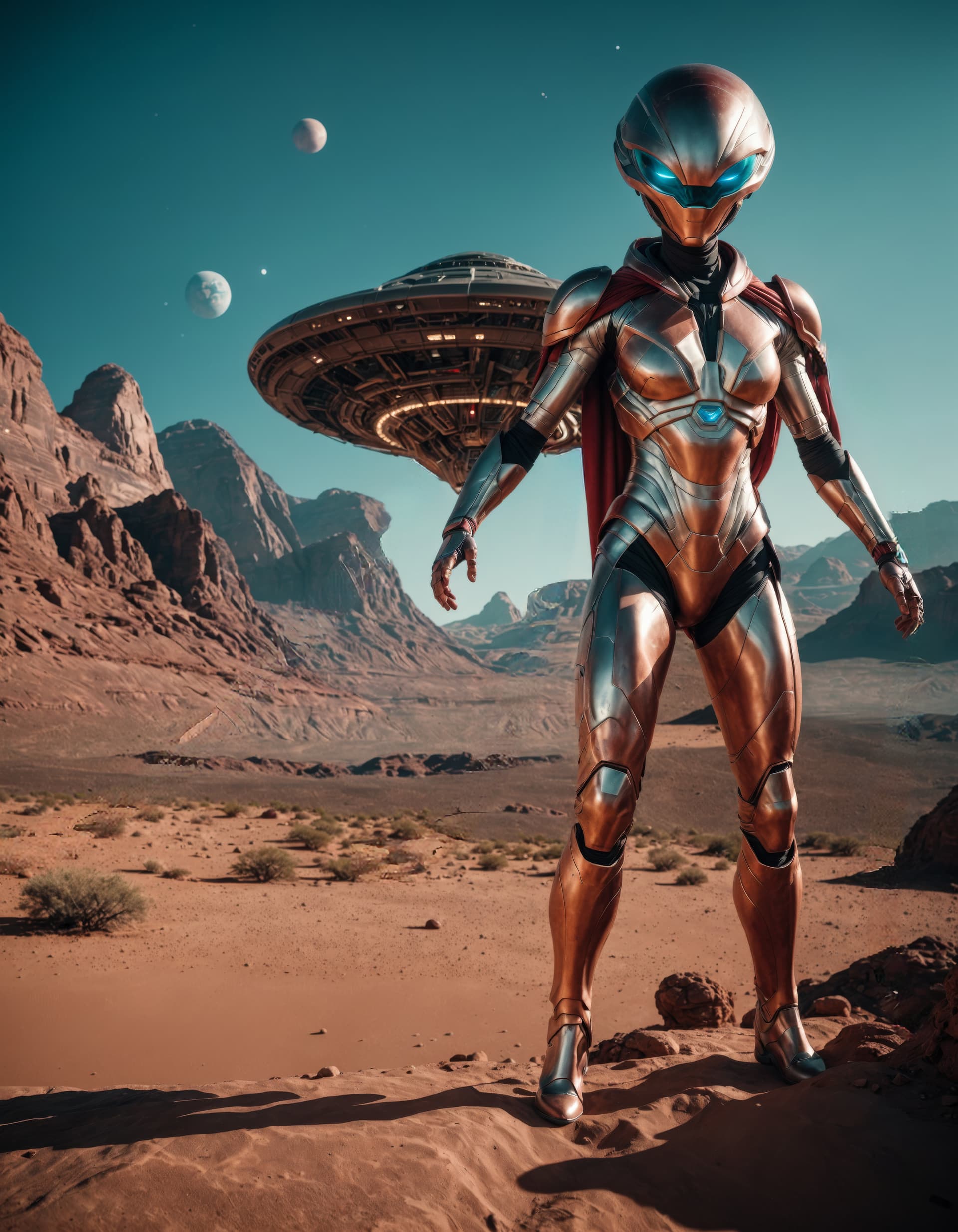
I generated a flying saucer on another image, then integrated it into the final image with the alien in Photoshop and then ran the whole thing through Fooocus AI to correct all the little clipping and integration imperfections.
I did the same on this image too.
It’s the same saucer but with the subtle variation, it’s been modified a little. But at least the integration is super successful. After all, there was only the landscape behind the alien.
Scaling is also done in Photo AI. And the original image was generated in Adobe Firefly. It was cropped to the size of the character. It was a tight crop. But with Fooocus Ai’s generative fill, I made it wider.
Maybe he’s talking about the web version. Adobe Photoshop Lightroom CC 2022 was in version 5.x.x at the time.
If I’m not mistaken, it’s still version 6.5.0.0, due out in 2023.
Interesting… I just found an image with motion blur and tried it. Both work, but Sharpen definitely works better. Since TPAI was supposed to replace Sharpen in the product line-up, it should work as well.
For most pictures I would prefer TPAI, so that fixing them dies not require opening the same image in two or three different apps. Now we know, it still makes sense to use Sharpen for bad motion blur.
Unfortunately, Sharpen keeps flickering on my Mac and it is quite distracting and unpleasant to use.
BTW, I looked into Fooocus AI and it seems not very Mac-friendly. Results are supposedly better than DiffusionBee but at a huge time cost during processing.
For now I am trying various models and Styles in DiffusionBee and also have Stable Diffusion loaded onto the computer the geeky way, though I don’t visit it much.
I don’t know about the Mac, but I do know that they’ve recently added compatibility. But on Windows with a bit of RTX-type GPU, it’s pretty fast. Most of the time it takes less than 1 minute.
But try the “SDXL Turbo” turbo models. You’ll generally need between 4 and 6 steps max to render a high-quality image.