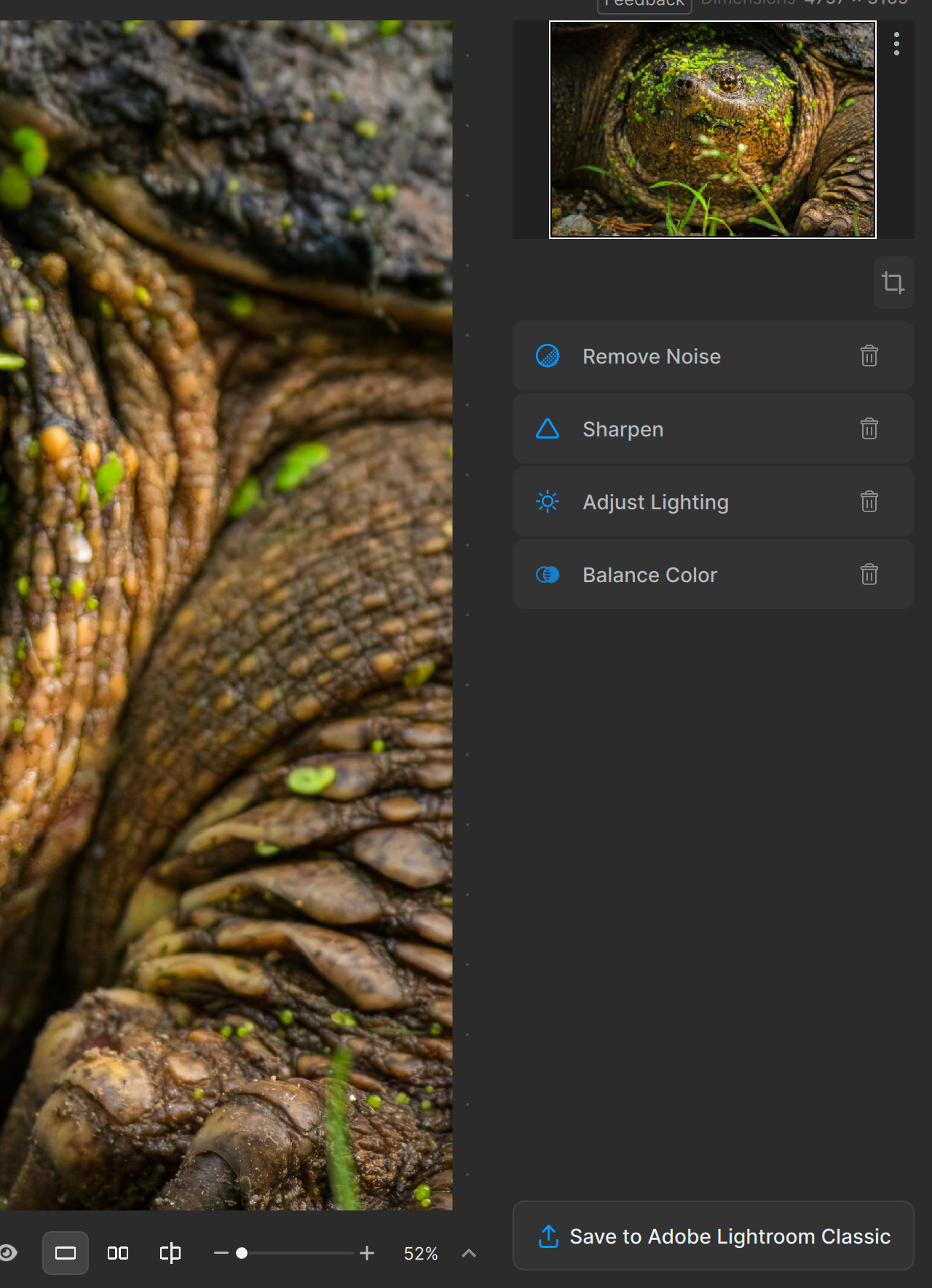
The root case, why sharpening does not show in the Preview and in the Output is that by default Auto Mask is set to “None”. When Auto Mask is set to any other value, then whatever is selected, is getting sharpened.
In the previous versions when the preference for auto mask was set to “None”, sharpening was applied to whole image. There is no preference to set auto mask to “ALL”. What one needs to do in this version is manually set to “ALL” each time one processes an image.
Topaz’s solution:
“Preferences > Subject Detection set to None is not processing sharpen. Go to Preferences > Subject Detection and set to Subject so that it is working on the image.”
Both not acceptable. That among other reason is why I’m using V2.3.2.
Thank you - much appreciated - the 2.3.1 version works just fine. - not sure what they did behind the seens for the most recent versions - but its a retrograde step as far as I’m concerned.
If I use Autopilot, I want the layers to appear afterwards. Because Autopilot cannot be undone, and if I tweak any of the parameters, I can’t do it because the layers are not there. Previously I could turn off the unnecessary stuff after using Autopilot. Not now.
This new format is way slower and less efficient. It is taking me way longer to get through photos then when all options were available. Now I have to select each one from the enhancements list one by one and they load each time. Can we please get it to where it showed all options and toggle which ones we wanted to use
Hopefully we’ll be heard and a new release will get us all back to work instead of wasting time toggling and moving pop-up screens out of the way for no reason and no good…
In my opinion it is the worst update since I started using PhotoAI. You can get used to the new interface, but I don’t see the point of it.
What I noticed and what bothers me most is the poor results of the sharpening function. They have become significantly worse than in previous versions. In addition, you always have to first change the mask settings from “None” to “All” or other corresponding points. Something like that must be noticed during testing before the version is released!?
The biggest complaint I hear from my students is having to click multiple times compared to the last version. Remove the “enhance” button and add the adjustments in the right panel as the default (like before).
Also, give us the option to hide enhancements we’ll never use. Most of my students use Photo AI to denoise, sharpen, and occasionally upscale. That’s it. We don’t need to “enhance” since we use Lightroom (or another editing app with Topaz as a plugin).
I understand you want to create a full-fledged editing app. However, your current (core) users already use Photoshop, Lightroom, Luminar Neo, etc, and you’re light years away from catching up.
I’m sorry but I not agree upscaling to always be processed last. What’s the point of having this weird new interface of adding enhancements one by one if at the end we can not really have the order we want ?. Sharpen and Denoise have always awful results with low res inputs so sometimes it’s important to upscale FIRST.
Unfortunately, it’s now started crashing with a 3221225477 error every time I try to run an image through the RAW Photo AI from Lightroom. And NO, rebooting DIDN’T fix it.
I don’t have the time to screw around for days trying to chase this “stuff” down, so it’s back to 2.3.2.
AND, just now tried it STANDALONE… Crashed out of that, too.
[2024-03-05 08:43:53.593, 73.80 μs] [3f44] Info | [AIE] Loading default model file C:/ProgramData/Topaz Labs LLC/Topaz Photo AI/models/drw_native-v1-fp32-512x512-rt809-rt.tz2
[2024-03-05 08:43:53.593, 45.70 μs] [3f44] Info | [AIE] WARN Using an engine plan file across different models of devices is not recommended and is likely to affect performance or even cause errors.
[2024-03-05 08:43:53.623, 38.05 ms] [3f44] Info | [AIE] Loading time for model file C:/ProgramData/Topaz Labs LLC/Topaz Photo AI/models/drw_native-v1-fp32-512x512-rt809-rt.tz2 is 38
[2024-03-05 08:43:53.623, 36.30 μs] [3f44] Info | [AIE] aiLoadTime: 38 ms
[2024-03-05 08:43:53.633, 3.54 ms] [3f44] Info | [AIE] Acquired 5 buffers for 00000163BFE89C00
[2024-03-05 08:43:53.633, 23.10 μs] [3f44] Info | [AIE] TBlockProc get invalid, input size 1864x2800 should be 1856x2784
It was not described as layers in the App notification of this update, and it is not included in the announcement at the top of this posting. Perhaps it was only said that way to the Beta testers?