I don’t like the term “layers” but that is what some folks are using as a reference… it’s more of a sequential processing
2 Likes
Tried to update from 2.31 to 2.4
Downloaded 2 updates, ran install, got an error didn’t install
Now when it says 2 updates available nothing happens?
Grazie. 2.4 is a mess. at least they seem responsive. Clearly they need to figure out how it got through the Beta tesung/QA. p
Hi new to Photo AI. Is there an “uninstall” function in the Photo AI program or should I use a thirs party uninstall program? Thks, Peter
Exactlly the same issue here too. Noise reduction seems to be OK but sharpening has no affect whatsoever…had to revert back to Sharpen AI to continue with my work
Did you scan through the comments above re: user reactions to & experiences with 2.4.0?
If not, it might be interesting to do so…
Aside from that as a perhaps good to do 1st, it sounds like you may be trying to run your updates from inside the program. I highly recommend, as a matter of course, you don’t do that. Better to get your installers for new releases from the Photo AI Releases tab in this user discussion forum or from the Downloads page on the main Topaz Labs website.
Did you try rolling back to the prior version of Photo AI, 2.3.2?
Hi - I just reverted to using Sharpen AI instead. However, I have seen a couple of comments and suggestions about this problem and I have activated Subject in the settings and it now works. It is set to “none” for sharpening as default!! I wouldn’t know how to roll back to the previous vesion if I needed to
1 Like
Since updating every time after I do one set of images I have to close the program and reopen it to get the same experience I got before the update. Meaning after one set the program slows down and will freeze, but if I close it then reopen I have no issues. However, I really shouldn’t have to close it after each set of images. I have even gone through the preferences and tried to play with the settings, but unsuccessful fixing the issue on my end.
That’s great you figured out a working method from the comments in the forum!
For backpocket reference in case you ever want to go back to a previous version:
Uninstall the version you want to roll back from. If you have it running as a plugin to any host software (Lr, Ps, ON1, etc.) be sure the host app is closed before you run the uninstall.
Download the installer for the release you want to replace the uninstalled version with from the [product name] Releases tab in this forum or from the Downloads page on the main Topaz Labs website. Then install that installer’s release to your computer (again, with any host software closed).
1 Like
Thanks for that - so far so good, but good to know how to roll back if there is a problem I can’t overcome. I do expect Topaz Labs to latch on to this problem and ensure that the necessary selections are selected as default
1 Like
Firstly, just want to agree with the comments above about the new UI making everything take much longer, far more clicks to get basic upscaling done as now you have to add the enhancement, move the window, select the options. Before you just turned it on.
Secondly, why does Face Recovery disable itself now if Face Detected is off? It worked perfectly fine before when you could just quickly toggle it on for photos you needed it, saving precious preview time when 99% of the time you don’t.
Thirdly, zoom is totally broken! I opened a 640x640 image on a 4K screen at 1x enhance and the minimum zoom is “fit to page” which is an utterly useless 362%. If I increase the upscale factor to 2x it retains this zoom level, if I go to 4x for some reason it drops to 181% and now the image is big enough to do 100% but I don’t want to do 4x so I switch back to 2x and now its 200%.
Stop trying to be intelligent and just let me lock the darn zoom to 100%!
3 Likes
Hi Lingyu,
Thank you for taking notes of our complaints.
My main issue with 2.4.0 and several images opened is the settings are lost each time I change from one image to another one!
It’s not usable.
Kind regards.
Vincent.
Yes, you can…
Issue new camera file not exporting: OM Systems OM-1 MKII raw files will import into Photo AI 2.4.0 but will error out when trying to export to a DNG.
For the benefit of you and everyone else, be assured beta testers put many hours into testing and giving feedback. After that it’s up to the devs to do what they do with the final product. **And we did make it clear that the new UI was not the best direction in which to proceed…
4 Likes
That’s another thing we keep bringing up! The in-app updater either needs to work properly or disappear…
5 Likes
Yes! It’s very cumbersome to switch tabs every time to set it to “ALL”. This should be the default.
2 Likes
True true! I never use it b/c of inconsistent bhvr. Well, and I like to have the installers b/c only 3 are listed in the Releases tab (sometimes less depending on OS).
The Radiant Photo folks have a companion app to their standalone/plug-in called “Radiant Manager” that does this work, reliably, every time, and also serves as a general portal to their stuff:
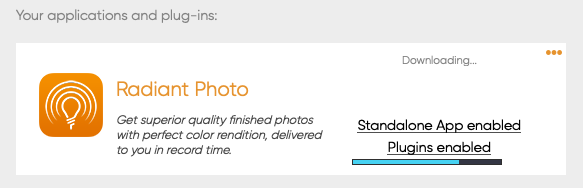
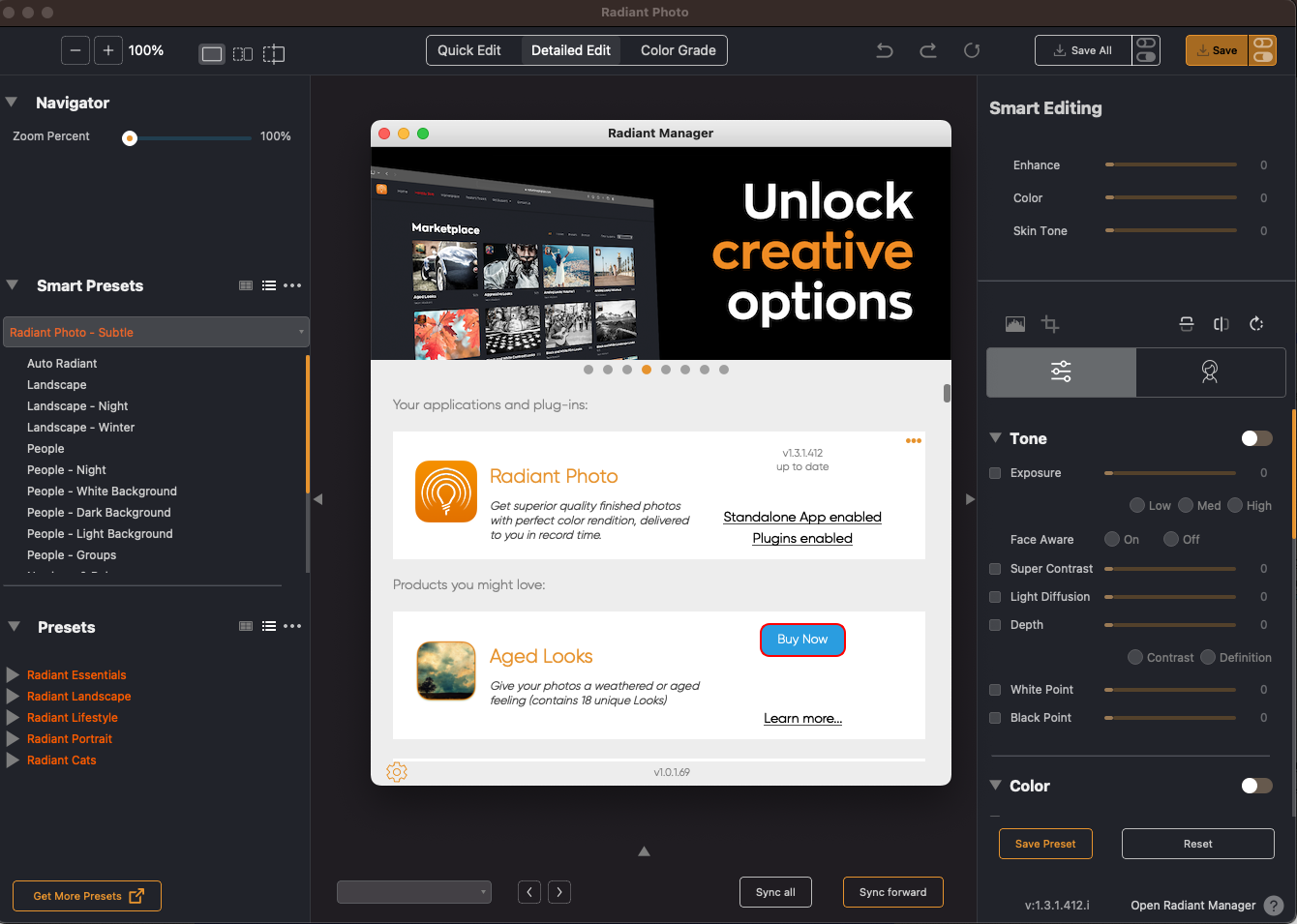
Since Topaz does not exist in a vacuum, there are many good ideas to borrow from others in terms of UI and functionality, while still excelling in performance 
Oh, and note their use of the right panel!
1 Like
