Are you talking about Adobe’s crazy proposed plans that are supposedly rolling out this month? Sounds like them.
No my post was about Topaz Labs.
Not seen any new Adobe plans but have seen (or heard) whispers in other forums and have been meaning to do some searching for info.
Don’t remember where but I think I’ve opted out of all notifications from Adobe both for my apps and their forums because at one stage I was getting buckets of posts daily …
1 Like
Can’t be as crazy as the time between CS4 & CS5 when Adobe, threatened us if, we don’t upgrade to CS5 and every latest version thereafter, we will have to repurchase individual applications or the whole Creative Suite at full price again.
Even number one fanboy Scott Kelby, stepped in with an open letter to Adobe and basically, said photographers including amateurs, hobbyist and professional a like are the backbone of Adobe products and you want to cut off your nose to spite your face are you mad.
Needless to say, Adobe backed down and a few years later introduced the Creative Cloud options including the Photography Plan.
Adobe has always been a Love-Hate Relationship
1 Like
I was referring to GPAI, not Bloom. GPAI (or was it just Sharpen AI?) allowed to choose view with four tiles, each representing the same crop of the input image but one could assign a model and its parameters to any of the four crops, making four different sets of models/model parametrization available for comparison in the UI of the app. I am aware that that may be time and memory consuming, especially when all the comparison views are made with the AI models, but still better than doing preview with one model, screenshoot it and then do preview with another model/setting - which seems the smartest way to do it at the current state of the app. At least a side by side comparison of two models should be feasible in the app.
Yes I’m very sorry - posts are increasingly appearing in the wrong Topics and it must be a nightmare to move them. I’m not sure where it should be moved to? I will look for the BLOOM Discrete or whatever it’s called forum tomorrow. This 8.4.1 Topic is contaminated by some BLOOM related posts and I suppose because it seems BLOOM is a newborn baby-Gigapixel some cross-referencing is justified?
I certainly got confused - I don’t know whether you have ever visited DPReview-Retouching which I think has a far better forum Thread format - hierarchy and date sorted view - that I find so much easier to follow and use than the Topaz Community Forums. DPReview also has a Flat View format option.
I’ve still got many of my old Topaz versions and I’ve very recently been using DeNoise AI v3.7.2 which has 4-up Comparison View. A while ago I removed an old Sharpen v4.1.0 which I think also had 4-up view but I could well be confused again.
Topaz Video AI has an open vote Idea which refers to a VAI v2.6.4 that had 4-up view. last post 2023
Currently the new BLOOM has 4-up view.
I thought there were current forum requests for A/B image comparisons and for revival of the old 4-up view but for the life of me I cannot find them. Topaz Community searching is taking me all over the place but not usefully !
My guess is that BLOOM can do it because its options and processing for 4 variations is relatively easy but the data volume in GPAI and the many many more setting options may be a huge ask.
What I do at the moment is render 4 variations exporting into my LrC drive image and view them with my Lightroom side panels closed - multiple images icon selected and F - full screen. I can also choose between doing that on my big screen which is a 43" 4K+ Samsung TV or my smaller Dell 27" 2nd screen
I will try again tomorrow with fresh eyes but at the moment it’s been a long day and I’m done.
GAI used to have a comparison view.
I can find - by searching the forums (using terms like PAI Comparison View or GAI Comparison View) - a number of my comments about how I really (really) liked using it in GAI (Gigapixel AI) and wished there was a comparable comparison view for PAI (Photo AI) sharpening. A lot of the search results are in the beta forums over a period of time. But others are in the production release forums too. They appeared along with other observations/reactions/issues related to the products that I reported.
2 Likes
I remember having to buy CS5 the year after I got my 1st Ps (CS4). But I don’t remember any threats.  I bought the subsequent year’s (non-subscription box CS) because I saw a demo of Content Aware Fill (that was intro’d in CS5) and knew I had to have that! I figured the dev who came up with that was some kind of a ‘god’. At least given the compositing work I liked to do…
I was not (still am not) a fan of subscription models (or, sheeps in other clothes) - I used to buy the boxed suites every other year (which cost a heck of a lot less than to buy or update annually) b/c Adobe tended (back then) to alternate who they were targeting new features for (designers vs photographers). On the designer alternate year, I passed and stuck with my installed release. Now, I just have to wait before installing so some weird bug doesn’t crash or shut down what I can do or make me lose software I can never reinstall again for a variety of reasons (including some of my fave Topaz classic products which won’t install anymore).
2 Likes
I tried Gigapixel a few months ago and fell in love with the “Redefine Creative,” selection, so I purchased it. However, after updating to 8.41 I find that it’s MUCH less creative than version version 8.33. My paintings are pretty abstract and I loved to see all the little things that Gigapixel would include. However, I really don’t get those anymore. For example, image 1 is a shrunken version of my original painting. The next image was run through 8.33 and I loved it. It does not really make sense but there is so much interesting stuff there I made it into a poster. Now with 8.4.1 all those tiny details are missing as you can see in image 3:
-
Original image (shrunk to about 15%)
-
Output from 8.3.3. I love how it put in birds and flowers and some kind of building/pool in the lower left corner. It added trees and texture to the cliffs.
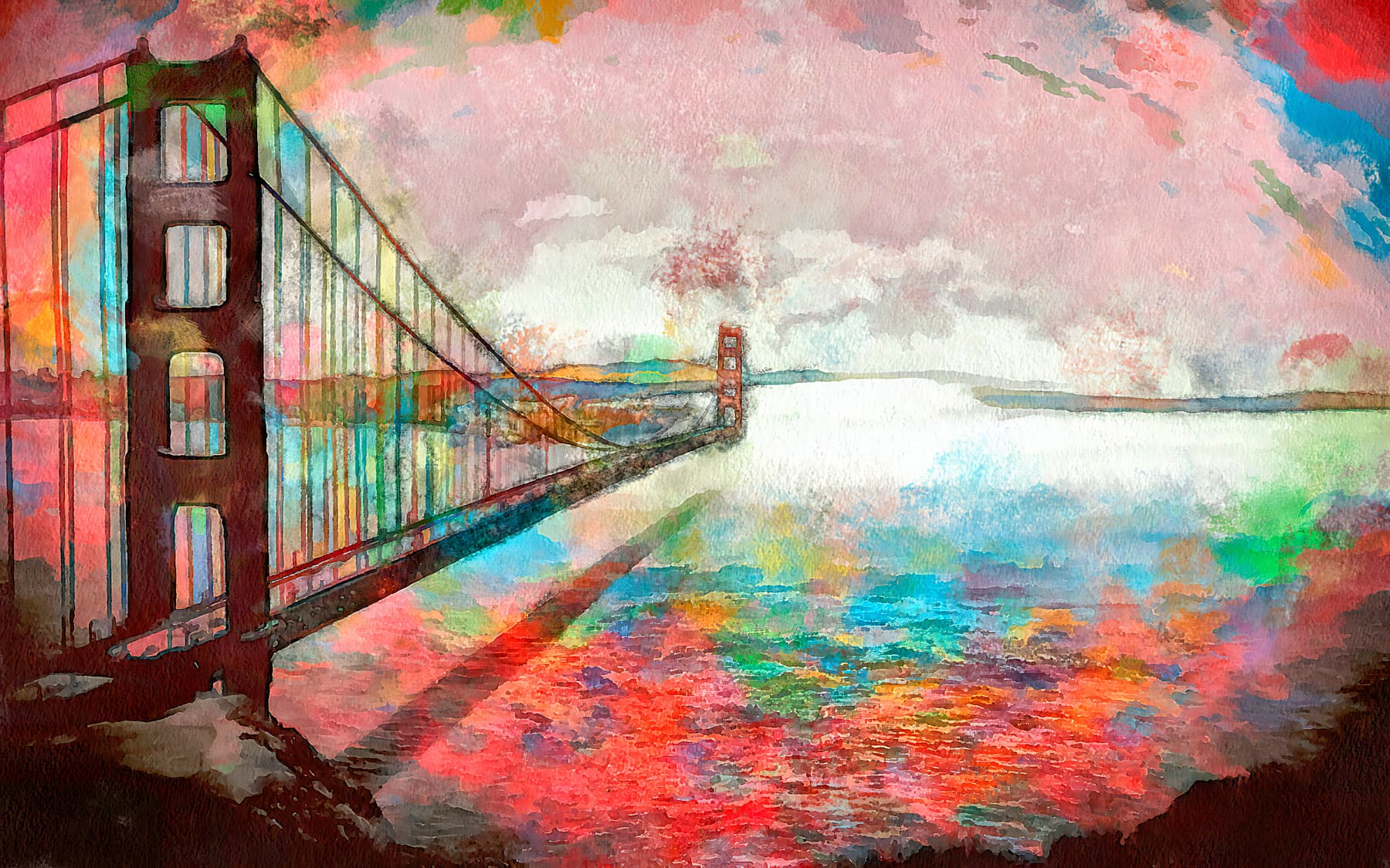
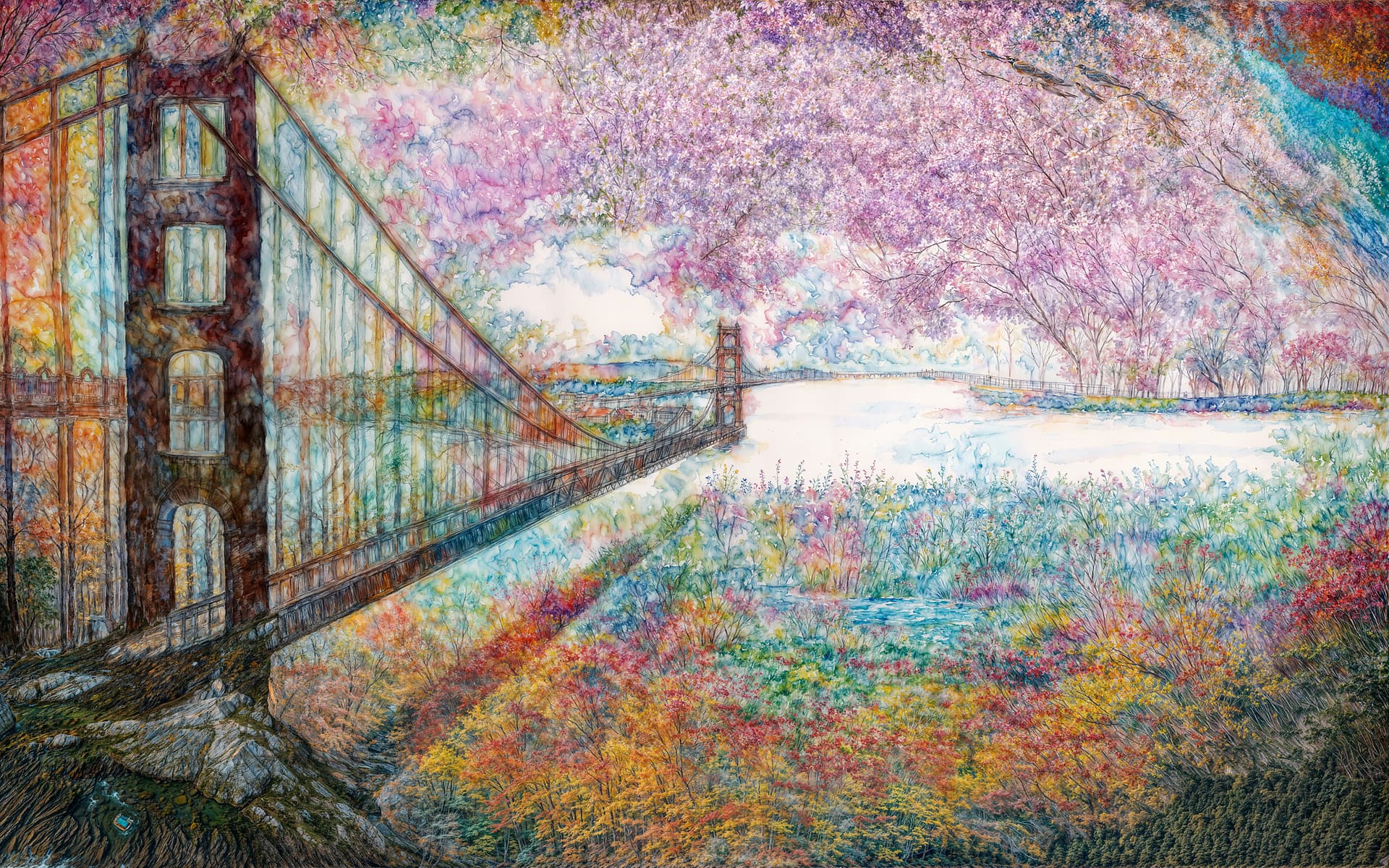
- Output from the current version 4.1.1
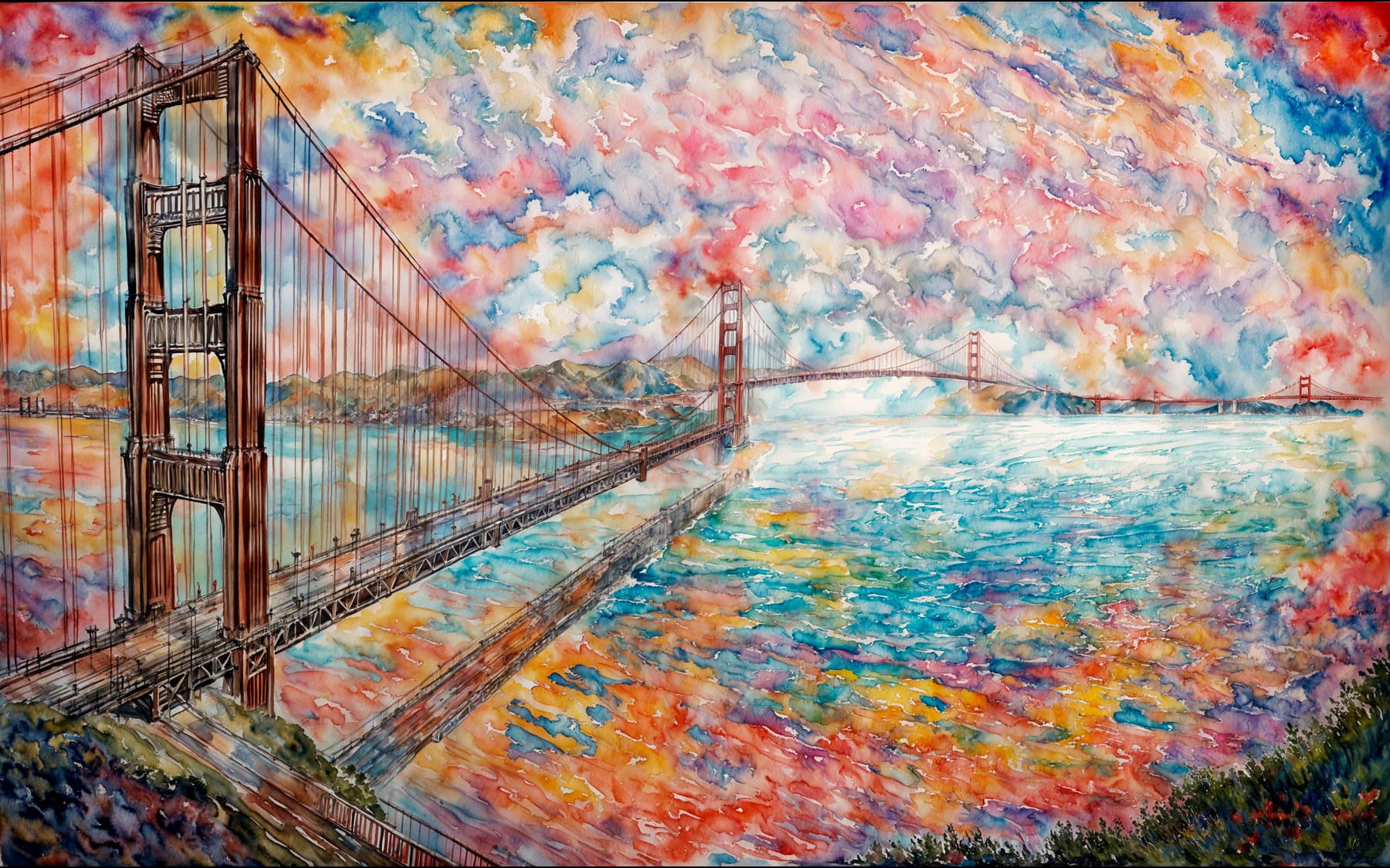
All images done with Redefine, creative and max or highest creativity.
Is there a way to have both versions installed at the same time?
1 Like
Really like your Original!
1 Like
The software could be so good if the aim wasn’t to enlarge artificial images.
What could I do with it?
Retouch natural.
Improve contrast and details.
Restore highlights.
Improve facial expressions in faces.
Regenerate old images.
What does the software do?
Generate artifacts (halos and unrealistic details).
The amount of work required to improve individual images is so big that I only use it for fun, very rarely for productivity.
The results are unpredictable even with the realistic models, probably because the tile sizes are different for preview and export.
In 20 years of photography it has become clear that the vast majority of people (99%) do not want pictures where they look artificial.
Realism is now more important than ever because the web is being flooded with AI generated things.
Topazlabs, like the rest of the AI generative world, has decided to go the artificial route because it’s spectacular and probably comparatively easy.
7 Likes
Those requirements sound like the opposite of Bloom.
Interestingly, the tagline for Bloom (on the Web…) is:
AI Reimagines Your Photo
It doesn’t say “take your illustrations or AI-generated art in different AI controlled directions”.
However, the same type of improv happens in GAI with photos.
1 Like
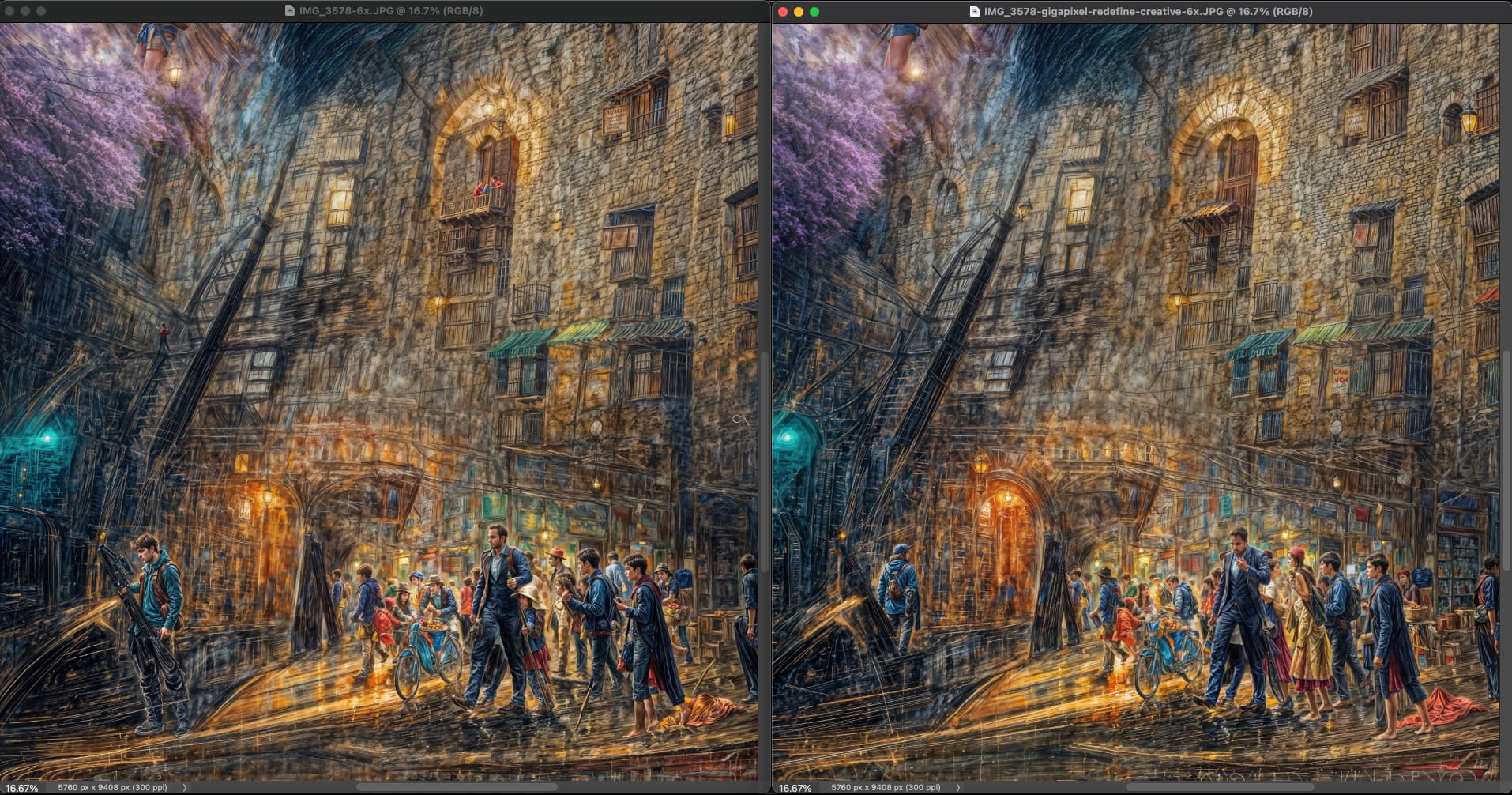
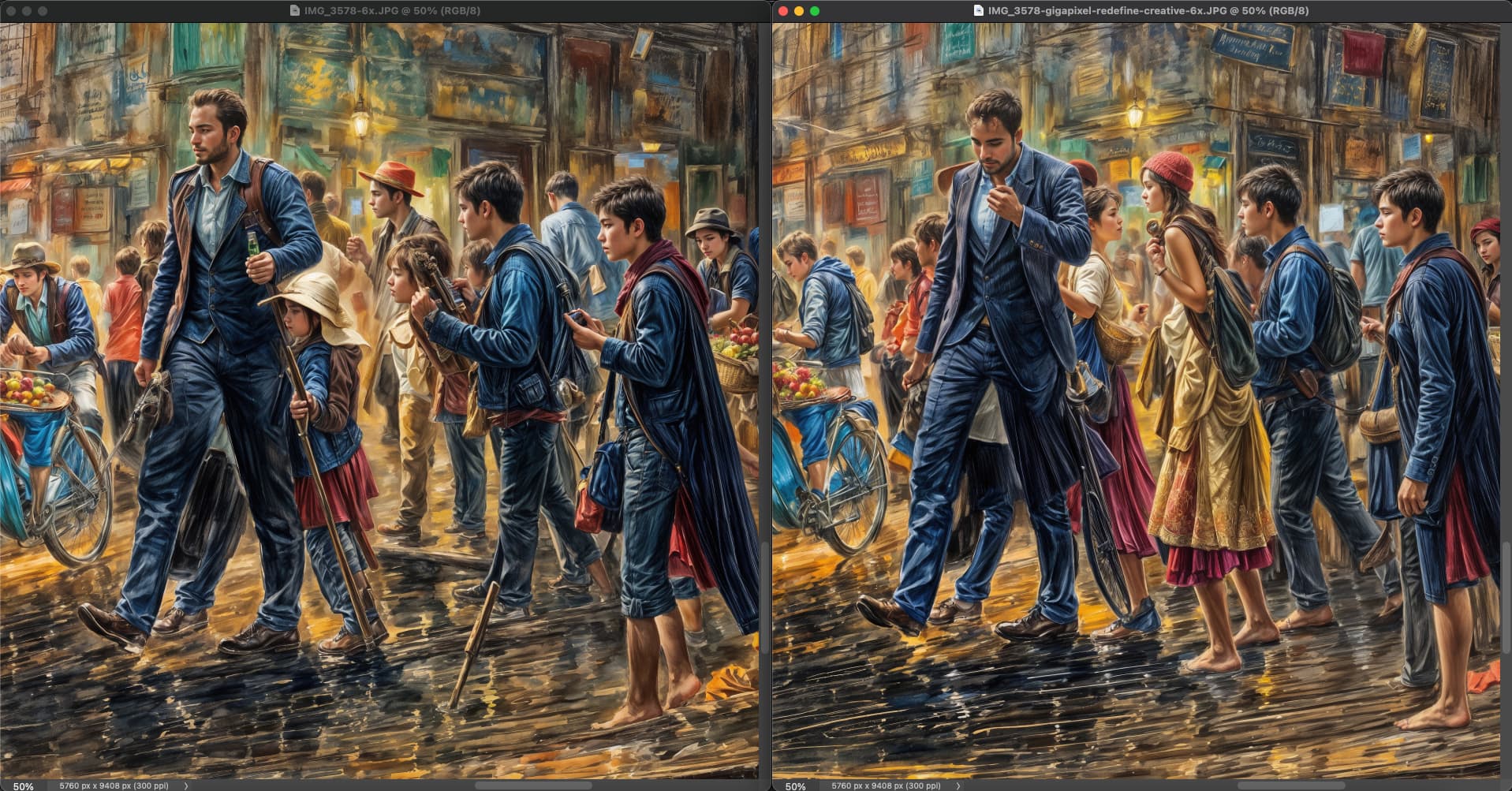
You got me curious as I did many hundreds of Redefine renders late last year with whatever version of GPAI was out then.
Below at left is one of those renders from December 2024 and at right is one I just did moments ago with the current GPAI on the same hardware (Dell Precision 3660, NVIDIA 4090), using the closest new settings I could find reproduce the December settings (which were Creativity=6, Texture=3, now Creativity=Max, Texture=3).
The results are quite close but still vary. Such is the nature of generative AI I guess.
Did you use the same hardware? At any rate, I like your art
I assume Topaz tweaks their models from time to time, but I don’t think we have much info about that.
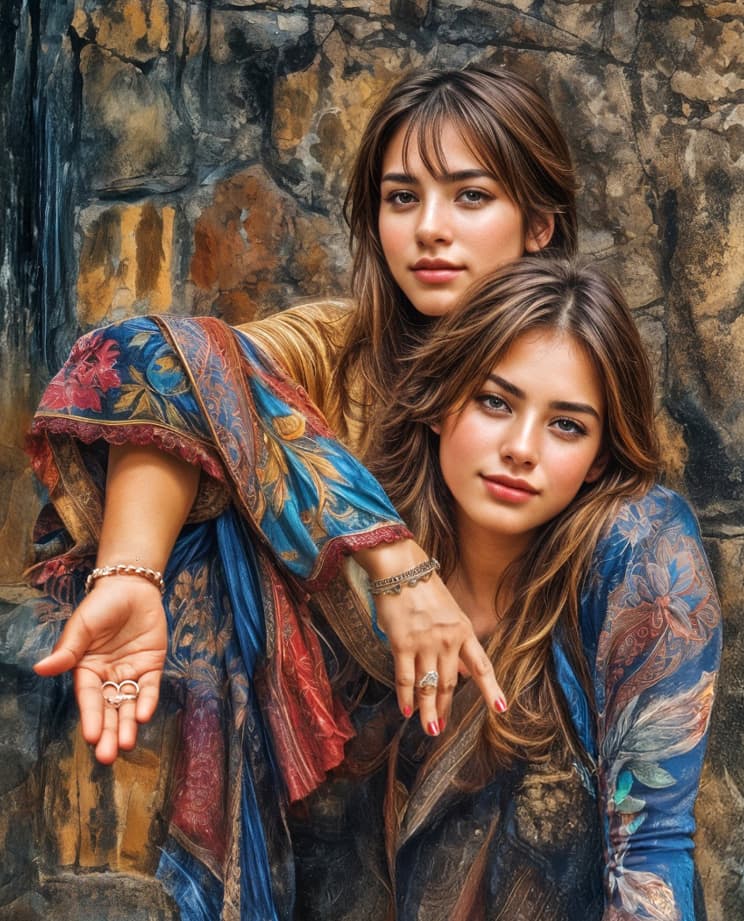
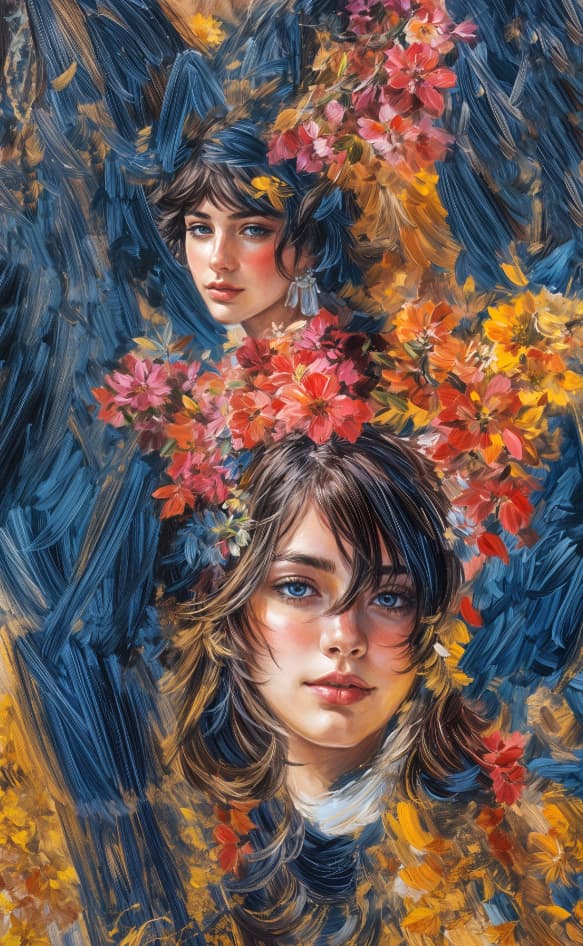
Part of the original WOMBO abstract:
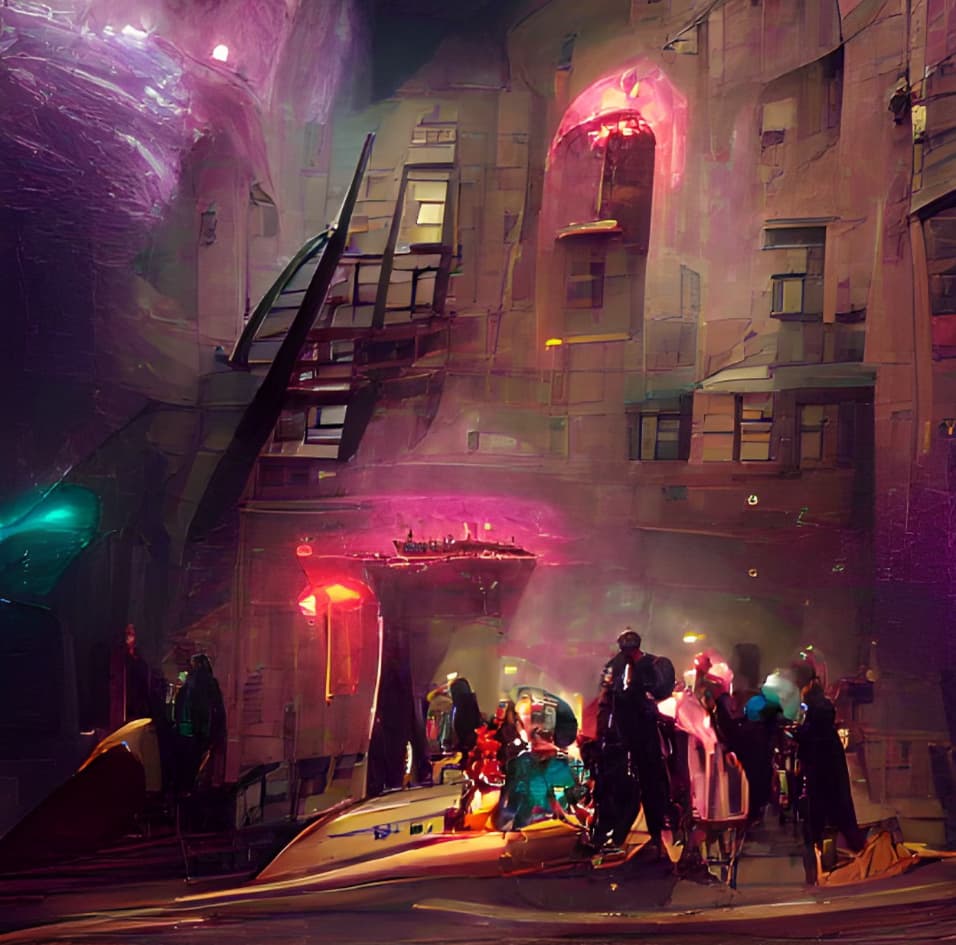
I would be sad if our familiar friends ever went away!
3 Likes
I think that GPAI still does a great job when enlarging images that are not too small and/or not too bad in quality. High Definition is great and seems to have improved a lot over the updates. Just enable legacy models and compare to version 1, you will see a great leap forward at least for the nature and animal stuff I usually do.
OTOH, if the input picture is small and/or lacks detail, only AI can help out, so I appreciate Topaz going that route as well, not as a replacement for the standard upscalers but as an addition. That being said, Topaz seems to have a different approach than genuine genAI apps such as Stable Diffusion. Stable Diffusion can in fact “upscale” images with insufficient detail, but if, for instance, you want to do that with an animal picture with missing fur texture, to restore that fur texture you have to crank up Stable Diffusion creativity in a way that changes image composition in a way that is unwanted in most cases. There are workarounds such as controlnet but they have to be fiddled with a lot to get good results.
GPAI redefine seems to preserve image composition better but tends to exaggerate textures such as animal fur or the surface of rocks, or even add such textures where they should not be present - and prompt adherence is virtually non-existent compared to genAI models, at least with low creativity settings. The interesting things that occur when using high(est) creativity levels are… well, interesting but not what I expect of an upscaling app (in contrast to a genAI app). I can understand that those using that creativity are pissed if that “feature” suddenly disappears or is drastically reduced in its impact, but this is not what I buy an upscaler for. The strange effects at higher creativity levels may be the result of the images the models are trained with and thus may be subject to change with the evolution of training datasets. As long as those changes result in redefine making better and more realistic upscales, I am absolutely fine with that. As to things as animal fur, there is still a lot of work to be done in regards to texture realism. And if that happens at the cost of Topaz girls, birds or fish appearing in the output, so be it.
4 Likes
I think Topaz want users to adopt Topaz Bloom for artistic image upscaling. This service operates exclusively on Topaz’s cloud servers and requires a monthly subscription. The Standard plan, priced at $15/month, supports a maximum export size of 16MP and is limited to non-commercial use. For larger export sizes and commercial use, the Premium plan is available at $50/month. 
The Recover and Redefine models often oversharpen subjects, transforming fine hair into wiry strands, adding white outlines to high-contrast edges, and creating a scale-like texture on human skin, among other flaws. In contrast, the new Topaz Bloom model produces images free of these issues, delivering smoother and more natural results.
2 Likes
topaz exaggerates the gigapixels, yes, but turning them into an additional monthly subscription with artificial intelligence is NOT the answer.
2 Likes
Is this ever going to get fixed for M3 Macs? I want to use these new versions but CAN’T! I’m tired of waiting for the fix. Not upgrading anymore till this is fixed. Anyone know a compatible version for the Mac that they have used if this is never fixed for us? Thank you.
1 Like
Did you read the recent READ ME about Releases to see if that helped at all?
Did you contact Support on the main Topaz website for any answers?
Yes and yes since the first issue occurred after 8.0.2. Yes and yes provided data and conversed with support. So yeah I’m done waiting and ready to move on. Any suggestions for software equivalent for Mac? Thank you.
2 Likes
Okay. Just checking to see if any help…
Not Mac, but I am working on alternative options to Photoshop for Win users if Adobe continues its greedy price increases (again) with fewer generative credits and rolls out its rumored convoluted, complex, discriminatory-against-hobbyists, multi-tiered new plans. It would be great if they don’t break things that aren’t broke - especially after alienating the masses with EULA changes too. Because I only use Topaz products as plugins to Ps, who knows what will transpire…
Bloom looks really interesting, but it’s hard to add another subscription to the ones I already pay for. And not being able to use it on commercial projects really limits its usefulness for me.
Where can I read more about these usage limitations?
2 Likes
