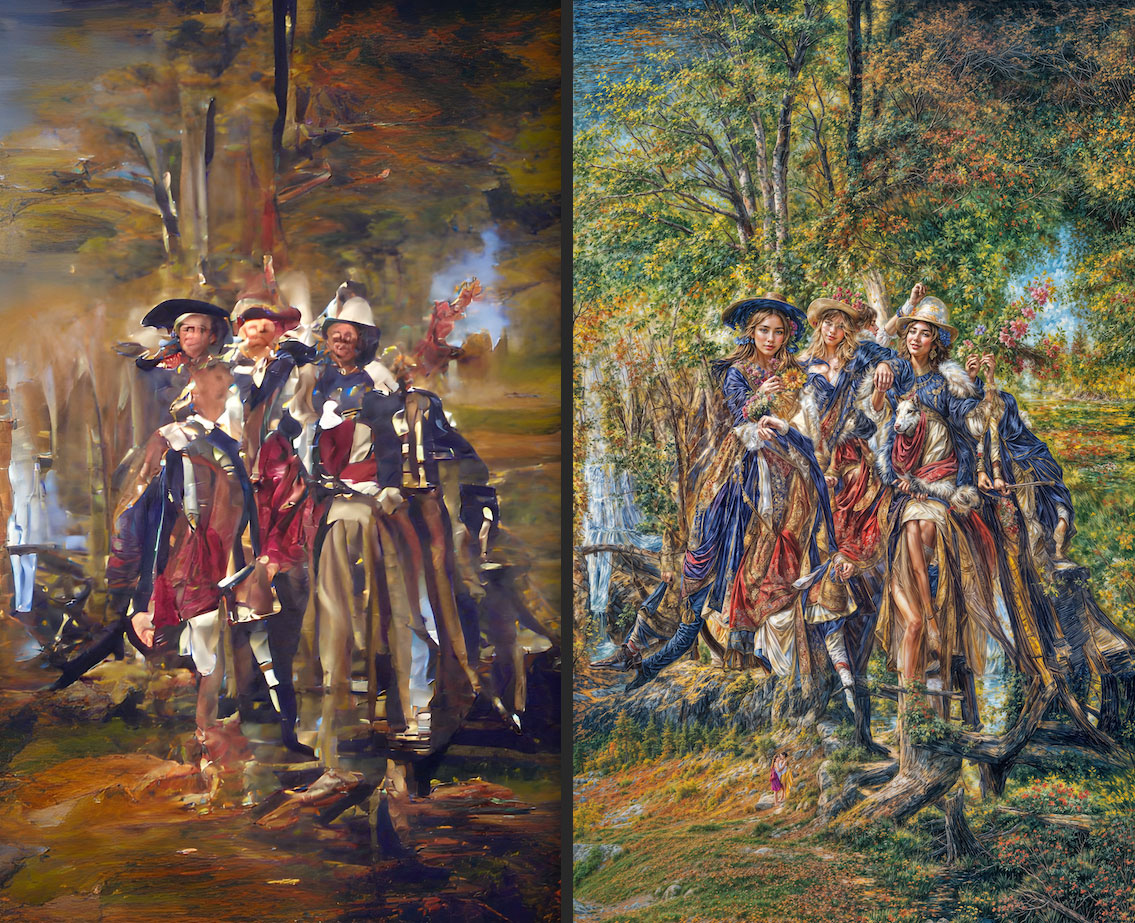
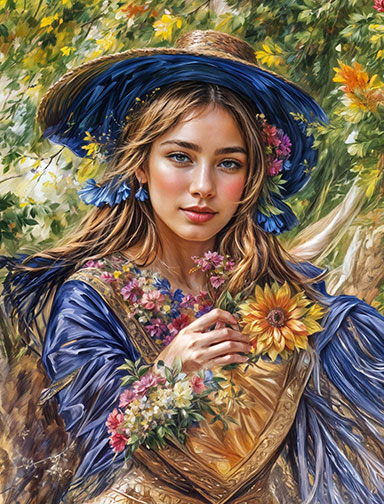
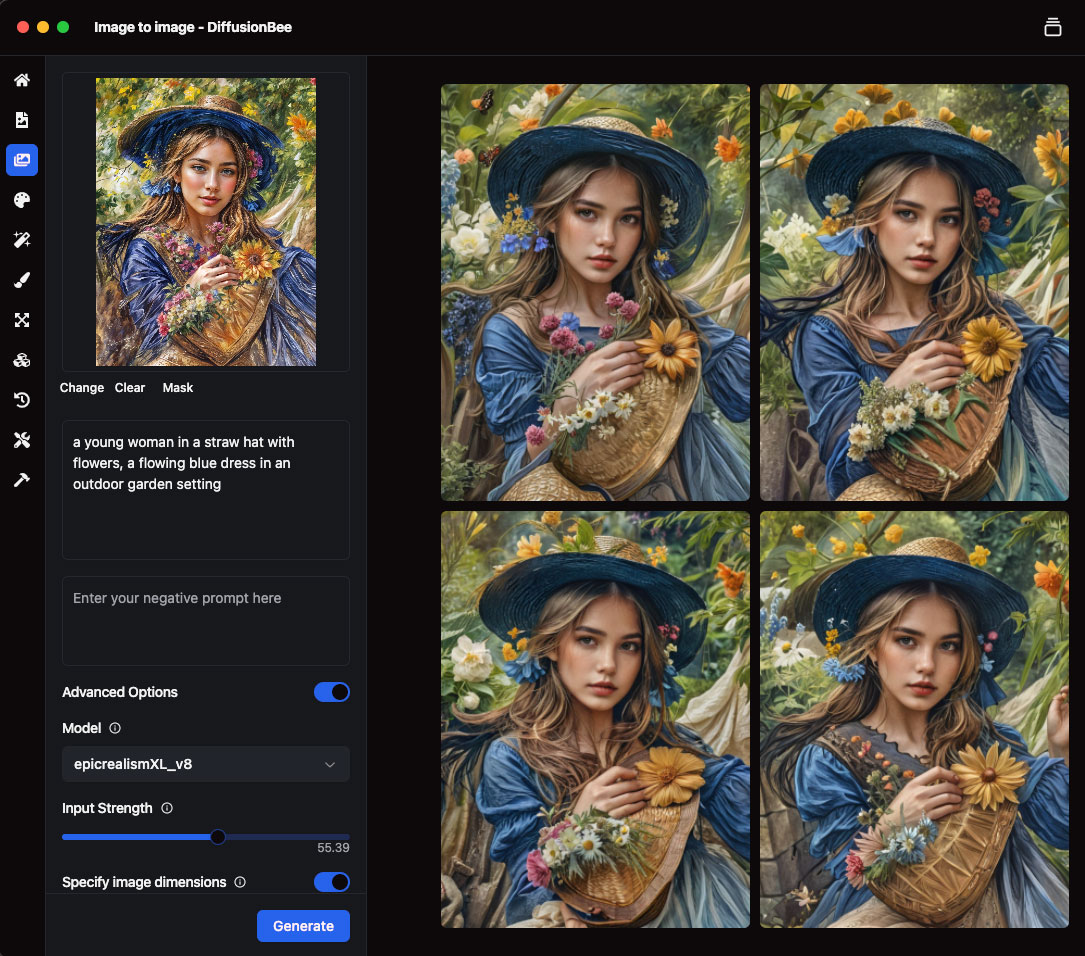
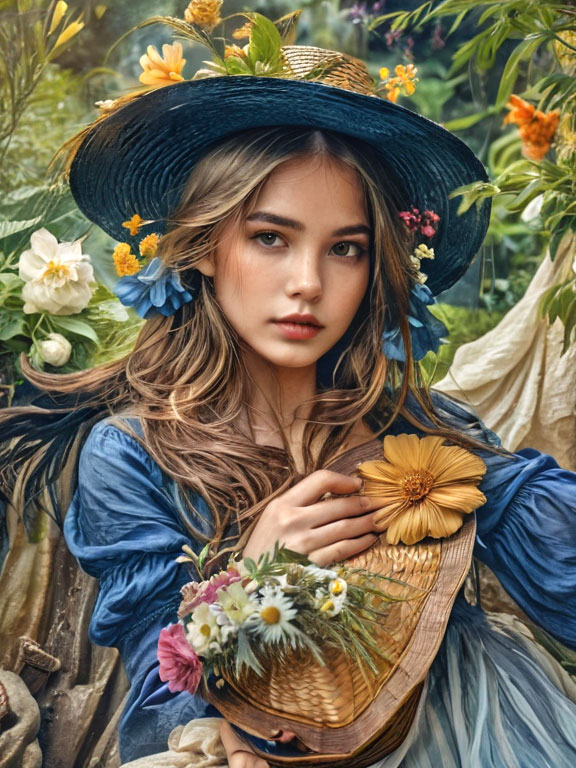
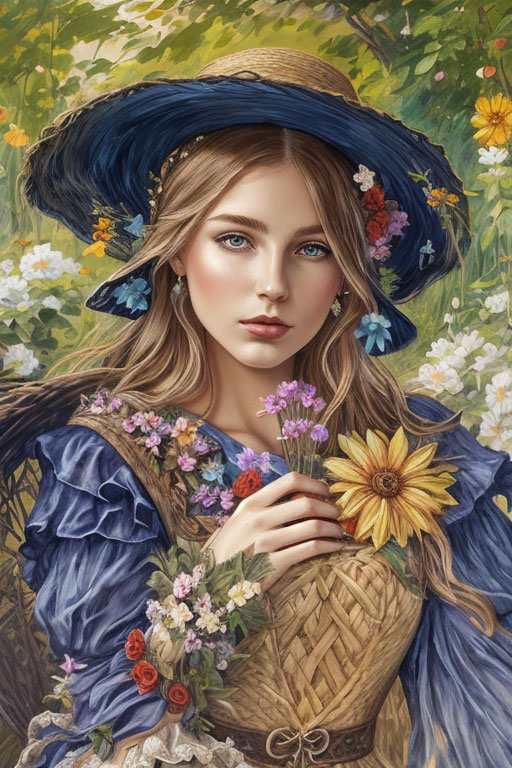
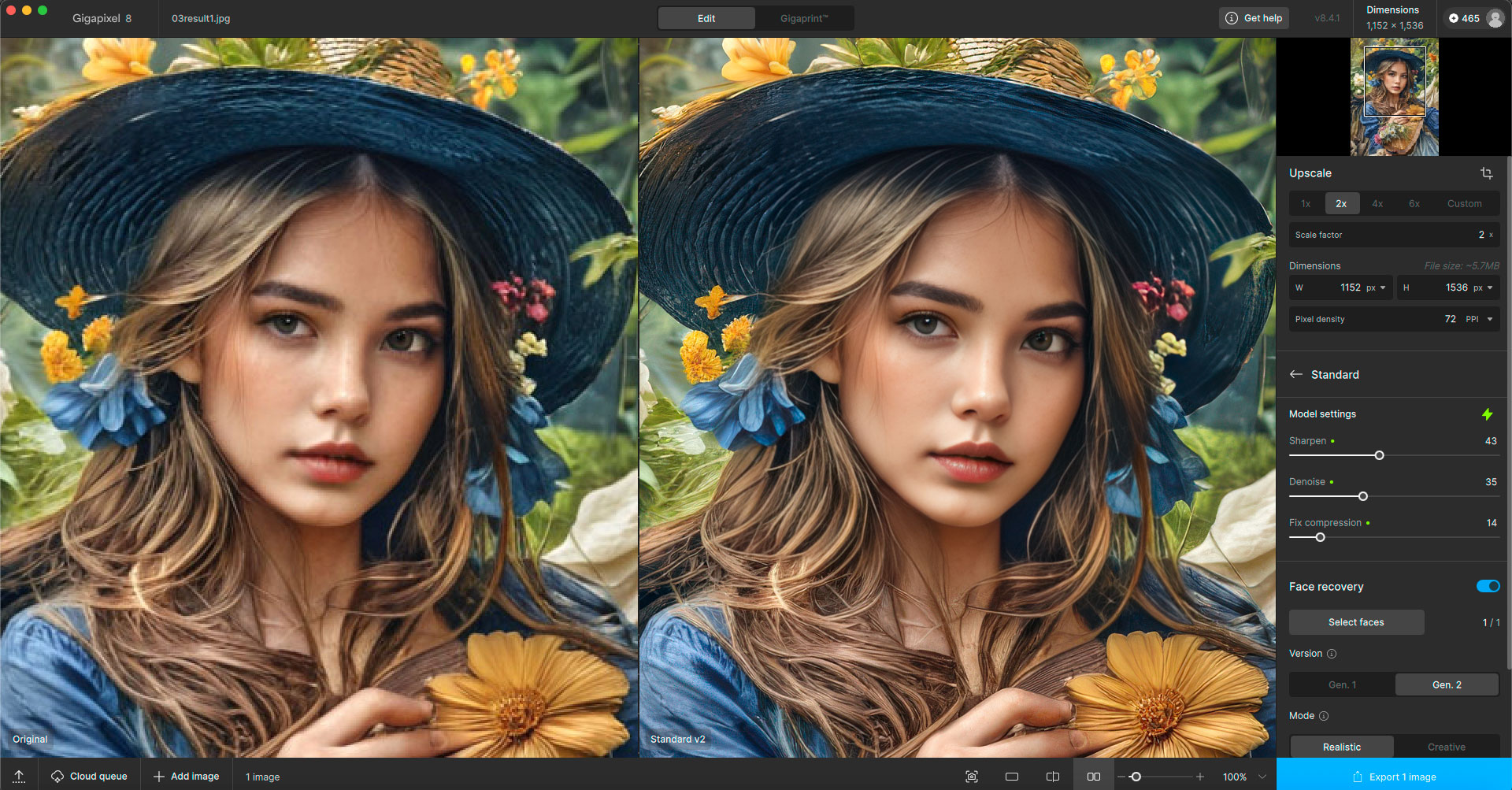
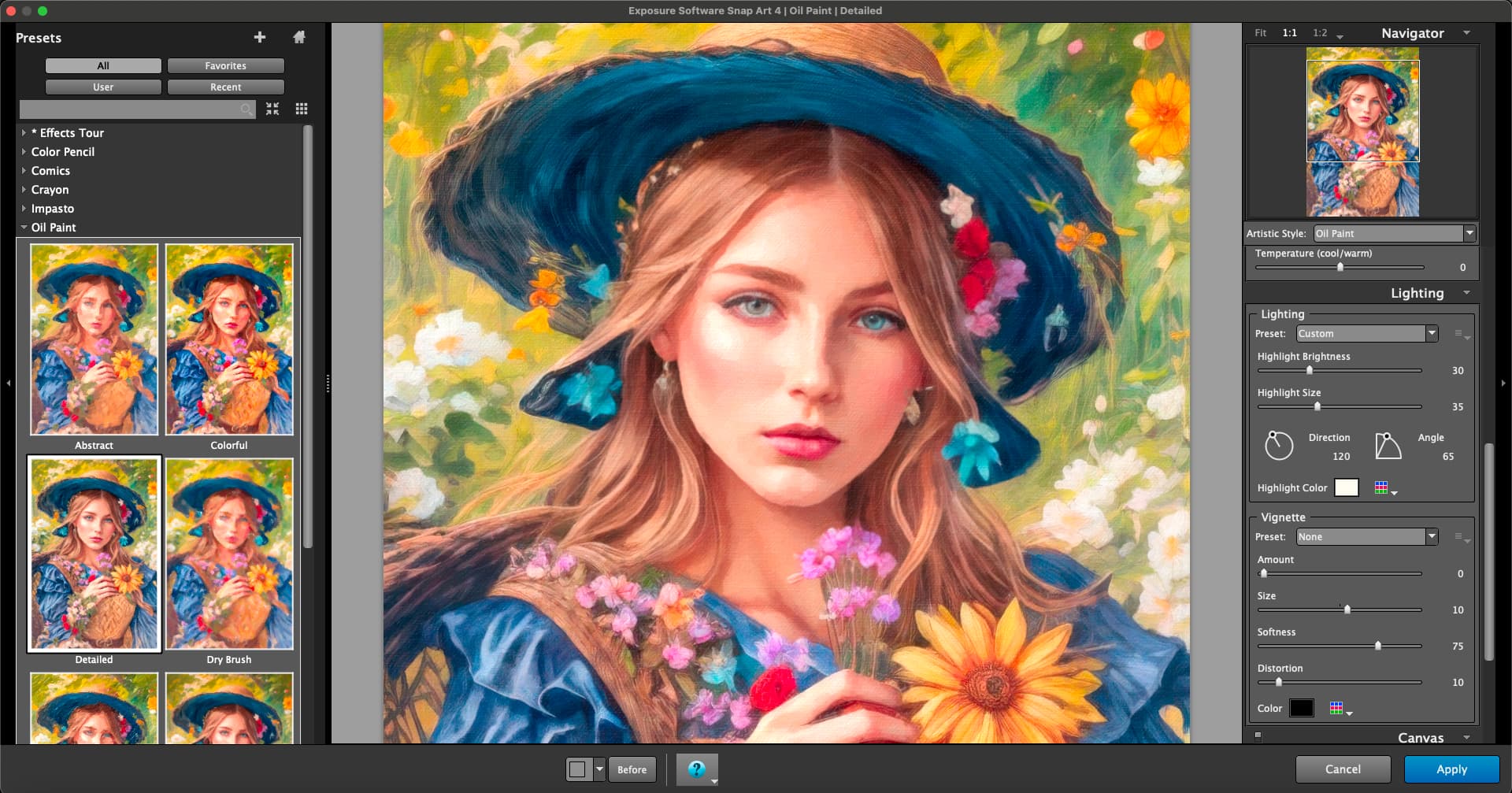
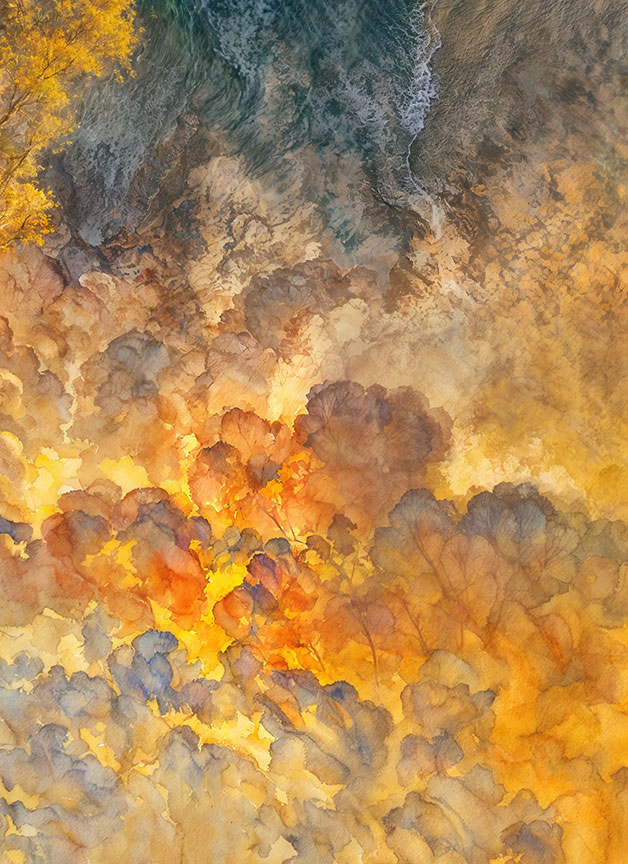
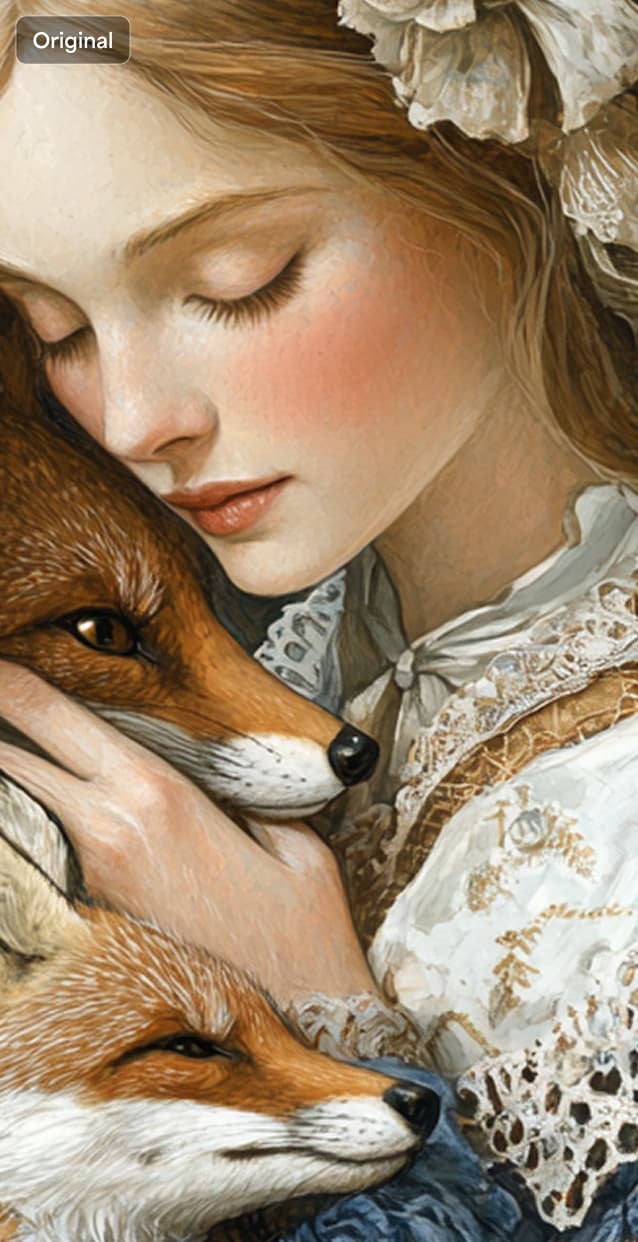
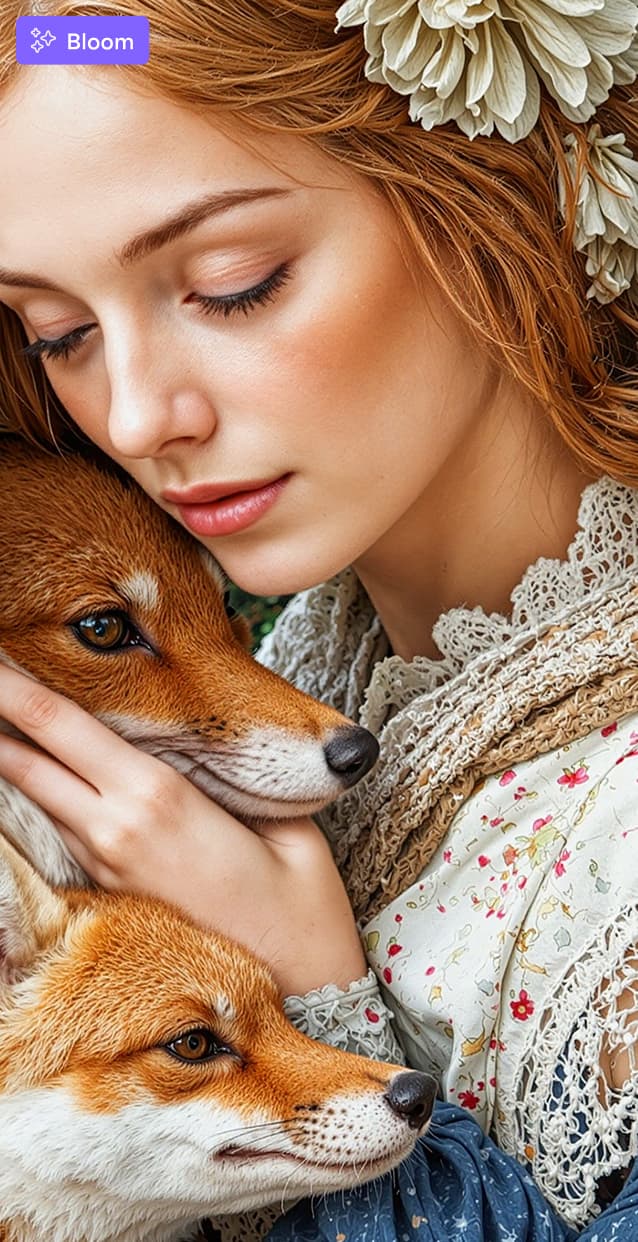
There doesn’t seem to be a Bloom forum here so I will post here. I got another Topaz advertising email today and it shows a before Bloom and after Bloom image. I notice a couple of ugly things about the after Bloom image.
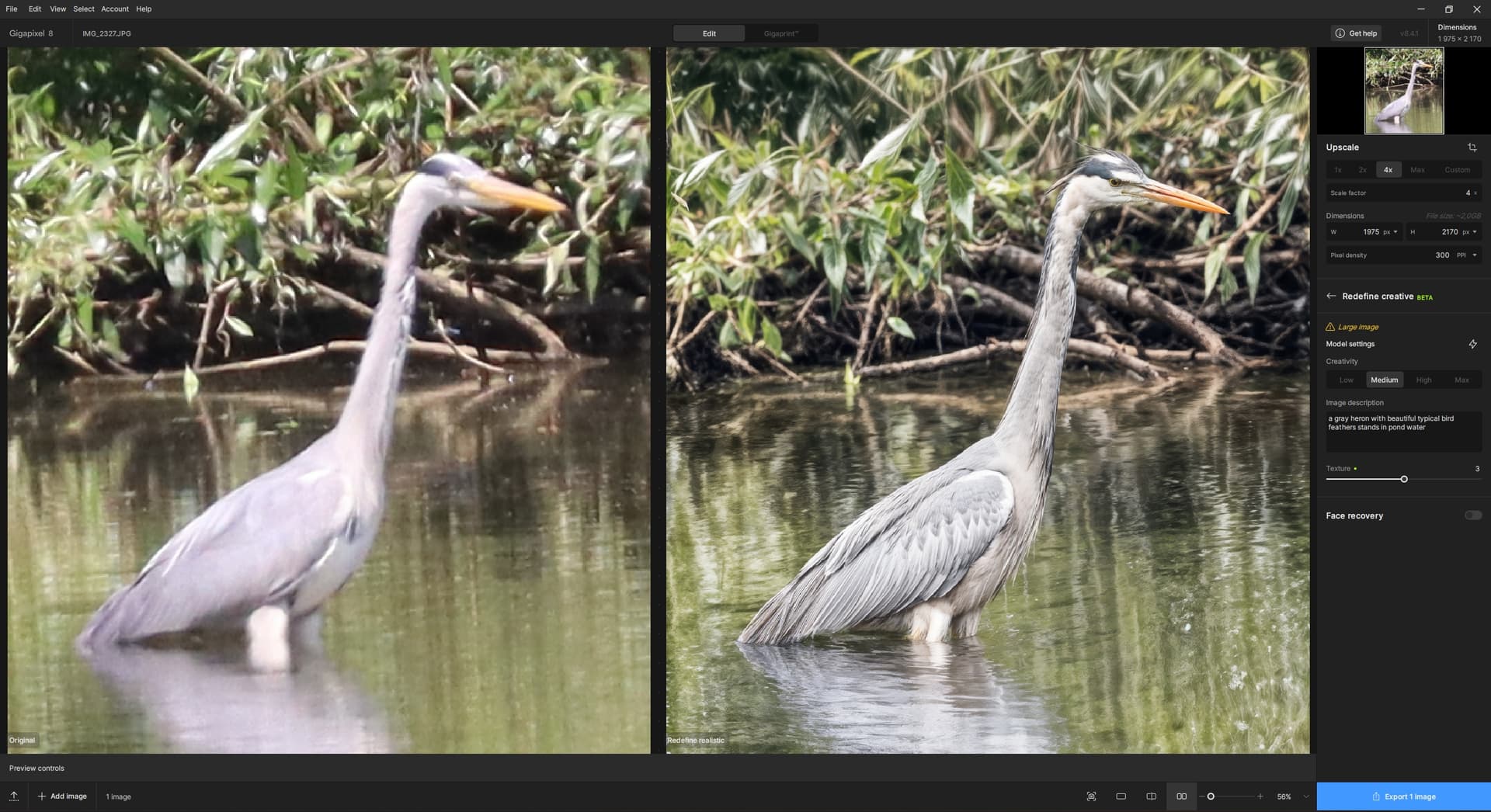
An attempt at a nice picture of a grey heron, which is always at the opposite end of the pond, inaccessible far away (about 300+ meters). It seems to me that the AI has done quite a bit of work here: Gigapixel, crop from a crappy photo, Redefine creative Beta, Creativity medium, Texture 3, 4x magnification of the small crop. I wrote the description of the picture (formerly “prompt”) by hand – it was a big struggle to make the bird covered with feathers and not hair (as it kept appearing in various other Gigapixel models). The result seems too good to me, but of course I have no objections. I don’t even see any artifacts.
But: I’m confused by the label of the result (right picture, and there on the bottom left): Redefine realistic. However, I have Redefine creative Beta in the menu, if my eyes aren’t deceiving me. I guess it’s a mistake in the label and not a confusion in the menu and model entry(?). It would be worth fixing, I suggest.
I think Topaz doesn’t want users to discuss Bloom in this forum, or they would’ve created a new section for it. They quietly posted the release in the ‘Other Releases’ section and locked it immediately.
The Bloom model isn’t perfect yet, but it fixes many artifacts seen in the Recover and Redefine models, such as oversharpened subjects, fine hair transforming into wiry strands, white outlines appearing on high-contrast edges, and a scale-like texture on human skin, among other flaws.
Hopefully, Topaz will address these issues in the Gigapixel AI model too, instead of forcing users to rely on the monthly subscription Cloud service.
Just a quick comparison 4x Upscale using the default setting.
Hi ed-7884,
I think you can probably have 2 program versions installed on your PC - it’s a bit fiddly to do !
I have not tried it recently but early last year in Windows 10 PC - I installed new versions of TPAI and GPAI - and kept my old versions by renaming their Program Files folders - ie to “older-Topaz Gigapixel AI”. I can’t now reliably remember what I did with the Program Data folder but whatever it was it worked.
Then I installed the new versions into the standard Windows Program Files folders …
The tip advice I was following (which I can’t instantly find) said to check desktop shortcut icon properties are pointed at the right folders before trying to use either program version.
It worked for me and made it easy to compare version results at that time.
I dropped the double installations after creating a good LrC collection of test images with filename suffix details of model settings etc for comparison with new releases.
Now I just use LrC side-by-side view to compare output from 2 different program releases and in the multi-view-icon you can compare 3 or 4 or 5 or 6 !
If you do a Topaz all topics search using “change program folder name” you will find some relevant posts …
Oh, I think there was a later tip that only one version should be run as Administrator …
There have been a few references to this tip/trick and I’ve not seen anyone say it didn’t work.
I saw one Topaz reply saying that they didn’t support the idea and that it could cause errors …
So proceed with CAUTION because I cannot guarantee that the tip still works today…
But Discord is not great to work with based on past attempts to use it with different companies’ servers there…
I think Discord is targeted to teens & twenty yr olds based on its format & design style. Probably the same users who, on Reddit, comment that the terrible, amateur, vernacular photography posted there is ‘fantastic’ and, “Hey dude, how did you get that effect??”
Note the girl at upper left. I cropped her specifically and saved the slightly retouched result as a separate image (reduced here, otherwise these crops are hi-res due to the original 4X and 6X renders):
After getting the modified results, you can either create you own hand-drawn or painted art using these poses as references, or you can apply artsy to them on the computer (I enlarged my result in Gigapixel first before using the art plug-in in Photoshop):
I’ve spent a bunch of time over the last 6+ months creating detailed crops out of my many Redefine renders (about 6600 crops of all shapes and sizes being arranged in different categories; “Fantasy People” is only one group).
More traditionally, I also have crops that can be used as textures or overlays (1571 of them!), shown here reduced:
AI hands have come a long way in terms of improving! Wow. Used to be hands (& heads) looked like mutant blobs.
Now, if there could be some variations on the faces that is really needed (vs one Topaz princess & one prince - they look so fairytale-ish to me that royal titles seem appropriate). If you think of the sculptures of the buried Chinese army, the bodies were virtually the same, but each face was produced/carved to have its own personality.
BTW, what do you do with those 1,000’s of fantasy crops. I can imagine uses for the textures (because I’ve tried some you posted to use as overlays) having a harder time with similar yet different context heads.
Thanks, yes, the “heads” require some imagination for practical use! Book illustrations, wall hangings, etc. Once I get the final categories done we’ll see where this goes!
It reminds me of the good old days with Topaz Girl – she usually had a mysterious surplus of fingers and hands, so maybe your explanation will finally lift the veil of that mystery?
 or they would’ve created a new section for it. They quietly posted the release in the ‘Other Releases’ section and locked it immediately.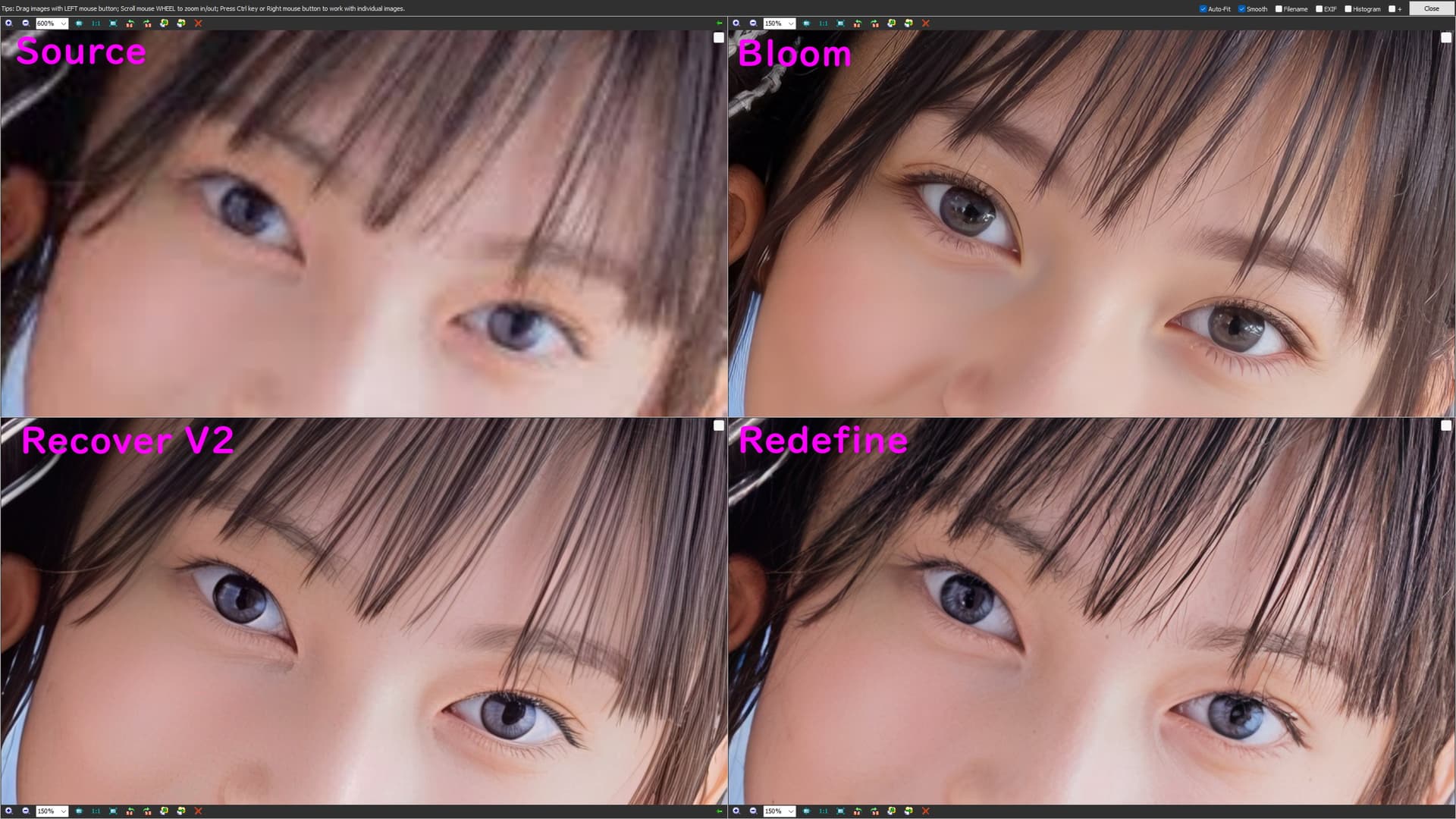


 dakota.wixom