Gigapixel is definitely not optimized for Mac. Runs slow even on M3 max (which has power to spare in other power intensive programs). Will this be fixed?
1 Like
This does not seem to be a normal model output. Can you please send the log files to me.
Also, if you want, you can use the free credit to run a 1X scaling of the image with cloud processing, which rules out the hardware specific issue of the model.
Windows. The Topaz Gigapixel AI.exe does not even show up in task manager. It’s like the exe does not even attempt to launch.
Inspired by @kenhumble above, here are my latest AI tinkerings with Redefine (on the NVIDIA 4090) along with comments:
Original NVIDIA Canvas app render from a few years ago:
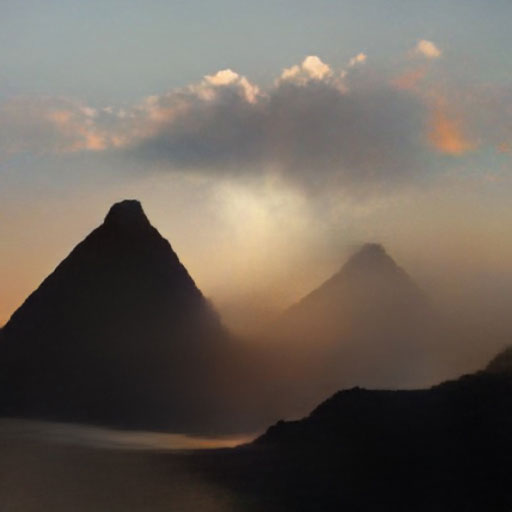
Image-to-image result from DiffusionBee with low source input setting):
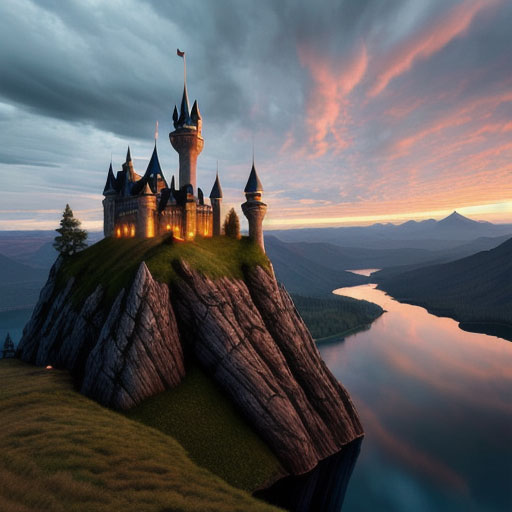
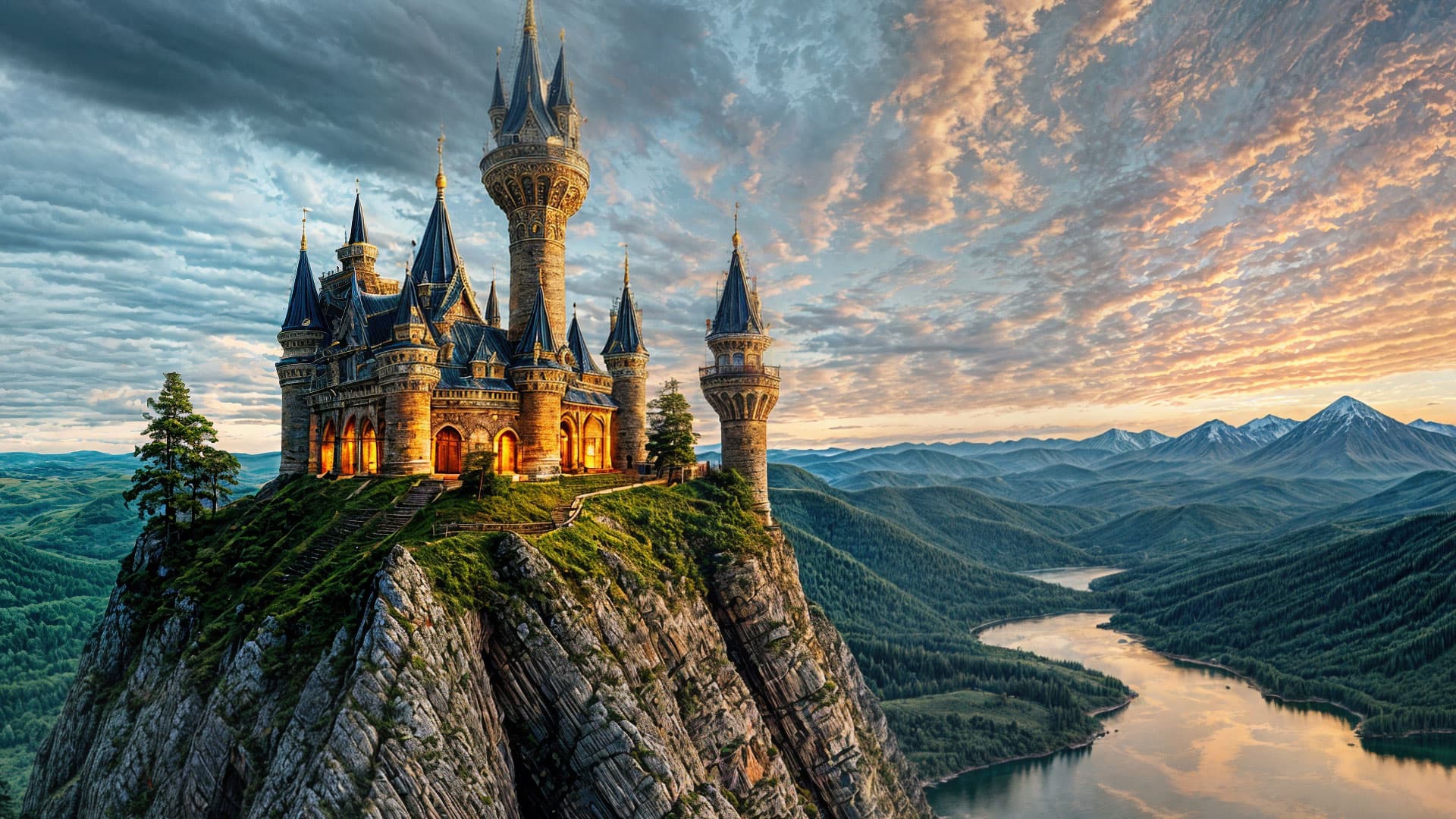
Gigapixel Redefine with high Creativity (crop at 100%):
Guitar Kid with lots of fingers, arms and legs, original DiffusionBee render (itself an image-to-image result from a previous work):

Redefine with high Creativity:
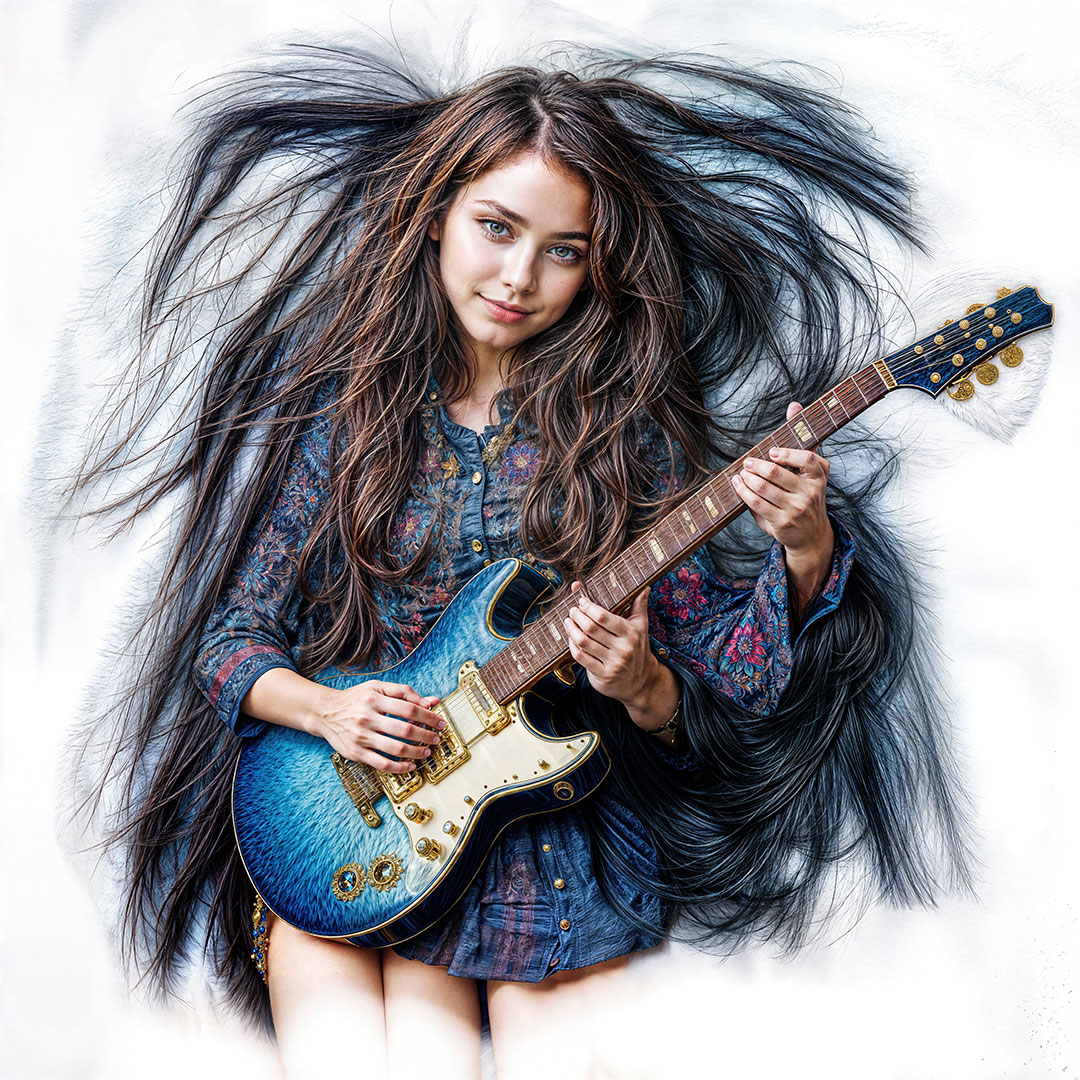
Crop at 100%:

Halloween Girl quick before and after Redefine:


Red Girl (testing different SD models in DiffusionBee, original):
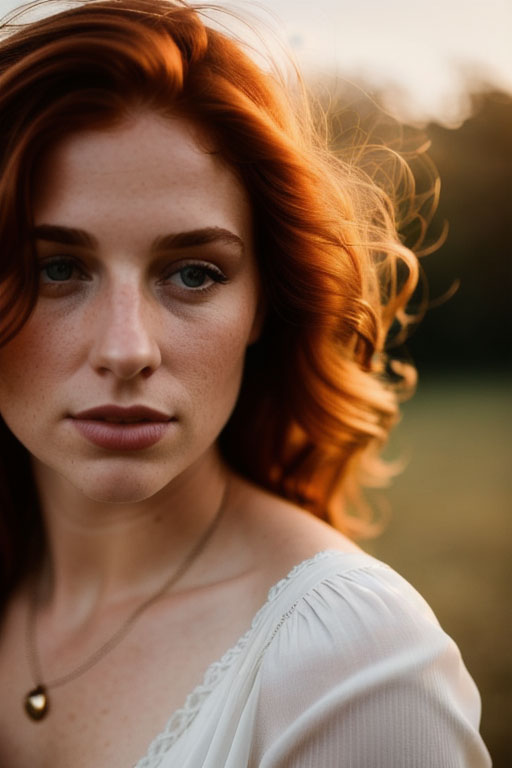
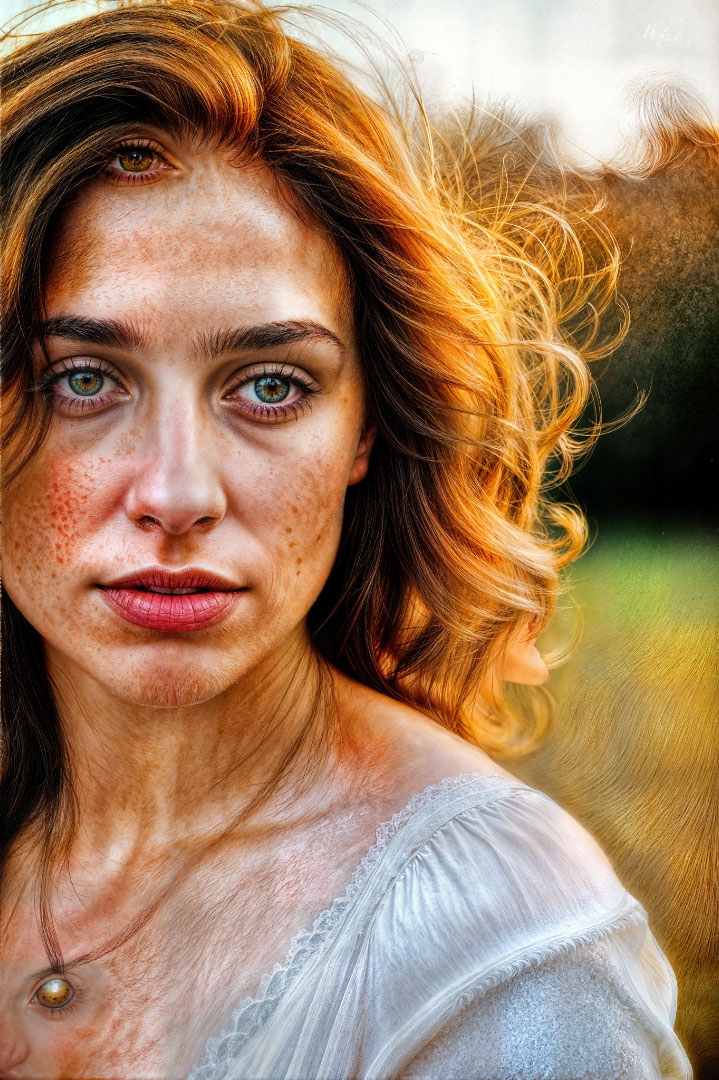
Too much Redefine! She’s got a Third Eye, whiskers and fur:
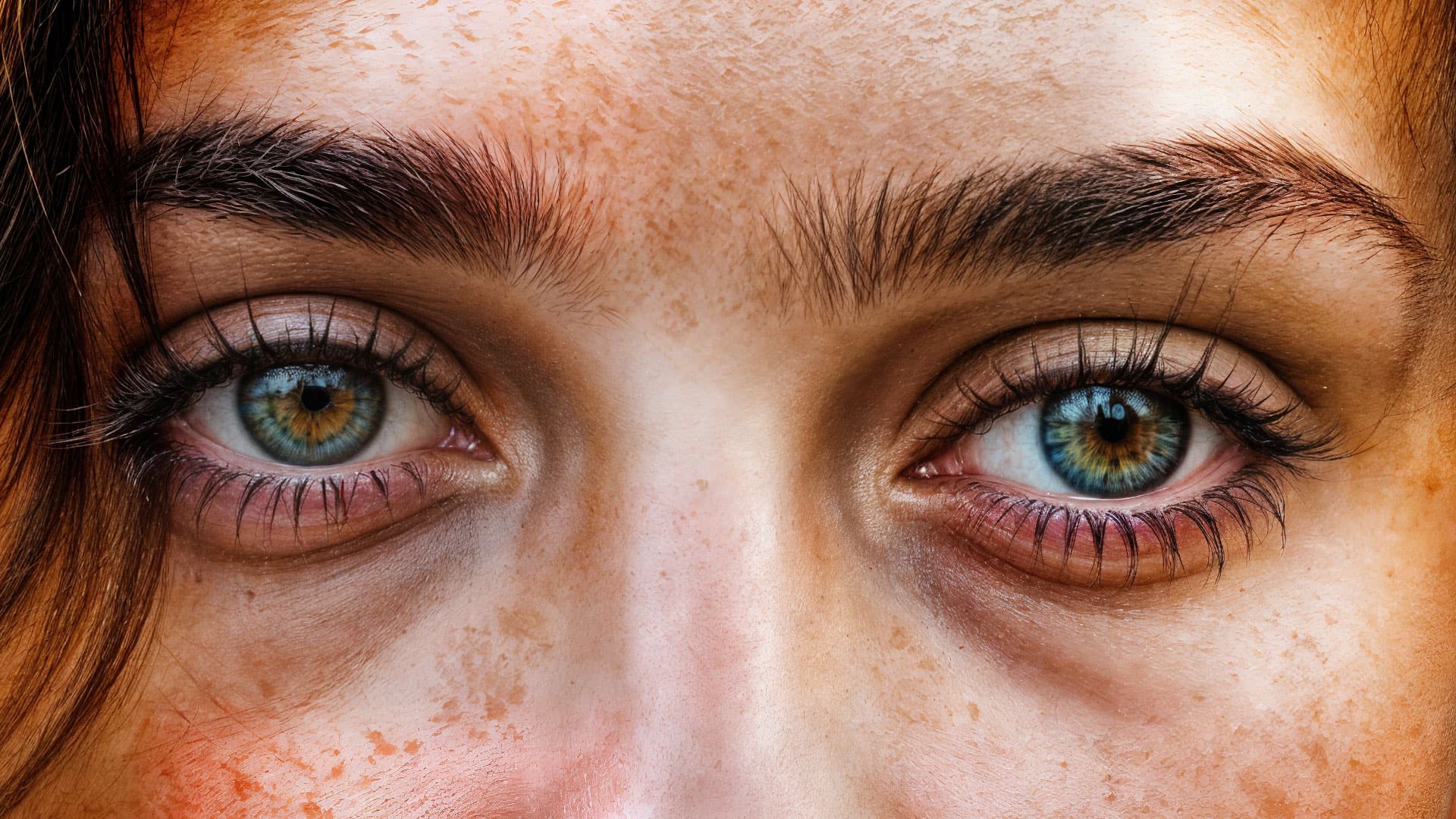
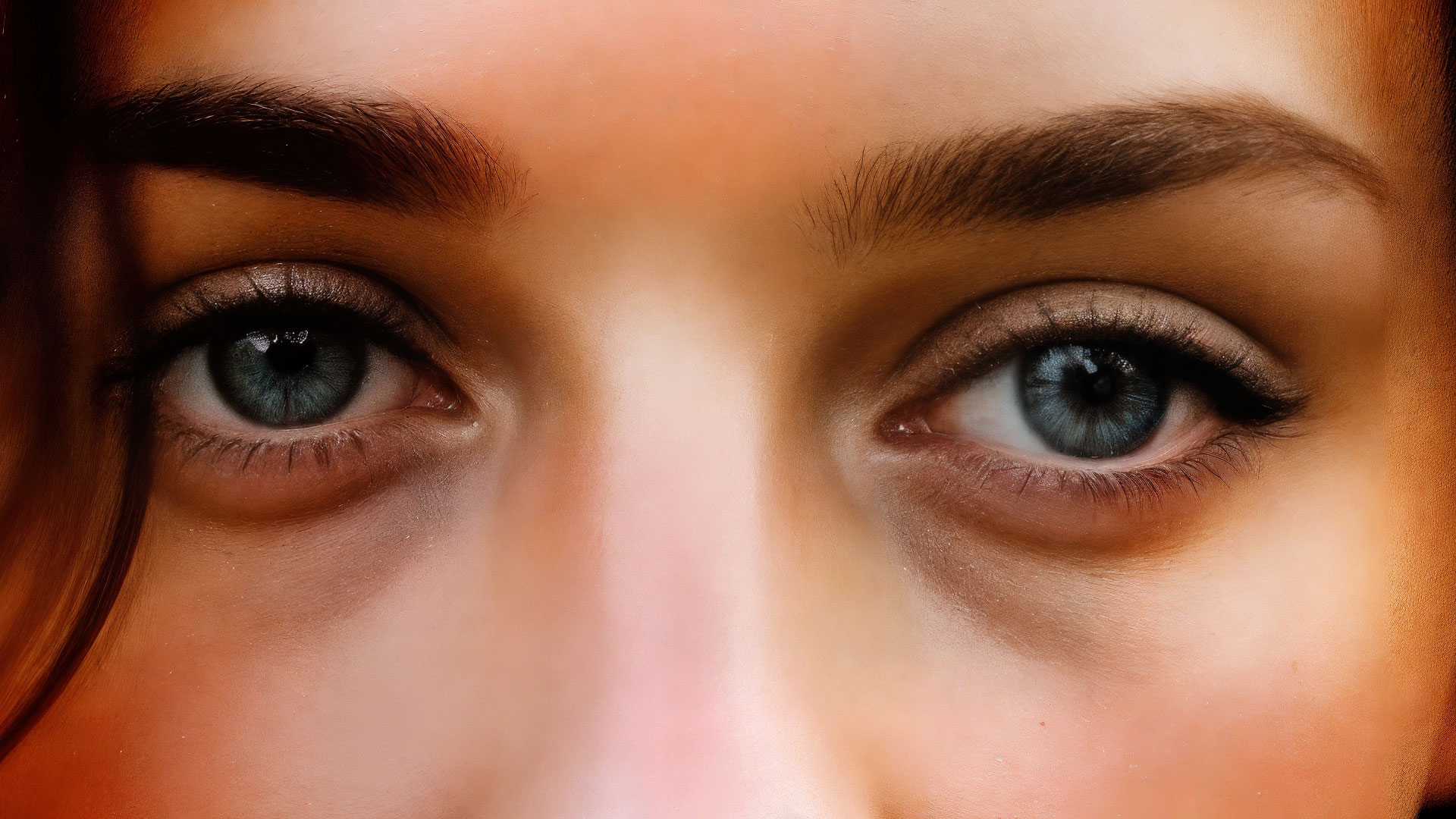
Her eyes from above at 100%, with nicely fixed irises (compare to original render):
Backing off the Redefine sauce:
So these are examples where you can start with AI, do more AI to the AI and add even more AI with Redefine!
3 Likes
Only the devs know but they indicate work is progressing in this area. Waiting for the next build to test.
Hopefully will have something in comun with the real world, and the (once upon a time) photography-related product…
Logs.zip (47.1 KB)
Here’s the log files for the above pics.
I agree, I am only getting by because I manage these Dells with NVIDIA 4090’s at work…  My M2 Mac Mini or even Mac Studio Ultra, not so much…

1 Like
I love the creative designs you’re getting. Just hate the way over-sharpened old (no longer in vogue) HDR appearance of them. Eeek!!! Or, should it be Gaack!!!
Once Redefine is toned down (no more crazy sharpening) & tuned up (to work on Everyperson, vs select person computers) and capable of working in Ps, then I will be interested for some (not most) uses.
It seems you have to crank up Creativity to get the good stuff and quirky details but yes, it would be nice to tone that back down afterwards. Let me try a very quick layer blend between the original of Red Girl and the heavily-baked one:
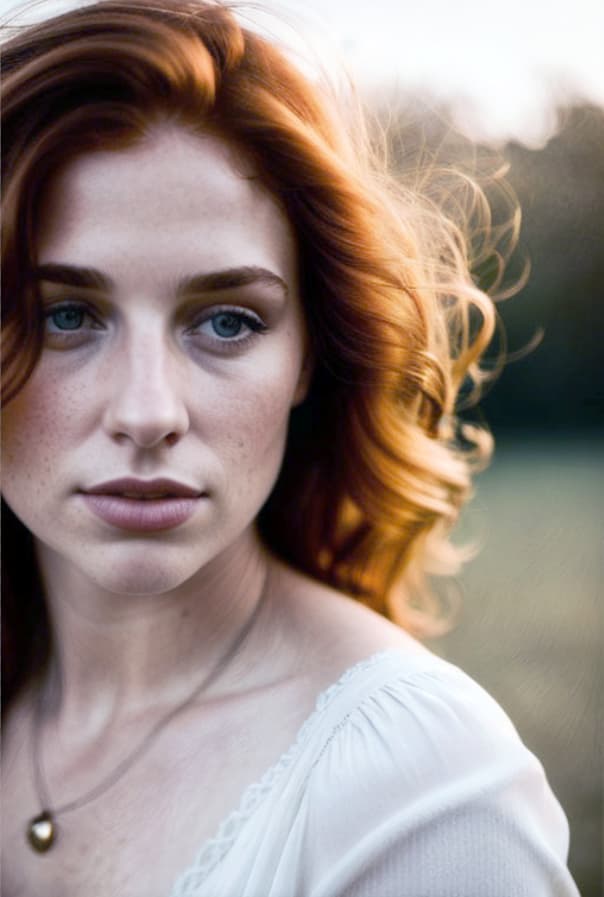
This might actually be the trick.
But in some cases Creativity creates/adds details not in the original so the match won’t always be there.
Another, where high Creativity is OK, I think, so long as it looks artsy:
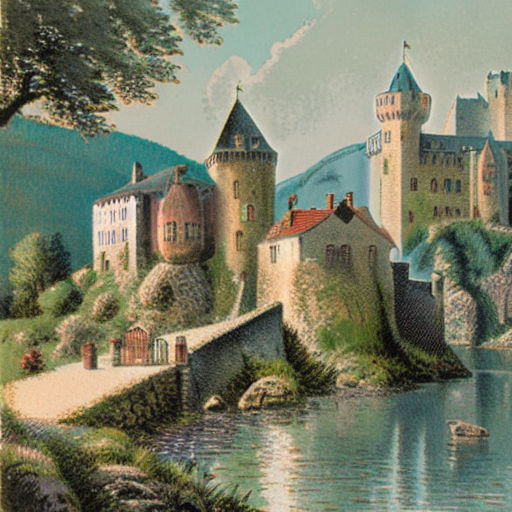
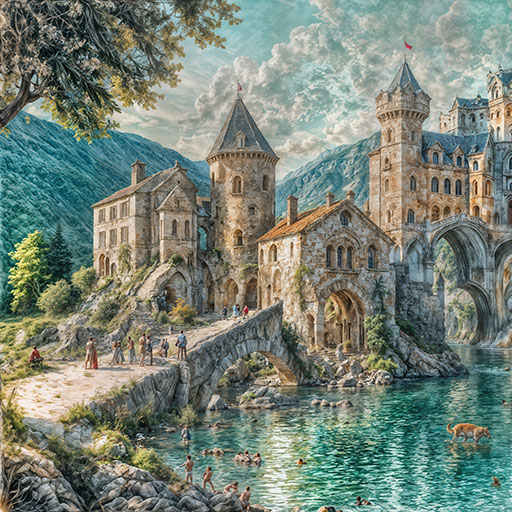
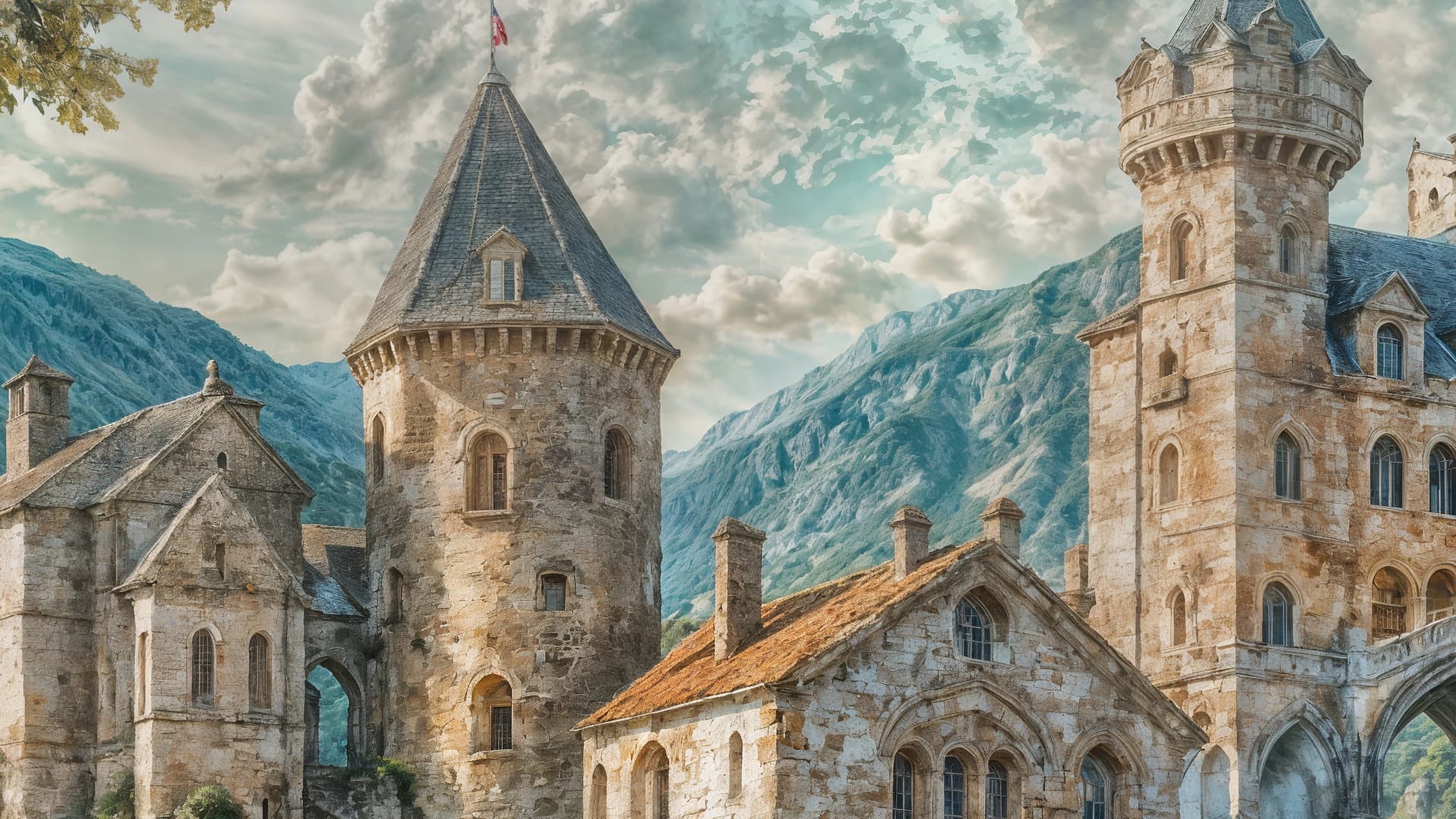
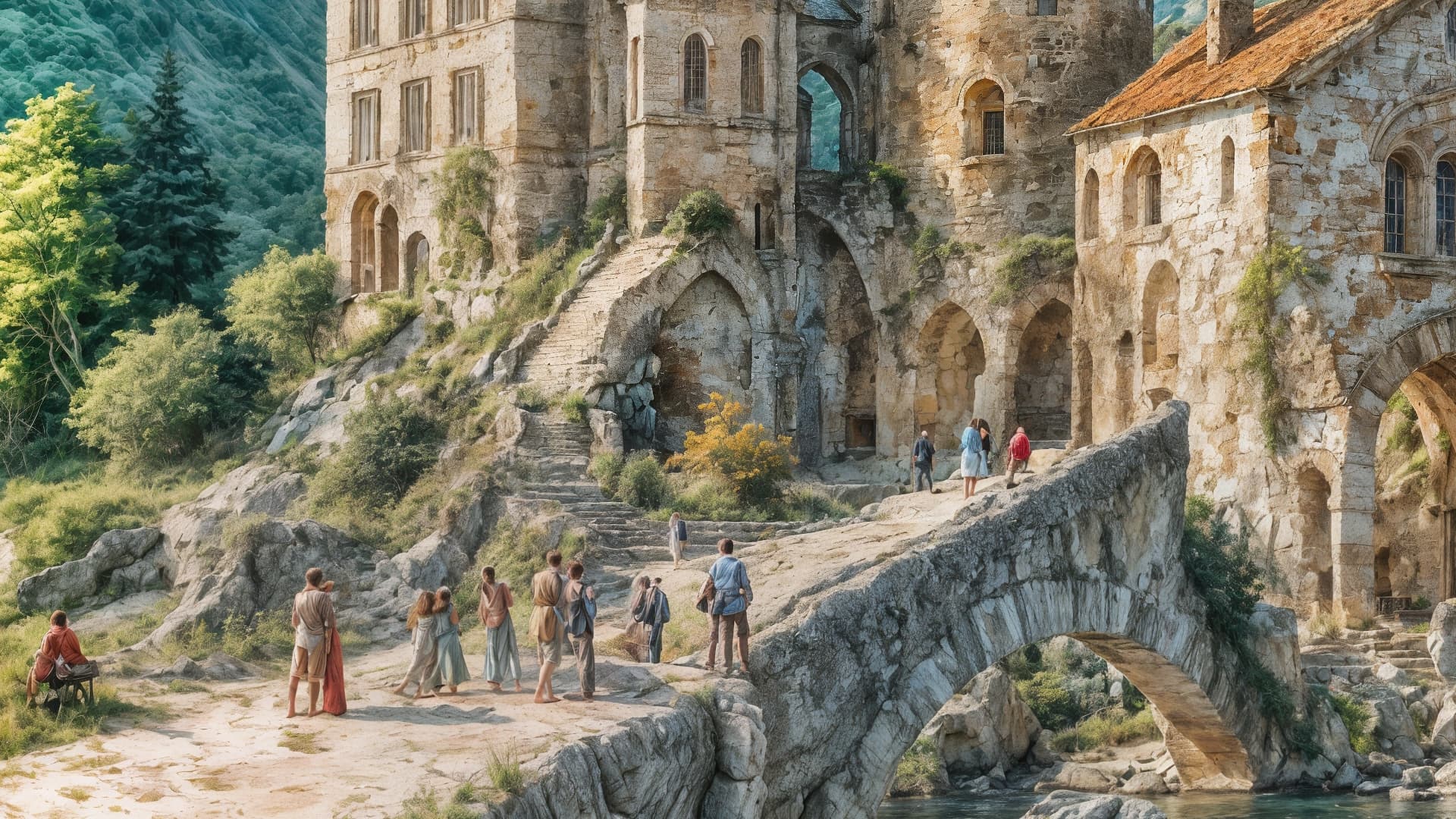
Have been waiting a few hours for the Cloud render to start, so far no luck (they remain in ‘Queued’ status. What’s the average cloud render time?
I also tried to render it locally (only a 2x upscale, 4000px x 3000px, with a 2.6 GHz 6-Core Intel Core i7 Macbook Pro), but my computer completely crashed in the process. 
This output of the Red Girl looks good! To me. Not over-baked.
But you’re right. Can’t do that reliably if generating new image elements.
Which is why I also need ability to work with stuff like this in Ps. For selective masking, blend modes, blend if, etc.
In Ps, when working with Firefly, there’s a method to specify ‘only gen AI content at a specified %’. It involves Quick Mask unless working with something like the TK gen ai plugin. That type of facility added to Redefine (as a lower priority to making it work with normal computers & not just itsy bitsy, teeny tiny sized images - I bet you thought I was gonna say polka dot bikini.,) would make that feature more usable to a measurably worthwhile & income generating user base. Too many steps & iterations required for trial & error if using T-Cloud.
Don’t use the Redefine model, and turn down the face recovery strength.
This is me as well. I bought GAI in December 2022, so it only got like 3 updates in that year. Upgraded to PAI when it expired since it was supposed to be the “end all, be all” and am also confused why this is all being forked out again separately.
2 Likes
After hours of download to my PC, cannot start the program, not even via Task Manager (Windows 10). Whereas Gigapixel v6… starts no problem. Never had this sort of issue before with Topaz products…
On your Halloween girl, she looks more like a warrior on the Gigapixel version hahaha.
For the red girl, on the final you forgot an eye. Her necklace turned into an eye with a partial face.
Your answer doesn’t tell me if you tried my suggestion?
I didn’t get any kind of sign either that the application got launched when I looked at the Task Manager, but I did get a log out of the failed “attempt”, and the "Run as Administrator “trick” helped me.
Just click Start Menu, locate the icon for GAI, right-click it and select “Run as Admninistrator”
Not saying you have the same problem I had and that my solution works for you, but neither does it hurt to try it to “tick it” off the list of things you tried.
Same here… try the solution described above. If it doesn’t help you, check if you at least get a log to upload when you contact Support. I don’t have my computer in front of me at the moment but Google tells me the logs are located in:
This PC>Windows(C:)>ProgramData>Topaz Labs LLC>Topaz Gigapixel AI>Logs
On the other hand - if it do work for you it is only necessary to Run as Adminstrator that one time.
Edit: Here is a post about the problem that jflegault posted if you want to check whether or not this applies to you (Photo AI (>=3.2.1) and Gigapixel AI (>=8.0.0) does not open)
Sorry for the lack of detail in my response. Run as admin did not help.
I do indeed have German special character in my username. Also I am not a big fan of messing with default Windows behaviour and permissions to avoid future problems. I hope a fix will be provided soon
2 Likes
So here’s the original image from ComfyUI

And here’s the improvement in Gigapixel in Redefine mode. I just pushed the creativity slider to 5 and all other sliders to minimum.
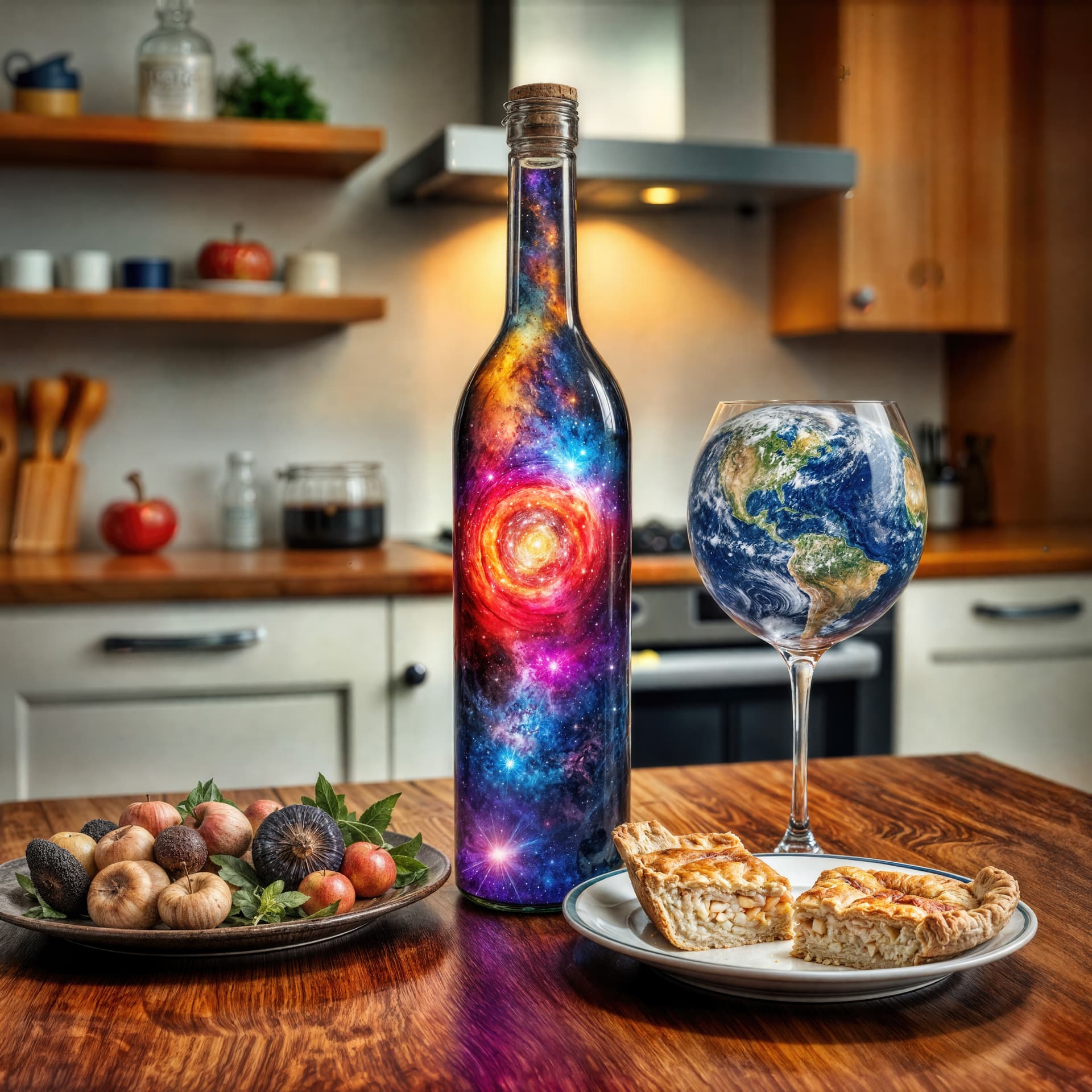
Honestly, I love the result.
3 Likes
Can you send out the log files for the cloud rendering. Want to figure out why cloud render is always queued. Thanks!
