Attached are the logs. I waited a whole night but the cloud renders never started.
Perhaps also good to mention that my computer is completely crashing on loading the preview only. So I can’t see the preview and can’t use the Cloud render at the moment. So I basically can’t use the software at the moment.
I performed the enhancement on the entire image. And yes, I did put in a prompt. The same prompt used in ComfyUI.
So, to achieve 8K resolution, I first did a x4 with the “redefine” model. So 1024x1024 to 4096x4096. Then I re-imported the image to do a x2 with the “High Fidelity v2” model with auto settings to get the final 8K resolution.
Reducing the texture slider to make less hdr effect, and minimal texture slider should add no hdr to original image. You can try in trial mode with local processing.
As for my own examples, I was doing some over-pushing of Creativity to exaggerate the effect, but I agree that doesn’t always work… But it seems that at 5 or 6 is where the fun AI stuff happens!
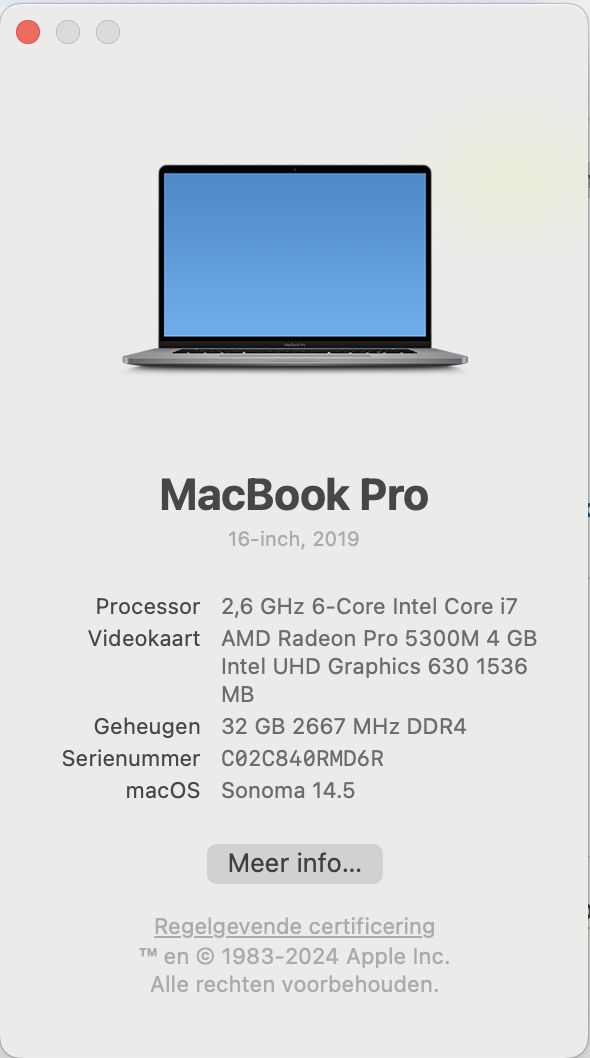
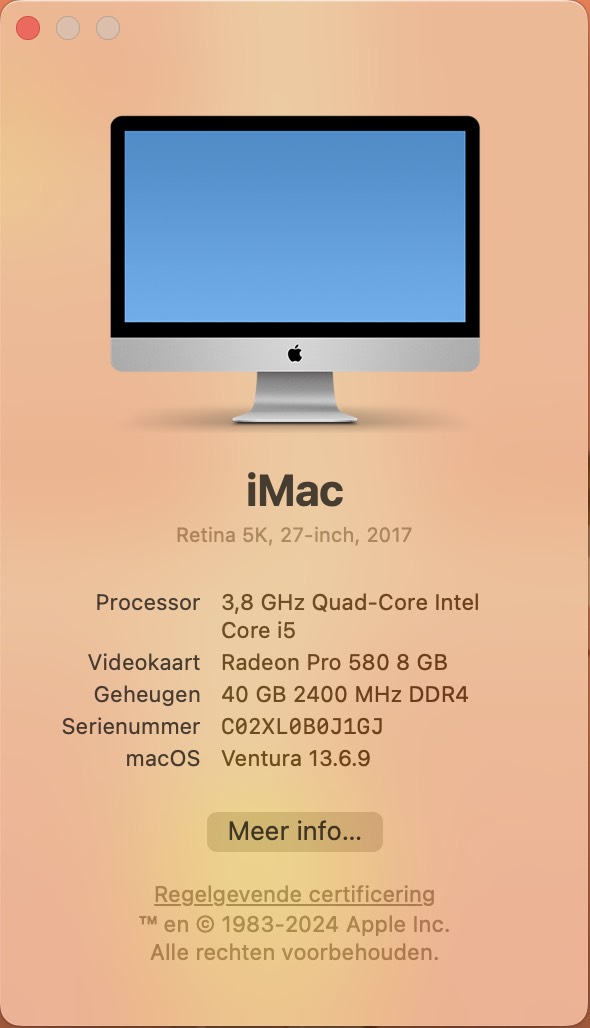
All due respect, even though your system was quite well-spec’ed in 2019, today any Intel-based Mac is not up to this sort of task (even with Gigapixel from a few years ago I had to leave tasks running overnight on an Intel Mac laptop). M-series Macs (which are otherwise very fast) are also struggling right now with this new tech, at least until further optimization of the app occurs.
It takes a high-end PC with expensive GPU to make processing speed seem “normal”.
This won’t make a difference in this case but your OS is out of date (Sonoma is now at 14.7.1 as of yesterday).
OK, so I still have to update to Sonoma 14.7.1. But that won’t solve the issue, will it?
This is not helping me in any way. It’s a bit strange for a software program to offer cloud rendering and then not start.
Also: I met the minimal requirements by a landslide so either your minimal requirements are not correct or your program isn’t functioning the way it should be.
Hey guys, i just bought the new version 8.0.0 and everytime i want to upscale an image with redefine or recover the app crashes. The basic models work without a problem.
Not unfriendly at all! Mainly technical advice and a realistic assessment of the situation with your particular computer. If I were to try and run Gigapixel on my older Intel laptop I would be having the same issues or worse. I have an M2 Mac Mini at home and can’t do any of this advanced (local) processing with it, only standard upscaling and such. Same with an M1 Studio Ultra in the office.
The crashing you and others are experiencing is a different thing compared to slow rendering, but the devs are already helping you out.
To be clear it’s not “my” program, I am a beta tester and otherwise support Topaz’ efforts by making suggestions, offering examples, etc. when I can, because I can’t get these results elsewhere.
We are investigating why the cloud does not run for you. We have tried on similar mac and it can run within seconds to get the rendering to start on cloud.
I really don’t understand why there’s so much compute needed when trying to render on the cloud or locally. I have never experienced any issues with any program except with Topaz (Video, Photo and Gigapixel).
For cloud processing, it will consume no local compute power and set little requirement for hardware or system os. We offer this to enable any machines to be able to run the models.
For local processing, the redefine model and recovery model consume much more resources than our other models.
To be noted, the preview rendering is local processing only. The cloud button will trigger whole image processing.
I wish there was a way to minimize the AI look when upscaling smaller images to a much larger size. Like, skin will look unnaturally smooth and lack any texture.
Gigapixel 8 upgrade: Huge, and I mean huge set back for text/font enhancement. C’mon guys. Don’t “improve” the product by reducing its capabilities in another area.
Hello - I haven’t seen any examples of degraded performance of text upscaling results. Please feel free to DM me some examples including the original file if you have any examples I can reproduce and we can take a look.
Are you using the Text and Shapes Enlargement model? I just checked mine in 8.0.0, and it seems about the same as it was in 7.4.4. The Preserve Text enhancement in PhotoAI seems to be using this model as well.
The Generative Models in GPAI don’t currently appear to do quite as well with text, so perhaps that’s what you’re noticing.
Running a 3060 16gb, with 32gb system ram, trying to redefine to 2x upscale on a 2912x1632 gives me “infinite” time (too long to wait to see, feels like it just dies, hard to tell…). The small preview however is actually decently fast, maybe 10 seconds. A small 512x512 image is maybe 30 seconds and exports almost instantly.
Regular (all non re-defines) 2x upscales are super fast. Under 30 seconds.
I’m not sure if this is helpful, but wanted to put it out there. I’m excited to see this get fast so I can actually use this feature locally on high res images!