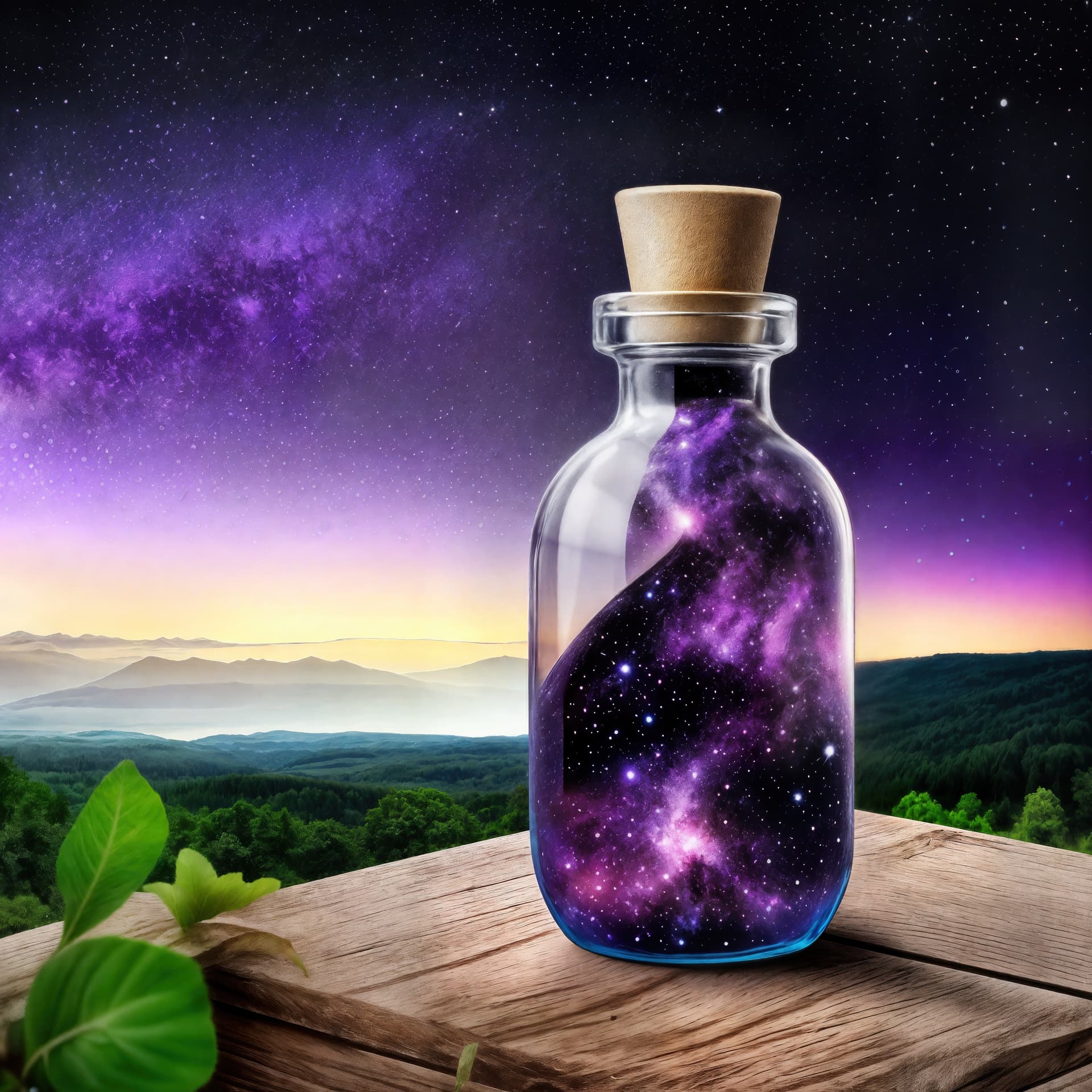
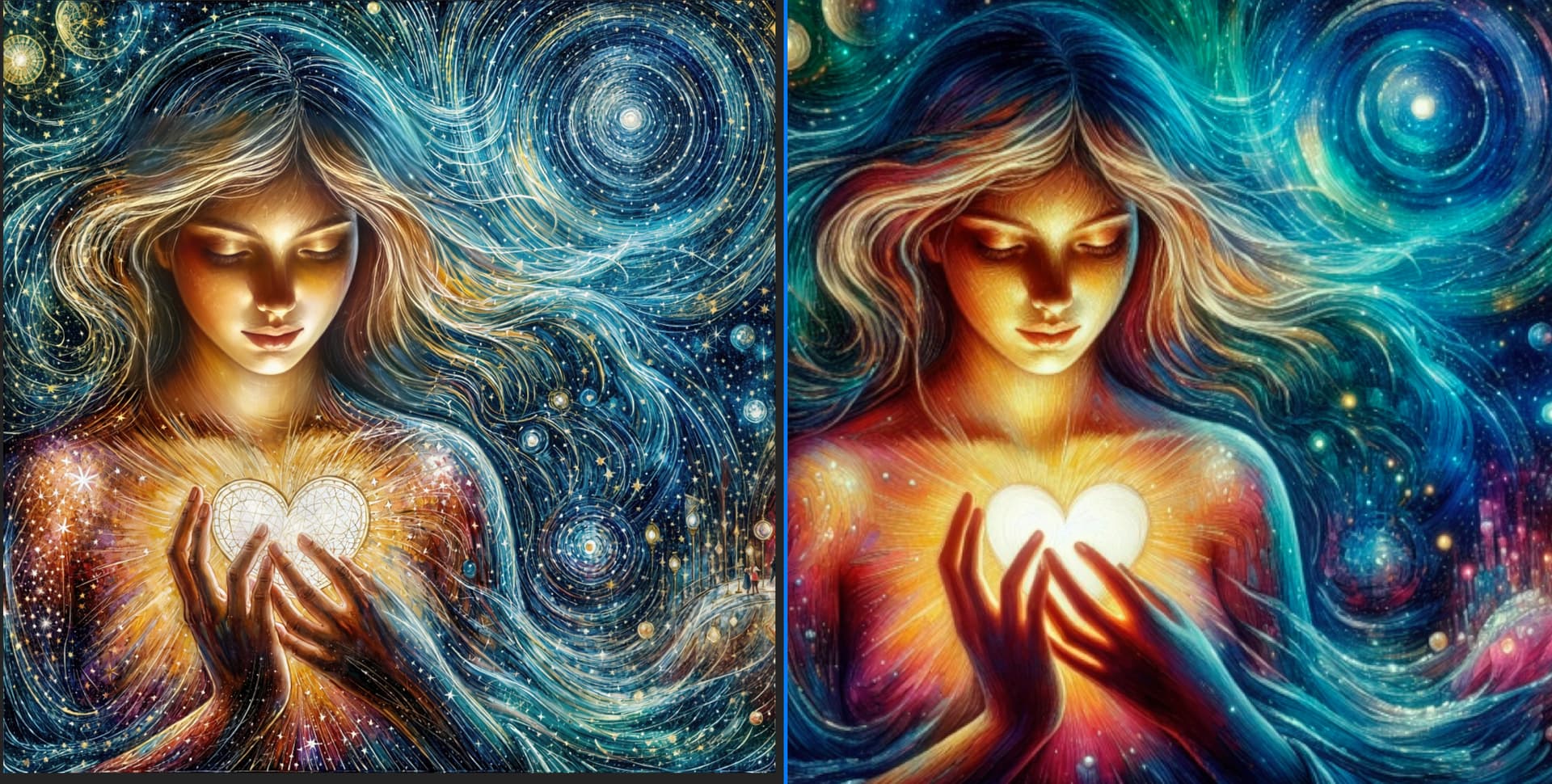
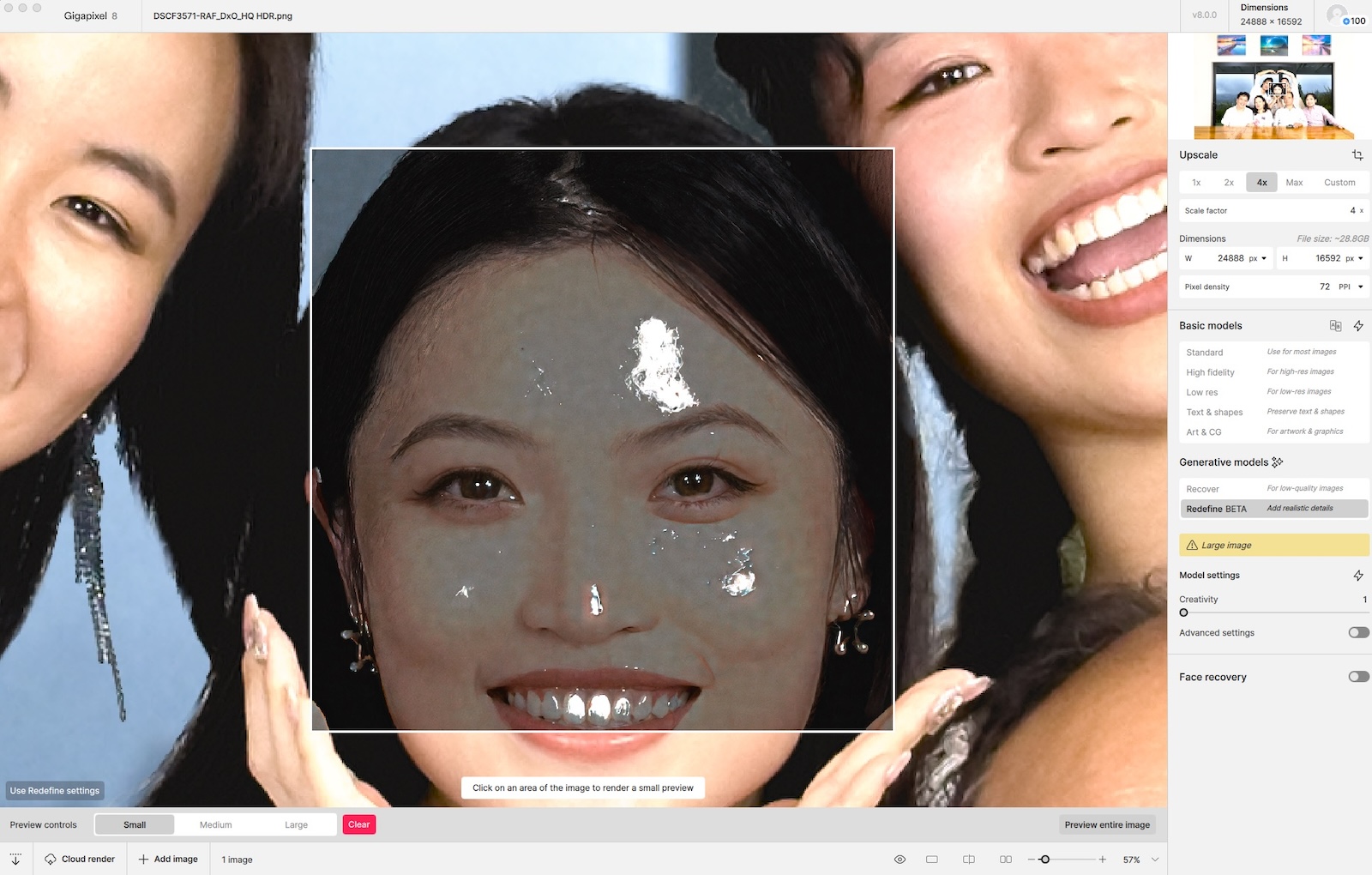
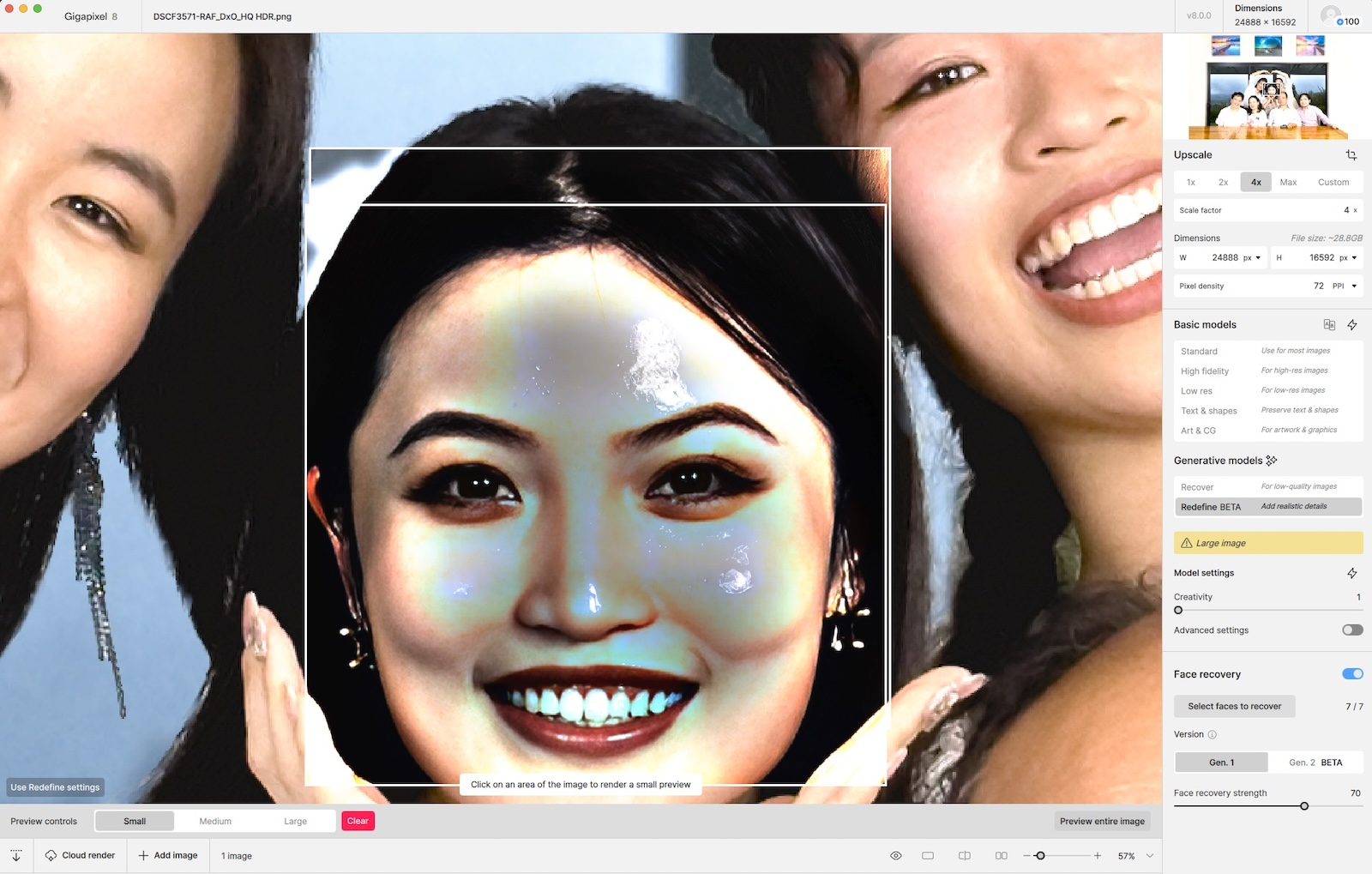
That’s terrific! That is the kind of thing I hoped it would produce. Yay to you. 
Diffusion Bee has some really creative options too.
That’s terrific! That is the kind of thing I hoped it would produce. Yay to you.
Diffusion Bee has some really creative options too.
I see. well, I can’t wait to see more examples.
Huge 
Beware the spiderowl!

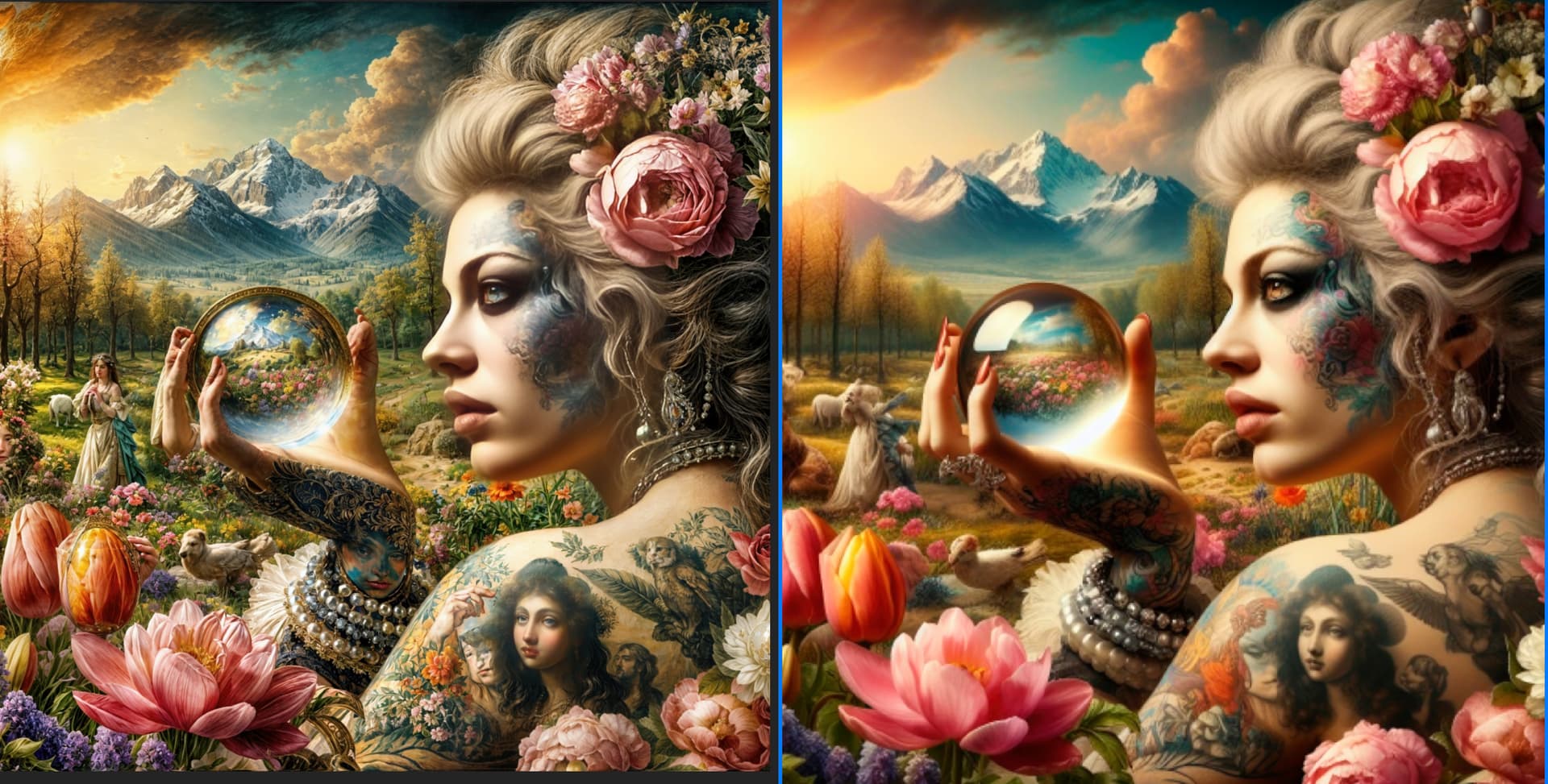
ISSUE: GAI turns various textures into hair:)
there needs to be a way to control this
input:
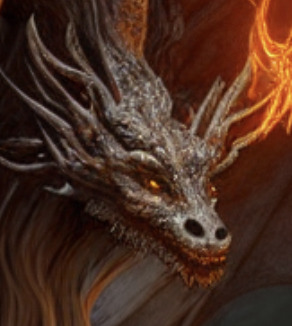
output:
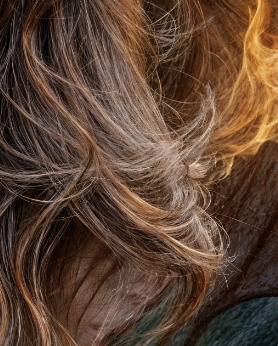
I know, I’m excited to have finally found some use for PCs! Otherwise I tend to ignore them 
Its clearly a hair Dragon! A new species! 
Can’t ever export a file, cloud rendering or not on Mac. Previews look great but bricked the app. Points idea on rendering is like, huh? Really not a great idea… you’re losing me on the points idea and the intensive rendering.
I’m mainly a Mac user as well and learned that not even well-spec’ed M-series Macs are handling this tech right now. I have access to high-end PCs with NVIDIA 4090’s and according to my own tests they are pretty usable for this purpose, though there is still some waiting time but not nearly as much.
When the process works it is an incredible part of the creative workflow (perhaps you’ve seen some of my examples).
Needing top-of-the-line GPUs really cuts down how many users can take advantage of this, so surely this will be addressed moving forward. The Cloud option works very quickly by comparison, but of course you are burning credits without knowing exactly what the results will be.
So, at this point we are looking forward to optimization of the Redefine and similar new processes in upcoming builds.
Similar experience, on the 4070ti super it runs great like 1 min for a test picture on the M1 Max 50 min.
I think the Mac version may not be very optimized it should not be that slow.
By experience I maybe would have guessed 10-15 min max.
hug 
Hum the solution, be it to set the creative cursor low enough, is to create the most faithful prompt possible to best describe the image.
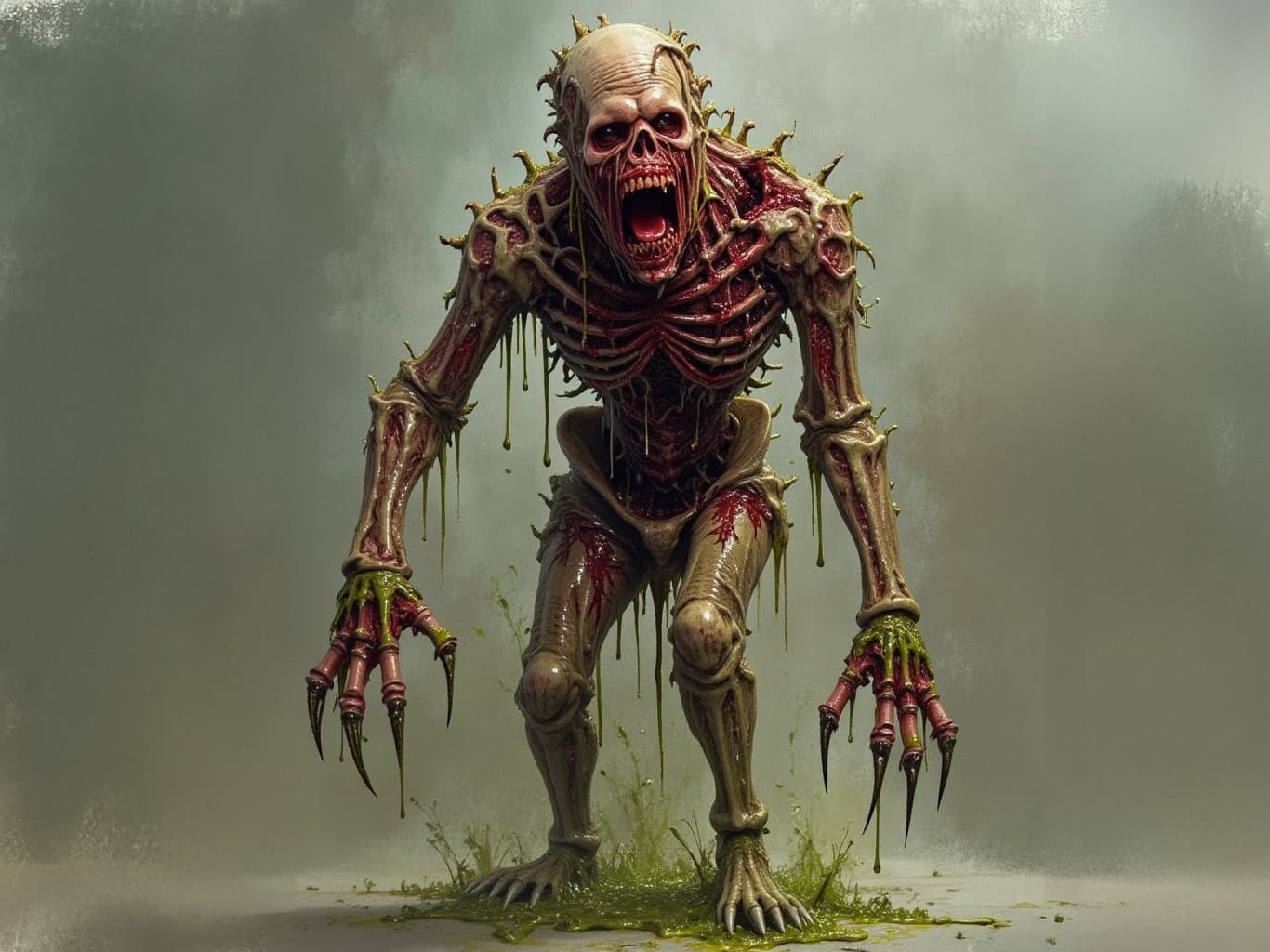
Small test with GAI using this image generated with ComfyUI
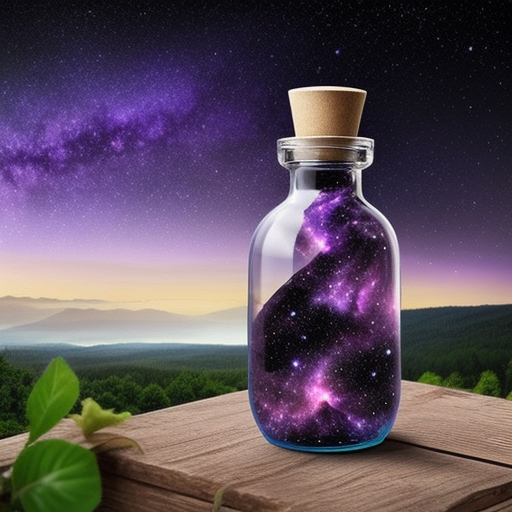
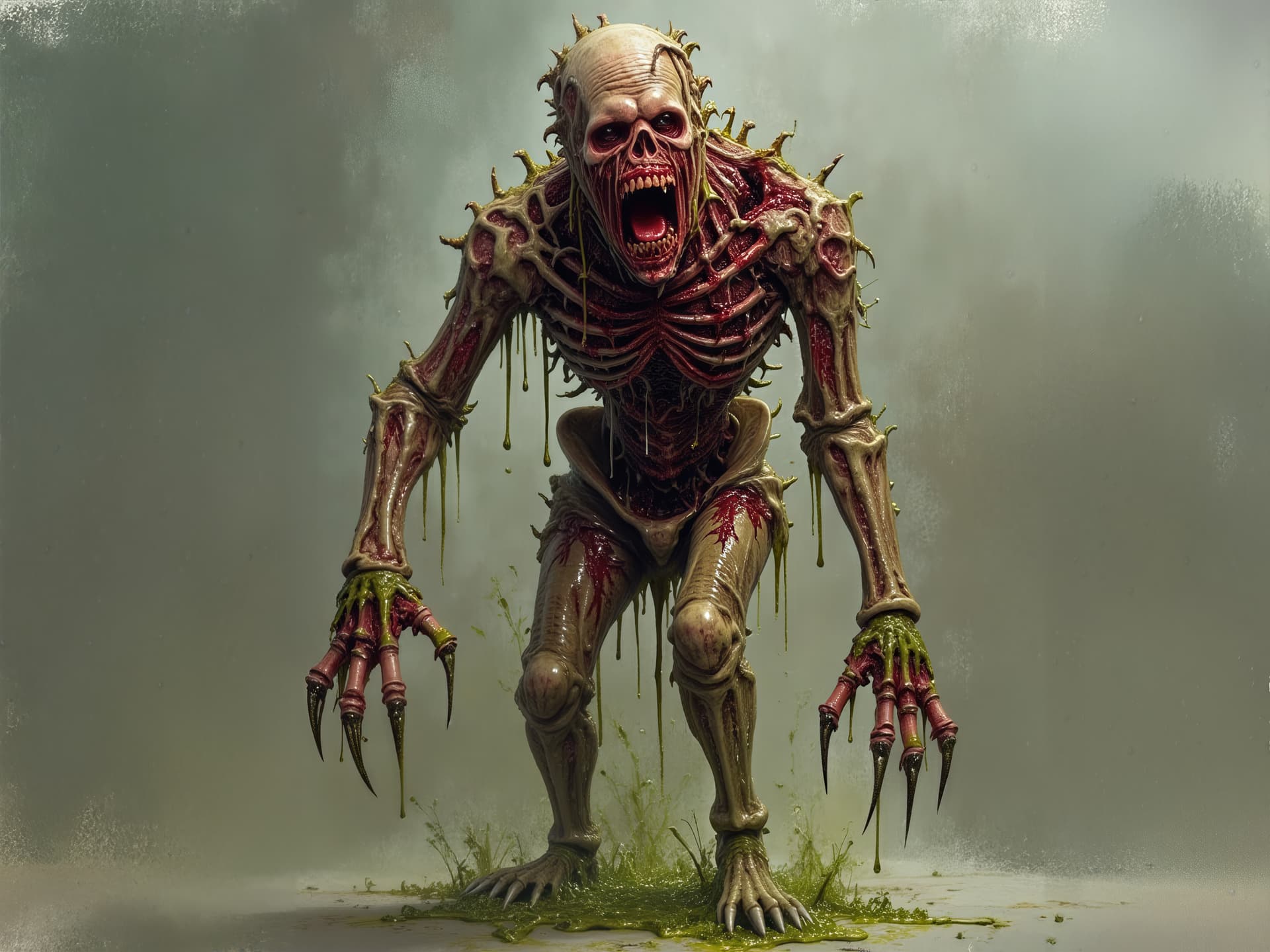
and enlarged x6 in GAI using a prompt as faithful as possible to the image. and “creative and texture” slider at 3.
another image. The first is a generation made with “Flux dev” and “fx-monsters-flux-meatsack” in ComfyUI.
And then upscaled in GAI with recovery because the redefine was giving me three artifacts on this one.
Always when i set creativity to 2 or higher, it starts rendering, my gpu works for 1-2min. Then its “finishing up”. The GPU is silent and nothing happens anymore. I can wait forever but it wont “finish”.
Me too.
I have reported (several times after various tests) because most Preview tools do that too, Rptd here & in the 8.0.0.1b forum (for bhvr of both beta & production releases).
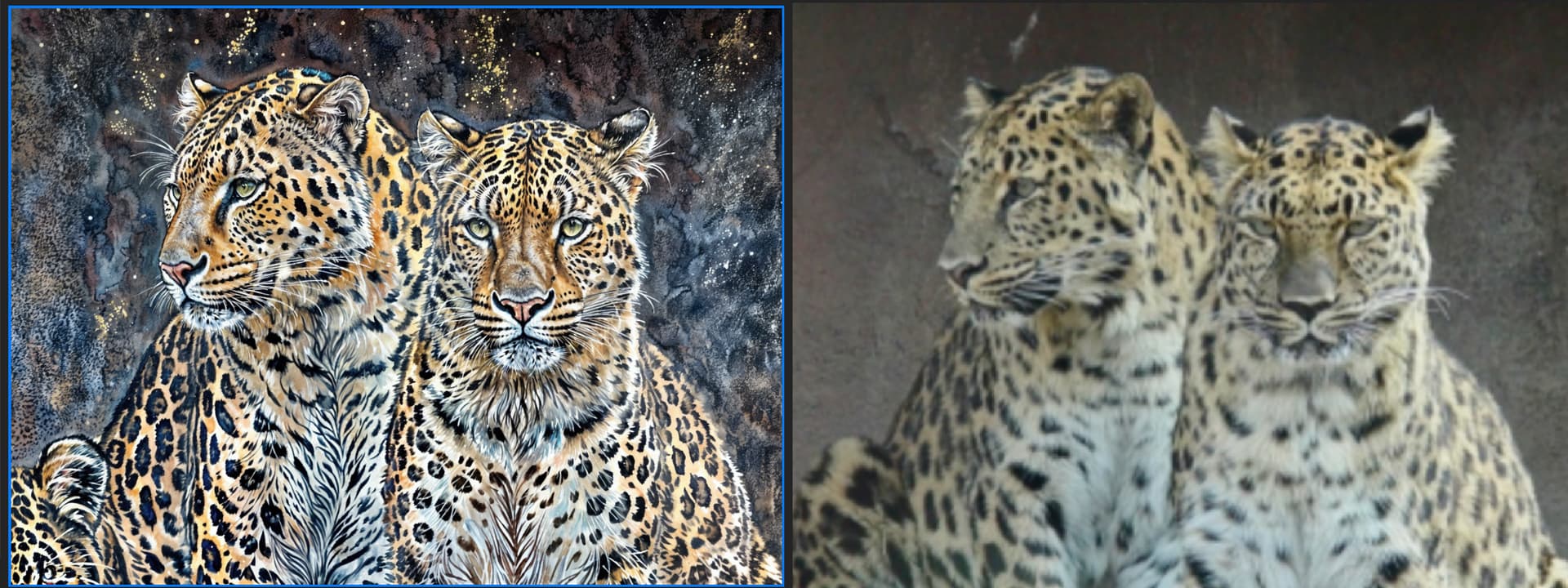
More often I like what redefine does with AI generated images than with photos.
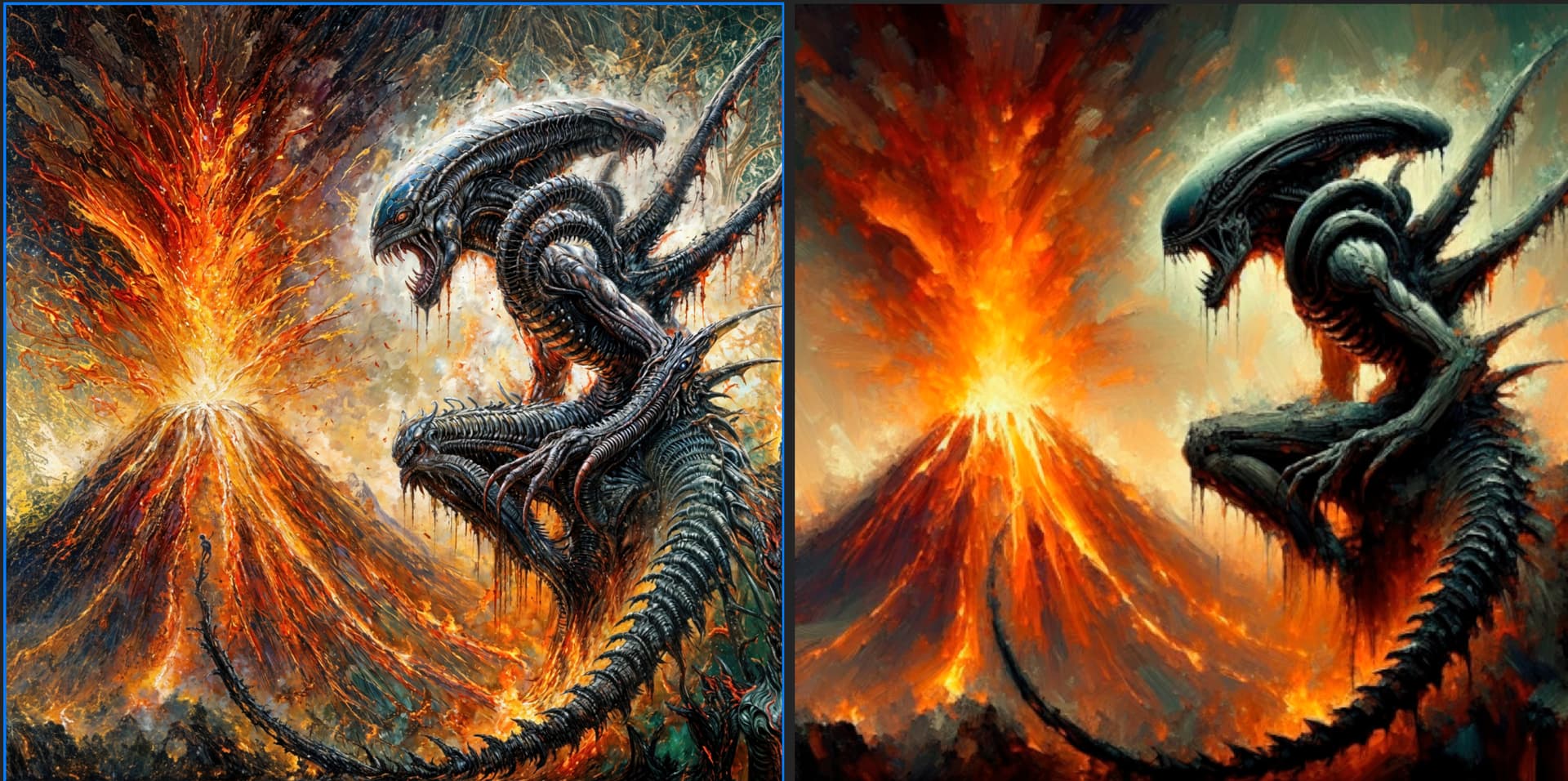
AI original on the right. I entered the same prompt as the original image.
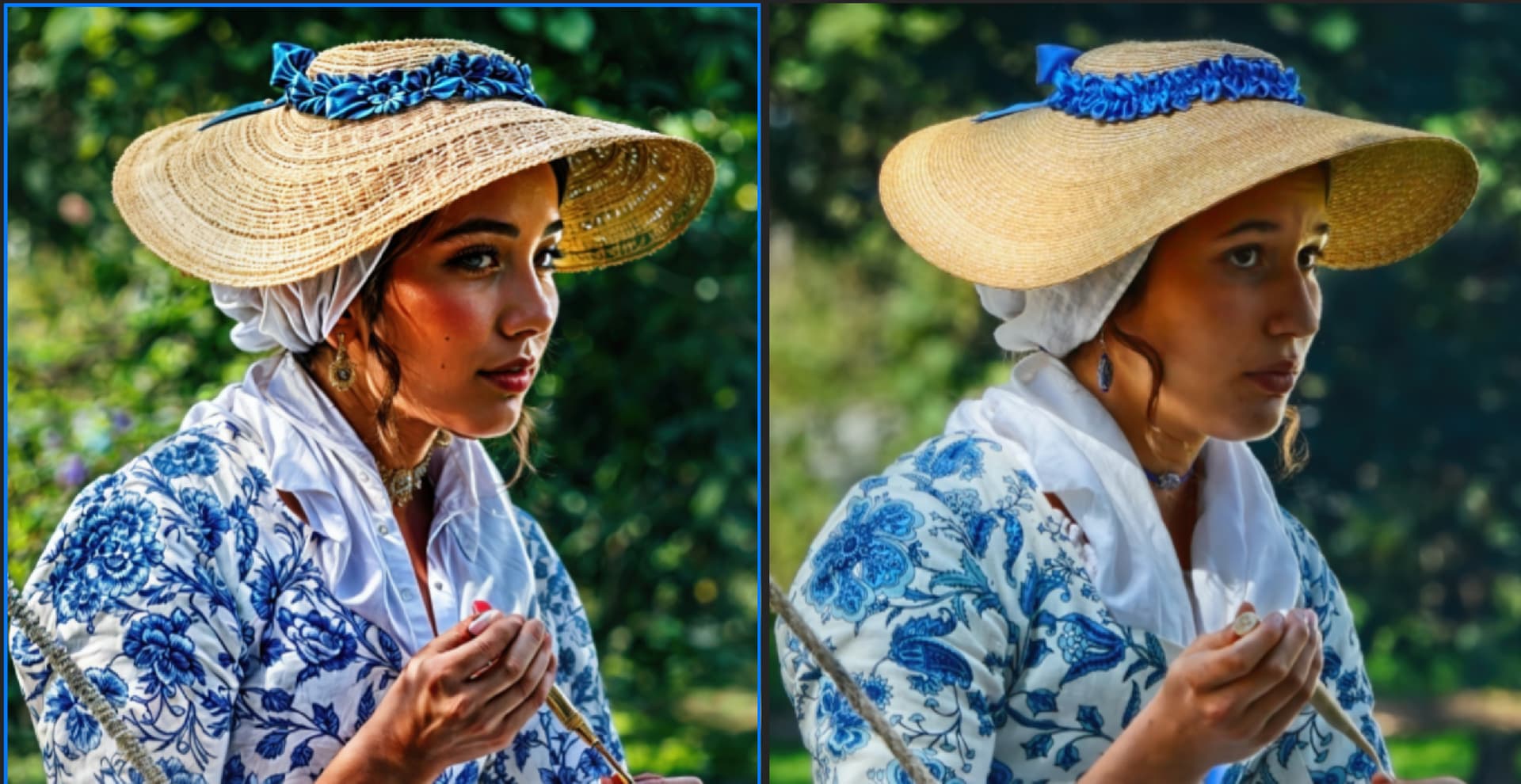
With photos prompt effect makes a difference on some images but not others. This image changing the prompt had almost no effect.
This image was a little better
I’ve just bought the upgrade from version 6 but am unable to launch the software. Nothing happens. Any ideas?
Windows or Mac?
if on Windows, try right-clicking the icon and chose “run as administrator”.
If that launches the app you can launch it normally the next time. If not you probably need to contact support.