Do some research into 3D (assuming you haven’t already) to see what’s recommended. The NVIDIA 4090 is very decent (and very expensive)… Maybe there should be a deal where NVIDIA gives out a copy of Gigapixel with each purchase!
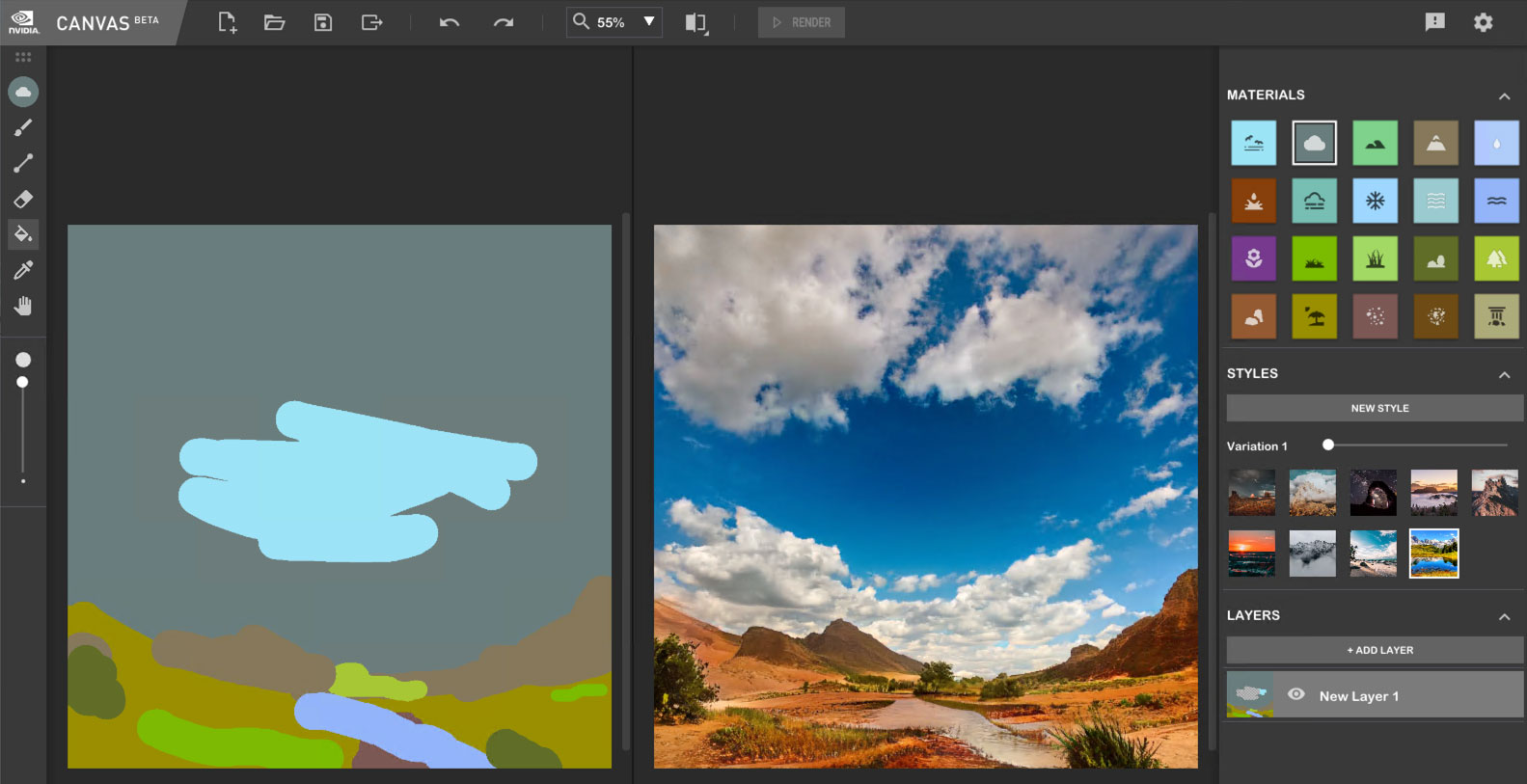
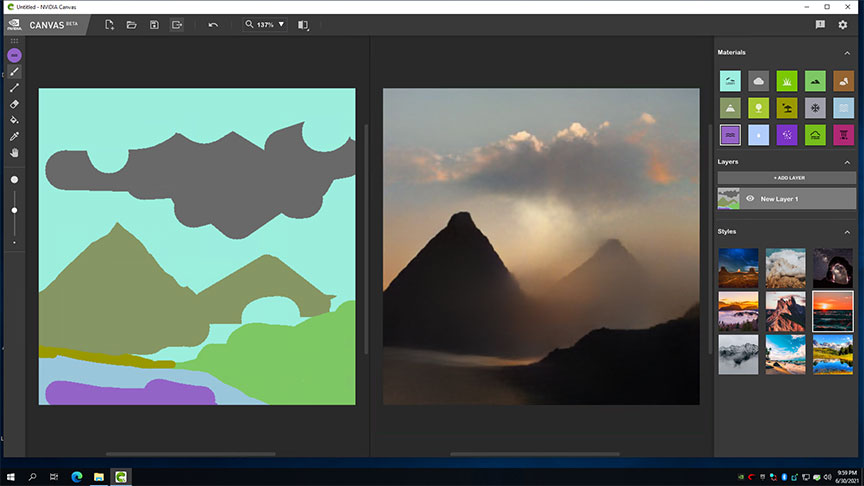
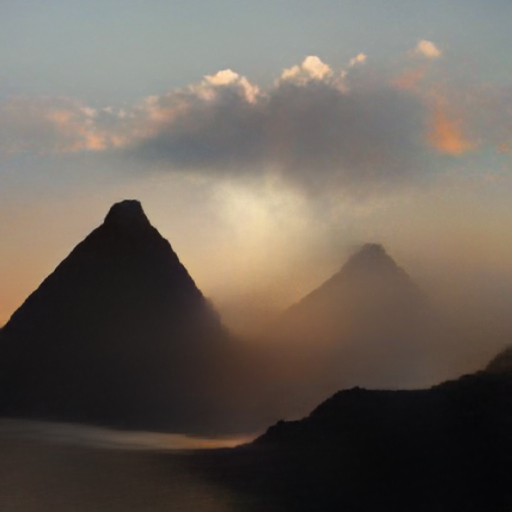
The 4090 also comes in handy when using that NVIDIA Canvas app, as you have to have their hardware to use it. I suspect you can’t go wrong with it. Until the next one comes out-!
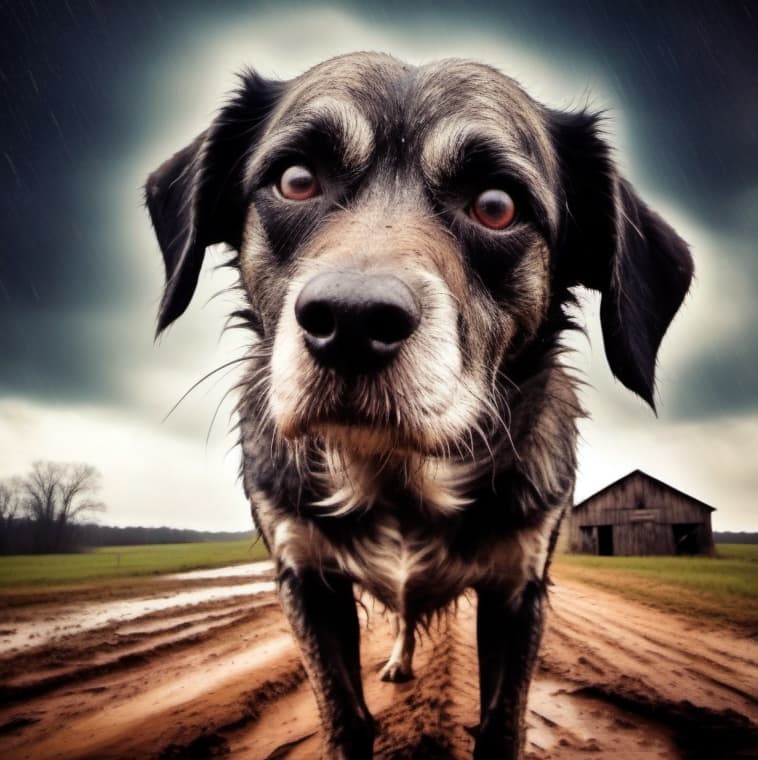
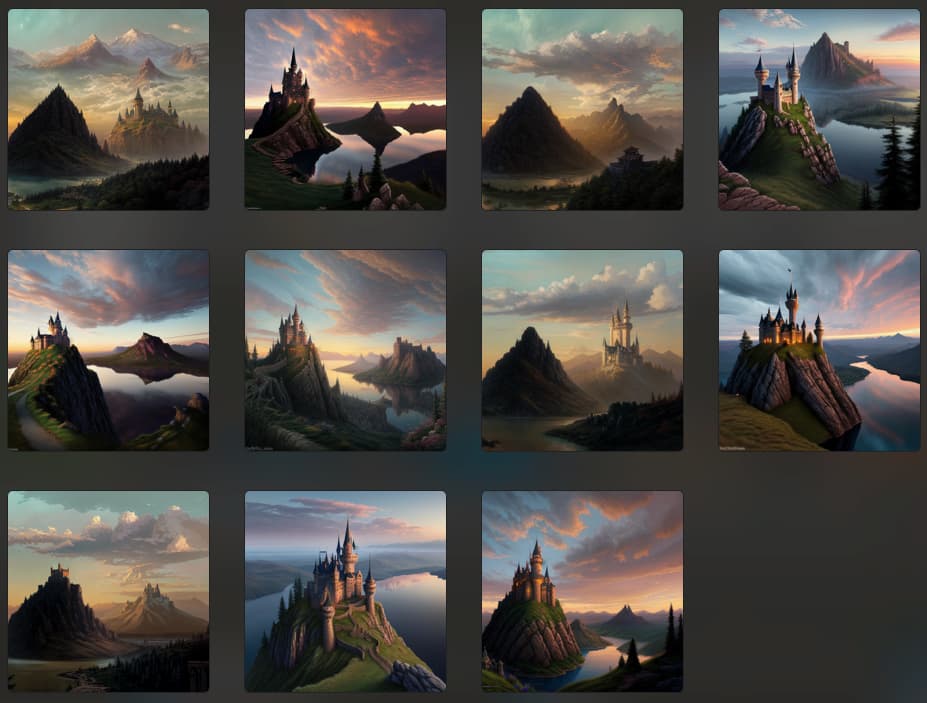
Yes, before the cart one. A cart in front of a horse pushing the wagon down a hill. But maybe the horse is backing out? That leaves the AI to answer for us viewers. But your other pictures are also beautiful. Including a cute dog. It’s amazing what you can do with graphics tools. As a new branch, it’s growing incredibly fast. Let’s keep our fingers crossed for the developers of new software tools.
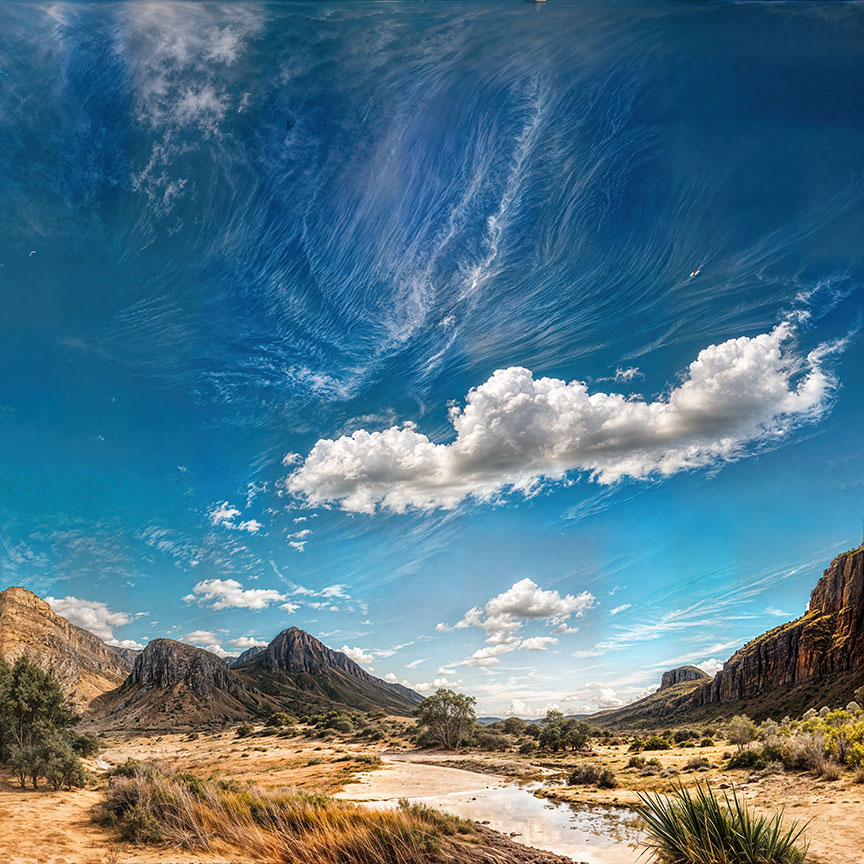
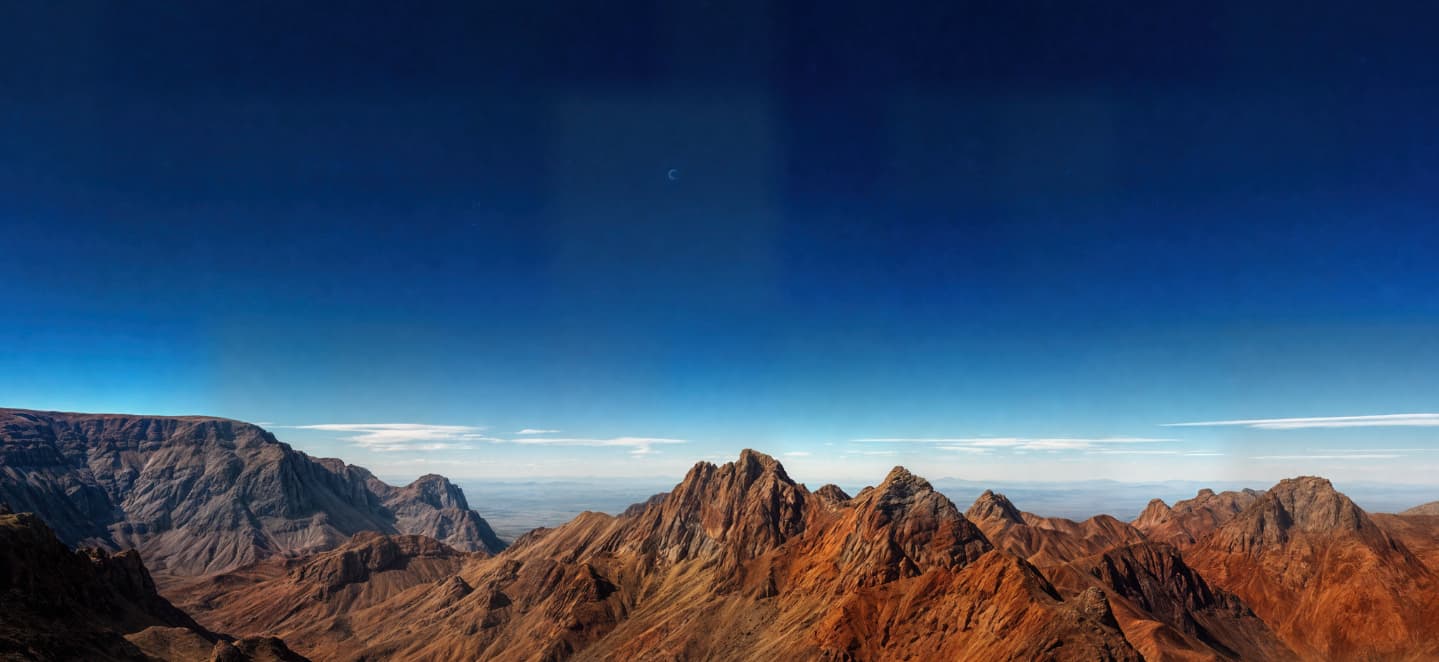
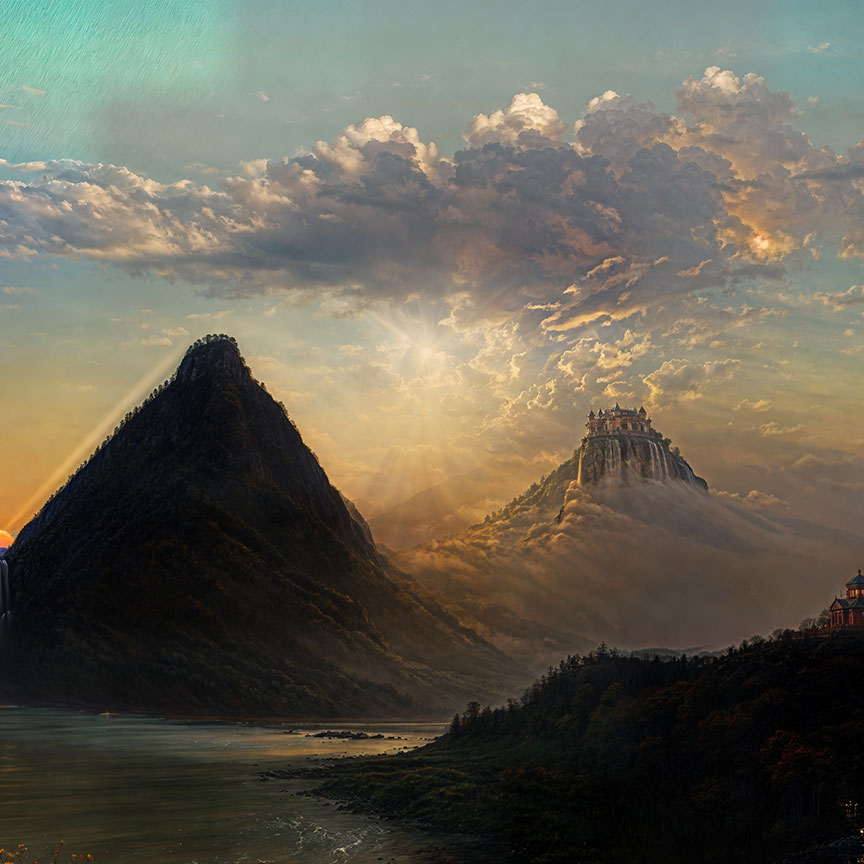
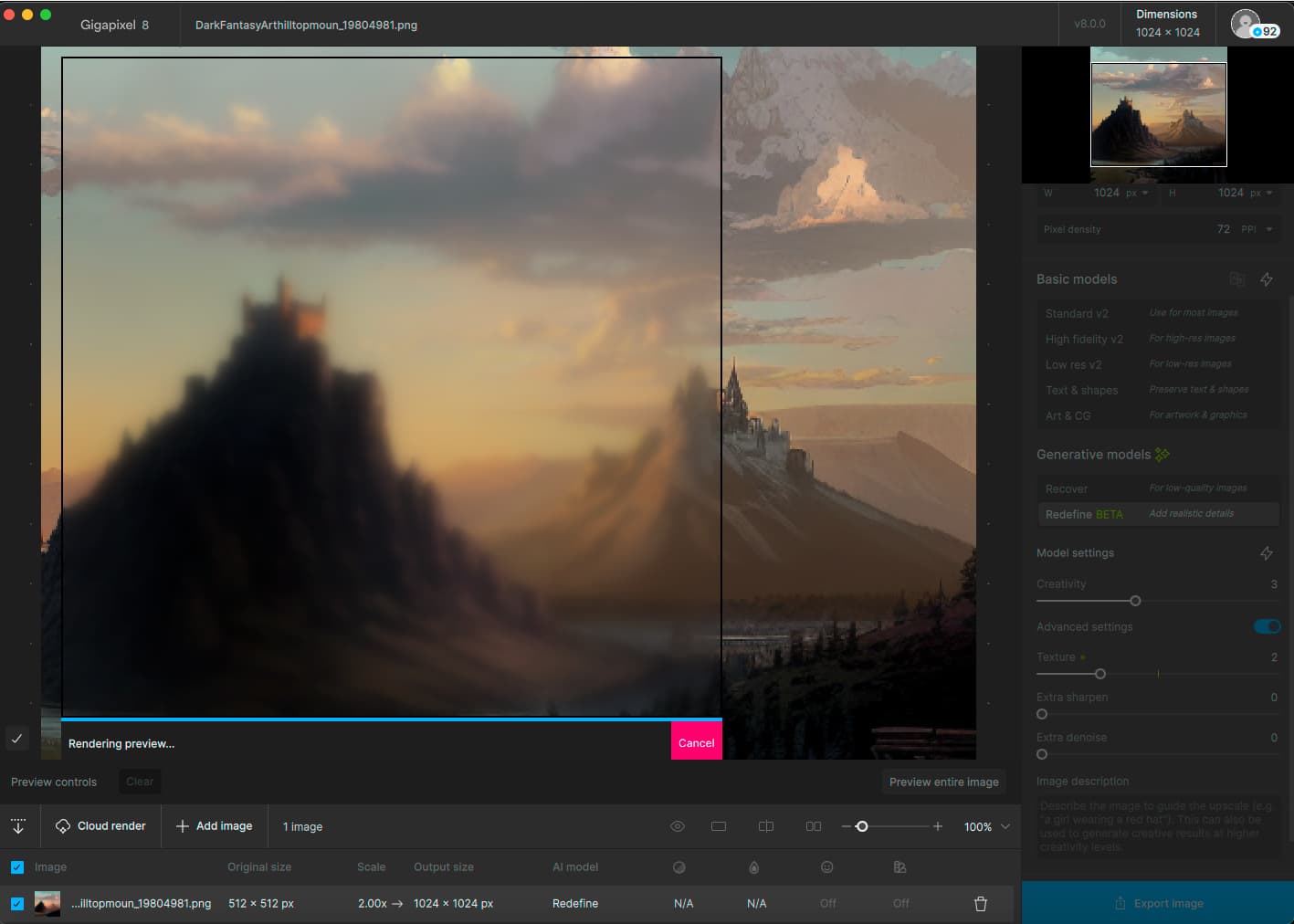
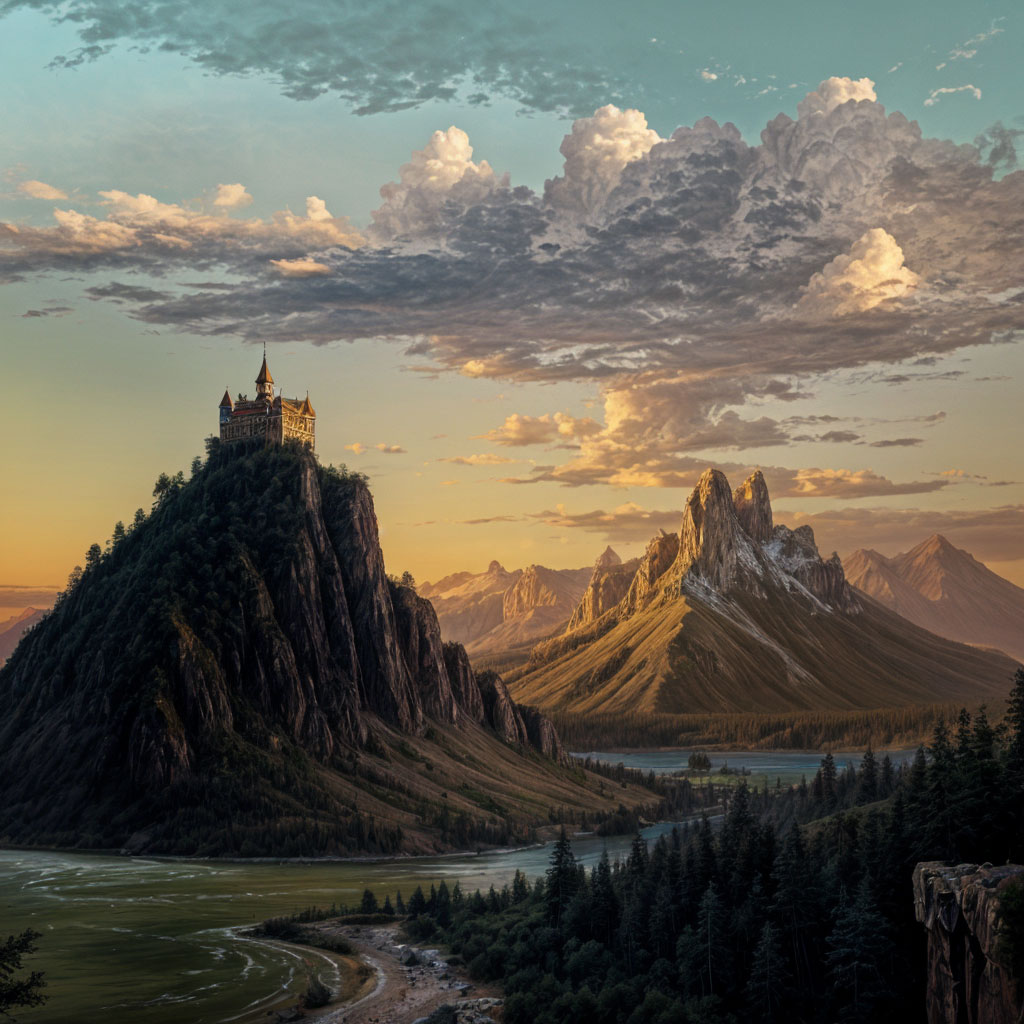
Now to bring the 2X Cloud render back into GP on the Mini and do additional normal 4X upscaling, which of course cleans up the render without the artistic reinterpretation of Redefine (this is “poor man’s Redefine”!). It processed quickly:
I marked some additional DiffusionBee favorites (which I banged out quickly this evening on the Mini at various input strengths and models) to Redefine at 4X or 6X on the 4090 PC next week!
I’ve been wondering a definitive answer for a while Is Gigapixel superior to Topaz Photo AI at upscaling/restoration or vice versa or are they truly using the same models?
People say since Giga is dedicated for simply upscaling and so its better
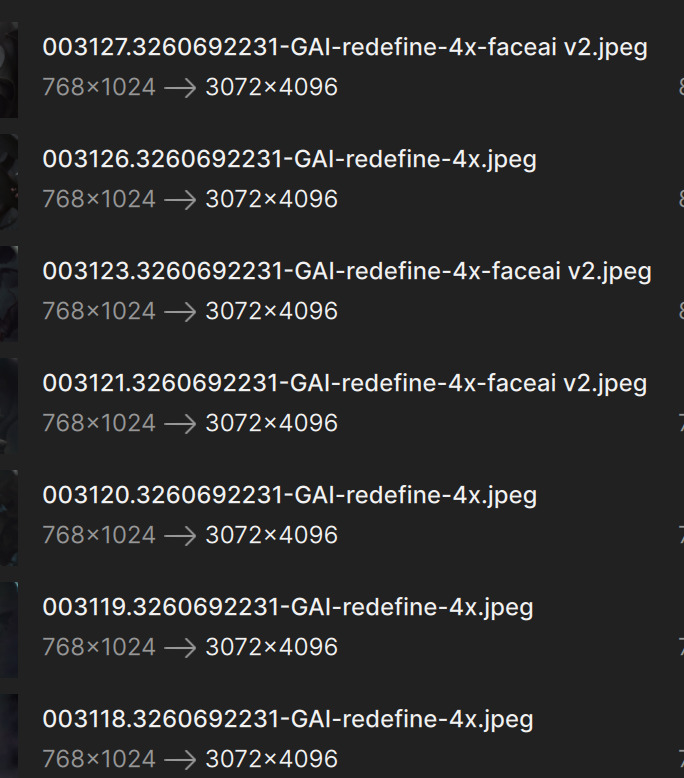
ISSUE: dropped a few input images, for all enabled Redefine & Face AI.
In actual output Face AI is applied only to some images.
All input images actually have clearly visible faces.
a company that keeps pushing features that are only available on newer models
This has nothing to do with NVIDIA.
For GP 8.0+, TVAi 3.x.x to 4.x… Topaz, has nothing in the near future (next 2- to 3-years) that could max out the RTX 40 series’ cards (from the 4070 SUPER to the 4090) with a PROPER CPU, ect.
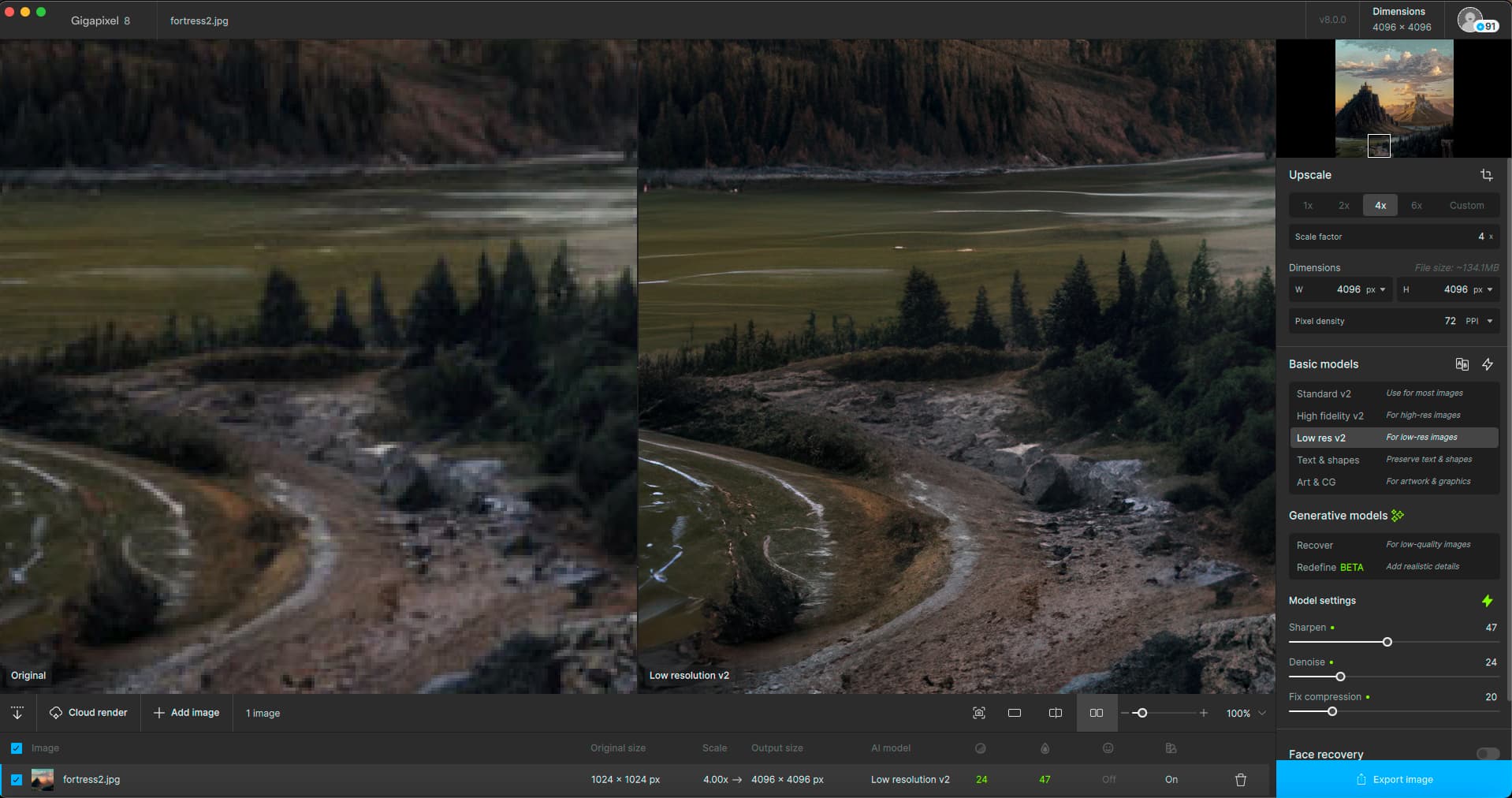
Very happy with V8 performance, but unhappy with this Cloud Render button that takes up half the space where Export Image is. I would appreciate an option to hide the button. I don’t need it and don’t want to accidentally click on it.
Models of this v8 are very good, but again color spaces and bit depth are broken during export.
Option “keep color space” doesn’t work, I have to specify it explicitly.
Problem, after export, it is not written in the profile, so we don’t know the export kept it.
The program doesn’t work in 32 bit floating point (too bad for hdr images), fine. But again we have to specify it explicitly during export.
On a side note, the recovery/redefine modes need GPU to be used, OK, but I’d like to have the option to use CPU/GPU/GPU2… in the export panel, because for other rendering I use CPU, the results continue to be better.
The new model are impressive, but please take care of color profiles and bit depth, I use the program again, when this bug will be fixed.