Yes, it still doesn’t run. It runs fine on my Windows 11 desktop computer. I tried to do a clean install and it still doesn’t start on my laptop with Windows 10
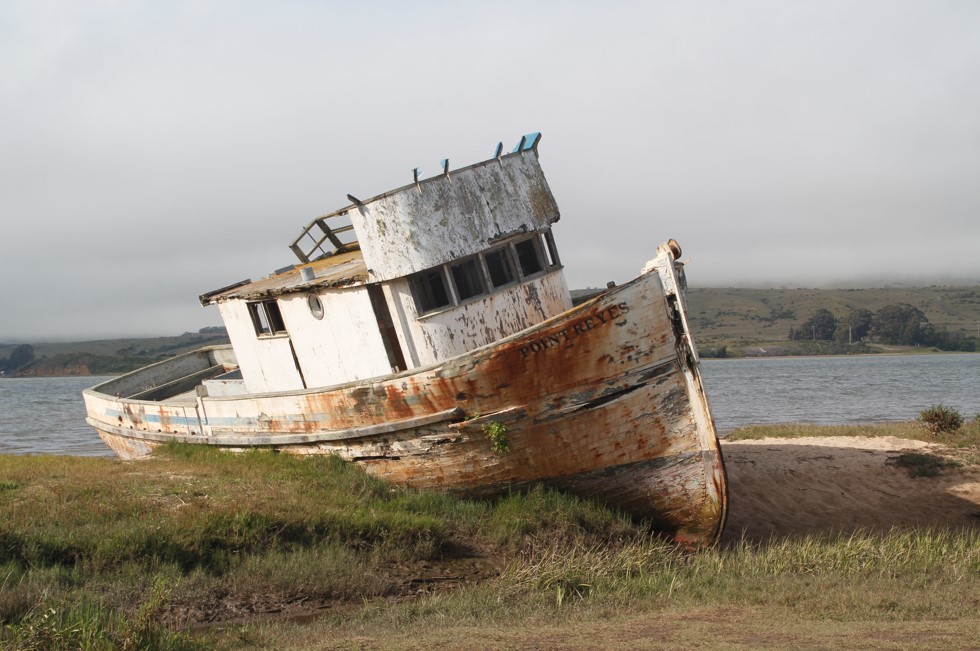
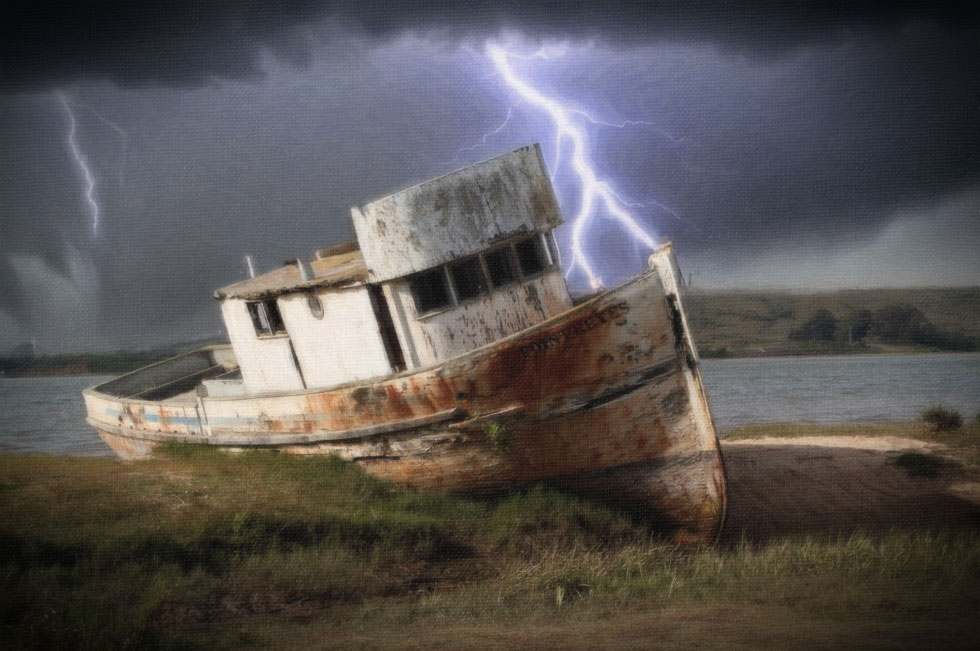
Here’s a snip of the boat image I shot in Pt Reyes (CA) that I tried to process in GAI 8.0.
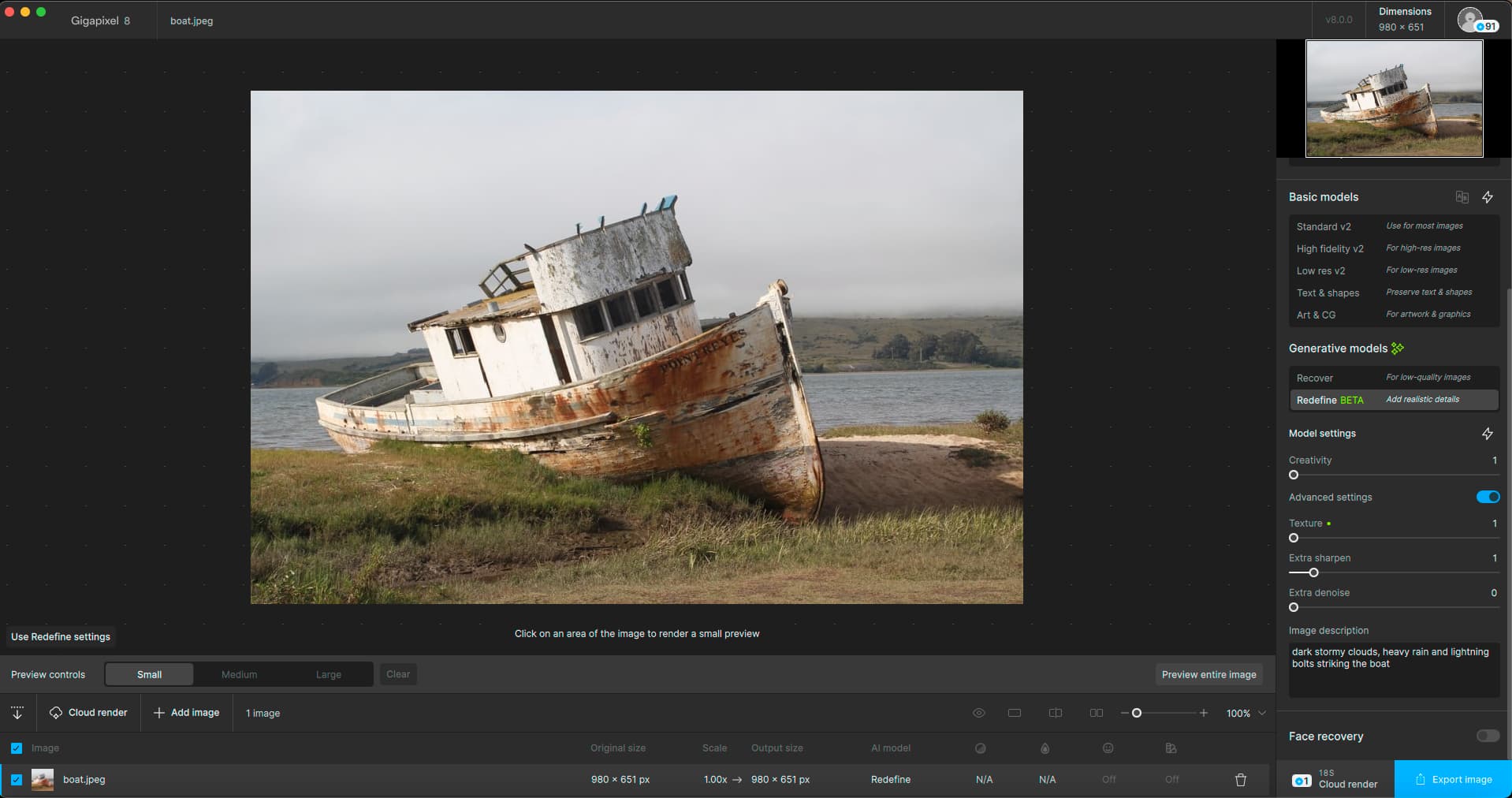
What I wanted to achieve with it (besides realistically - not HDR-ly - sharpening details of the boat and the foreground of the scene, not the background) was to see if Redefine could add, “dark stormy clouds, heavy rain and lightning bolts striking the boat”.
I couldn’t make that happen. I couldn’t get any result after 20 minutes (I tried both the Standalone & the Cloud - didn’t even attempt my preferred workflow in Photoshop), so aborted. Other comments re: ops & UI design/user centered features needed I’ve posted to beta forum thread vs this thread …
Then I have no idea… I solved my problem - both in PAI and GAI that way… Contact support and send them the log.
OK, I do recall seeing your report on the beta thread (TL;DR, ha!).
But what I do know from local GPAI Redefine processing is that prompts have no effect whatsoever. I can try this a little later as well as some other things.
Quick start and result as shown via Cloud render:

1 Like
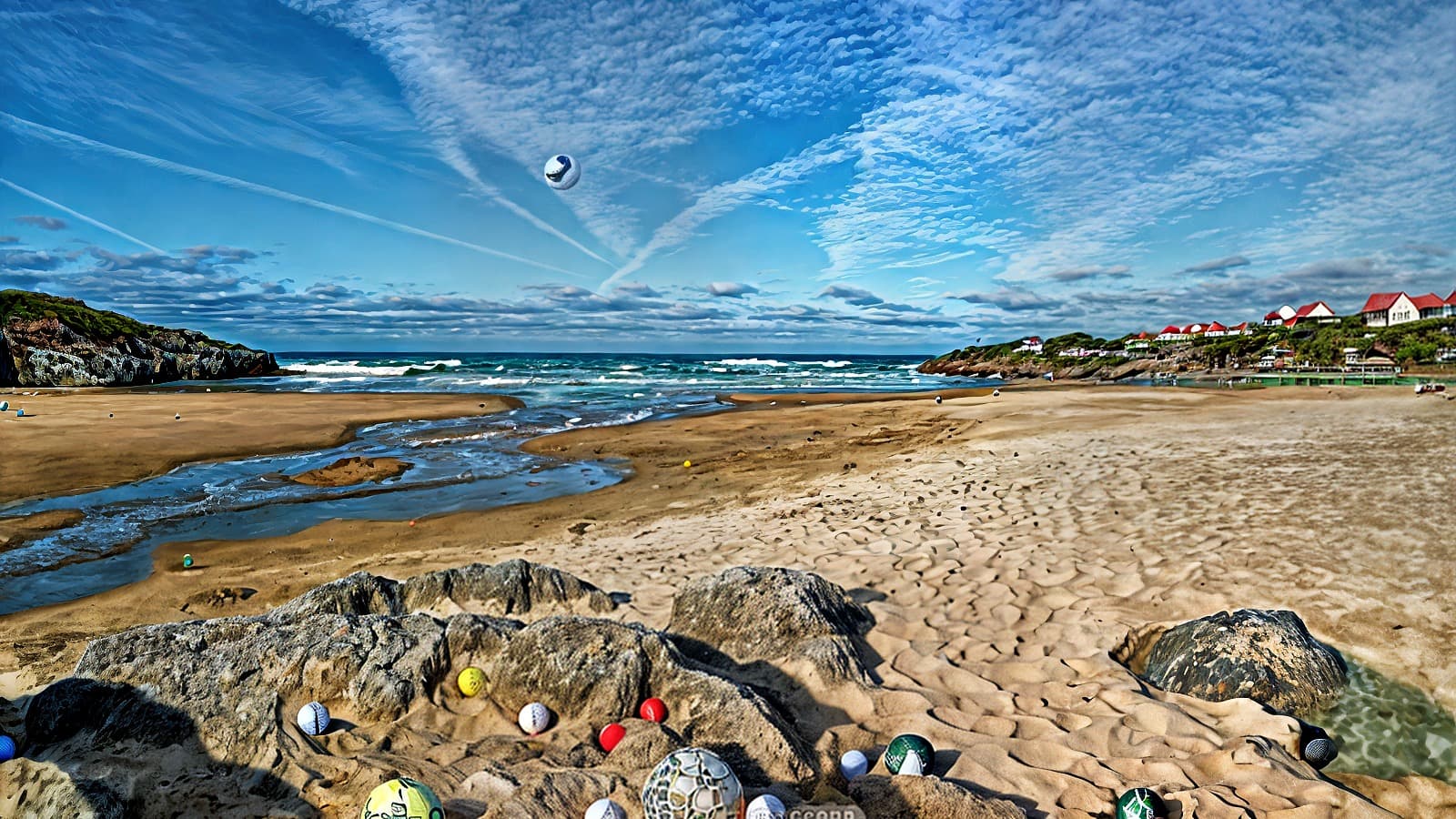
I actually did get “something” out of using the prompt even though the result was a bit weird. I also tried putting some golf balls in the same beach and got this:
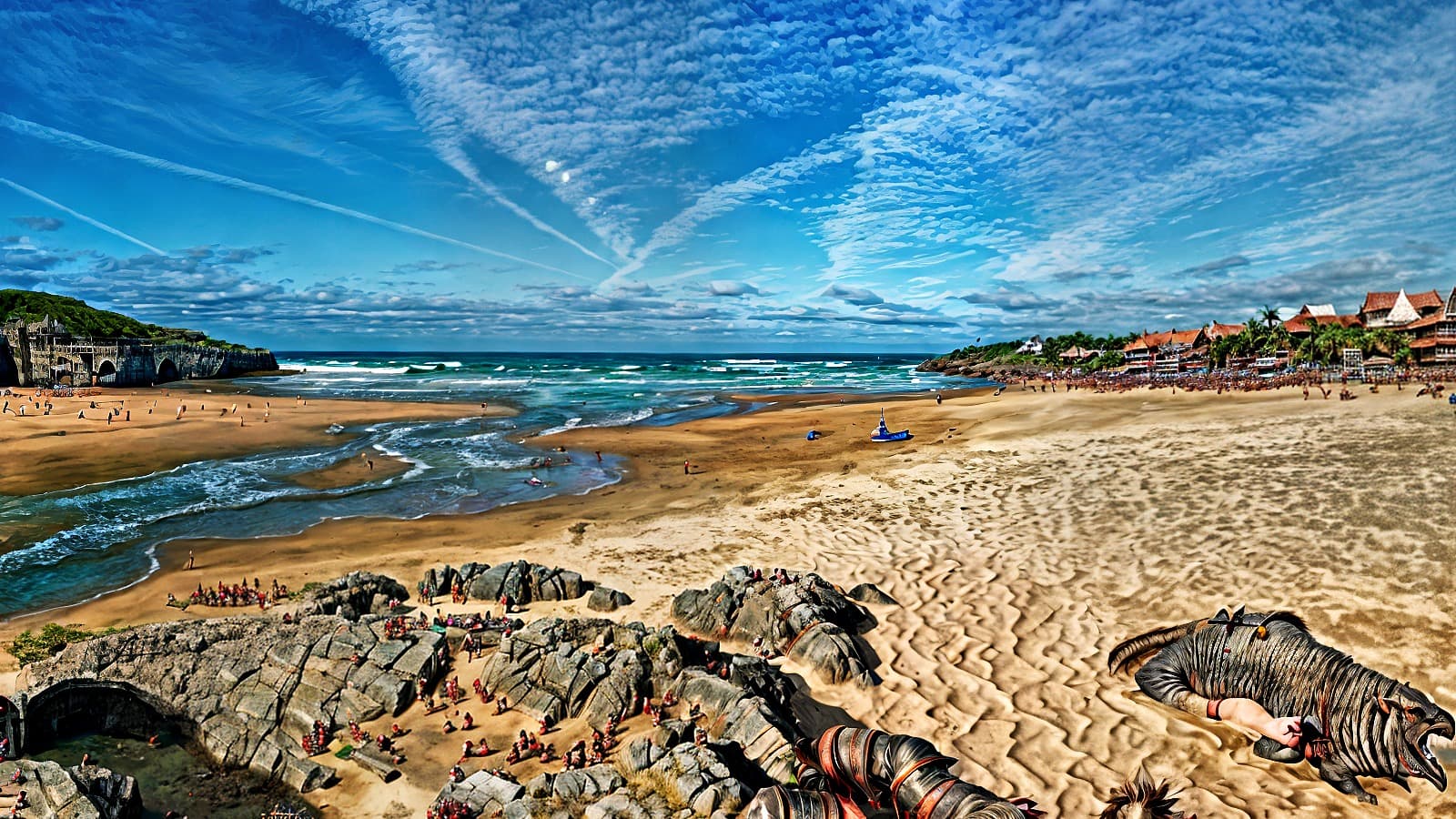
I asked the prompt to give me hundreds of Orcs invading the beach and got this:
I did try entering "“dark stormy clouds, heavy rain and lightning bolts striking the boat” with the boat in the post by @Fotomaker above, but that returned nothing. For a moment there I thought maybe it just didn’t manage to identify the boat, so I removed it from the request - but still nothing. 
1 Like
Thanks.
I can see it’s overprocessing (certainly over-sharpening) b/c of the halos.
I didn’t see any Opacity or Strength controls in GAI 8.0 to temper results (which is why I also like to do my workflow with Topaz as a plugin to Ps so I can lessen impacts of processing - in addition to the efficiency of not having to hop in and out of a host to process an image).
At least based on what I’ve seen in the UI, there are product-imposed, fixed increments for the Redefine variables and no way (??) to use a slider (or, some other method) to dial back the effects produced if what’s desired falls in between the fixed variable threshold amounts.
Thx again!
Thanks for trying!
Yowie - those results are surreal (and not in a good way - b/c I absolutely love Surrealism - good surrealism - as an art style). Again, it’s that overdone early 2000’s HDR look.
Perhaps I misunderstood - since I thought GAI was an image processor/upscaler vs wannabe to something like DALL-e or Midjourney or CGDream (the last of which, the result you got would never happen) - I assumed that if we typed in a Description it would work with the image in the UI and build on it vs just create something else entirely…in which case, why open an image to start with, just click “New” and open a white “Canvas” then type something).
1 Like
I tried again, maxing out both creativity and texture, but this time I asked for “dozens of unicorns flying all over the place”:
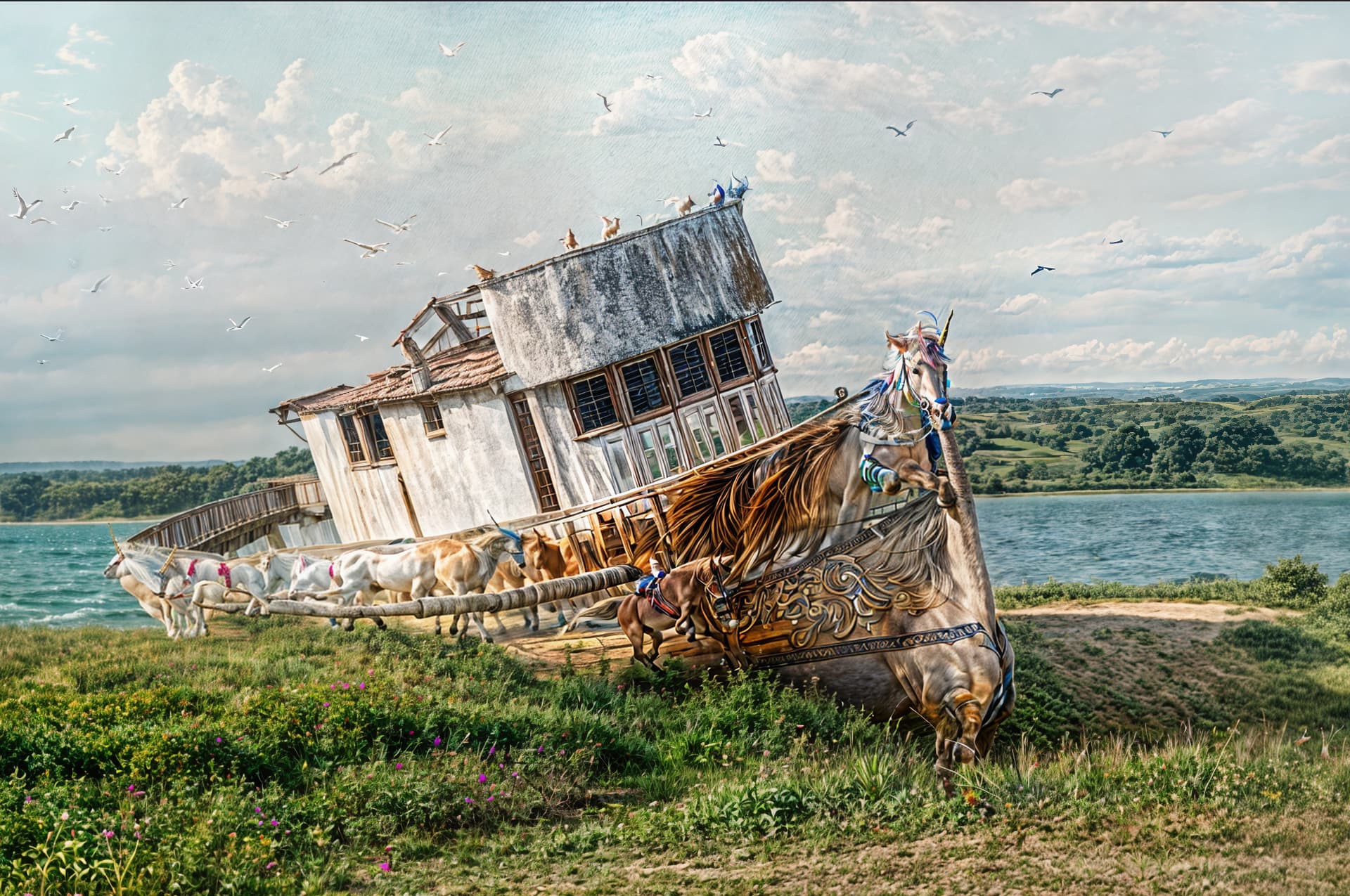
At least I got something… but it seems you have to push stuff so high that any ambitions of a “natural” result goes out the window in the process…
One last try - original request - maxing creativity and textures at 3. Clouds not very dark, but there is lightning.
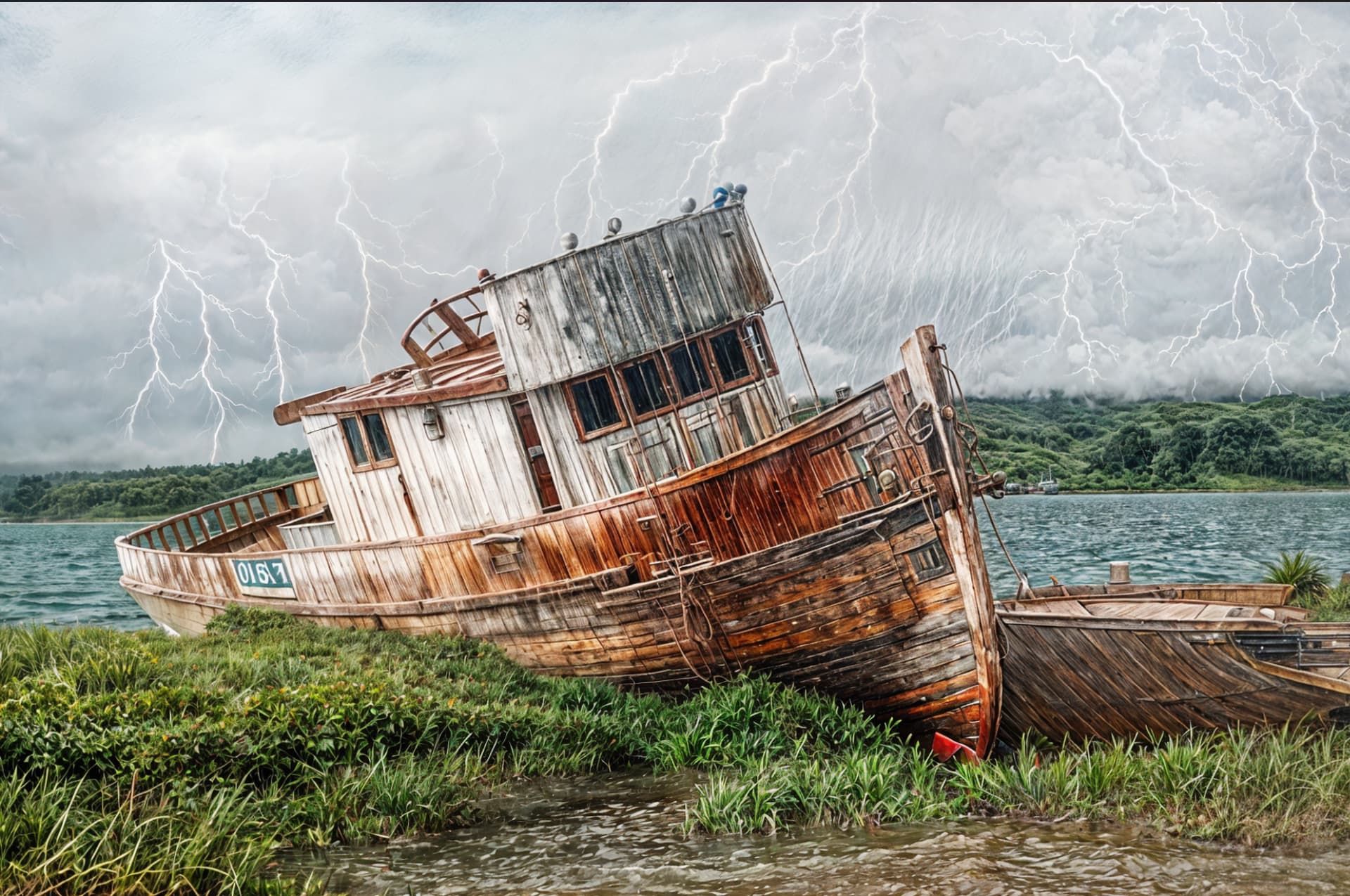
Anyway - gonna drop this one now. It was fun to to tinker a bit, but that’s about it. I’m not sure my hardware is on par with what these new models offer - at least not when the output is so unpredictable.
Edit: It is still kind of fun though, even though you don’t really get what you expect out of it.
1 Like
For messing around’s sake I can see how some ppl might enjoy it (if their system can handle the demands - mine can’t). And, they have lots of free time on their hands…
But (no offense!!! - since doesn’t reflect on you) I wouldn’t be able to use anything you produced as content to share (or, display) in any way. To use an old photo club judge’s assessing phrase he used sometimes from back when, “It’s not wall worthy.”
I just bought an expensive (for me as a serious hobbyist not with clients or a work income) PC roughly around 2 yrs ago (a bit less). I had it built to custom specs. I based those specs on what worked very well (at that time) with Topaz and Photoshop product demands and roadmap directions. And, I built in head room assuming tech developments. I specifically told them no NVIDIA processor b/c frequently and consistently users were posting about their NVIDIA systems crashing when using the Topaz products of that time.
There is no way in “heck” [sic] I am either motivated to or rich enough to go buy a new powered in a specific way with a specific type of processor, etc. computer system whenever companies veer into off brand (for them) directions (when issues and functionality gaps still exist in their core product features) with ‘sexy’ new trendy technology. Because it tells me they will do it again. And, my new, high-powered (for that moment) computer system will become a very large, useless paperweight very quickly. Beyond those issues, I have some ‘classic’ software I love and use daily. If I keep “mucking” [sic] around trying to port older s/w content to newer systems on a regular basis I lose key functionality I depend on each time. With the newer custom system from 2 years ago I lost 2 of the Topaz “classic” products I absolutely loved that would not and could not (believe me their Spt team and I tried everything!) be re-installed to operate again. And those products worked impeccably before I moved from my Win 10 to Win 11 new system.
None taken. I wouldn’t hang any of it on my wall either… And I actually really don’t see Redefine entering into my workflow anytime soon. This was more of a way to show that there are indeed results available offline. I’ll be keeping an eye on how the model evolves though perhaps it can be of some real use in the future.
I did however also try Recover yesterday, and that one did provide some good results with my sample pics, so I’ll probably be using that on some of my older photos.
1 Like
Ok… so I did actually decide to try one more. This time with an older pic of a Wasp Spider:
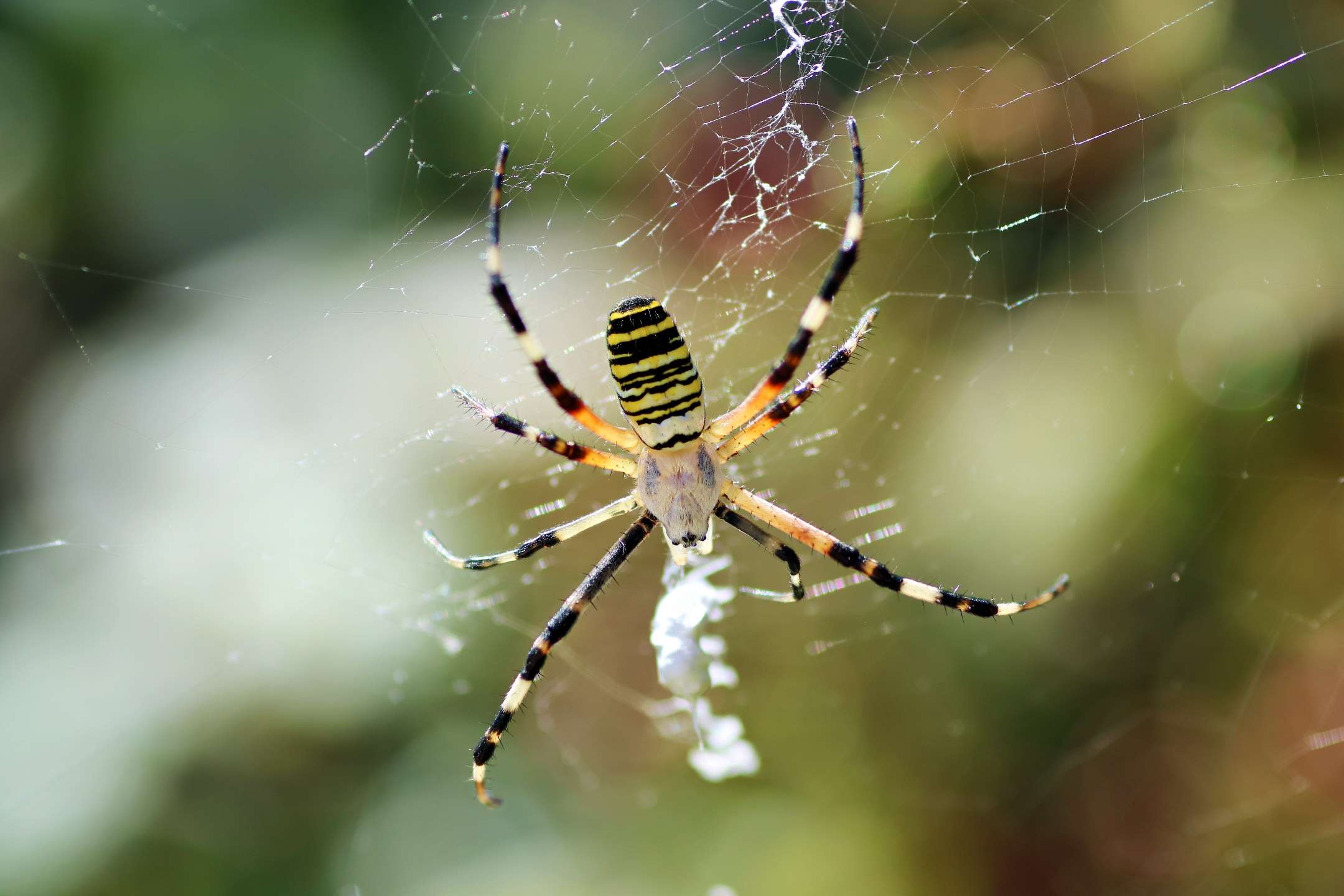
Creativity set to 6 and Texture to 1 gave me this:
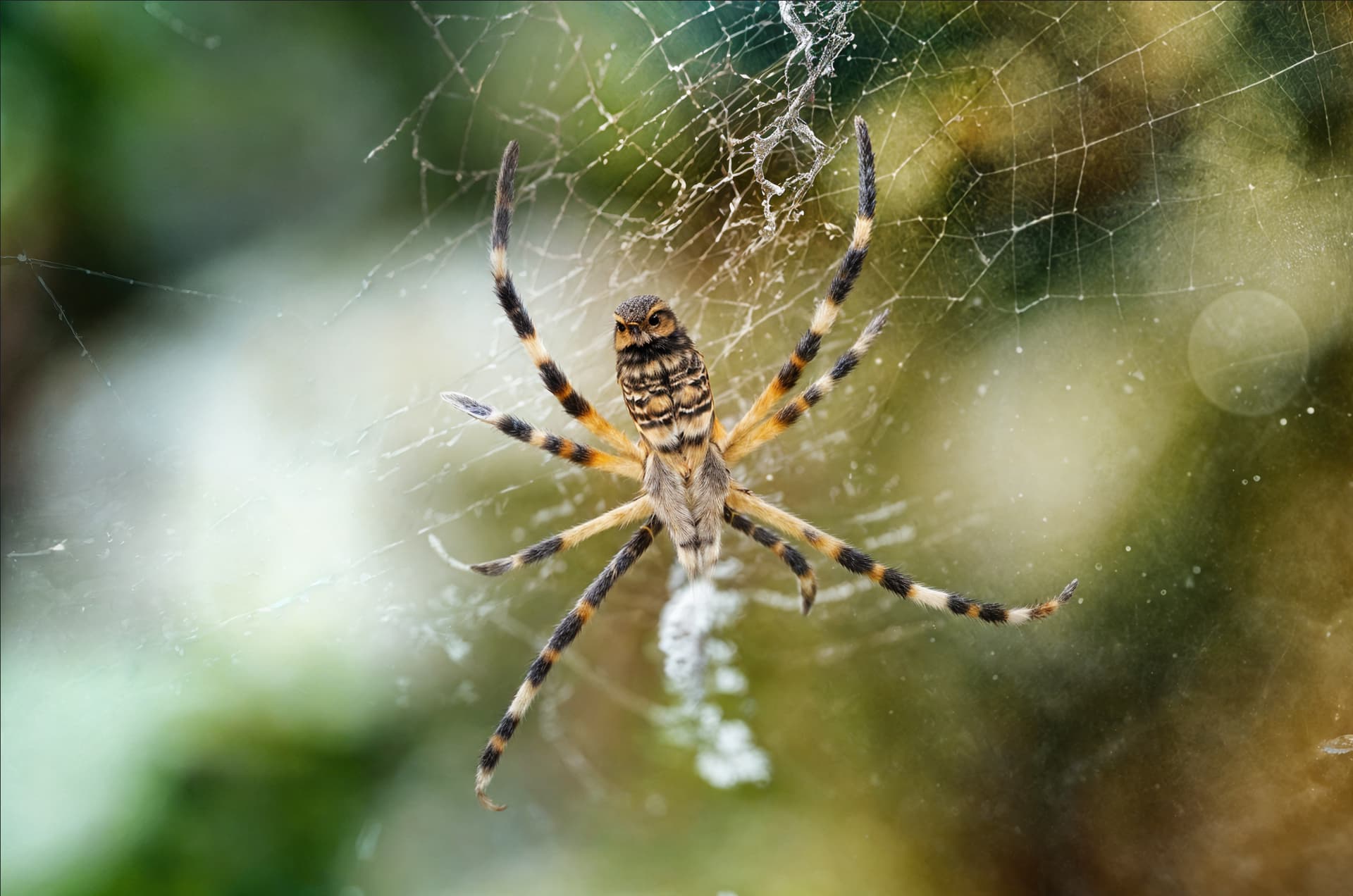
And I actually had to zoom in to believe what I was seeing:

Now this is something for an SF Horror Movie…
4 Likes
I was thinking, it’s probably cheaper to buy Cloud credits here than a new PC…
These PCs are otherwise just fine for other uses. And we hope Topaz further optimizes their tech soon for better local use.
Anyway, here’s my PS version with artsy:
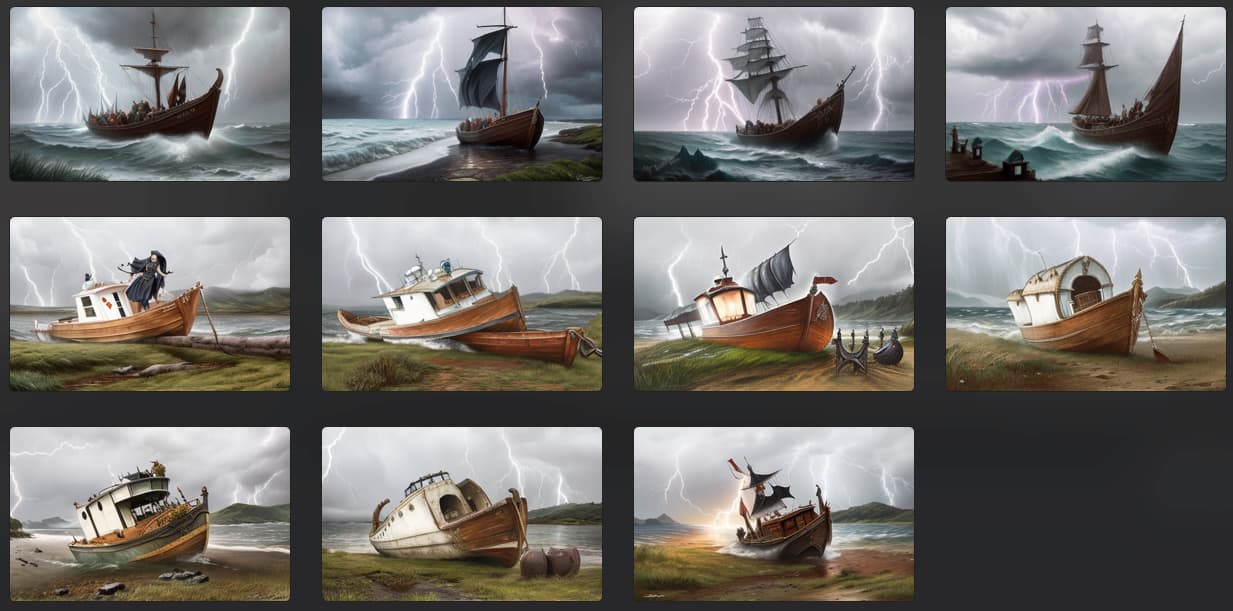
DiffusionBee image-to-image at different input strengths:
Here’s a GPAI normal-model upscale preview of one of the DB results (GPAI had crashed when I went back to exit out of the Cloud Redefine queue mode from above):
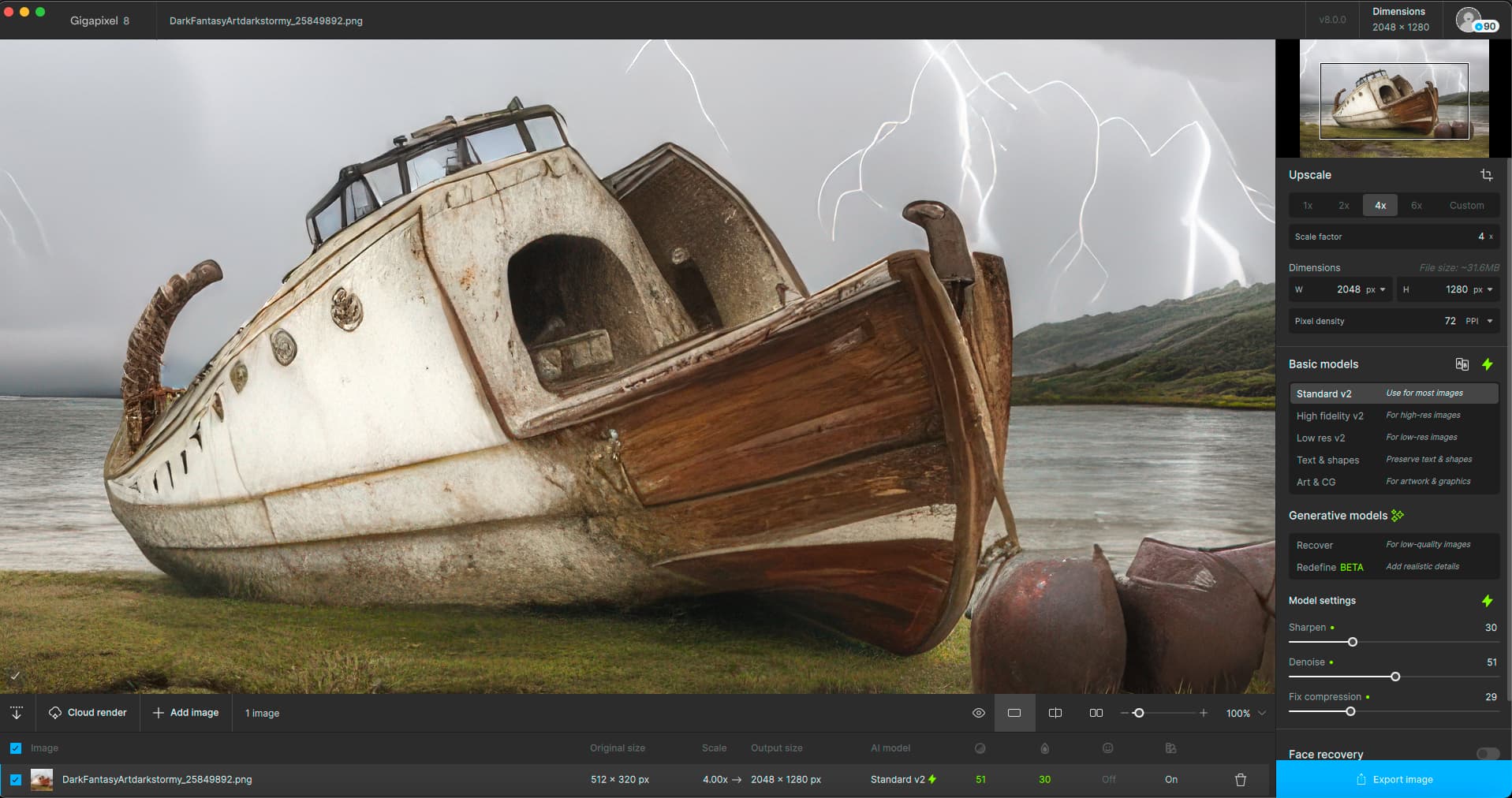
And I’m not implying any of the DB results are that good… 
1 Like
The redefine model is not realy usable with my RX 6600 XT. It literally takes an hour for 1 photo.
1 Like
I second this request!
1 Like
It looks like it added the Sydney Opera House to that first image!
2 Likes
Advice: Is it worth upgrading from legacy Gigapixel 6.3.3 to v8? I didn’t see much value in upgrading when they first launched the new version almost a year ago as there wasn’t much difference when v6 was brilliant.
Any thoughts from owners who upgraded? Is the new features worth the jump?
Many thanks.
it’s probably cheaper to buy Cloud credits here than a new PC
Hello.
At Topaz highest credit package(s) @ 1400… only ~70 images (HQ) are processed and for enthusiasts, and especially professionals, that’s
not only double-dipping but that said user could also purchase several decent workstations… a month for that overall price!
Also, the SUPER extra benefits that they are not just handcuffed to just one app, no privacy concerns… just a piece-of-mind, you know.
Depending on whether you are using upscale while maintaining the original image size. Starting from version 7.0.0, even with zero values of minor denoise and minor deblur, there is strong processing, which in x1 mode leads to the effect of the ladder. I have not found a way to get rid of this effect. You have to do it in x2, then go into photoshop using “save details 2.0” to return to the original resolution. I’m thinking of going back to 6.3.3 if this problem is not fixed in one of the next updates.
1 Like
I’ll have to try that again! Good to know.
I imagine, over time, models and speed will evolve. Hopefully to be usable on general purpose (vs IT Dept high end) systems. I just used Sharpen AI & Denoise AI on some projects tonite and they were the only tools (of several plugins I tried) that helped me achieve a desired look. So it’s good to have access to a mix of options.
1 Like
That is creepy and wonderful at the same time…
1 Like
