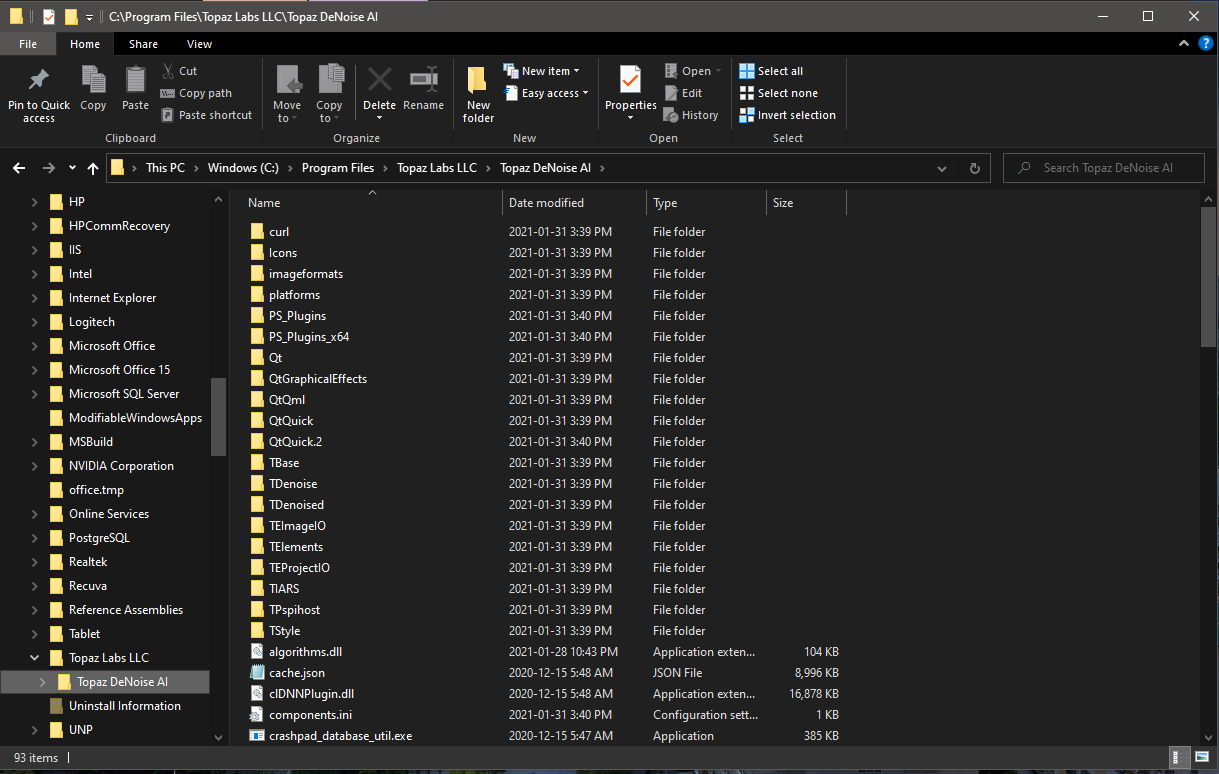
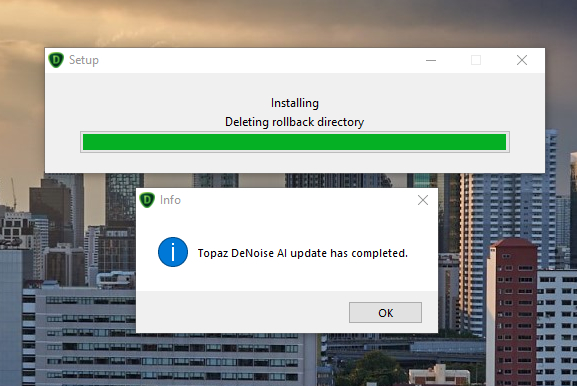
Hi @amy.mae , this I mentioned previously above, there seems to be an issue with the installation process as even though it is installed on the D: drive after I get the update notice and install using the online installer from the update notice I get the installer installing to here:
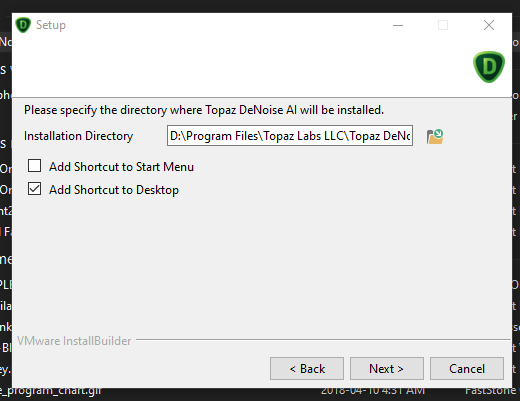
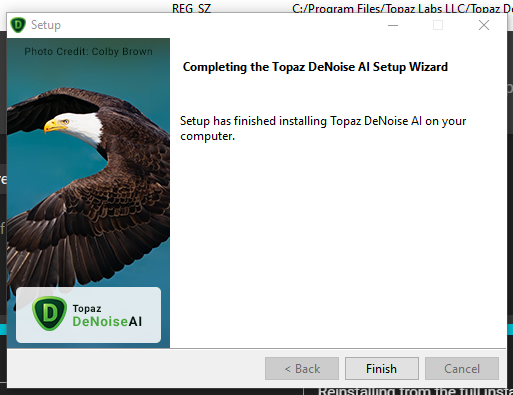
Reinstalling from the full installer, these are the panels:
Then I get the install panel here, and it installs correctly:
But only the Program Files entry in the registry after signing in again.
Then when the app starts it sets processing to GPU, if I press Calibrate again I get the same OPEN VINO error message but if I go back and switch off the GPU it turns Open Vino on.
If you like I can make another Video but it is the same as you already have.
Unfortunately I cannot use smart filters as it reverts to the last used smart filter in v2.4.0 until I exit CS6, restart then use an image, not a Smart Object, then convert to a Smart Object and restart with the correct image.
But the issue is that the Smart Filter in DeNoise only retains the previous values for the last used values for the DeNoise model even if you used a different model.
But how do you explain that why “AI Clear” can remove those color noise but not “Denoise AI” from the same RAW photo.
Also you can see that some other software like DXO DeepPRIME can remove & fix those color distortion from the same RAW image without erasing the detail you mentioned.
For more detail you can check the second image in following post.
I am not saying Topaz Denoise is bad, I just want to point out the weakness and provide image for developer, so they can train the model with those noisy image and further improve the algorithm. I think we all want Denoise AI get better & better.
DeNoise 2.4.1 full installer for MacOS will not install. DMG open, run the installer, installer icon bounces twice in the dock and then nothing…what gives? Can you provide a link to the 2.4 installer?
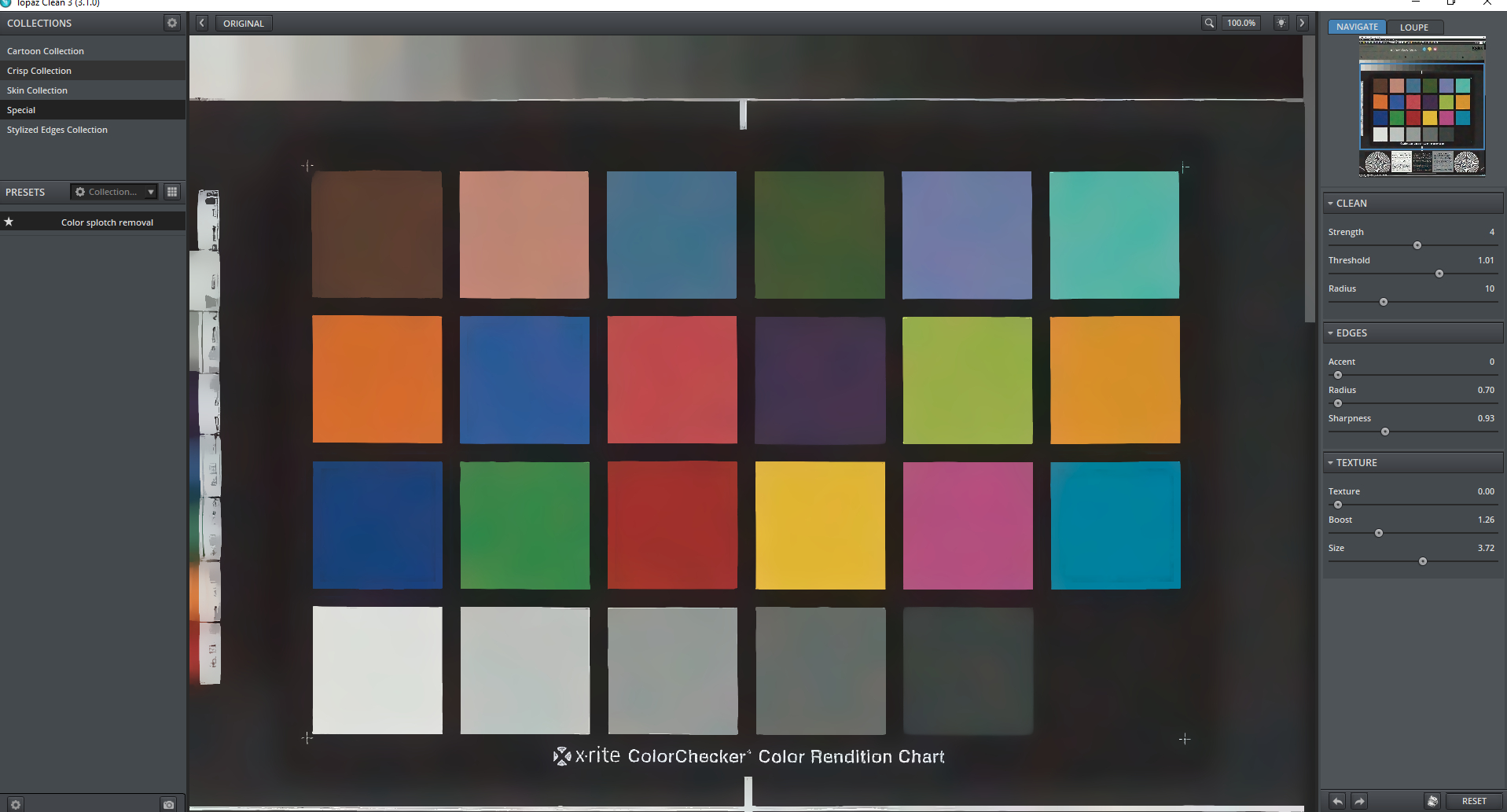
I looked at your color swatch picture a bit more and actually all three Denoise modes will reduce the splotches with AI clear being the best as your mention. I would not call this color noise however. There is a legacy Topaz product called Clean that will go a great job of getting rid of this (I included the settings). I used it on the picture below. I think it might be good if Topaz were to incorporate it as the color noise reduction algorithm in Denoise AI. I don’t really like the one they have now.
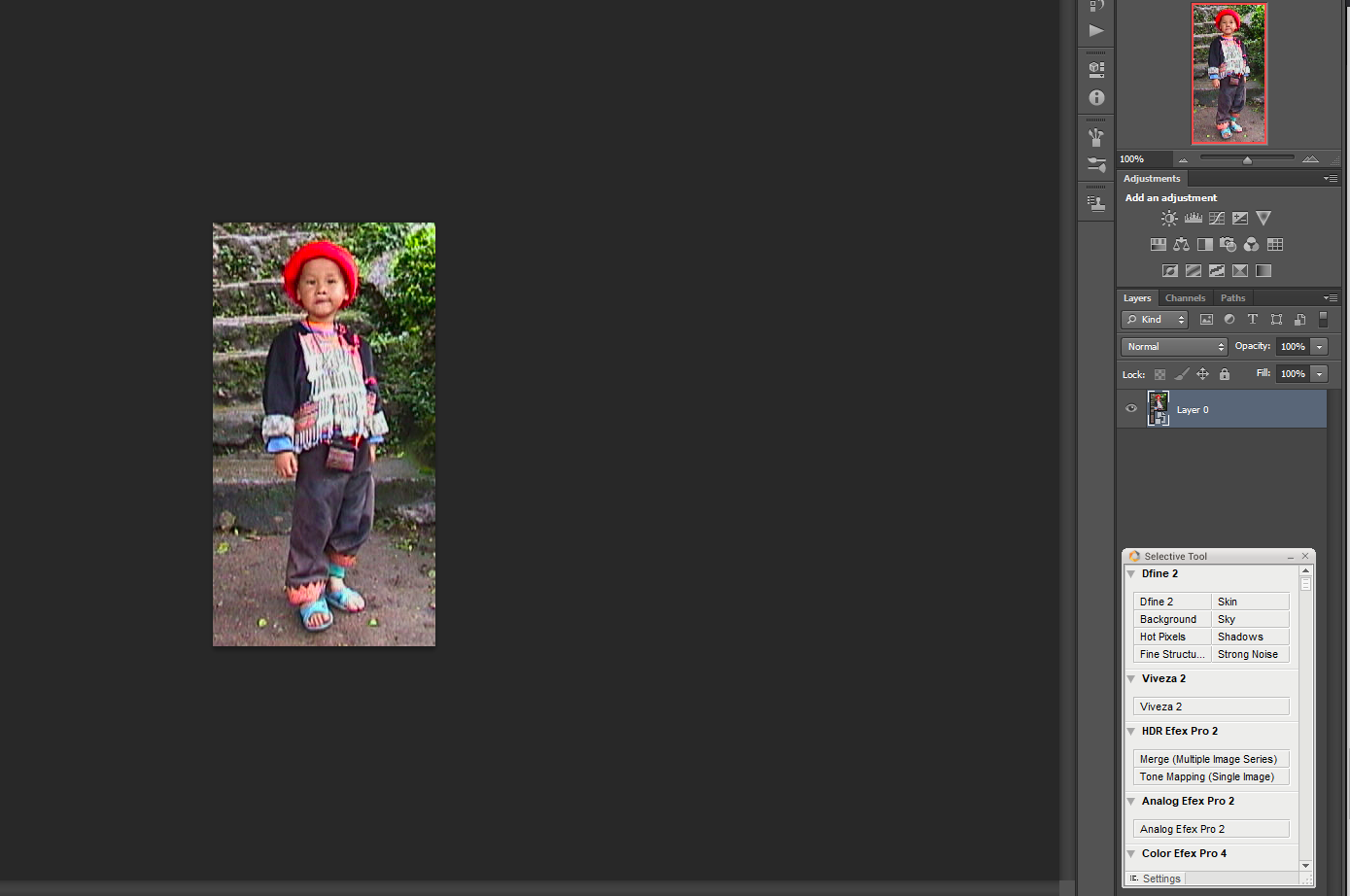
I ran this through Denoise AI first then Topaz Clean:
Unfortunately, it seems that Topaz no longer sells Clean. You could contact them if you think it would help you. In Topaz Studio 2 the Abstraction filter does pretty well if you have that.
I can open R5 CR3 images in DeNoise 2.4.1, but there is a strong green cast. I could also open them in 2.4.0, but then there was a magenta cast . Here is the same image as loaded into 2.4.1 and into DPP.
Oh well, it won’t let me post with the image.
@lhkjacky This seems to be a similar problem I reported a few days ago. Right now that low frequency color noise can only be reduced with AI Clear it seems. But before v2.3 also Denoise AI and Low light were capable of reducing that kind of color noise, at least better than now! @Artisan-West Thanks for pointing that out. That looks promising. Indeed it would be great, if Topaz could incorporate those algos. Or have a look why v2.3+ got worse reducing this noise.
I have found the same problem in two images I use to check chroma noise removal. In both, AI Clear makes a good job, but Denoise AI leaves a lot of color noise left, and Low light mostly removes the color noise but leaves some subtle “color” bands or patches that destroy the background color uniformity.
Edit: Sorry, I am not allowed to attach the examples, but I have used the dropbox link to send one screen capture to Partha Acharjee. All modes in auto settings and same color noise reduction slider position.
I think that it worked better in the past (at least with version 2.2.12, if I remember well).!
Thanks for the info. I’ll try to see if I can reproduce it. Not sure what would have changed in that regard, but maybe I’ve overlooked something related to using the old install location.
Oh I see now. This is because we changed from using HKCU to HKLM. This shouldn’t be an issue in subsequent installs, but the initial jump was handled poorly.
Hi, I recently upgraded to Topaz denoise 2.4.1, however, since upgrading it takes at least twice as long to denoise a photo than the previous version. One jpg takes at least 4+ minutes to complete - is this normal ? I’d hate to try a raw file.
You should go to the Help menu > Graphics Info and copy the information and post it. Also the size of the picture being processed and I assume the time is when you are saving. Do you have a time for the same picture when using a previous version? What mode was used (Denoise AI, AI clear, Low Light). Were you using the CPU or GPU?
For example, it took 12 seconds to process and save a 16 Mpx picture on my machine using my RX5600 XT GPU in version 2.4.0