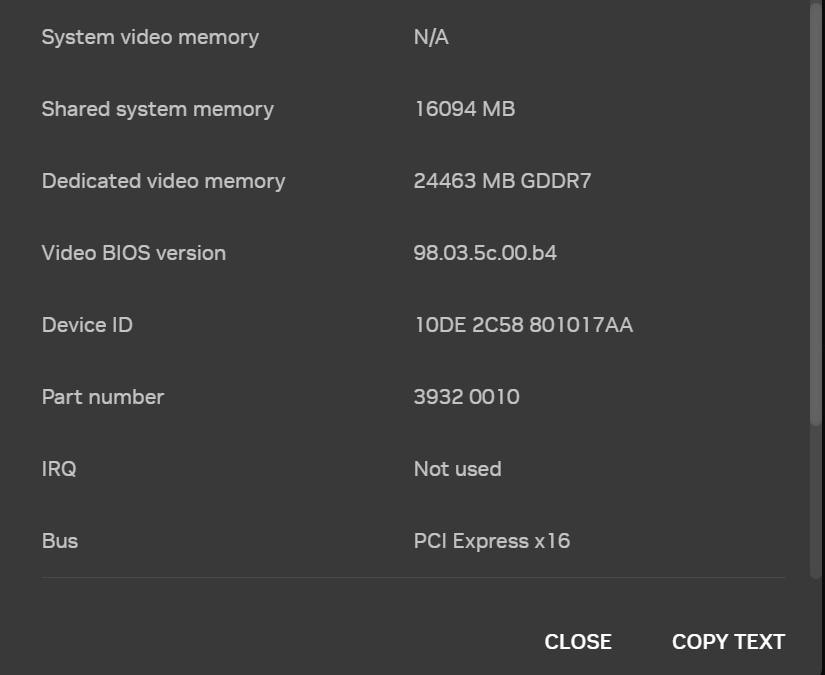
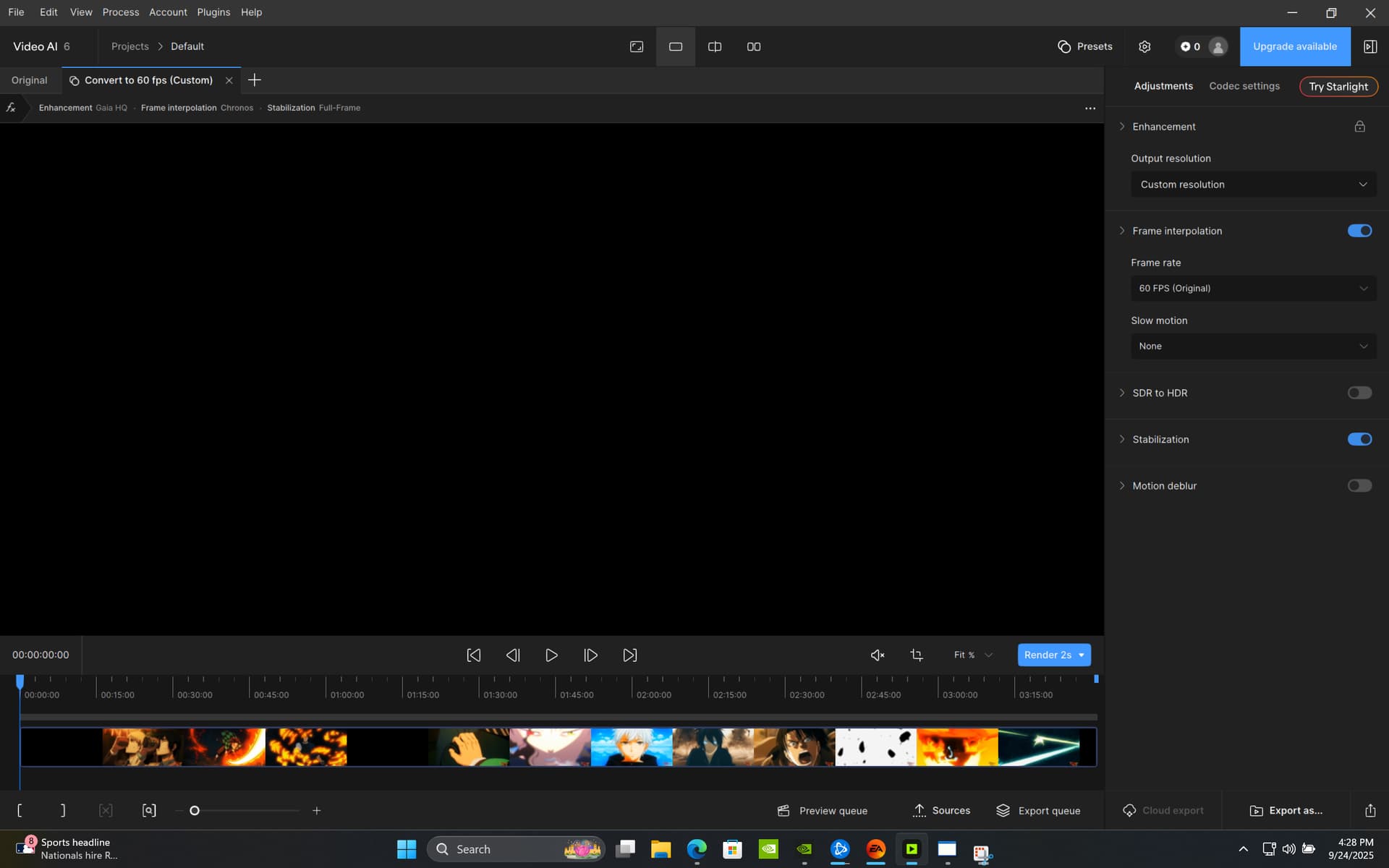
So i got a RTX 5090 Laptop with 32GB DDR5 6400Mhz and to render a 1440p60 video. it tells me its gonna take me 8 Hours. What is wrong with my program it was the same way with my RTX 4080 laptop with a I9-14900HX and has 32GB DDR4.
I am using Video AI 6 since i haven’t renewed my license yet to receive updates. I even had the program use 100% of my RTX 5090 24GB GPU. How do i fix this becuase on that GPU it should never take that long to render a video.
Hmmmmm… Without any idea of the length of video, original and output resolutions, models you’re trying to use, etc., it’s tough to give a specific answer to your question.
I would also opine that remaining on version 6 is doing yourself a disservice, given that you appear to have hardware that could give you a decent ride in the later and upcoming versions of Video AI and Topaz Video. (the Studio version)
One key issue is the amount of VRAM on your 5090. I’m not at all familiar with the laptop versions of nVidia GPUs. If it has 16GB (or, preferably!) more, throttling it on Video AI 6 is like using a Louisville Slugger to play whiffle ball…
Sorry, I didn’t notice that you stated the VRAM size in the original post. But it looks like you’ve provided enough information in this update that should give one of the more proficient users who visits here to offer a reasonable guess. It would seem that your laptop is a real powerhouse and ought to turn out some impressive render times.
Do you have much experience with Video AI, using it in this same way? Did you successfully use any of the other models in previous attempt?
Clearly it can run it because it doesn’t fail, but what is the speed of each process on your system individually? How much cpu performance is needed to run those processes at full speed?
The Gaia model is alot slower than other models because it was one of the first models created for VAI and doesn’t benefit much from tensor optimizations.
At the moment there are too many unknown variables. That’s why I said run the benchmark (for the resolution you’re starting from) to get an idea of the expected performance of the individual processes. If you’re starting from a high resolution original that will slow things down alot.
In VAI there is rarely a definitive “best” model for a particular type of content, as so much depends on the state of the originals. I don’t do any animation upscaling, but others use Iris sucessfully:
Running three models on a file that has a playback rate of 60fps will take awhile. The Stabilization model is slow at times, plus you have turned on rolling shutter and jitter correction which increases the number of passes it makes further slowing down the processing rate. If it is an animated video, the need for stabilization should be minor since it does not have camera movement that would be needing to be stabilized in the context of what the model was designed to do.
I have not found an animated video file that needs the stabilization model applied to it, since the camera movement depicted in it is done on purpose versus just unsteady camera work. However, some users do prefer to run various models and settings on their videos as it matches what they want the end product to look like.