If the lines bounce you have chosen the wrong field order or it is some form of non-standard interlacing.
Handbrake doesn’t do anything “automatically”…you have to choose those options.
It’s not interleave, it’s interlace.
Decombing is one method of de-interlacing. There are several.
No, i think it’s the right field order (Buttom first). With another setting (Top first) all pictures bounce…
yes you are right…but it can be a good indicator for choosing the resolution
anyway it appears when you render so why not during preview ?
you have to begin a render to have this info
I don’t agree. i use a GPu and an iGpu. Altough i don’t change models based on speed per frame, i change videocard depending of how fast it is when using the same model.
it’s always a good information to know if a specific hardware is faster than an another one as well.
Example : with iGpu, for 720->1080p, i get a 2.8 s/f.
with Gpu, i get a 2.2
sometimes depending of the resolution, the Gpu is much slower than the iGpu and reach a 7 s/f for the same model. that’s “where” this information is important. certainly for people who have high end graphic card and can process films or tv serie it’s not important, but for other people (we’re certainly a minority) it is.
2 Likes
Thanks for the correction.
When I open Handbrake it does seem to have a default setting with de-combing on.
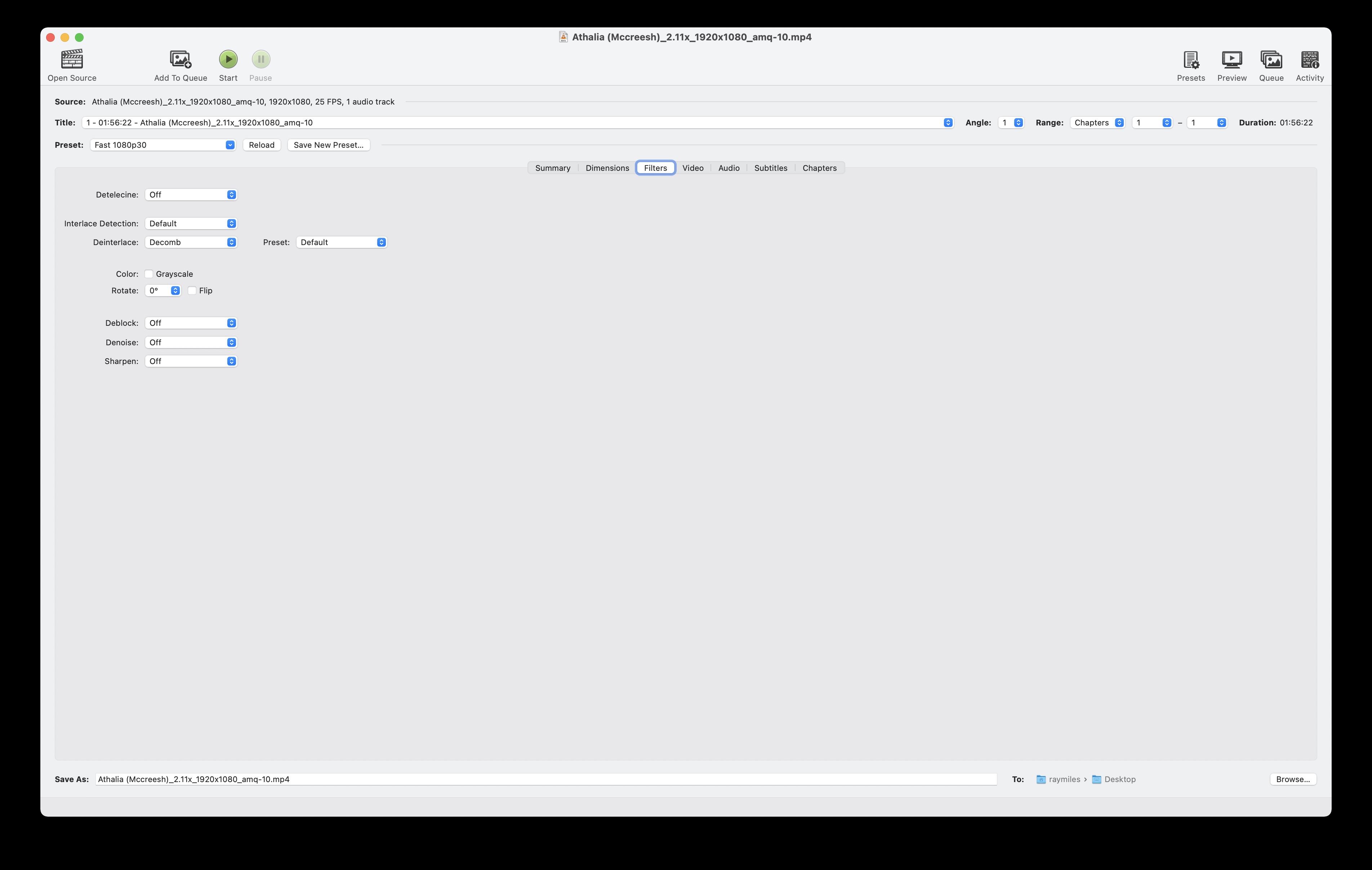
It does not treat colors. As its name indicates, it is for noise reduction. It removes the RGB grain and can also increase sharpness.
I know I’m not very good in English, but this is still explicit xd.
Handbrake is not bad. But it’s not auto. You have to activate an option to ask him to do it.
Dione-DV incorrectly merges the low frequency component of interlaced fields during a scene change:

If you look at the original video fields unfolded you can see that no such ghosting appears in the source:

3 Likes
Yes, expanding the preview is nice. However I am referring to the frame rate per sec processing (i.e., 0.7 sec) not the FPS which is the frame rate of the video.
I don’t let speed ever change what I’m doing. If I want 1080, I’m doing 1080, and if I want 4K, I’m doing 4K. If it’s too slow, then I just don’t do it. LOL
That’s just based on whatever preset you’ve set as default.
@taylor.bishop In the future and if possible, I would love for the option to hide the file list while processing videos. It takes too much space and get in the way of things sometimes…
Great job on the UI btw!
Hello. I fígured out some problems with the new (really nice) gui. I guess that these are problems.
-
I’m not able to open files from NAS-Drive mapped with an drive letter. The open dialog doesn’t show and allows it. Drag and Drop of these files still works.
-
Pausing the playback of an preview. Exit preview and starting another preview won’t reset the controlls of pause/play preview and frame forward/backward.
Great job on the new release. I have a question and I apologize in advance if it was asked before. I run 2x 2080ti GPU in my PC but I can’t find the option to select multiple GPU anymore. Only GPU #1 and CPU. is this intentional? thanks
Thanks Orion! Was this option available to you in v1.9.0?
Thank you for the feedback! I’ll make sure to get this fixed.
Hi, I own a Synology DS 414, my drives are mapped as letters (windows 10 last version) and don’t have the issue you tell (i’m checking it now).
No it was not but in every version before 1.9.0 it was available. It only stopped after 1.9.0 and now 2.0.0
Had the same issue. Rebooted my PC and it worked afterward.
