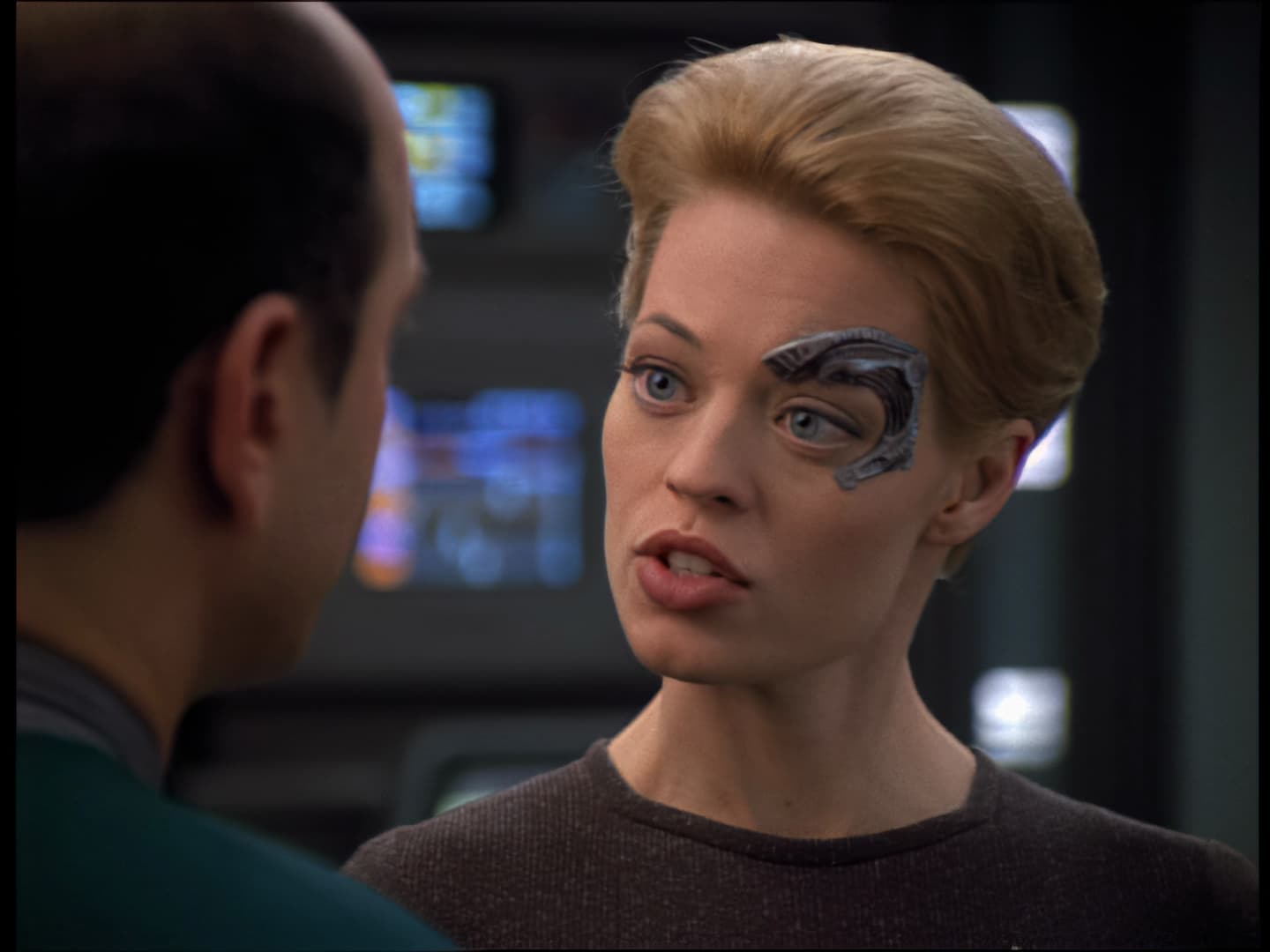
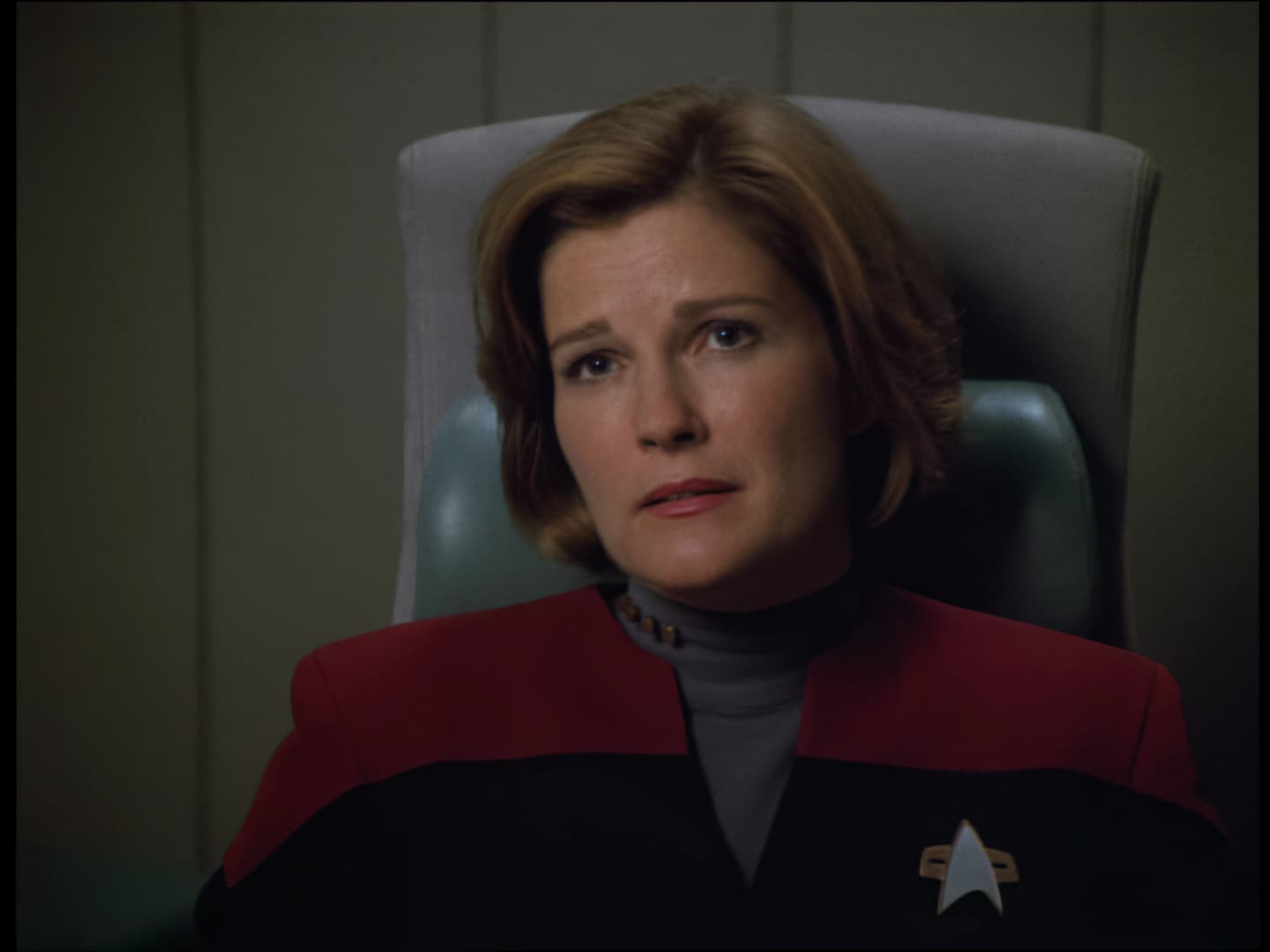
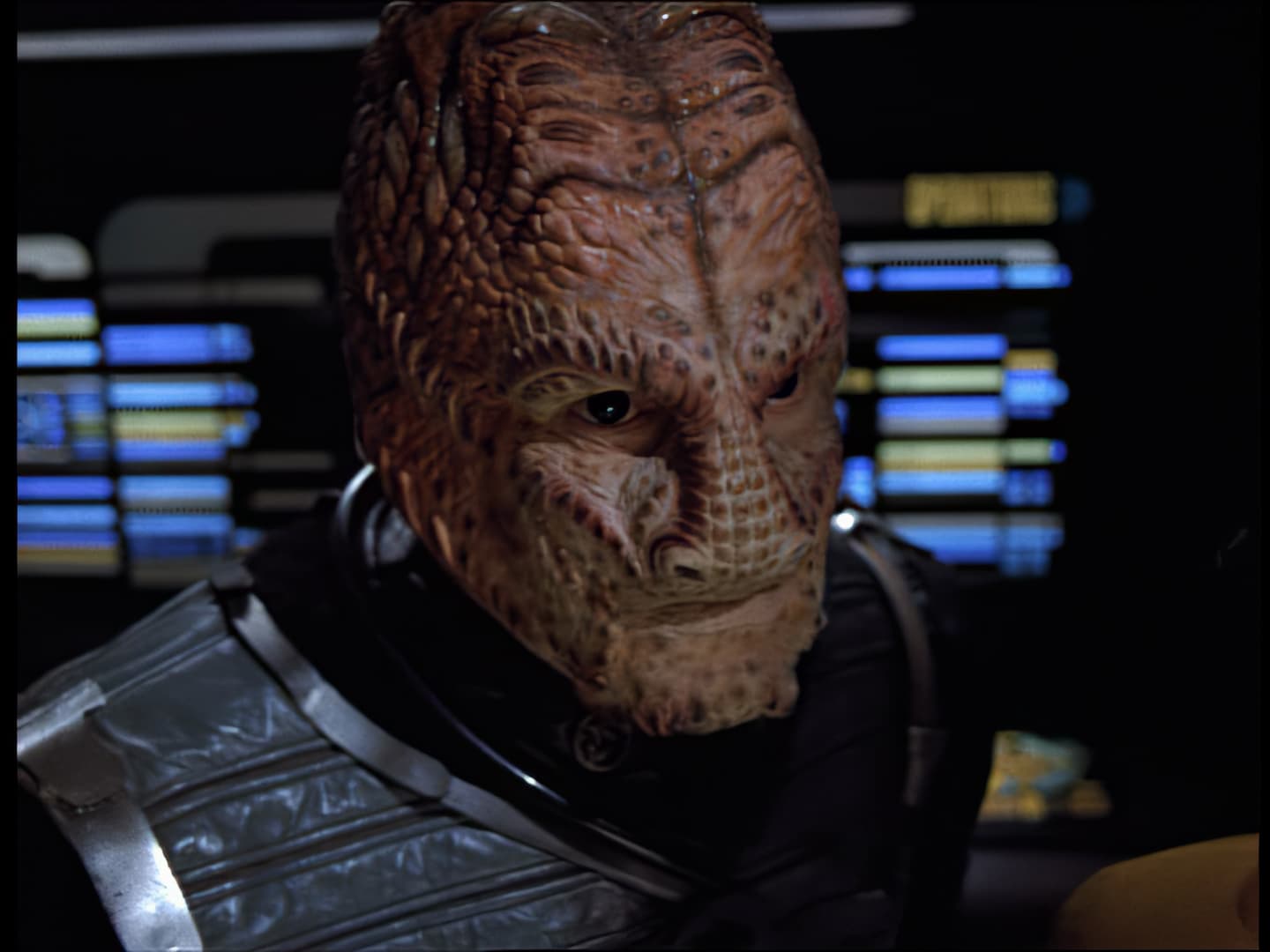
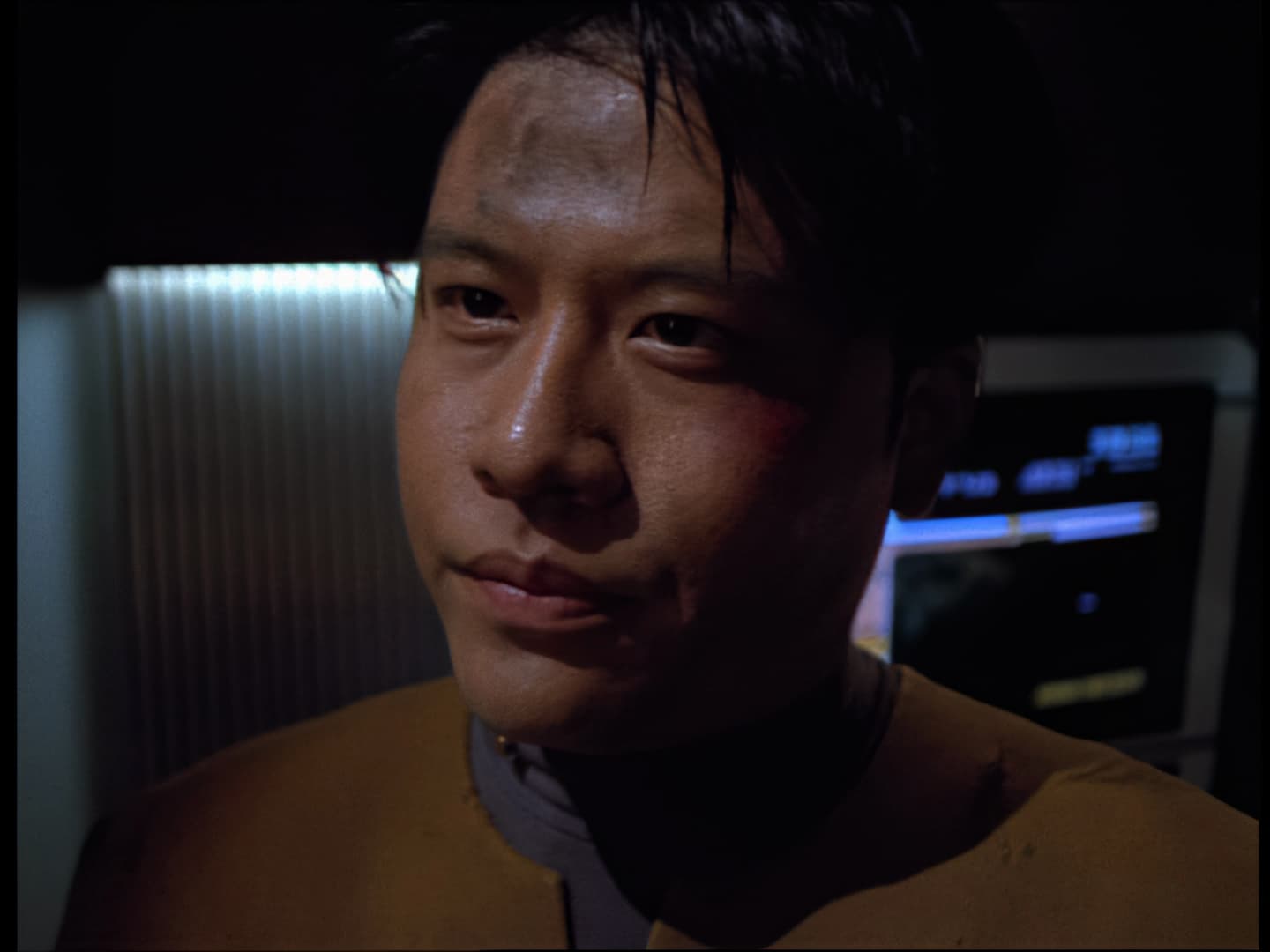
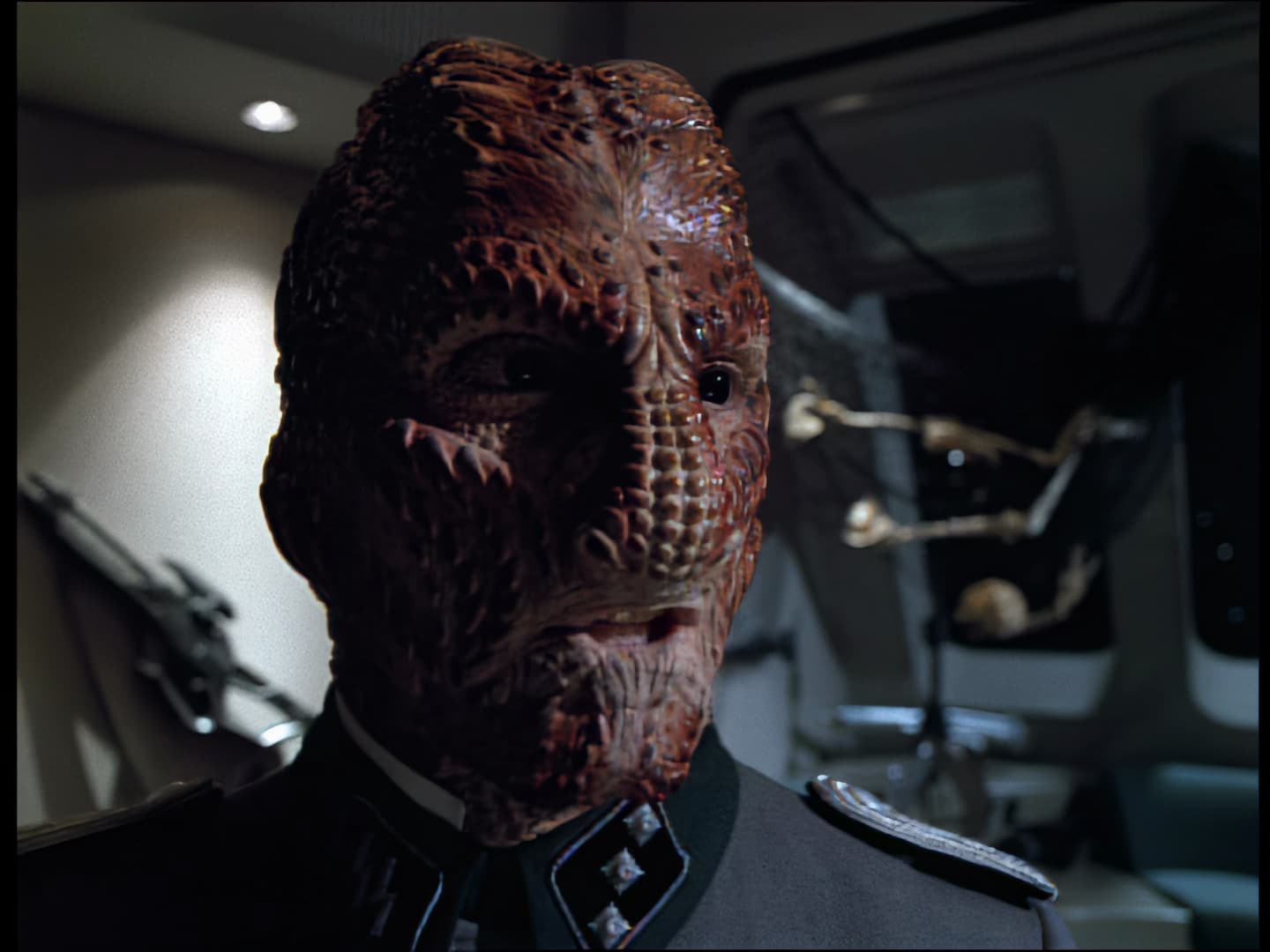
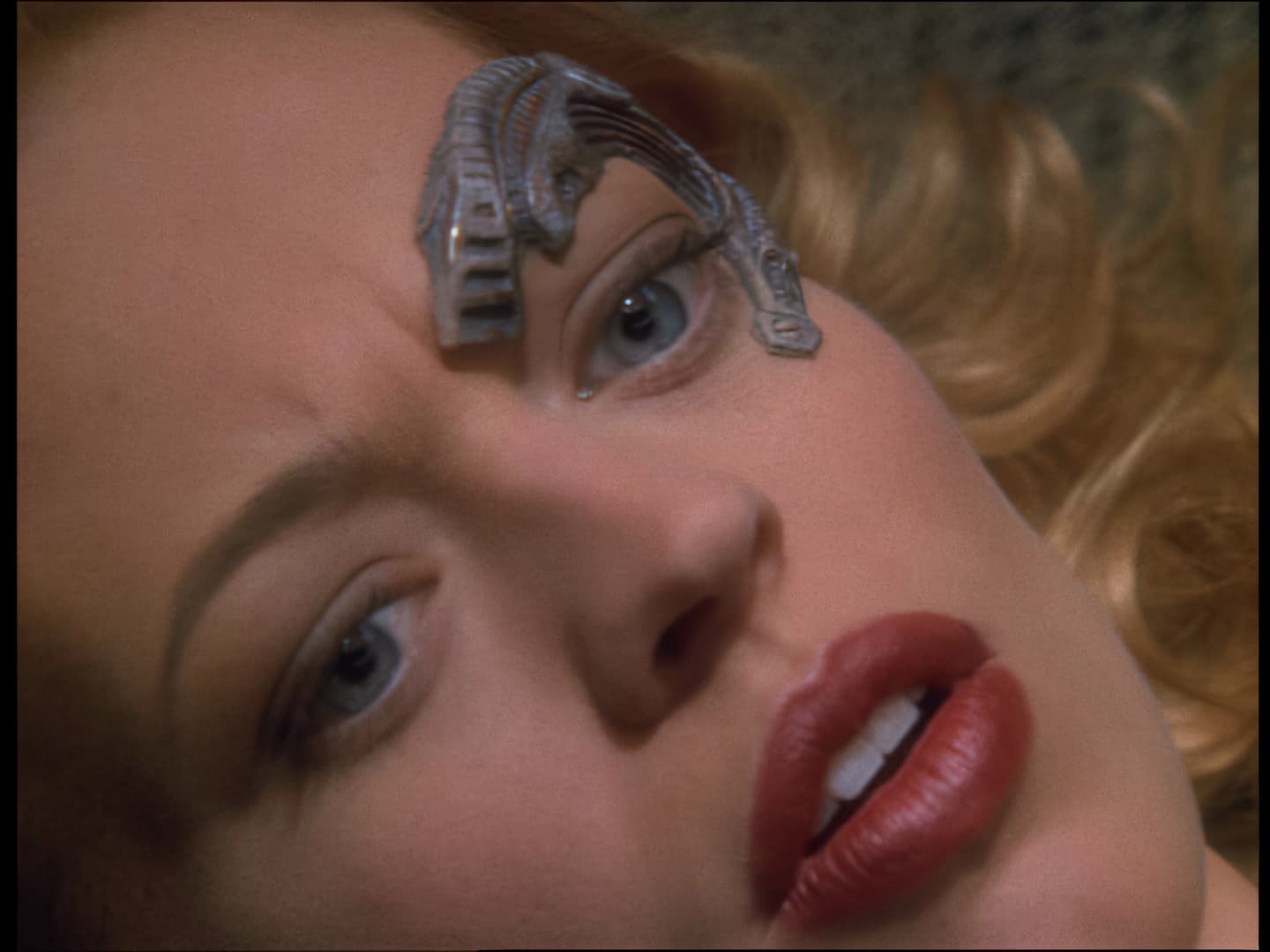
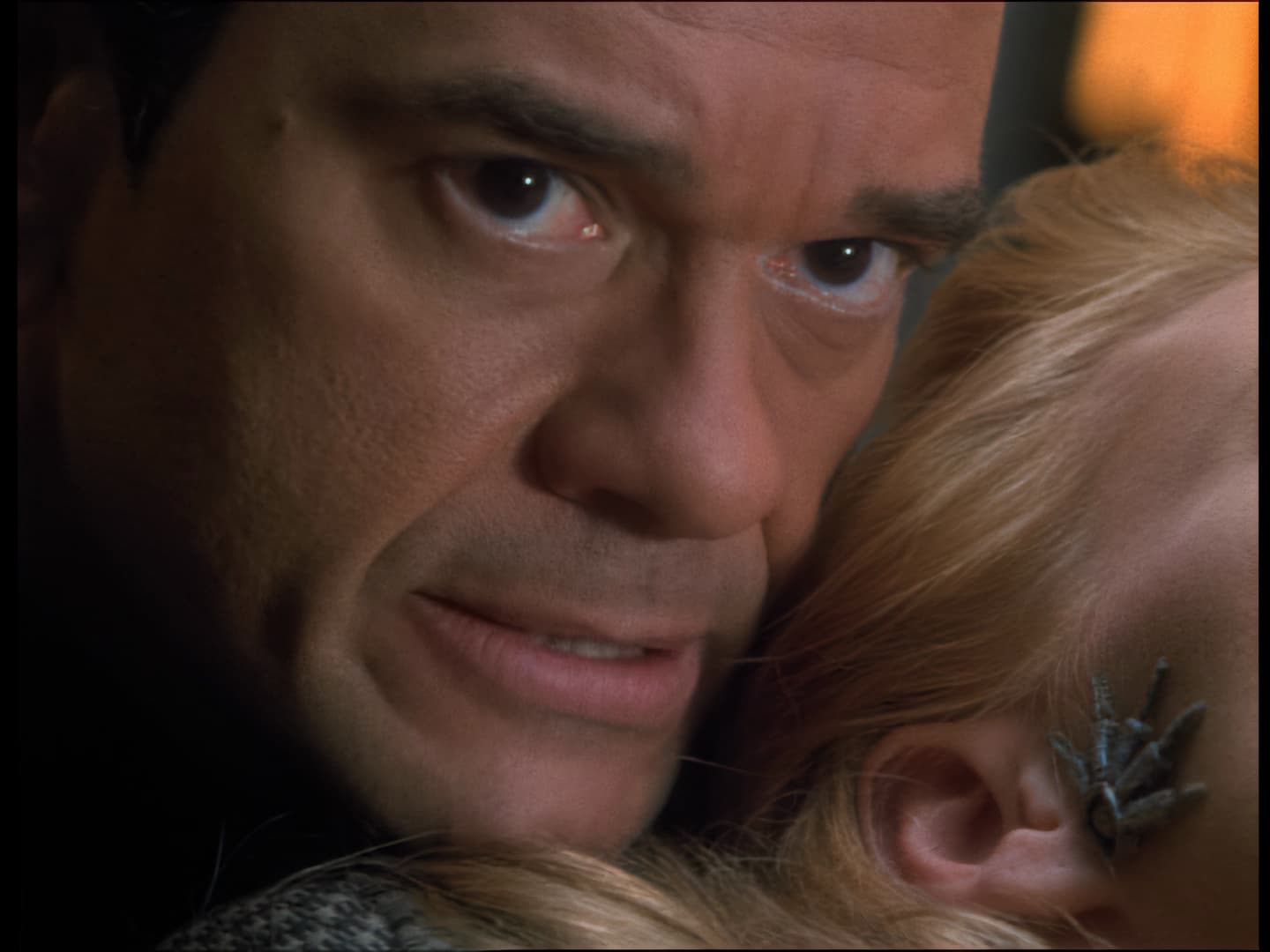
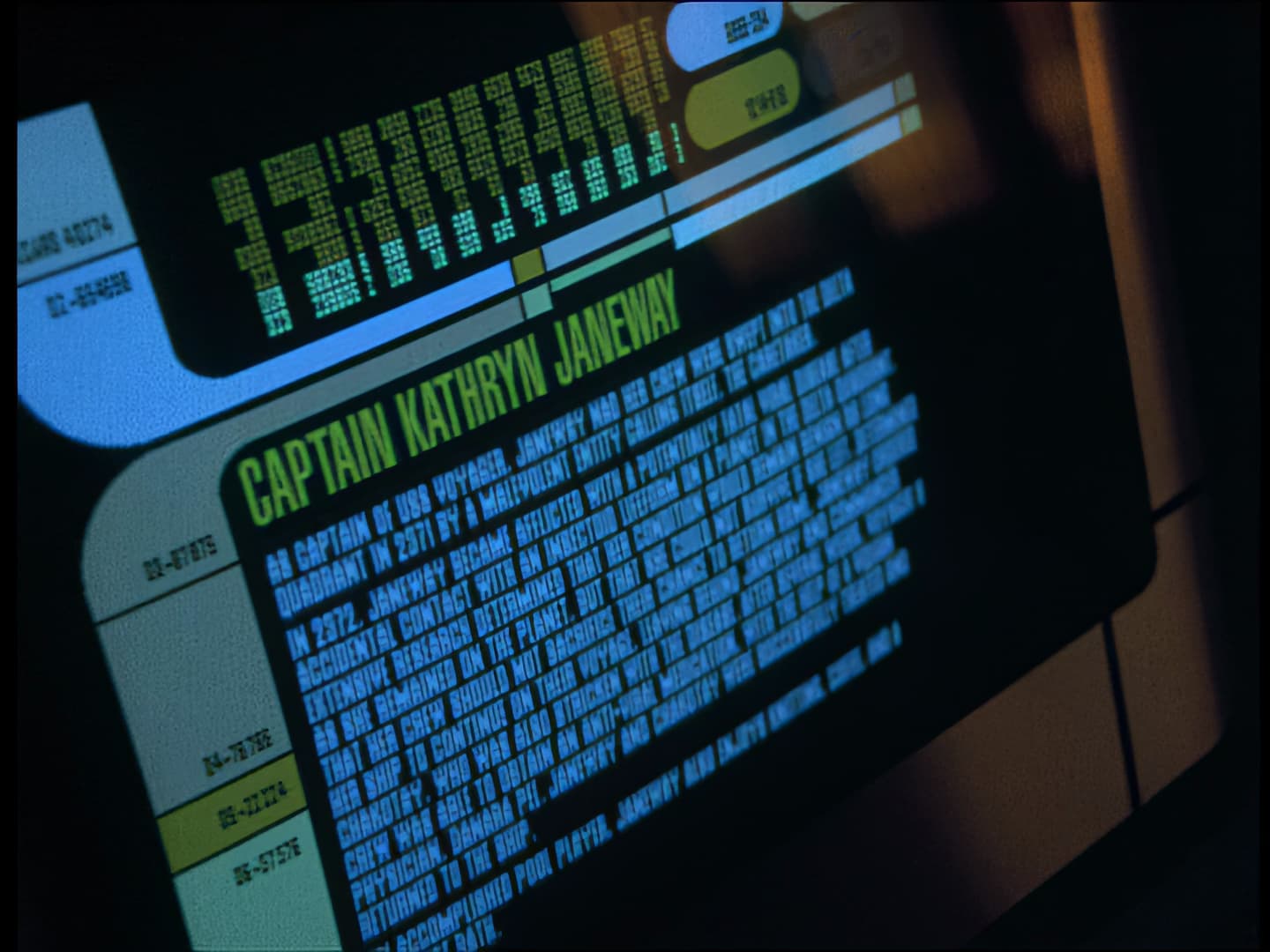
Yes. Absolutely.
This conversation made me look at different settings - yet again…
another try
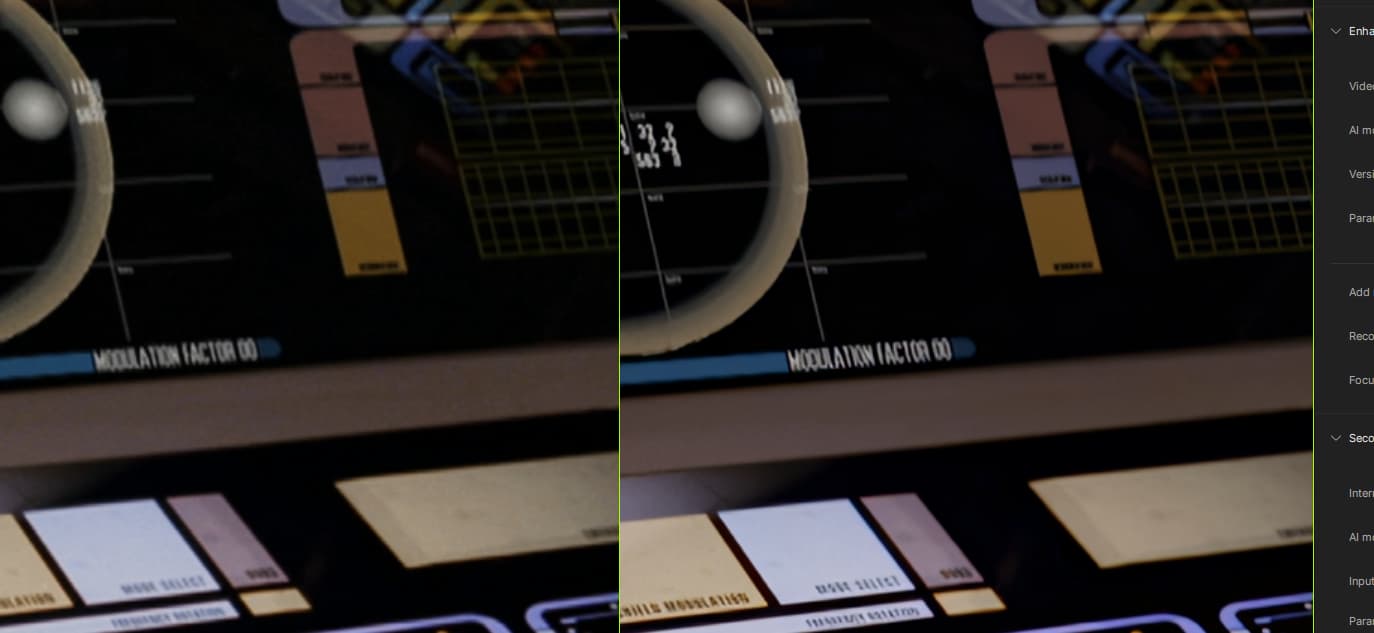
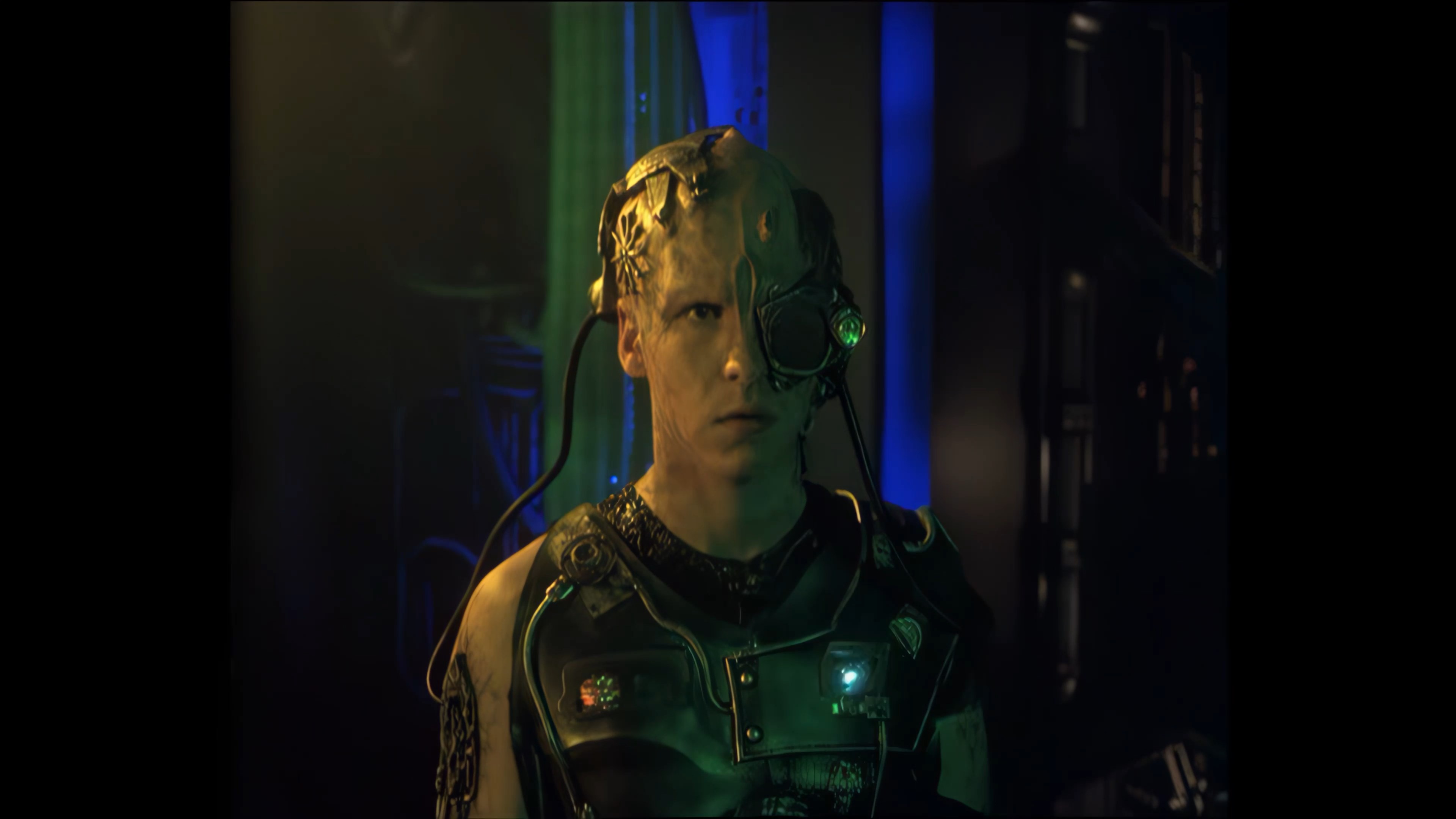
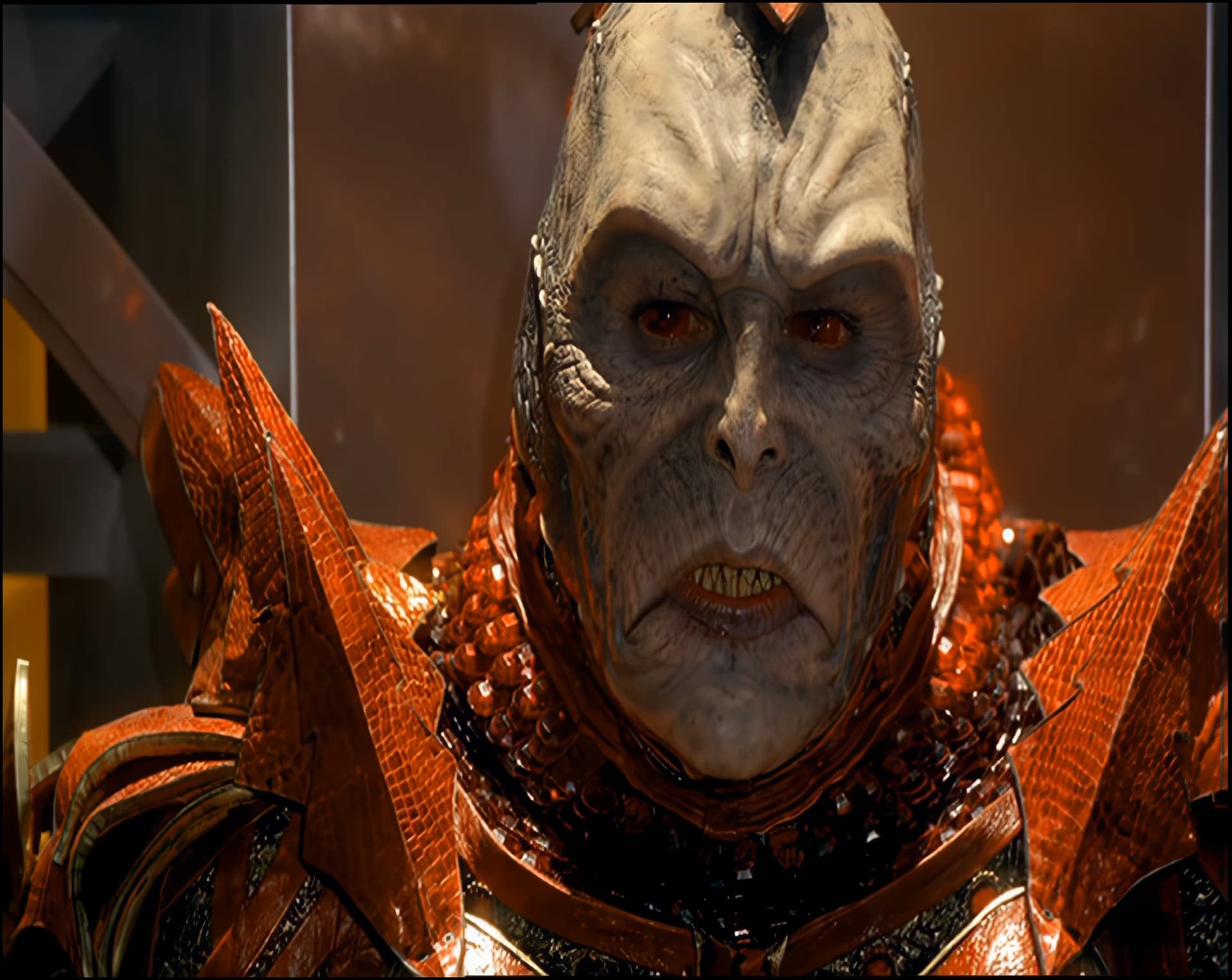
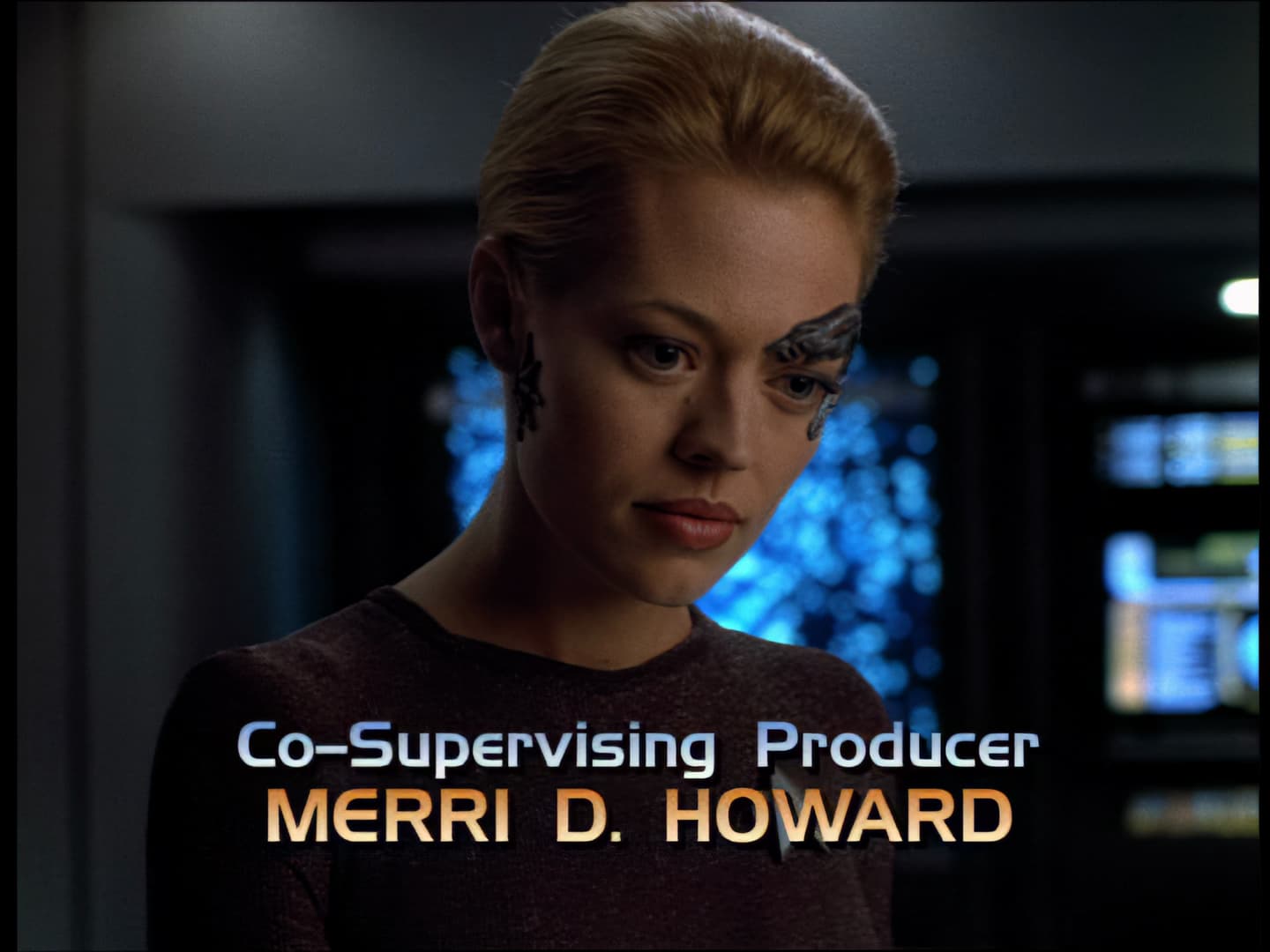
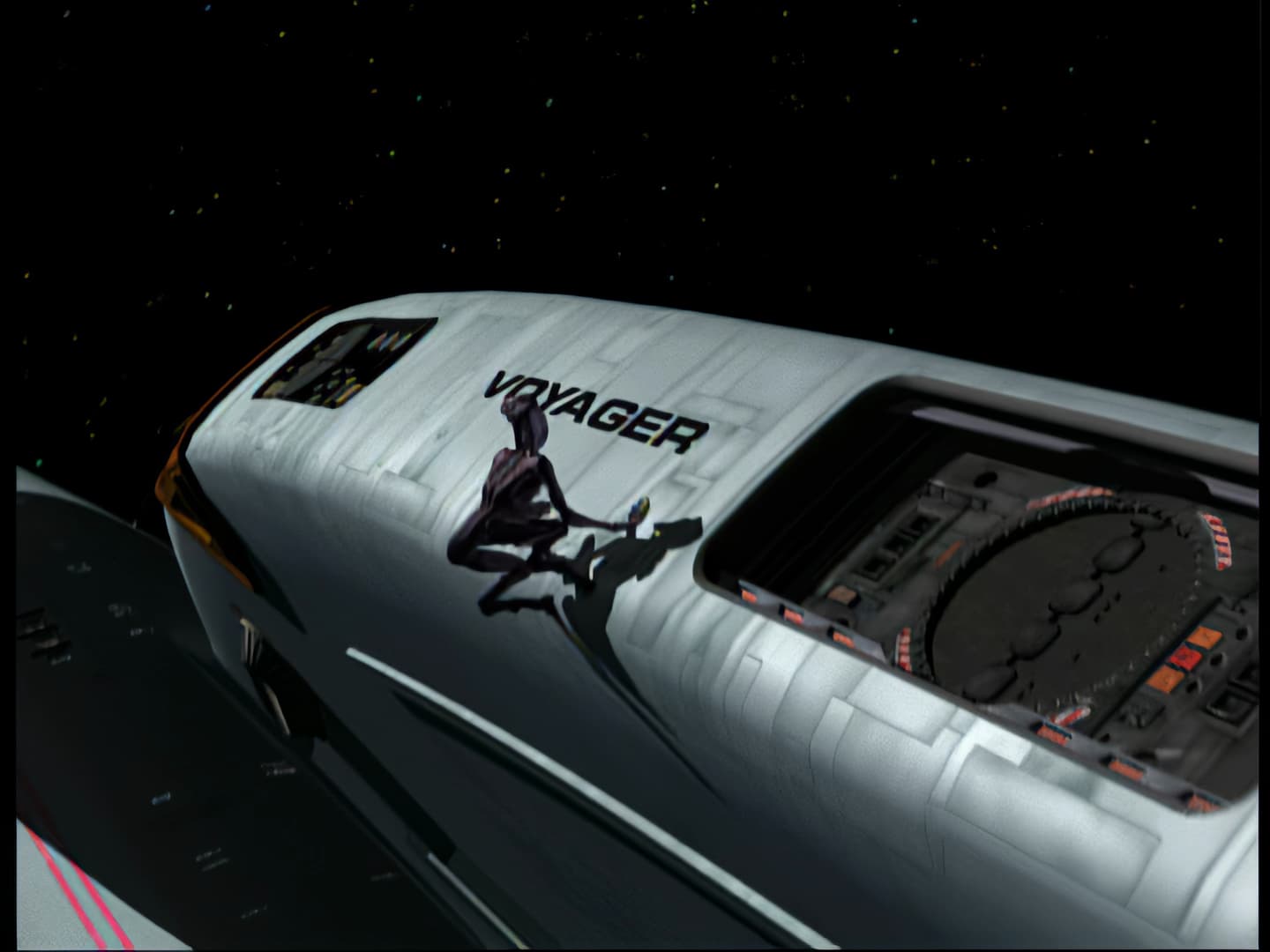
The image is now cleaner, the colours pop a bit more, and the text is somewhat better I think.
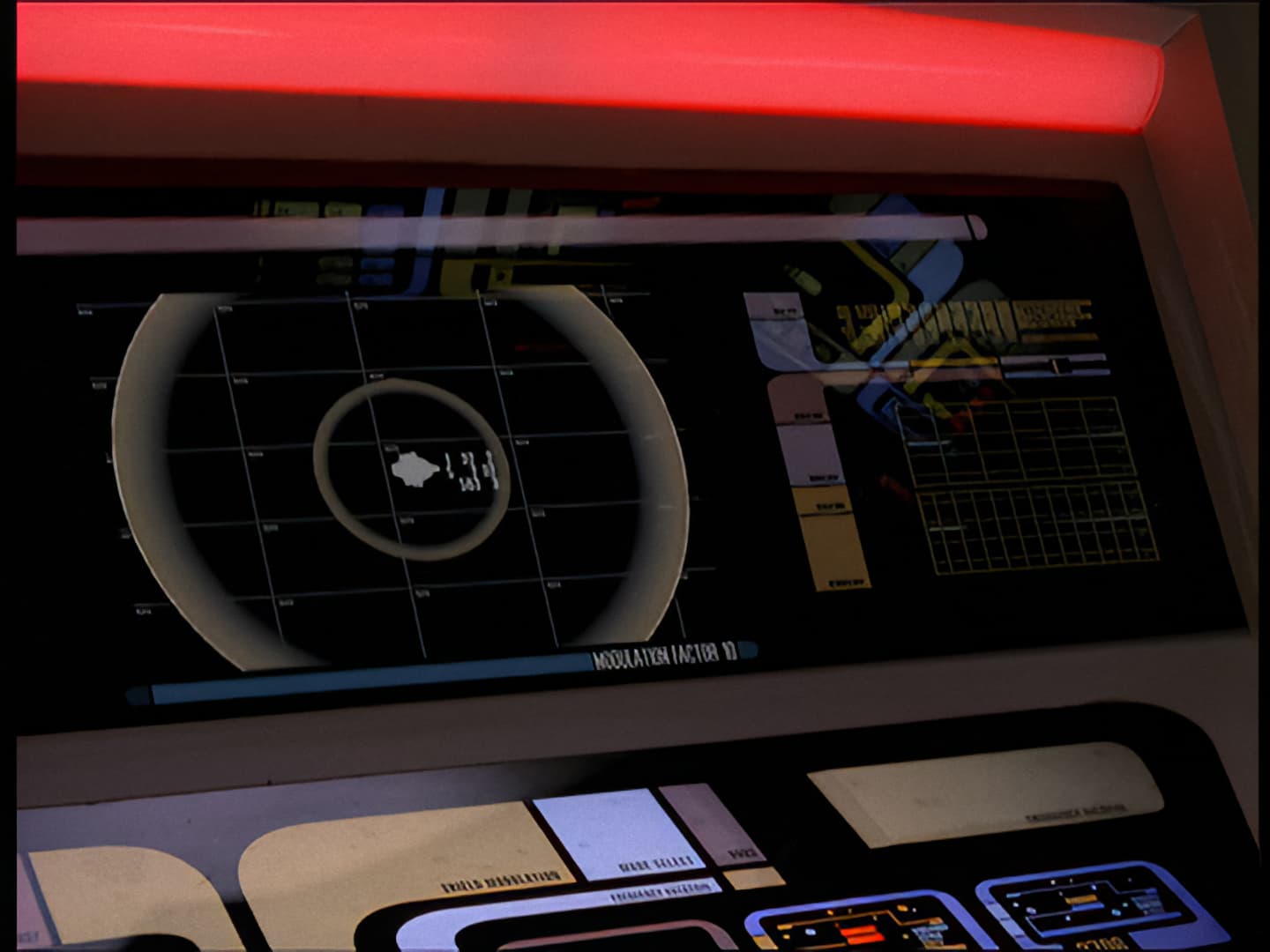
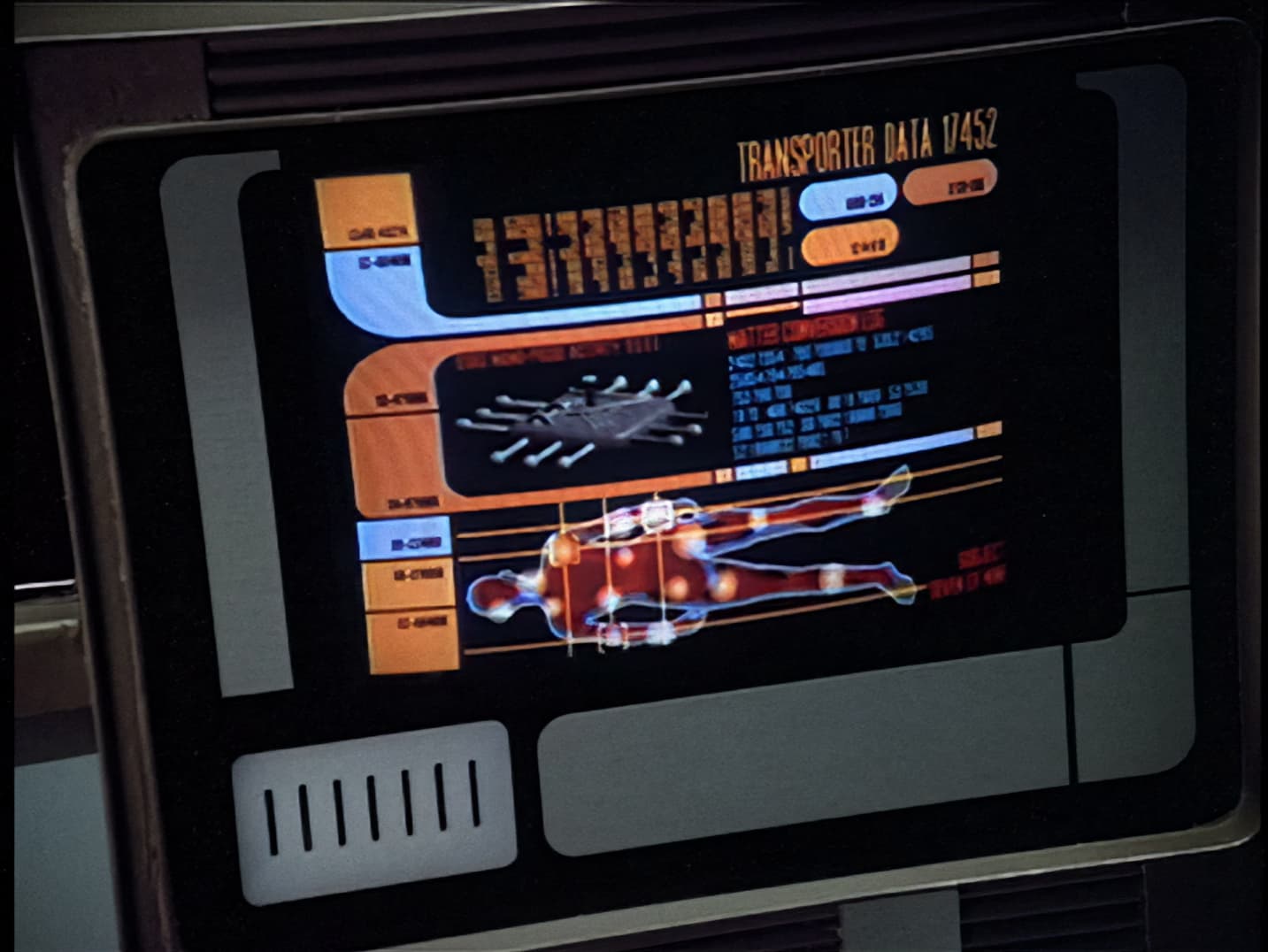
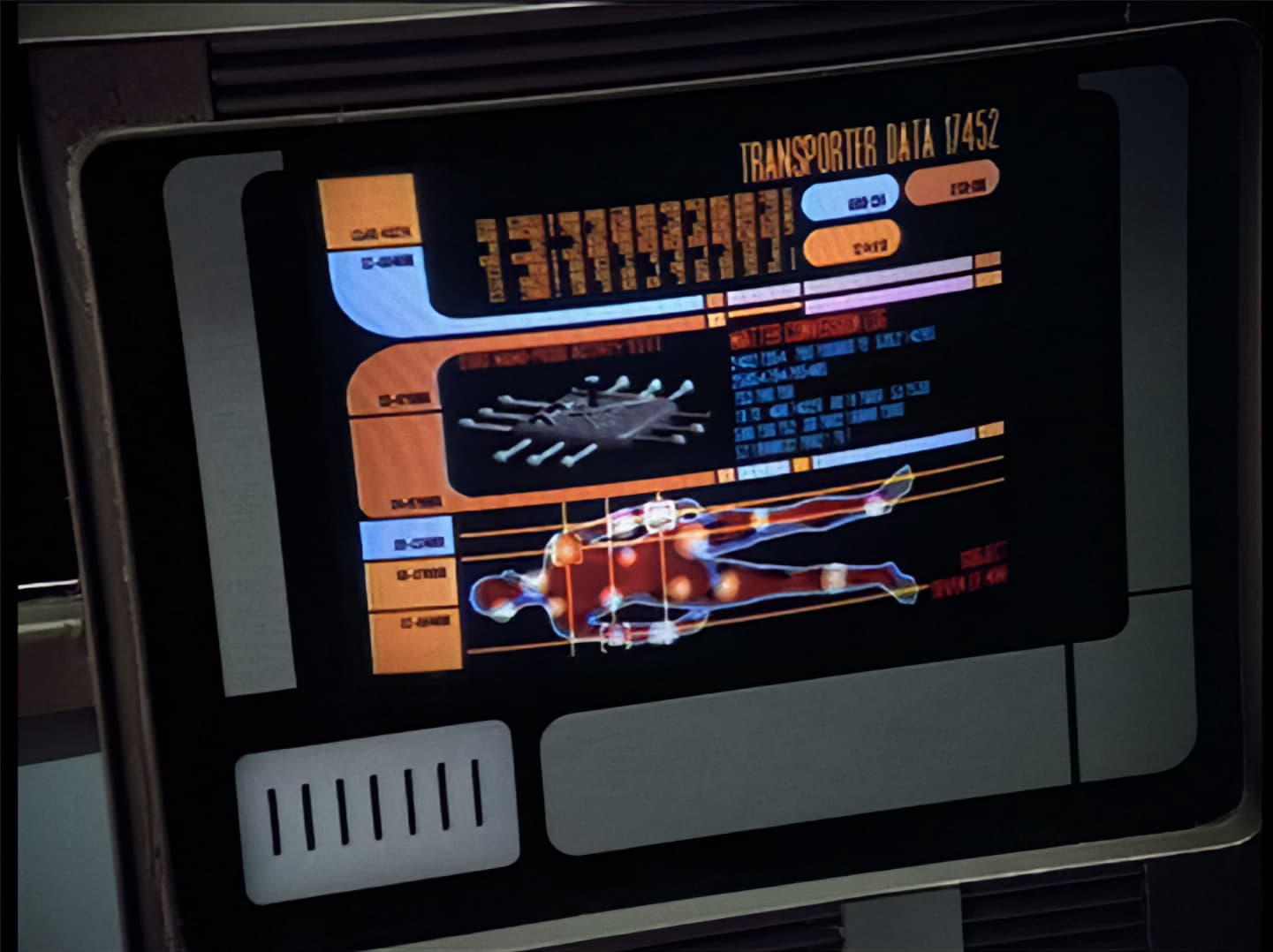
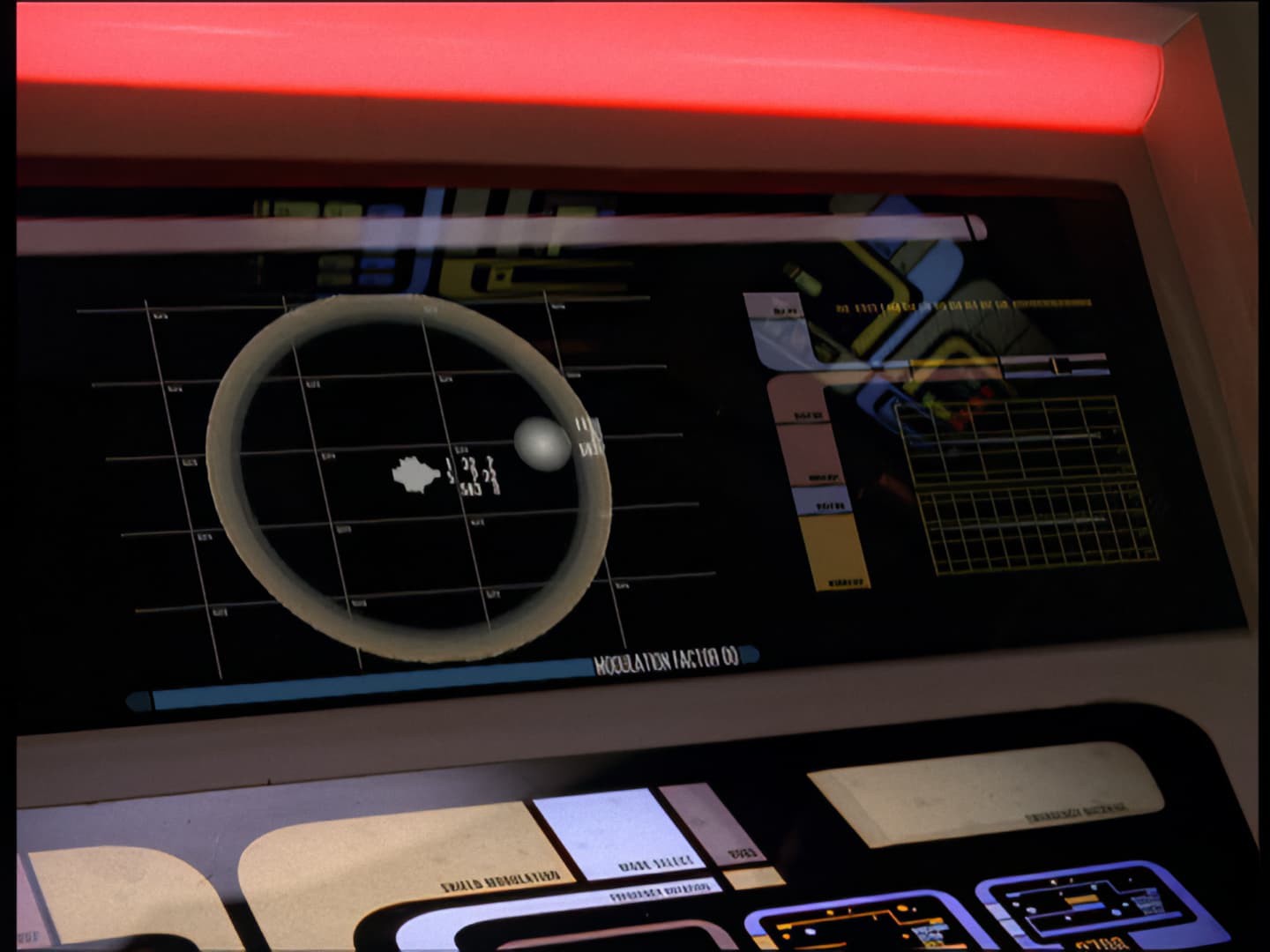
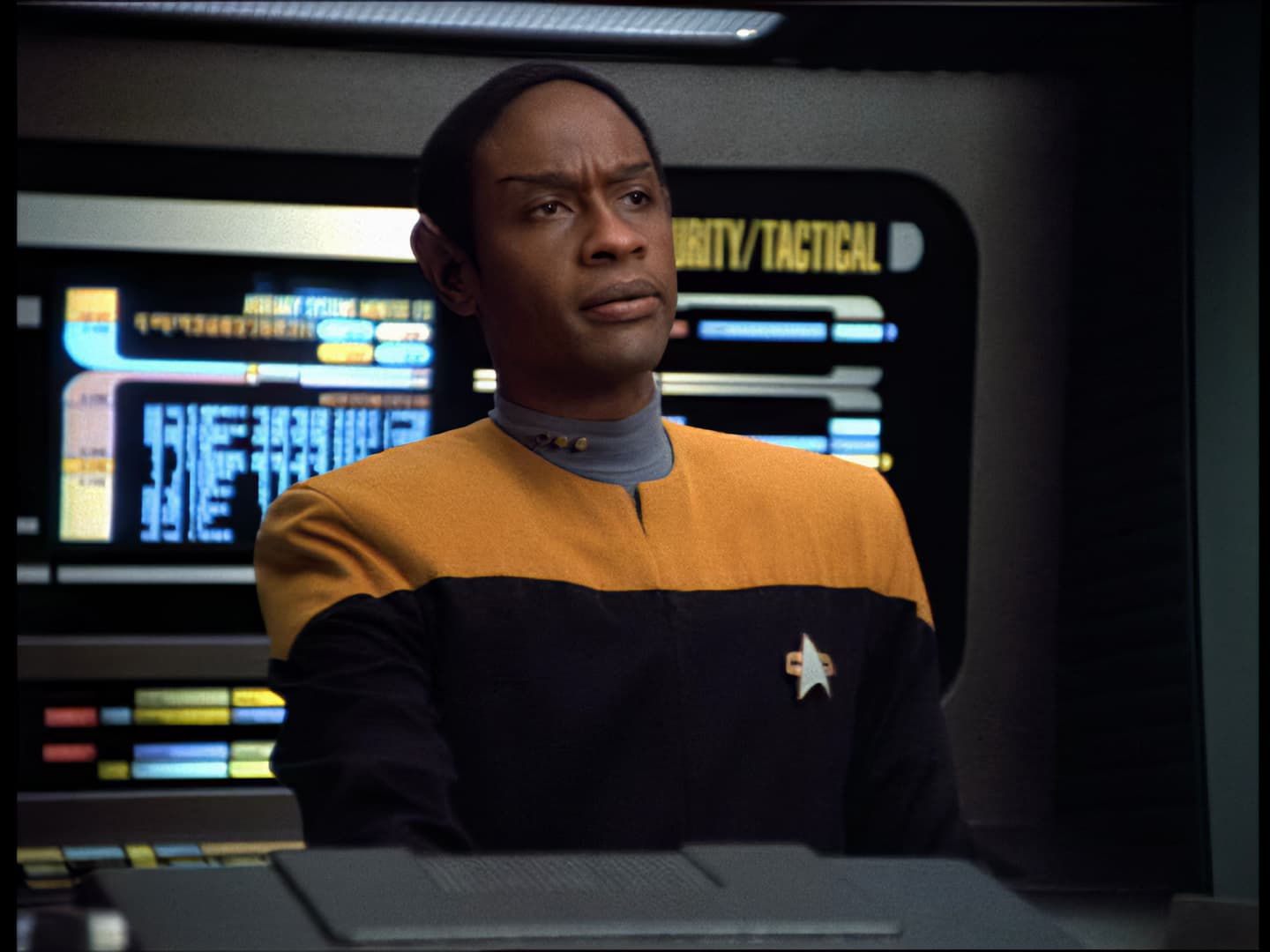
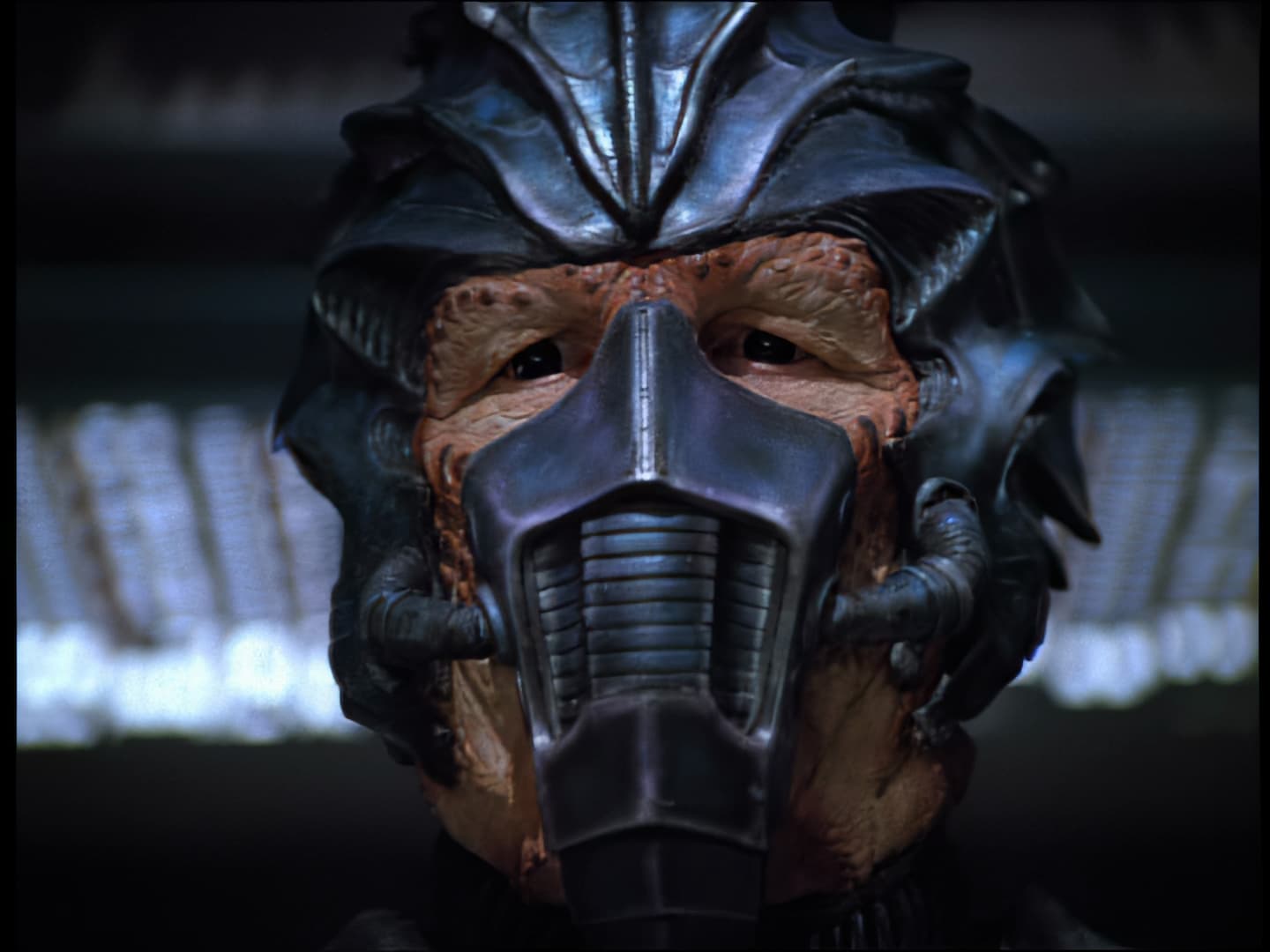
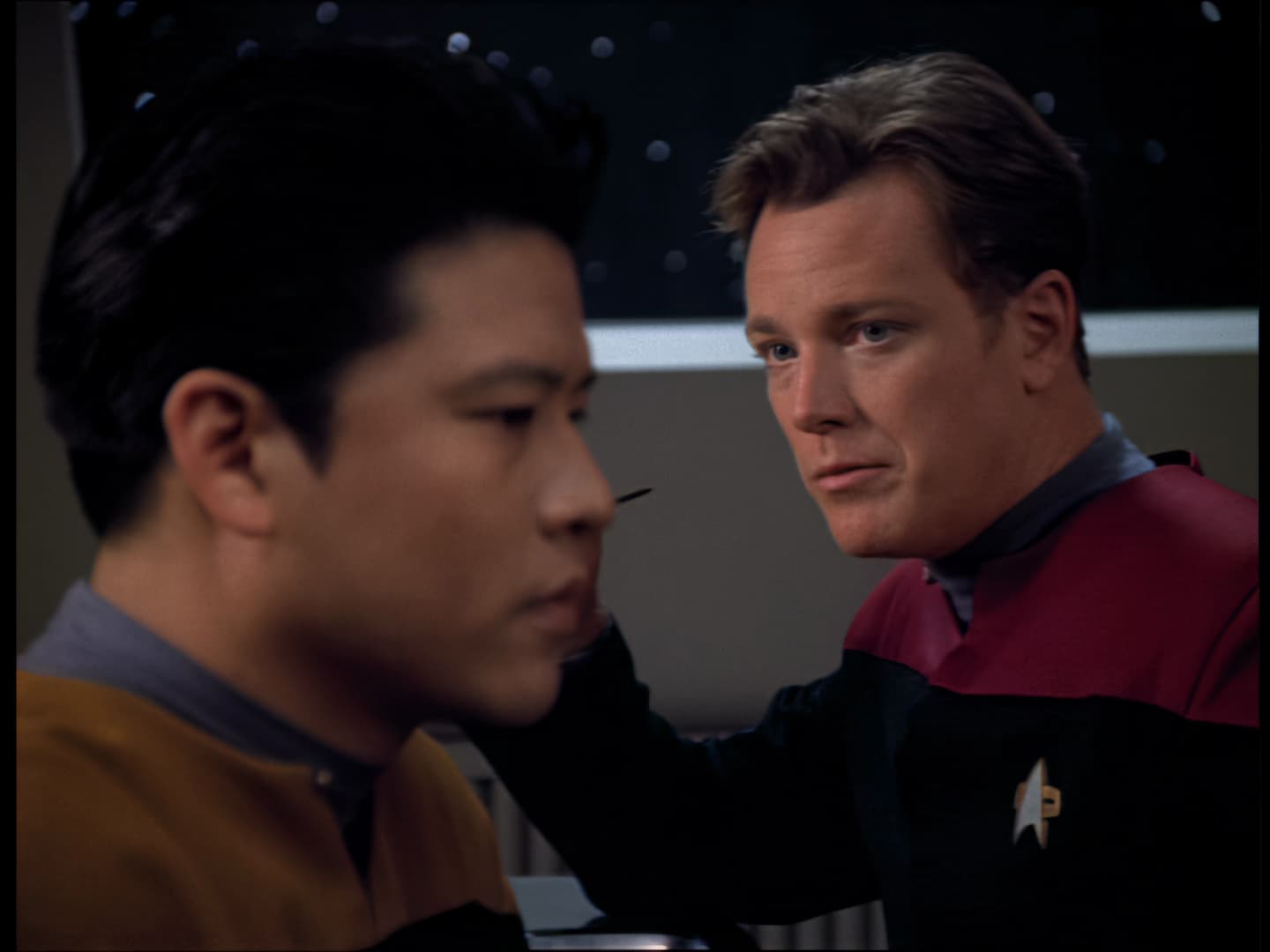
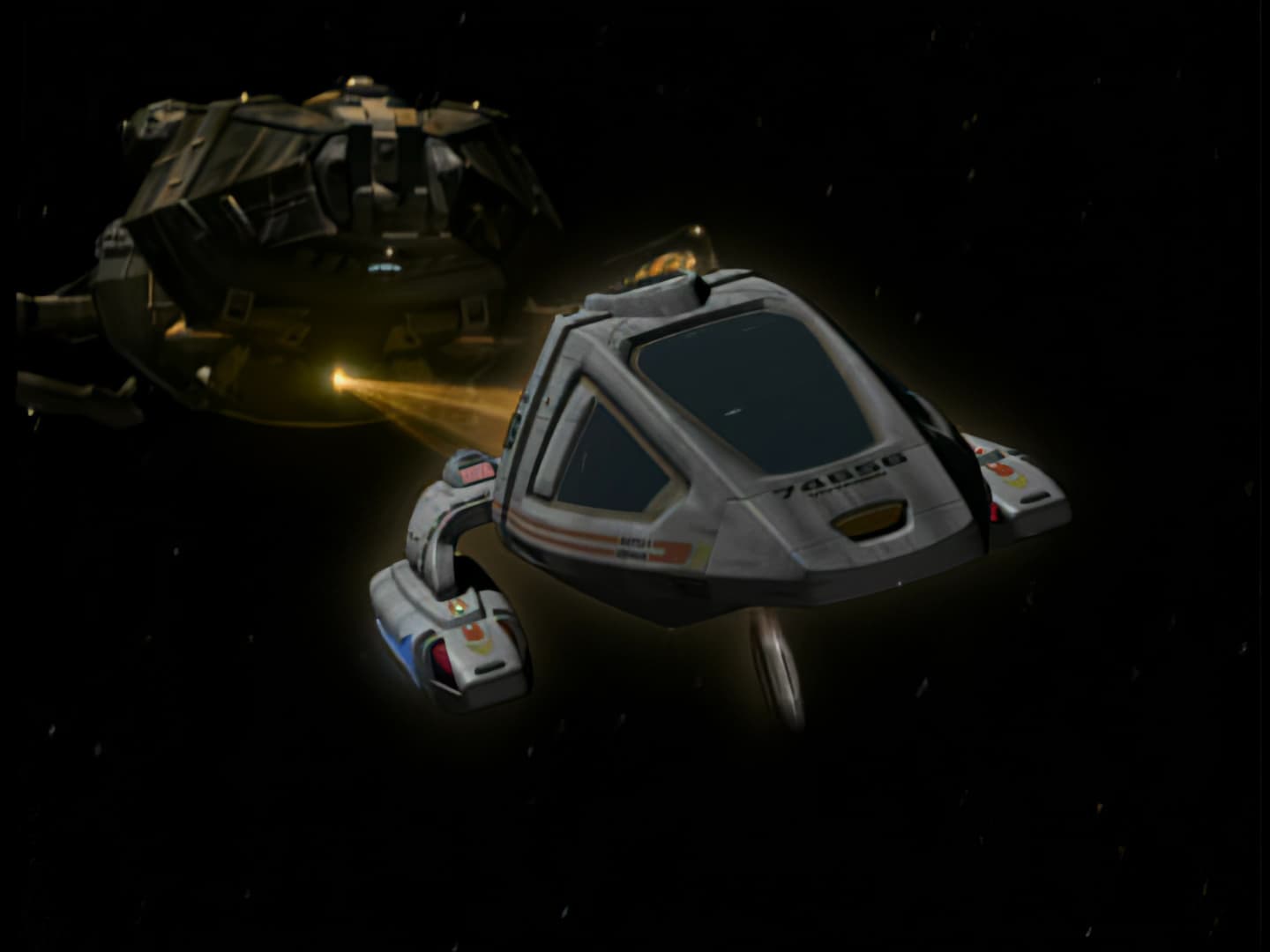
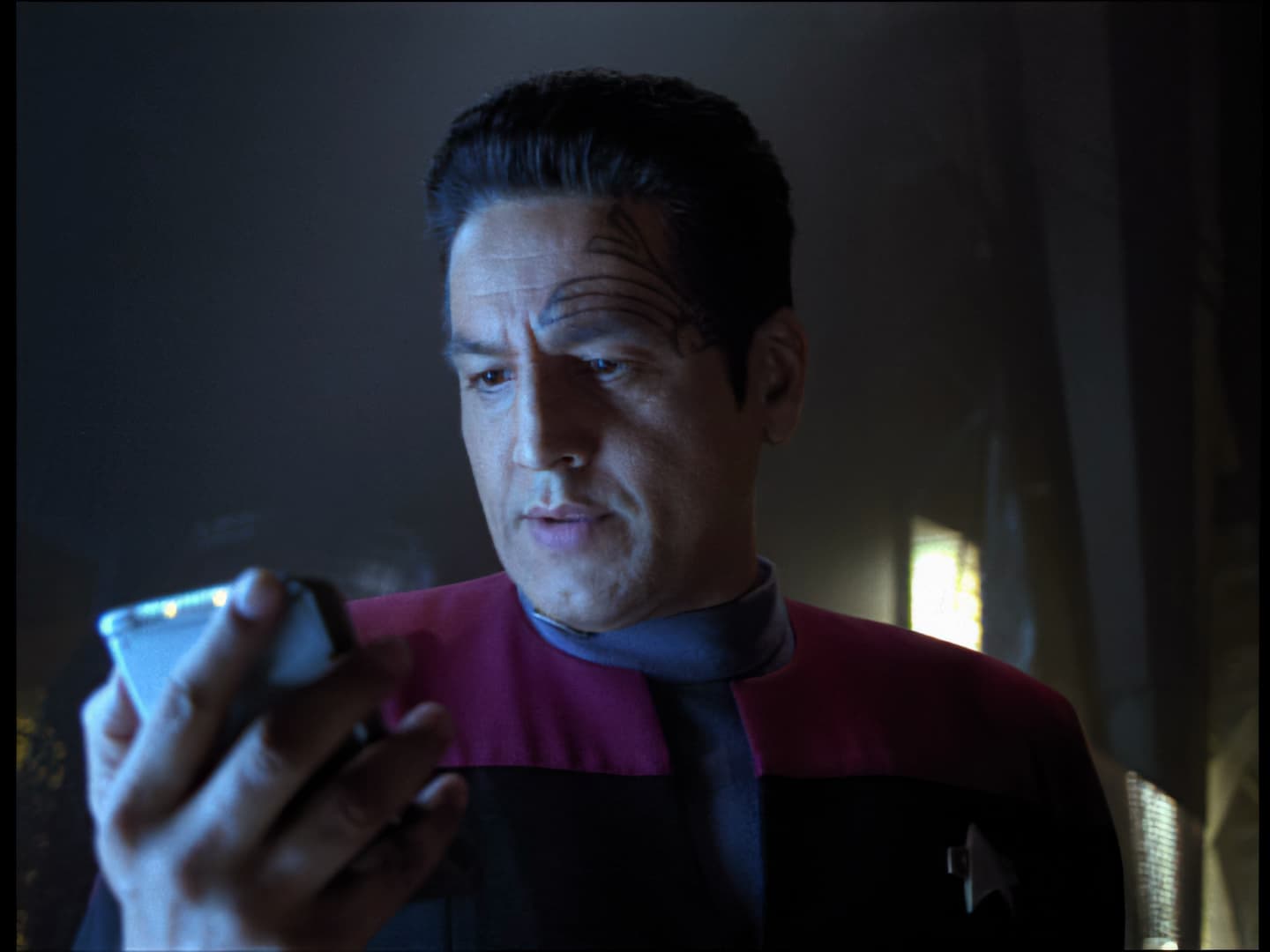
Here is a before and after with a frame from VOY’s “Raven”
old settings:
oldsettings
updated settings:
newsettings
What specific changes did you make?
Despite my aversion to Iris, I added that model to the first clean-up pass as the Second Enhancement.
I don’t think it is possible to get the text much clearer - not with the low res of the DVDs.
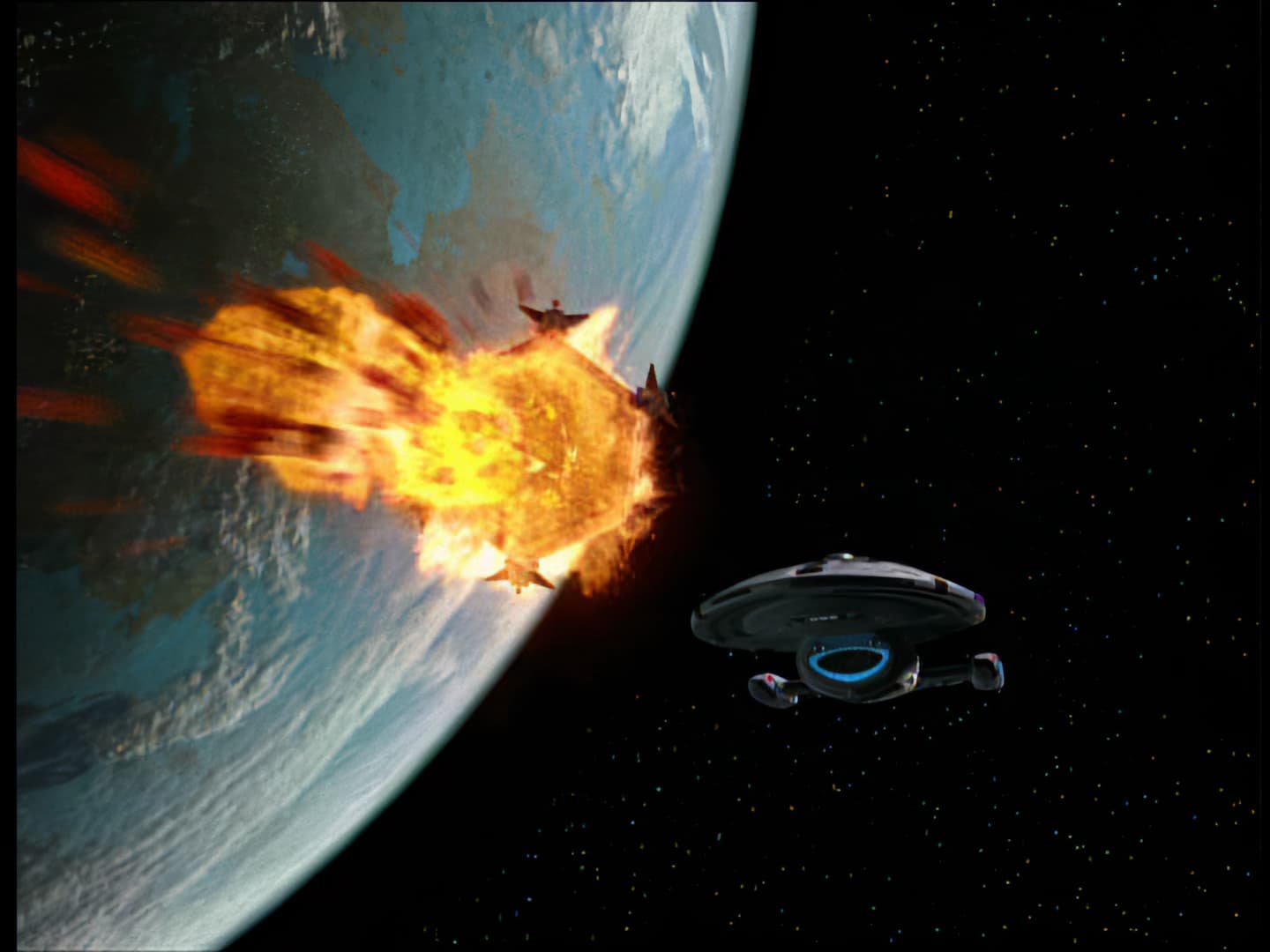
I wonder how this shot looks on the LaserDisc version of DS9, since those have much better picture quality from why I’ve read.
DS9-StarshipDown
I have upscaled ALL of them. TNG, VGR, DS9, Farscape. You can spend forever tweaking, setting, adjusting etc but at the end of the day you will have to compromise on quality vs time vs file size vs power consumption, program bugs and everything else. You will never be satisfied if you’re seeking perfection. All my episodes took 1.5hrs each on a Ryzen 5 with a 4070 and I got great results. I could have achieved better results if I was a video expert and had a super/quantum pc and the rest of my life focused on this lol. Remember these are 30+ yrs old and upscaling requires interpretating. Just be sure to de-interlace. Good luck. Cheers from down under.
1 Like
You are absolutely right.
Tinkering with this text-example was … fun though… 
What were your settings, if you don’t mind sharing them?
I’ll see if I can get them. My program is buggy now. I’ll get back to you shortly and maybe post some screen shots as well.
Here are the settings I used. I pushed it until I just started to see some artefacts generated. I was happy with this compromise.
Output:4k
pixel type: original
framerate:25fps(1xdeinterlaced)
Enhancement
video type: interlaced
field order: auto detect
AI model: Proteus
Params: manual
fix compression 60
improve detail 32
sharpen 35
reduce noise 30
dehalo 1
anti-alias -1
add noise 0
recover detail 50
focus fix off
frame interpolation off
stabilization off
motion deblur off
grain off
codec h264
profile high
bitrate dynamic
quality level high

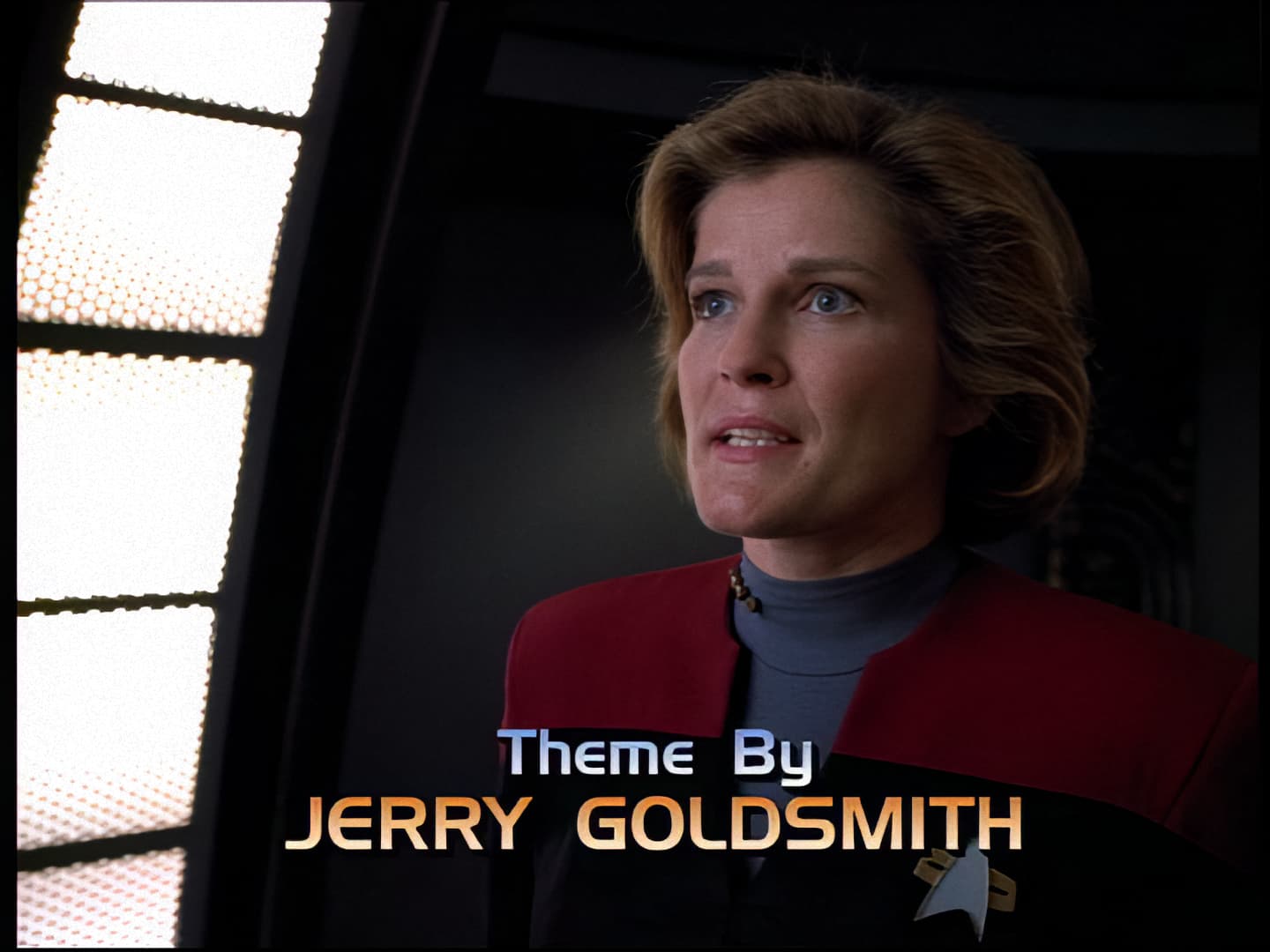
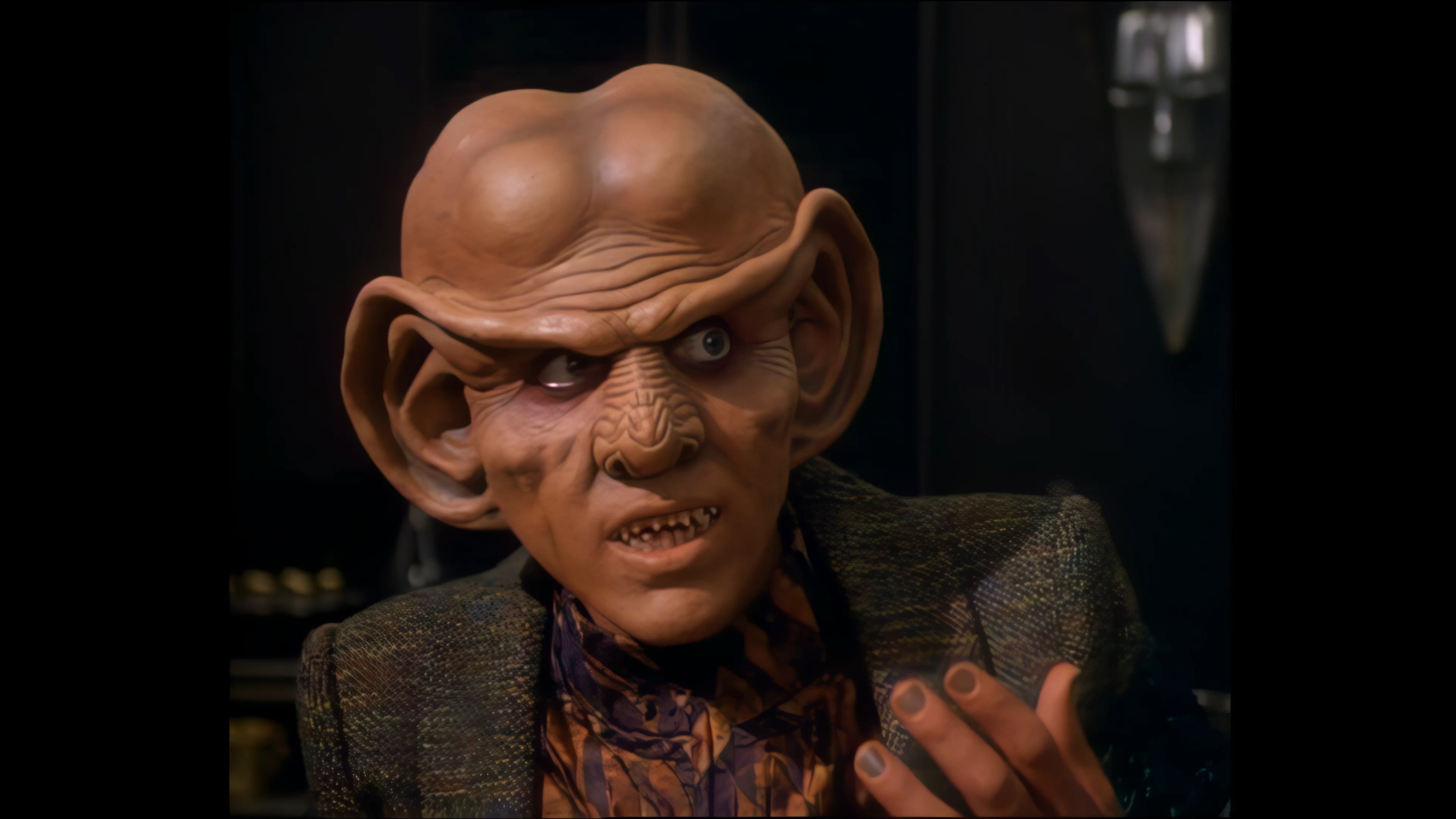
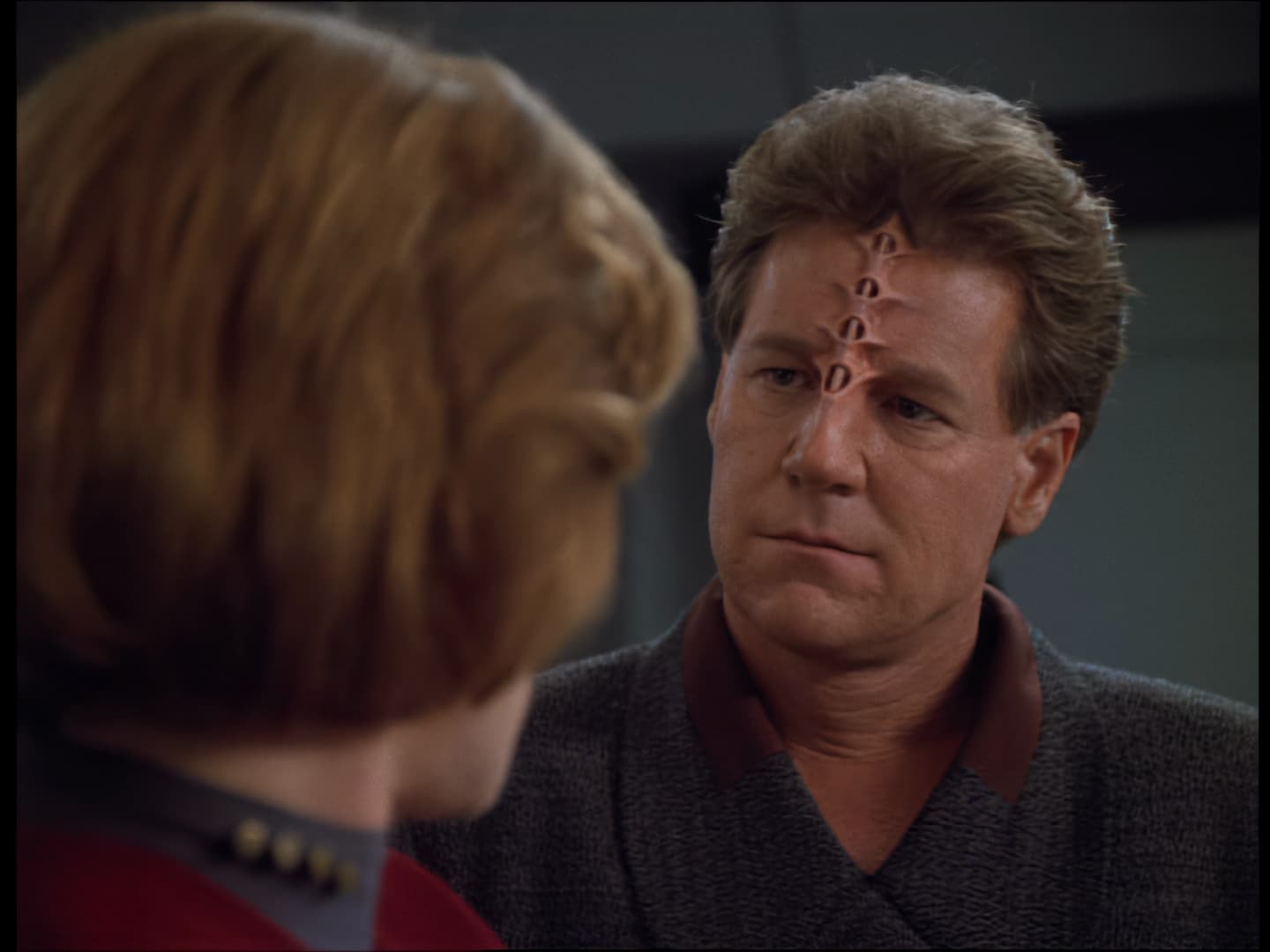
The Quark example looks very much on the waxy side…
I’m driving myself nuts to get this to look good…
Message.in.a.Bottle
Message.in.a.Bottle
lol. You’ll be an old grandpa by the time you finish it all. What I found was that I would spend ages on a snippet of video trying to get it great only to find that the best model/settings would take upwards of 4 hrs per episode. It’s one thing to encode 10 seconds or so but 4+ hrs is not worth it. Remember that Voyager alone has 170 odd episodes. Multiply that by the hrs. It would be nice if the program could estimate the encode time of the entire clip when you do the test render. Then you could do a few tests and decide which setting you want to choose based on time and quality. Good luck matey 
1 Like
They look pretty good. What sort of render time are you looking at for the entire episode?
I’ll try to find the scenes in my upscales and compare them.
With the initial deinterlaceing to 50fps and resizing to 720 in Hybrid it’s about 7-8 hours for one episode.
I pipe them through TVAI twice, first with GaiaHQ+IrisLQ with no upscaling and second with GaiaHQ+IrisMQ with upscaling to 1080.