What software are you using?
I think I have found a process for Voyager that works well enough for me:
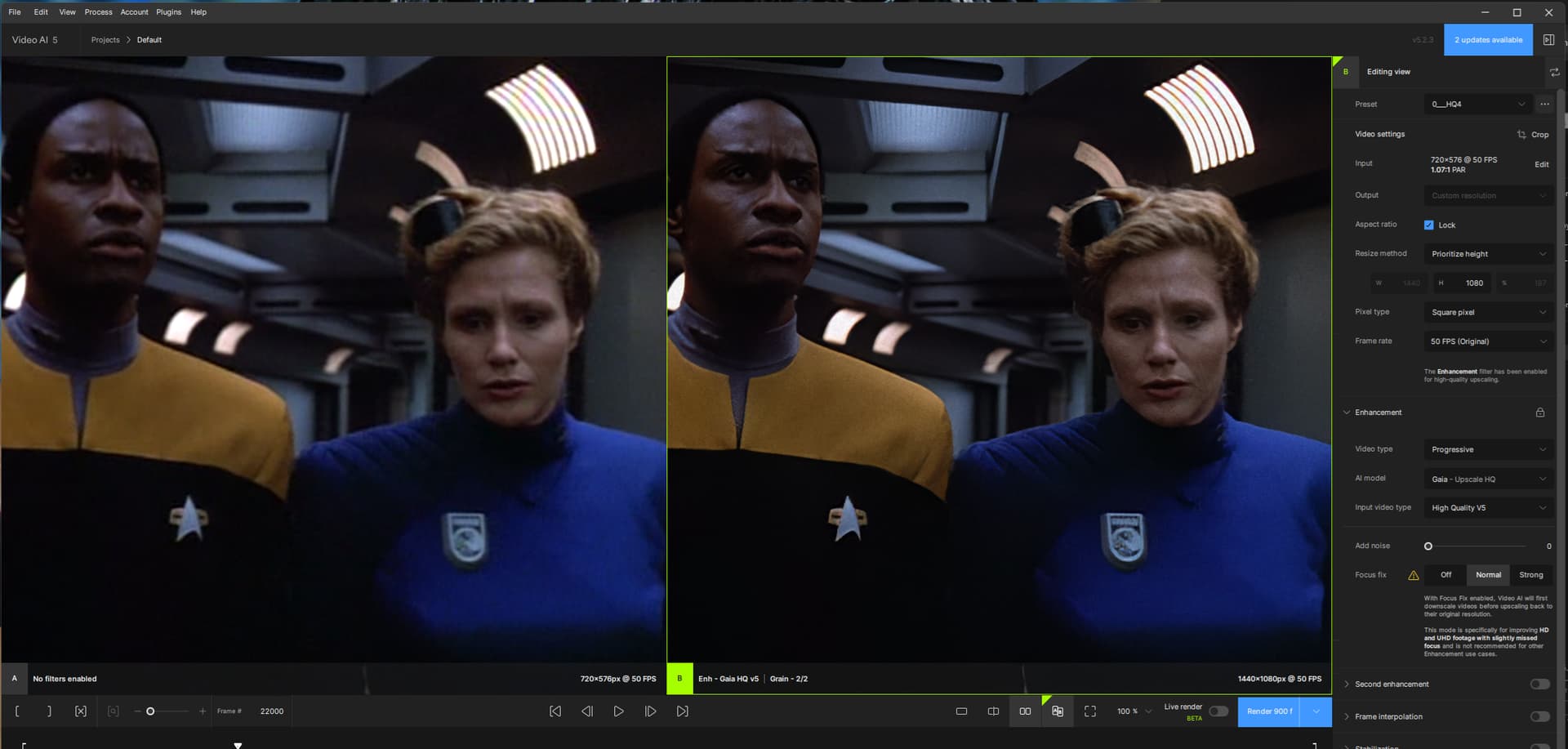
This is the result of a four-step-process.
- Deinterlacing with ffmpeg
- clean-up and upscale to 720 with Dione Robust v3, Noise 0 and Gaia HQ, Noise 1 and Grain amount 2 size 1
- resize with ffmpeg to 1080
- final clean-up at 1080 with Focal Fix nomal, Gaia HQ, Noise 0 and Grain amount 2 size 2
Nice result and certainly a “stream-lined” workflow - only thing I would still try to fix is the color-banding (you can see it in the lights on the upper right above the female security officer - don’t remember her name, I know it was from season 4, episode “Random Thoughts”).
1 Like
You are correct about the episode title. 

There is a variety of issues with the Voyager DVDs that I don’t know how to fix…
The compression is so bad sometimes that there remain terrible artifacts. The fire-in-deflector-control scene in “Year of Hell” is particularly bad.
Here is an uncompressed version of the above image: Dropbox
I have tweaked the process; there were certain issues related to Dione Robust that bugged me.
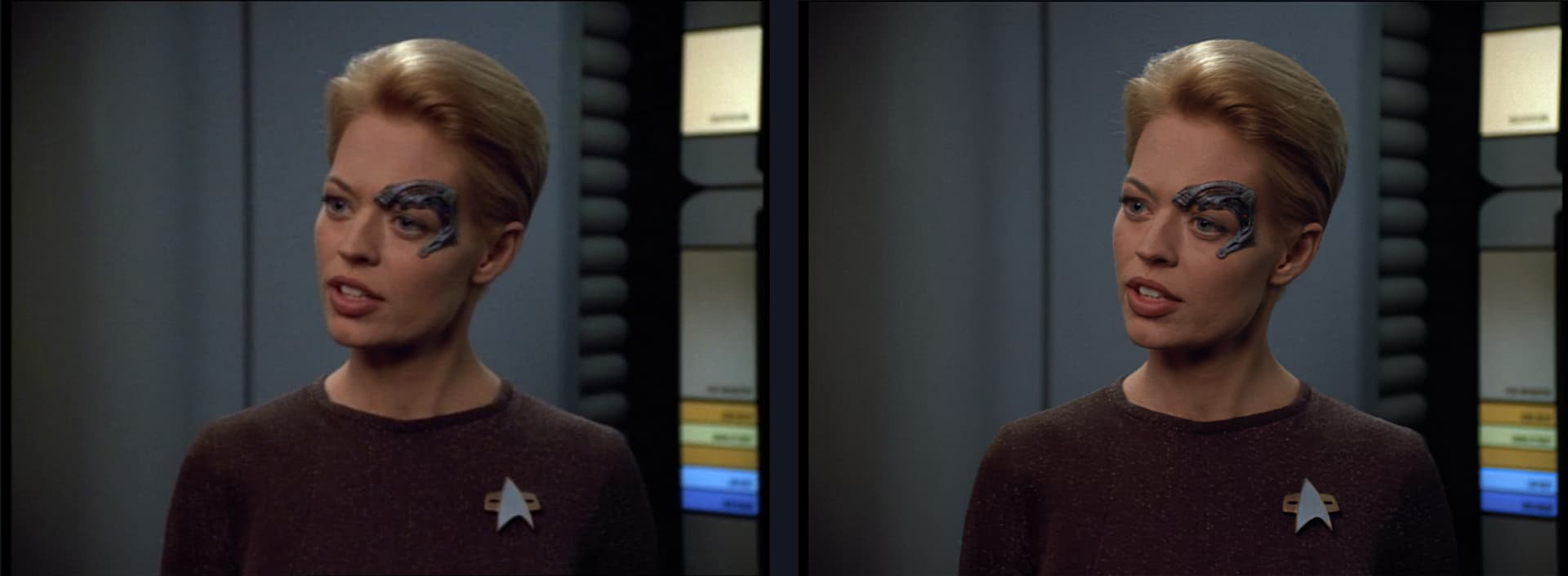
- Deinterlacing and/or resizing to 720 with ffmpeg
- clean-up at 720 with Focal Fix nomal, Gaia HQ, Noise 0 + Dione Robust v3, Noise 0 + Grain 2 | 1
- resizing to 1080 with ffmpeg
- final clean-up at 1080 with Focal Fix nomal, Gaia HQ, Noise 0 + Grain 2 | 2
Looks better, great.
1 Like
I’m afraid I’m chasing unattainable perfection…
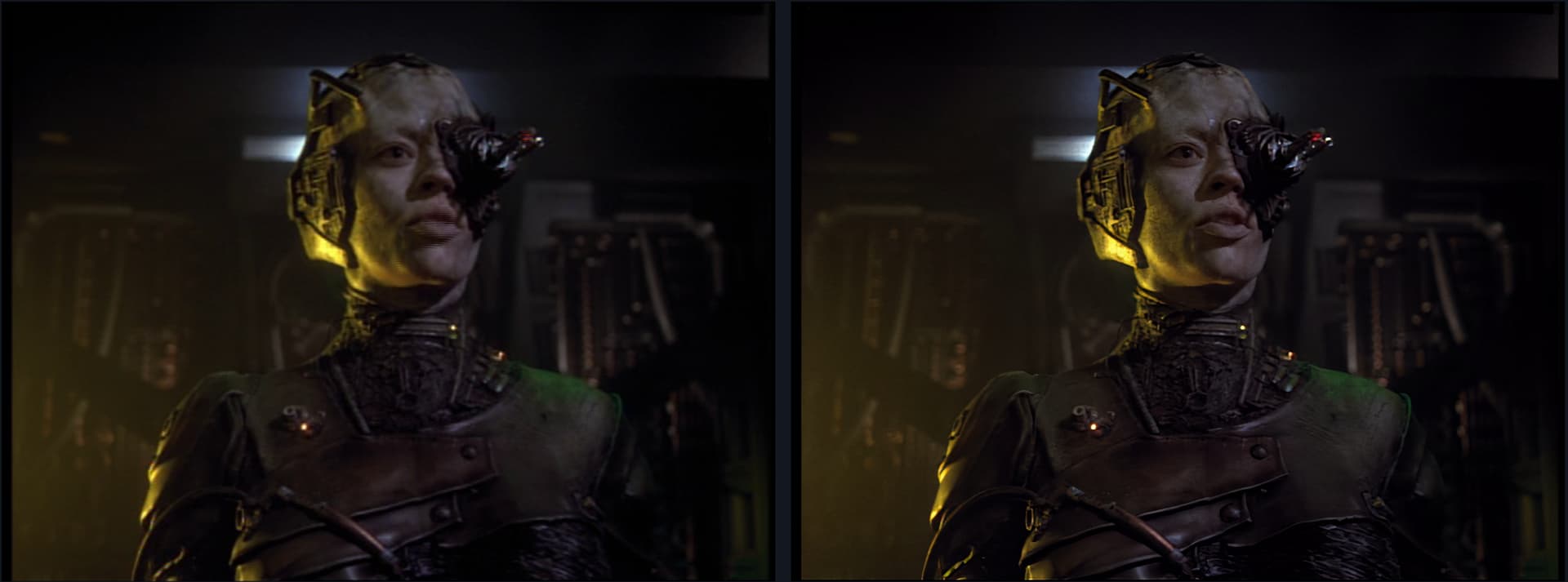
Voyager - Scorpion - Seven of Nine introduction
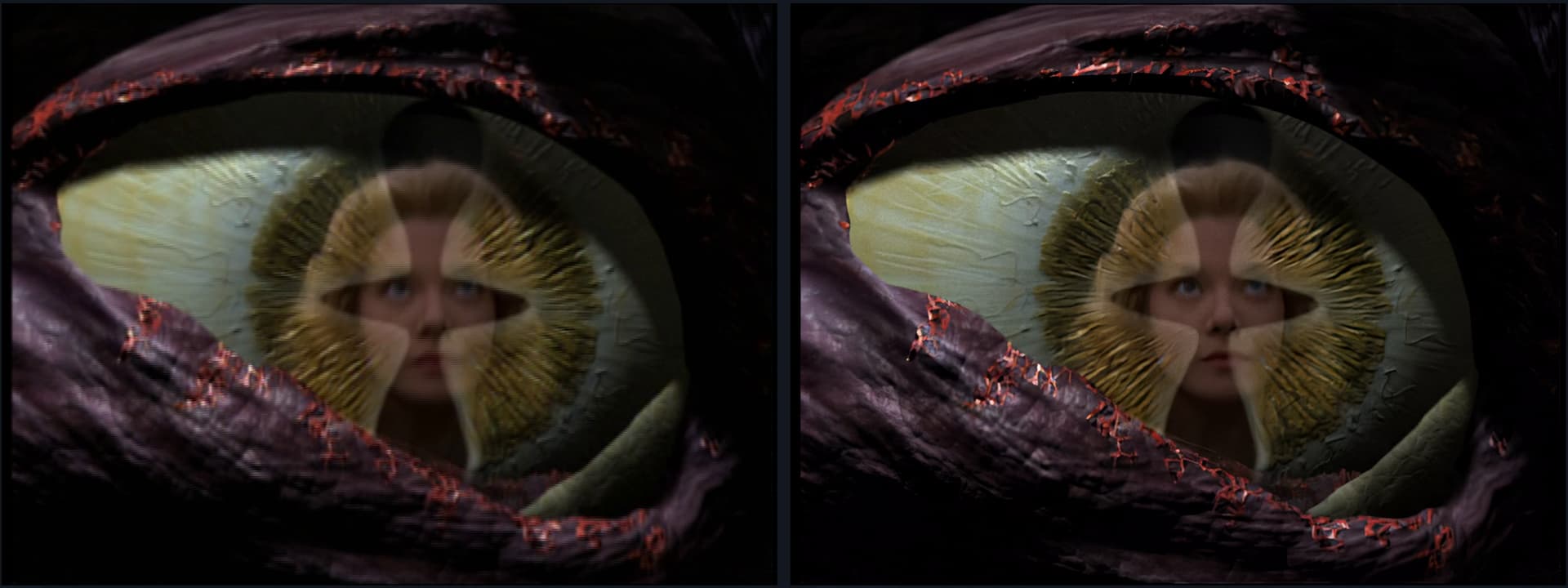
Voyager - Scorpion - Kes’s vision
I’ve now switched to Rhea in the final step
Interesting approach with good results. And don’t be worried about perfection - we all know the Borg have been around looking for it for a long time and still haven’t got it.
1 Like


I don’t suppose that any of these techniques do a better job of preserving the text on background consoles do they? That’s the most consistent weakness I’ve found with every upscale method I’ve tried for Trek.
Yeah, Text/Writing on consoles (or generally speaking “most things in the background”) is almost always a “lost case” - unfortunately.
I guess it depends on the how clear the text is in the first place.
Do you have an example of what kind of scene you mean?
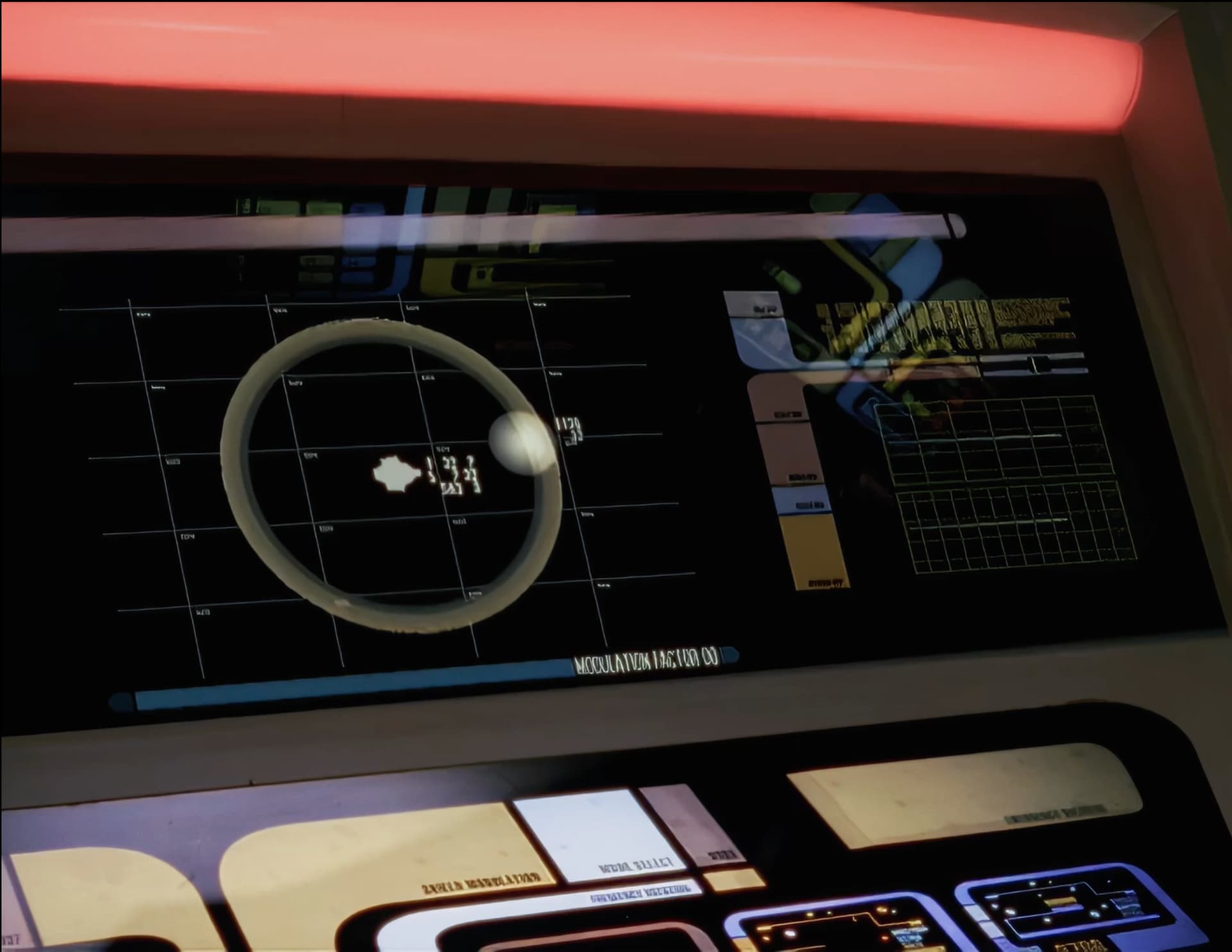
This is what I mean, where there’s a shot of a console but the text is all broken apart and barely sometimes legible. So many details get sharpened beautifully by Topaz, but this is always the biggest indicator that this was a homemade upscale from DVD footage.
1 Like
I upscale only to 1080 and my final results are much grainier and darker somehow than yours (I prefer it that way ), but here is what I get with my current settings (no Rhea; didn’t like the final video results).
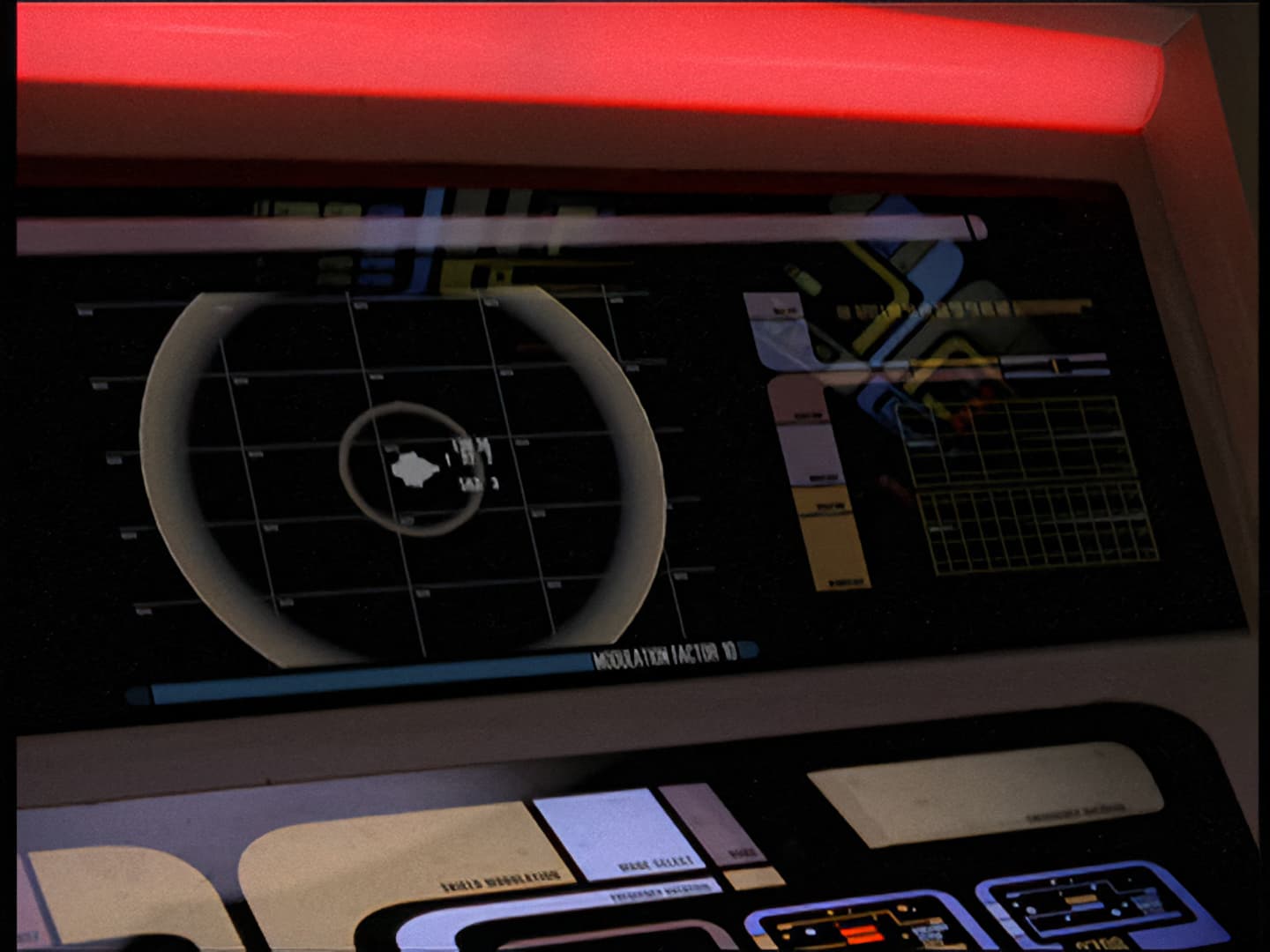
DS9-Starship Down
I’m not sure why mine is brighter either. Though honestly part of it could be the exact frame selected, since the circle around the Defiant is different in the two shots and the red alert lights are constantly flashing.
I’ve been running Artemis at normal resolution, then Proteus upscale to 2880x1948, then I use DaVinci Resolve to shrink it to 1400x1080 while also applying a Film Look and moderate Halation filter. I like the Film Look effect on DS9 in particular because it gives it a little bit more contemporary edgy tone, while I like Voyager without it so that it appears a bit more bright and vibrant like the 90s.
The reason I go to 2880x1948 then reduce the size in DaVinci is because I’ve found it does a better job of preserving background details like stars when I do this.
1 Like
I find Artemis to produce a waxy image with over-sharpened edges and lines.
For my clean-up pass at original resolution I prefer to use Dione Robust v3. It has it’s own issues, but with Focus Fix at ‘normal’ and Noise at 1 it cleans the image and still retains detail without over-sharpening.
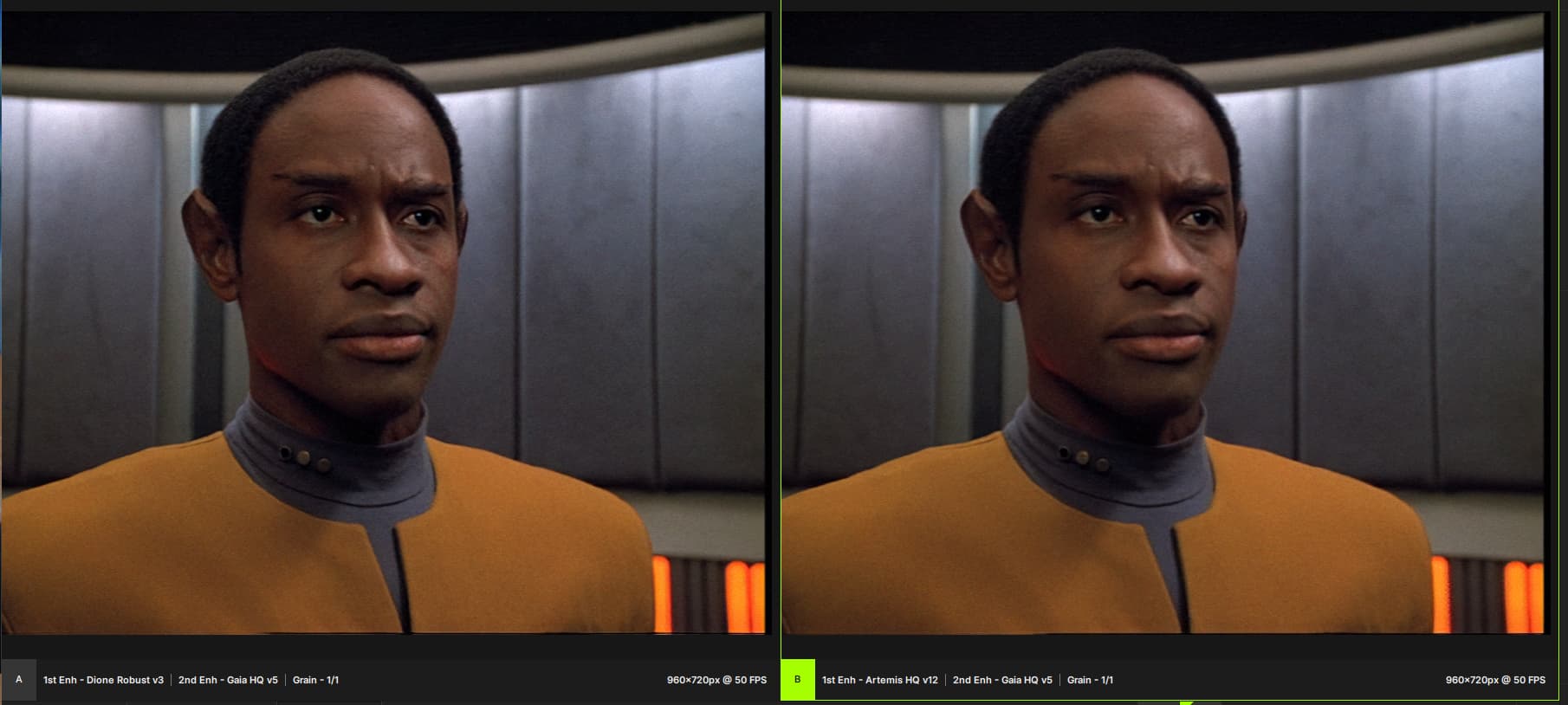
DioneRobust vs. Artemis
How do you prevent Proteus from colour-shifting to a slightly sickly yellow/greenish tint?
I’ve never tried Dione.
I’ve not noticed any yellow/greenish issue with Proteus. Maybe it’s my specific settings or maybe I’m not as exacting in my standards as you are.
On a side note, I used to use Iris too, as I love the way it makes eyes shine in particular, but I couldn’t handle how much it creates ghost faces in certain shots (often transitioning from foreground to background focus), as well as the way it would blink stars in and out of space shots.
1 Like
I’m just settling for what looks tolerable on my TV.
The only thing I really try to avoid creating is that waxy look to skin/faces where too much detail is scrubbed away with excessive denoising and/or dehaloing.
And I try to avoid Iris/Proteus/Rhea… I’m driving myself crazy adjusting the sliders trying to find a perfect setting. 
Same here - what looks acceptable on the TV/computer while also processing within a “reasonable” amount of time.
1 Like


