Is definitly needed in the final. What I do is copy the “in progress” video (the one with a number behind the name), when upscale after long rendering time failed, then not everything is lost.
There’s probably someone somewhere who’ll gripe about an upscaling changing the number of teeth in their kids’ smiles. 
But the real ethical issues arise when you get into “digital airbrush” territory and use things like Photo AI’s remove objects function to delete people from history or employ tech that Topaz has yet to explore to create “deep fakes” in which people can be depicted as being places they never were saying things they never said and doing things they never did.
The folks at Topaz have touched on this in the past when they’ve warned us not to try using their products to “enhance” evidentiary data. You’ll find the issue explored in more depth in discussions about generative AI, and any concerns we may have about upscaling enhancement changing content pale in comparison.
I do that as well, but equally important is being able to pause and resume rendering of long videos. The rendering time of a 90 minute video was estimated at over 2 weeks on my rig, which will only be practically possible if it’s done one small portion at a time.
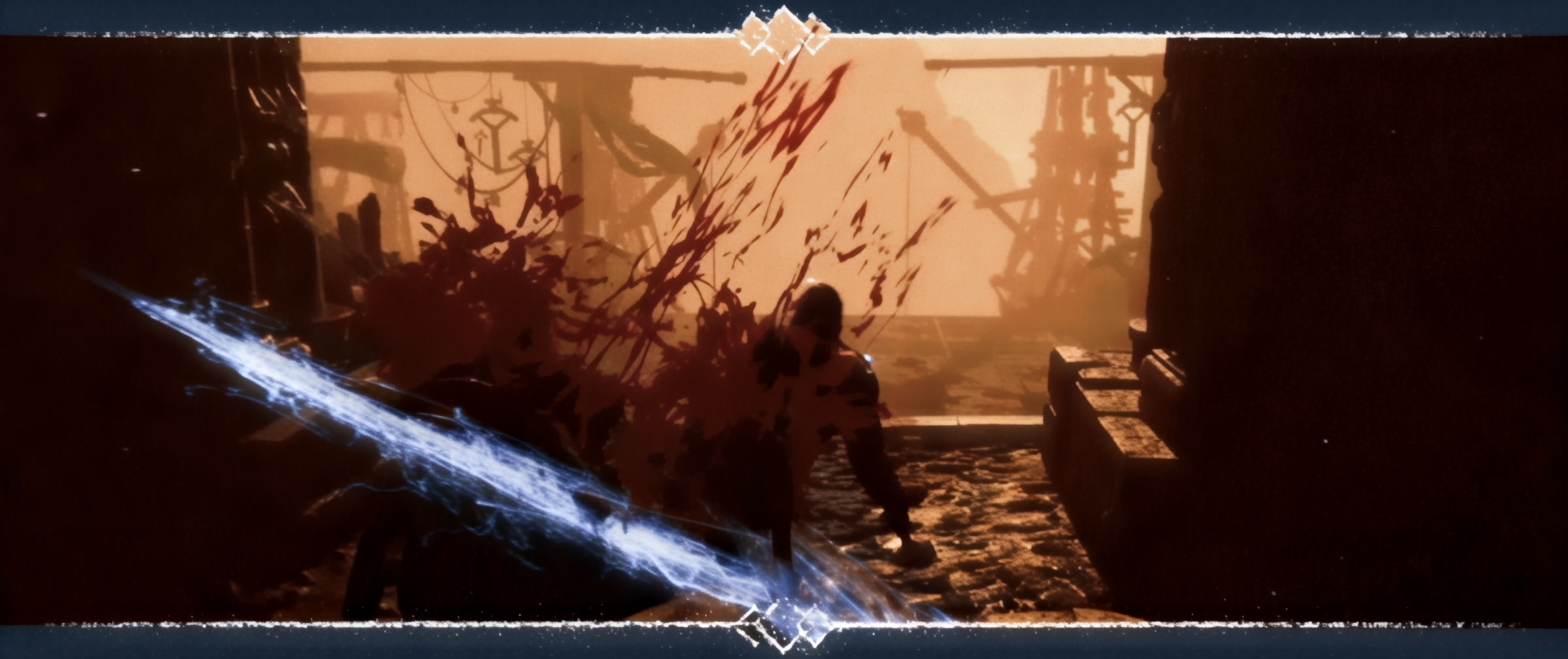
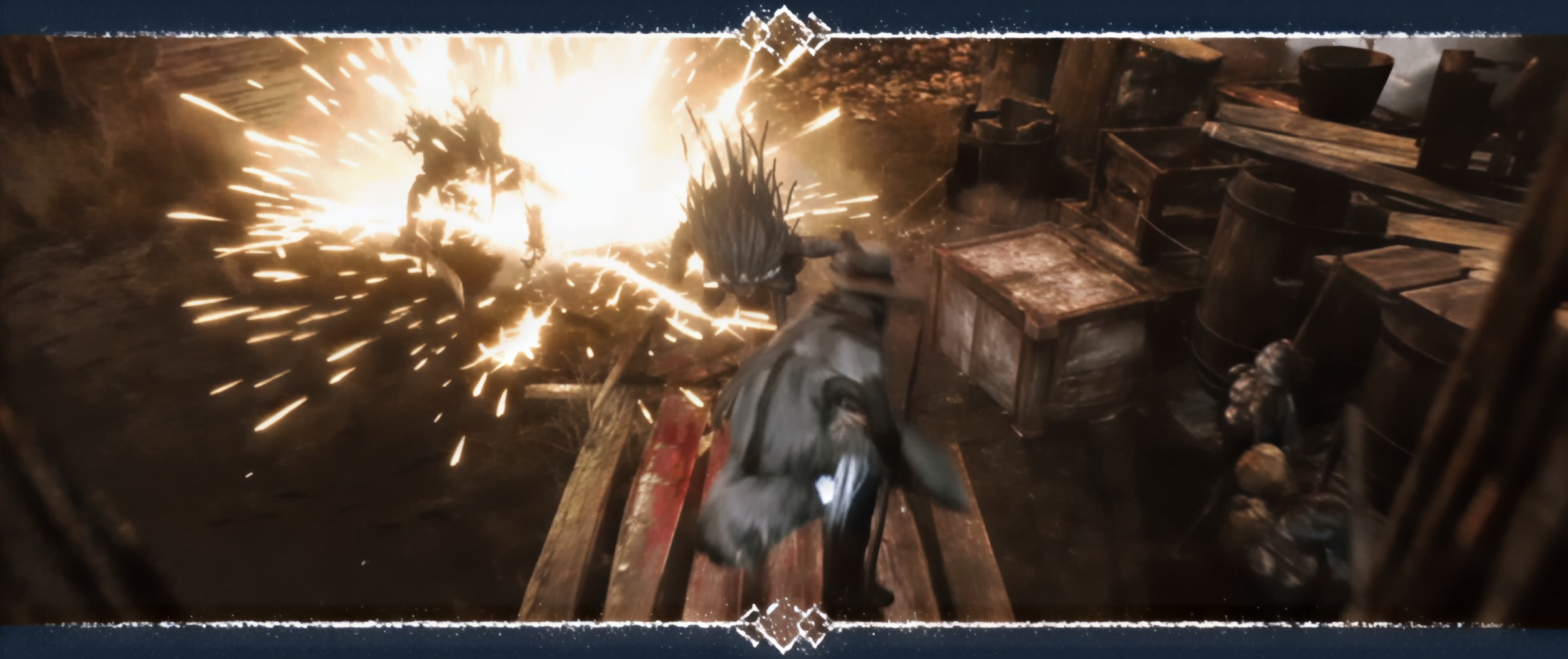
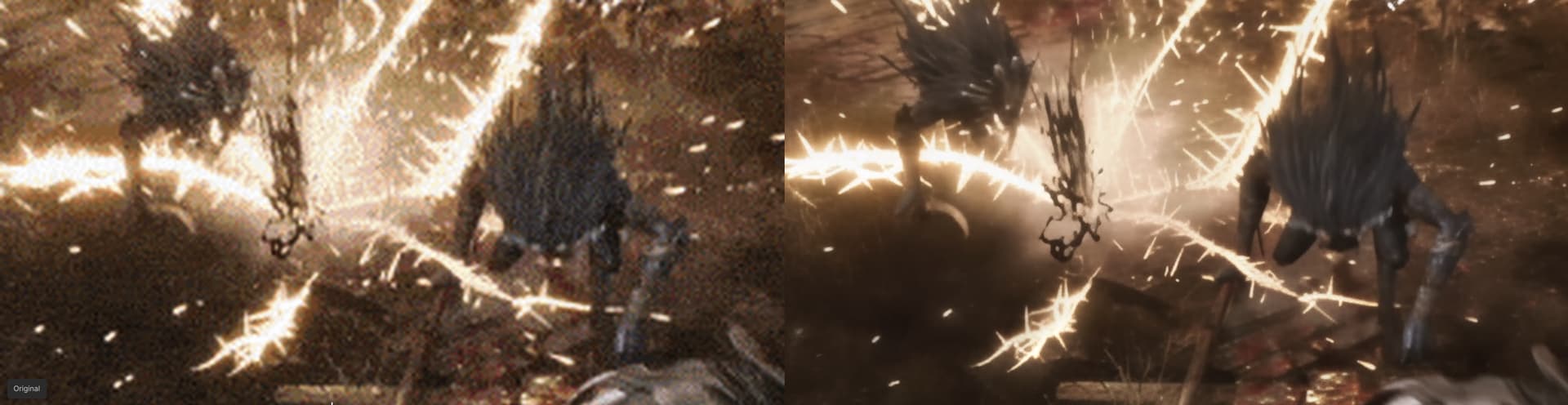
That’s from a GIF animation of the new Bloodborne 2.0 game - the stability of the artistic ‘frame’ is really good, and that’s on TVAI 7.0.0.1b (there’s discrepancy with the preview, but I can’t help that):

After reimporting JPEGs into the same TVAI to apply 60fps Aion v8 model it’s visible, that the image is stable:
bloodborne20_mainHeader_starlight_mini_apo8.zip (11.8 MB)
Now it’s time to try 7.0.0.4b, to see, if NVENC support on RTX 3090 is fixed for the Starlight Mini output. 
EDIT: It’s not. 
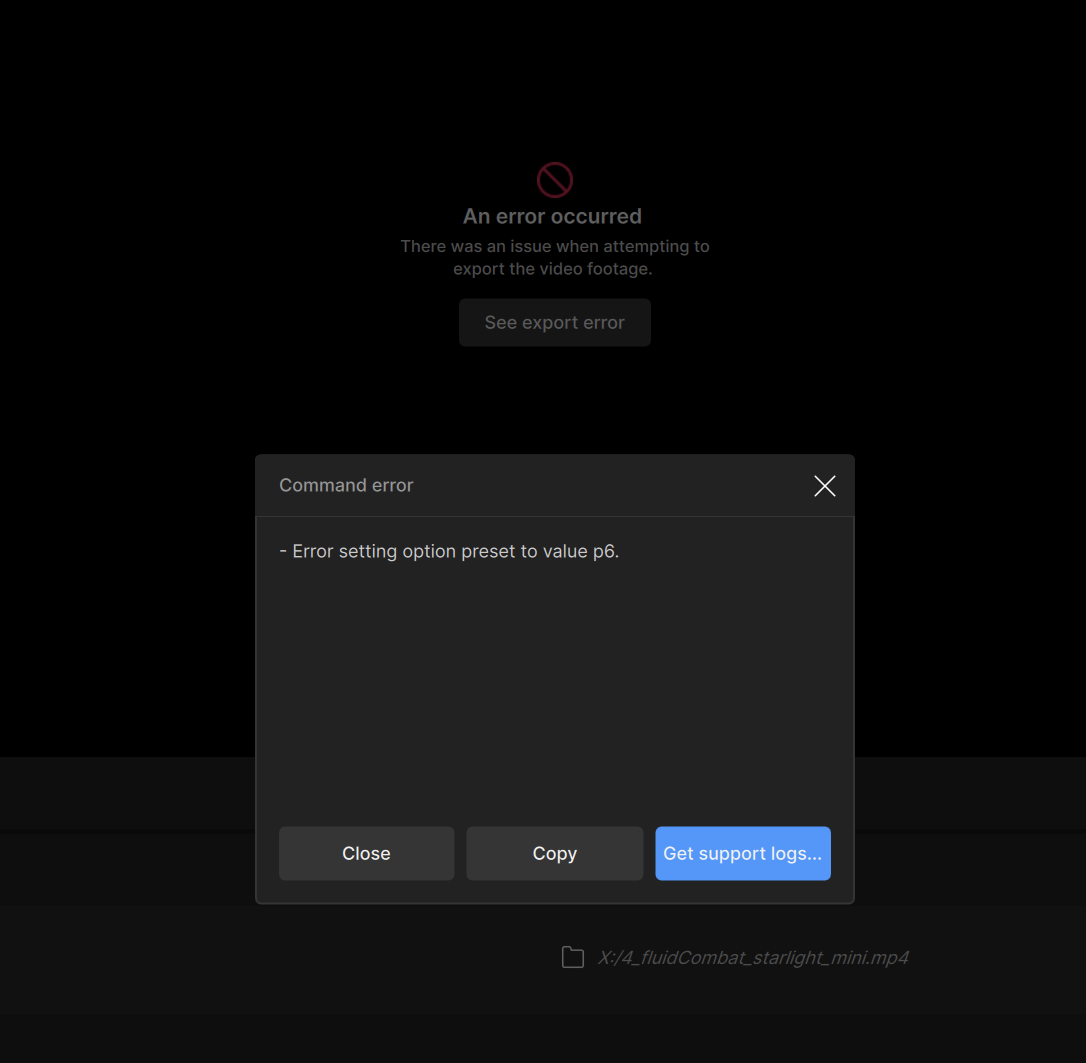
I cannot get this version to work but 7.0.0.3 is working and looks amazing. Thank you
With this beta, 4x upscaling of a GIF amination is being done with about 7 frames per minute on 3090 with VRAM being set at 75% usage. It’s being upscaled from 600x252 to 2400x1008 px.
Considering, how (in overall) slow Stable Diffusion is, it’s a nice way to up the old video’s quality for the patient users.
Example of the output JPG frame from the GIF, even blood splatters were nicely “re-detailed”!:
3 Likes
Problem is that for very low videos done from old cellphones where the input resolution was for example 128x96, the starlight mini will only offer one resolution (960x720). But because I can’t choose any other resolution and go back to original, it will fail on export. Known bug in the meantime. So there is currently a set minimum resolution the input file must have in order not to fail on export.
1 Like
So no way to stop live preview? I asked yesterday, and no one has replied. Are others not experiencing it, or has everyone just given up on the issue ever getting fixed?
1 Like
Basically if you didn’t see something with your own two eyes, in person, you shouldn’t believe it. And even then, there could be trickery. “Photoshopping” has been around for decades and now it’s even easier to manipulate images and video. You can’t just ban all photo and video software. That will never happen, and it shouldn’t happen.
People need to use their brains and follow the facts. The world is changing and we need to change with it. Technology MUST push forward at all costs. The faster we get to cancer cures the better. This progress should not be stalled because people are worried about fake photographs. Get real.
2 Likes
Whether to believe something or not is not the only issue. When people start using image and video manipulation to put people in projects they then distribute commercially the end result is going to be a bunch of lawsuits for things like defamation, trademark violation, personality rights, etc. As you said, it’s not a reason to ban the tools, but it is something that users need to take into account before they decide to get creative.
It is the person who needs to be held accountable, not the technology or the tool. That is my stance and always will be.
4 Likes
Have you tried selecting a different resolution and then going back to the one that says “original”? That’s how I’ve gotten around it. 4b reads it differently when it is selected by default (and errors) vs when you select it again.
1 Like
I’ve noticed another bug in this beta 7 ‘series’ - the output HAS to be in the same folder, as the source video, otherwise the conversion attempt will throw an error about non-existent image file (in my case JPG) in the video-file-name-blahblah subdirectory of the source video file.
Linus Sebastian form his 320x240 NCIX Tech Tips video about Sunbeam CPU cooler looks WAY better, than on any other models (excluding cloud Starlight).
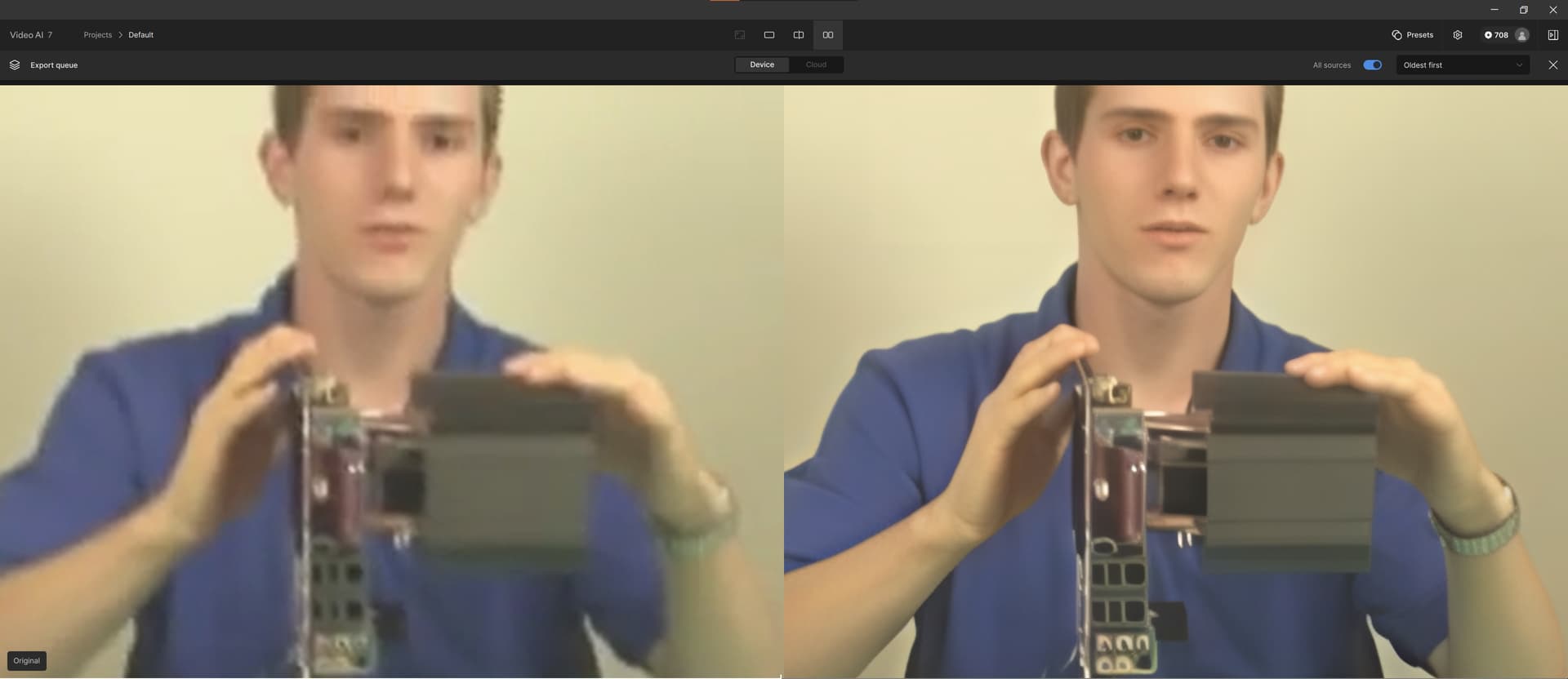
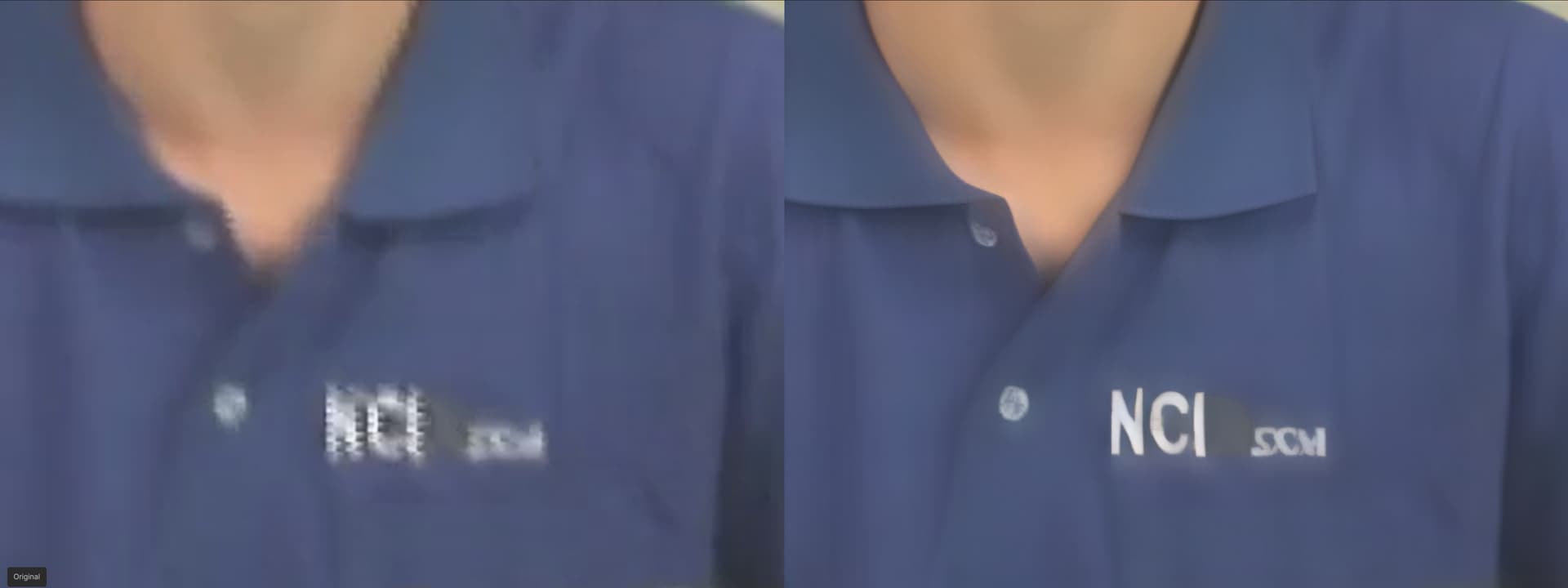
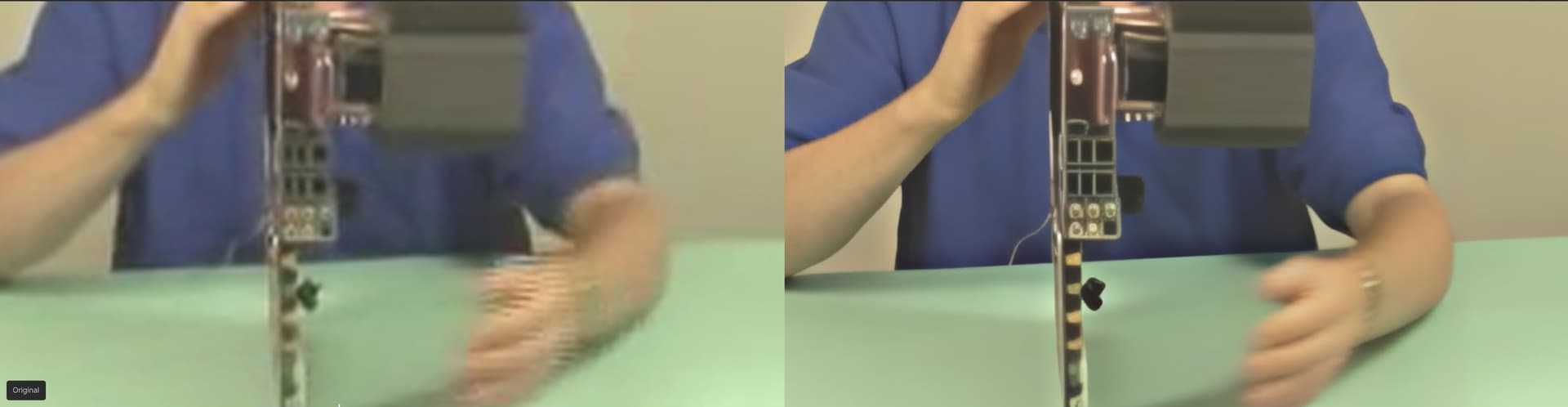
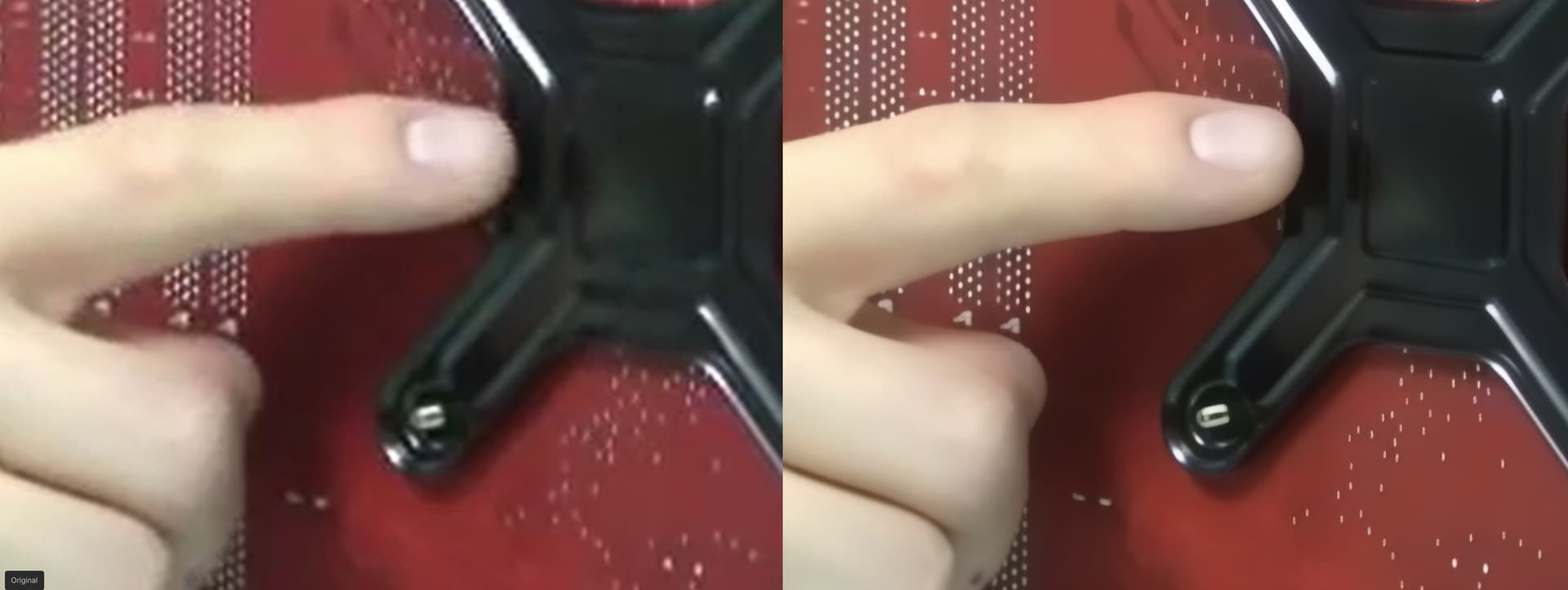
At least ProRes video export works with SL Mini… But that file size is a torture, when video is lengthy.
The video itself for anyone, who’d like to try!
Sunbeam Tuniq Tower (NCIX Tech Tips #1).zip (7.9 MB)
3 Likes
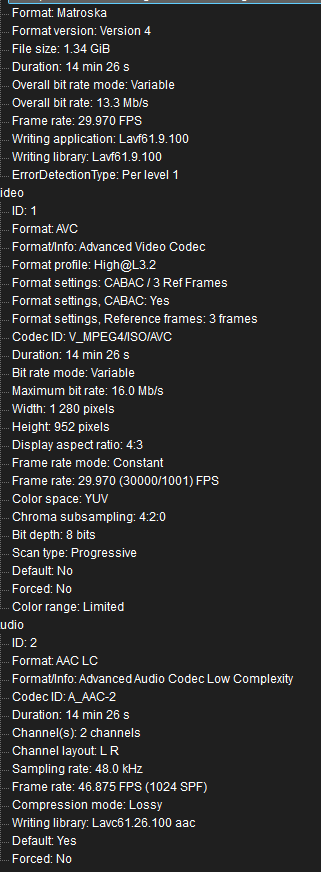
Yeah, you are right, sorry for German, I saw your screenshot and spontaneously replied in German. Also Mediainfo sagt folgendes, sieht für mich nativ aus. Ich habe mit dem Cropper die Höhe leicht angepasst um die Bildstörrungen der VHS-Kassette, die in der Digitalisierung sozusagen mitkamen, ausszuschneiden (1280x952 anstatt 960)
And apologies community, but so you can see how Topaz is conquering the world
yes it is  but when you crop 960 to 952 it’s not native 4:3 anymore. Better way is resize 1280x960 to 1288x966 or to 1296x972 and then crop until it fits 1280x960 again. Resize first to numbers which results in no decimal place and then crop is a good way without having to calculate and without making any mistakes. I use Virtualdub or Avidemux doing this.
Dear developers, I have already asked this question but did not receive an answer, so I ask again.
In the program settings there is an option to select a GPU if there are several of them
and it works for all models. The exception is the Starlight-min model
for whichever GPU you select, the rendering goes through the same one.
The question is whether this is a temporary defect or was it done on purpose.
Thanks in advance for your answer.
1 Like
Got it. Will report to the engineer team!
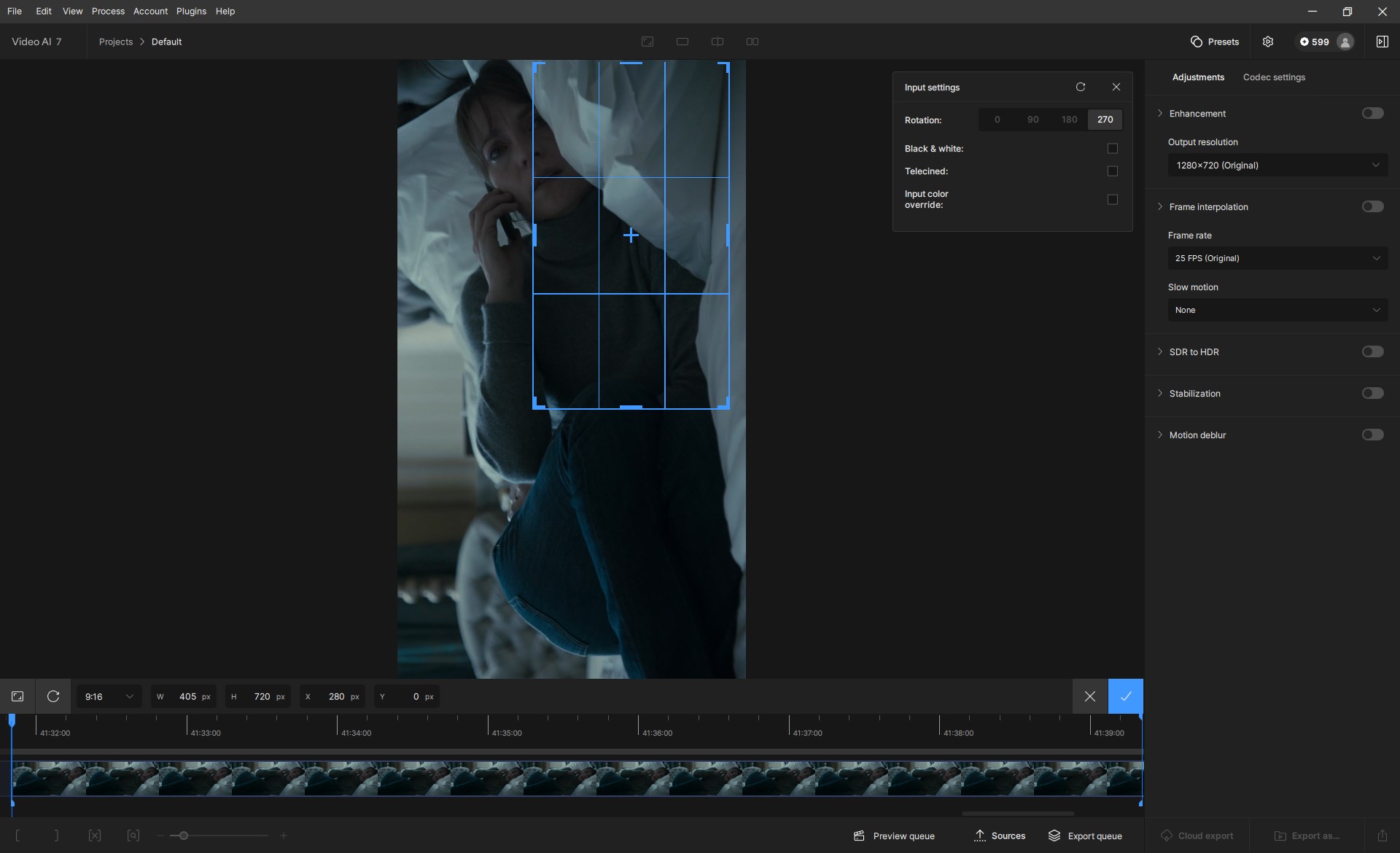
not possible to rotate the input video and crop 9:16 at the same time.
Use Case: Input Video in 16:9
Cropping in to a person that is horizontal.
Rotating input video to match the output 9:16 video format.
The cropping rectangle cannot be moved across the middle line between top and bottom. Cropping rectangle selection cannot be increased to cover necessary area.
What’s the timeline looking like for us Mac users? It’s great that you guys prioritize PC users with NVIDIA cards but a little Mac love would go a long way since we’re paying the same subscription price as everyone else but getting only a fraction of the performance (and now limited features), even with M4 chips out there.
3 Likes
