This is a common shortcoming of multiple GPU-capable apps. Some of them require all the GPUs to be identical, the same way that multiprocessor systems require matched CPUs. Others can deal with GPUs that aren’t exactly matched, but get bottlenecked by the slowest processor. I have yet to see any that can mix and match GPUs from different manufacturers, like Nvidia+AMD or Intel.
Yes, I’m just coming from the ‘it’s a waste of time working on a scenario hardly anyone will use’ point of view.
OK, so I’m not able to actually see any ‘processed’ video.
-
- I begrudgingly open a new project,
-
- I drop in a prores file,
-
- pick the default enhancement, (Proteus auto)
-
- set in/out points about 15 seconds apart.
-
- press Render in → out
The fans start spinning, the machine lights up, and I got nothing, no downloading models, no changes on the timeline of anything and then no processed video? Two out of three tries so far, (each in new projects with a different prores video file), TVAI disappears, but the fans keep spinning for awhile.
What am I missing?
This version is also leaving behind multiple empty folders on main C:\ drive
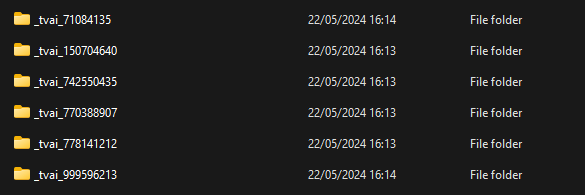
1 Like
If you don’t use Instant Render and just click the old Preview (Now Render) button, there’s no longer a Preview tab, and no way to remove previews. There’s also no preview looping anymore?
2 Likes
I think you have to add a new project, name it, and then specify a save location . Then you get a screen that will let you drag & drop a file. (Mac M2) More UI friction, IMO.
an ordeal this update, no preview, no loop playback, nothing indicated.
8 Likes
Yes, still an ordeal. This one crashed in the middle but opened itself back up again. Same deal as ssbroly, no nothing on the interface.
On a positive note, this beta does import my “wmf from hell” at the correct fps. Haven’t seen that happen since 4.0.10.
Correct me if I’m wrong, but apparently, I don’t have TVAI pro, in spite of having purchased the entirety of programs that topaz offers, as the option for its use has been greyed out!
I’m really really scared about this… I hope you don’t want to put another “upgrade” to the license to give extra “useful for everyone” features only to those who pay even more… treat your loyal users who renew their license every year well, because you could easily lose them! 
4 Likes
You need to start a project and select the output first
There is going to be a new paywall for “pro” features. It is inevitable. Briefly discussed with Akila here:
2 Likes
THIS!
I already spend $300-per-year, makes me think that this is a public-traded company as most public companies serve ONLY the shareholders while bilking their LOYAL customers in order to make profits for the wretched parasites, as they serve no real purpose other than to **drain the company’s coffers!
**Yes I know their official role, I’m talking about their eventual practical role which is profit above all!
EDIT: Note that this is still speculation on my part, and not a statement of fact…
1 Like
NOTE: Can’t, I enable insta-render and nothing happens…
I am having huge issues with just basics in this version.
First, if I hit the render 2s, nothing happens. It will put the timeline highlights up and then do nothing and then move the cursor AFTER the preview timeline. If you hit render again after moving it back, then it just says processing with no fps or export data showing, and it just slowly goes and you have no clue what % or speeds, that is when it is not just erroring instantly.
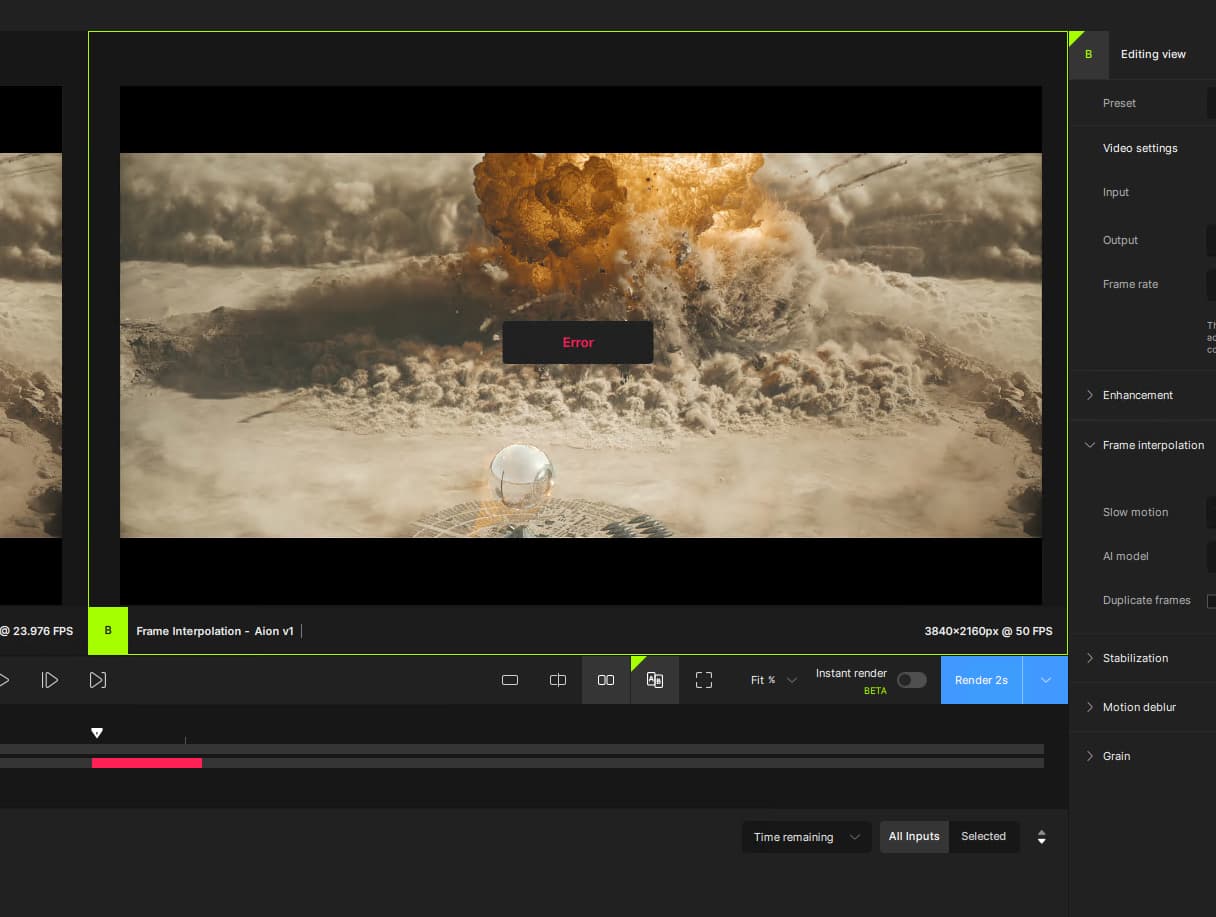
Since there is no export text that exists anymore, you cannot enable loop and it just scrolls by and keeps going. There is also no cancel because of this. I have tried both side by side and A/B with same results.
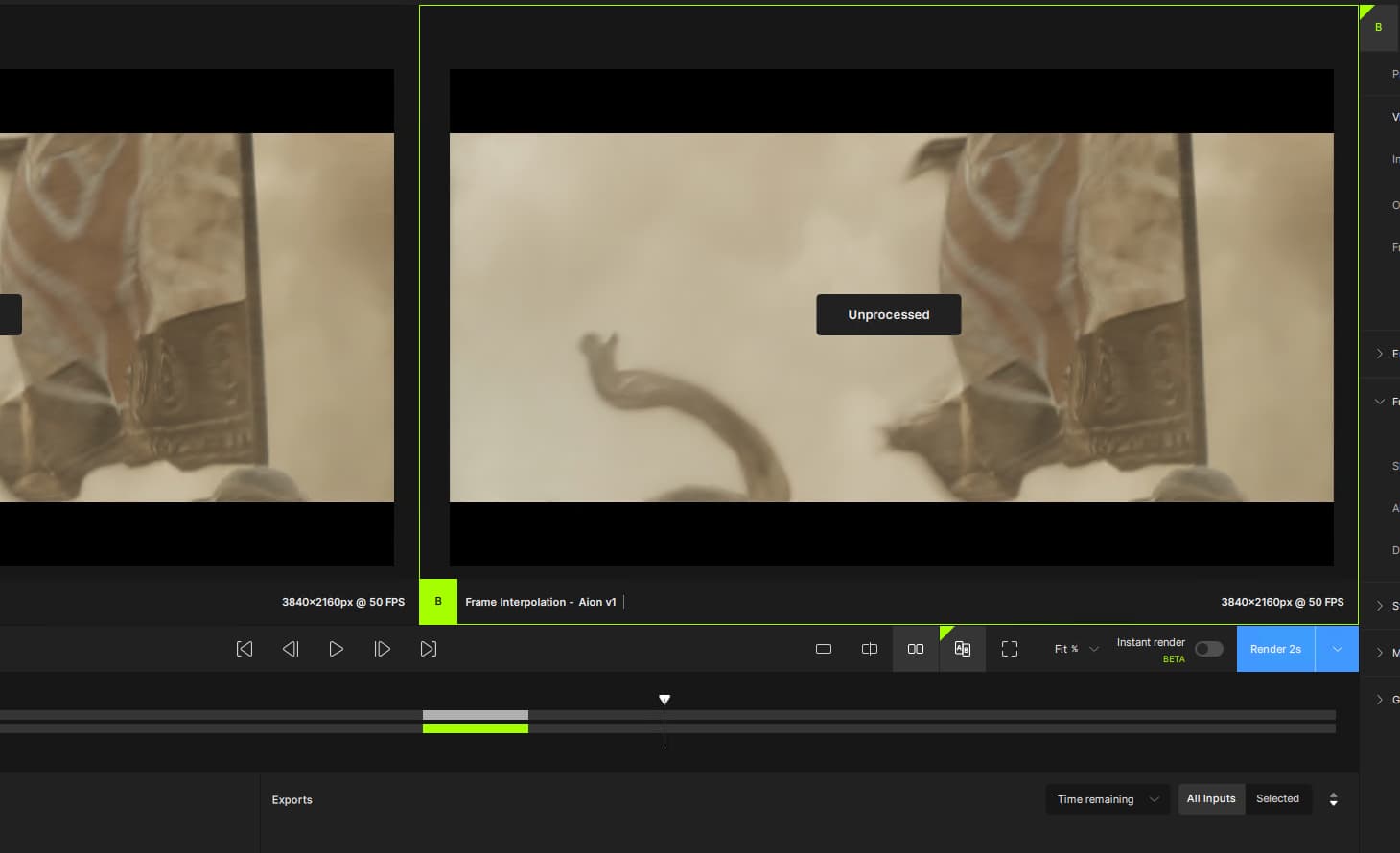
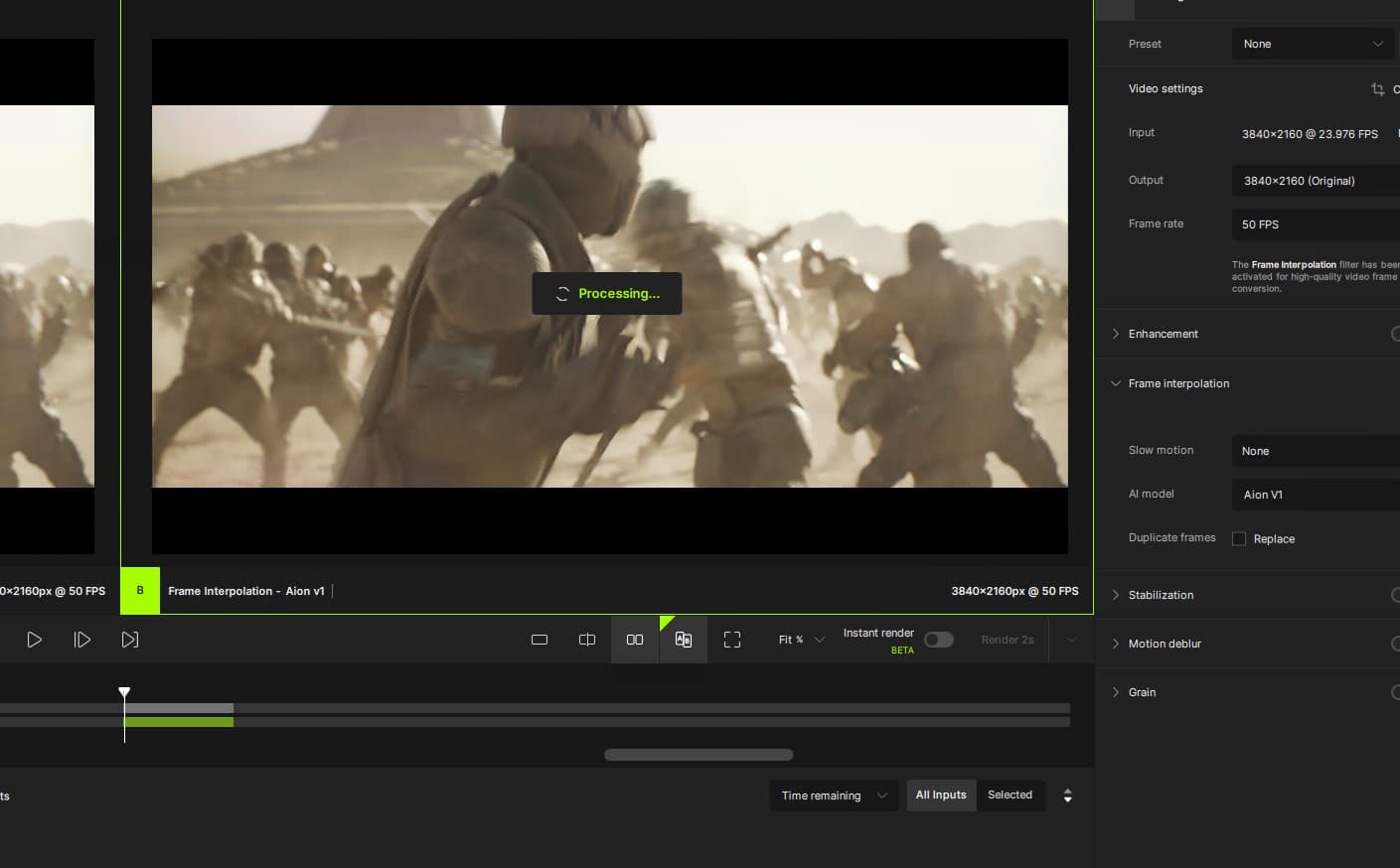
I can say that when I do an export, I do see the export stats show up, so only the preview is missing them.
If we are going to add the project window, can we make that not the default? I do not want to be forced to make a new project every time I want to do the most simplest of things, and I would wager a very large portion of your users also do not care about creating projects. Maybe change the menu to “Create/Open Project” then “Chose video” as the options.
The entire app feels slower and jerky in this release, pauses on clicking everything, but the playback is WAY faster to start in this version so that is indeed quite improved. Are we ever going to get live preview as we export back?
Speed wise, I was getting 1.2fps using aion v1 on 5.0.4 and am getting 0.7fps in this version. The degradation of speed continues and it is getting slow enough to where it is now 2/3xing the time it takes to export than earlier versions. Once again I ask that can we PLEASE start releasing an optimize release every few releases? We keep modifying UIs, changing menus, adding new features, but are just letting the primary usage of the app slow down to worthlessness.
2 Likes
The only thing a “pro” version could offer that would tempt me to pay more is a 2X speed increase on existing HW. I’d probably be more interested in a discounted “light” version that excludes every new feature that’s been added since 3.x except the newer models.
1 Like
Well this is an example of a scenario that I don’t like… rendering speed (along with upscaling quality for various “types” of video) is one of the FUNDAMENTAL aspects of the software: if in order to have the “maximum” speed, even on “normal” home PCs, Topaz forces me to buy this phantom PRO version by paying more than now, well that would make me very angry!
(I repeat, this is all speculation for now, but here’s hoping that the developers read these conversations and understand that they can’t drag their feet too much)!
3 Likes
nothing work on this beta… when creating a project, it does nothing… lol. and as this make disapear totally the possibility to do right away a work on a file, so the software is totally unuseable lol !
Clap Clap on this one !! tried a repair with no luck… beautiful !
now fixed, but where is the preview ? lol… so any issues  …
…
The project window would be acceptable at the condition that the possibility to bypass it and not use it would be there, or with a quick link on the page to create an instant “project”. now, making it only available is not good at all…
like everyone else has said, forcing us to create a project just to process a video is ridiculous, stop trying to make this program into something from adobe. Every update shouldn’t make the program more complicated and crash more.
6 Likes
