Well, it is more or less SOP in the commercial SW world. You have a two CPU system. you need Windows Pro vs Home.
The key to making it work is making sure you only put things in your higher tier version that the majority of your paying customers don’t consider basic functionality. So the non-pro version needs to be fast enough to satisfy the vast majority of customers, who will look at the performance of the pro version and say, “I’m not spending another $2000 for a second RTX 4090 no matter how much faster it is.”
I think the biggest problem with the idea of a pro version of anything from Topaz is that it implies a robust low-bug product with amazing support and quick fixes to real issues. I don’t think they have a track record that covers many of those points.
I agree with others about the projects, we should be able to start normally on a blank slate. Open a saved project if we want.
I saw yesterday that there was an update already to 5.1.0.1b and downloaded and installed. Later I noticed it had been pulled. Today it is there again.
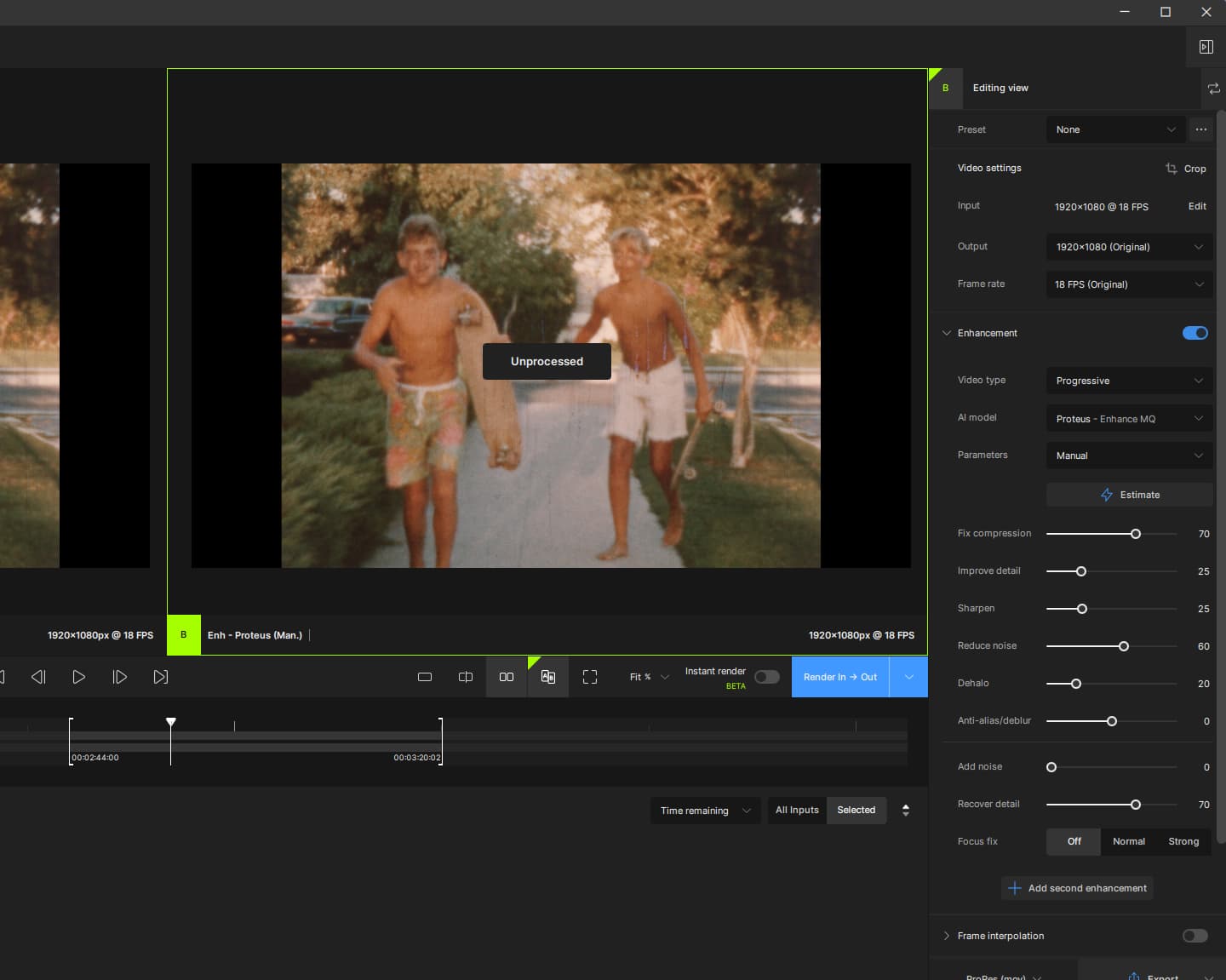
My machine is cranking out something. Fans are flying… but I can’t find any “processed” video. The file the whole way across says unprocessed.
Again, I am setting my own in-out points and then previewing in to out.
5.1.0.1.b installed and running. GPU selection is now working correctly. Speeds comparable to previous builds 3.x and up.
Still don’t like the way multiple GPUs are managed. The “one or all” choice doesn’t provide enough control. Consider the checkbox selector as used in apps like 3dStudio or Blender (shown here):
You get a list of all possible processors and check the one/s you want to use.
Would still like to have the progress and control bar for previews restored for when Instant render is not being used.
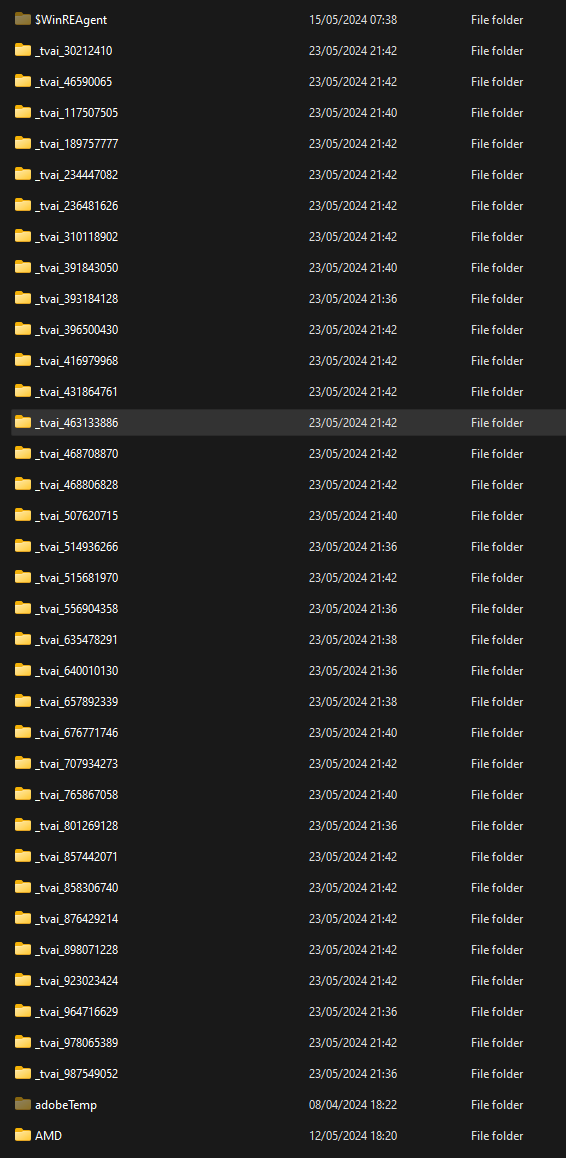
No. Are they appearing at the root of your drive? Have you changed any of the default directories (I’ve changed all of mine, so I might need to look somewhere else).
Instant rendering is very welcome but still finicky… too slow… you said it was experimental, fair enough, let’s continue to test! BTW v3 had live preview, what was wrong with it?
About project management, and the new screen, could you please make that optional? I don’t need project management.
When I downloaded from the Mac link you provided for 5.1.0.1b, it downloaded another copy of the 5.1.0.0b that I already had, but required me to sign in again. Only the in-app updater works.
Can there be an option to enable audio playback when playing anything on the timeline (just using original audio to save resources)? Would be especially cool for the instant render.