HDR 10 Should be easy Since it is just 2 Values.Hdr10+ will tack more work.Handbreak can do 12 Bit Video 
So my current project is now completely rendered after some pause/resume sessions.
I used this version last: TopazVideoAIBeta-5.0.0.b-pausefix.msi
The result is a video what starts with sound somewhere in the middle of the movie…maybe it starts with the audio beginning from the last resume ?!
The video has sound from the beginning to the end but the audio is extremely wrong positioned very far away from lip-sync…maybe 10-30minutes shifted…so totally corruped.
I have to save the Audio-Track from the Source-Video and paste it into the rendered video of TVAI in order to recover the Audio.
Hope 5.0.0.2b has fixed this issue already ?!
Found more shit:
I already used Motion Deblur & Stabilization before:
The source File Length is 8.41 GB and the duration of the video is 2 hours 55 minutes
Now i used upscaling and enhacements with Iris v2:
The resulting video file has sound beginning somewhere in the middle of the source video.
The File Length is now 9.16 GB the duration of the video is 0 hours 48 minutes.
So TVAI build at least a file with sound beginning at the last resume ?
But that Video is just playable to the point of the first pause/resume.
So totally unusable…
I have to start the complete render session again from the beginning with 5.0.0.2b in order to see if this errors are still there.
logsForSupport.zip (27.4 MB)
I startet the render session again but will stop it now.
While looking at this folder:
C:\Users\Michele\AppData\Local\Topaz Labs LLC\Topaz Video AI Beta\Workspaces\previews
I found a file that´s still there (why ?)
VideoName_thm2_stab_548575301.mp4
File Length is 32,3 GB and Duration is 2 hours 55 seconds…
So the Video here was rendered correctly but containing NO sound…
Out of this i can save the complete time to render it again…
I have just to add the audio and compress the final video with my own tools to get a usable result.
And delete those 32,3 GB big file.
But i let the file there for now to see if TVAI is deleting it with the beginning of the next project.
Version 5.0.0.2b
I prepared the next test for pause/resume…and need 2 videos who are already stabalized.
So i imported 2 videos…checked both and set stabalizing on…
TVAI should export 2 videos now…with _stab in the filename to the export folder…
What the beta does is nothing ?!
It stops the first file at 99% with no error and continued now with file 2 also going to 99%
Nothing found in the export folder or the temp folders…but a lot of old directories are there…nothing from today…(for what reasons are those really old folders kept ?!)
Under Workspaces/Preview is just the older session 32.3 GB…i think it´s really important to keep such larges files right…but this time there are no video only files there where i could save/debug the work TVAI does…
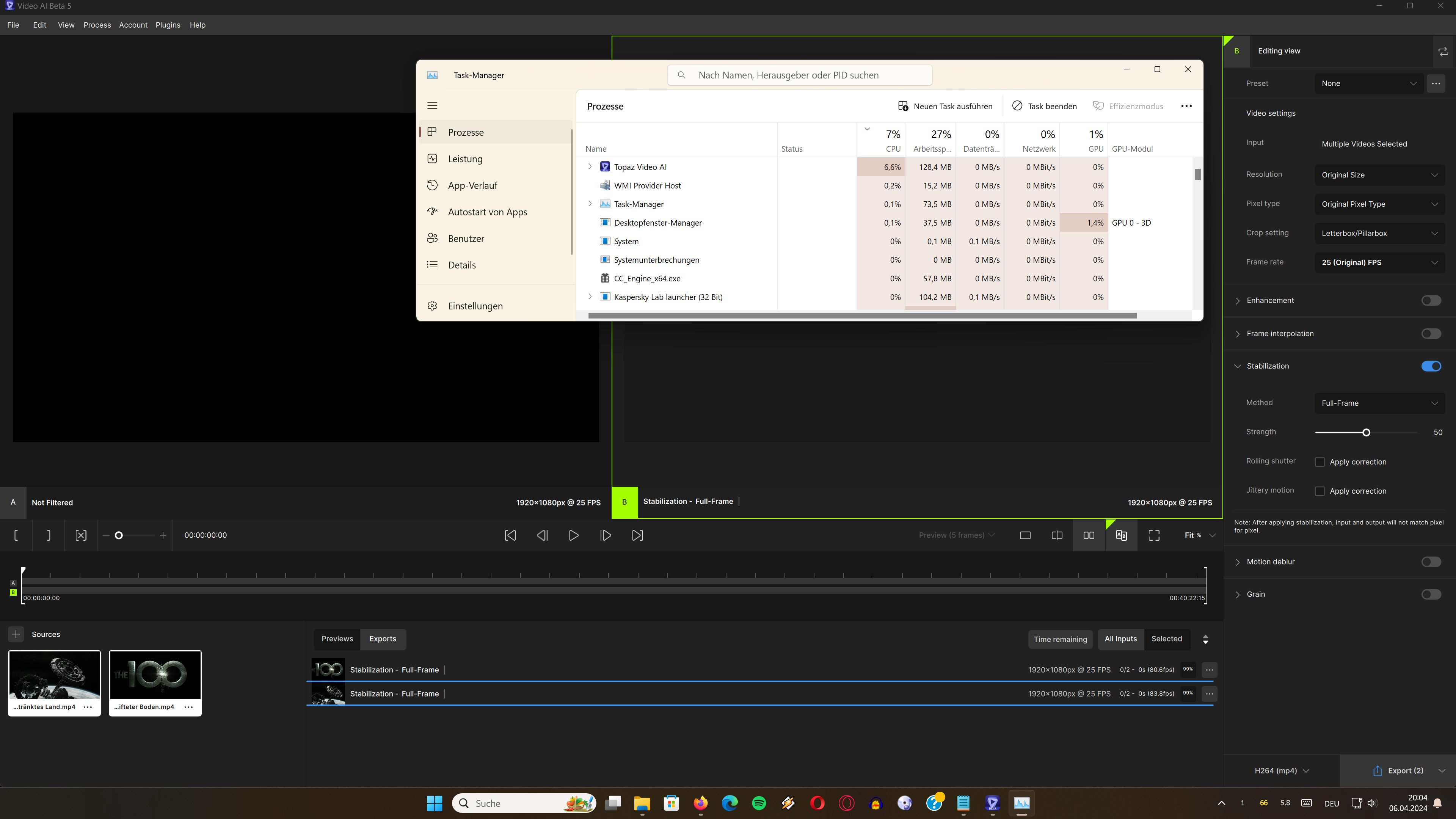
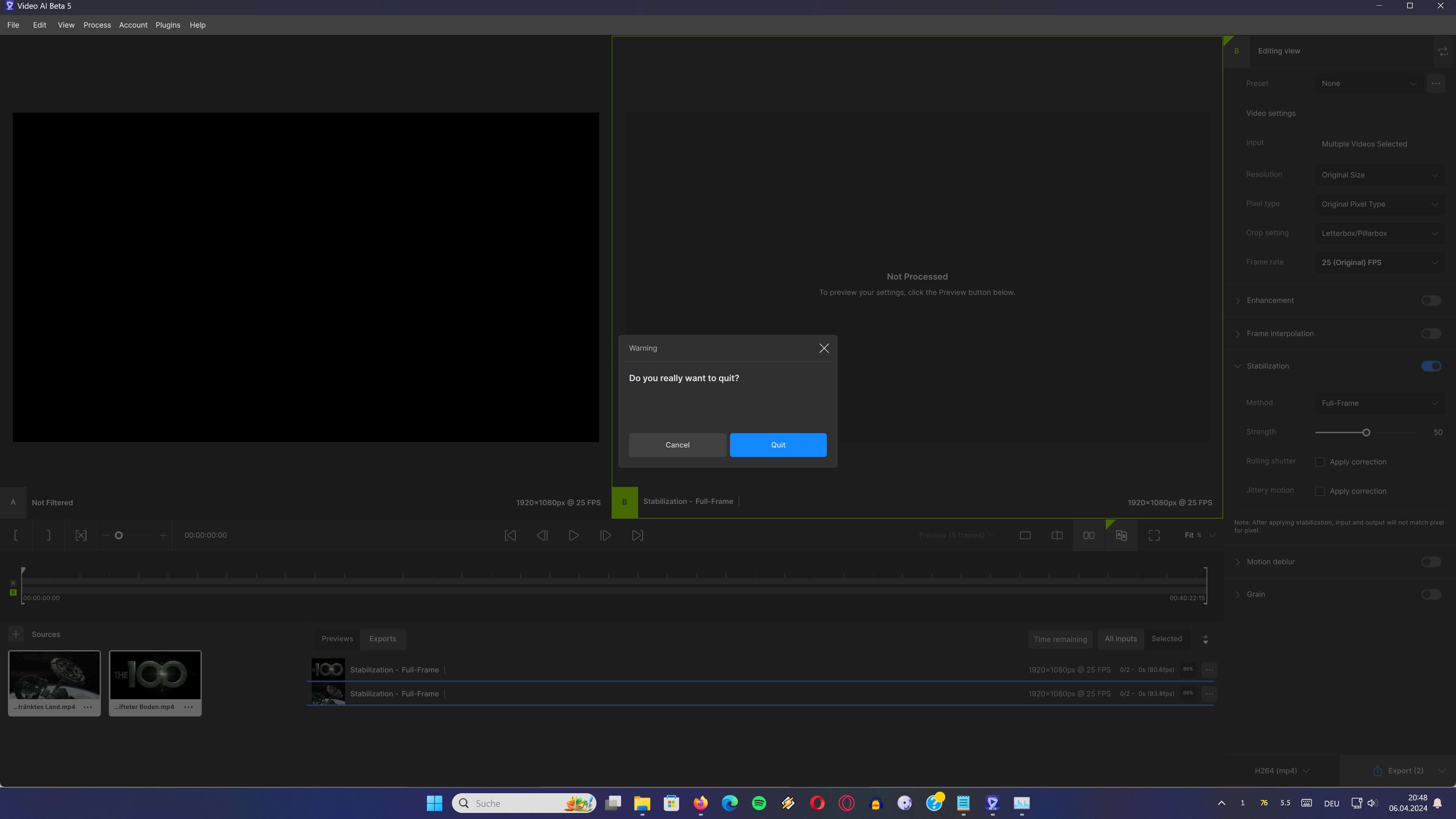
Here a picture of the result…TVAI is also still using CPU time…but for what…no red cross…nothing just going to 99% and that´s it…
logsForSupport.zip (27.8 MB)
1 Like
Congratulations on this major release with many highly-requested features! I’m sure this will create a bit of a splash. Thank you for this beta release
3 Likes
Yes here are really cool things on their way to become reality.
Many thanks Topaz you´re on the right way.
Version 5.0.0.2b
Tried again just 1 video stabalizing.
It stops at 0/2 99%
logsForSupport.zip (28.0 MB)
Version 4.2.2 does the same task without any problems.
The process of image sequences does not work. The rendering heeps running without doing anything. I don’t attach logs because I understand that you can reproduce it perfectly. The platform is Macos.
Let’s see, I am very happy to be a beta tester and happy to have at my disposal this powerful software that increases the capabilities of my cameras, but for this beta testers forum to be really useful for the development, you have to give us the applications much more tested on your part, because in the end we get stuck in trivialities and we do not advance in what would be useful for you: perform test cases that perhaps you had not come up with, detect particularities of specific platforms that you are not in a position to test and this kind of things that would complete your own testing procedures. But we ran into elementary things that should already work, especially a few days before the version was put into production.
2 Likes
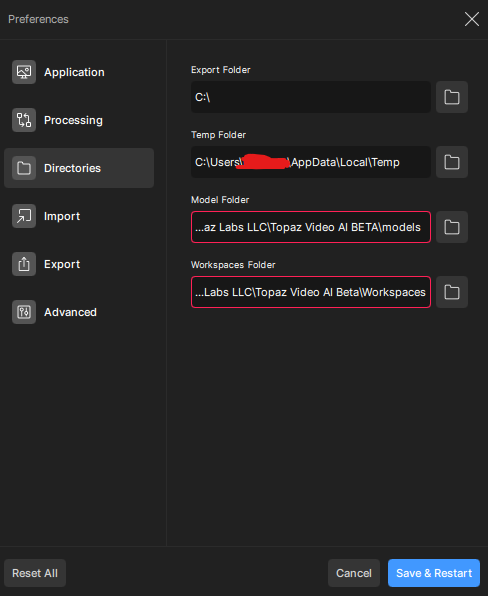
Bug 1 -
Model and workspace folder not found by default.
The screenshot is from after I fixed the red box notifying of the error.
Update - unfortunately the problem loops after each topaz video save and recheck.
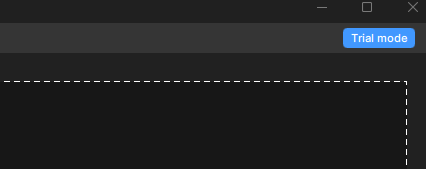
Bug 2 - Continuous trial loop.
Every time I restart topaz video AI I get the notice that I am in trial mode and the request to authenticate.
Looks a bit different here…but also a red box.
When i click on that box the correct folder opens…so why is it red ?!
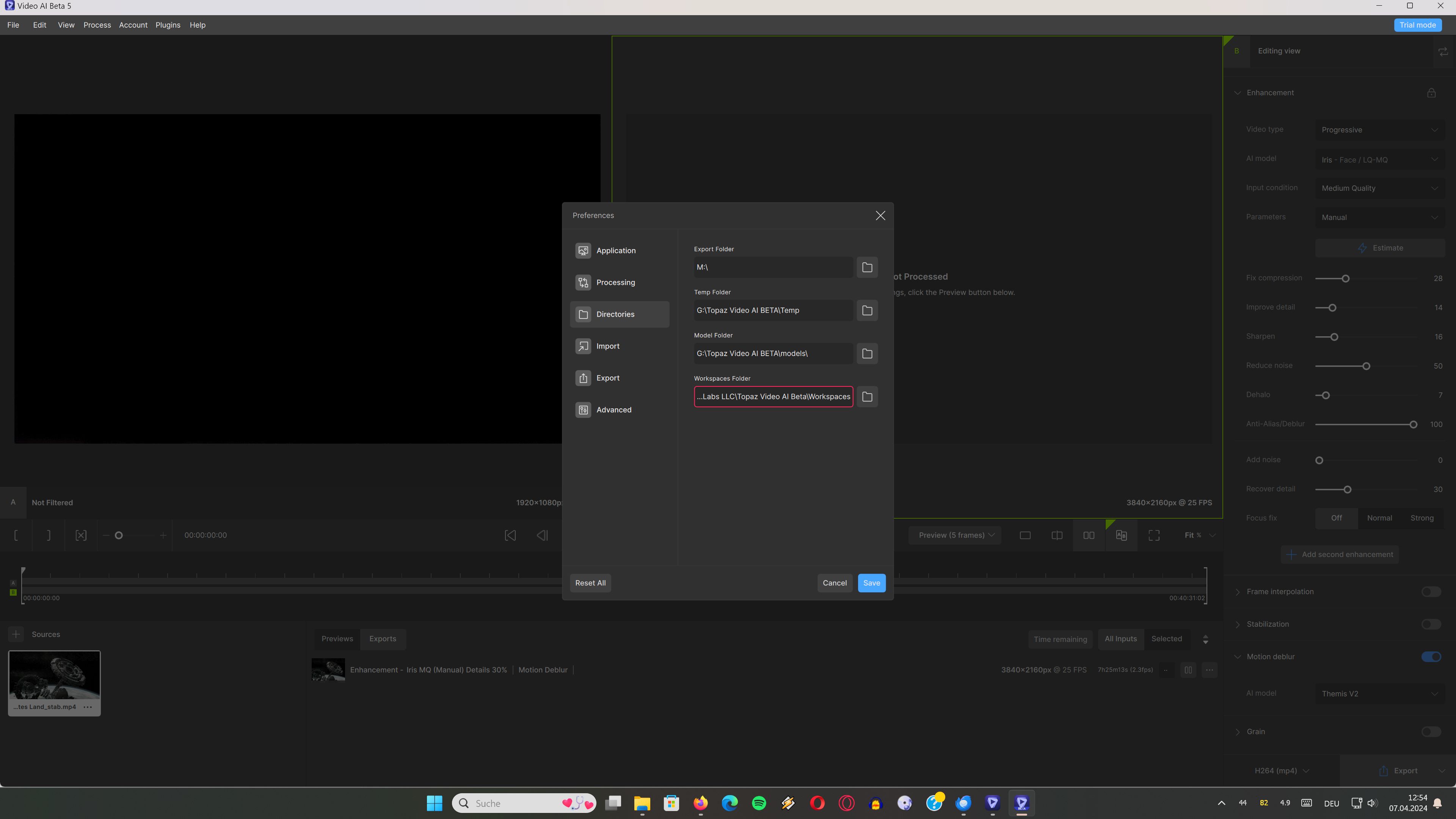
At the moment i am testing another Export in order to see what´s coming.
I looked here also and saw this “Trial Mode”.
I logged in…will watch if it changes later…
→ Yes every time i start TVAI i have to Activate the Trial again.
I’m finding this version unusable. It usually takes me at least three or four rounds of model testing and previews before I’m ready to export, and after the third preview all I get is “Queued” until I shut down and restart the app.
Is there some kind of “clear queue” command that I’m missing?
I also have the problem with video stabilisation. Topaz 5.0.0.2 b crashes at 99%. Even with two different videos in a row.
1 Like
Hey, this problem will be fixed in next beta. Should be live within a couple hours.
Hey, what version of the beta are you using? Should be in the name of the link you used to download.
It’s 5.0.0.b-pausefix. Downloading 5.0.0.2.b right now.
Time elapsed after export is completed is not visible in this version - it was very useful to see how long an export took:
v4.2.2:

v5:

Please bring it back.
Thanks.
1 Like
@luke.roche what about the ongoing Issue I sent you a video about? would it also be addressed?
Version 5.0.0.3b
Now it´s a little bit better with Stabilization…
I am getting an error message…
But still no Stabilization
And consuming constantly about up to 25% CPU after this error while doing nothing…
What´s also better: I don´t have to use the taskmanager to close TVAI.
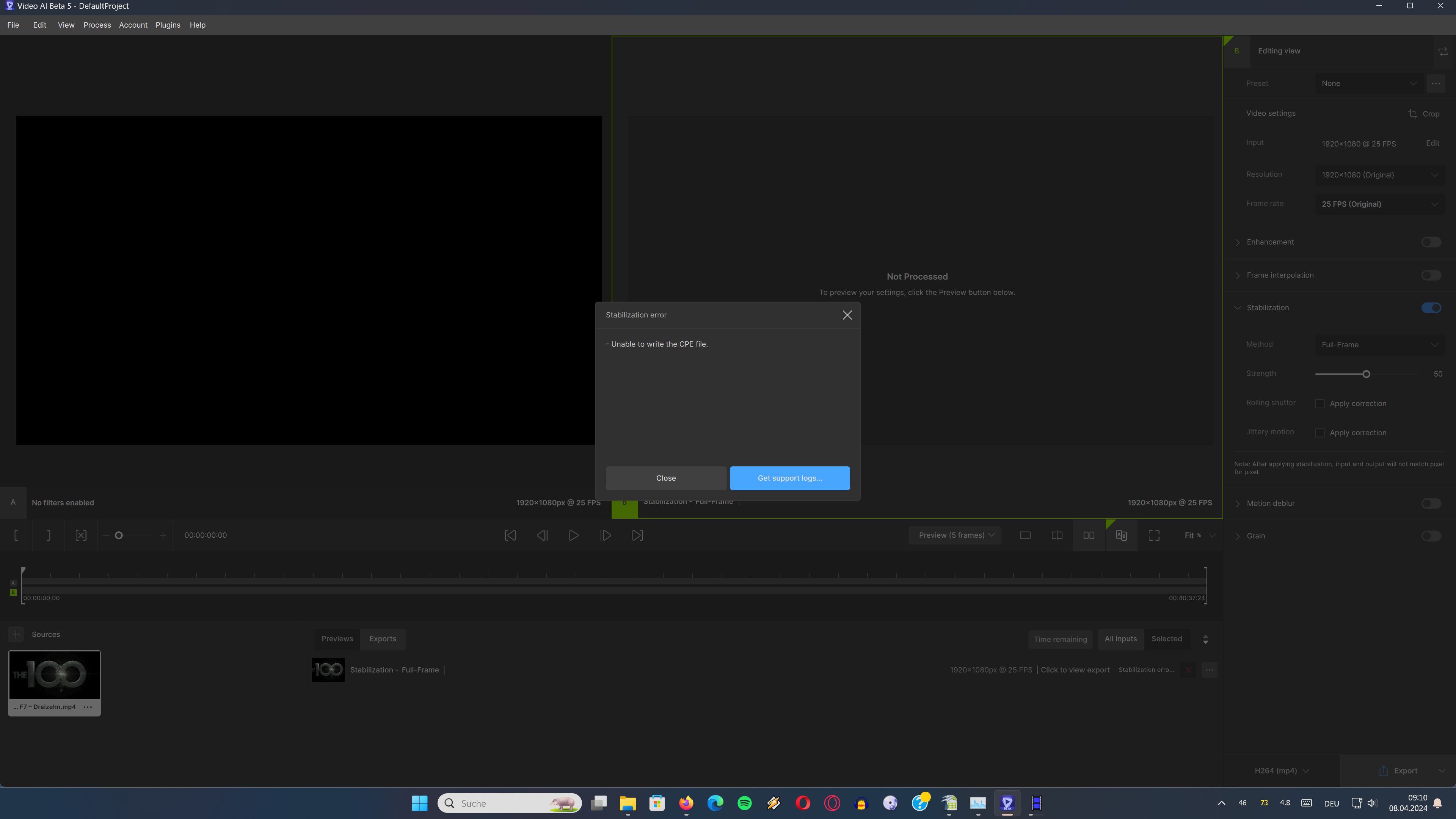
logsForSupport.zip (28.4 MB)
