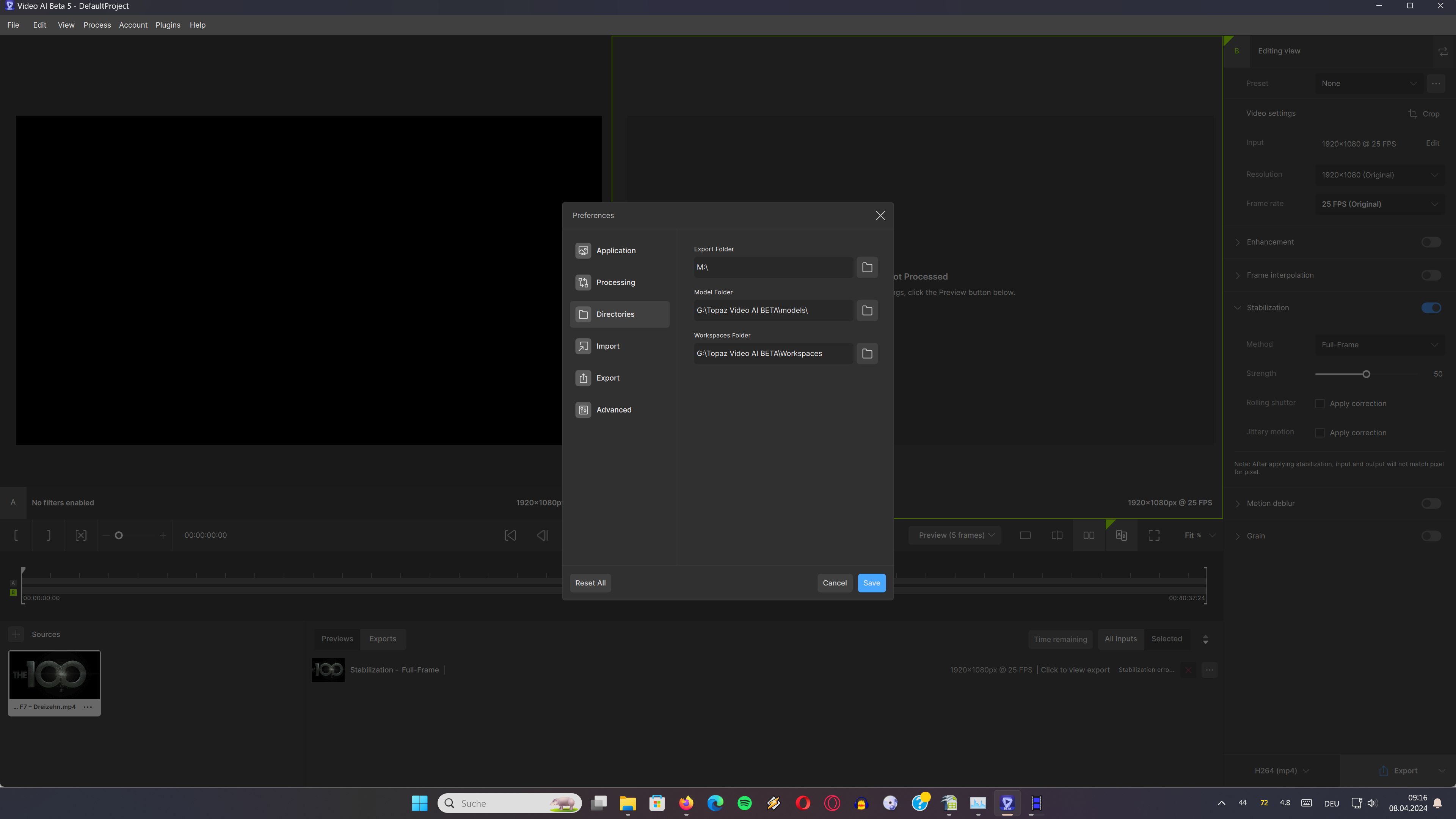
I changed the folder for the Workspace in order to no longer see that red surrounding here.
But TVAI ignores this setting and writes instead at the old place as before…
The new set folder is completely empty but there´s a change at the old place:
C:\Users\Michele\AppData\Local\Topaz Labs LLC\Topaz Video AI Beta\Workspaces\DefaultProject in the file project.tvai
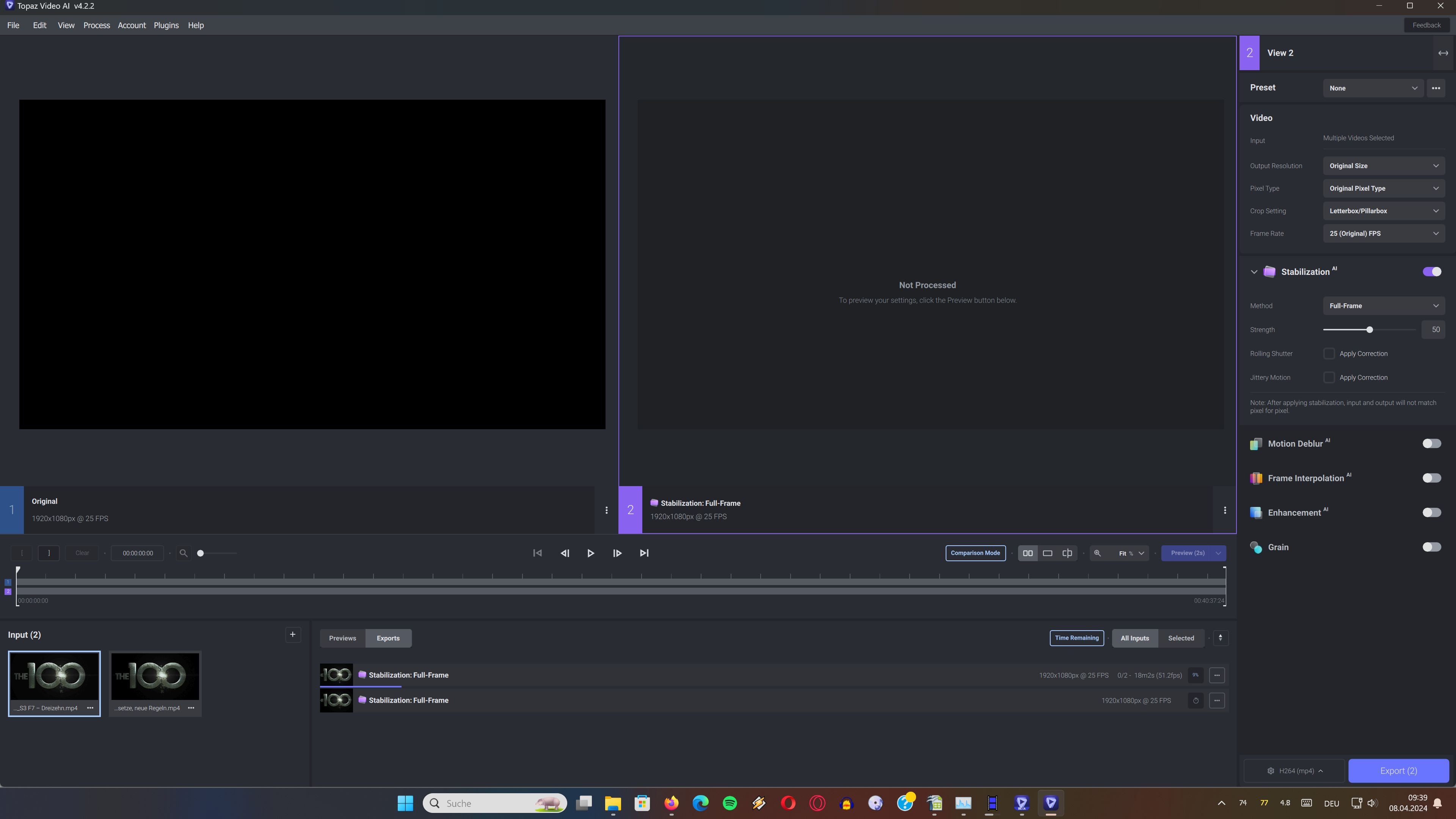
Tried 1 video stabilization with error at the end of 0/2
I like the old more colourful blue UI !
It has a deeper professional touch, also the position of Stabilization and Motion blur is at the correct place showing the render pipeline in the correct order…what comes after the other…
Same here. I copied my Workspaces folder to my alternate location and redirected the location in Preferences and the app just recreated a new one in the original location.
I have a little problem with the models, why do the old models no longer work like they did before? I just changed the model name, to version 8 of Artemis, I start the encoding, and it shows me an error. Why does it no longer work on version 4 and version 5 now? If I install version 3.1.4 it works. But since version 4 and 5, artemis 7 or 8 or 9 no longer works. For what ? Help me thank you
You should be enabling previous model versions in preferences and using the model manager to download them. If v8 is not listed in the model manager then it’s probably no longer supported in this release and won’t work.
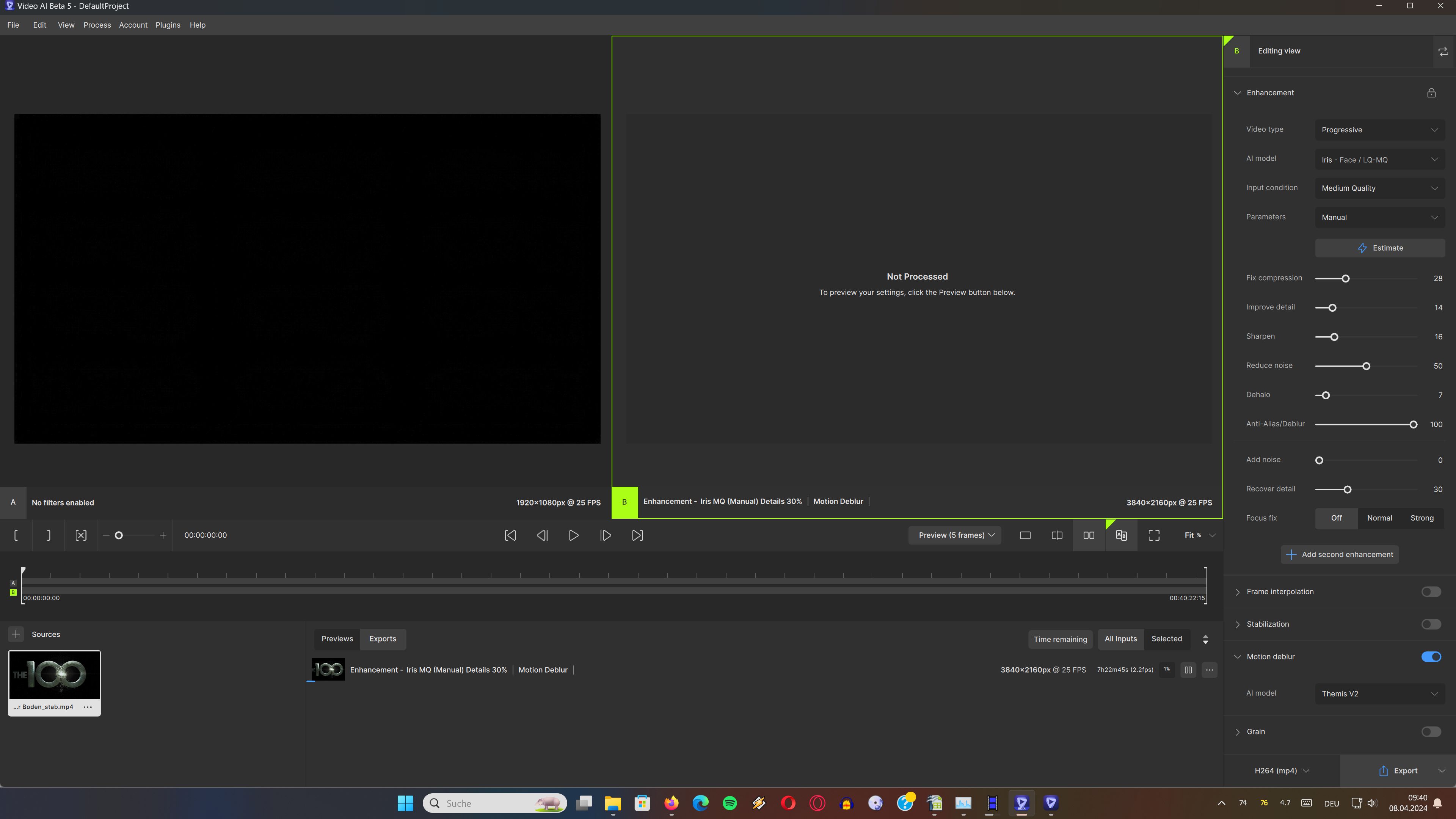
Interesting I am now able to play a MP4 file while processing, only worked with MKV for a while. Would still like to have live preview back within the GUI…
First of all, I would like to thank you for the opportunity to test the latest beta version of your software. I greatly appreciate your commitment to continually improving the user experience and integrating new features. However, I would like to share some observations and comments on this version. First of all, I find the user interface to be too dark for my liking. I preferred the version 3 interface, which was clearer and more pleasant to use for me. I understand that this is simply a matter of personal preference. Additionally, I noticed that video export is slightly slower than in the previous version. Would it be possible to regain the export speed of the previous version in the next updates? I would also like to suggest reinstating the four previews as in version 2, if this is feasible in the new version in preparation. This feature was very useful to me and I think it could benefit other users as well. Another point I want to address is the delay between sound and image when exporting. This issue should be resolved to ensure a smooth and uninterrupted user experience. Additionally, I noticed that the software can sometimes crash for no apparent reason. It would be beneficial to investigate and resolve these issues to ensure the stability of the software. As for features, I would appreciate creating a command line (CLI) version separate from the main software. This approach would allow me better adaptability, as you did at the start of 3.0.0.a alpha. Of course, I understand that this may differ from your current view, but I wanted to share my opinion on this matter. Finally, I encountered a problem importing an m2ts file which caused the software to crash. I’m not sure if I’m the only one experiencing this issue, but it might be worth fixing to improve the overall stability of the software. In conclusion, thank you once again for the opportunity to test this beta and hope that my feedback will be helpful to you in resolving these issues in future updates. I look forward to seeing the improvements you make to TVEAI 5 and have no doubt that it will continue to be a valuable tool for many users.
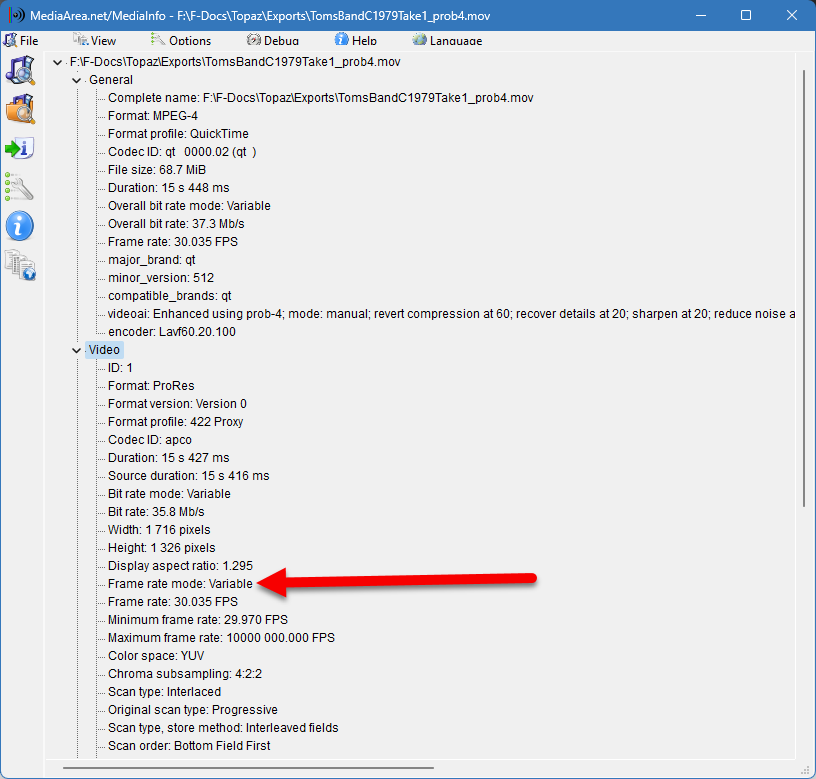
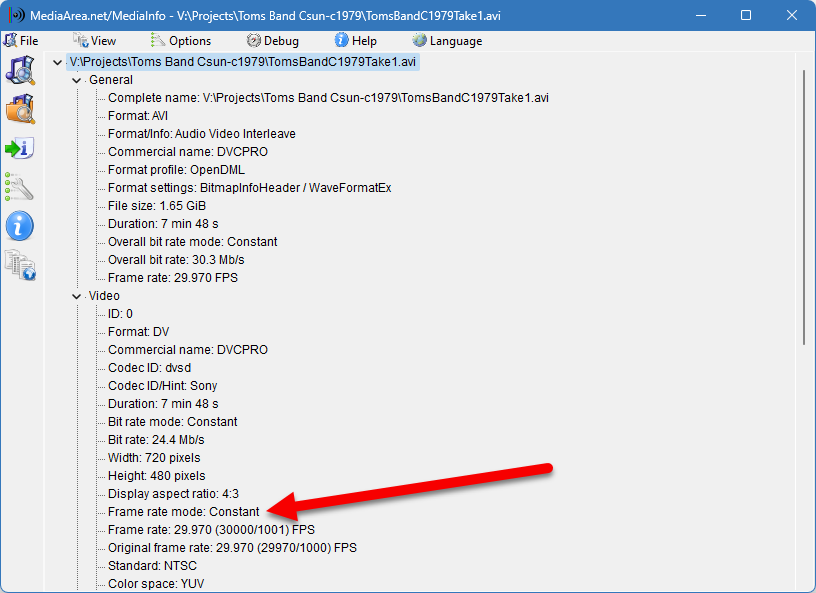
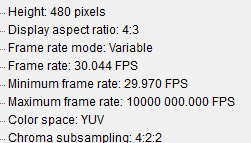
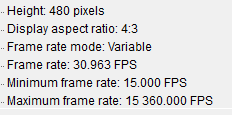
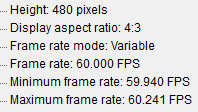
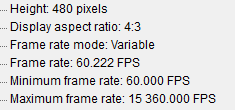
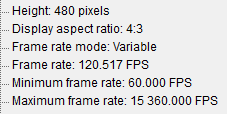
Yes, variable BIT rate, but no professional camera shoots in variable FRAME rate. We’re always telling people on the Premiere Pro forum to transcode their h.264, etc… to constant frame rate ProRes, using Shutter Encoder or an older choice like HandBrake.
Bottom line, if it takes a constant frame rate and converts it to variable, that’s a step backwards, a down-grade.
I’ve tried tried most of the frame rates. It really is a problem for editing software. And it’s not something that was going on in previous versions… and I always look.