How does the live preview for exports work? I can´t get a live preview while exporting. I set the function “include live preview for exports” on.
1 Like
What is the function of “preview both views”?
I’m uploading batch of files now. Let me know if you see it. These are files that have heavy aliasing/moire lineskipping, and I feel like a more improved Anti-Aliasing/Moire model could improve these shots.
1 Like
Hello, I process slowmo videos (480 fps, 960fps) from the Sony RX10 mark3. I get the best results with focus fix normal, and model Proteus v4 or Iris Low Quality V2, and a second scaling step with Artemis or Theia.
2 Likes
Thanks for the suggestions! I will try your settings. : ) Do you upscale 2X in the second step?
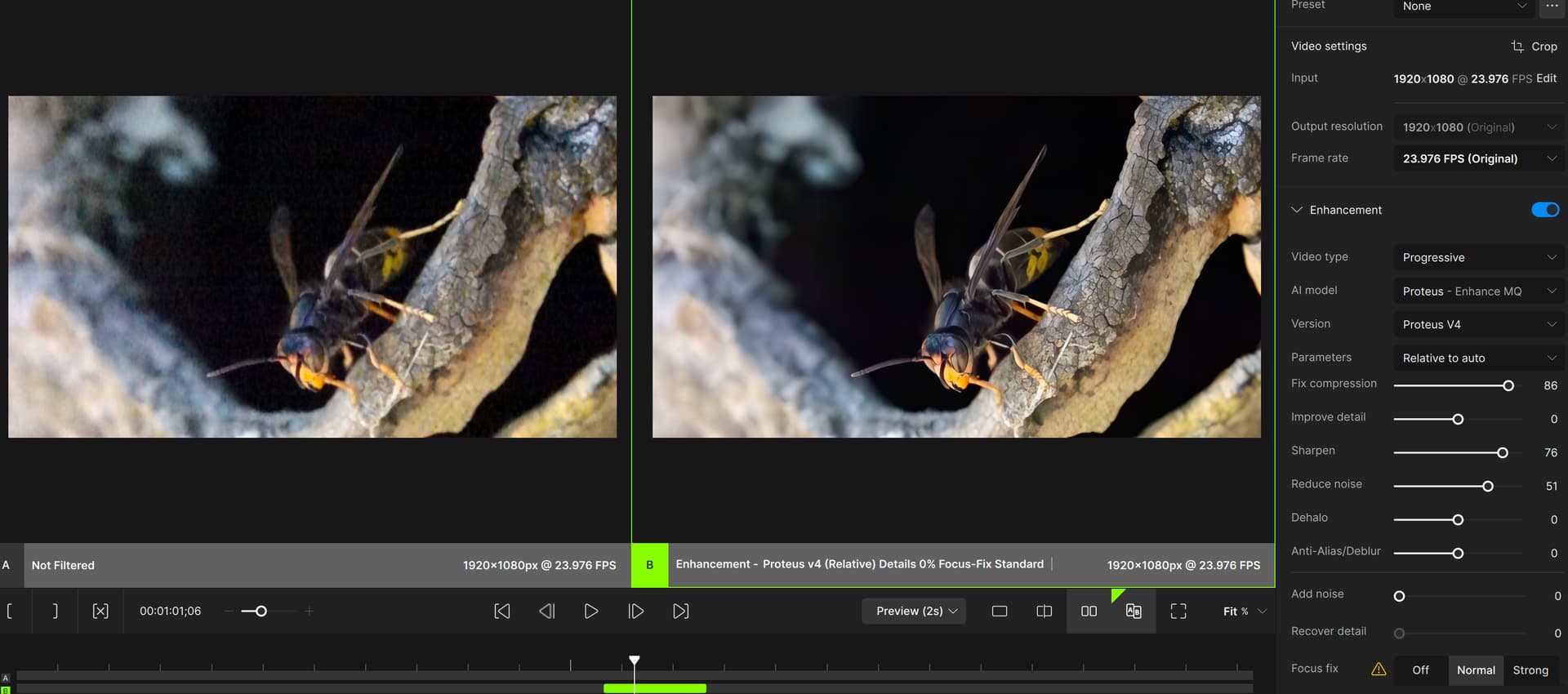
Nyx 3 has much better results as Nyx 2 - thank you for this great improvement!
3 Likes
The live preview works only if I click on the last videofile in the workspace folder:
C:\Users\MyUsername\AppData\Local\Topaz Labs LLC\Topaz Video AI Beta
It would be great if there was a butten near the play/pause botton where I could click on to start the live view.
It would be great if I could choose the orkspace folder. On Disc C there could be not enough space for large files with high resolution.
3 Likes
Will be added to preferences for main release!
2 Likes
I’ve noticed some amazing speedups in processing, even with Aion, on RTX 3090 - thanks! 
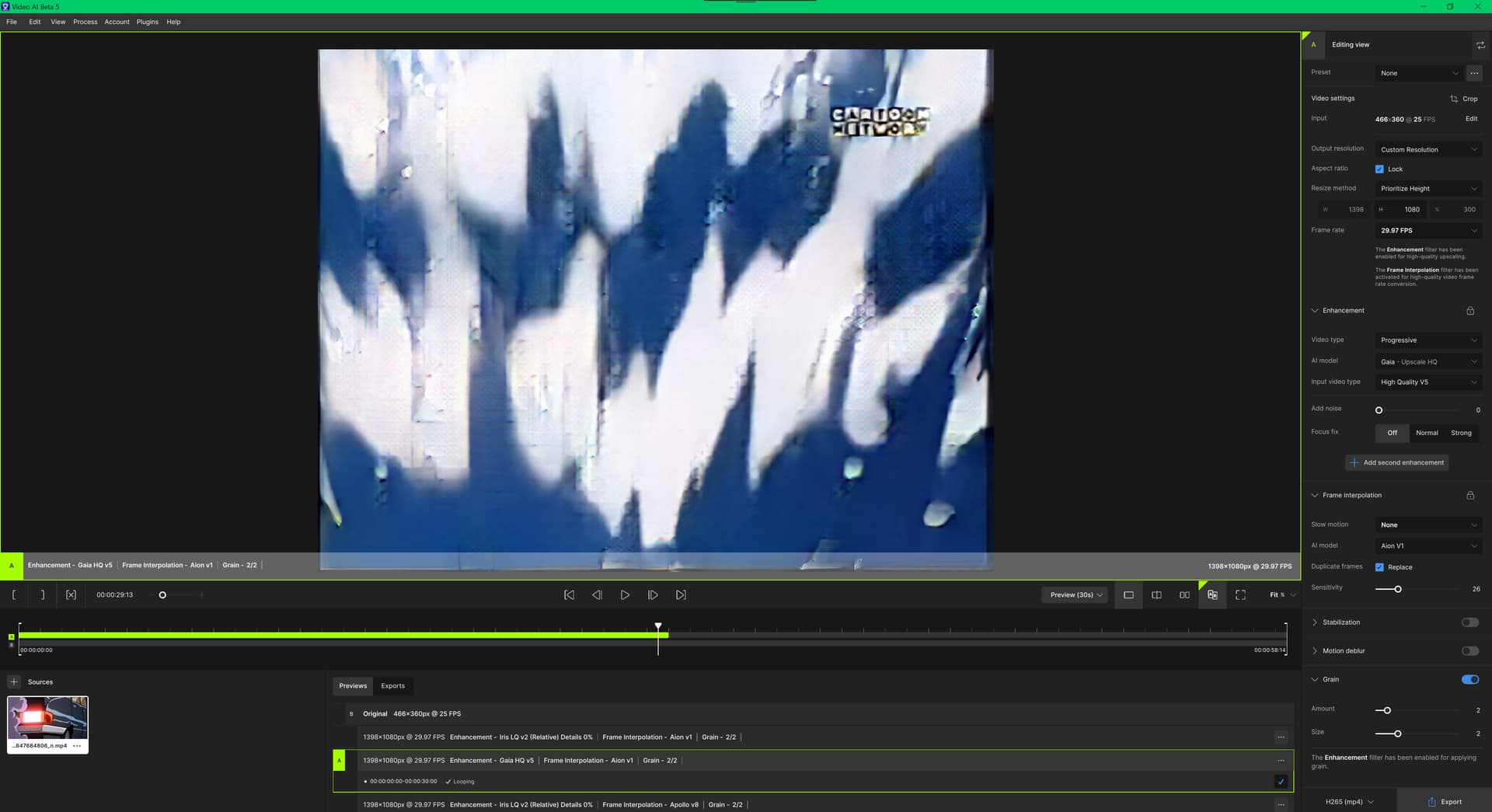
Though quality of Gaia HQ v5 processing is worse, than it was in TVAI 1.6.1. And I still would like to see Gaia HQ v6 returning…
1 Like
Plugin for Resolve and Aftereffects crashes Programs.
ofxPluginTvaiOutput.txt (29.9 MB)
Archive.zip (11.0 KB)
This button mode will process the settings for both the A and B views.
Example:
- Enable Enhancement with Proteus on View A
- Click View B and select a different Enhancement model
- “Process both views” to generate a matching preview set for the selected time range
[If you are posting a new bug, please include the following]
-
The bug / behavior you have encountered
Estimate Still Not Working In Resolve Crashing -
Your system profile
iMac.spx (8.6 MB) -
Your log files (Help > Logging > Get Logs for Support)
ofxPluginTvaiOutput.txt (29.9 MB) -
Any screenshots as necessary
[Please be sure to have searched for your bug before posting. Duplicate posts will be removed.]
1 Like
Thanks for those files. It’s possible that the RX 480/580 are affected by an AMD-specific macOS bug that causes application crashes when using the GPU.
We’ll be looking into this further after the 5.0 release, but it would be helpful to know if the main TVAI app generally runs without issue.
1 Like
Only Plugins
Resolve Still is able to Use OpenCL now.
But I see that this fault tolerant behaviour depends on user saving periodically the session. It should be done automatically by the app, by regularly exporting progress on current project so it could be restored in the most possible recent point in case of system, app or user failure.
1 Like
Live preview by “Open in external editor” menu option doesn’t work. The file exists and QT can open it, in my case is harbored in:
~/Library/Application Support/Topaz Labs LLC/Topaz Video AI Beta/Workspaces/previews
but it seems that the menu item hasn’t the correct link.
Also I think the file sould be saved on current project folder, not in generic Workspaces.
Sometimes it is not possible to start rendering after some previews.
2024-04-04-22-21-30-Main.tzlog (1.4 MB)
