What exactly is the “Save Project” function for ?
There´s no way to save the Project at a specified Location.
It´s just doing…i don´t know…trying to guess…
Do we need to save the Project after Pausing in order to be able to use TVAI after restarting it and/or doing a PC reboot ?
It seems pause/resume is just working when not closing TVAI.
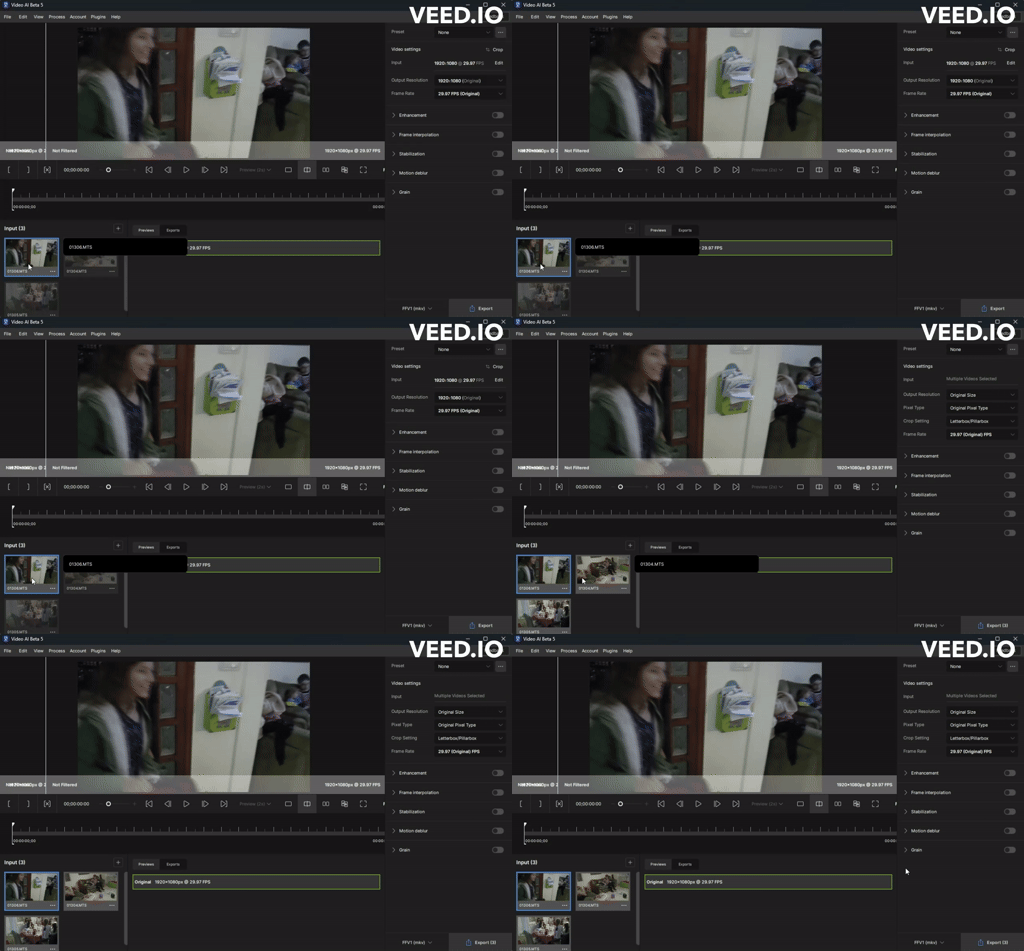
Batch Process “Interlace” and “Interlace Progressive” is broken Also in v5.b
Interlace progressive and interlaced batch Process are broken. as the matter of fact it was never really fixed.
It reverts to Proteus on interlaced and on Progressive Interlace it reverts everything back to “Interlaced” and to “Proteus”…
It is a problem as we can’t tweak the settings on each video in the batch off the base line selection for all videos. Also we can’t export the CLI command of each video of what was selected, as it resets itself as soon as you step on it.
Pause an export with the white button.(This works only when not using “Stabilization”…if you need Stabilization you have to only stabalize your video first with nothing else activated and choose the new file with *_stab extention…to be able to use pause/resume)
Close TVAI. Maybe also reboot the PC.
Start TVAI.
Open Project
Insert your folder where TVAI saved your Workspace.
C:\Users\MyUsername\AppData\Local\Topaz Labs LLC\Topaz Video AI Beta
You have to figure out the exact path for your system first, because TVAI doesn´t lead you there by default.
There you choose Workspace.
Now the Last Export is visible…but it can´t be resumed yet.
Click on Exports
And now you see a “WHITE” Button again…
Click on the white button to resume your work.(But you don´t see the last settings of the preset you choosed before you closed the App)
Choosing all other things may corrupt your last Workspace…so be careful because TVAI doesn´t save the Workspaces when doing maybe “New Project”…it´s all gone…
I am still asking me how to save different Work Sessions ?!
Awesome beta! Could you please however keep continuing to work on the Artemis Aliasing/Moire preset? I want it to be more effective in reducing lineskipped slowmotion video from the Sony RX10 series that does 480 fps and 960 fps. If you need more Sony RX10 IV super slowmo footage in order to train models, please let me know.
Is it natural behavior that once you pause and resume again, you can’t pause anymore the video?
One time pause credit for that video?
Also I noticed that if you pause and resume again, VAI treats it as a new file to render by adding the _x to the file name. e.g. xxxxxx_1_nyx3.mkv
Metadata Information (what AI/Settings was used) would not be populated into the final file if Pause/Resume.
if you load 2 files and pause the 1st, the process will start on the 2nd (which is fine), then if you un-pause the 1st file and pause the 2nd file, the 1st file would resume process (which is fine), but… the process will not continue to the 2nd file. it will only process the 1st file and the 2nd file would be stuck at pause state forever without the ability to un-pause it.
Regarding Photo AI, I’m not against the new GUI, but wasn’t impressed that they introduced bugs that were not present in 2.3.2 (mainly the memory leak/breaking batch processing).
And as you know there are lots of old grumps that use these products who freak out whenever there is a change
I am getting an out of memory error message when I try to preview or export using Aion on a MacBook Pro M1 Max 65GB RAM with no other programs running. I have tried changing the Max Memory to 90% or lower to no avail.