Devs, thank you for all the work and effort you are putting into the TVAI project, but please try to consider adding these enhancements (I have created a dedicated post):
Ps. I ask those who are interested to vote on my request so that it can still be highlighted (it would also be nice to be able to divide the requests into two: on one side all the requests that are now “closed” and resolved, while on the other side all the pending requests that have yet to be either approved or added to the program)
For anime I use ESRGAN model DigitalFrames 2.1 or 2.5. Which is not good at removing noise so sometimes I combine that with a pass of CUGAN. DigitalFrames is sadly not available anymore publicly from its creator. DM me if you want a download link.
Hello Suraj.
Metaphysical notes to the new version v.3.1.0.2b
I let it process for a few hours and I find that the process is finished, the graph and the fans do not stop…the door does not close.
Error detection system from progressive to interlaced does not detect correctly. Check the same sequence in v3.0.12 being correct in this latest version.
Great advances in the rest of the new models.
Themis requires manual adjustments as a Beta tester for conclusions and technical evaluation.
The path is made by walking…
It most commonly happens at the moment a preview rendering completes.. (Auto replay is turned on.) - The ‘auto’ replay does not begin. Clicking anywhere on the GUI grays everything out and a “Not Responding - click/wait message box shows.” Selecting “wait” does nothing.
As such, it is damn near impossible to get settings made before starting an Export.
Let it sit for 4-5 minutes it will start, keep an eye on your cpu usage. IM finding the apollo soft model and the new de-blur model are only running on the CPU for some reason. Hence the slow loading and processing times.
Im finding the Beta released today 3.1.0.2.b, the motion deblur model takes AGES to load and process. im on rtx 3080 10gb, anyone else see this problem? All the other models work fine and I do see a noticeable speed/processing time improvement across the board. My processor in the preferences is set to the RTX 3080 only.
Edit: just noticed my gpu isnt being used at all. But my CPU is at 70%. What would cause this? its just this model thats doing it
Edit #2: the Apollo soft model is also CPU bound only.
Edit #3, i deleted the model folder and redownloaded them and now apollo soft and sharpen are running on GPU. but the motion deblur is still CPU bound only.
Im on latest nvidia gaming drivers (makes no difference i’ve found for VEAI if im using studio or not).
I did leave it running for a long time before. But I’ve started another test and will leave it on and time it to see if it starts sometime. Also regarding your next comment about Apollo being only cpu bound. maybe Apollo is a ‘‘cpu only’’ model for now and might not have cuda support yet. Dev might confirm this at some point. So it’s slow for now, but I like the quality.
Speed increase on the Proteus is significant, great job team !!!
Just started testing today, because previous version had grain issues - those are fixed now, i confirm.
However, deblur is veeeery slow for now, and results not as expected, but lot of testing to be done…
Yes, deleting the models folder worked. Apollo is using the GPU now. Thanks for the tip. Speed went up from 0.3 fps to 2.3 fps. Nice. Btw Apollo soft still does not work even after the model redownload and I left it running for 20 mins before I quit, so there’s probably a bug with that and/or my pc hardware combination.
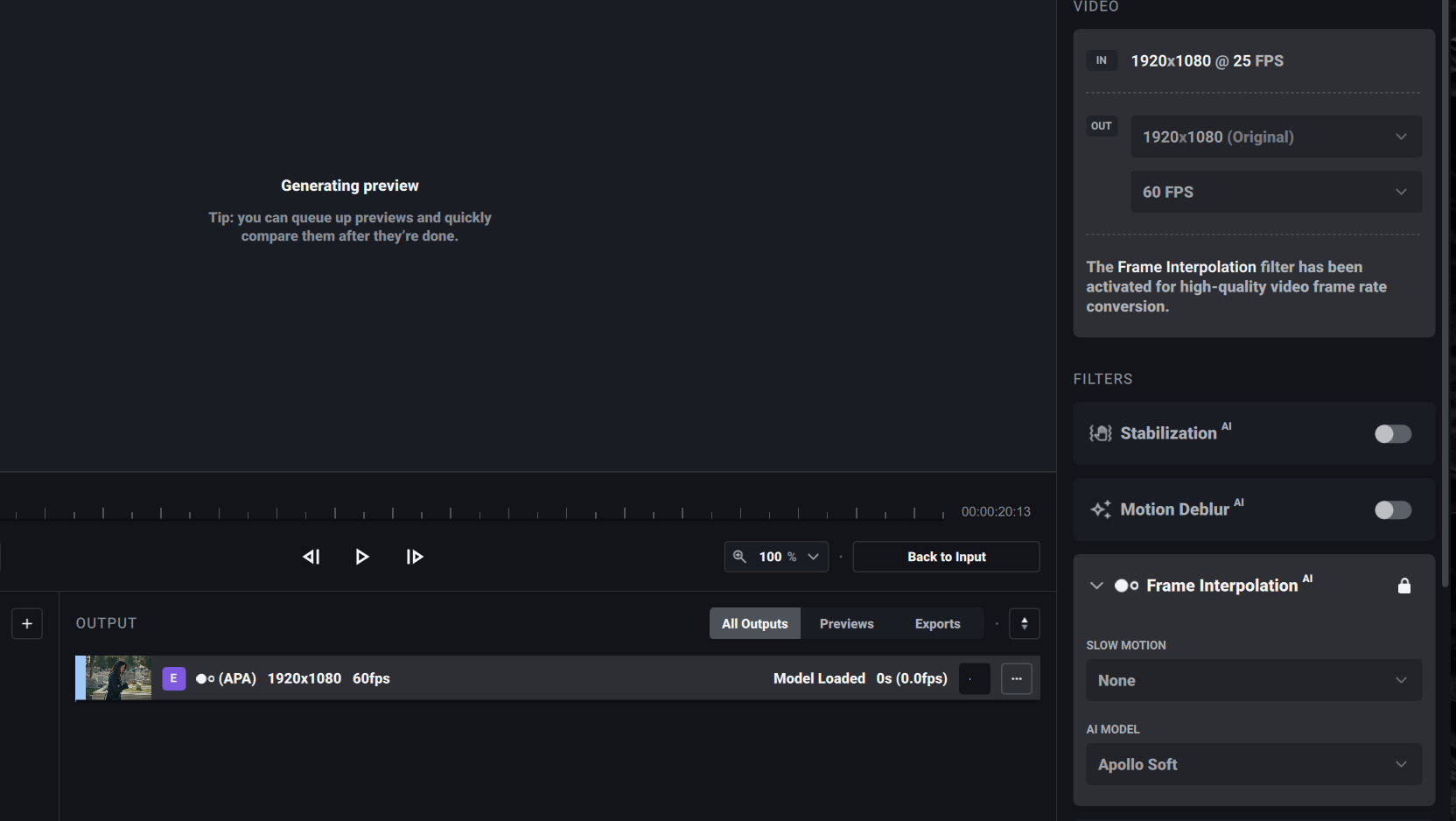
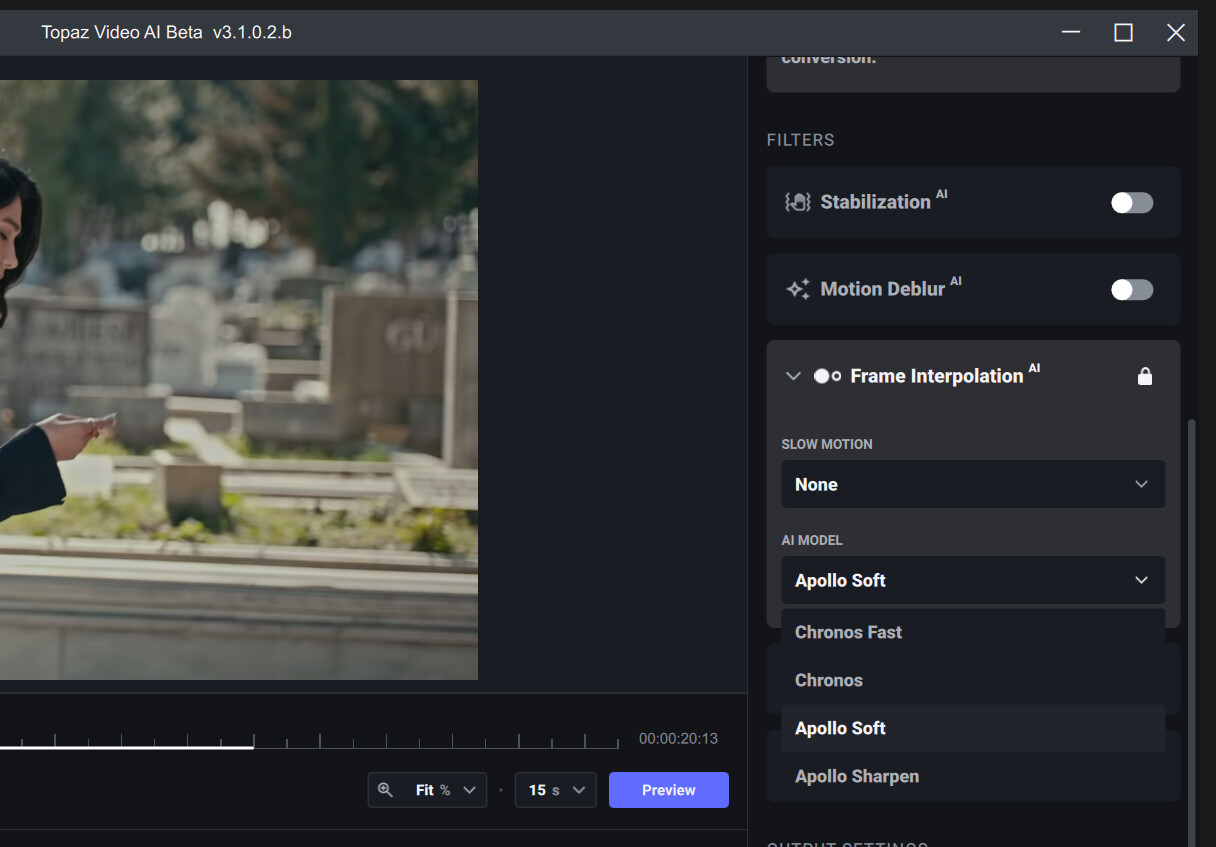
 Sorry
Sorry
