Great speed improvement with the Nvidia RTX Version.
The file lock issue is still present. I tried to rename the file which is already closed in Video AI. Cant rename it until i close Video AI.
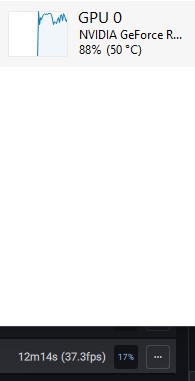
Great speed improvement with the Nvidia RTX Version.
The file lock issue is still present. I tried to rename the file which is already closed in Video AI. Cant rename it until i close Video AI.
5950x, 64GB on the Nvidia system and 32GB on the AMD system
 ok omg, thats hard.
What system do you have?
GPU, CPU, Driver, Ram size and Speed, OS?
And what do you wanted to do?
And the video?
Input size → output size and Model used.
what does happen if you upscale?
I’ve seen that when using the beta at native res it could be problematic.
Which version? RTX30 or Windows all? Maybe you installed the RTX30 version on a RTX 20 Card?
I also suspect that he has the wrong version.
No wonder it takes 6 days because the CPU does the job.
Also RTX 30 Users make sure to delete the old Beta and install the RTX 30 version from here. I updated in the app before and dont benefit from speed improvement until i clean installed the RTX 30 Version.
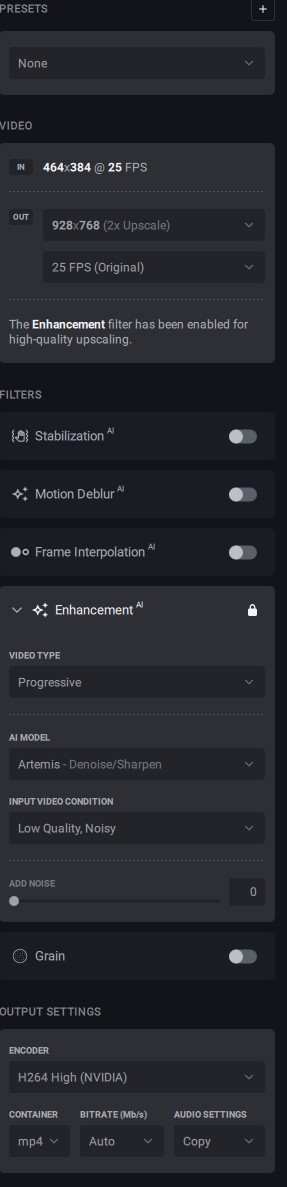
Which Model is best for low res VHS Cartoon recordings? Real-ESRGAN Animevideo Model has cleaner results than Video AI for me. Video AI results are good. But ESRGAN are more cleaner.
From how it works I would test proteus, with manual settings but press “estimate”, this has worked very well with a very compressed video.
And I can imagine that proteus does work with the drawn lines well, otherwise would possibly still go with artemis.
Artemis has better results than Proteus on my video. I will test again on Video AI with exact the same resolution than esrgan and compare both.
Edit: Both files already have the same resolution. I will try Proteus now with Deblur. Maybe i get same clean result. Will see…
Proteus manual settings now work!
As far as the eye can see, the image quality is equivalent to that of 3.0.12.
Update: Proteus with Deblur 100% is cleaner than Artemis before. But not as clean as Real ESRGAN. An Anime Model would be nice for Video AI in the future. 
Seems that the actual models work good for high quality input. But for low quality and resolution its okay but not as good as esrgan.
QUOTE for Anime Model request 
Which anime is that? The style remind me to something i wanted to see.
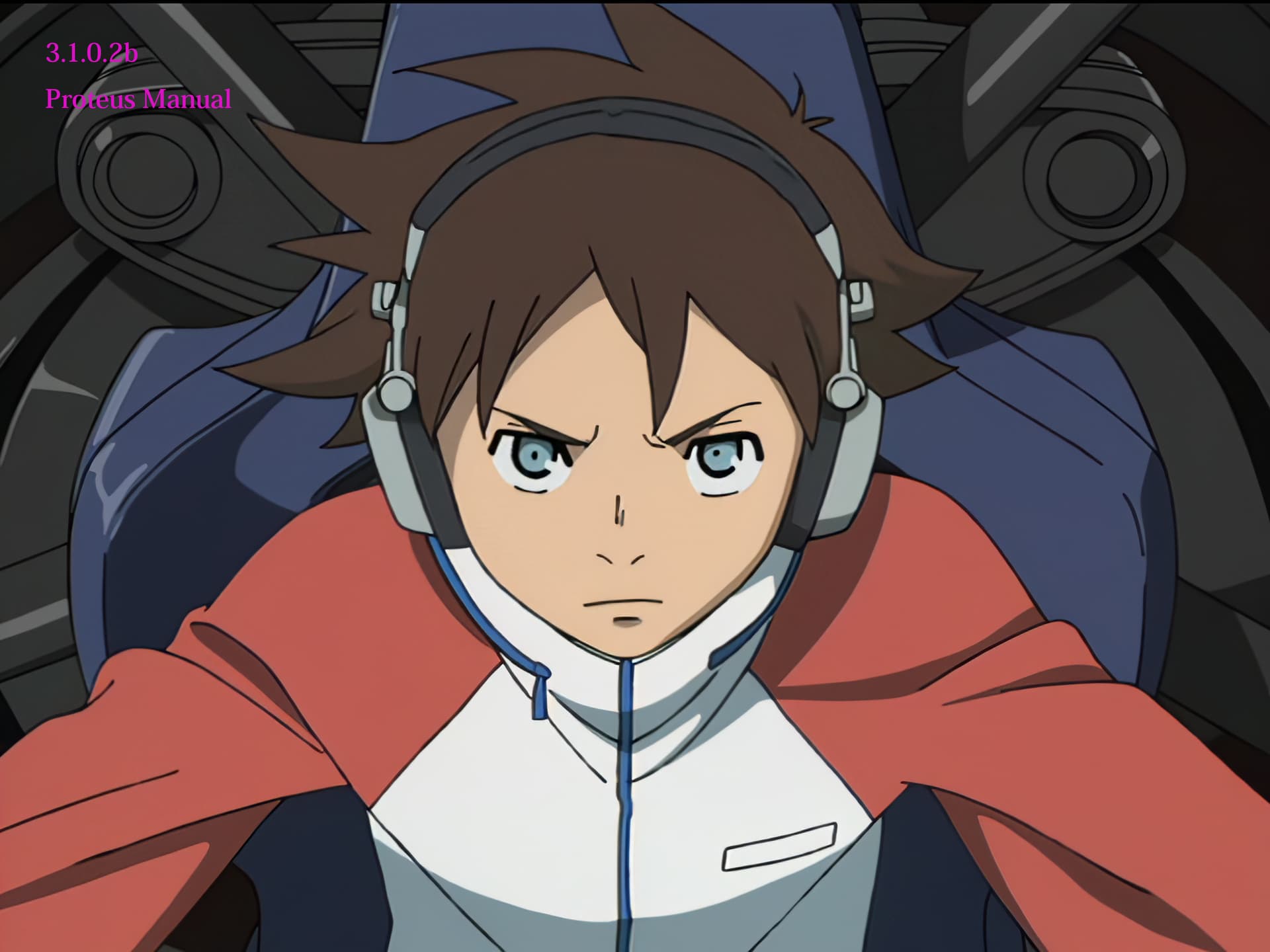
OP movie from DVD source(720x480 30i PAR10:11) is inverse telecine and upscaled to 2,880x2,160 in Proteus.
To make it easier to understand whether there is a difference in image quality between the beta and normal versions, the filter values have been increased.
"C:\Program Files\Topaz Labs LLC\Topaz Video AI\ffmpeg" -y -i %1 -sws_flags spline+accurate_rnd+full_chroma_int -filter_complex fieldmatch=order=auto:combmatch=none,yadif=0:-1:1,decimate,setpts=N/(24000/1001)/TB,crop=w=704,scale=in_color_matrix=bt601:out_color_matrix=bt709,veai_up=device=-2:model=prob-3:scale=4:compression=0.50:details=0.50:blur=0:noise=0.50:halo=0:preblur=0.08,scale=w=2880:h=2160,scale=out_color_matrix=bt709 -color_primaries 1 -color_trc 1 -colorspace 1 -color_range tv -aspect 4:3 -an "PNG\%~n1_3012_%%03d.png"
Too bad, i did make a mistake again.
Instead of 10 sec i was using 5 sec in my test today in the beta…
So i did erase my post about performance.
So it did only grow to 37% faster - Beta vs 3.0.12
So its 137%
Not 237%
Proteus 1080P → 3840K
Sorry.
Just installed this beta on my Mac Studio M1 and no matter what file I choose for input (AVI, VOB or MP4) it doesn’t seem to read the source file dimensions
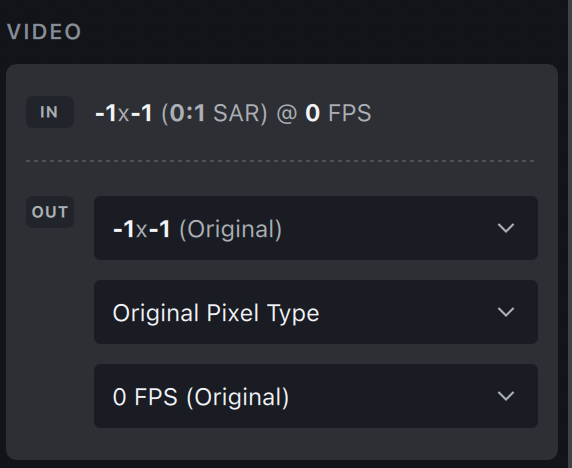
Hmmm. Did you try deleting your old. tz files. It may still be using the old ones. Or, do a clean reinstall.
Ah, Themis is for camera movement. I was trying to use it for blury low framerate videos. So when you do that, there can be artifacting issues. Like There are vertical lines, on background objects, and those won’t disappear until the subject passes in front of the object. Trying Apollo Sharpen now
Okay, BIG fan of Apollo Sharpen - the interpolated frames seem to be more realistic than Chronos and seems to help with motion blur caused by low frame rates. If you guys could get a bit of speed increase, that would be great, but I am certainly a huge fan