I did some extended tests. It only fail with godly quality on anime, but if movie, it’s perfect.
The movie can be blurry, but with as few noisy as possible. The noise turns Rhea a bit less efficient
If no noise, movie like, but blurry or heavily compressed, the x4 is outstanding ( my opinion)
any thoughts about how climate unfriendly this is every week teting, I presume Topaz has shares in Powerstations and are part of the Anti Climate Group, The Goups that says test as often as you can Topaz, burn your nvidia card day afer day it is simpel we offer you new software every week and you must run and consume electricity so we can support the electricity companies and keep sending more and more CO2 in order to finalize the real goal melt the icecaps and raise the ocean levels. Topaz software the best way to ruin the planet
In the logs, seeing two types of errors the main one being a memory error when you tried running Rhea with stabilization and Themis and it overwhelmed your 3060 Ti.
First, go to the Preferences and make sure that the AI Processor is set to the GPU and not Auto.
Then lower the max memory % down to 80% and save those settings. Then try your clip again.
I would recommend only running Rhea by itself as it is memory heavy and your GPU only has 8GB of VRAM.
The alternative to the carousel is also not much better as is ts consuming too much space either. Please bring back the choice with explanation as a tooltip.
And talking of space: Why is so much space wasted in the options between the sliders? I am using a 4K monitor and still have to scroll up and down. And if there are people who like that space-wasting arrangement: Would it be possible to make the spacing adjustable in the options, e.g. GUI “option spacing” with a choice condensed/small/large?
A significant reduction in the spacing would only slightly impair clarity, if at all, and it would allow to see all parameters without having to scroll. You could even make the output parameters visible again at the bottom - I don’t see what the button for this is doing at the top anyway.
Please answer the question. According to the new licensing policy, will I be able to continue using the program if I do not renew (pay) the new license for another year?
At first, I liked the new Rhea model. It seemed that she is the best at making upscaled videos. But when I checked on freeze frames in the photo viewer in comparison with Proteus, I was unpleasantly surprised. Rhea shamelessly smoothes out small details, such as body hairs or the texture of clothes. So - glory to my old friend Proteus. No other model in this program works better than him.
Get rid of that carousel and give us a slider for the output compression for both CBR and VBR.
It’s been for years in Handbrake and I hear no-one complaining there.
That’s functional and fancy.
Not fancy without any added value.
And fix the metadata for MKV’s and the Pixel Aspect Rate (PAR) bug I’ve been telling you each version!
For me “the carousel” is illustrational for a development team “that hasn’t got a clue” or “doesn’t listen at all to their consumers and are merely busy with EULA"s and ways to get the most bucks from them with the least effort.”
I don’t think they are the ones developing the models.
It could well be a completely different company.
If it is, I will expect full denial, like any white-label reseller does.
…or perhaps, you could just ignore it (or just block users… me included) and move on, right?
No one is forcing you to read each users post… or asking you to solve, or give your advice, to customers WARRANTED concerns, especially how disturbing Topaz is addressing this Adobe-like ill new ToU in a unexpected update (Adobe 101) without any CLEAR explanation, still from no representative since early this week (by Topaz deliberately not saying anything… says A LOT).
Like always… there will ALWAYS be a super small minority sect of users that will always bow-down (fanatics… or masked shills) to any nonsense that a business will conjure up… ALWAYS.
But just remember, it is the MAJORITY that will ALWAYS win… ALWAYS… and for as for Topaz, interesting Adobe-like ACTIONS awaits them in the near future it seems, sadly if this is true.
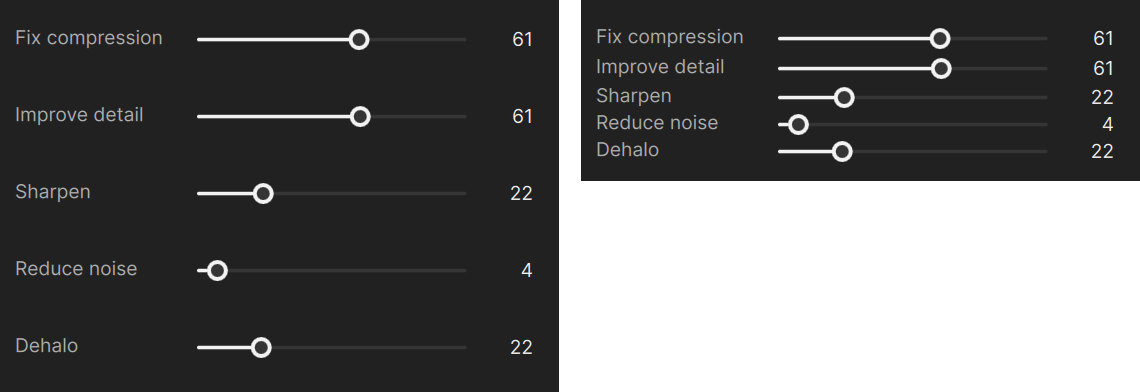
Looks pretty good! I think I would perhaps lower the sharpening just a smidgen maybe 5% or so.
Usually 100% sharpen on the other models results in an over sharpened artificial looking mess, but this looks pretty good. Must be a product of the 8k + Rhea + Gaia combo.
This looks very sharp because it’s a small part of the entire screen.
Do realize I caped only 754 pixesl from the 4320 on height.
It’s absolutely impossible to see the sharpness, even on a 4K screen 3m base.
I let the Sony 4K X1 CPU do the rest of the job wich means downscaling it to 4K. Such CPU is dedicated for that job and it does it very welle either upsclaing x2 or downsclaing x2, including motion.
But I will treat motion with AV1. SSIM+GOP239 tried yesteray → Very concluant
I need to bench output result beacuse it start to be very difficult to see the difference, but SSIM looks visually more fluent where VQ/PSNR looks more sharped from frame to frame, but this is subjective
“Usually 100% sharpen on the other models results in an over sharpened artificial looking mess, but this looks pretty good.”
I fully agree with that, I never had been able to puch it over 80 without artcifact here or there
Yes the source is <AVC, High@L4.1 Blu-Ray> (that I own , it has been riped at very low speed)
What I noticed is that there absolute no noise, just some blur, and lack of resolution, so Rhea is godly
Unfortunately it performs much less on animated stuff, but good anyway.
So any 1080p with no grain nor noise will be 8K transformed very easily with Rhea + Gaia
As said, last but not least, it’s much much faster than Proteus + Artemis, at least 3x/4x on my RTX 4090
I can understand, here my start point varies from 720p to 2160p, but as my screen is large, no concessions can be made on quality otherwise everything is visible
Thanks for pointing this out – we are currently looking into a EULA update to clarify that users will keep access to previous app versions with an expired upgrade license.

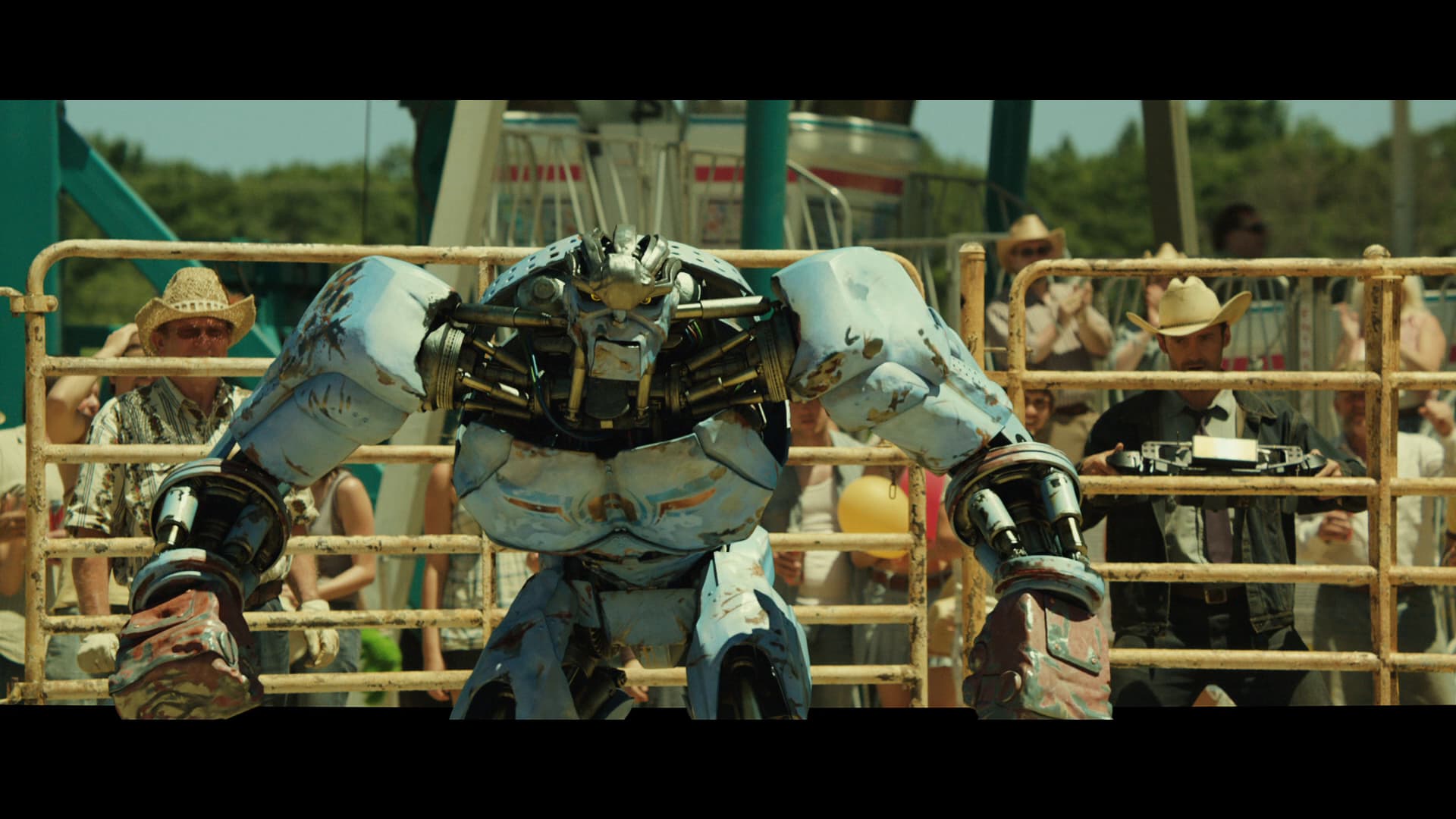
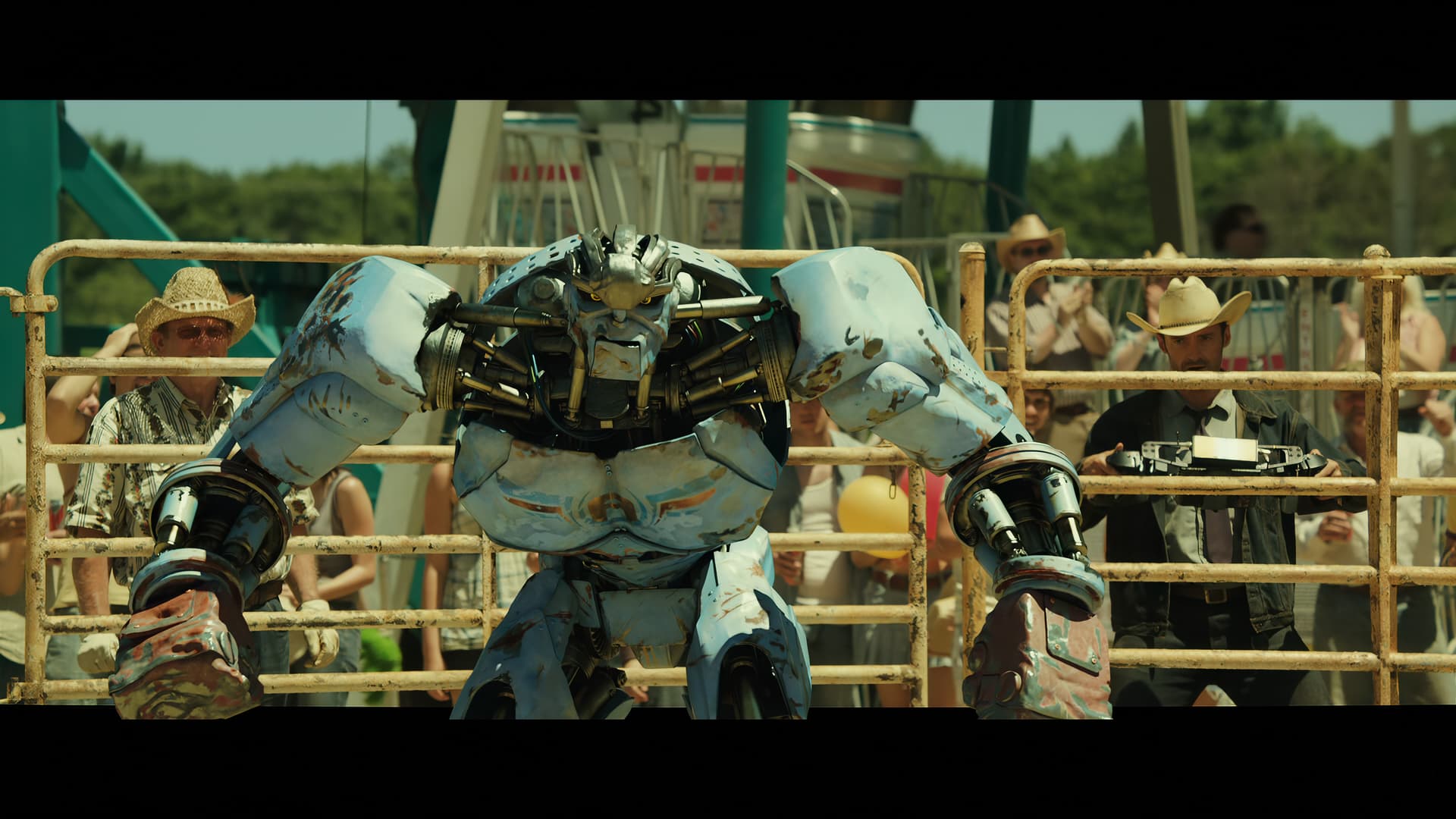
 , it has been riped at very low speed)
