H265 NVIDIA (RTX 3060 Ti)
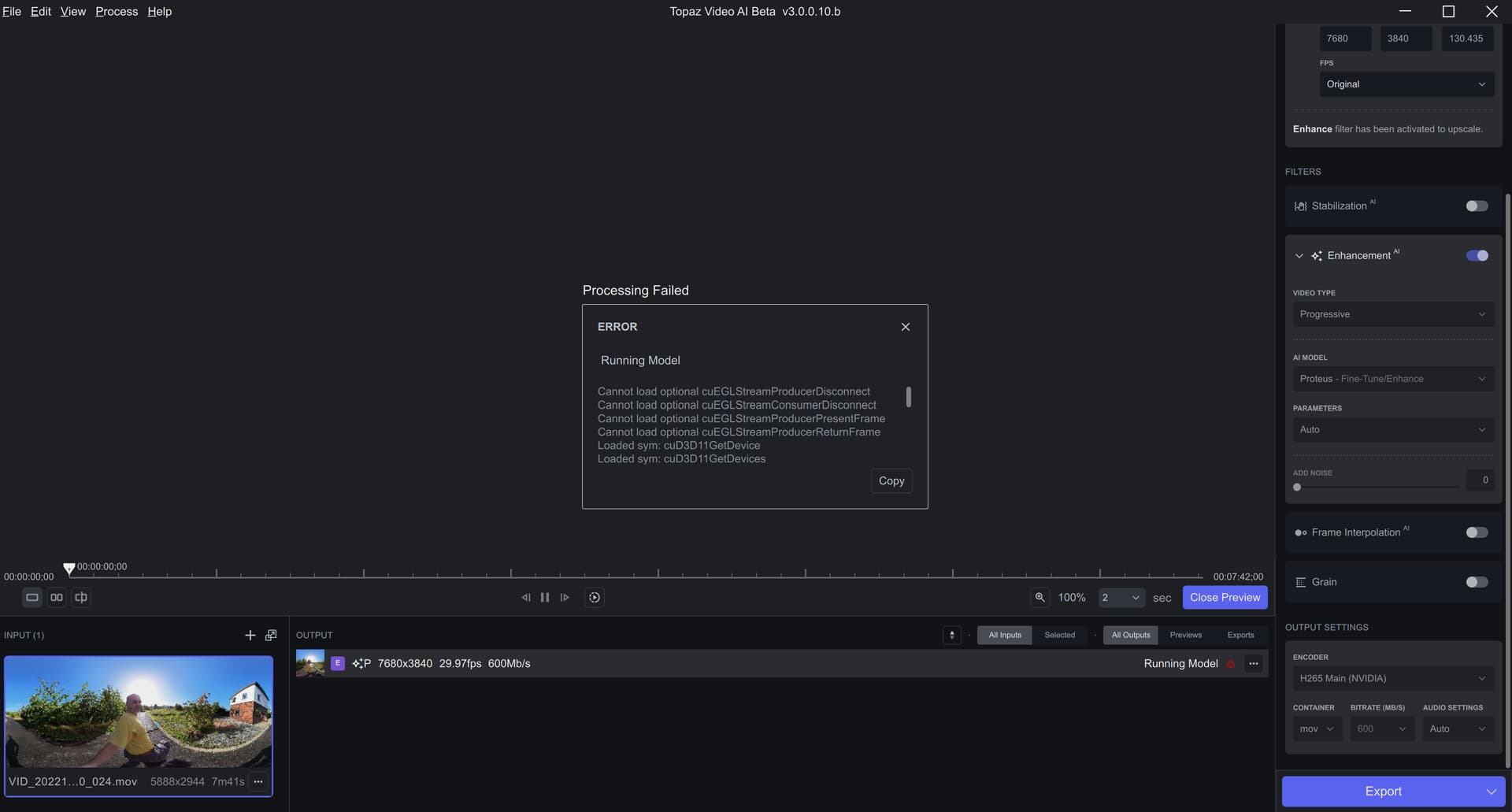
I’m just running two videos in parallel with 522.25 on my RTX3060: same performance
2 Likes
Thank you! Could you send over the video you were using here? We have been unable to recreate this
Hi Ida.
This has happened to me two or three times this week. I will attempt to duplicate it. If so, I will beable to log it and send. I don’t think it was caused by a particular video. I was exporting video using two different settings from the same source file at the time. - It could possibly have been the settings. I will turn on detailed logging and see if I can duplicate.
Oh, I see that. Thanks. Can you please send me the original file through Dropbox?
Not sure if this is a known issue on Mac — all files with [square brackets] in the path fail. The logs interpret it as a command being passed, not part of the path.
I upload in my Drive.
@ida.topazlabs
I think this one may suffice. It is probably the same problem causing a slightly different result. I can send you a copy of the file or the latest logs or both. - In this case, I can’t play the source video directly in VEAI, but VEAI can obviously read and preview it. - ADDENDUM: FYI: The input is interlaced.
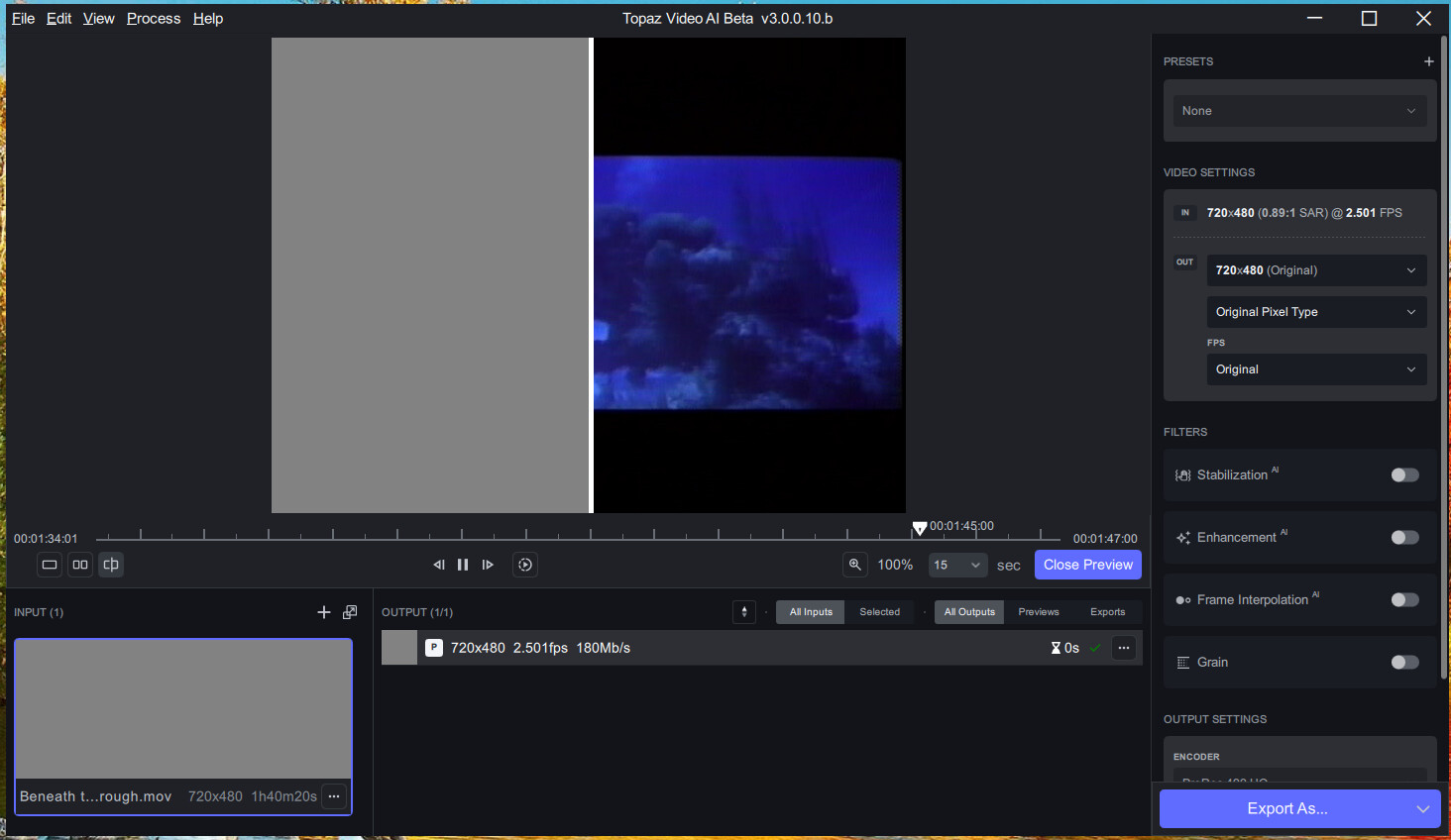
That’s “baked interlacing”.
1 Like
I will be happy to. I will attach the filename, etc. to this when message when I upload it. Not at my system just now.
It is getting easier to screw up video files every day. It is nice to see that VEAI has the ability to unscrew another video SNAFU.
Well, the one I tried it on, it’s good, but it’s not perfect. You still see shaded lines, and it softens a bit. It’s better than nothing.
Is there a way to disable automatic crash reporting for TVAI on a Mac?
From: Interlaced Video - Wikipedia
" Some deinterlacing processes can analyze each frame individually and decide the best method. The best and only perfect conversion in these cases is to treat each frame as a separate image, but that may not always be possible. For framerate conversions and zooming it would mostly be ideal to line-double each field to produce a double rate of progressive frames, resample the frames to the desired resolution and then re-scan the stream at the desired rate, either in progressive or interlaced mode."
Deinterlacing really is a complicated issue.
1 Like
This is an addendum to lee.keels’ post.
If an interlaced source is encoded in progressive without the interlacing flag, the UV information will be mixed in the top and bottom fields because most MPEG compression is YUV420. Once this happens, it is difficult to completely recover the original.
QTGMC with InputType=2 or InputType=3 usually does a pretty good job in my experience.
I haven’t tried it completely, but I think both QTGMC and Dione are BOB de-interlaced, so they are not suitable for telecineated video.
In my case, I often have to process footage telecined from 24p(23.976fps, e.g. movies and Japanimation.) to 30i(29.97fps) and then inverse telecine them back to 24p.
I want something like Avisynth function IT or TIVTC24P2.
I love the right panel: more professional, more clear.
Unfortunately, some of my videos are still not loading properly (PMed @yazi.saradest about that). Do I need to @ someone else also?
1 Like
I have tried deinterlacing with the free Handbrake software. You can set Handbrake to take its time and preserve as much quality as it can.
I ran one long Handbrake conversion last night with default interlace settings and can see that some frames have been slightly darkened while others slightly brightened, so certainly not ideal in that way although frame rate is same as original.
We have inherited vast amounts of video from a past where the low-speed capabilities of TV sets made it impossible to display or view progressive images. So interlacing was used; with different techniques and combinations of standards set up for broadcast standards in countries all over the world. Unfortunately, the legacy of that old video still haunts us today and will probably be here for years to come.
[** Good Article on Deinterlacing" - Wikipedia]( Deinterlacing - Wikipedia)
