What are your input file specs? (briefly) And what file formats are you using in VEAI?
Now that VEAI 3-10b is here, I don’t see any deinterlace method that isn’t 2x. Also, the 1x deinterlace was horrible.
What are your input file specs? (briefly) And what file formats are you using in VEAI?
Now that VEAI 3-10b is here, I don’t see any deinterlace method that isn’t 2x. Also, the 1x deinterlace was horrible.
sd pal 720 x 576 (25i) is videos in dv format directly digitized via a camcorder in firewire (avi 13 go approximately per hour)
In “video type” if you put “interlaced progressive” the dione models do not double the frame rate, but anyway you should always double them for the best quality
I suggest not to use chronos at 300%, because with editing software you have to output the video in 150 fps, and we can’t, 100 fps max with vegas pro for my part so you have to use chronos at 200% and shorten the video x2 then output it in 100 fps in my case. it will keep the video with the original length but with these frames doubled, import it into veai and reselection 50 fps with a model like artemis or proteus, or even gaia. remains to be seen whether the video will still be cleaner or not using frames created with a cleaning model
Frankly, I’m not entirely certain what “interlaced progressive” means. (It’s contradictory and there is no reason to deinterlace if it’s already progressive.) However, I believe they mean enhancements which could be applied to interlaced or progressive video.
Finally, attempting to enhance interlaced video is an invitation for problems; especially since the days of needing to support devices needing interlaced video for playback is over; interlaced iis passé.
As far as the final output framerate, a lot of that depends on the media it’s going on. Most Blu-Ray is 24p. Old DVDs were usually at 29.9 if they were NTSC, I’m not certain what the FPS spec was for PAL. 25 FPS?
in fact you’re lost, in veai yes I don’t understand the “interlaced progressive” option but in any case it is possible to deinterlace without doubling the frame rate, so of course it’s ugly because it’s not not smooth but you can do it, so I’m not talking about improving an interlaced video, you can do it also effectively with veai, but you always have to deinterlace first. the main thing is that you understand what I’m explaining to you by quadrupling the fps in the end;)
fps: frame per second, pal format is 25 fps, ntsc format: 30 fps (29.98 to be precise), ntsc I don’t use it since I’m in europe but it’s a hassle, why not having chosen the frequency at 30 fps stack, I do not understand that on the other hand… haha
I just tried to import a 100 fps video into veai and improve it, I don’t see any difference because I used an interlaced source video, and deinterlaced with veai, but since it deinterlaces badly by compared to qtgmc, I will now try to import the same deinterlaced video with qtgmc but use chronos at 200% with artemis aliasing
Interesting. I think I follow you. What is your final “target” format? (Resolution, FPS, etc.)
The only thing “interlaced progressive” could possibly mean logically is baked interlacing, where someone converts an interlaced file to progressive without deinterlacing it, essentially ruining the file. Could they be trying to provide a method to fix that (a futile effort if so)?
so I tried that but it doesn’t work, once the video is in 100 fps with these additional images, a model like artemis medium or artemis hight gives me a video that is a little less usable than if it was directly the basic video in 50 fps, it’s a shame. I would have thought that it would improve it better with more images but no. on the other hand I have not tried with other models such as gaia hq or proteus
I always produce for 50 fps and my target resolution remains hd but I render in hd at the end with vegas pro because resizing with veai, I find that removes a lot of detail
yes or so it’s made to use deinterlacing models on a progressive video, just to improve it differently from artemis or probably proteus.
2022-10-12-09-34-50-Main.tzlog (221.7 KB)
In MP4 and MOV.
Thanks.
No, baked interlacing is an entirely different thing. I just tested and it does appear to be what this option is made for.
baked interlacing? sorry, i not understand, im french, and the traduction is strange lol
L’entrelacement cuit se produit lorsque quelqu’un extrait une vidéo d’un DVD ou d’une VHS, mais convertit ensuite la vidéo en progressif sans la désentrelacer. Les lignes de balayage sont visibles, mais vous ne pouvez pas les désentrelacer car les programmes ne les détectent plus comme entrelacées. Il n’y a pas de bon moyen de résoudre ce problème sans revenir à l’original.
Cette nouvelle option dans VEAI fait un travail assez décent, mais pas complètement.
Je ne sais pas si c’est à cela qu’il était destiné, mais d’après le nom, ça y ressemble.
J’espère que cette traduction a du sens.
What uses interlaced/progressive playback? Or is that some new scheme to make the video playable on more hardware?
I’ve never seen a utility to convert this kind of messed-up video anywhere.
Nothing, there’s no issue with playing it on anything. It just has interlacing lines that you can see. It’s a screwup that there’s no good way to fix, but that setting in VEAI does a better job than anything I’ve seen in the past. I have no idea if that’s what they intended it for, but the name certainly suggests it.
Is any one test Nvidia new driver 522.25? Artemis load rates are crazy by 70% → 99%!!!
Am I the only one like this?
Hi - that’s normal behavior. The app will first save the file in the temp folder before it goes to the specified export folder.
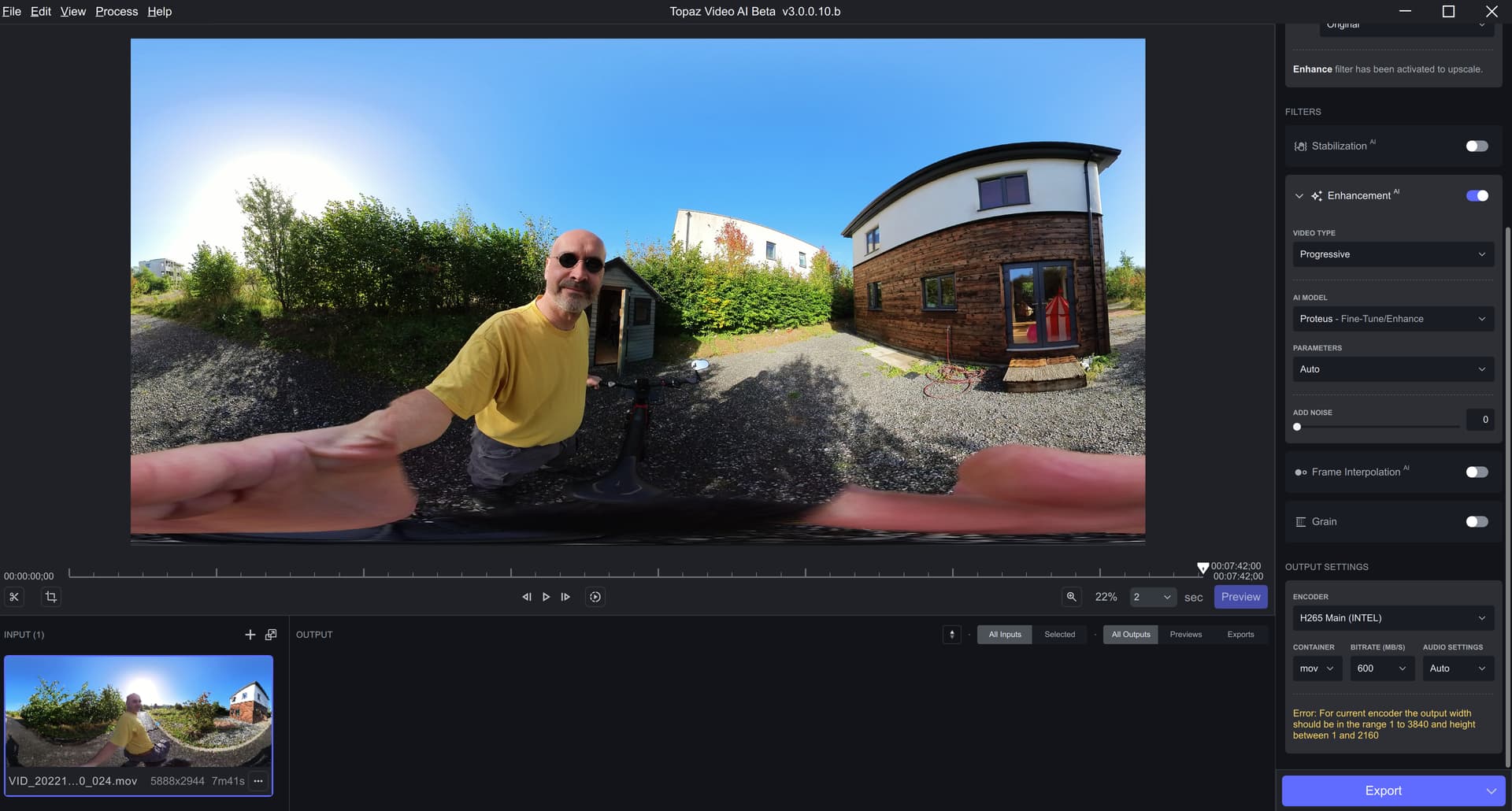
Hi - it looks like the input/output resolution is too high for the default encoder. Can you please try with a different encoder like H265 or ProRes?
Thank you.
“Interlaced Progressive” is intended for progressive video sources that have been poorly deinterlaced and still have artifacts present.
It’s similar to InputType=2 or InputType=3 for QTGMC.
The encodings that pose a problem are in H265 NVIDIA.
It is normal that it does not work in H264 but it is not normal that it does not work in H265.
Or it means that we are in H265 level 5.2 and not 6.2.
For information on this machine DaVinci Resolve 17.4.6 allows encoding in H265 in 7680x3840 resolution.
With Intel H265, I directly have a message in yellow when starting the encoding: