Does AMD 9700 Pro AI work with the starlight models?
It should work with Mini and Precise based on it having the required VRAM, but I have not seen anyone post a report that they are using the card, and we do not have one for internal testing.
And what about the Intel “Arc Pro B70” (32GB VRAM) does it work, and how well does it perform?
In the past the Intel Arc cards were not great and constantly ran into issues both with the regular models as well as the Starlight series. The devs have not officially labeled the Intel Arc as supported for any of the Starlight models at this time.
2 Likes
What kind of idiot did this, causing Topaz Video to run out of disk space and fail at 95% of the
processing? How do I resume it or find the processed file? Because I don’t think anyone would release such crap into production?

1 Like
if (freeSpace < estimatedOutputSize)
{
ShowWarning(“Not enough disk space to complete the export.”);
}
Is that really so difficult? 
2 Likes
Yes. Yes it is.
There are so many ways that a video will not come out anywhere near an estimated file size, a big one being enhancing it in any way.
Welcome to the world of working with video files. The only solution to running out of space, is to have terabytes to spare on top of your estimated output size.
A lot of variables here to consider, which is the complicated part of it, but I have sent a message to the product manager and devs to look into options for finding a better way of handling this, if possible. This has been requested before by users and is still on the list of features.
Running a video with a variable bitrate means it can change rapidly while processing. Even with a constant bit rate, there are still factors at play from the actual system and other apps running that can take up disk space that the app has no control over.
2 Likes
This is why you really need to avoid any issues that cause hiccups when we want to put our models, projects and temp files on a different drive.
BTW, I observe the estimated running time to widely fluctuate between nearly 0 and days. This happened for several files I processed with Starlight Precise. I can tolerate this, maybe, in the beginning, but close to finishing this should converge to the proper value, shouldn’t it?
1 Like
Rather than trying to estimate the final file size at the beginning, I would have thought it better to periodically monitor the free disk space during the render.
Topaz is in full control of the output file production so can pause it if free space gets too low. Then give the user the option to free up space before resuming or to finalise the partial render if possible.
Andy
2 Likes
good to know, thanks for reply
The longer an encode runs, the more accurate the predicted file size can become. You could take a conservative approach by allowing plenty of extra space and assuming the source files are noisy and therefore compression is lower as usual, even if that turns out not to be the case.
It’s better to warn too many than to lose the entire output simply because there wasn’t enough disk space, when that risk could have been anticipated from the start.
1 Like
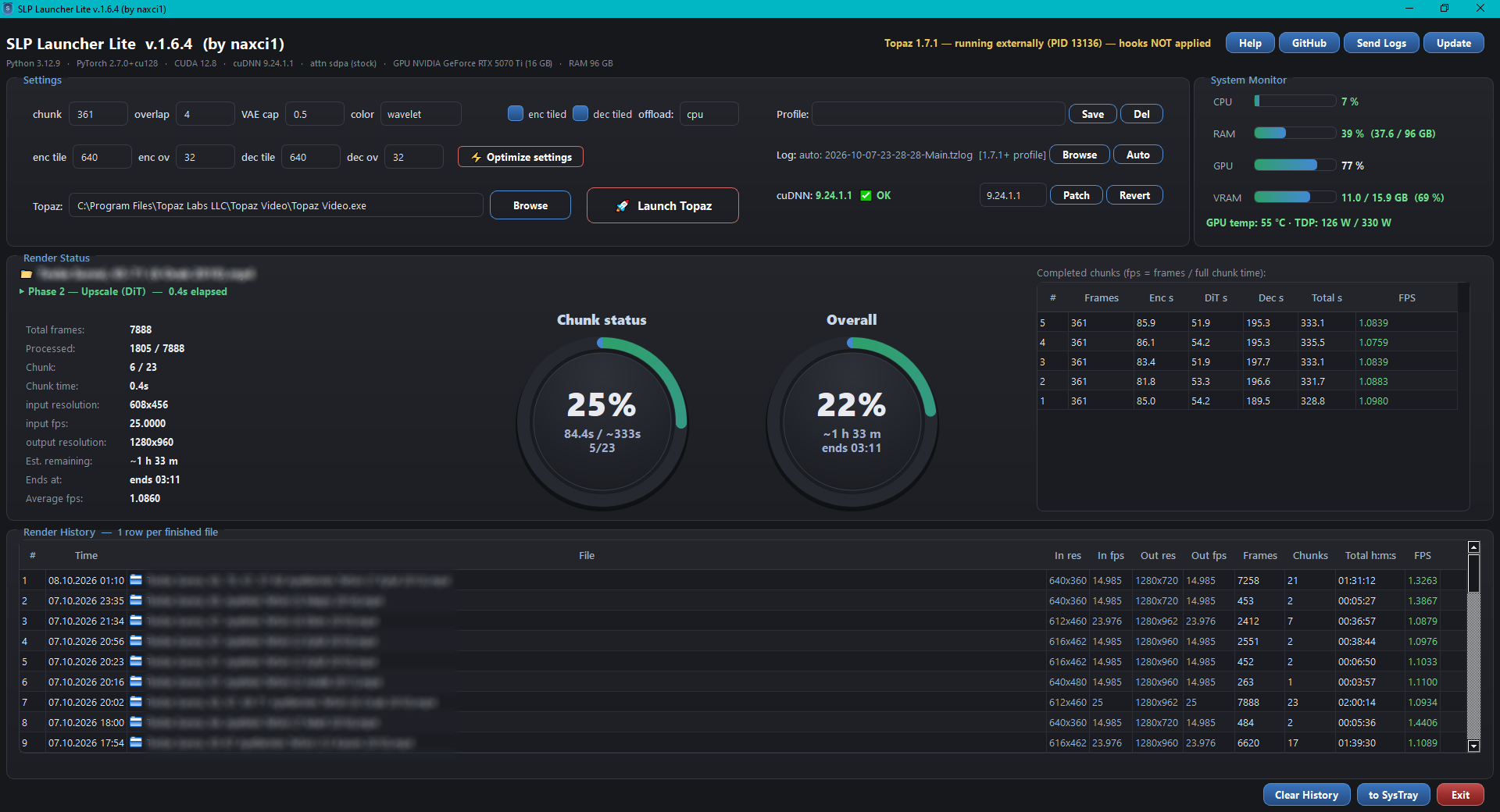
You can use my application to accurately calculate the time required for SLP; additionally, applying the patch can help you save time. Even if you don’t apply the patch, simply running this tool while Topaz is active allows you to access detailed information about the ongoing processes and see exactly when they will finish.
3 Likes
What AMD cards do you have on-hand for internal testing on Starlight/all models? I assume only the 7900XTX, but curious about the 9070XT
2 Likes
Thank you, that looks excellent and I will try it. Nonetheless, I feel, Topaz should work on better estimating resources within the program themselves.
1 Like
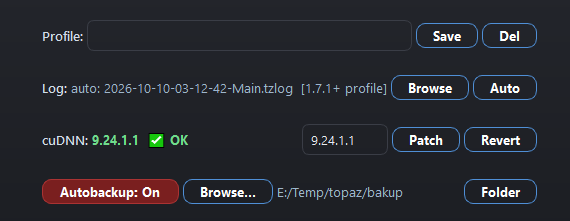
Autobackup
Autobackup is a major new feature that protects your render against crashes, freezes and power loss.
Topaz Video AI writes its output to a temporary file and only finalizes it when the whole render finishes. If the program closes unexpectedly, hangs, or throws an error mid-render, that half-written file can be lost — together with hours of GPU work.
Autobackup fixes this. When enabled, SLP Launcher Lite automatically copies the growing output file to a backup folder of your choice after every finished chunk. Each new copy replaces the old one, so the backup folder always holds the most recent chunk-boundary state of your render.
How to use
- In the main window, find the Autobackup row under the cuDNN panel.
- Press Browse… and choose a backup folder — preferably on another physical drive (e.g.
E:\TopazBackup), so a system disk failure cannot take both copies. - The backup activates immediately. The button turns red while ON.
- Press the Folder button at any time to open the backup folder.
- Toggle Autobackup: Off to pause backups without losing the folder setting (it is remembered between launches).
Why it matters
- Program crash / freeze — the backup holds the render up to the last finished chunk.
- Error mid-render — Topaz may discard its temp file; your backup does not disappear.
- Future recovery — the saved file is the base for the upcoming automatic recovery feature (currently in development and testing): SLP Launcher Lite will detect the interrupted render, continue it from the exact frame where it stopped, and merge the parts into one finished video.
No need to close Topaz! You never have to close Topaz Video AI to use this application. Even while an export is running, you can open SLP Launcher Lite at any time — it instantly finds the current render, reads the data and updates itself, giving you correct live statistics. And with Autobackup, you can activate it whenever you want to automatically back up the ongoing export process after every finished chunk.
3 Likes
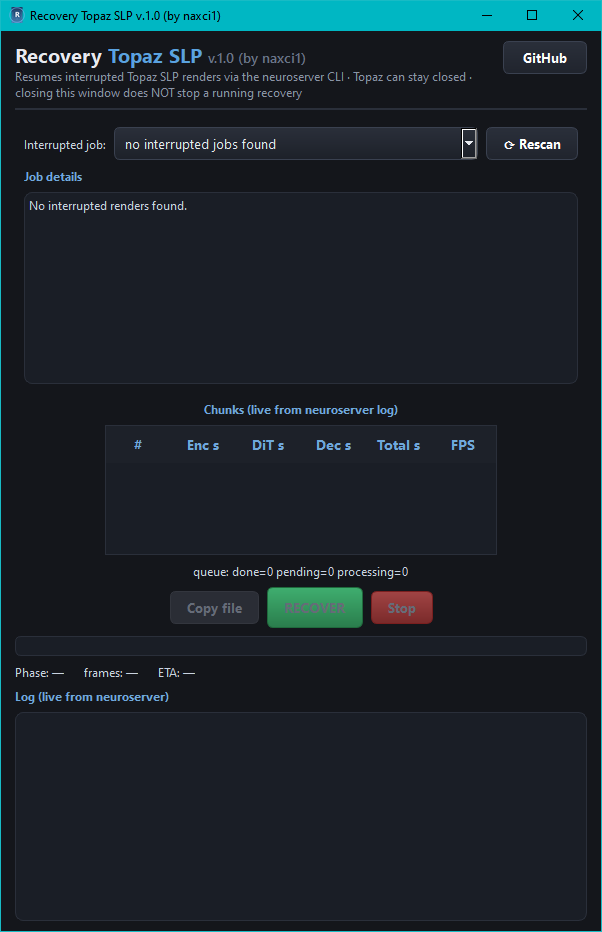
 Recovery Topaz SLP — new standalone recovery tool, now embedded in the setup
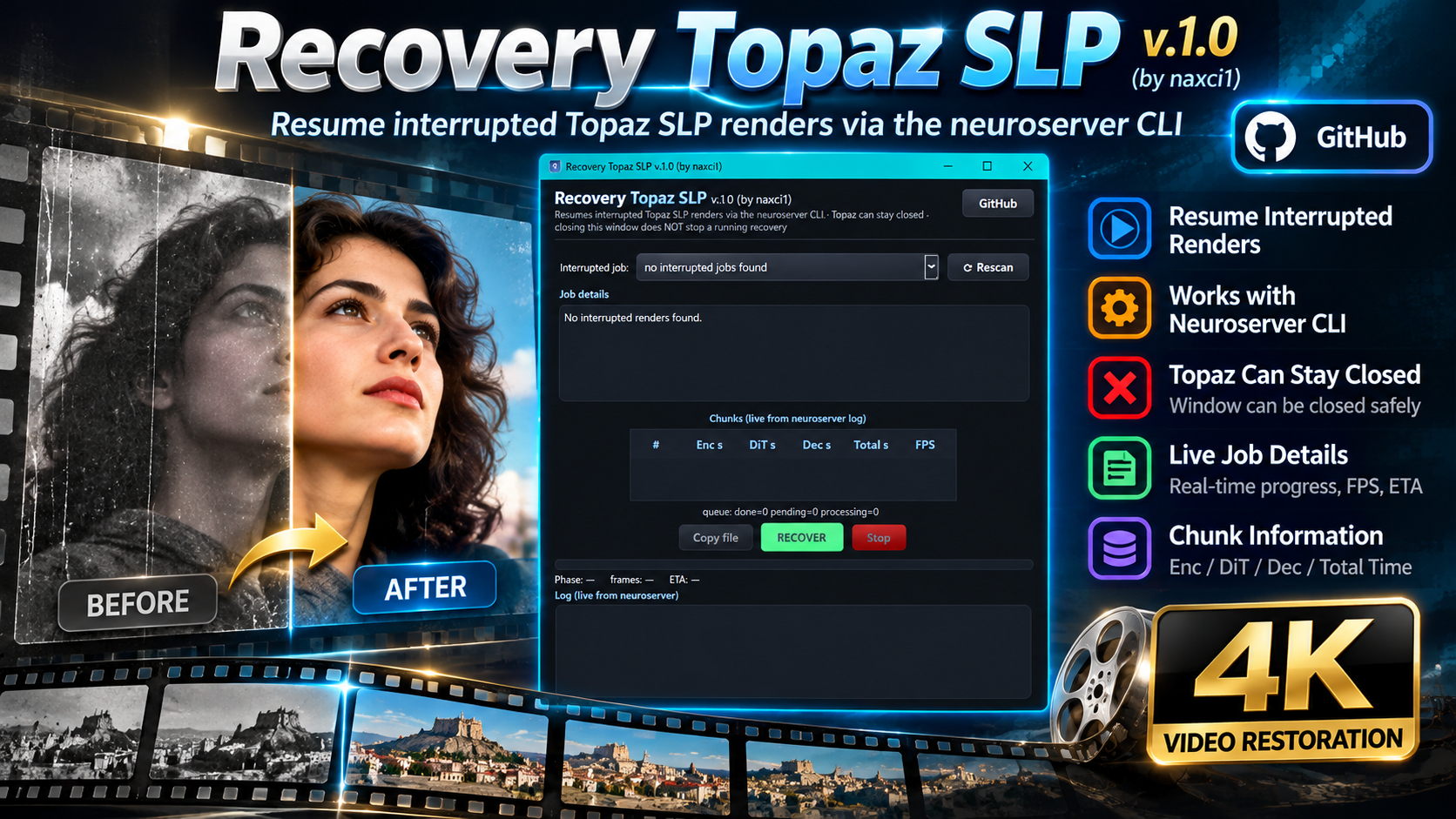
Did the render process get interrupted? Did Topaz crash, lose power, freeze, or shut down during export? The Topaz SLP v1.0 recovery tool is now integrated into the SLP Launcher Lite installation and completes the interrupted process.
3 Likes
The Silence of the Lambs…
5 Likes
You shouldn’t look at it so negatively, we’re just amazed that you’ve managed to pull off something Topaz itself couldn’t manage after years.
3 Likes
