The other replies have covered the relevent points.
1 Like
You might be on to something. I remember hearing audio from a previous video after loading a new video. The old audio somehow kept playing even though I loaded something completely different. I definitely think something weird is going on with projects and videos loaded into the same project.
Like you said, there are errors in the logs.
1 Like
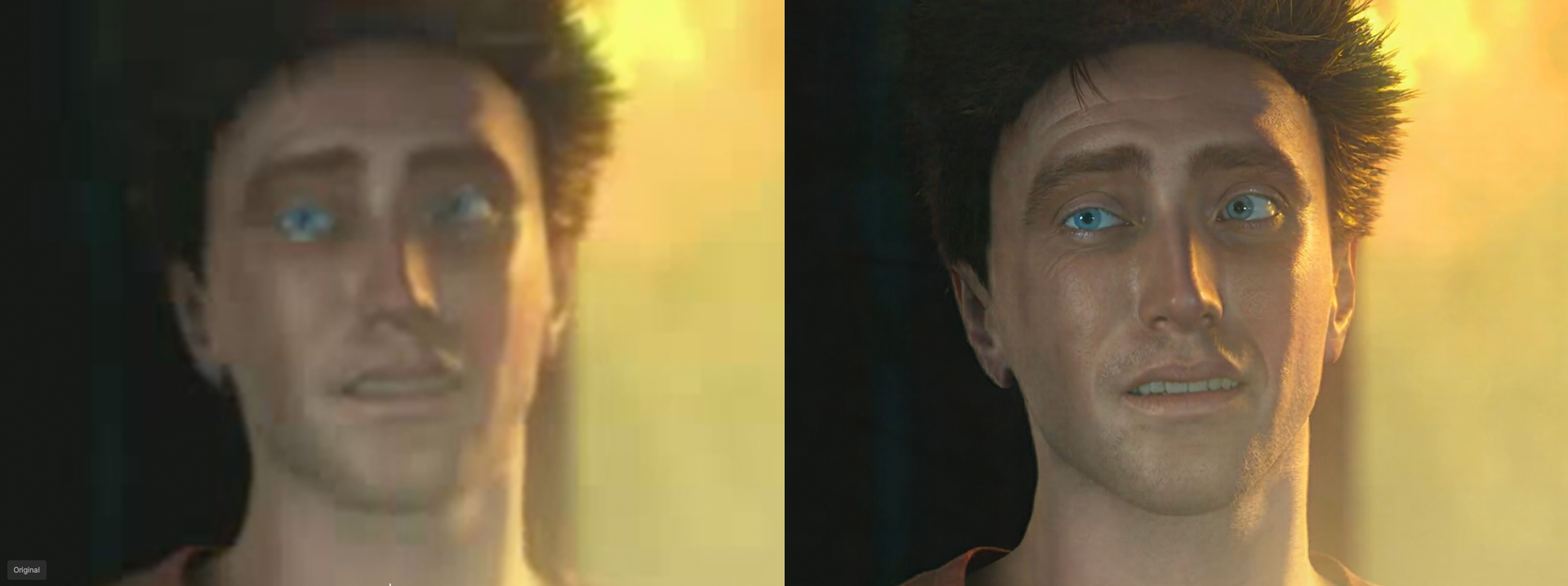
I need to do more testing, but sometimes if there is a small dark spot in the video, it thinks it is a mole and makes a mole on someones face. But in the real video there should not be a mole.
Everyone who can’t get SLP to work gets an instant error when starting encoding; try using a raw (uncompressed) AVI video sample for the upscale. For example, you can use VirtualDub to export the video or just a segment for testing as an AVI file.
I had the same errors often, but when I feed SLP with AVI uncompressed, it worked every time. This isn’t a solution, just a test. I now suspect that the model might have a problem with the color space or wrong flaged color space, and that using AVI RGB rules this out.
4 Likes
Try also creating a new project file or clearing your project files. That seems to be causing a lot of problems for me.
Use SLP first at 480p and select minimum resolution
I’m also having fairly good luck with files converted to MP4 in HandBrake, although it does reject a couple here and there.
1 Like
is slp working for anyone using below Compute Capability 8.9 like to know thanks since a lot of gpu are running at 8.6
1 Like
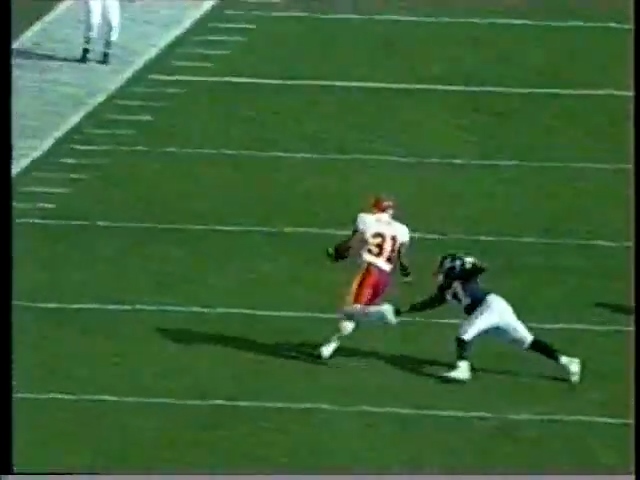
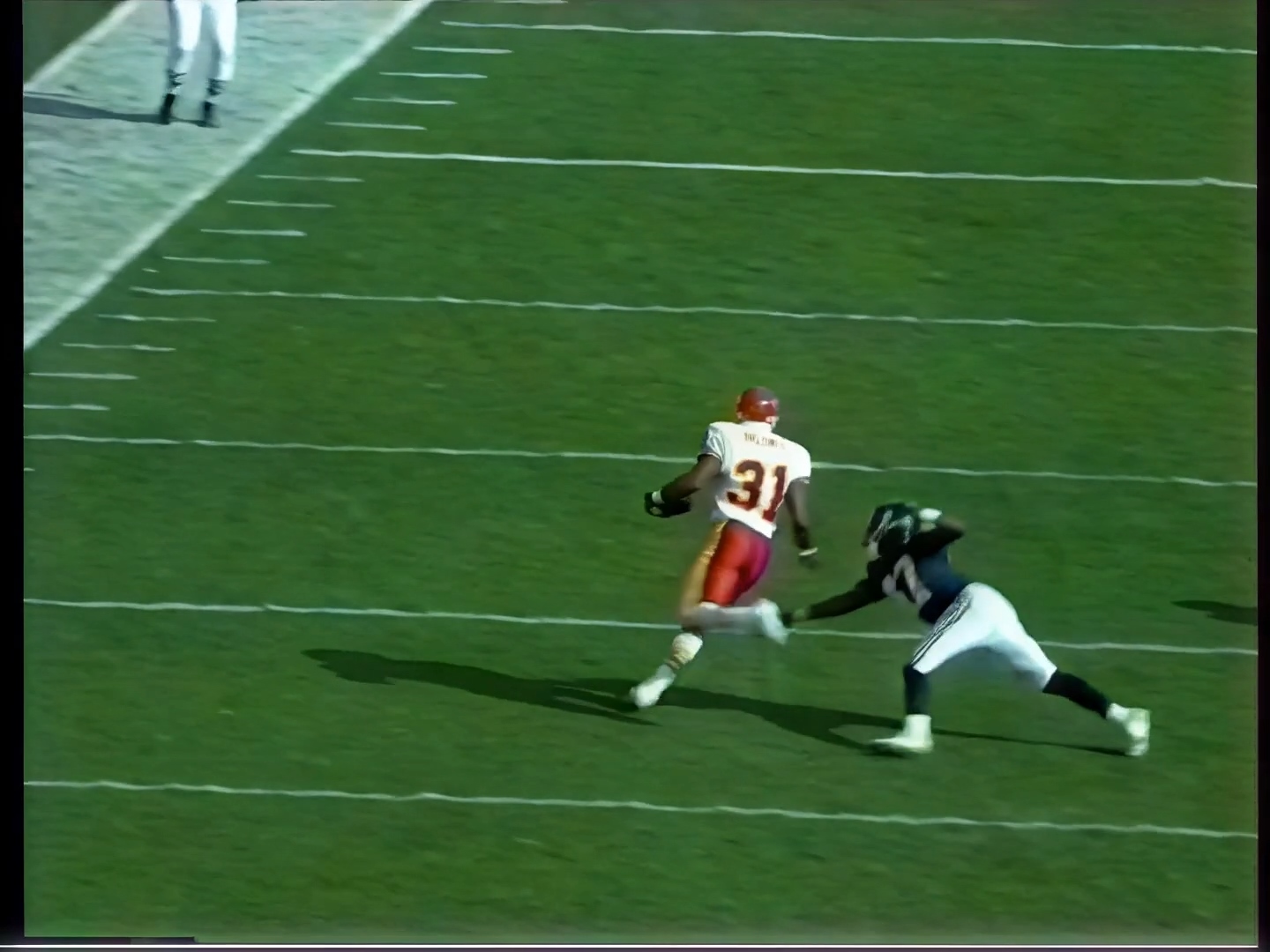
Just wanted to put it out there, Starlight Precise is running on my RTX 3080 Aorus Master 12Gb card [CUDA Compute Capability = 8.6], so the RTX 30 series GPUs do work, (at least if you have 12gb and above).
It Is just profound so far in my tests!
Rough processing time though is around 4hrs for 30 sec clip from 480p - 1920p 4X render.
3 Likes
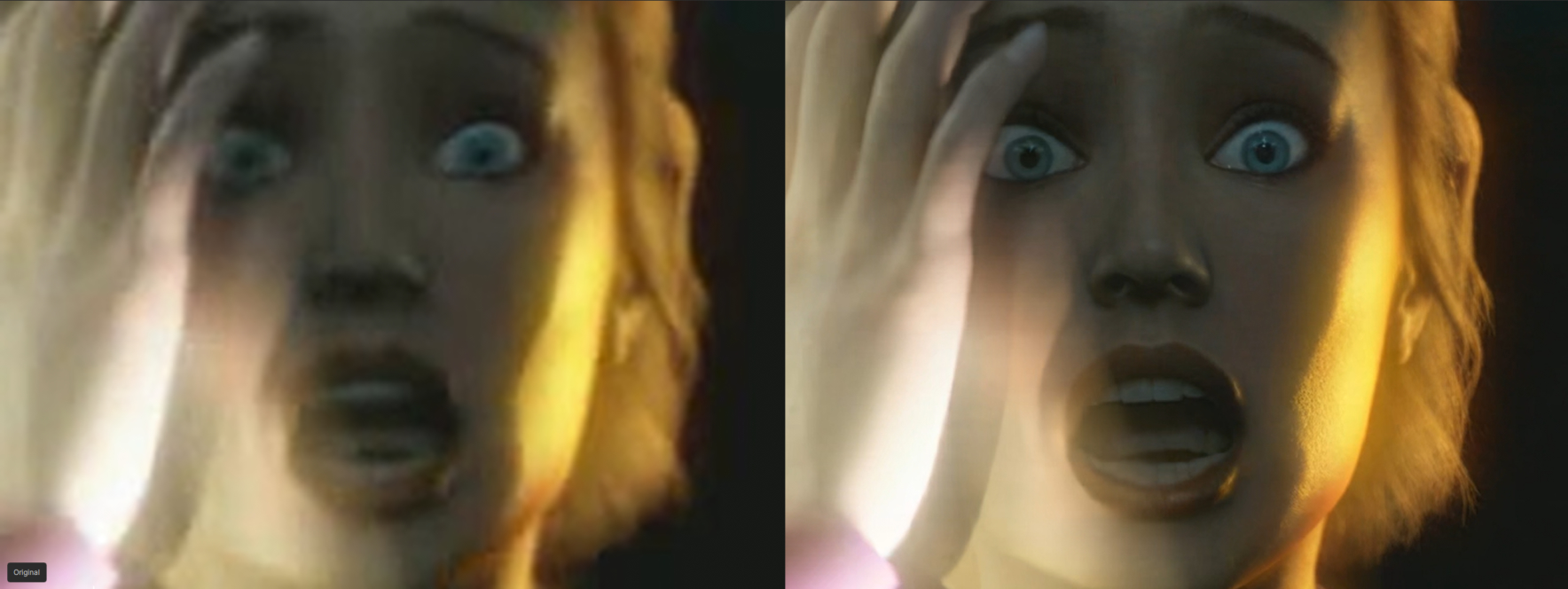

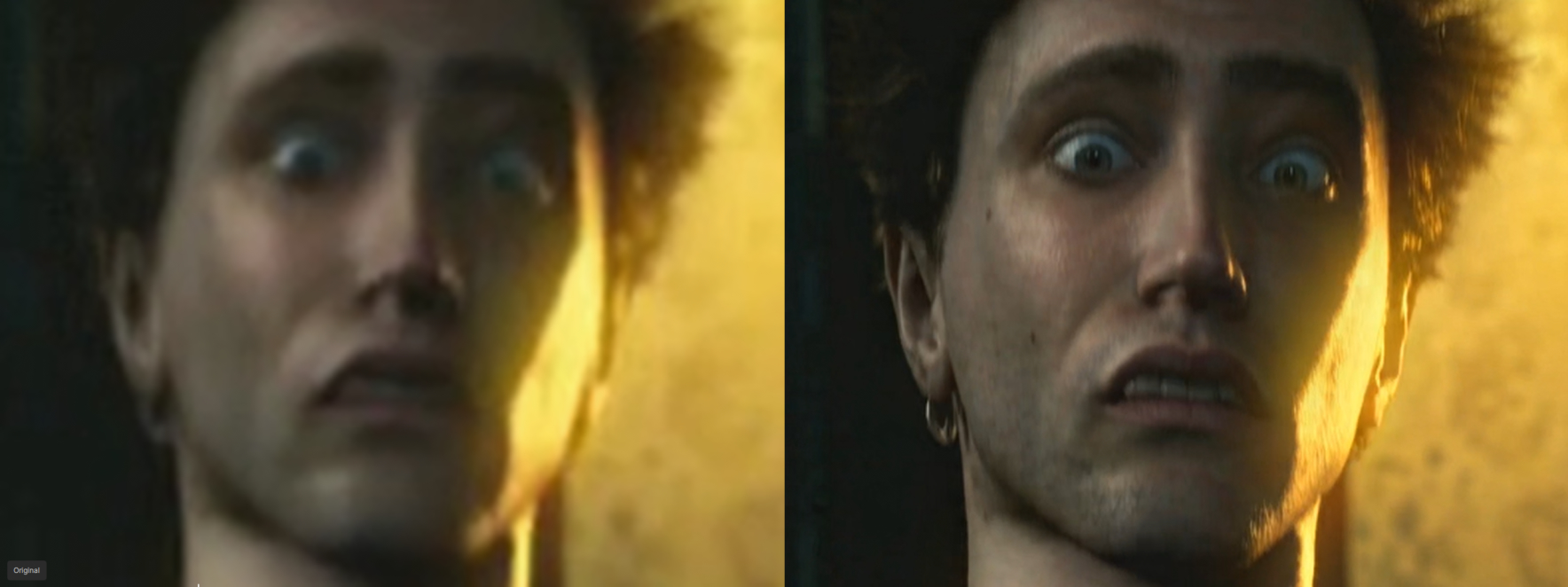
yes there is also something into the log, problems project related issue. I don’t like project anyway I don’t use it, topaz labs, you can remove the project thing 
4 Likes
I noticed these “jumps” in static backgrounds as well. For me, the “jump” occurred after about 25 frames. I think I’ve found a temporary solution:
Create 4 copies of the original video sequence.
Then trim these copies at the beginning:
- Remove 5 frames from the first copy
- Remove 10 frames from the second copy
- Remove 15 frames from the third copy
- Remove 20 frames from the fourth copy
Then render all 5 files (including the untrimmed original file) with SLP. Due to the time offset, SLP seems to enhance each clip slightly differently; the results are not exactly identical.
Then overlay the 5 SLP results in a video editor (layer opacity from bottom to top: 100%, 50%, 33%, 25%, 20%) and make sure the clip ends are flush in the timeline so that all 5 clips are in sync. The beginning of the timeline should look like a staircase (due to the time offset of the 5 clips).
Afterward, I could no longer see any “jumps,” and overall the result was more realistic (smoother skin, less exaggerated, no overly sharp edges, etc.).
The only downside: It’s much more time-consuming and labor-intensive. But I find the result convincing, and depending on the project or scene, it could be worth the effort.
I’m still testing whether the result can be improved even further by overlaying a video track with SLM on top of the SLP result (layer opacity set to 30% or 50%, for example)…
9 Likes
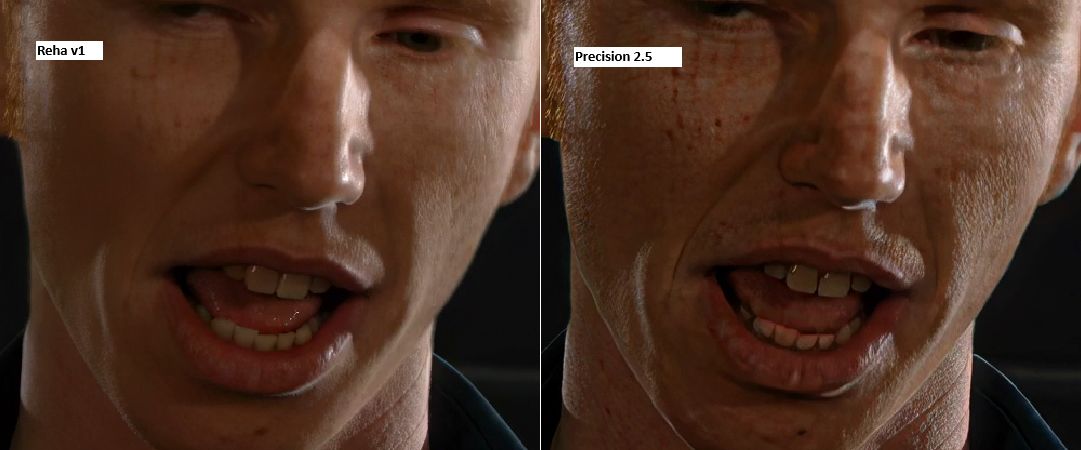
sometimes on moving frames SLP has color-ghosting like the red teeth in the image
and I can see that one or two frames are missing at the clip-end with SLP …thats bad
other models like Reha are processing all frames
first image → Seed → Reha
second image Seed → SLP
2 Likes
So five SLP encodes + overlay + export, a real Happy our Workflow + as final step a finisher layered merges better together.
Have you noticed how little VRAM SLP uses? I’ve only seen a maximum of 14GB so far. I’m sure that users with an RTX 5090 or RTX 6000 Pro could easily handle more than 30 frames per batch.
2 Likes
Looks like enocding the .mkv file to .mp4 and using ProRez 444HQ and changing the size to 720 x 480 worked… Procise seems to be working for me now. I don’t exactly know which change did it (whether it was resizing the video to 720x480 or moving it from a .mkv to .mp4 container… or the encoding it in ProRez.. but at least I got it working and now have a workflow to use to get my files processed. Thank you!!
How can I re-download the SL HQ model manually? I don’t want to murder my SSD with writes with reinstalling the whole application… 
Over the past few days I have been testing SLP extensively and experimenting with different source resolutions as well as various upscaling factors.
For source material I can strongly recommend using the MP4 format with H.264 encoding. In none of my tests did I encounter any issues such as direct error messages or audio and video desynchronization.
I am starting to better understand why SLP is recommended for resolutions of 480p and above at medium to high quality.
Below that resolution the model begins to hallucinate quite heavily in certain areas. This is especially noticeable with faces. I have seen cases where a female face suddenly takes on very masculine features for a few frames, making it look like a man. This is likely due to shadows being misinterpreted by the model, for example as a beard or harsher facial structure.
The same applies to tattoos and body accessories such as piercings, where the model often seems to guess and invent details.
Despite this, the results are still better for me than with the SLM or SLS models, even for very low resolution videos such as 320p. Below that resolution the output sometimes turns into what can only be described as AI nightmare material. While close up shots can still look surprisingly good, wider shots become quite disturbing. In those cases SLM has an advantage, mainly because it smooths over details.
One issue that stands out after several tests is the inconsistency of facial details. After a head movement, a skin blemish might suddenly turn into a mole, disappear in the next shot, and then reappear again as a blemish.
It is also very noticeable how many frames the model processes before resetting. Once you have seen it, the pulsing effect becomes quite obvious.
Even so, for me the advantages of this model clearly outweigh the downsides. It produces more detail and less oversharpening than SLS, and it is significantly more detailed, clearer, and sharper than SLM. Honestly, SLP has made all other Starlight models redundant for me. In particular, SLHQ and SLFast have become completely irrelevant in my workflow.
For the final step of adjusting to a standard resolution, I have had very good results using the Proteus Natural model together with grain set to a strength of 2 to 3. In my opinion this helps to mask both the pulsing effect and upscaling artifacts.
Regarding system requirements, I did not experience a single RAM overflow during my tests when using MP4 with H.264.
Across different resolutions ranging from 180p to 720p and upscaling factors of three and four, I could not identify any consistent pattern in RAM or VRAM usage.
While it is generally true that higher source resolutions and larger upscaling factors increase system demands, performance also seems to depend on other factors such as the quality of the source video.
During testing on my RTX 5090 I observed VRAM usage peaking at around 24 GB, but fluctuating significantly and sometimes dropping as low as 6 GB. System memory usage ranged between 9 GB and 12 GB out of my total 64 GB, so there is still plenty of headroom in my setup. It remains unclear how much additional resources would actually improve quality or performance.
I would appreciate more feedback from the developers on this topic, especially regarding further development and optimization of the model.
12 Likes
This looks good other than the moles. This is what I’m talking about. It’s adding moles to people that don’t have them. In your third comparison it adds two moles on the left side of the face. I’d rather the model not add moles unless it’s very clear that there really is one.
We need the “clean faces” mod like Skyrim. 
1 Like
