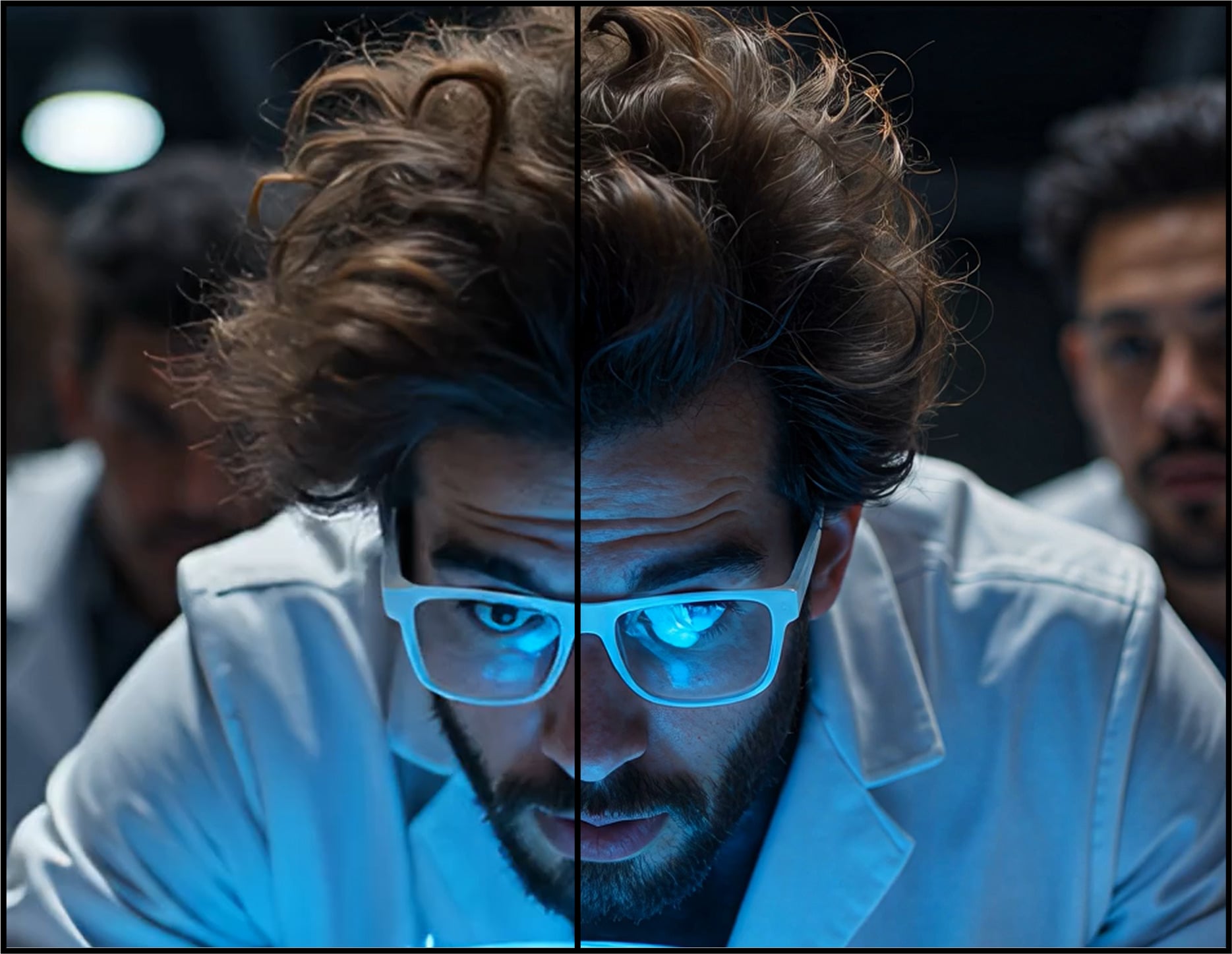
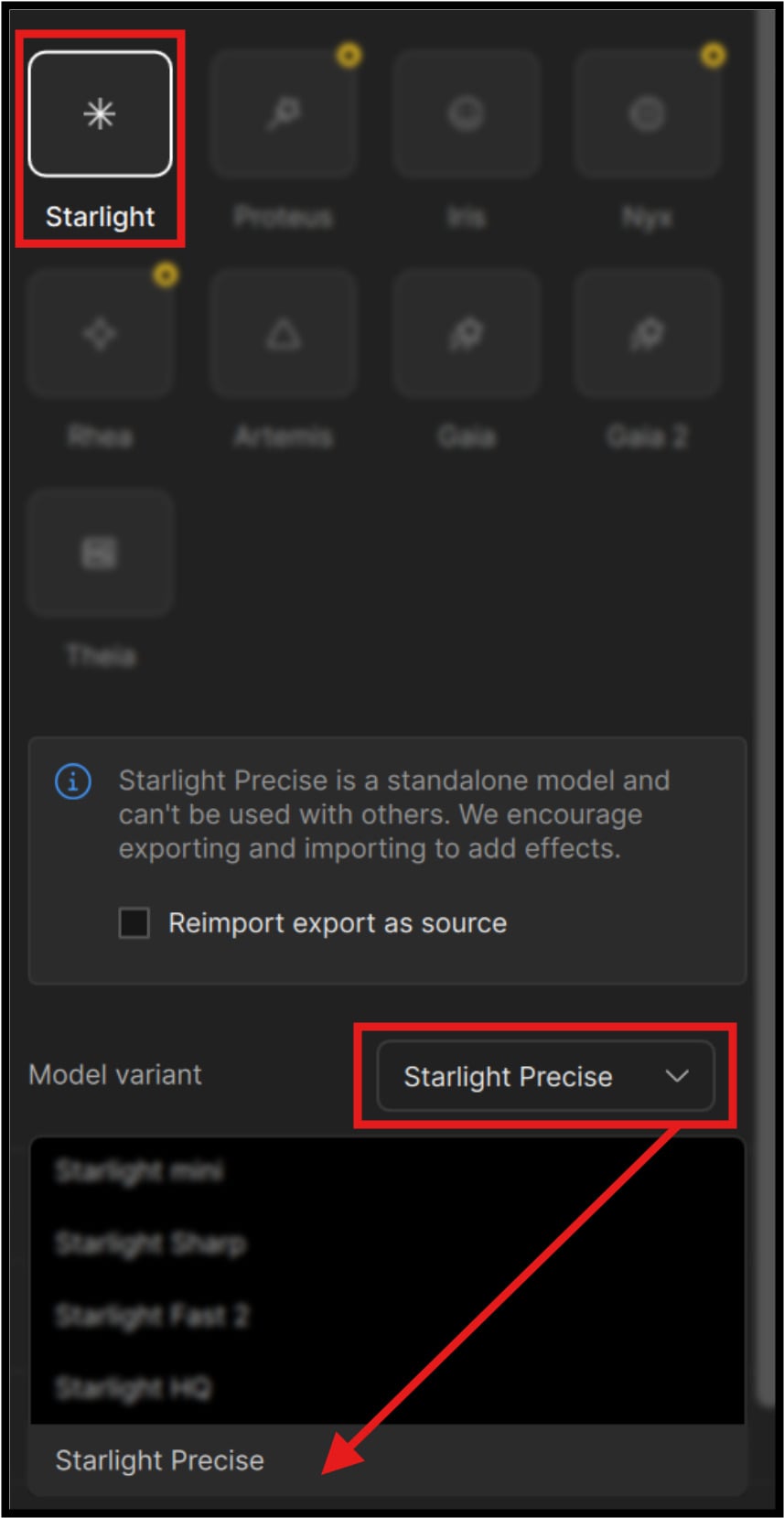
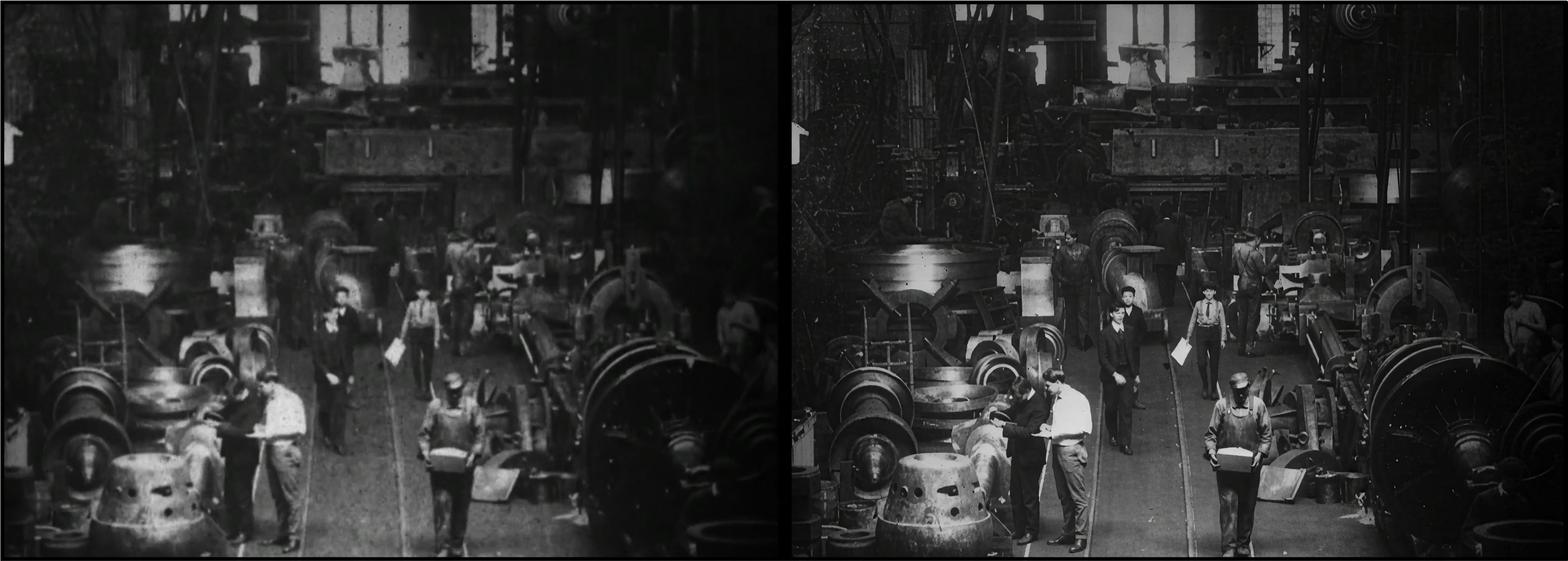
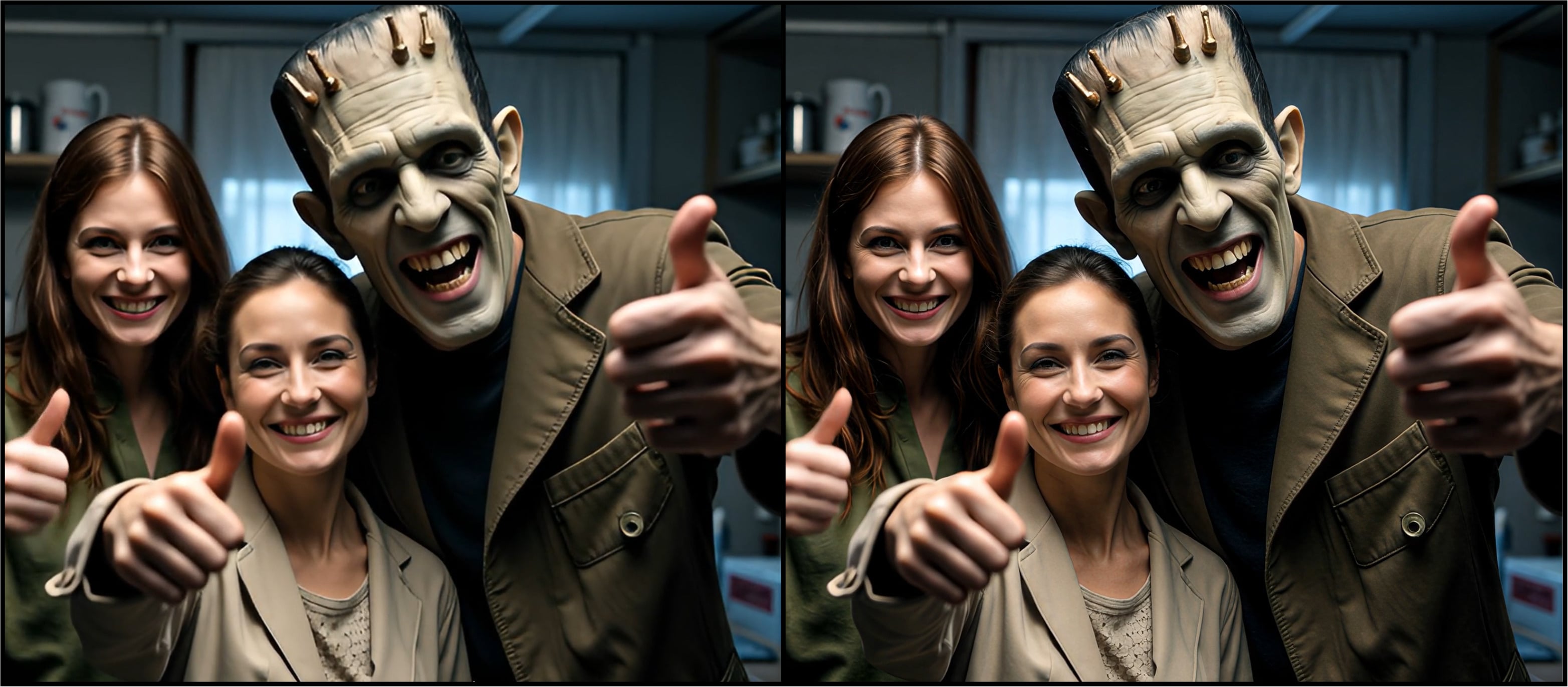
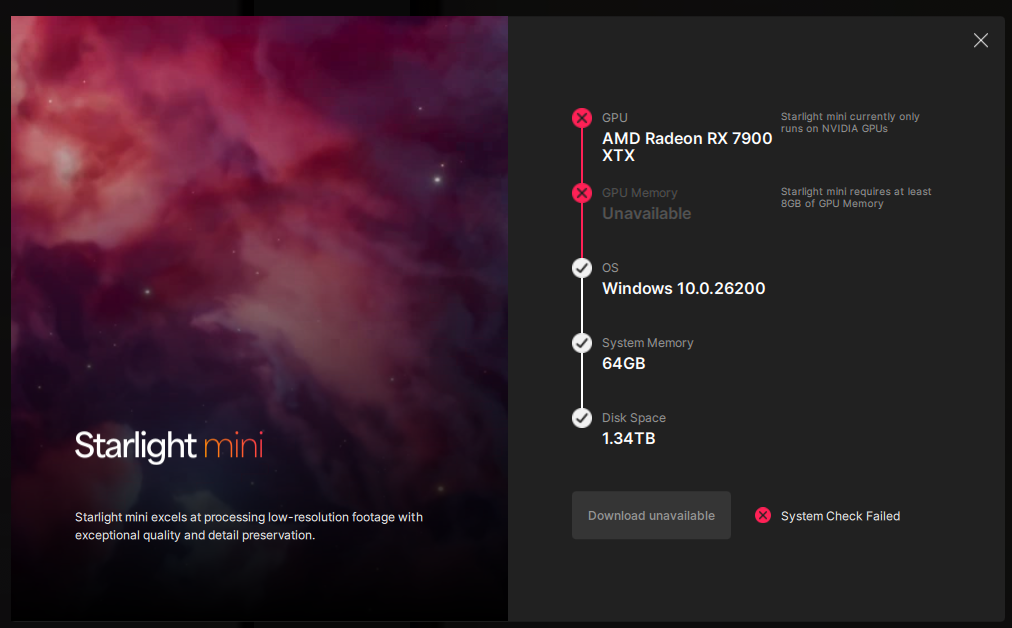
Starlight Precise 2.5 made its debut in our Cloud app, Astra, with much excitement and positivity. In the meantime, we were also working hard to get this wonderful model for local desktop rendering! I’m happy to announce that the team has just done that! The best part, we’re making this model available for everyone that meets the requirements to run it! This makes Starlight Precise 2.5 the 5th variant to the desktop Starlight Model Family. Note, that previous iterations of this model exists on Astra. This model has been specialized for realistic human face and skin textures in addition to other areas of improvement such as material, texture, and text.
This model works for Medium to High Quality content whether this is generative, live action or restoration videos.
Improves generated content that may have soft, plastic, or slight artificial looks, however the AI generated content should have solid structure and composition for ideal improvements.
There is a slight difference between the local version and the cloud version in order to fit on the desktop.
Greatly reduces flickering with smaller textures.
Recommended to use video inputs at or under 4K.
Outputs up to 4K.
Model access via the cloud for all subscription models.
Cloud Export is supported on both Mac and Windows.
Expect long render times for this diffusion model. Appears to have faster processing compared to Mini and HQ.
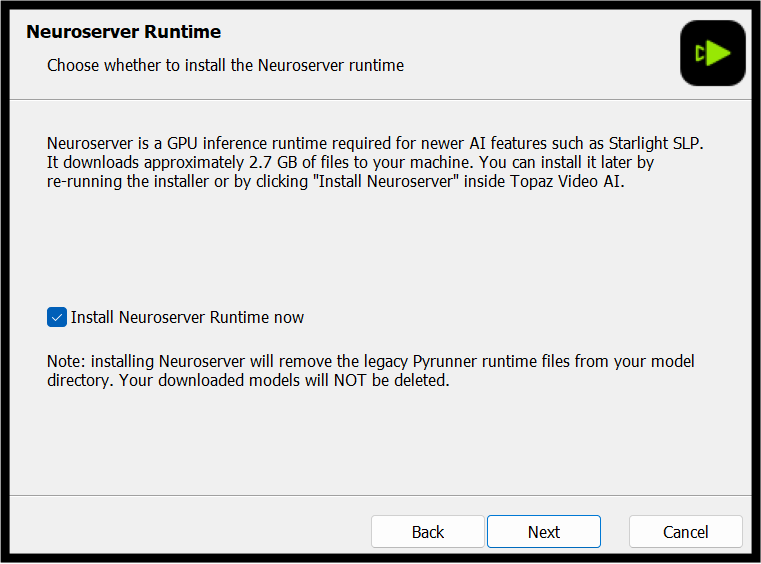
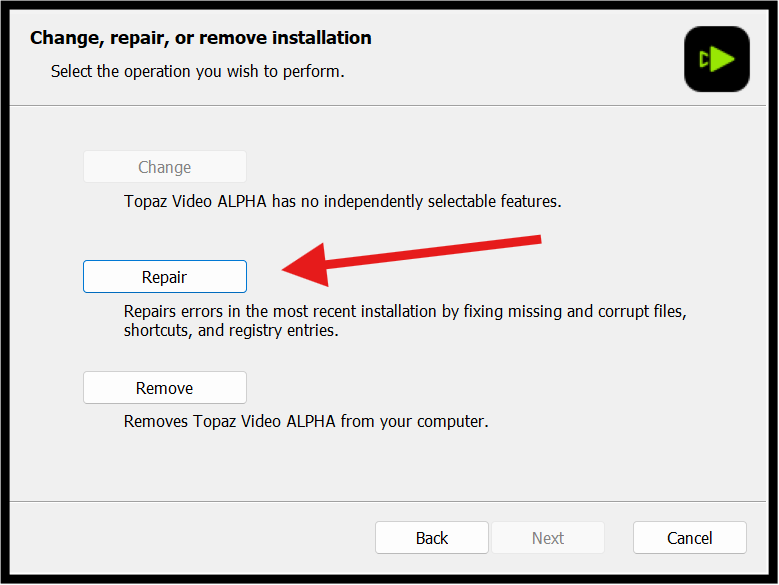
If you experience any issues, please ensure that your drivers are up to date. Next to a proper restart or an app reinstall, this is usually the first step to ensure you have the correct drivers running for this application.
Sometimes a firewall can prevent the app from starting. If this occurs, be sure to add Topaz on the exception list.
Otherwise, you can easily reach out to our fantastic Support Team: Click Here
Yayyy! I was waiting for SL Precise 2.5 for so long. It’s genuinely so good, and finally an upgrade over SL mini.
Shots with heavy motion blur may be rendered as texture.
If a future SL Precise 3 or another SL variant can fix this issue, it would genuinely become the definitive upscale model for me. I know this will be challenging, but I trust the Topaz team.
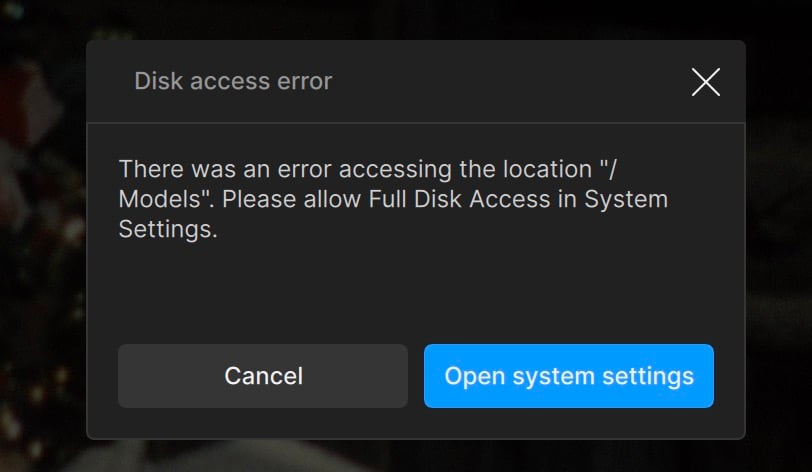
Despite what this message says, full disk access should never be requested by, or given to Topaz apps.
I will NEVER give full disk access to any app by Topaz given how buggy their software is. The error message itself appears to show the wrong location “/Models”.
I’ve just tried Starlight Precise and I found it amazing in details and textures!
It’s working fine on 9950X3D and 5090, but the fps and remaining time is clearly wrong. It’s actually 0.1fps~0.2fps and should be around 17 hours.
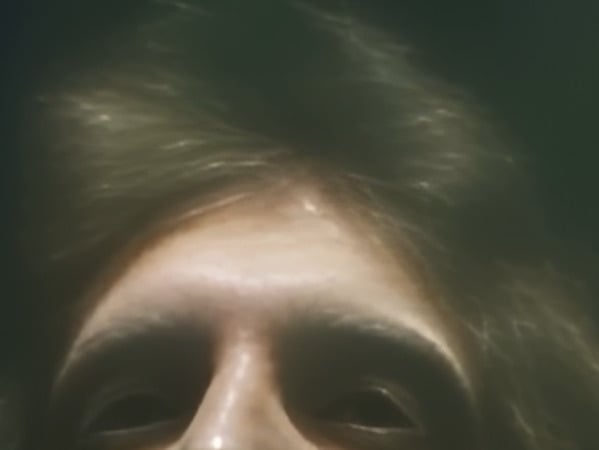
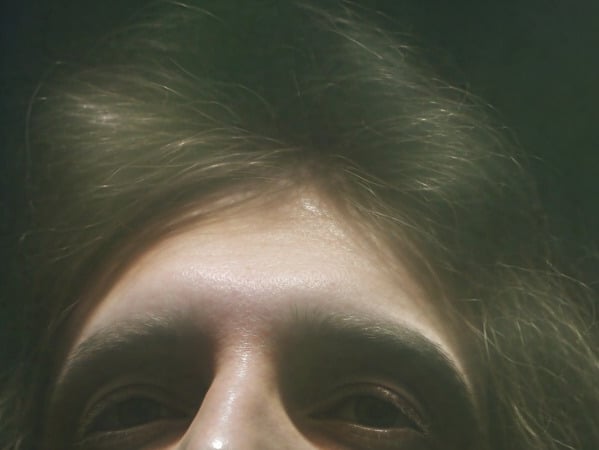
Here’s a comparison of Starlight Sharp and Precise. The images are 599 x 450 crops from the final outputs.
540p Starlight mini → 1080p → Starlight Sharp → 4k:
Hello Topaz team, the time code display format didn’t change when i change to frame numbers, it started since 1.3.0 if i installed fresh (uninstall previous version before install), please fix it, this is crucial for my workflow as i need to cut in/out using frame.
Could you check in the \ProgramData\Topaz Labs LLC\Topaz Video\models\models\ (yes, ‘models’ is created twice), if the model blobs were downloaded correctly?
That’s the sizes I’ve got after downloading the blobs:
Though, I’m yet to re-download the Starlight-HQ blobs (previously, they were incomplete, just 2.8GB got dl-ed). How could I force TV 1.4.0 to re-get the model?
There’s also an issue with the export queue preview, where, after the processing is finished, the preview shows the original video ONLY, even after pressing mouse key on the image.
The ‘Reimport export as source' option, after finishing with Starlight model (probably every one, but I had Fast 2 at the time), shows me black video in the ‘editor’, even though the result video is totally fine, and I can see the frames at the bottom.
i think there are something wrong with the model download. In previous starlight mini, the model is downlaoded as ‘model.part1.bin.enc’….now all the starlight models downloaded as ‘blob.xxxxxxxxxxxx…’ which isn’t right.
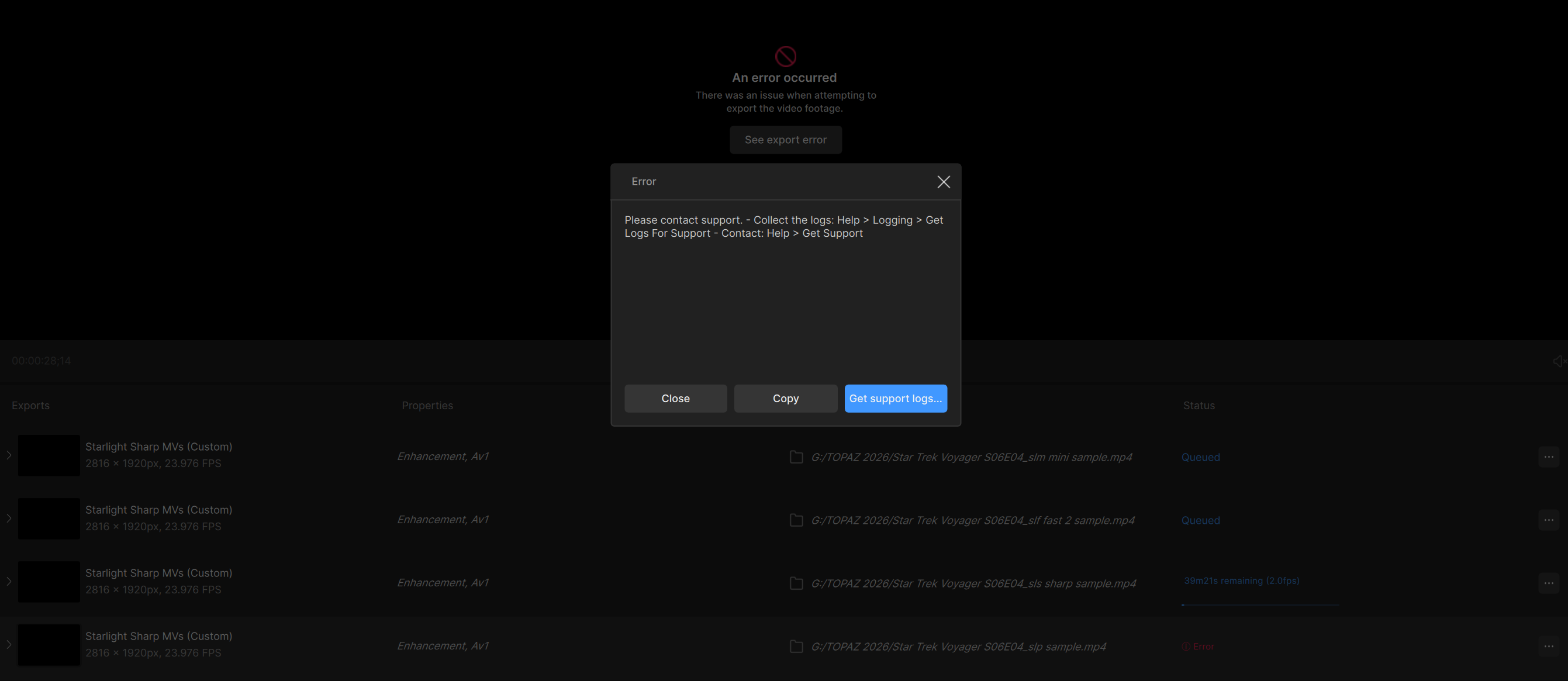
I’m also getting an error with the Precise model as well. The other models seem to work and complete about a minute long test video, but the Precise I keep getting an error on too. Below is my third round of testing on each model. They all finish and process except for Precise. It errors out almost immediately before the processing even really starts.
I can also confirm this error only on Starlight Precise. I have an RTX 4090 and I was trying to do a 1 min clip 720x480 and it crashes with an instant error. I kept the resolution to the minimum suggested by the model if that makes any difference. All other models works except the new one. I must add, having it run a full length clip makes no difference. The model crash instantly.
After restarting Topaz Video, Starlight Precise suddenly works. This time I selected the entire video and not just a small test segment. Perhaps that’s the reason.