Do you need me to submit logs for the project issue causing the precise model not to load, or is your team able to reproduce it?
1 Like
One would’ve thought that after all this time, ghosting would no longer be in any of their new models.
I just tried something that also helped me with SeedVR. Increasing the frame rate by 2x or 4x by duplicating the frames instead of interpolating them.
480p15fps → 480p60fps → SLP 1080p and ghosting is gone and resulting in sharp images. I guess this way SLP has more time to work on the frame to clean it up. Downside is you’re wasting processing time this way, but it seems to work. The worst effect I can see is when you try to use 1080p input → SLP 1080p without upscaling. Maybe someone can test this if this is true?
Got it, I see the confusion here and apologies for the situation. From what I am seeing 8.6 is the minimum of what will pass the in-app checker and run the model, with 8.9 the recommended level.
Ill get with Erasmo about getting that updated across everywhere to clear it up.
2 Likes
If the in-app checker fails then the hardware can not be used. If it passes and allows the download to proceed you should be good to use the model. If you get errors then grab the logs and send in so I can have the devs look into the situation to sort out what is going on.
1 Like
If you can send me the logs, Ill pass them along. We have replicated the situation on our end on one or two machines, but they are still investigating.
1 Like
Sure, in theory it makes sense as there’s a “buffer” frame to reduce the ghosting and also it provides the model with an additional frame of the same content to extract info from. But I would’ve thought after years of creating models, they would’ve eliminated ghosting as one of the prevalent issues.
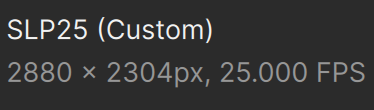
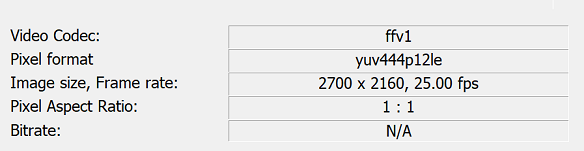
Aside from that, in my own test, I notice SLP 2.5 set to x4 is more like x3.75. If I give it 720x576 input, I should get 2880x2304, and it even says that on the export tab, but the output has been 2700x2160.
1 Like
Does the in-app checker check cuda compatibility, or just look for an Nvidia GPU and VRAM?
I actually cannot recreate the issue anymore. I was working in a new project called “test2” then I deleted the “Default” project and recreated a project called “Default” and I’ve been loading in video after video and the model loads and processes every time.
If I can recreate the issue, I will send in the logs.
3 Likes
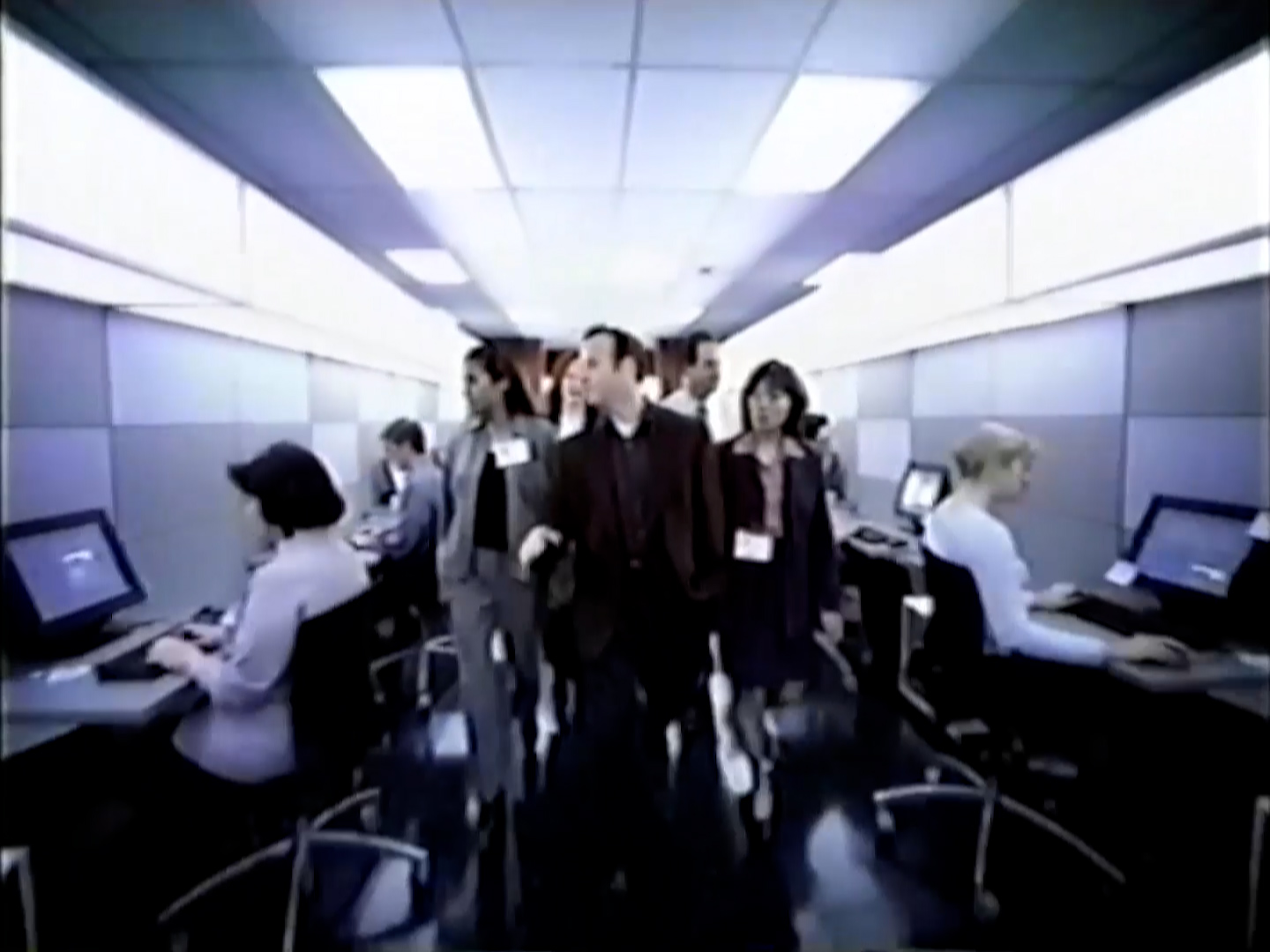
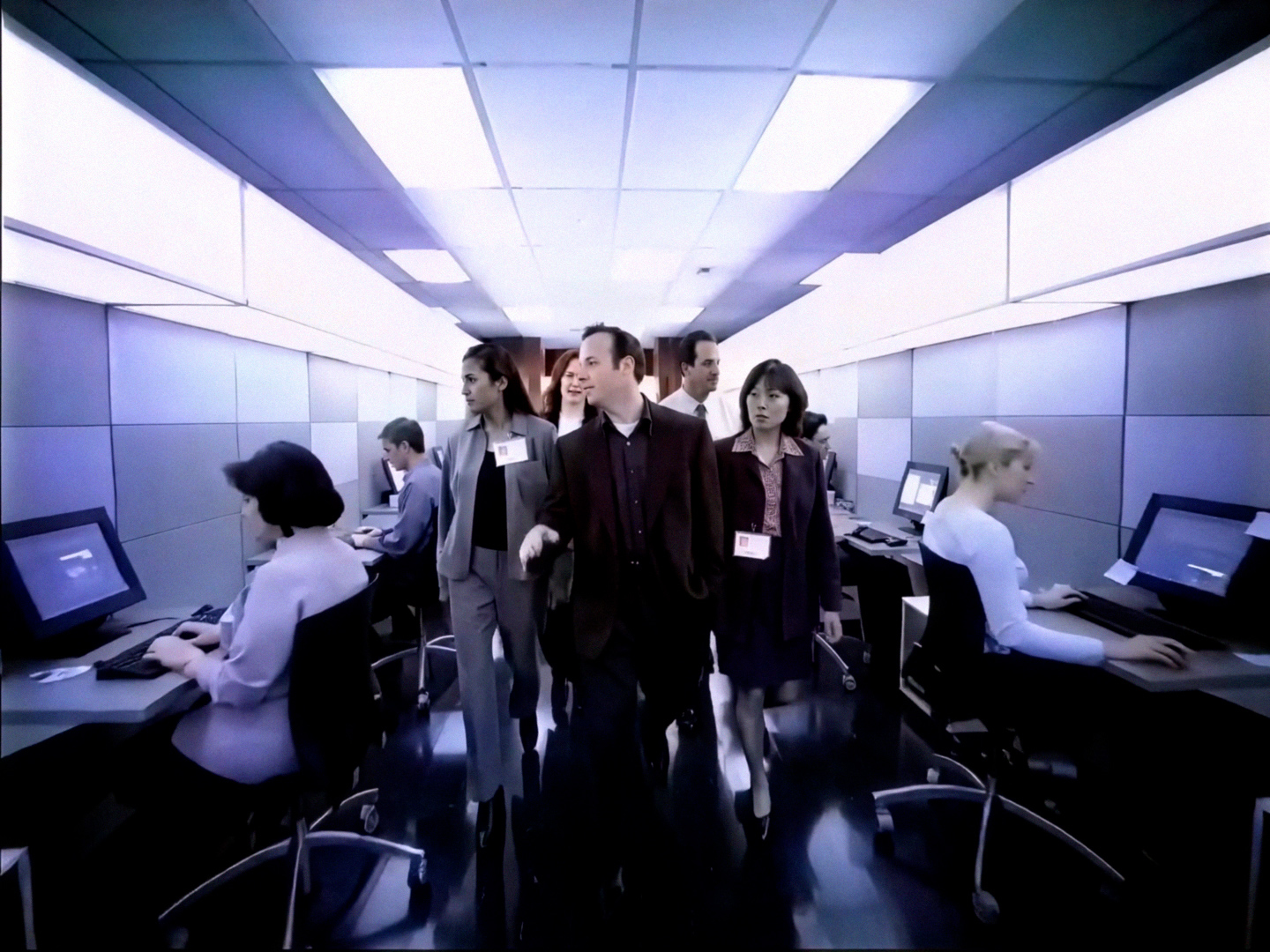
I agree, unwanted facial details is an issue, although in this instance, I didn’t mind the additional details like that considering how old this animation is (2003) so it was nice surprise. I like gruff looking details and even a bit of grain within the shot.
Only thing is I wish that after the scene changes it would remain in later scenes.
Though that’s not how it works atm sadly.
The model would need context clues from earlier scenes, which would help continuity. 
1 Like
Okay after 480p SLP then switch to SLM to upconvert to 1080 then back to SLP to make it sharper for 1080p or 4k? Just wanted to make sure. I cant get it working yet on my RTX 3090 fe i keep getting an error when any model loads still but wanted to take note until there is a fix.
2 Likes
I don’t think SL Mini is doing any favors to a SLP processed video.
I think the best workflow is SLP, then run it through NYX or PROTEUS NATURAL to fix some of the noise, and then another SLP pass if you need 4k.
4 Likes
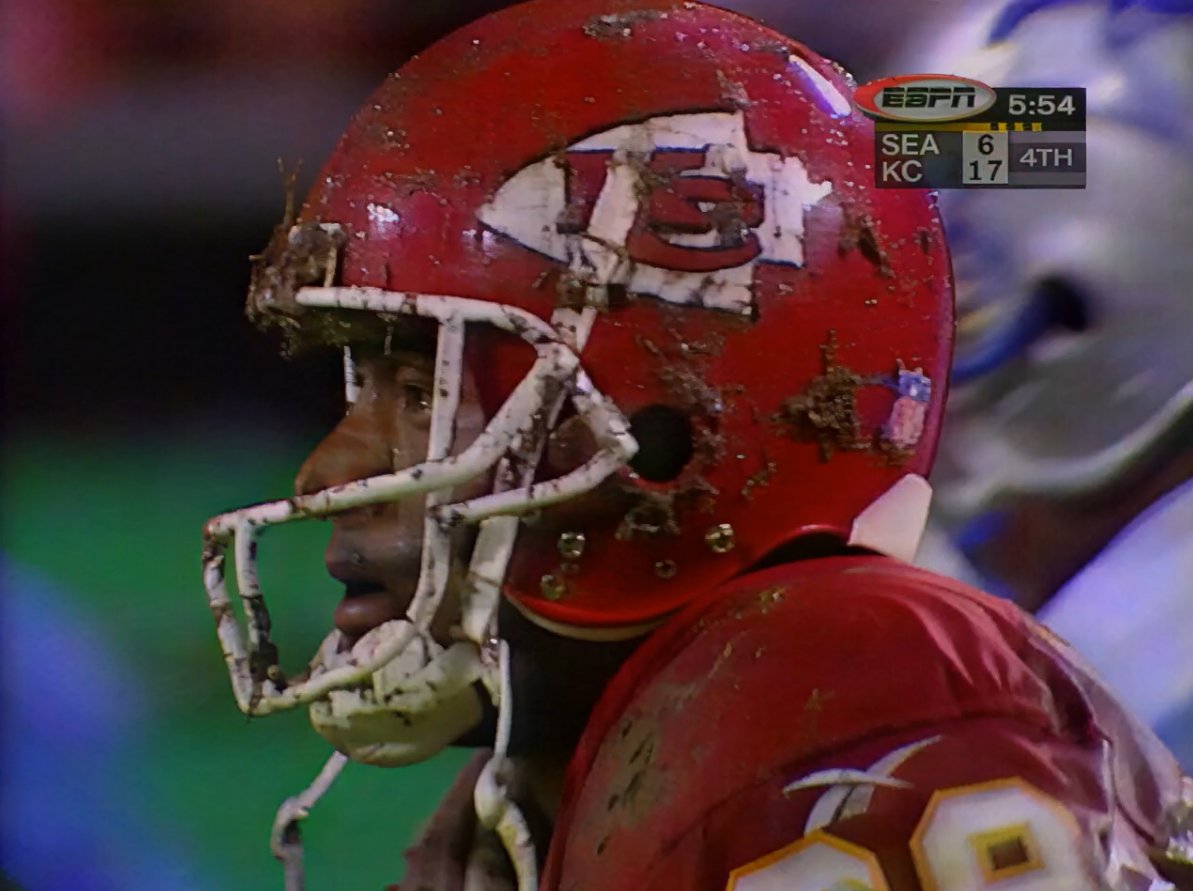
It’s pretty awesome. And this is the worst the tech will ever be. It’s only going to get better and better as time goes on. What a time to be alive.
2 Likes
Looking at the model it’s just SEEDVR2? (the precise)
3 Likes
Sounds like something I must test out! Thanks for sharing this special workflow 
according to the SLP release notes: ”Outputs up to 4K”
2160 is vertical resolution of 4K.
No. I never got similar level of detail with SeedVR2, neither the 3b, nor the 7b models.
And SeedVR does create even more jittery motion.
4 Likes
I was gonna say the same thing, I had Tiles maxed out (800 Encode, 544 Decode) that they could go before OOM error.
Had block-swapping (36) 7B_Sharp and even got up to 1440p with it on 16:9 videos.
Still no where near the same results as Precise is getting atm.
Maybe the new Neuroserver is doing some VRAM magic to allow high model output, I’m not too sure. But I’m running the same hardware I did with SeedVR2 and so far SLP is achieving higher.
1 Like
