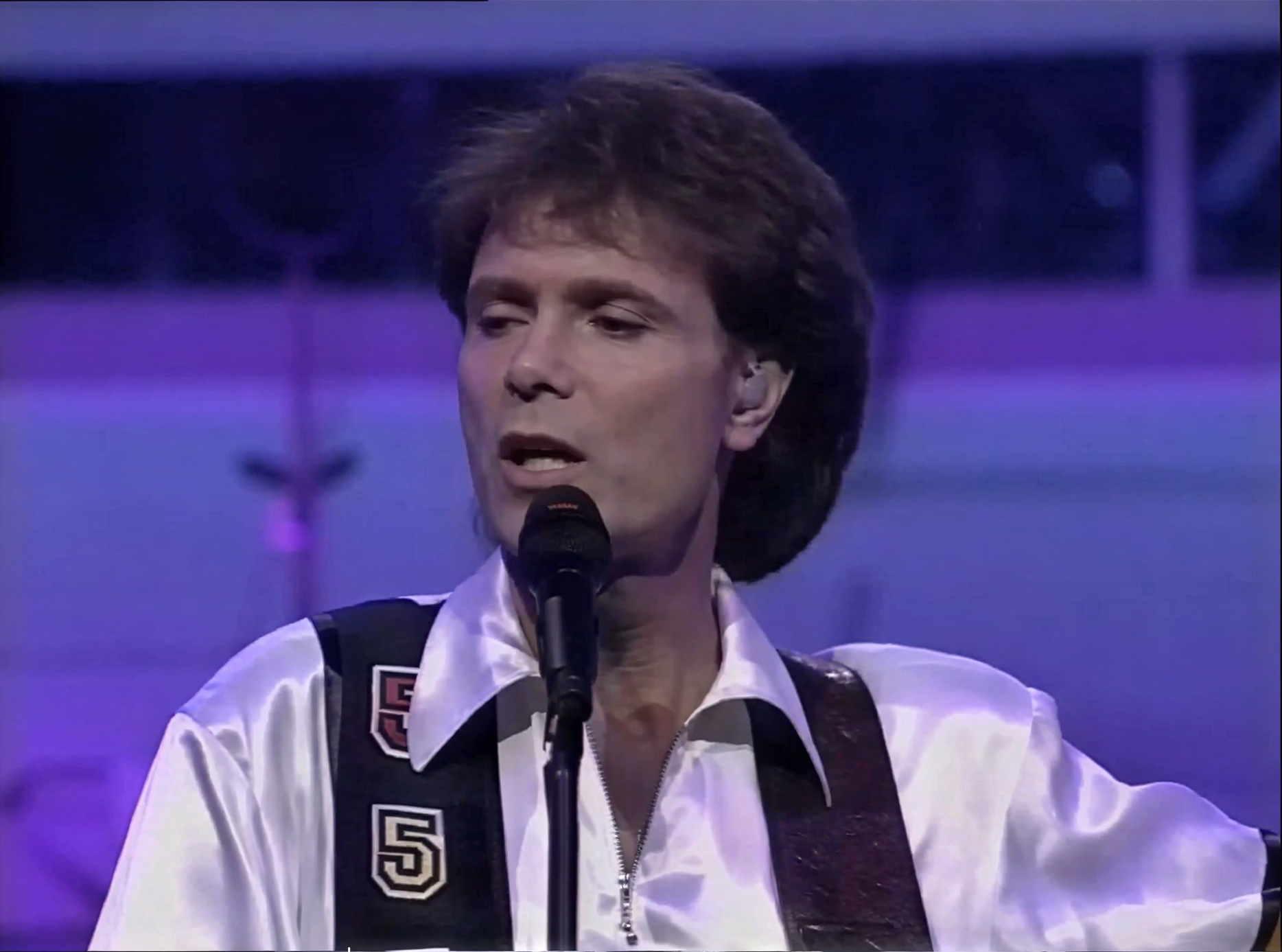
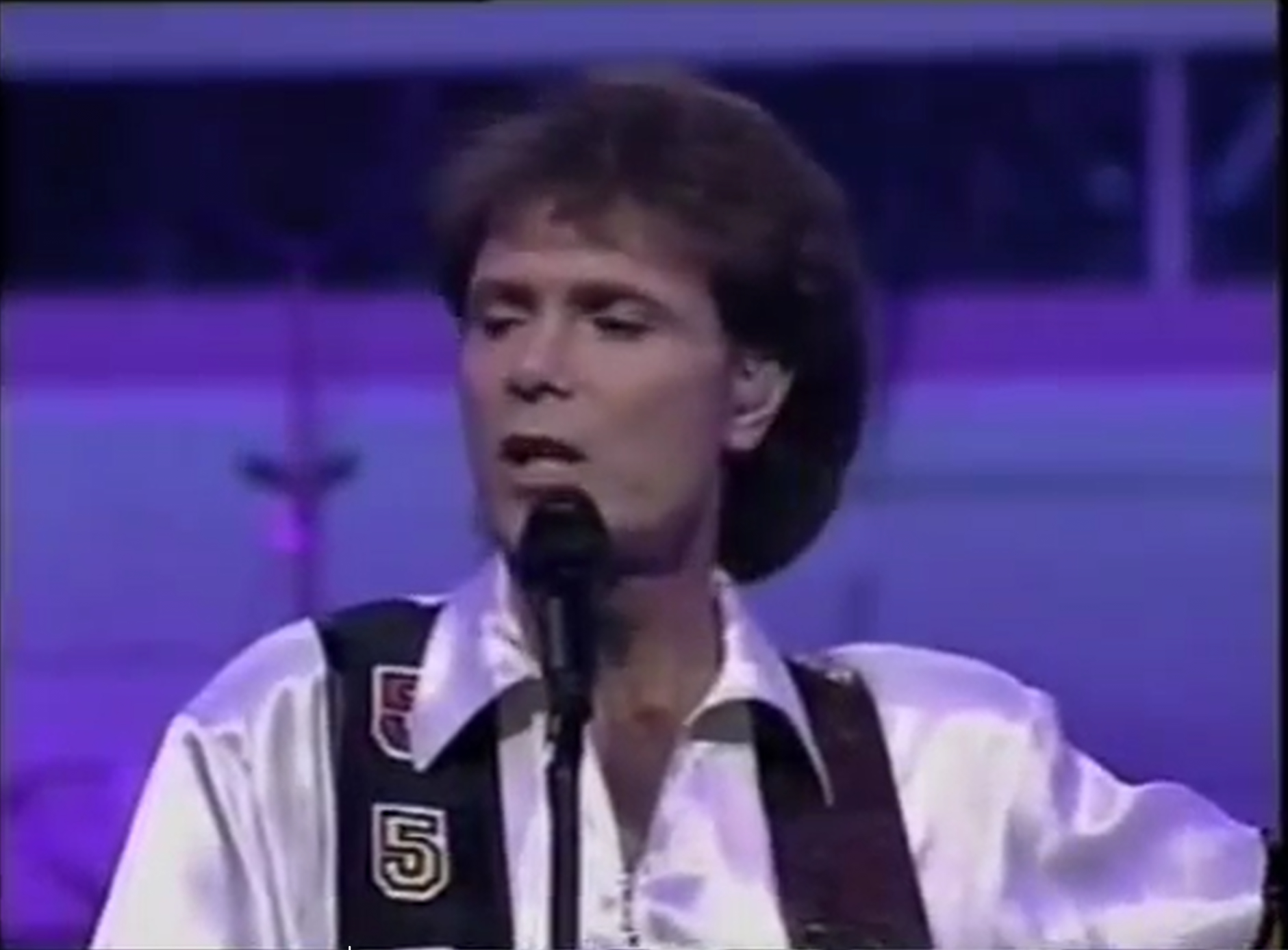
Yes, there’s a benefit in first using SLM as this one cleans the sources extremely well (while SLP doesn’t eliminate e.g. chroma noise as good).
But on the downside SLM mangles text and then SLP can only go forward with the already distorted and/or wrong glyphs. See your example above: “set you pree” just doesn’t look well, even if it is razor sharp.
The error (replacing the F with a P was done in the first SLM step and in my experience this happens only extremely seldom with SLP).
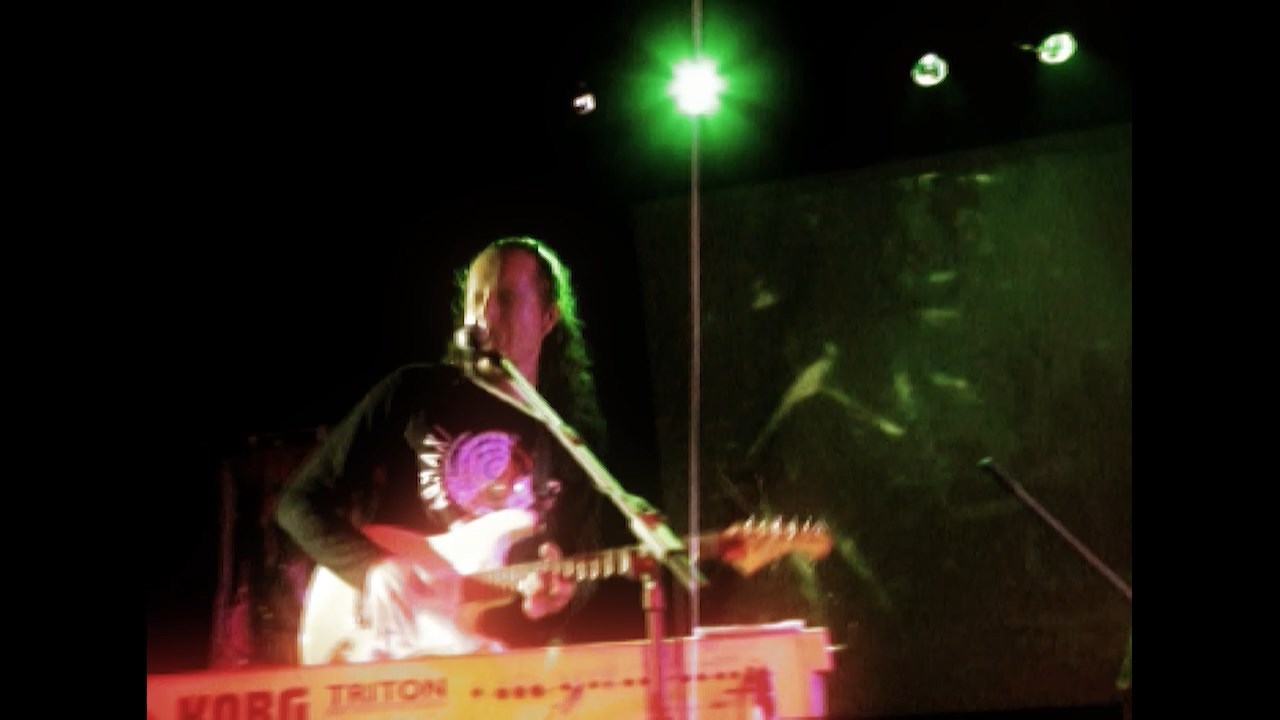
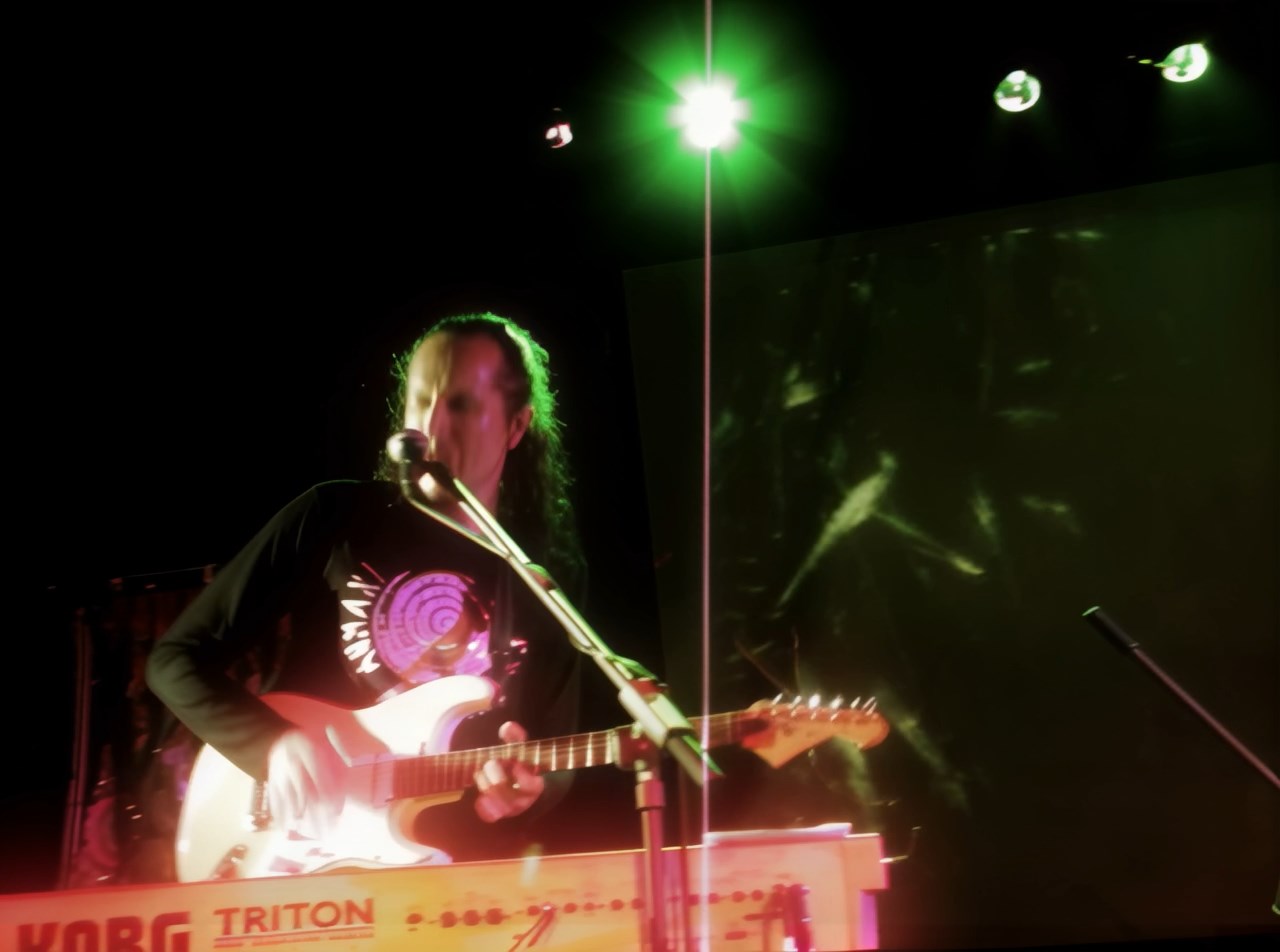
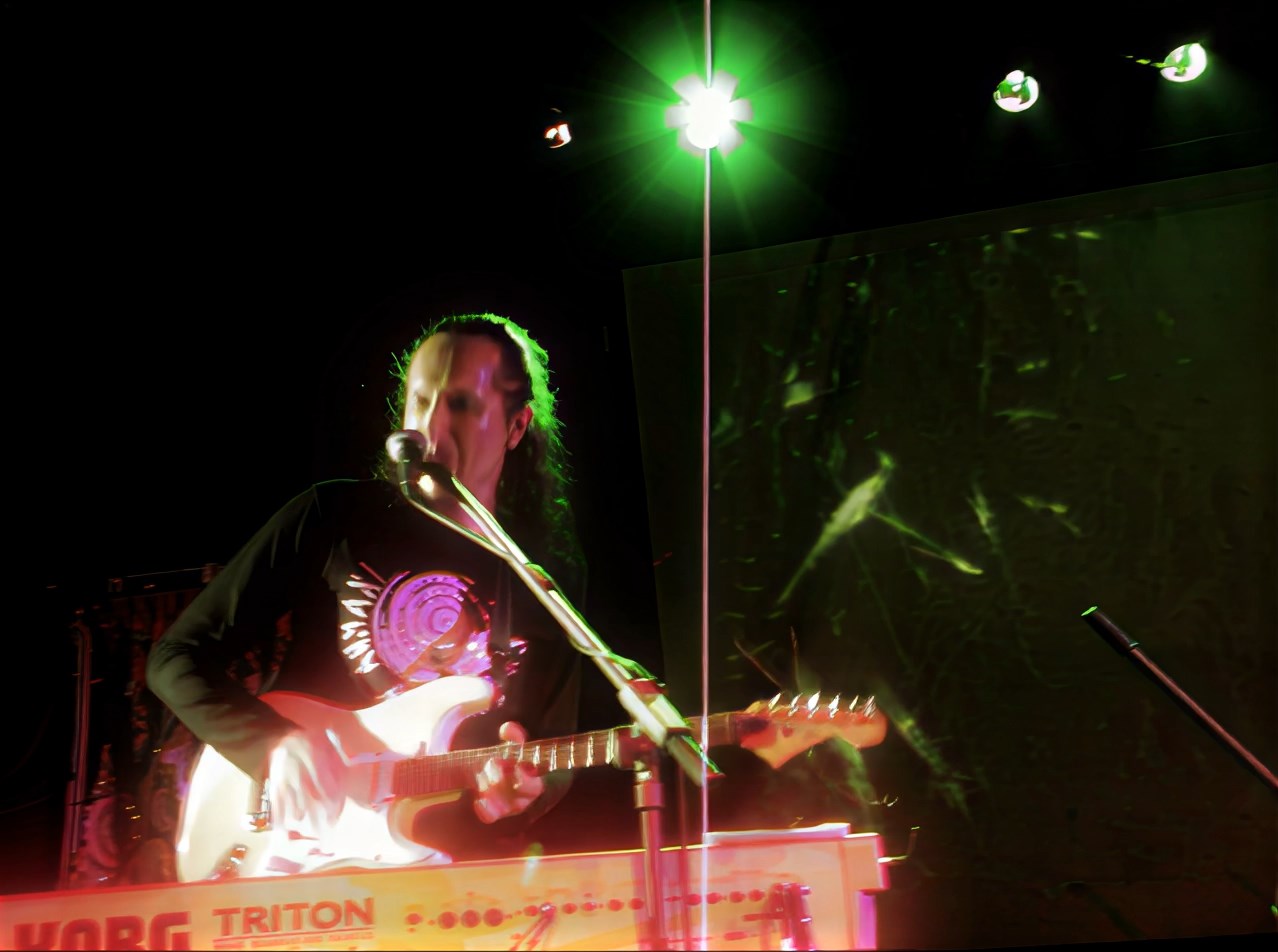
Here’s another example where SLP handles text/logos extremely well in a low res source:
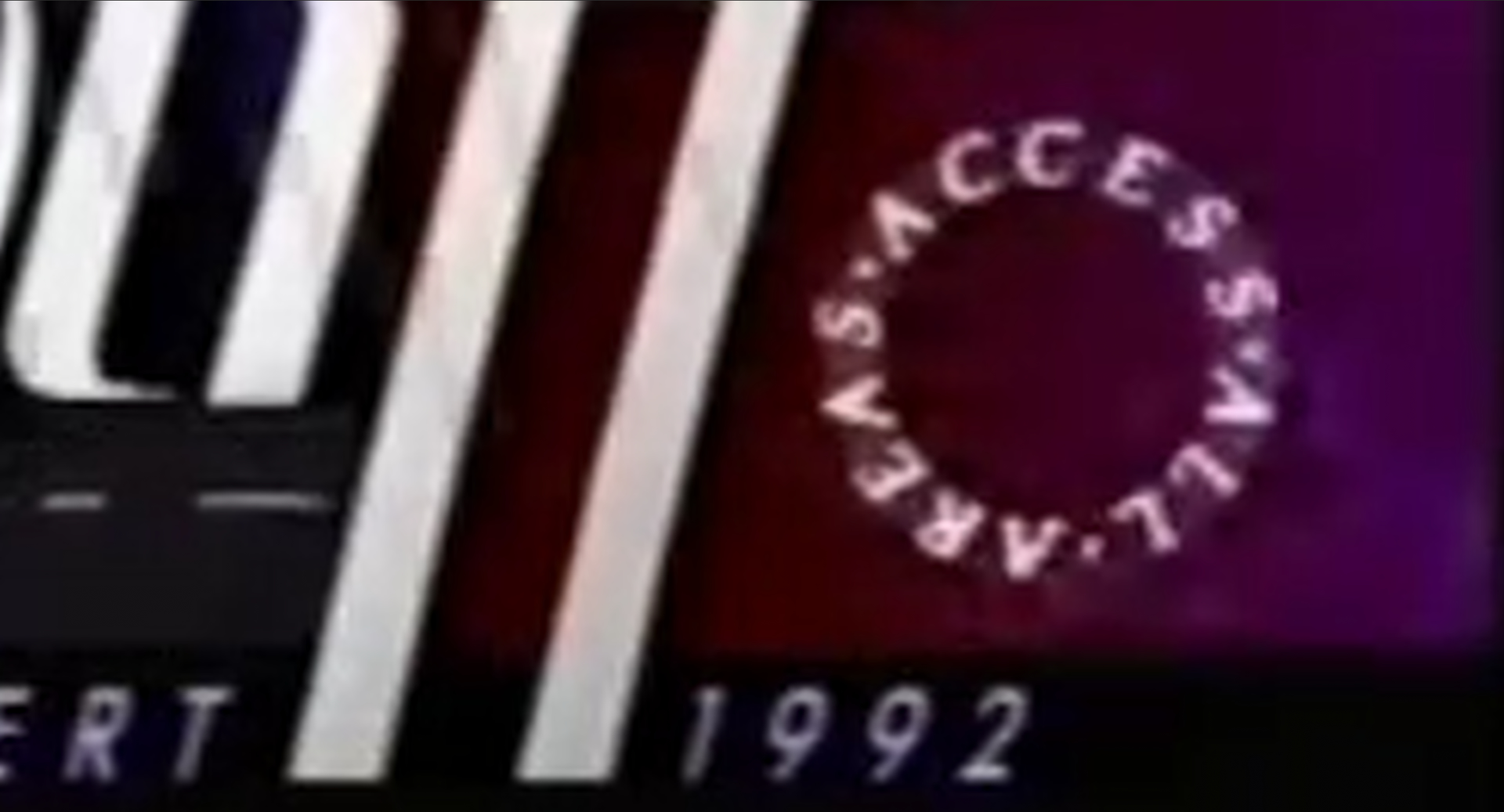
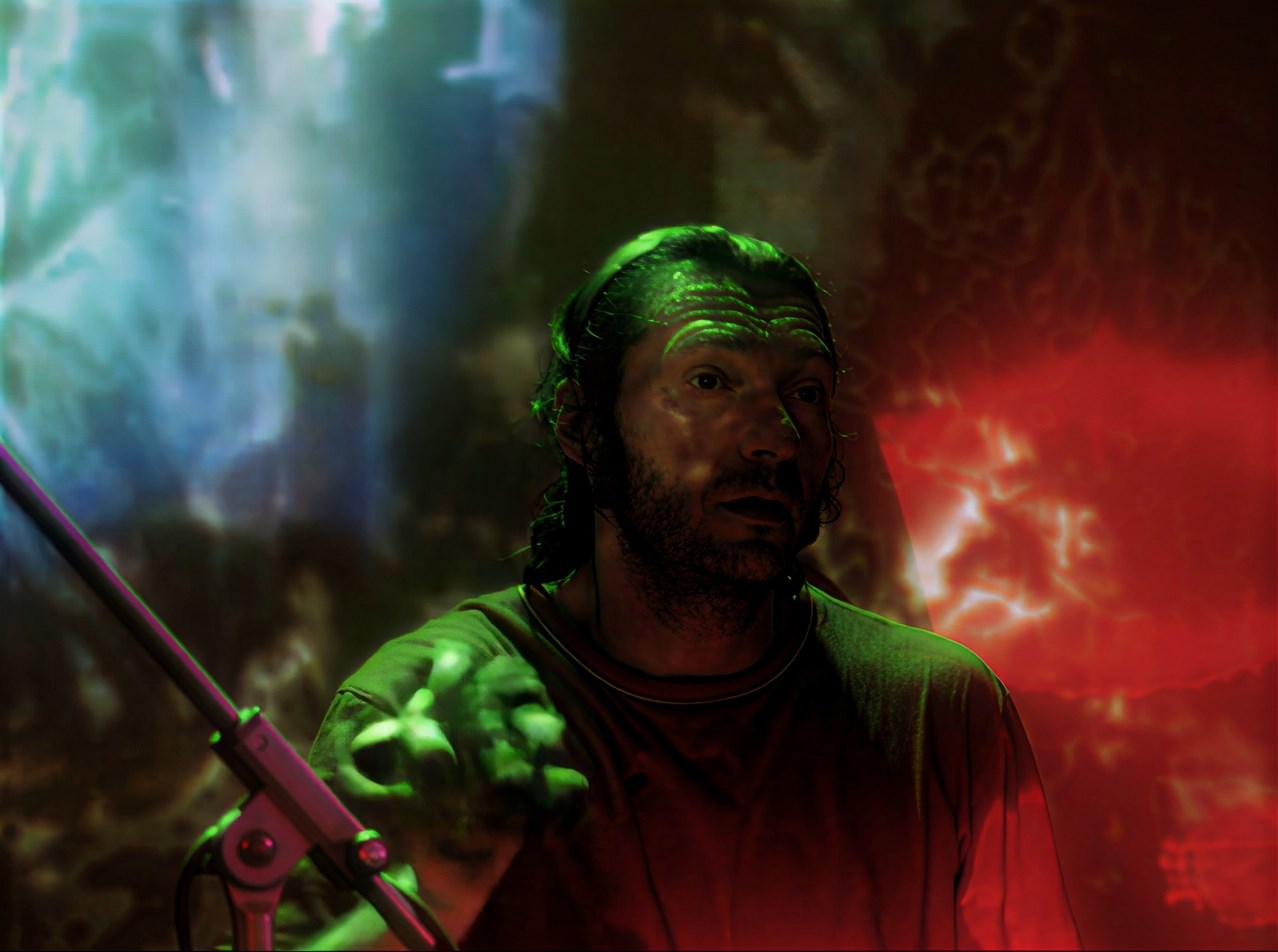
SLM while eliminating the chroma noise much better fails quite miserably with the “Access all areas” logo. And a later SLP step won’t recover the original text.
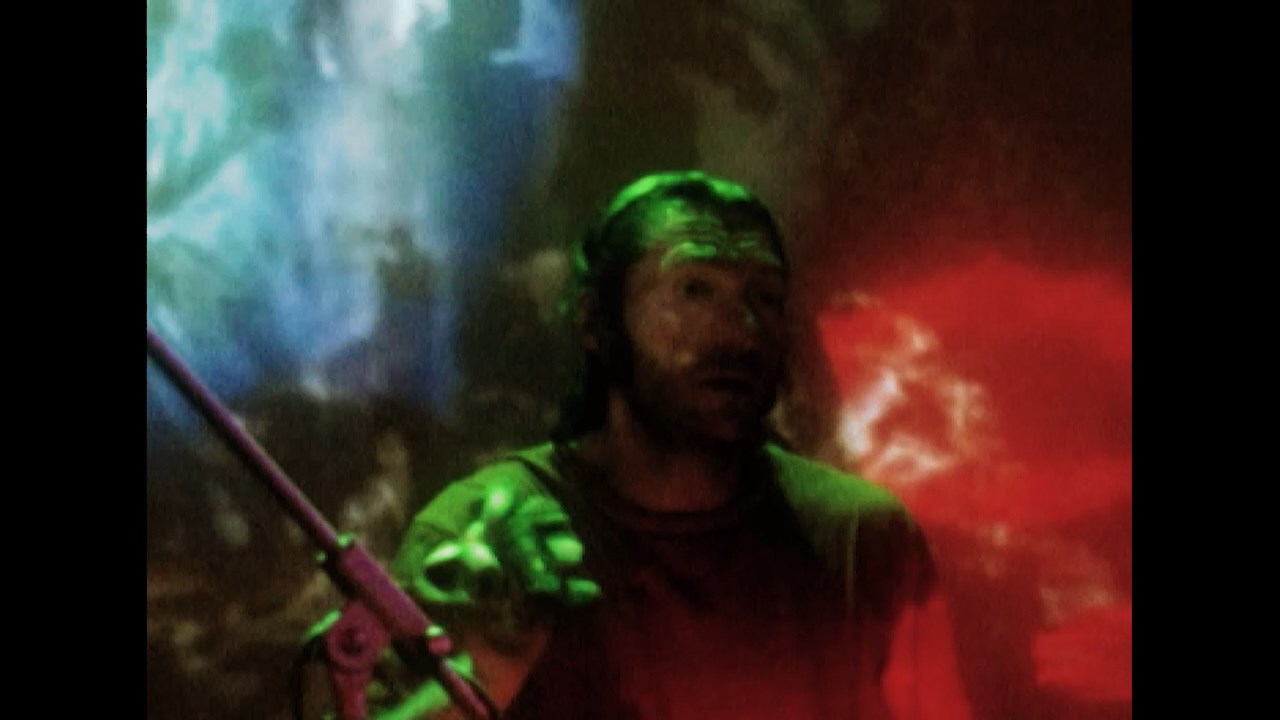
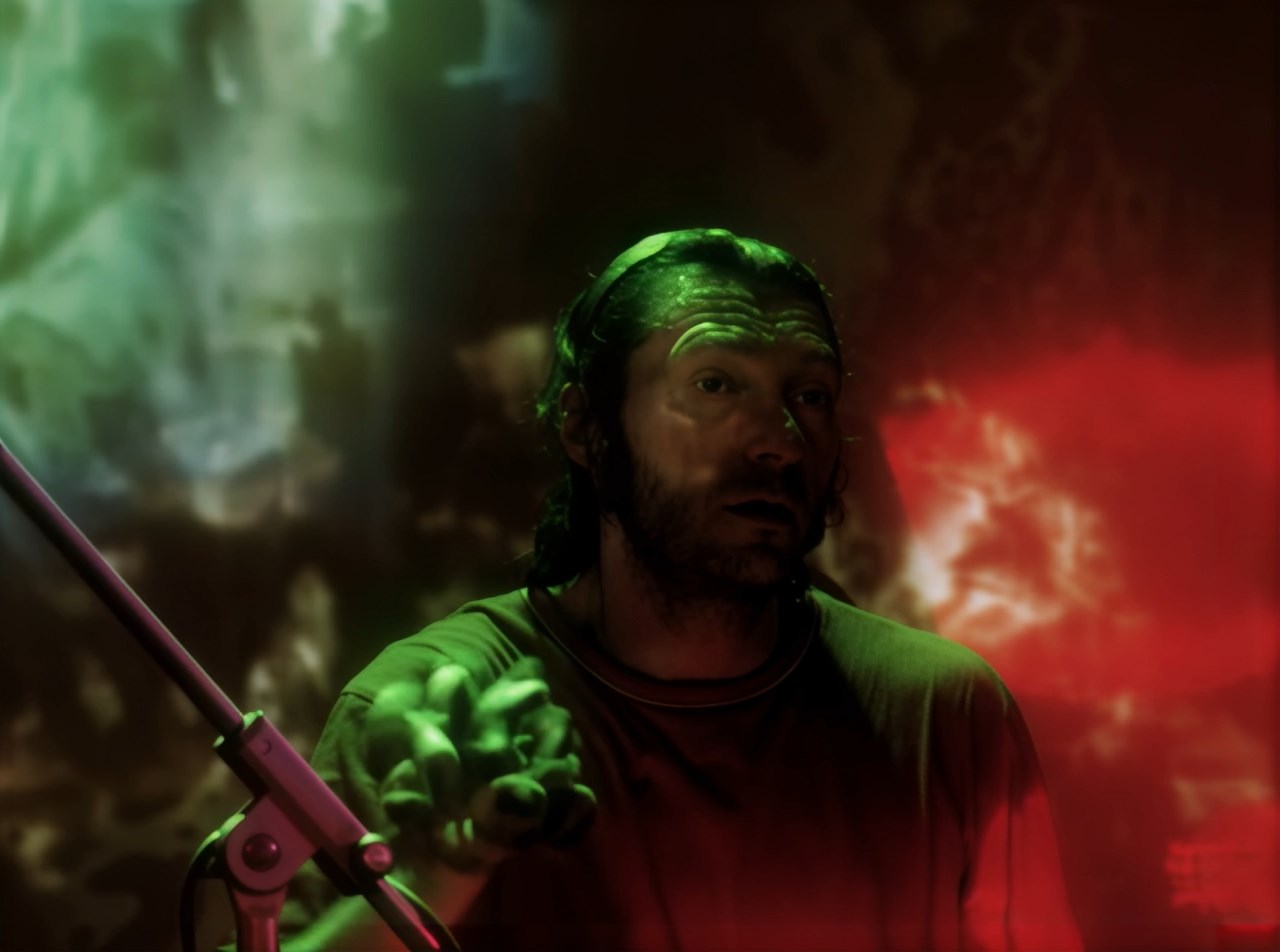
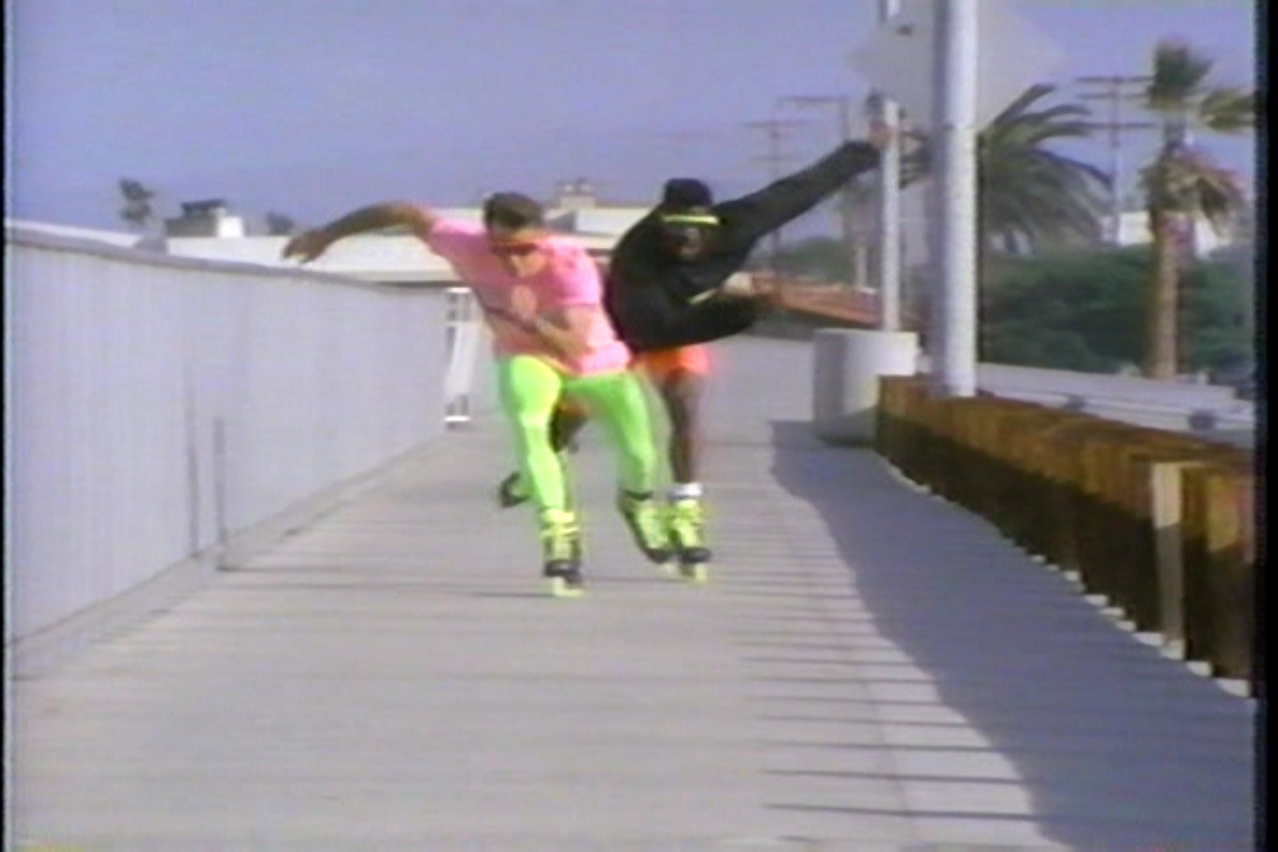
None of them are able to clean up really bad, especially old analog sources as well as SLM. Iris LQ V1 is coming near but has the issue with sometimes creating monster faces (what SLM and especially SLP avoid most of the time).
But yes, I’m going to try Iris LQ V1 as a general cleaner preparation step with a second SLP run to see if the SLP run can alleviate the monster faces issue. This would also be of course MUCH faster than the SLM - SLP procedure.
exactly, that’s why I wrote that SLM could be a good template for SLP, especially when the template is noisy—but unfortunately SLM also generates alien fonts, which SLP then adopts.
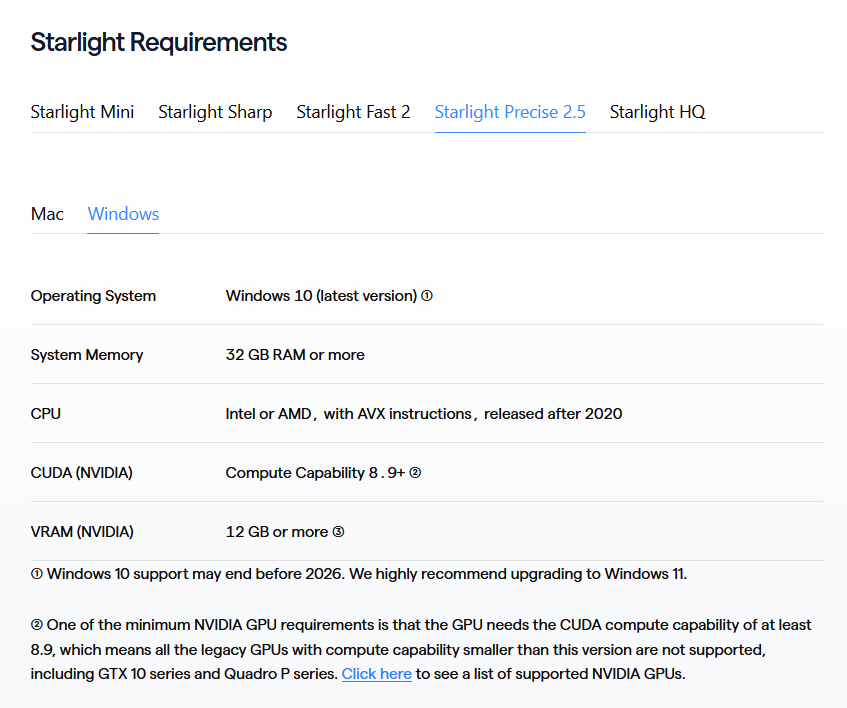
Thank you for that information! So I should note this is a direct rip from the DVD source, nothing has changed. So the source file weirdly enough is 704 instead of 720. Voyager has variable frame rates so I’m going to encode the file to mp4 and without the variable frame rate to see if that fixes things. I did do one immediate thing it suggested and that was to remove the file to make sure trimming was not on.. closed Topaz, reopened and placed the file into the source again (from an empty source area) and it still immediately crashed. I’m also guessing that rotation = 3 is directly from the source since I used makemkv to pull from the DVD to an mkv file. Nothing really should have changed.
I’ve also submitted a clip with the same problem that will be useful for testing. Starlight Precise is getting some amazing results, and it will be even better once this problem is ironed out.
Am I using nyx as a denoiser correctly? I set retain detail to 100, set to manual, then estimate on more or less the frame that is most consistent for the video, then bring sharpness down to 0?
I was told this is to denoise it and leave it clean for starlight mini to work off of and not add anything to disrupt it or confuse it.