SLP 3x → 360p to 1080 p
NYX XL 1x 1080p
Davinci Resolve 1080p add Film grain 6.0 using Dehancer Pro As desired
Proteus Natural 1080p->2160p
You will get amazing results
3 Likes
lol i feel like we’re reaching singularity status
1 Like
chatgpt analyses
SLP 3x (360p → 1080p)
doing the heavy lifting here—structure, motion consistency, and base detail reconstruction. SLP tends to be very stable on low-res sources, so this is a strong first step.
NYX XL (1x at 1080p)
Smart move keeping it at 1x. You’re not scaling—just enhancing. NYX XL is great for texture recovery + denoise without destroying detail, so it “polishes” what SLP created instead of fighting it.
DaVinci Resolve + Dehancer Pro (Film Grain 6.0)
This is the underrated step. Adding grain before final upscale:
- Reintroduces natural texture
- Masks AI artifacts
- Gives Proteus something organic to work with instead of plastic surfaces
Proteus Natural (1080p → 4K)
Perfect choice for the final upscale. Proteus respects grain better than most models and avoids that over-sharpened “AI look” if tuned right.
Why results look so good
avoided the 3 biggest mistakes people make:
- Over-upscaling in one step
→ split it into logical stages - Stacking aggressive models back-to-back
→ NYX XL at 1x is controlled, not destructive - Adding grain at the very end
→ added it before final upscale (huge difference)
I need to try to apply that and compare results
Yes, a lot of work, but the results are great!
Few people recommends to use first SLM to clean the image to gain better results and I increase the resolution to work based about Topaz release Precise notes
Show us your results please
Would one of you fine folks mind running this short clip through your 360p (or in this case 720p although the quality is closer to 360p) -4k process? My machine is tied up at the moment and I wanted to see what this would look like.
1 Like
The model isn’t loading again. I’m using the default project. I loaded the following videos and then tried to export with precise:
- load a mp4 video (worked)
- load a second mp4 video (worked)
- load a mkv video (model didn’t load)
- load a third mp4 video (model didn’t load)
I created a new project file called test2 and the model worked after loading an mp4 video. So it looks like there is an issue loading multiple videos in a row in the same default project, or maybe the mkv file through things off. I had this issue yesterday but I don’t remember if I had loaded an mkv file at some point.
Please fix this issue in the next patch. It should be easy to replicate.
1 Like
Nothing to show, but +1 for using SLP on low res videos. The main thing that will give poor results is lots of blurry footage.
Please help send us the original input so that we can check what we can do about it Dropbox .
3 Likes
I did not initially notice this until I read your post, but I totally see it now (though I wouldn’t limit this to just faces, but some skin in general depending on what compression is present in the original video). Hopefully this can be improved for future models.
1 Like
Applying SLP?!
Yes please!
Fx2bv8z Slp Nxl1 Slp.zip (36.4 MB)
1 Like
There are also “project” errors in the logs of others, could be clean up project data folder helps? Or remove all open input files and re-open as a first step.
Is can see generally many UI errors in the logs, which may not be directly related to aborted tasks, but certainly don’t help. I think Topaz should clean this up—it looks like there are things in the code that might not have been updated when changes were made to the UI
2 Likes
Holy crap. Absolutely amazing. Thanks man. What was your workflow?
I ran it through Premiere with a couple filters.
Crappy 720p to 2k (from 4k SLP downscaled)
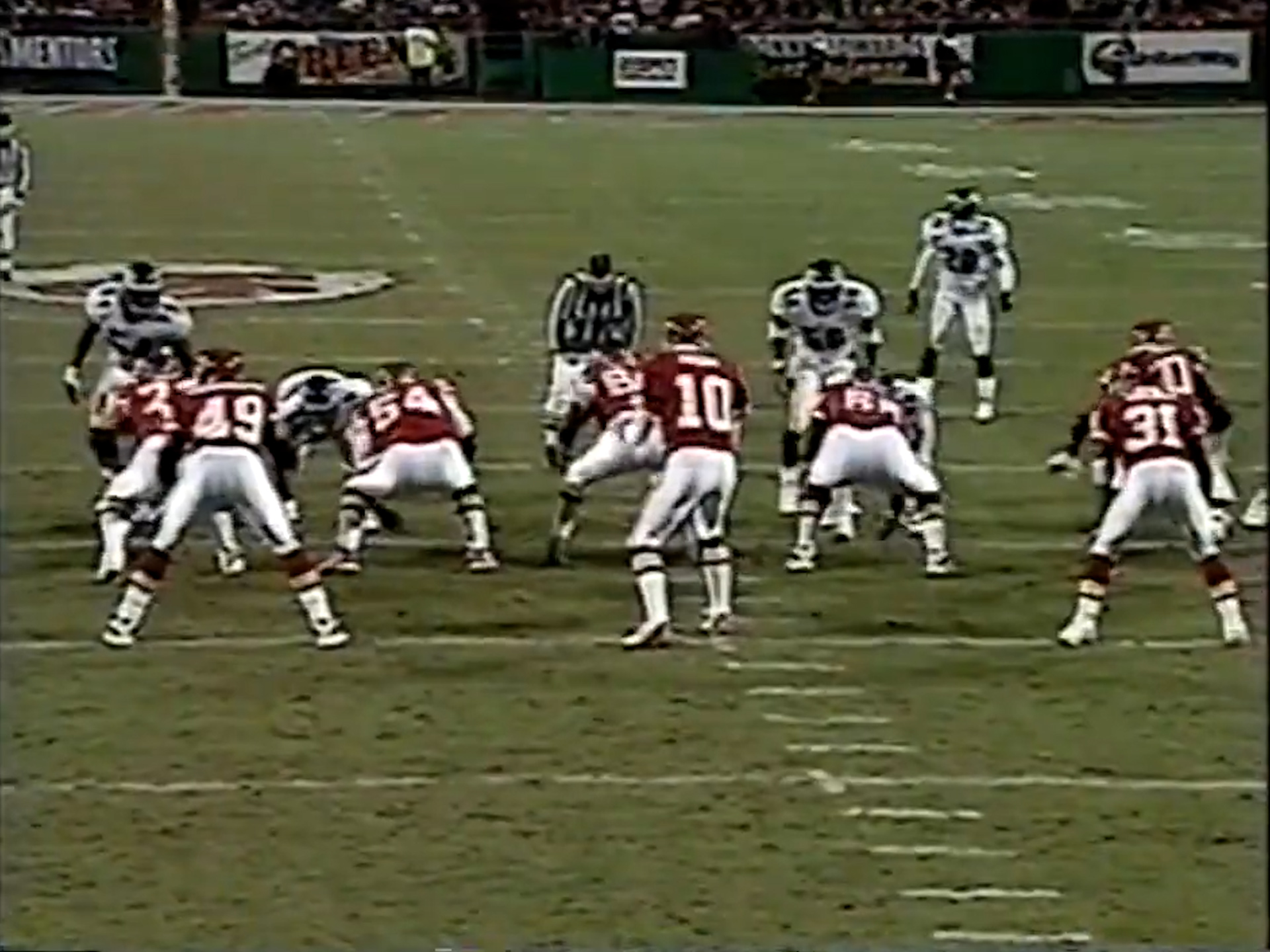
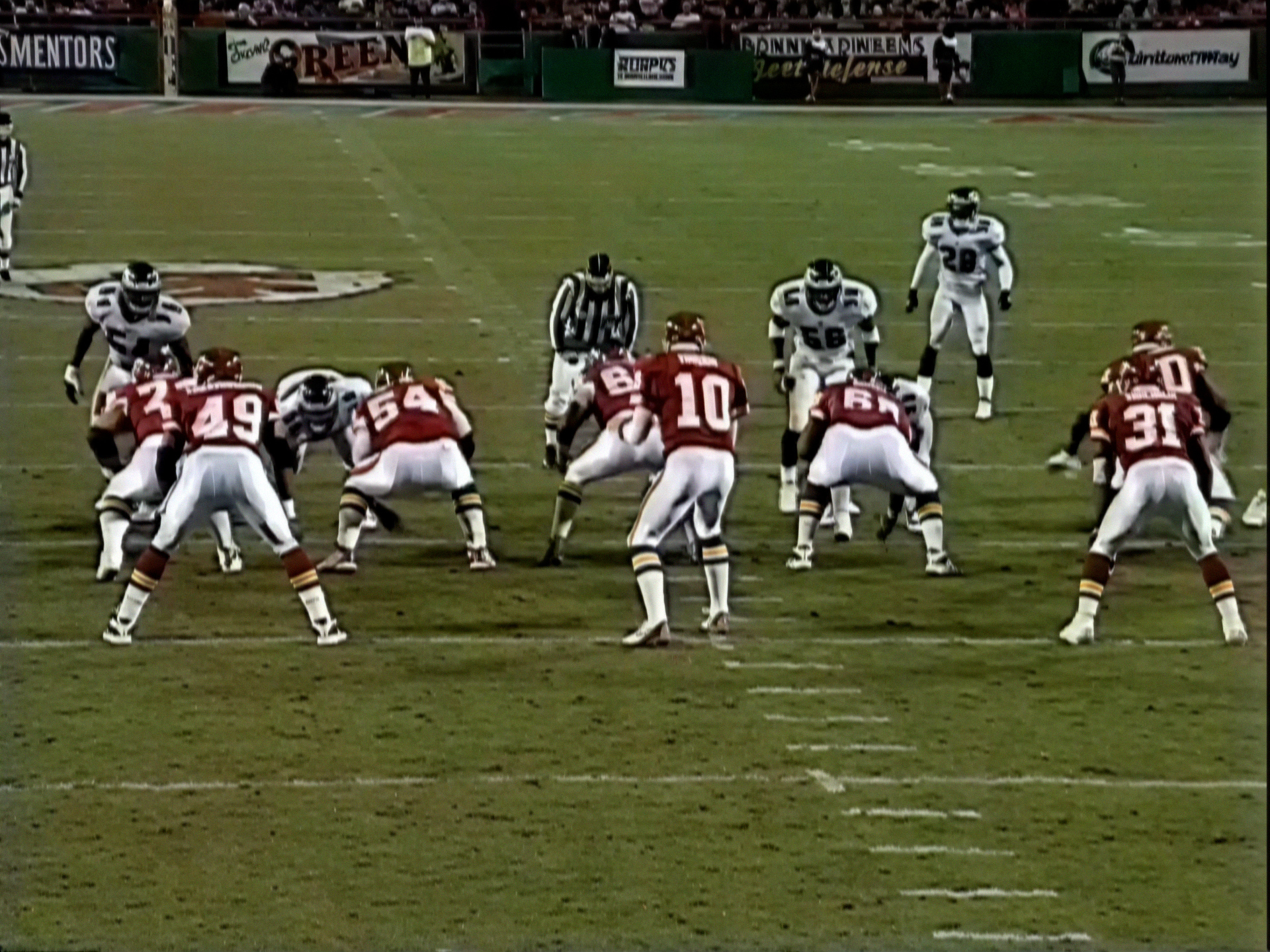
1 Like
It was stated here that the Precision 2.5 requires a compute score of 8.9.
For the RTX 3090, this figure is 8.6.
How can this “work really good”?
The model loads indefinitely, what can I do? 
Sent. I know that the source is LQ and extremely noisy (which is why I use it for testing in the first place). I also know that you tell that SLP isn’t for such material.
But then this is a known typical issue when the video is upscaled with generative models and there are smaller batch sizes used. The issue will appear to some degree also in higher quality sources when there are steady backgrounds - we’ve seen this same behaviour before with SeedVR2 (which can look very well in still shots but in motion always has this jittering and those jumps at that batches seeming points).
We’d need higher batch sizes, best adapted in their length to scene cuts (you already have scene detection feature, so…) and when the scene is to long for it to fit into one batch (VRAM constraints) we’d need some overlap and consecutive blending between those batches. Similar to the SeedVR/ComfyUI approach.
Or use the same technique for temporal consistency as you do in Starlight mini as this model is really crazily good in that aspect.
1 Like
