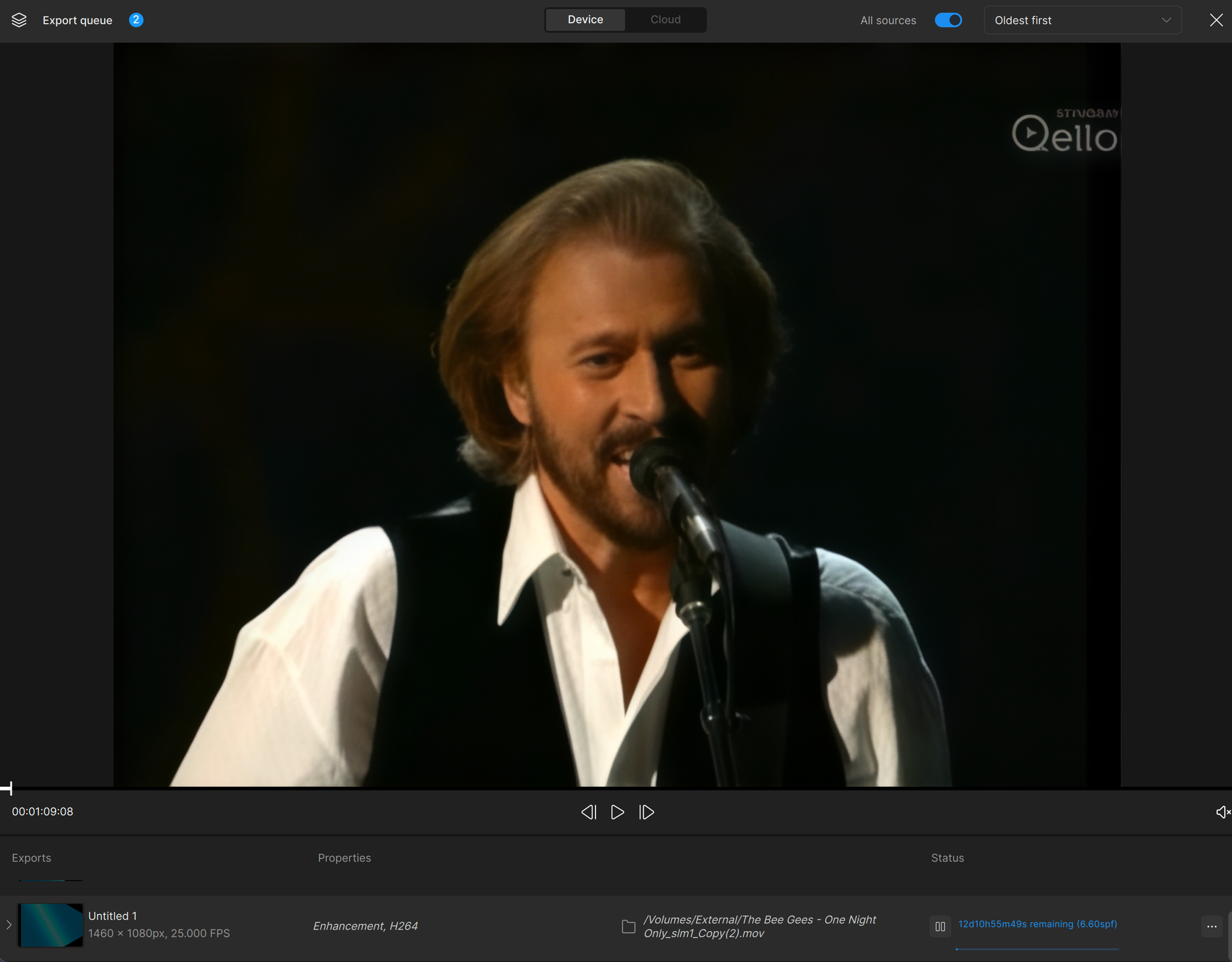
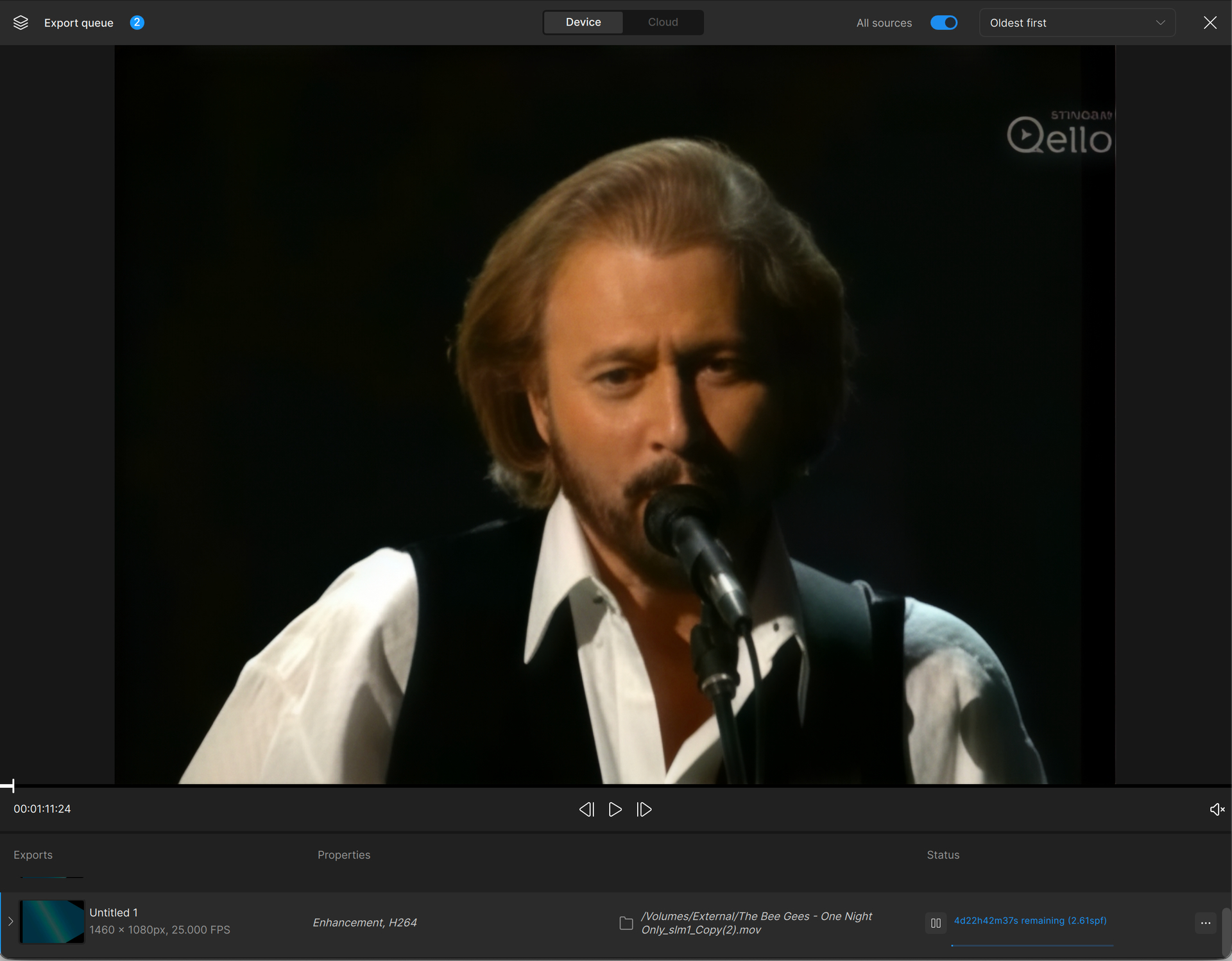
720x480p 2x enhancement with slarlight took 9m54s (31 frames). I am rerunning 4x, when I ran 2x, I noticed denoise was automatically checked, so I want to make sure I didn’t have denoise
720x480p 4x enhancement with slarlight took 41m22s (31 frames).
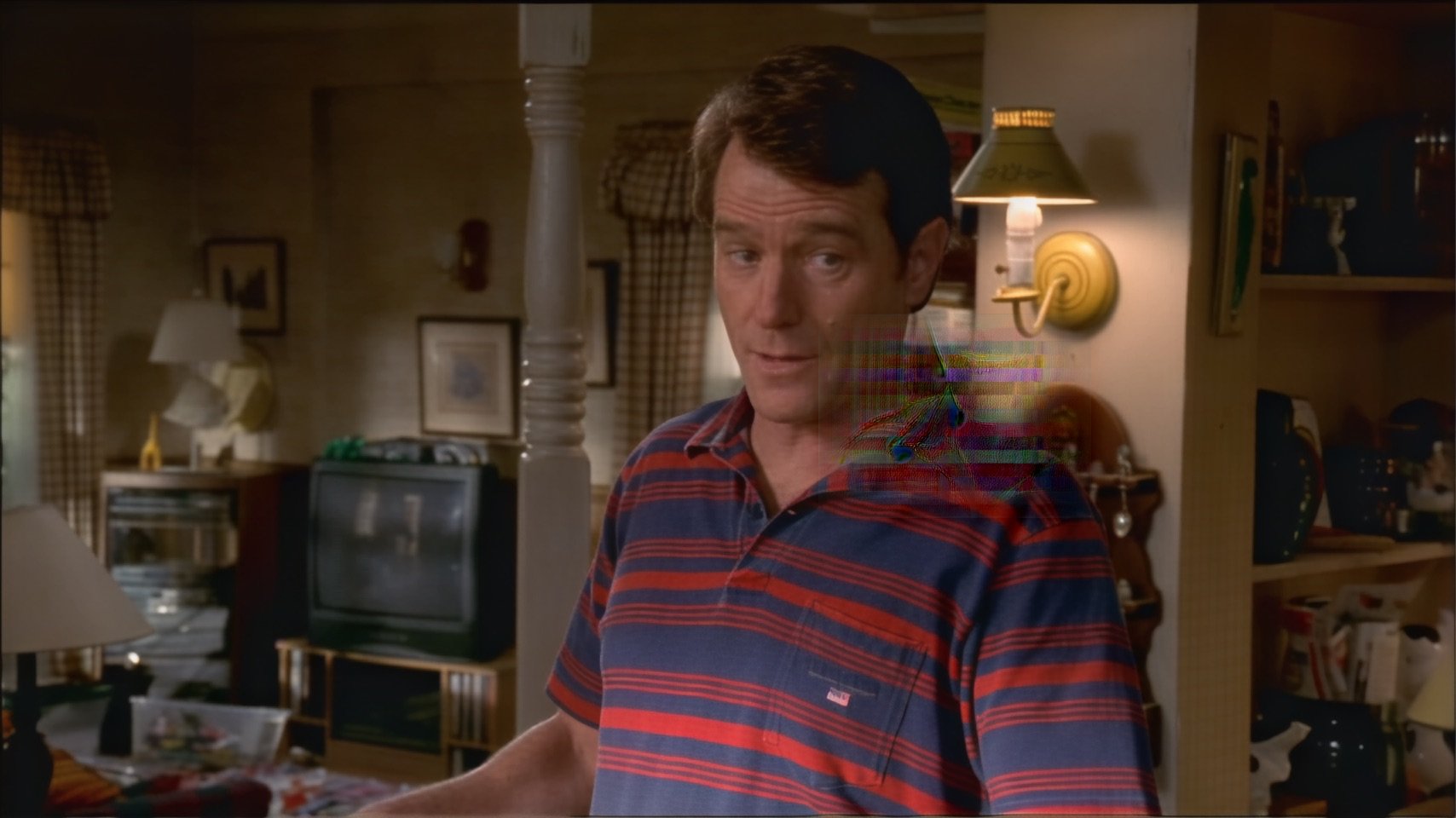
Although the 26.3 Beta 3 almost fixes things, unfortunately there are still some issues with the Starlight rendering. While the vast majority of frames are fine, there are occasional “ghost” tiles (from elsewhere in the frame or other frames), which appear for several frames in succession. Also, there are also other “tile” based artefacts appearing at random.
I was getting about 0.2 fps for 2x upscale of 720x480.
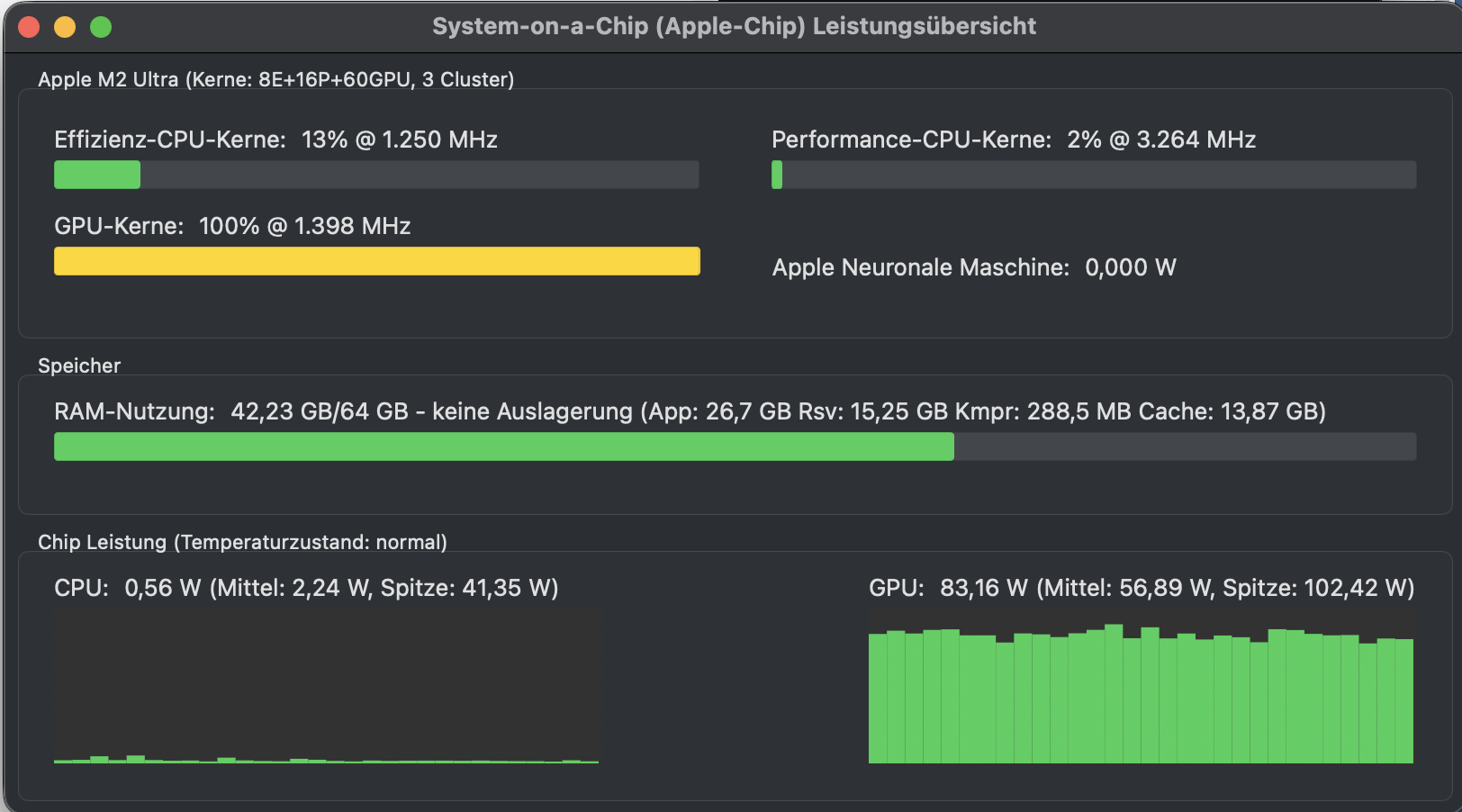
Memory usage was around 42GB out of 96GB. As there was still plenty to spare, I would have though Starlight would have used more.
GPU usage was about 100% whereas CPU usage was minimal. I need to install asitop on this new Mac to see how the Neural Engine is being used.
Maybe that’s somehow related to your source - I don’t have that here (but only tested very short clips, so…)
EDIT:
But it’s changing the colors: From pink to orange. But I’ll have to do further tests if this is linked to Starlight or also happening with other models (e.g. due to wrong color formats set in the source file).
@jo.vo some players use the resolution to determine whether or not to interpret the video as BT.601 vs BT.709. Player misinterpretation of BT.601 vs BT.709 is a classic cause of red color shift. That may be what is happening with your 2x.
If this is a case of player colorspace misinterpretation, the best solution would have been to use Topaz FFmpeg’s command-line to set the colorspace, primaries and transfer characteristics to explicitly force stream & frame-metadata to be tagged correctly, to be fully compatible with color-aware players and avoid auto-detection. RIP Topaz CLI.
And to complicate things further, Topaz converts from YUV>RGB>YUV, which can mess up colorrange, colorspace, primaries, transfer characteristics and chroma location tags.
Of course, it could be the model, but at least try a couple of different players (Davinci Resolve, mpv, Quicktime, Windows Media Player) to see if the color shift varies between players.
This issue is being worked on and we have seen that files of certain resolutions run into this issue where the app is unable to apply the scaling correctly as the resolution is below a certain size. In this situation, the app brings the video up to 720, but then it is stuck there in the UI options. Can you send the support team your logs for review into the original source resolution, and how it is being seen, as we think this is in part due to the non-square pixel situation they are investigating and working on as well. An internal ticket has been created and I was able to replicate this for their review with a file that was at 360x240 but when I converted that same file to a square pixel format and brought it back in the issue did not occur.
Enhanced my first video with Mac Studio M4 Max 36GB using Starlight 2x. This was a 12m video, 0.2 fps, or each frame took 5s of processing. GPU was utilized at 100%, some CPU, no ANU used. I had a few GB of RAM left.
Video quality is excellent, it’s just… slooooow A little over 2 hours per minute. I suppose this will only scale with more GPU cores for now for this model.
Hoping Topaz can optimize the model or the processing!
Was that with MacOS Sequoia? And if so have you set up dual boot? I’ve set that up on my new M3 Ultra just so I can use Starlight until it’s fixed for Tahoe. As you might have read, I was getting errors and artifacts when I tried Tahoe 26.3 beta 3.
I don’t know much about Apple Silicon, but the specs tell me that the M4 Max’s GPU is roughly on par with a GeForce 4070 NOTEBOOK edition, means low voltage GPU, and that’s the problem: they just don’t have the power of a 350+ Watt graphic card. The M4 is very advanced, manufactured in 3nm TMC, and consumes only 45 watts, which is great in terms of power consumption/performance ratio, and it is the reason why the computer could be built so small… but it’s not an ideal choice for the raw GPU power we need with stable diffusion-based applications.
Sure, the model isn’t optimized for Apple silicon, and there’s still room for optimization I think, but I wouldn’t expect too much.
What I like about Apple Silicon is the efficiency and the concept of shared memory. But it won’t compete with a dedicated NVIDIA GPU on a desktop. Maybe some future M5 Ultra with many more cores… Still, I think NVIDIA will continue to lead from a raw performance (using a little more power though!)
In the early beta versions Starlight on the Mac did use both GPU and Neural Engine and was twice as fast here on my M2 Ultra than the current implementation.
BUT the quality of the current version is much superior, so…




 A little over 2 hours per minute. I suppose this will only scale with more GPU cores for now for this model.