Someone take a look at this please. To me this is “DOA.”
Never had a problem making a ProRes .mov in Windows before. Same process works fine in the old application.
Someone take a look at this please. To me this is “DOA.”
Never had a problem making a ProRes .mov in Windows before. Same process works fine in the old application.
Yes same here, prores codec error for 1080. However, it did work if the resolution was left unchanged.
I don’t really understand how so many errors can be released in a final product…!
I found out about this when I was trying to install the latest version on the Intel iMac (with an AMD CPU).
But I am having the same problem as mentioned before:
Preview-Processing remains at 0%. And exporting remains on Estimating.
When it comes to Sharpen, it says: Please complete the system check… But I have no idea how I should do that.
Please advise.
Thank you for your help.
Thor
seems to be the model was not downloaded, but I don’t know how to trigger the the Downloader Window that normally appears at first use
Awesome thank you for the advice!
I started with a straight up stabilizer pass with some nice results and will go from here. I was finding that Nyx XL was taking a long time combined with stabilization so separated out the steps to reduce the impact of a failure.
I’ll try a couple clips with Nyx then Starlight vs just Starlight vs Starlight sharp to see the difference. It’s VHS-C but the original quality was not too bad, I ran it through a retrotink while recording so it came through with some nice deinterlacing already.
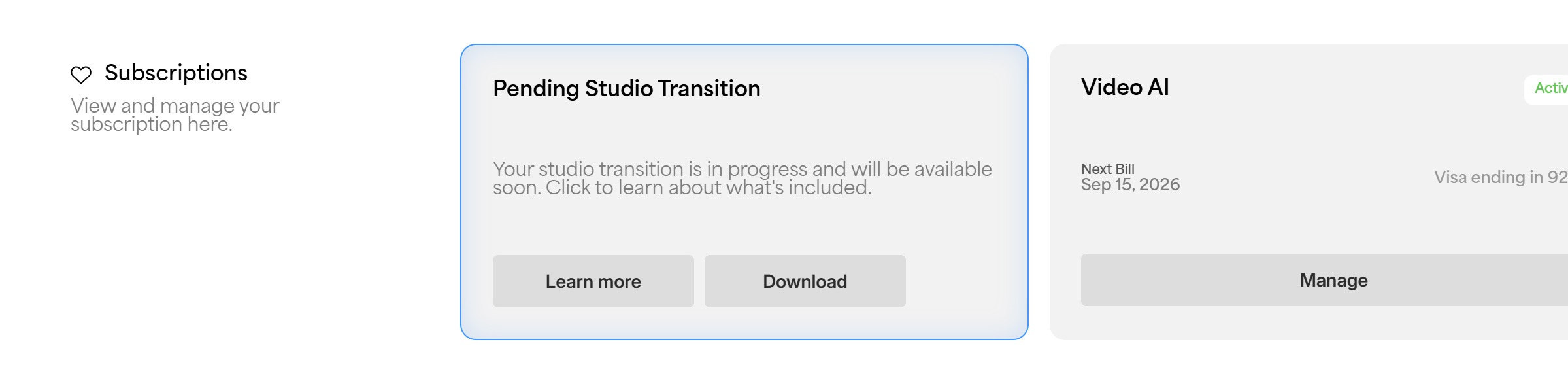
I purchased a license for I think 95% of Topaz products. Do I have a Founder status?
Only if you have active licences for at least two of the current AI products.
ok, great, I have 3 licenses…
Please, even if not Mr Wixom, will someone from Topaz answer my query regarding use of the CLI for personal licence users.
In simple terms, the Topaz Video 1.0 UI says “yes, go ahead”, while the EULA (which hardly anyone reads) says “no - strictly prohibited”. So which is it?
Thanks.
Andy
Andy, I don’t see how anyone from Topaz posting here can tell you to ignore their corporate EULA. The best they could do is either say, no the EULA is right; CLI doesn’t work for personal-license users in the new version, or they could say we’ll be discussing this to see if we need to and can modify our EULA and app to allow CLI for personal licenses in the new version (which is not going to happen quickly). Right?
Meantime: do you have the new Video AI installed and running and does the CLI work for you as before, or is that option now unavailable?
Can anyone confirm whether the Studio version comes with 2 seats like the legacy edition does? Thank you.
No, it doesn’t. Just one seat.
However, you can alternately use more than one computer , just not at once.
you should also have auto-renewal enabled.
Thank you.
I purchased Topaz Video AI on 15 September.
Will I be granted Founder status?
I renewed my earlier Topaz Video AI license on the 15th also, and it seems so… 
I have been testing out Video 1.0.0 a bit, and I can run Starlight Mini (+ Sharp) locally on my Windows 10 computer. Very happy so far! 
Cheers!
EULA will be updated here to clarify this point with the next patch. You can use the current CLI in Topaz Video. Current CLI usage restrictions only apply to Topaz Gigapixel and Topaz Photo.
This is correct 
Yeah we’re extending the coverage period here  you will be covered
Awesome, glad you like it!