But I‘m still able to use the Apps alternately on the Mac and the Windows PC - just not at the same time?
BTW, you apparently forgot to update the Gigapixel iOS app (if you can call it an app in it’s current state as it’s really just an uploading client for the images to your cloud).
My recommendation is that you run a pass of standard Nyx + Stabilization. This will give you the quickest and probably better result since video can have a slight warp in the tapes from age. Pending on how much noise is in the footage, you do have the option open the “Advanced Tuning” to modify the denoise strengths. Once you get this result, use Starlight. Starlight is a great tool for several videos, but it does very well with older/low quality videos such as VHS and VHS-C. Starlight sharp is good option but is better for Medium quality and up so think deinterlaced MiniDV content.
That would of course be a MAJOR downside and be a sure reason to cancel the subscription.
And I’m not sure if this would hold true against legal inspection here in Europe.
Just because someone writes something in an EULA (or AGB in Germany) this doesn’t mean it’s applicable.
Microsoft has lost quite some lawsuits here trying to bind software licenses to specific hardware.
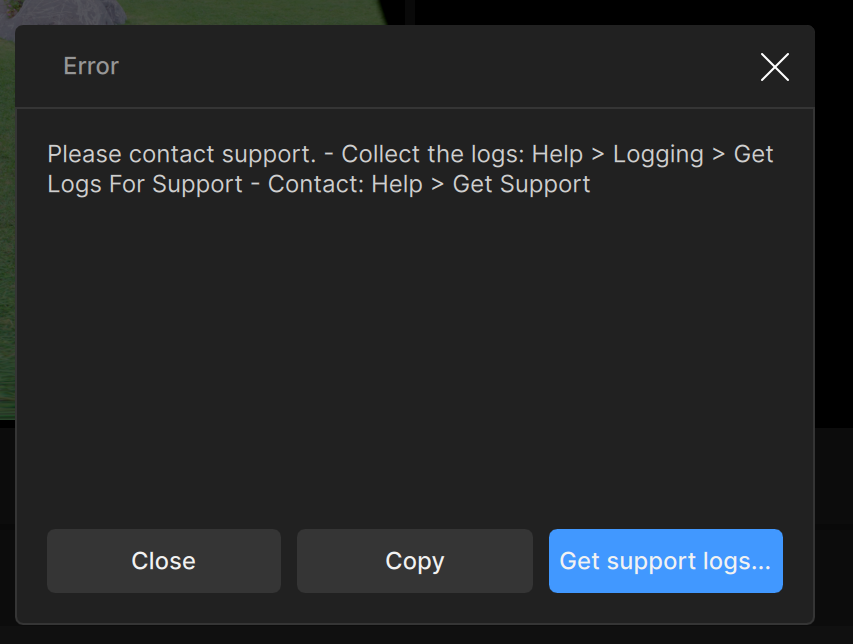
Anyone else not able complete an encode with Starlight Sharp, Prores std, MOV container and resolution set to 1080p? If I leave the resolution at “original”, it completes the task with those settings, but if I simply change the resolution to 1080p, I get this error:
Current container (file extension) is not be supported by the codec. Try changing the file extension. - Some parameter(s) may not be supported by the codec. Check FFmpeg command.
I submitted my logs to the Help team, but I’m wondering if anyone else is getting an error with 1080p starlight sharp.
Switching between computers might sound “reasonable” - even though we used to be able to use TVAI on 2 at once. However, here’s a copy and paste from the EULA, which also includes the NEW restriction of NO CLI with the personal licence:
A Personal License grants You the right to install and use the Software on (1) device assigned to a single named user, not shared, per license purchased. Personal Licenses are only valid for a single user and may not be shared between individuals. Access to or use of the Command Line Interface (“CLI”) is strictly prohibited under a Personal License.
Can Starlight give previews? For some reason it’s the only model that is greyed out when clicking on preview 2seconds. Otherwise a bit annoying if I can’t test a scene before doing a long export.
And you’d be wise to submit a very small snippet to test. It can take a long time to render your project, and you don’t want to be disappointed by the results and have to redo it.