The 1.6.0 installation works fine, but 1.6.1 causes AVX error. I’m currently using an I7 13700K.
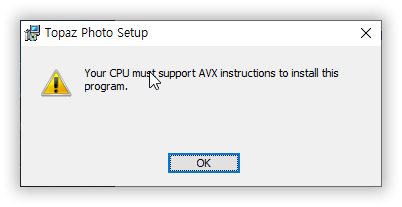
@goldenkie - this CPU definitely has AVX. Can you chcek steps here to see if any of these updates fixes the incorrect warning? Troubleshooting AVX, DLL, or Installer Errors (Windows) | Topaz Photo
1. Intel Corporation Driver Update
2. Windows 10 Version 22H2
3. .NET Framework
I updated these three and it worked out well. Thank you so much for providing a great solution. Have a great day!
3 Likes
2 posts were split to a new topic: Discussion | What computer should I get
A post was split to a new topic: Topaz Video issues for mac v1.6.1
sorry but what exactly is “Intel Corporation Driver”?? I see no updates for any of intel drivers but I get the same error. so maybe you could point out exactly which driver do you mean? thanks.
@mixtrywhy the user you are replying to had provided information that confirmed his computer was compatible with the app, which we do not have in your case. You can follow steps here and see at the end how to contact support and send in the information we need to sort this out: Troubleshooting AVX, DLL, or Installer Errors (Windows) | Topaz Photo
1 Like
A post was merged into an existing topic: Enhancement Improvement | Ability to Copy Mask & Share Between Enhancement Layers
There’s this point where VRAM usage suddenly spikes.
Have you noticed this, too?
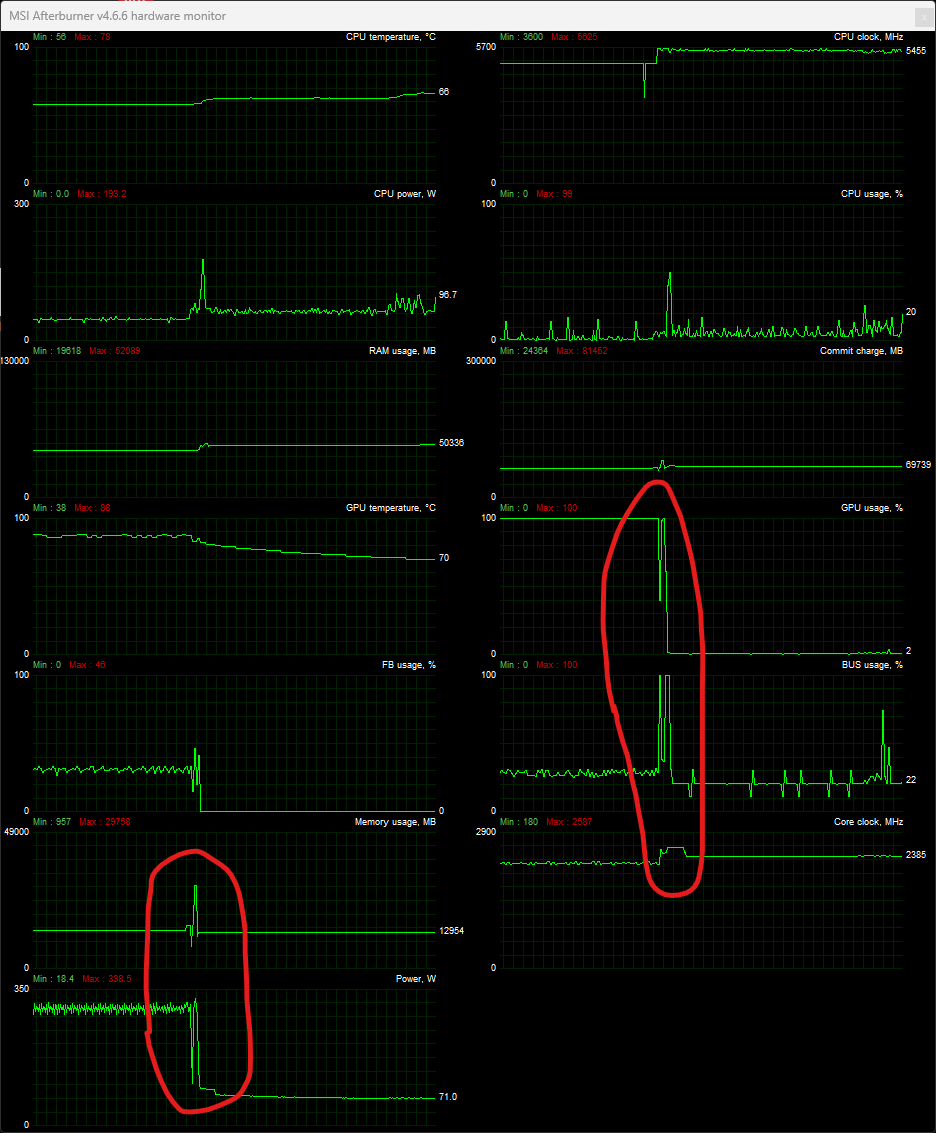
For a splitsecond - 29758 GB were used.
1 Like
2 posts were split to a new topic: To have higher output limit for Wonder - 192MP at the moment
This is perfectly safe and most likely a transient reporting artifact of the monitoring tool. The heavy GPU workload has completed, and the output is being transferred back to the CPU, which is exactly why you see that large spike in BUS usage. It’s really nice to see your GPU is being utilized at 100% most of the time!
1 Like
This is exactly why I am reluctant to install v1.6.1.
In v1.6.0 I have just completed and exported a Wonder 3 local render at 13,500 × 24,000 px — 324MP.
The v1.6.1 release notes say Wonder 2 / Wonder 3 local rendering is now limited to 192MP due to NeuroServer limitations. Topaz documentation elsewhere refers to a 128MP Wonder limit.
If Wonder / NeuroServer genuinely has a hard technical limit, how did v1.6.0 complete and export a 324MP Wonder 3 local render?
This is not an academic issue. Why should I risk installing v1.6.1 if it may remove, cap, or alter a working v1.6.0 local Wonder 3 workflow?
Please clarify directly:
- Is the v1.6.1 Wonder local limit 192MP or 128MP?
- Is this a true technical limit, or a newly imposed software cap?
- Did Topaz change Wonder 3, the NeuroServer path, tiling/context handling, memory handling, or model files between v1.6.0 and v1.6.1?
- If a user installs v1.6.1 and loses the v1.6.0 behaviour, can they reliably roll back to the exact previous Wonder 3 local model/path?
This is the same concern I had with Gigapixel 8.3. A useful v8.2.2 Face Recovery / Redefine workflow was removed or restricted, and the suggested workaround was not equivalent. I was fortunately able to delete 8.3 and rebuild 8.2.2. Users should not have to gamble like that.
Faster processing is welcome. But an update that improves speed while risking the loss of a proven local workflow is not simply an improvement. It is a potential loss of capability, and it should be plainly documented before users install it.
3 Likes
We don’t have a genuine hard limit. This is the limit we reliably tested on our minimum spec machine on both Windows and Mac. We’ll revisit how to loosen the limit on different machines.
3 Likes
Maybe alow user to set size in the settings?
Then its up to them if they want to go higher.
1 Like
New Bugreport 
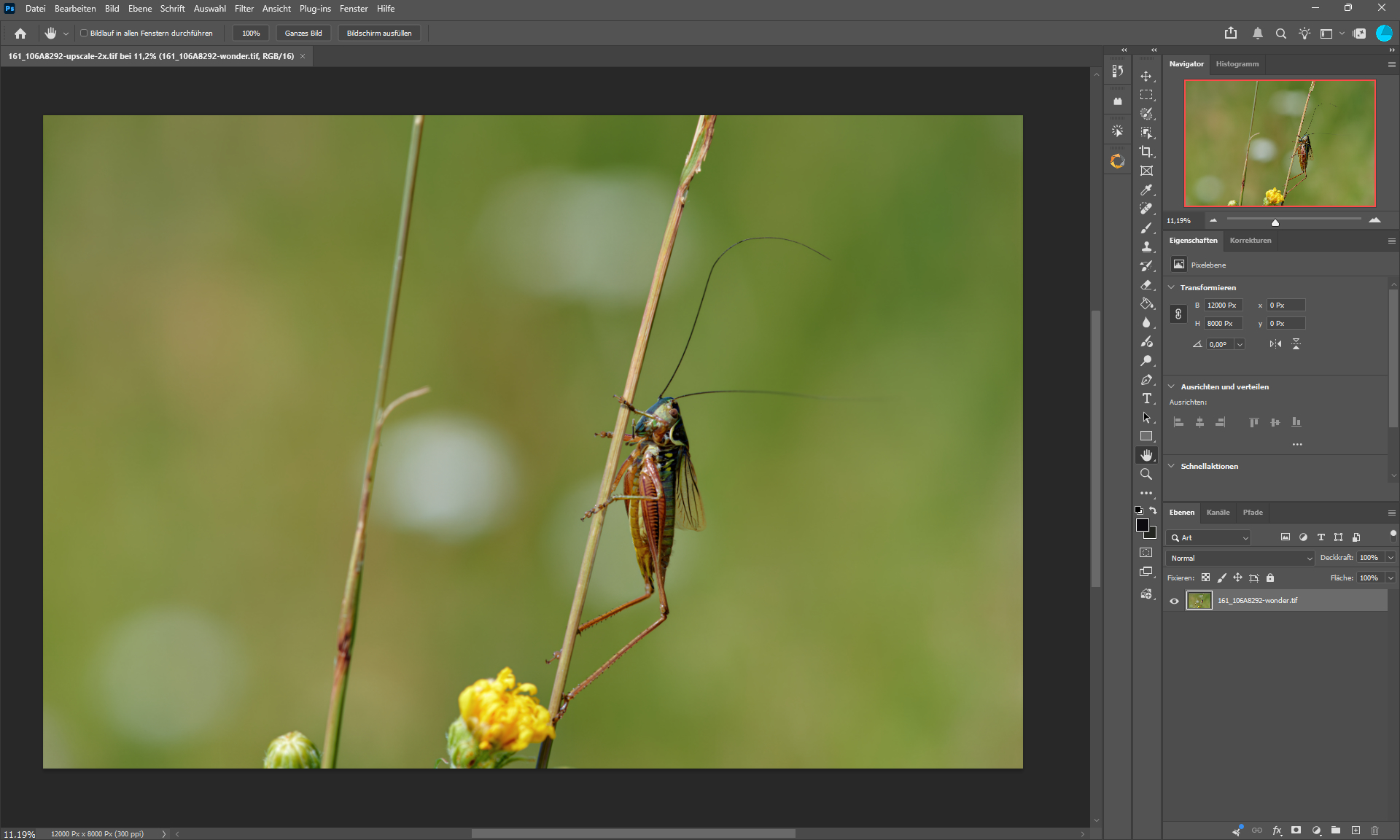
a distinguished gentleman
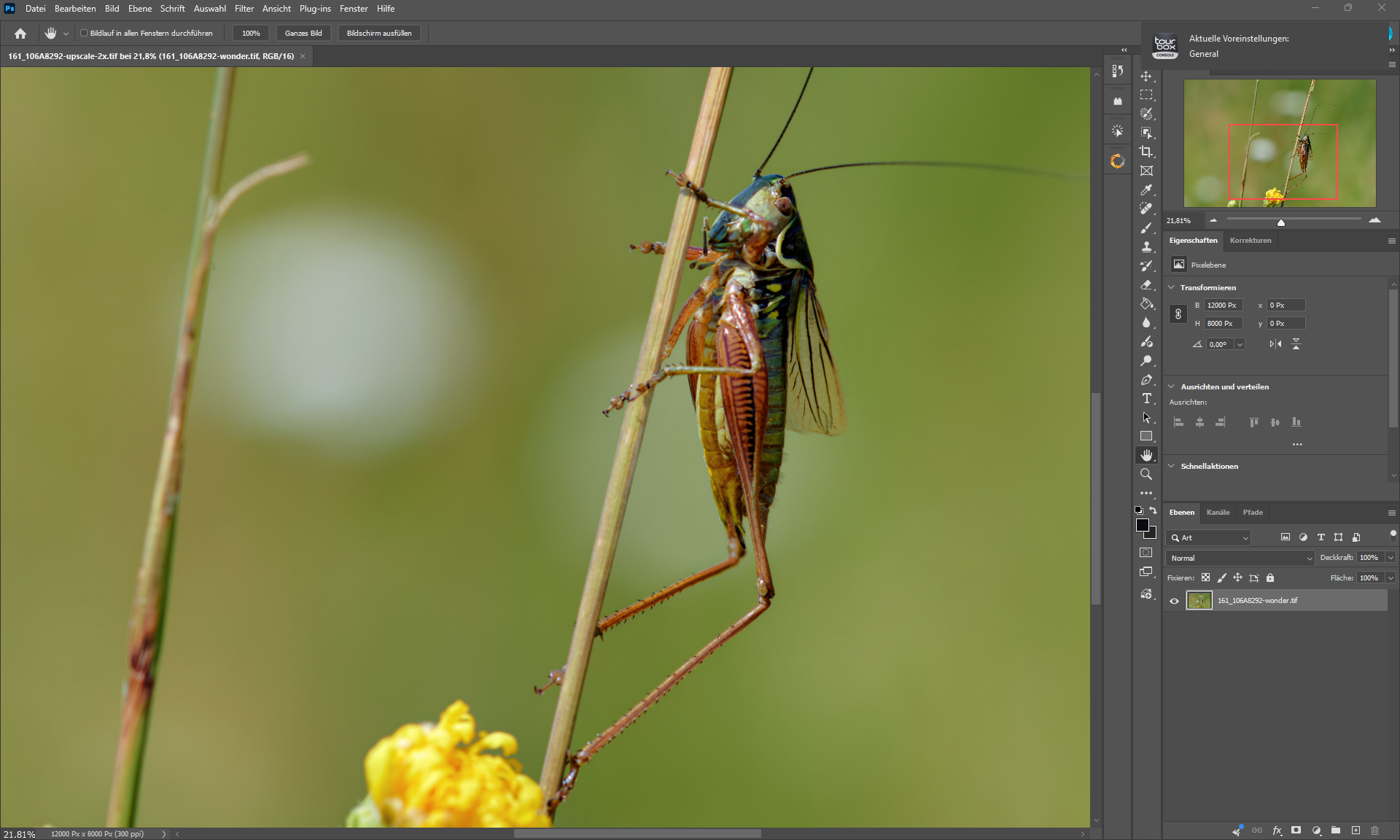
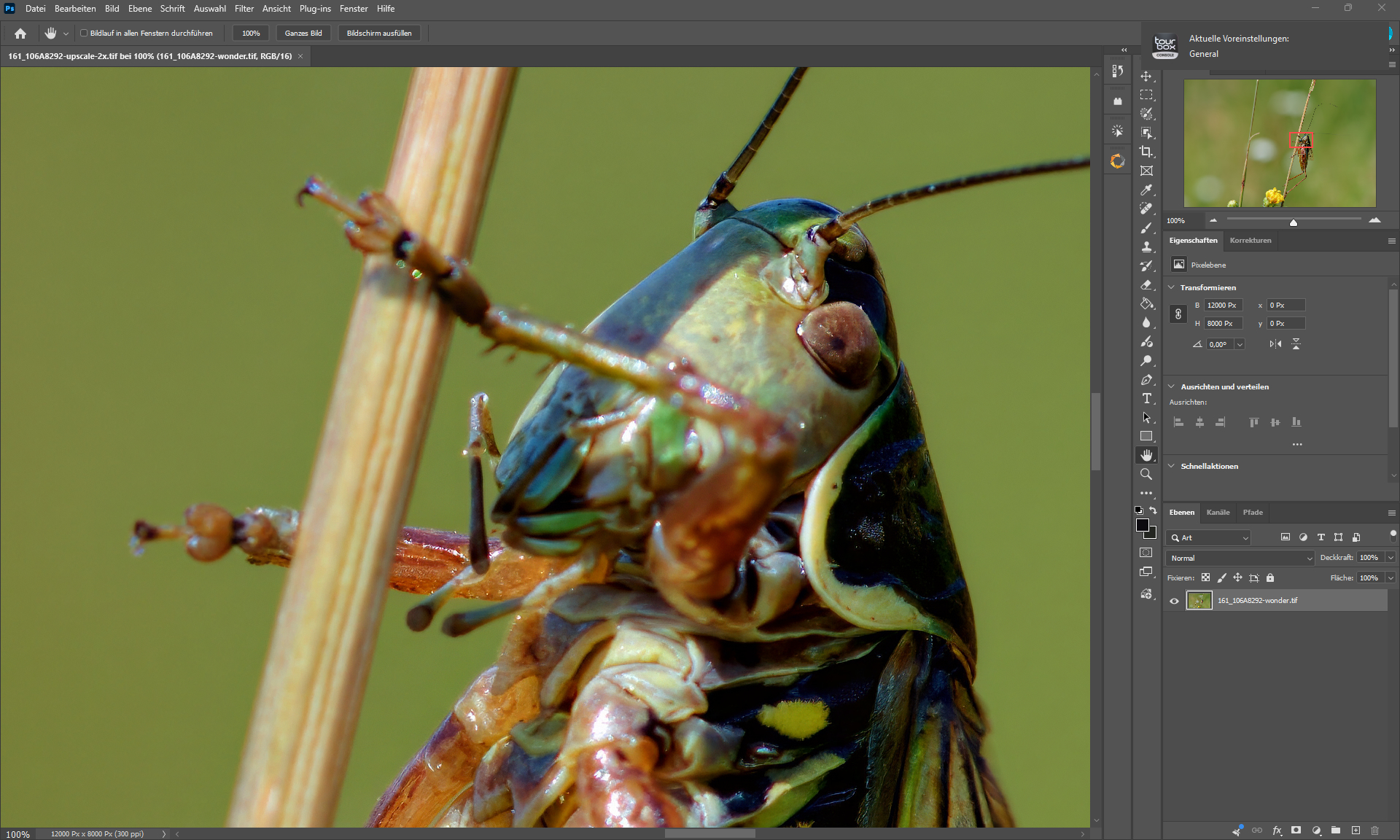
Capture One (AI Denoising & General Editing) - Photoshop (Central Editing) - Topaz Photo 2x upscale (Wonder 3 + Denoise Max + HifiV2 + Noise Aware Sharpen)
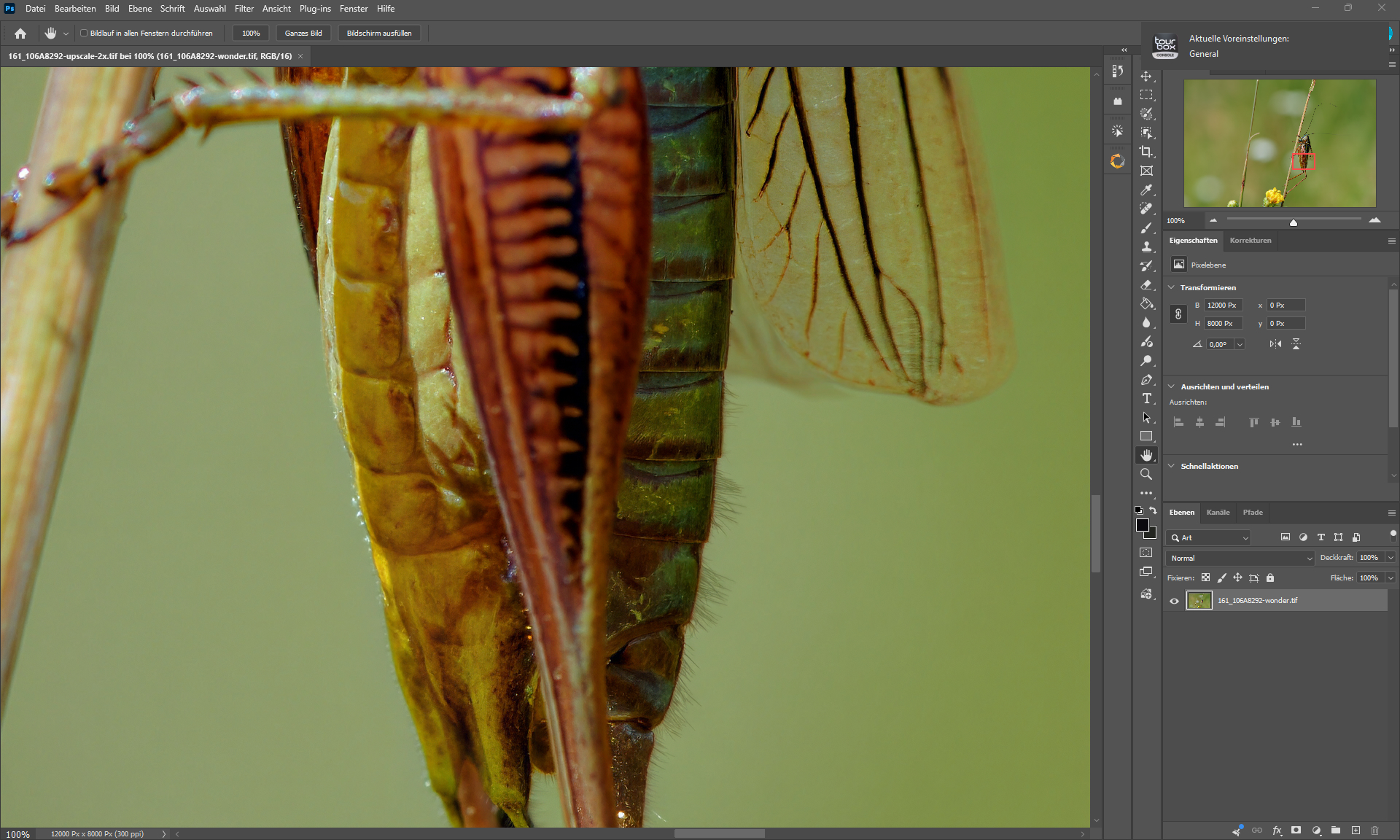
Wonder 3 - background is HifiV2 - Grasshopper is (Wonder 3 + Denoise Max + Noise Aware Sharpen) & (HifiV2 + Denoise Max + Noise Aware Sharpen) both output images fused via median filter (did look best).
5 Likes
what a polite way to tell me to stop complaining  and I don’t appreciate it at all.
anyway I don’t think updating from v1.6.0 to v1.6.1 would require newer hardware all of a sudden.
what solved the issue for me was turning off Core Isolation Device Security in the Windows Security App | Microsoft Support
update the app then turn it back on afterwards, basically it’s a compatibility issue.
I would’ve contacted the support team if I believe I have to, so I usually ask other users to get solutions like the one I came up with on my own.
I hope you have a good day.
1 Like
Even with smartphone photos, I’m hitting a software limit here.
I could enhance these images, but the Wonder 2 is a 4X model, and smartphone photos exceed the 192-megapixel limit at 4x.
