Topaz Photo v1.6.1

Hello everyone!

Today we have a patch release for Topaz Photo with a large list of fixes.

We also shipped a NeuroServer update that brings 2x faster processing on Mac, and up to 4x faster processing on low VRAM GPUs (8GB to 12GB) for Windows!


v1.6.1
Released June 11th, 2026
Windows: Download
Snapdragon: Download
Apple Silicon Mac: Download
Intel Mac: Download


Neuroserver Speed Improvements for Mac and Windows

In this release are many improvements to NeuroServer which speeds up both Mac and Windows processing in different ways. Overall, NeuroServer runs efficiently compared to previous versions, which benefits all NeuroServer-based models: Wonder 2, Wonder 3, Super Focus v3, Denoise Max, and Recover Faces 3.

Mac

On Mac, two things changed. First, NeuroServer initialization and model loading are significantly faster. The first run after installing should start up noticeably quicker, and subsequent runs load faster too. Second, processing now uses both the GPU and Neural Engine together. Combined, Mac processing is 2x faster across all NeuroServer models.

Windows

On GPUs that meet the minimum VRAM requirements (8GB and 12GB cards) NeuroServer was running inefficently due to memory usage. We have reduced requirements to allow faster image processing on these devices which were bottlenecked by memory. For 8GB and 12GB VRAM GPUs, the speed improvement is up to 4x.

in our testing with an NVIDIA 4060 Laptop GPU with 8GB VRAM, we upscaled a 24MP image to 96MP (2x upscale) with the following results. Note that devices with more GPU have lower improvement due to no memory bottleneck in processing.

  • 1982s (33m) processing time on v1.6.0
  • 450s (7.5m) processing time on v1.6.1, a 4x increase

If you’ve been avoiding these models for larger images or batches because of processing time, this update changes that calculation.


Changelog

  • Add color correction to High Fidelity 3 to prevent color shift
  • Limit output to 192MP for Wonder 2 and Wonder 3 local render due to NeuroServer limitations
  • Remove unnecesary warning when using Wonder with Raw files
  • Block NeuroServer local processing for devices below minimum GPU requirements
  • Block Face Recovery 3 when generative AI is disabled in settings
  • Fix resolution settings not applying properly from upscale menu
  • Fix RAW denoise not adding in batch processing when images are not loaded and analyzed
  • Fix filmstrip tooltip information
  • Fix Denoise MAX having no way to reprocess and change strength
  • Fix processing deselected faces in Recover Faces when another enhancement is added
  • Fix face recovery default sometimes selecting 0 faces
  • Fix enterprise seat claiming
  • Fix window controls on top left not centered on Mac

Lingyu Kong
Technical Product Manager
Image AI
7 Likes

Thanks for the update. Well done. The excessive memory usage issue for 16GB GPUs has been fixed. It now seems that the neuroserver loads faster during the initial process. Inconsistencies in large outputs have also been improved, and it appears that the tiles have significantly more context than before. The images that used to give me trouble are now perfect. Thank you!

6 Likes

Glad to hear that all of the issues are solved. Thanks for reporting those in the last release.

1 Like

The High Fidelity v3 model seems to be fixed. There are no more unwanted color cast issues in the image.

And no more problems with Recover v3. The honeycomb effect is completely fixed.

3 Likes

A post was split to a new topic: AUTO PILOT | slider turns off when I update version

In 1.6.1 Denoise Max shows an alert message indicates that we need at least 7.5 GB of VRAM when we have 10 GB.
For Super Focus V3 the button is now greyed out.
All was working flawlesly in the previous version.
Hope you’ll fix this shortly as we are now stuck on processing with old models.

I got download error on the models. It download the model, then I see the error at the bottom right again and again, one model works. I did a new install again of 1.6.1 and it still happen. I have RTX 4070.

I have since gone back to 1.6.0 and no more problems.

1 Like

@iknsvrmqmpfvkoo - I have flagged this to the development team. Since this is not something we can replicate on our side with machines over 8GB VRAM, can you send in to support@topazlabs.com:

  1. Your app logs (Help > Open Logs folder > Send all files)
  2. Your System Profile: How To Obtain Your System Profile (Windows)

We can then open an item for the development team to look into. Until this is resolved, you can also revert to v1.6.0 or use cloud processing for both Denoise Max and Super Focus, which would be faster then local processing:

v1.6.0
Released May 13th, 2026
Windows: Download
Snapdragon: Download
Apple Silicon Mac: Download
Intel Mac: Download

@mrtoyota03 - even if you are back on v1.6.0 we can still see your v1.6/1 log to see what happened. Send in your app logs to support@topazlabs.com and we can have a look. (Help > Open Logs folder > Send all files)

I’m in the process of testing Wonder 3 with 2X upscaling on a 35mm film scan.

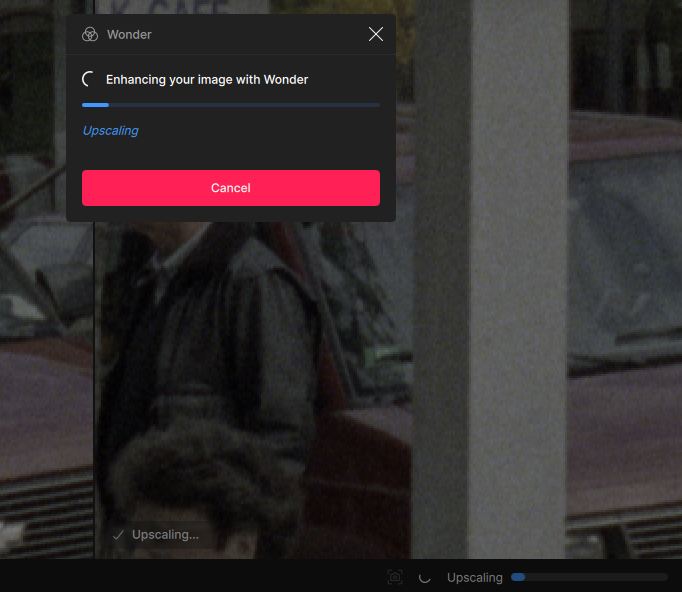
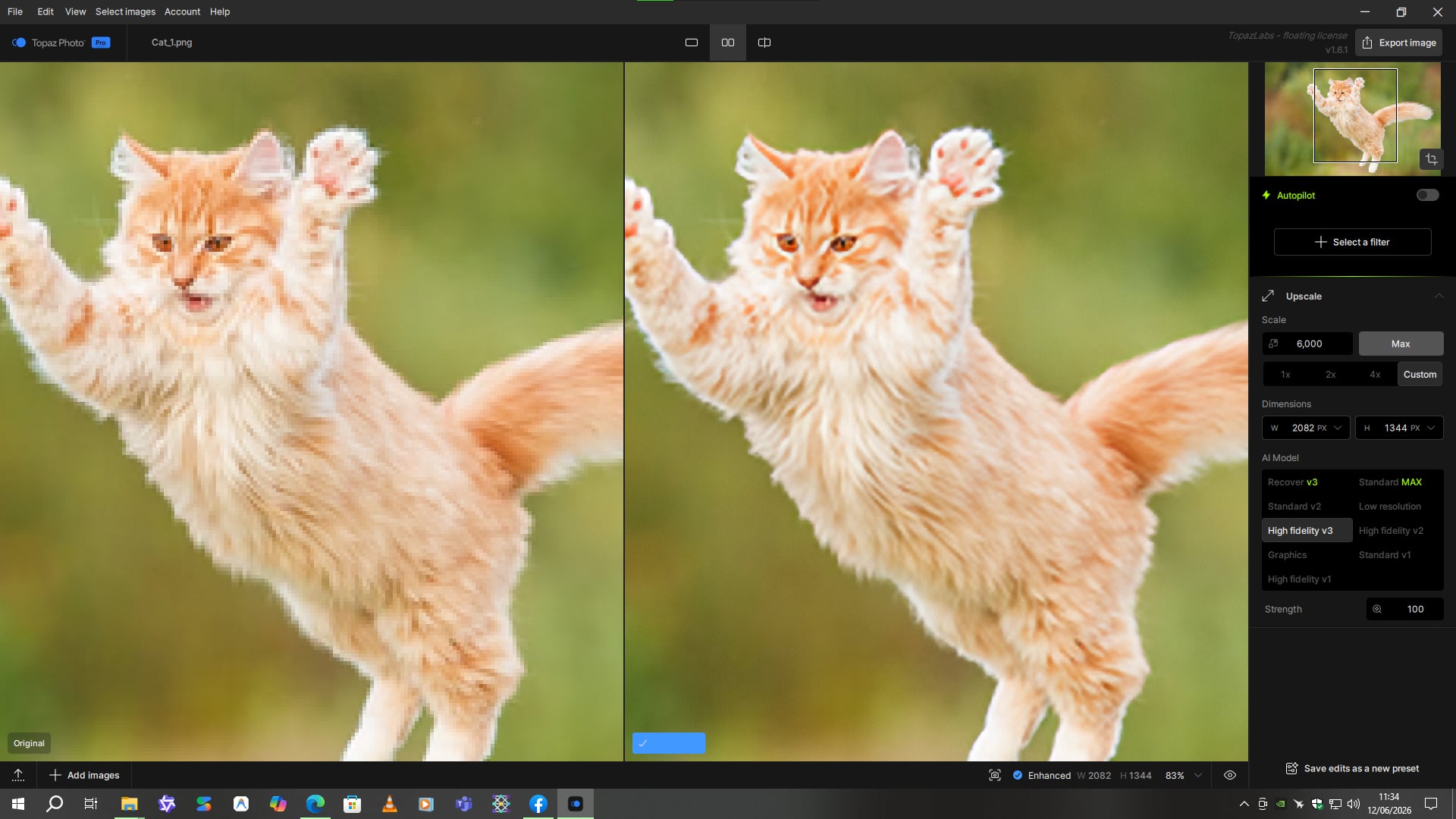
My first comment is about the UI: Upscaling became checked in the preview area after a bit, but the Upscaling process does not seem to be completed (?). So what does the check mark mean?

It just means the Upscaling step is in progress. Once completed it will be a checkmark by itself. Let us know if any issues occur!

I’m On Windows and this is a really nice release. Processing Locally is now really Usuable. I have 12gb of VRAM and Cloud Processing was the only why I could go before on the newer models, but locally is now quicker, very happy.

2 Likes

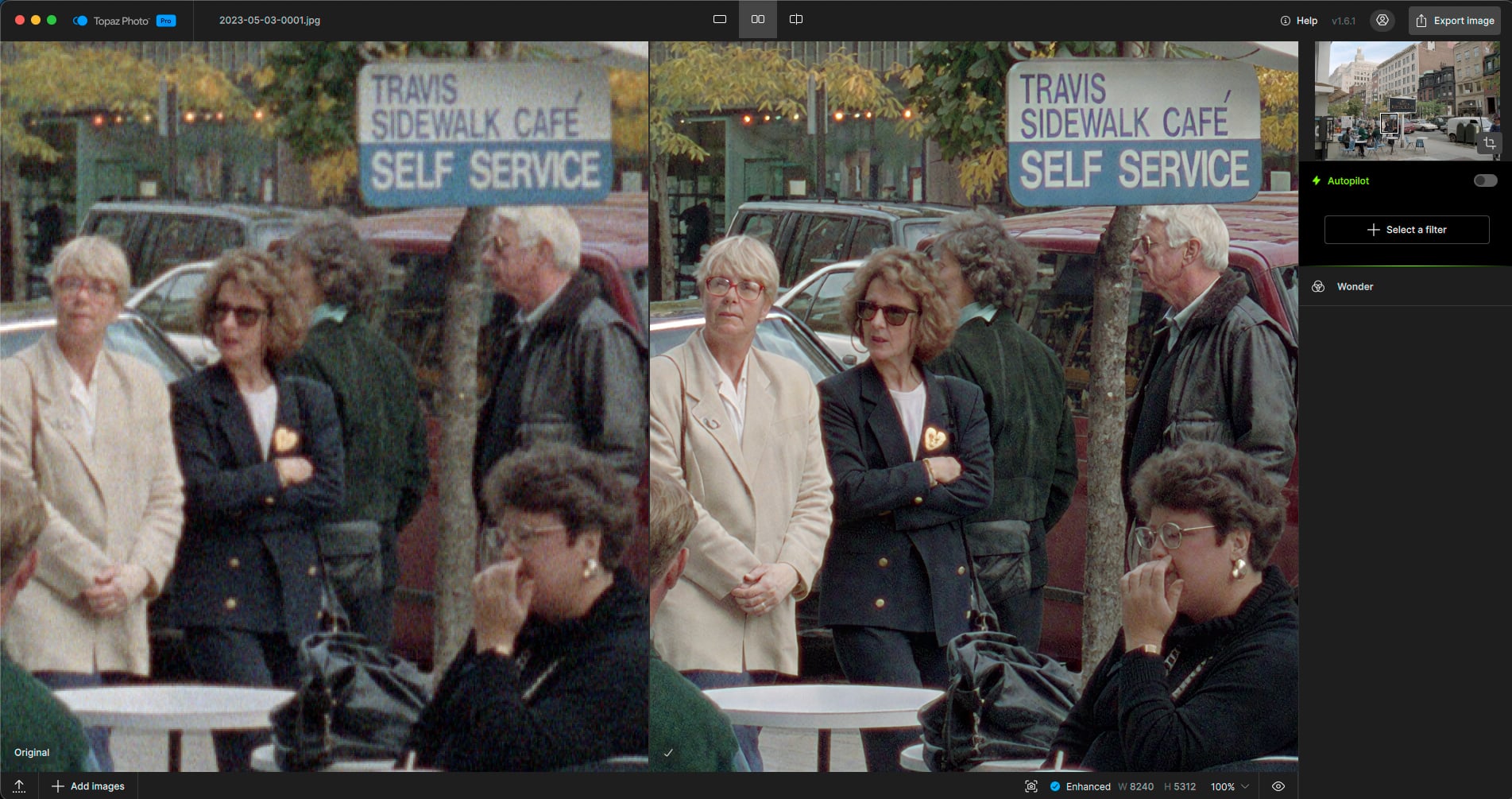
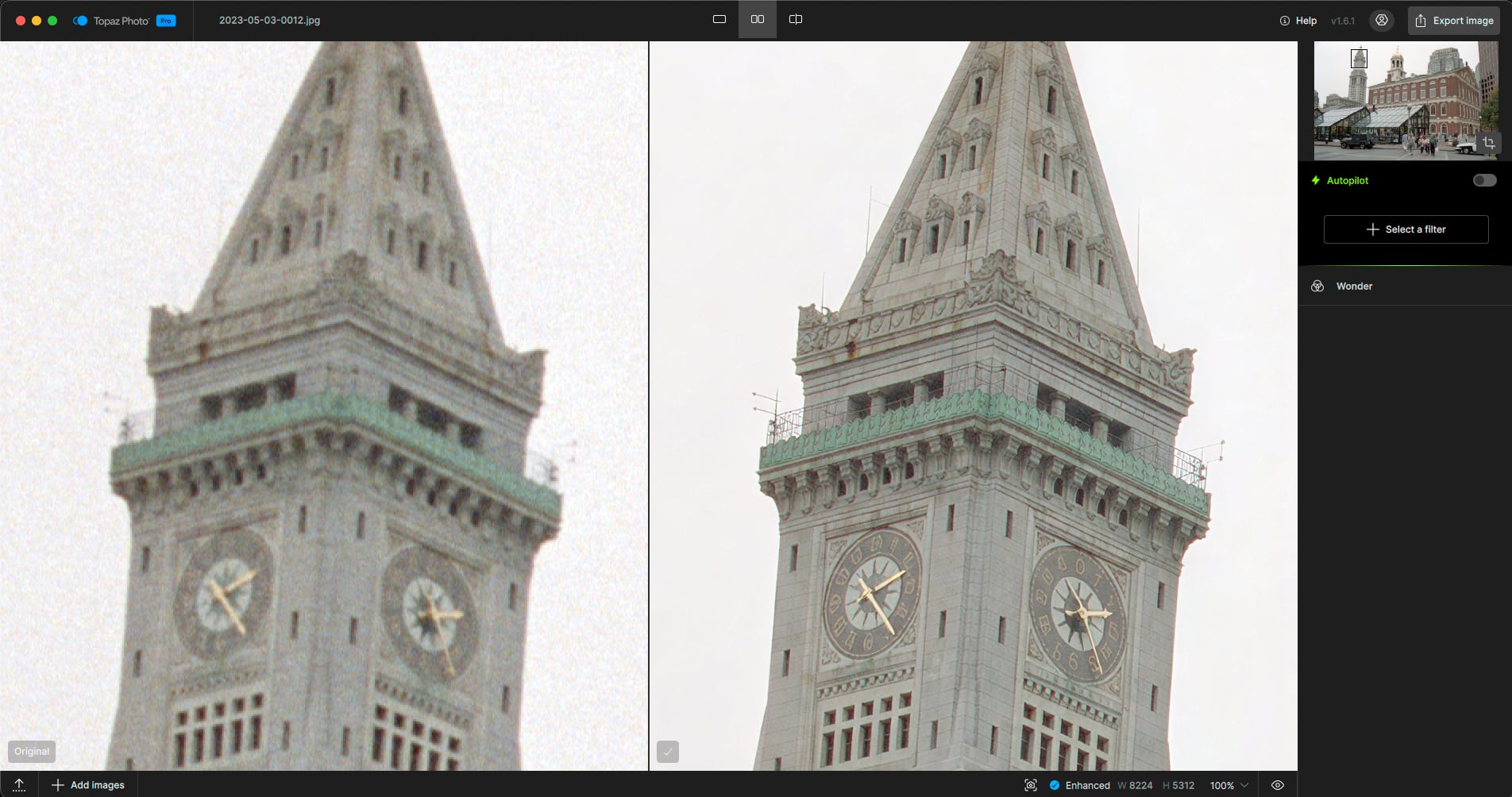
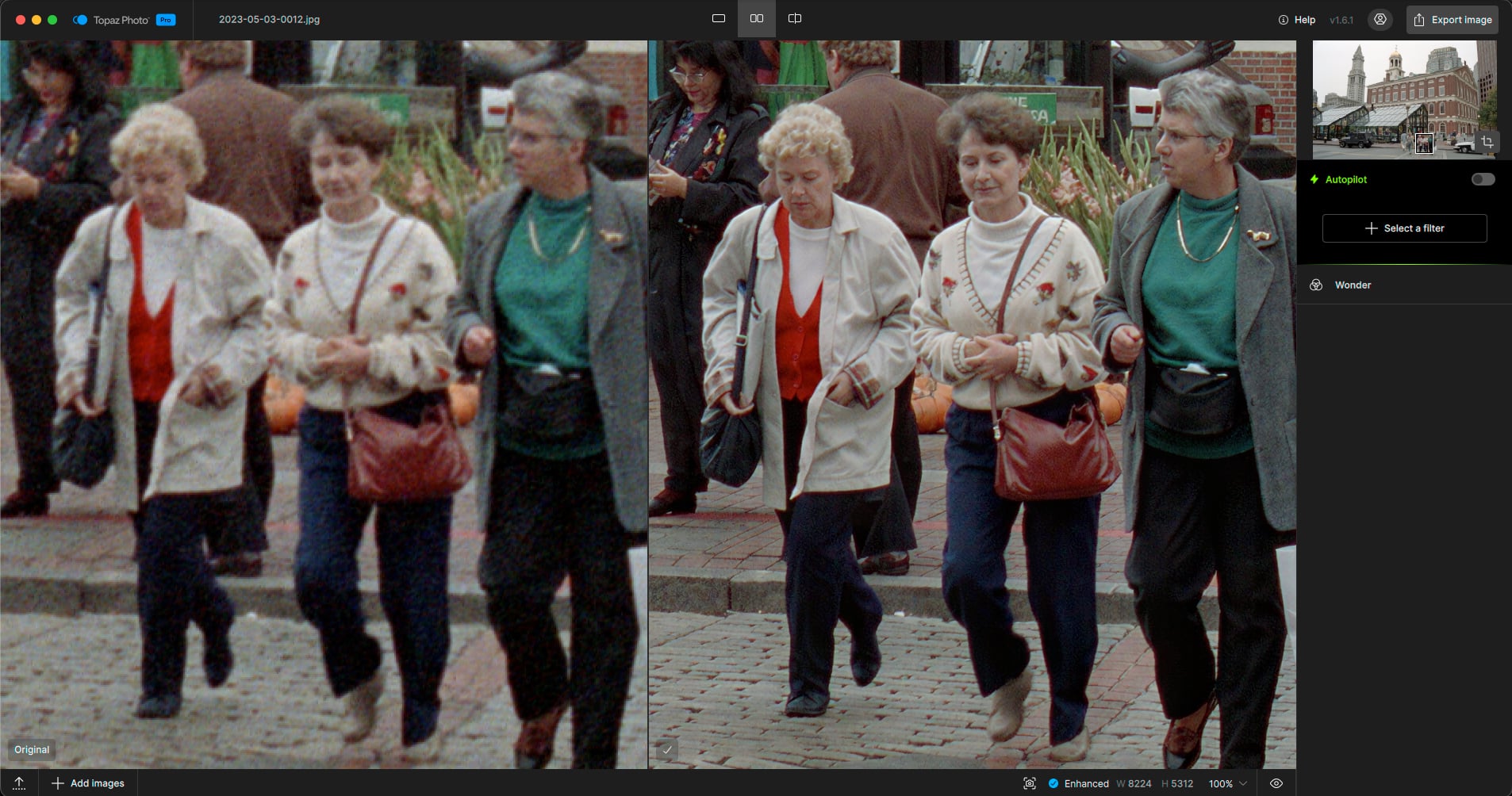
My first results are in, and I’m very impressed! Early 1990s 35mm film scanned in a Nikon Coolscan a few years ago, enlarged 2X with Wonder 3 and no other enhancements. A few views from the same photo @ 100%:

Working on some 4X results from a similar negative.

7 Likes

great to hear @david.maybank :high_voltage:

2 Likes

Wow, these are fantastic results and true to the original, @plugsnpixels, glad you shared these.

This is exactly the kind of before/after that sometimes gets us comments on Facebook marketing posts claiming the results must be fake :grinning_face_with_smiling_eyes: Great examples there of what’s possible when the right workflow and image are paired together! :heart_eyes:

2 Likes

You’re welcome! I’ve got 50+ years of film-based and digital photos of all qualities in my stash and most of them need technical help such as this ;-).

The 6X is still processing (local, M2).

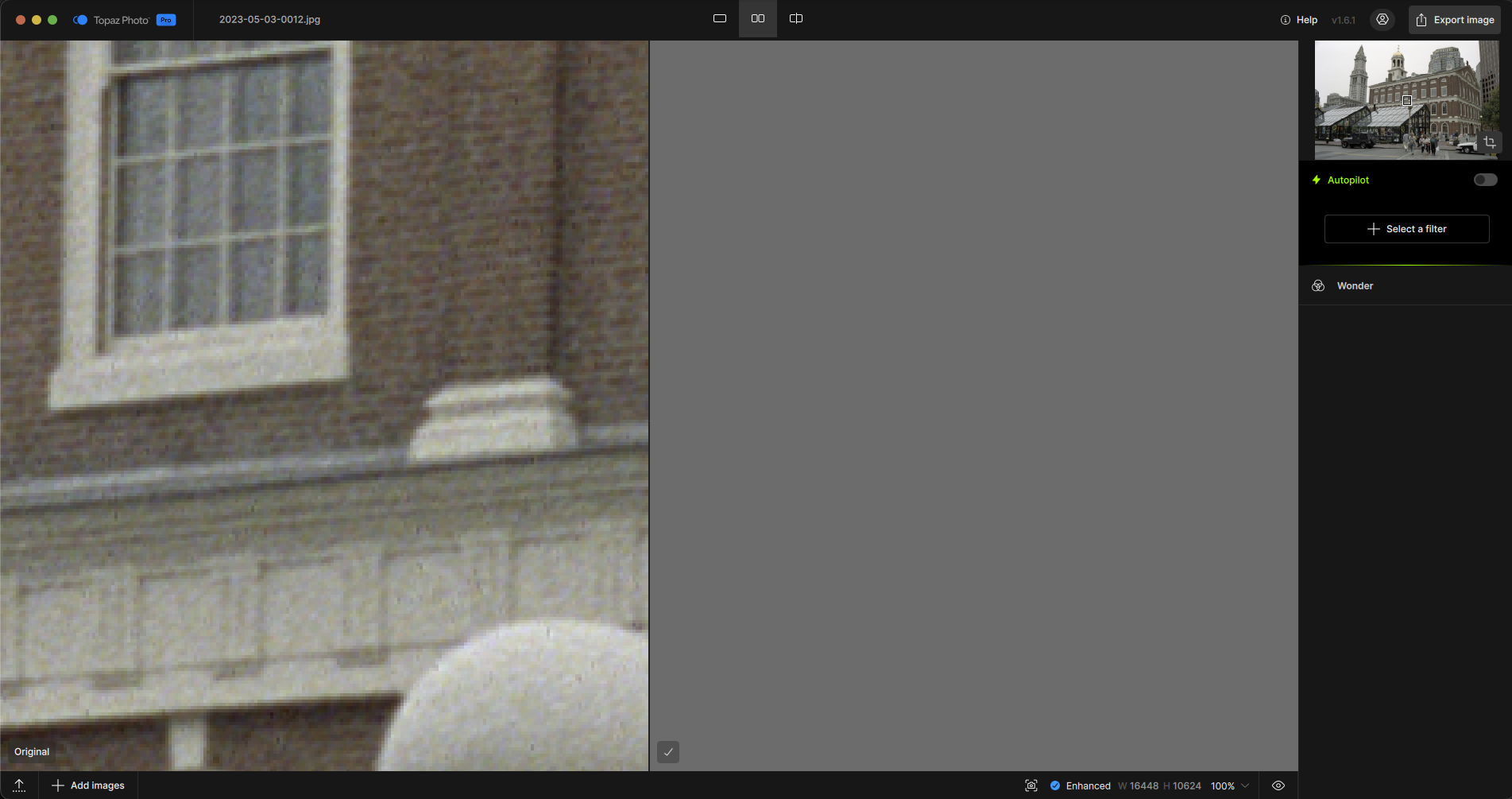
Enhanced previews at 6X do not display at any percentage… Exported image is also gray.

This would go over the output limit for local and cloud for Wonder. Limit is 128MP for Wonder.
Make sure to make a smaller scale factor. Would be best to use Wonder at much smaller scale, then upscale to your needed size with second pass of upscale using a non-generative upscaling model.

Thanks, I am doing a 2X Cloud version now.

2 Likes

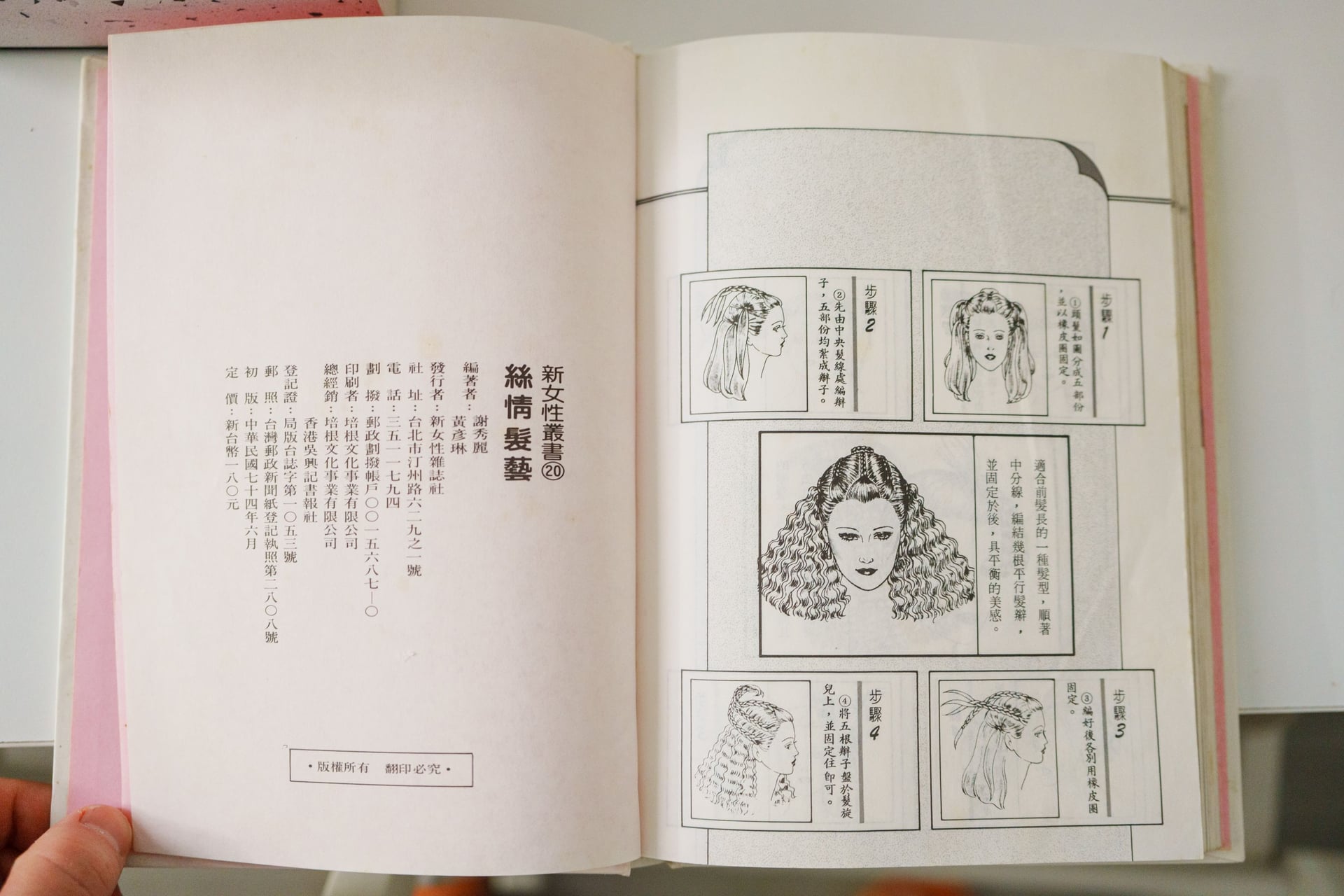
x4 medium wonder 3

Original image

There are some black lines in the lower left corner.

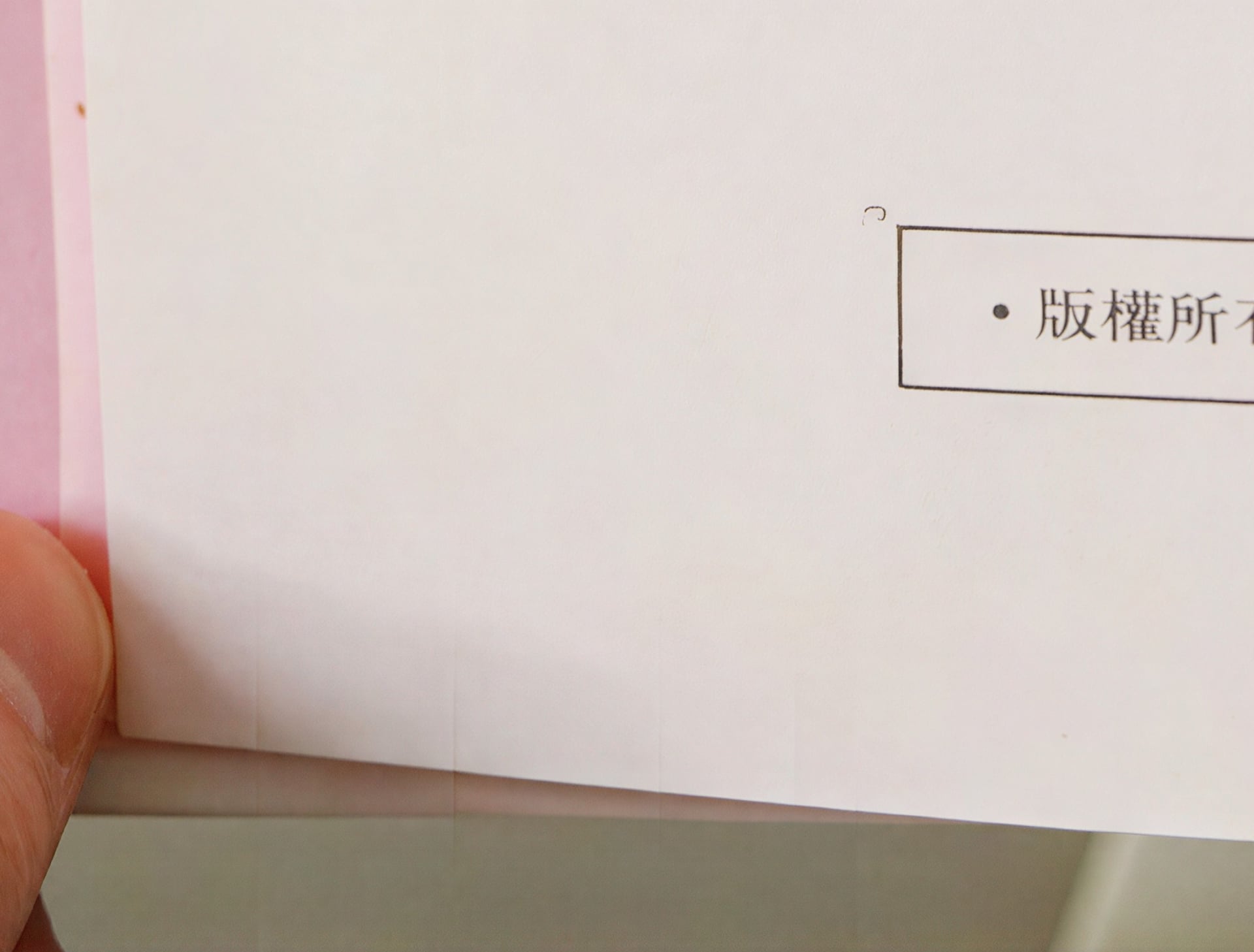
x6 medium wonder 3

Original imageThere are some transparent white borders.

Version 1.6.1 can now output at high resolutions normally! The previous version would basically freeze at resolutions above 6000x4000, happy :hugs::hugs::hugs:

The text quality seems improved as well, but it’s still inconsistent.
Sometimes the restoration is quite perfect, but the Chinese language might not be good enough

Sometimes black or white squares still appear on the screen.
The rest of the image looks great :artist_palette::+1::partying_face:

win 11 5080

(Using Google Translate)

A creativity slider would be nice for photos that are completely ruined. It would be like redefine realistic/creative but based on Wonder 3

1 Like