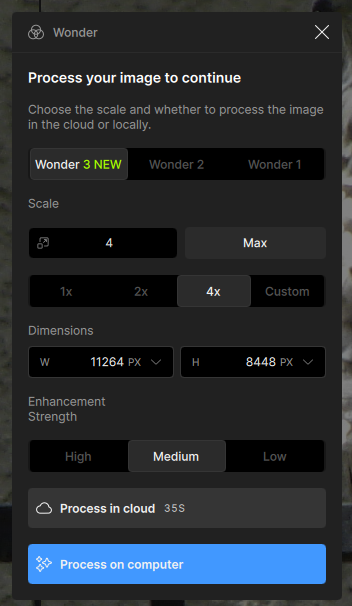
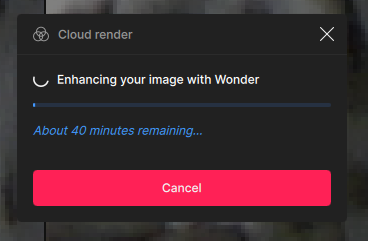
The estimated times have always been wildly off for me - most are much too short before starting, but as they process, the ‘live’ estimates are much higher than will actually be the case.
A few (such as super focus) are significant over-estimates at the start.
Hello everyone, for those who are interested, I’ve updated my image comparison link: EnhancelyCompare. Have fun with it and share your comparison links .
What I’d like to see is that one Nuroserver install can serve both Topaz programs rather than needing to download and store multiple copies of the 14Gb file sets.
One question: Is it possible to batch edit Wonder 3 through the app?
When I use Wonder 3 on a single image, I usually also use Face Recovery 2. It seems to set a value based on the image. With a bunch of images, would that still work?
I’ve never used any of the Wonder models before. I’ve only used denoise, sharpen and very occasionally upscale. But I thought I’d finally give it a go.
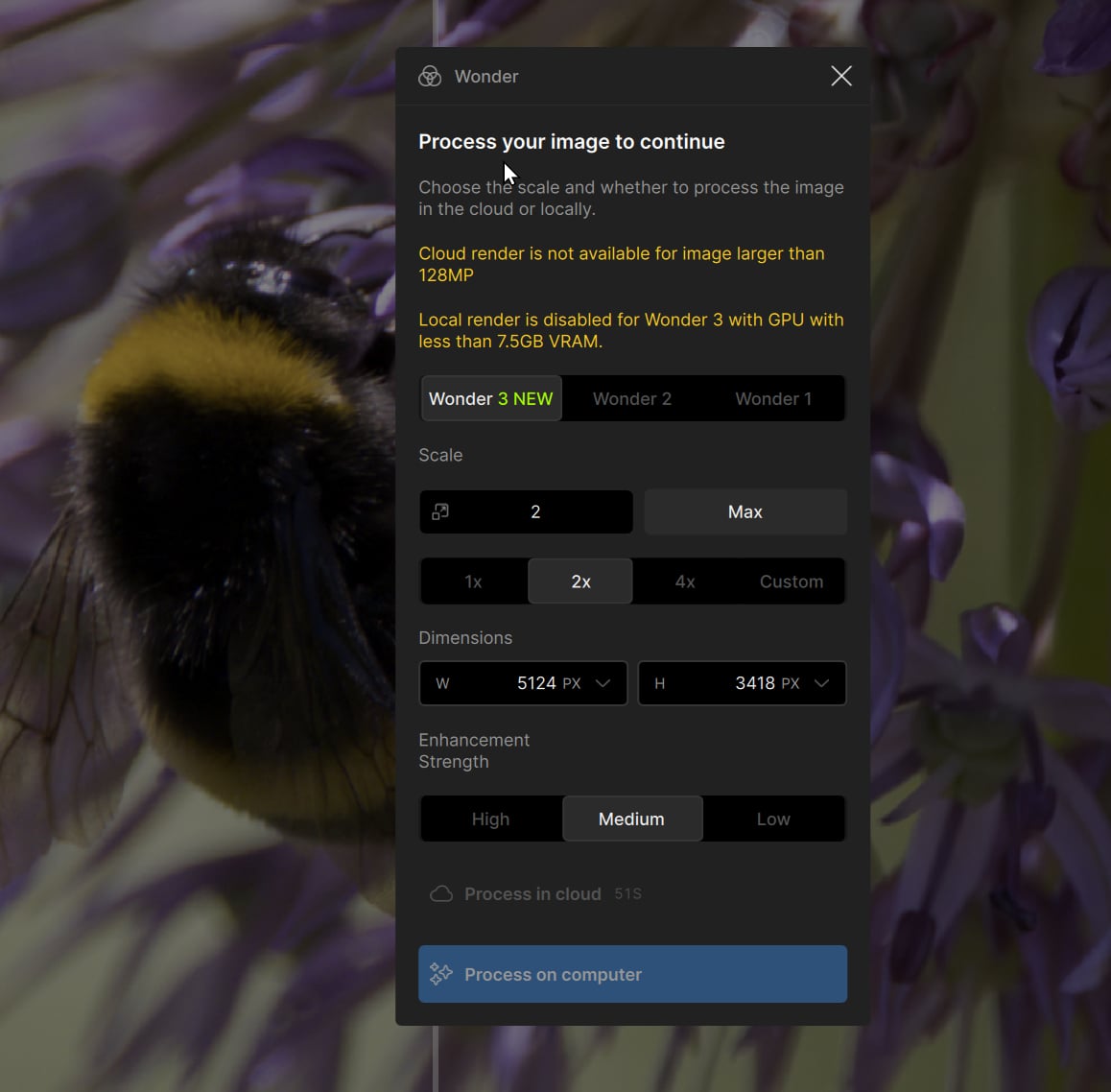
I only have a 6GB VRAM GPU, so I have to do it on the cloud (which is also a first for me). But the cloud option is disabled.
The image is a crop from a Canon R5 image (so 45MP down to 4.3MP). Crop is in Topaz Photo
I’m trying to upscale by 2x, so that should be a 17.5MP image.
I’m not sure why it isn’t letting me. Do I need to crop the photo first in Lightroom, and then process the TIFF instead of the RAW?
Yes, that would be great. For models that have a counterpart in both applications, ideally, we’d have a folder for both. That would save a huge amount of disk space.
@Paul_Coddington - It did not work for machines that did not meet the requirements, it would hang and give an error and the block and warning will prevent this, to avoid confusion! Cloud would be the options for these machines that do not meet the local requirement
@Kickflipkid687 - M3 would still meet requirements for Wonder in new version, that has not changed. Can you go top of your app to Help > Contact Support > checkmark the logs and it will send us the logs for us to review what is happening to sort this out!
@david.barker-2802 - yes as URLX mentioned the image is too large, you can crop it first in LR or you can test if 1x instead of 2x allows it to go through.
Thank you for your reply. I understand what you are saying, but the issue is that the face recovery value chosen for File 1 appears to be applied across the entire batch.
For example, if File 1 is automatically detected as needing a face recovery value of 45, that same value is then carried over to all other images in the batch. The problem is that the other images may not need that same value. Some may require a lower setting, while others may need a higher one, depending on the face and the quality of the image.
My question is whether the software can automatically calculate and apply a separate face recovery value for each image in the batch, rather than using the value from the first image for all of them.
@jason-2269 - I see! Are these for the files that require Wonder as well? If so to get specific face value on each file, it would require 2 steps: 1 step with Wonder only, export, then 1 step with Auto-Pilot with Recover Faces, export.
Hello, the problem seemed to be caused by an outdated Nvidia driver. Update the Nvidia driver to the latest version (May 2026, version 610.47), restart the computer, and reinstall Topaz Photo 1.6.1. Everything is working correctly again.
Thanks for your reply
 .
.