already done
1 Like
Many thanks for the informations.
1 Like

A post was split to a new topic: Wonder white edge on Subject in Wonder 2
If anyone updates to v1.6.0 over the weekend and encounters crashes, errors, hanging, or stuck behavior, please test the troubleshooting steps here first:
 Troubleshoot steps if get Issues when updating version
Multiple users have already confirmed that these steps resolved update conflicts and errors for them.
If issues still remain afterward, please reach out to Support with the details and files outlined in the guide so the development team can continue investigating.
A post was split to a new topic: [False alarm per user, issue resolved] - Different Wonder Results from v1.5 to v1.6
I’ve noticed Wonder v3 now is a tad bit less ‘precise’ on raster effects, and the outputs don’t seem to differ much between the 3 strengths:
Low:
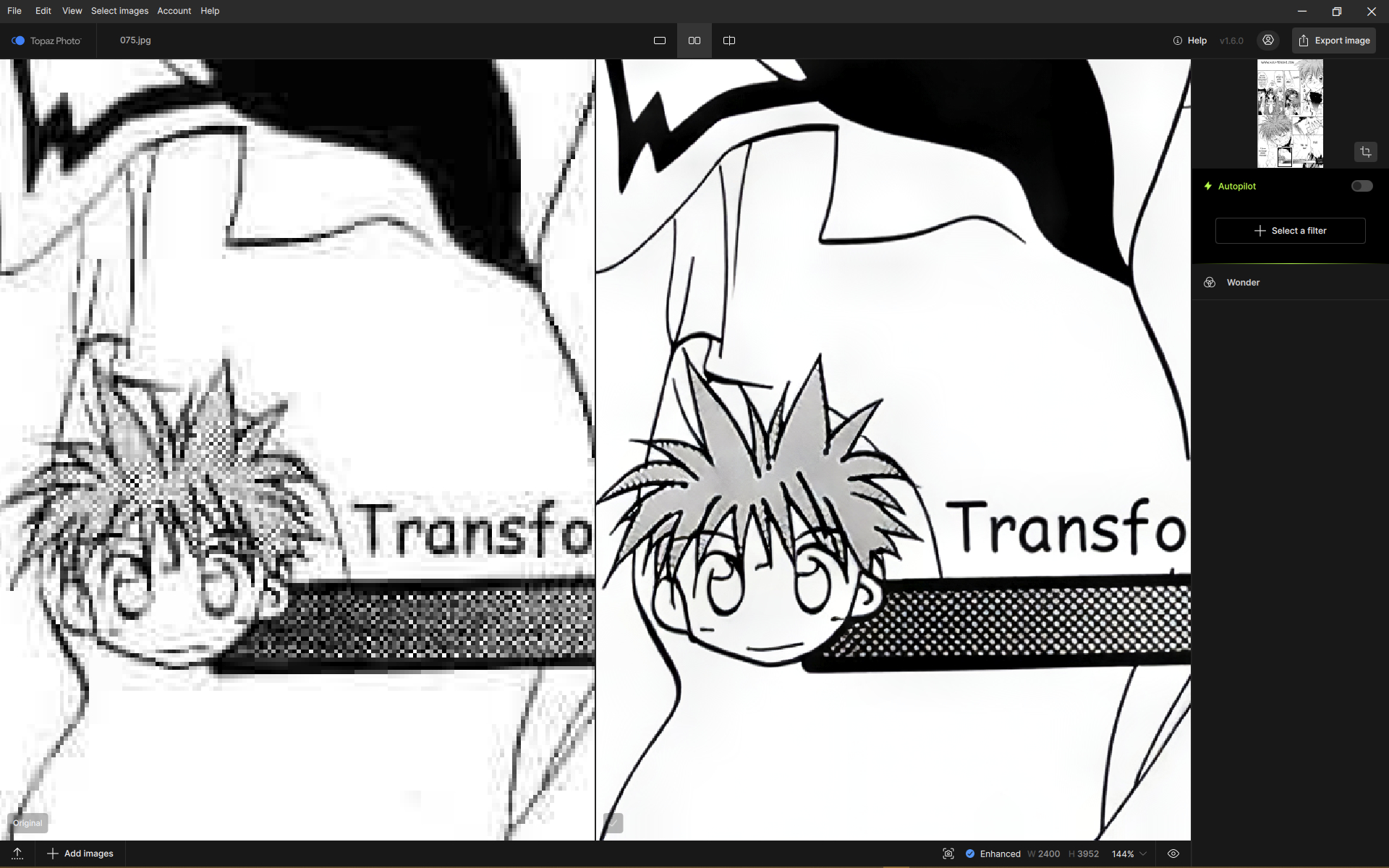
Medium:

High:
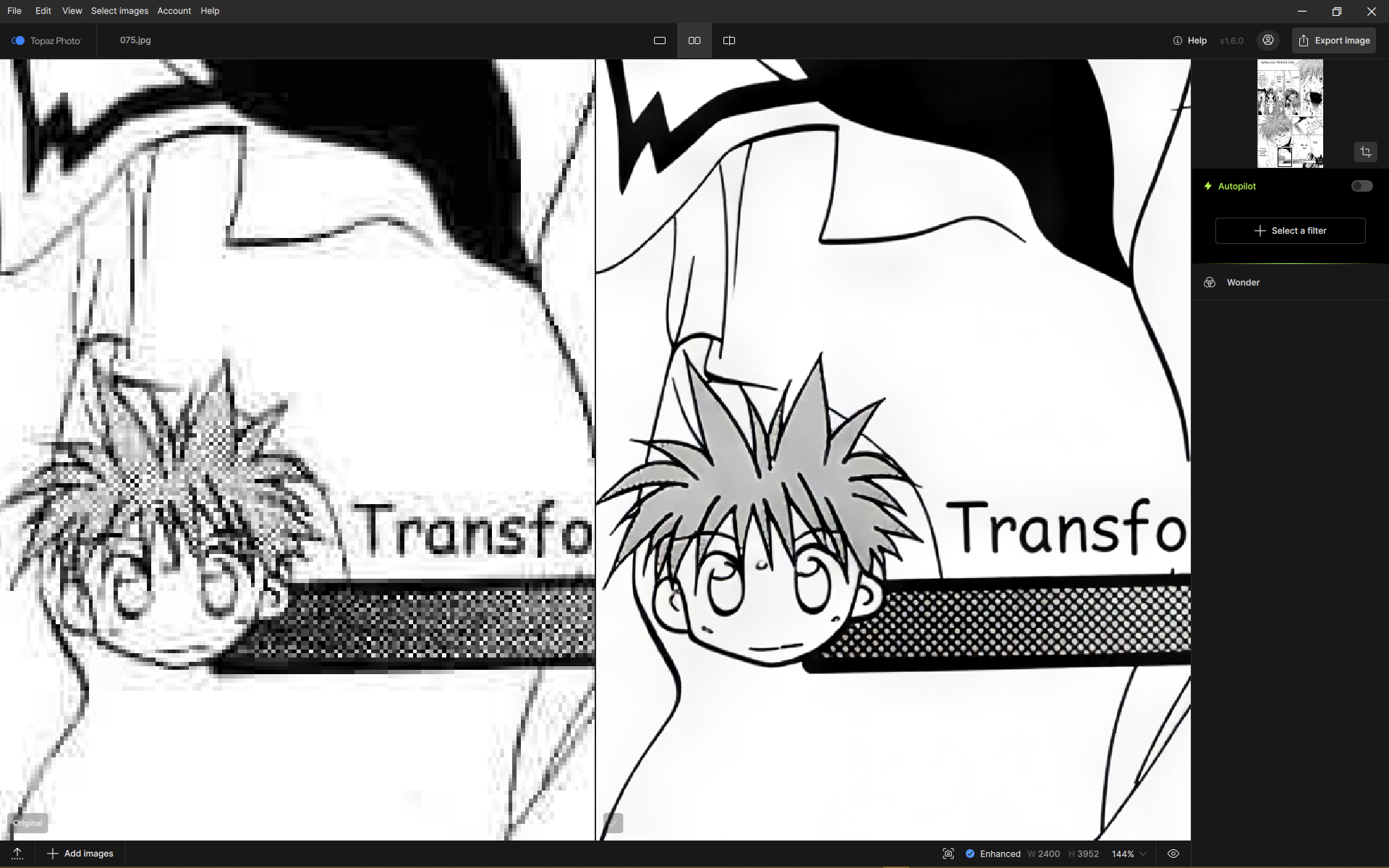
There are differences, but they’re VERY subtle. 
Another example:
Low:
Medium:
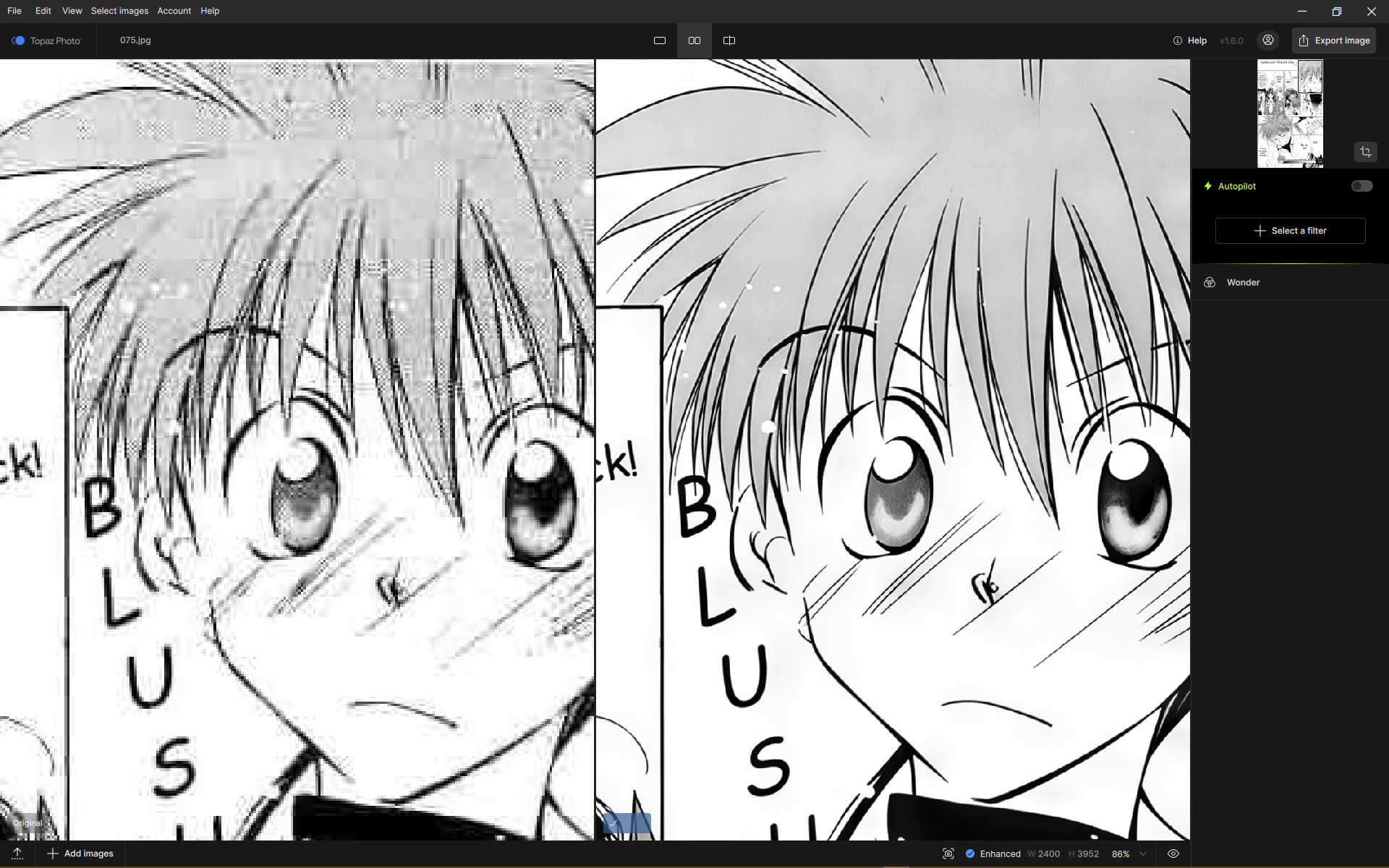
High:

Under the school bag cover, the hemi-circle area:
Low:
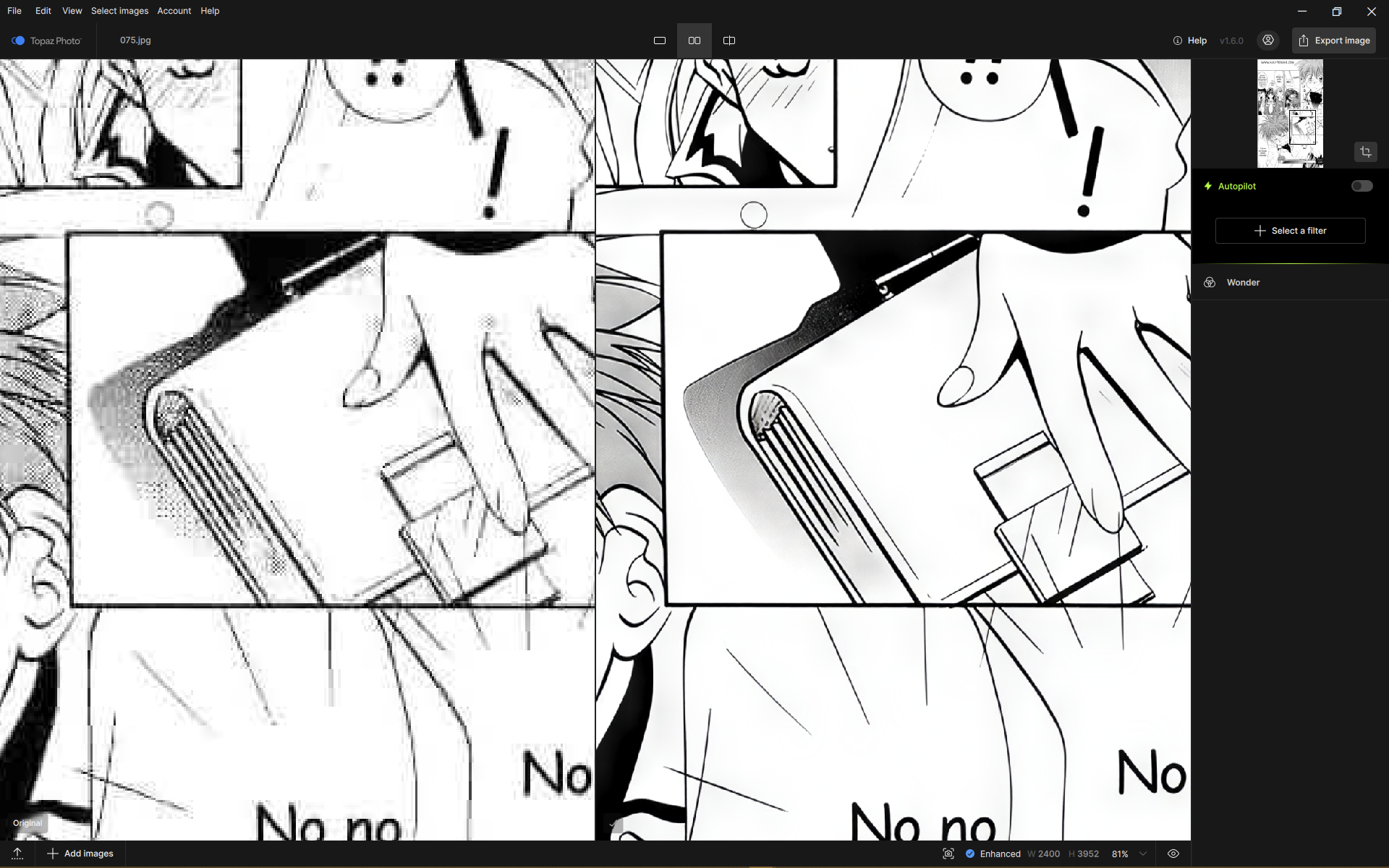
Medium:

High:
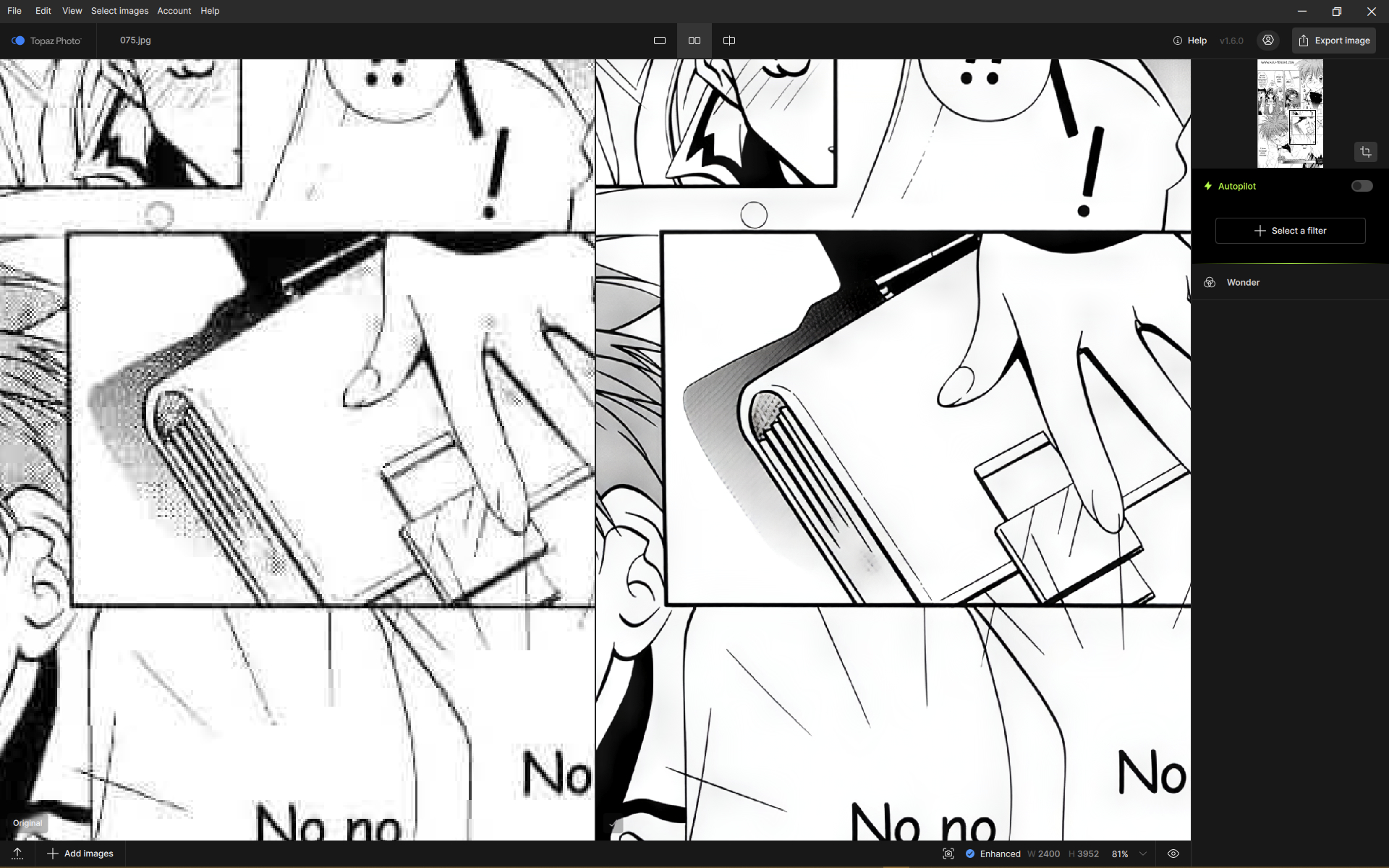
Wonder v2:
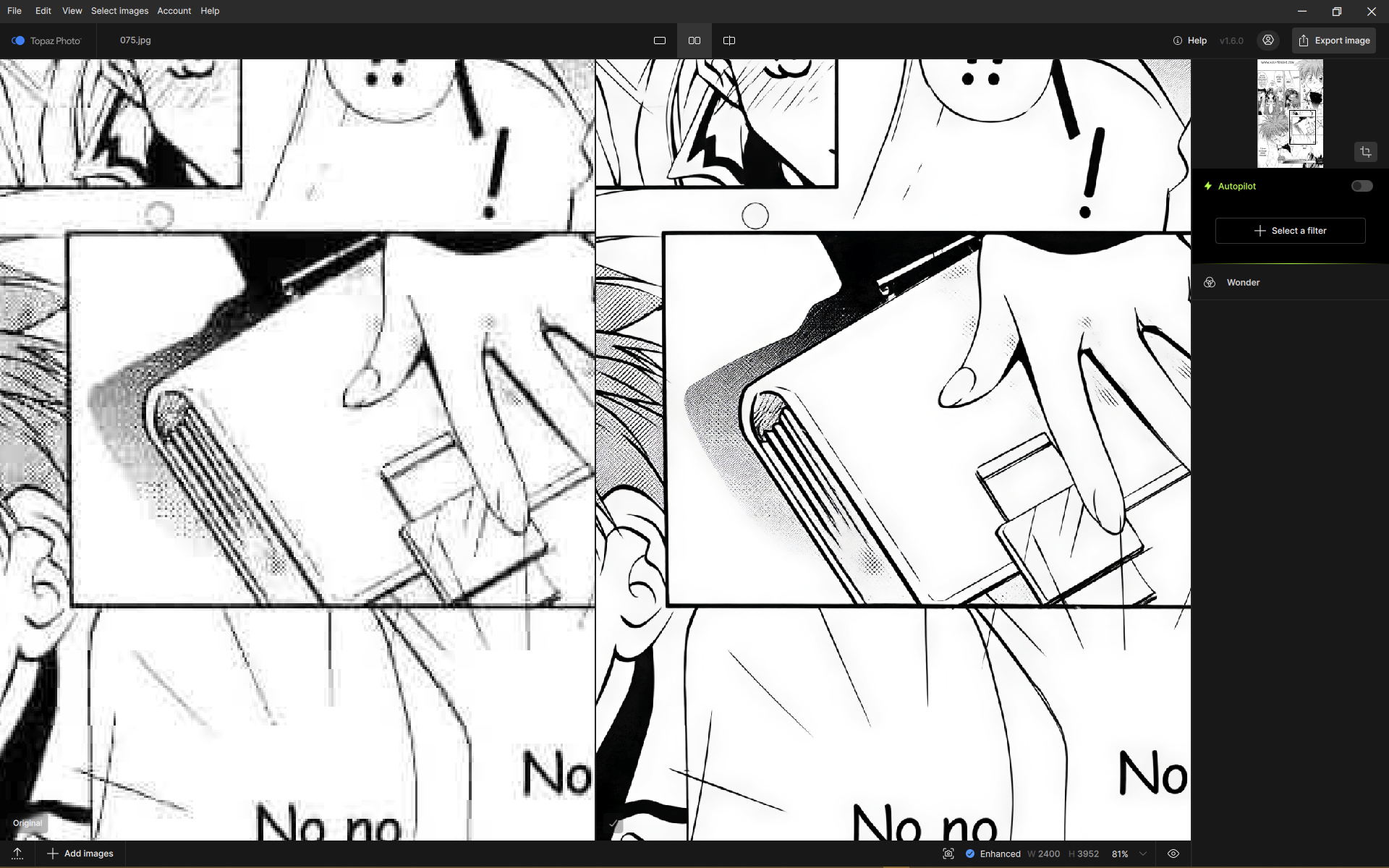
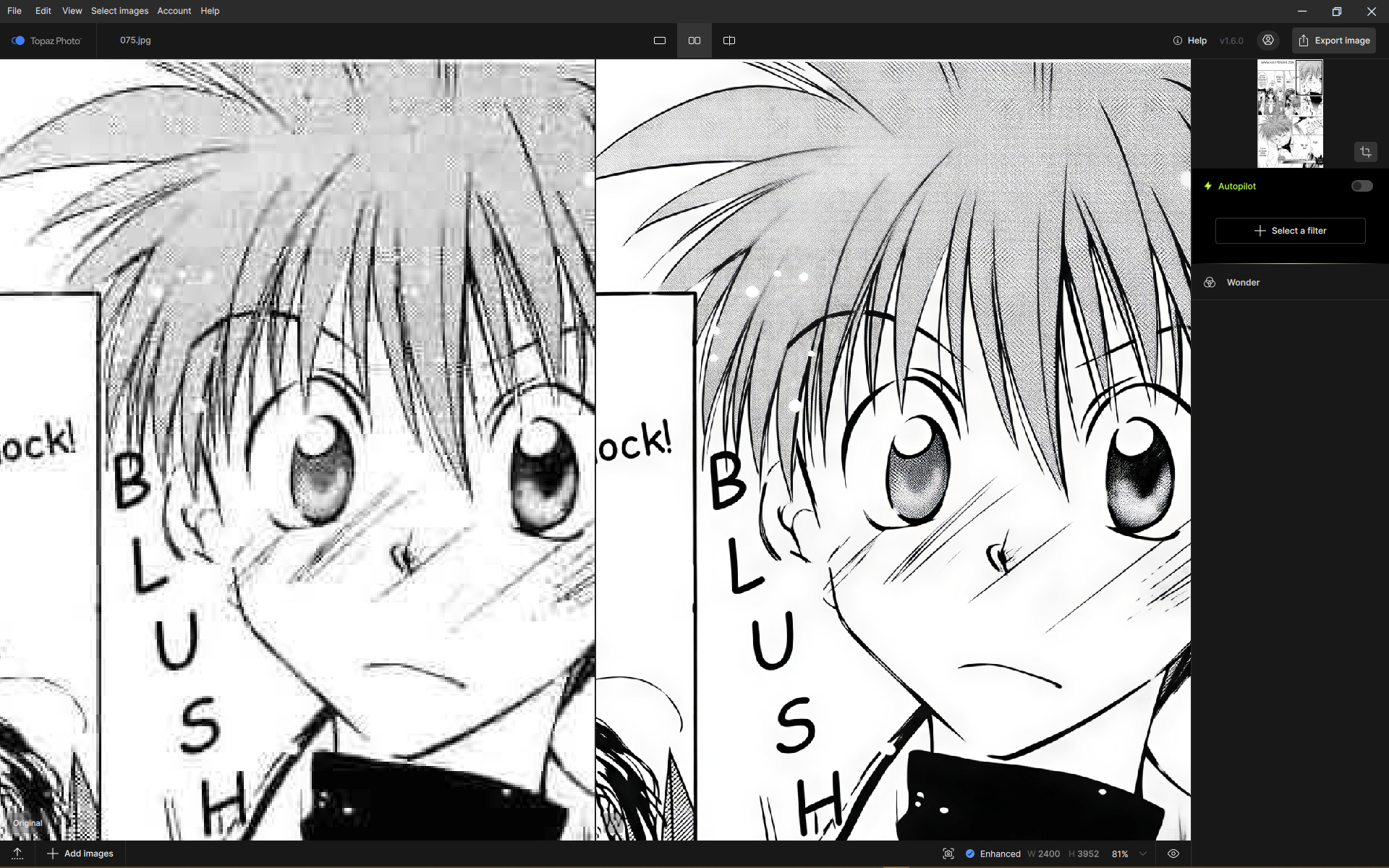
All examples are done locally, at 4x.
I haven’t put manga data in training yet. Need some time preparing. After finetuning the model should know what is raster effect
1 Like
It is, indeed faster, and I’m excited to think this could land in the Video, too. I’m also yet to test the new Gigapixel, too.
Holy mackerels, what’s up, Wonder 2 Auto?
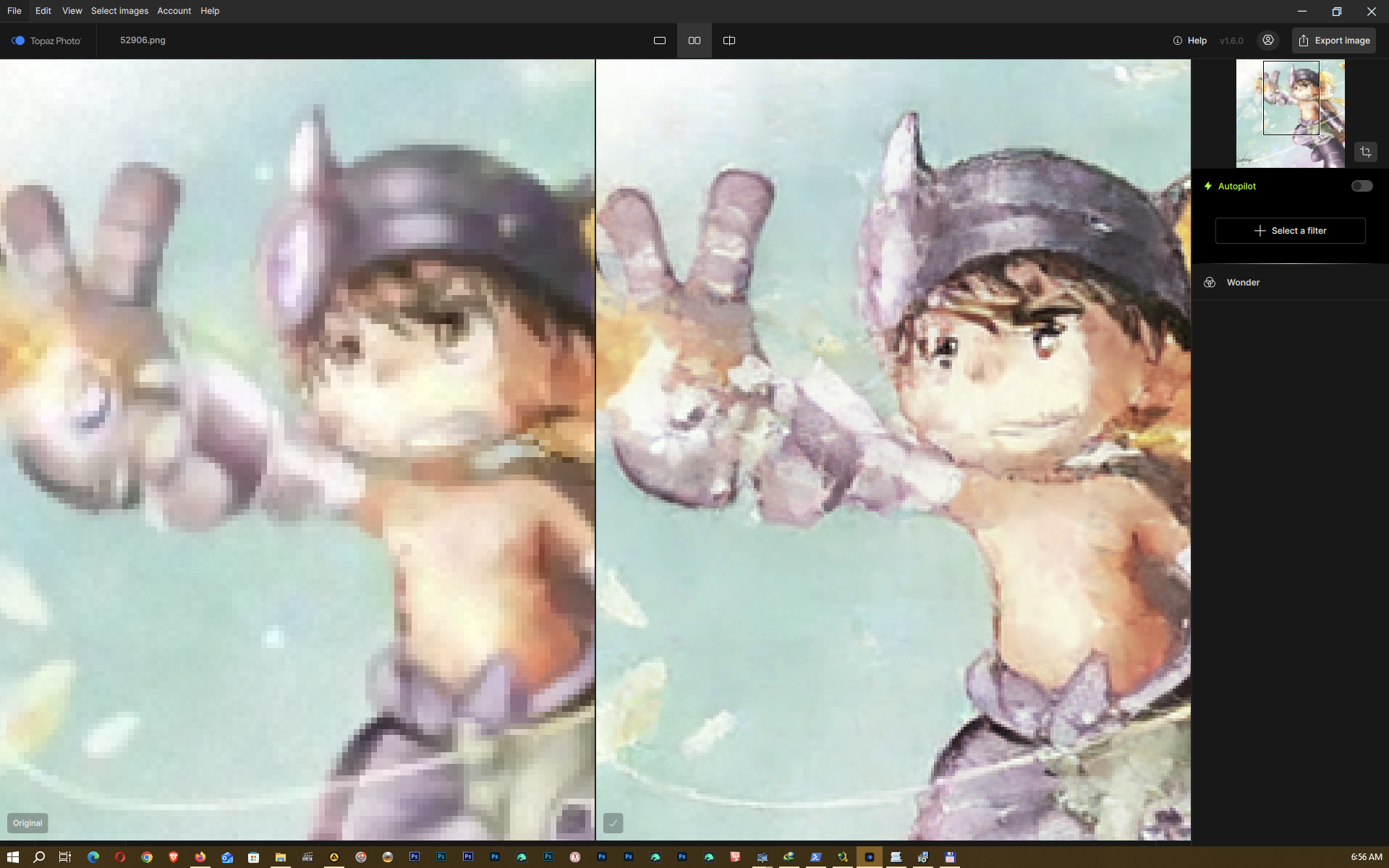
When I just set it to non-Auto, leaving everything untouched (so the upscale factor remains as it would be on Auto), the result is expected.

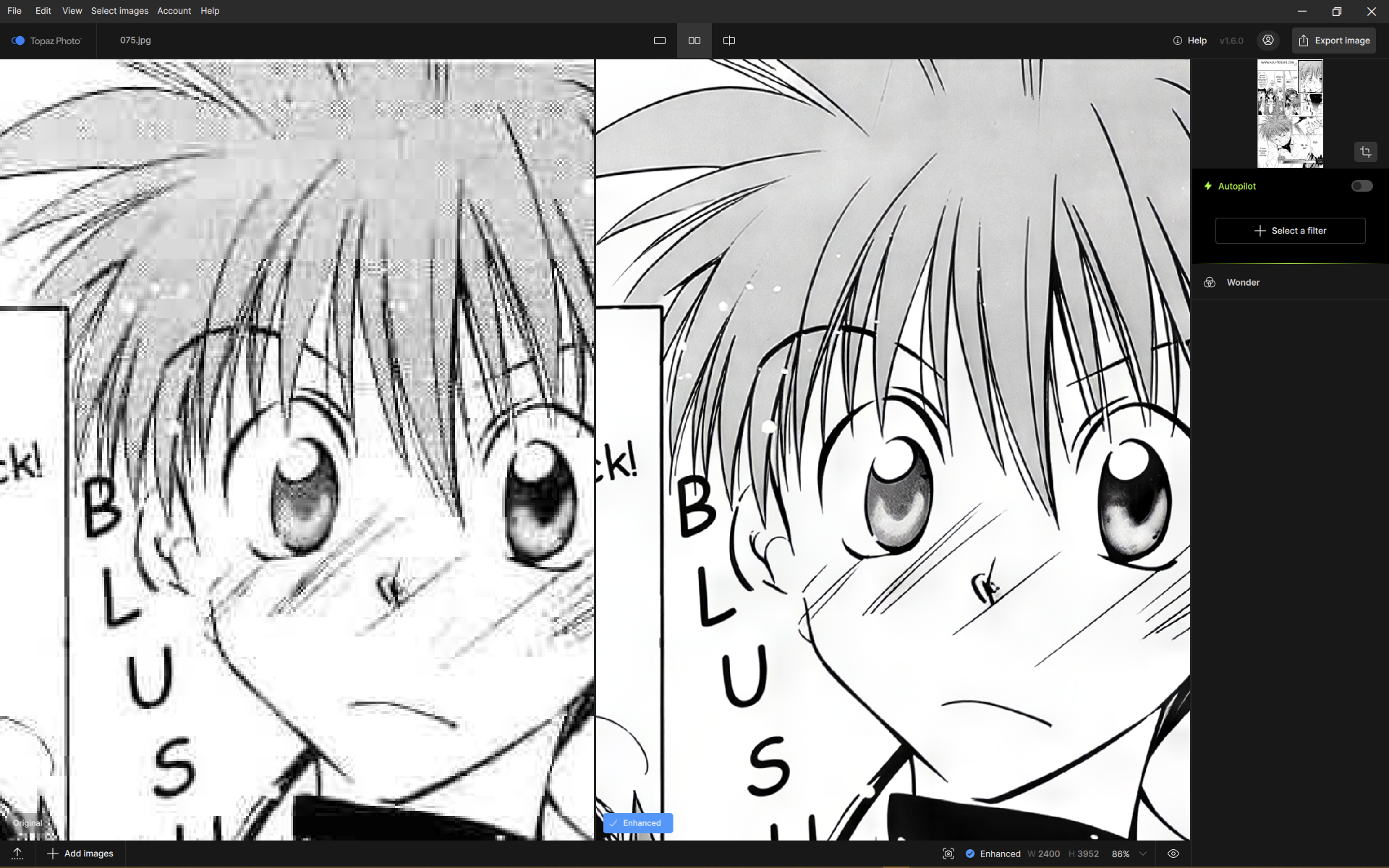
Does anyone else see what appear to be tiling box seams/artifacts, or some other weirdness when running Wonder-3 set to x4 or the maximum x6? More often to appear in images that are dark.
Original:
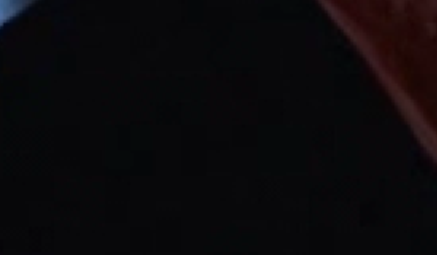
Wonder-3 x4:

I’m not sure if it’s tiling, weird line stuff, or just how Wonder-3 is interpreting the compression artifacts.
completely uninstalled the app, downloaded and installed fresh 1.6.0, redownloaded all models. the problem is still there.
System Information:
Product Name: Z790 GAMING PRO WIFI
OS: Microsoft Windows 11 Pro 64 bit Ver.2009 (OS build 26200.8457)
CPU: 13th Gen Intel(R) Core™ i7-13700K
Memory: 64 GB @
- 32 GB DDR5-4800, Corsair CMT64GX5M2B6000C40
- 32 GB DDR5-4800, Corsair CMT64GX5M2B6000C40
Graphics: Intel(R) UHD Graphics 770
Graphics: RTX 4070 Ti GAMING TRIO Series, 12282 MB
Drive: SSD, KINGSTON SFYRD2000G, 1863,02 GB
Drive: SSD, SHPP41-2000GM, 1863,02 GB
@Lingyu Hi, in the new features section, you mention that Wonder 3, Super Focus v3, Denoise Max, and Face Recovery v3 are included in Neuroserver. So why do I only have Wonder 2 and Wonder All in the folder? This also applies to Gigapixel 1.3.0.
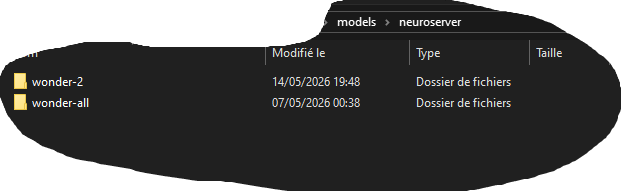
Wonder 3 is wonder-all
2 Likes
ok. But what about the other models that should be included in Neurovserver?
Could you send me your original input and settings(e.g. local/cloud)
I just tested Wonder 3 on this image I found online. (More specifically, on the broken “imgsli” comparator.) I used all three Wonder 3 settings, plus a little extra tweak with the sharpen models to improve the clarity in some slightly blurry areas of the image. Then I used the Adjust Lighting tool to mimic the DLSS RTX On effect from the game, hahaha.
Even with the 4090, Neuroserver is unusable for my images (6K Upscale), since the memorymanagement does only move data from ram to gpu the whole time.
I’m going back to 1.5.1.

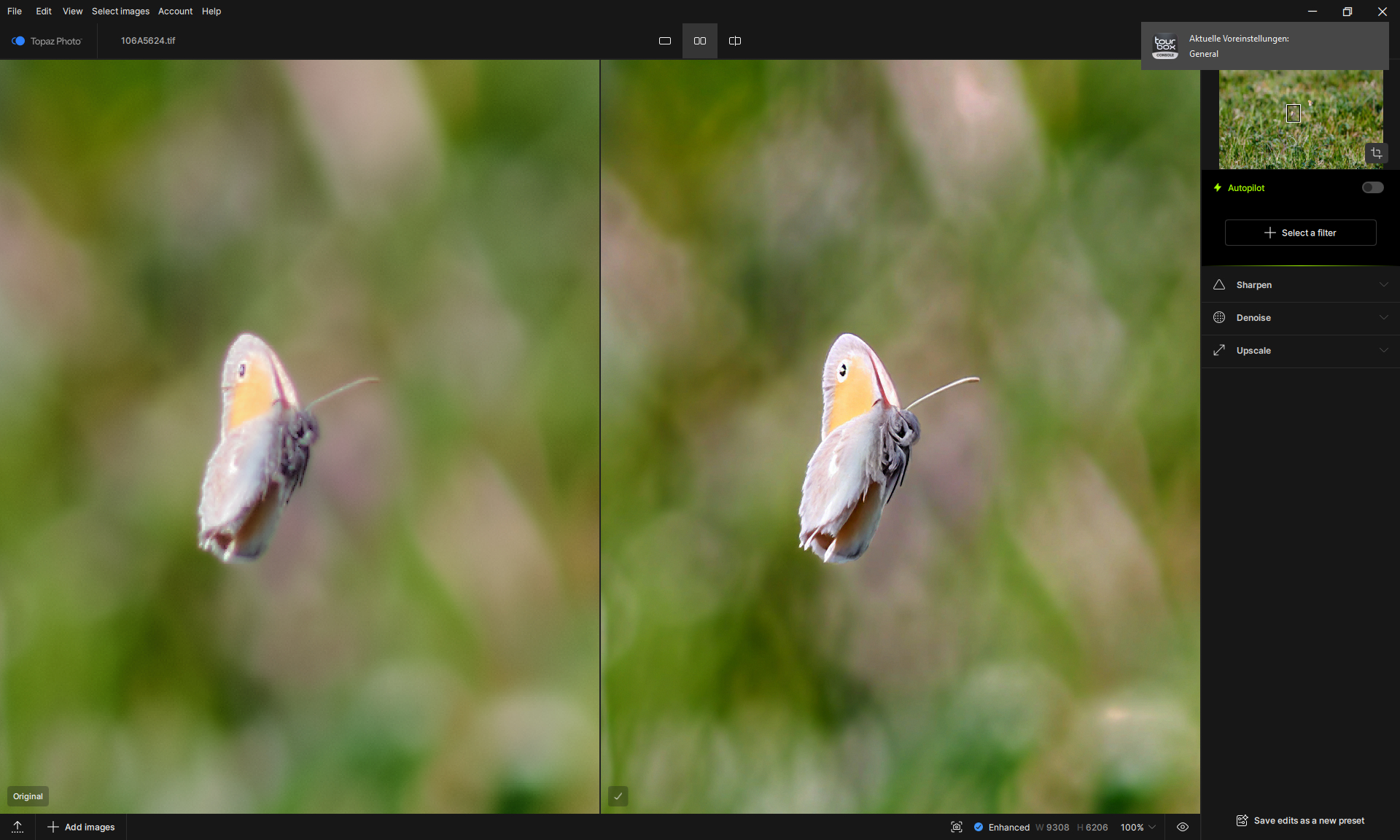
Hifi V2
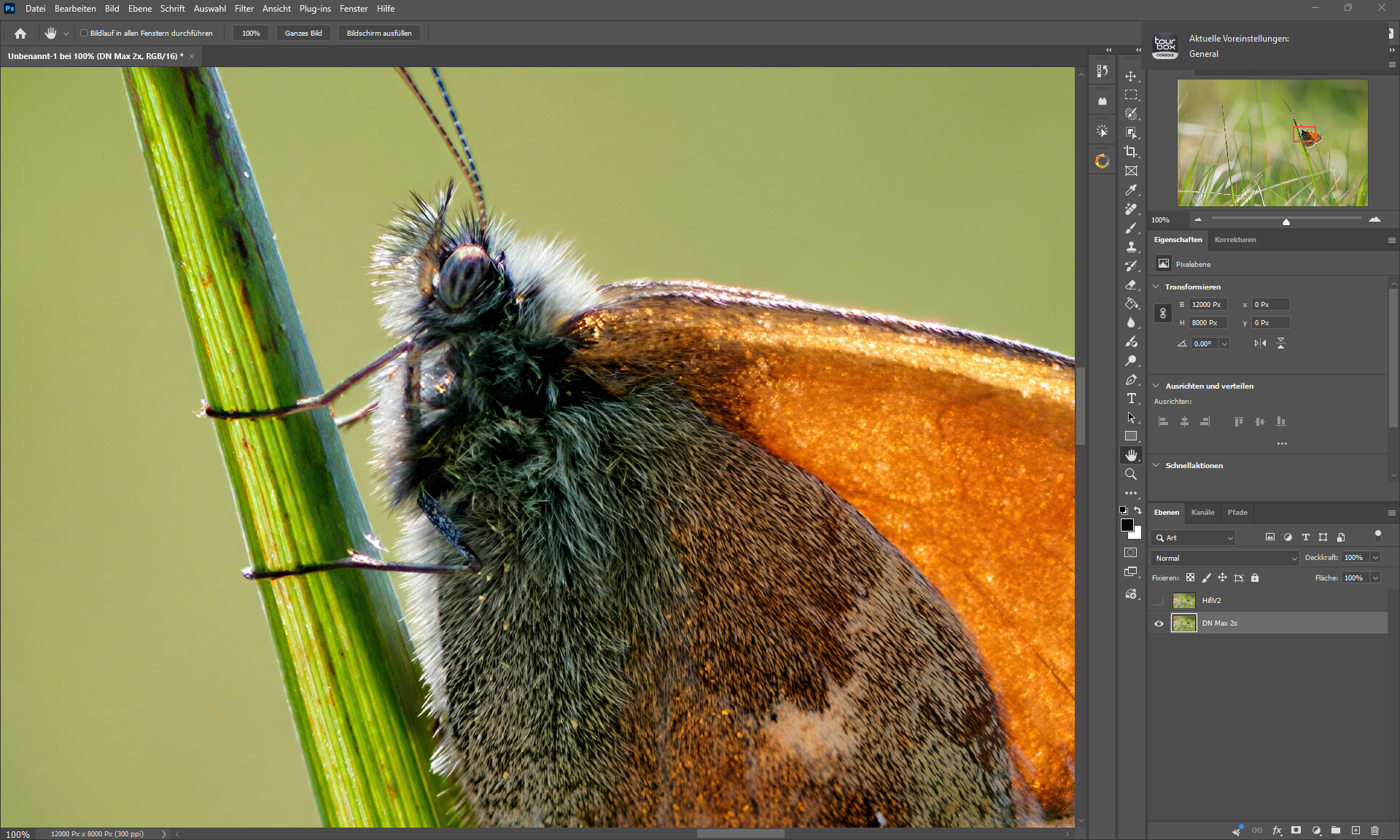
HifiV2 + Denoise MAX + Grain + Denoise Max (Butterfly only) (both 1.5.1).
Noise Aware sharpen did make a very good first impression - looking forward to 1.6.1 when Neuroserver is fixed.
1 Like
I’m really enjoying the new Wonder v3 local. I think it even rivals W2 cloud in some cases.
It’s working especially well at 4x high on some 720x1024 photos! I kept them a few years ago thinking “One day a tool might exist to make these worth looking at” and I think with your improvements to W3 we are there now.
If you need to make changes for illustration type content, perhaps make it a separate model - I don’t want W3 to be downgraded in any way.
Thanks
2 Likes

