Understood. Thanks for trying to help. I hope Topaz will resolve the issue soon.
3 Likes
I can verify that Wonder1 and Recover3 are (along with Recover Faces, Super Focus, and Dust and Scratches) working normally on my system.
Topaz Photo crashed while I was testing different model settings (recover face). I’ve attached the log file.
2026-03-02-12-19-10.zip (30,6 Ko)
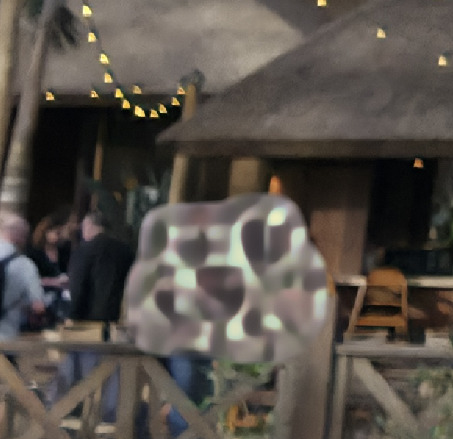
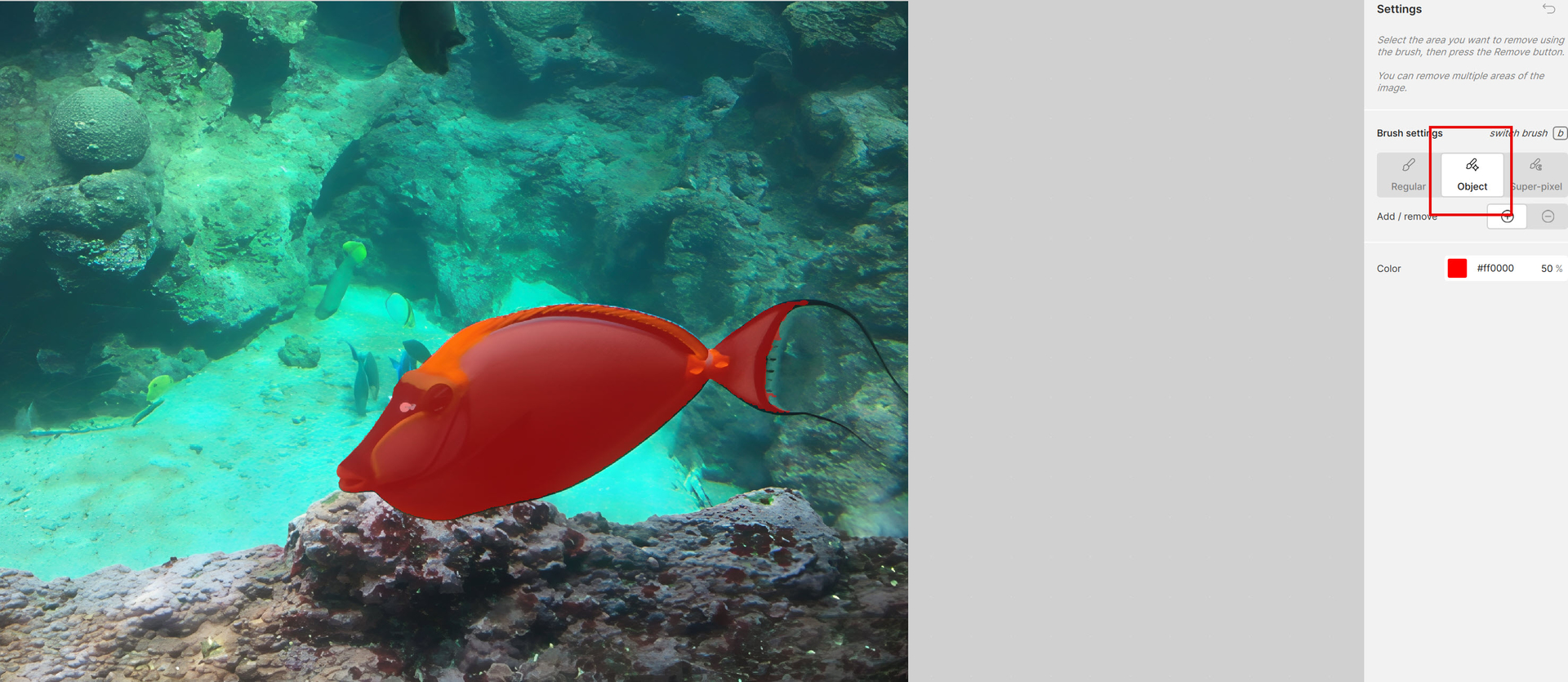
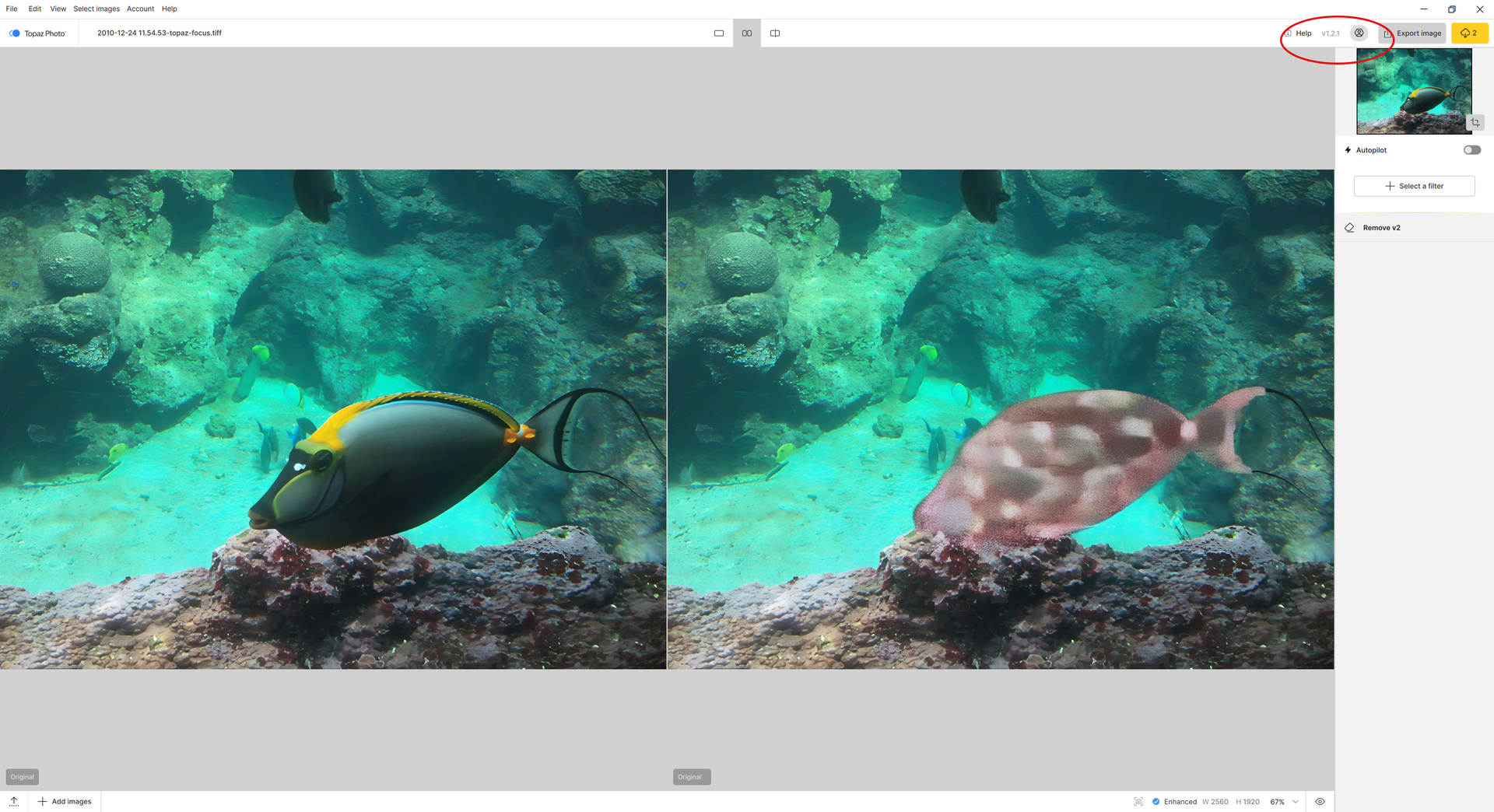
The “Remove tool” model is completely unusable.
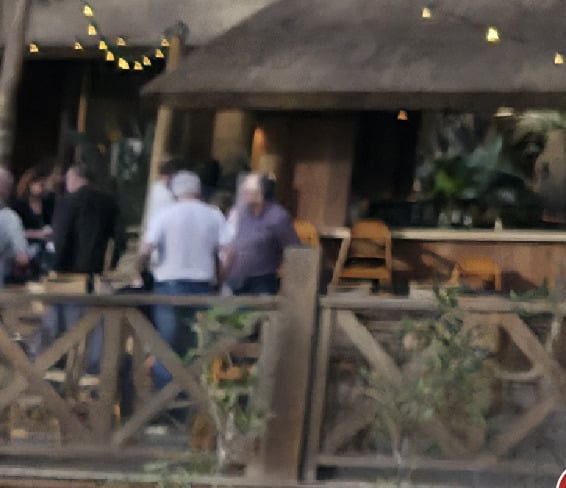
Here’s a before and after, just to test it out.
Before
After
Yep, same thing as a lot of people, dust & scratch error model. I reinstalled Topaz, repaired, and even removed all ProgramData, Roaming, and Local files; still the same thing. I’m gonna revert back, please fix this soon, or at least acknowledge it
I completely removed Topaz Photo, deleted all remnants and settings and made a clean reinstallation using the 1.3.1 installer, which took ~1.5 hrs. Super Focus 2 still does not work, neither locally nor cloud-based.
A a sidenote: The message at the bottom “Error loading model - Learn More“ cannot be clicked as long as the grey processing overlay is active. However, upon Stopping Rendering the message disappears and cannt be followed either.
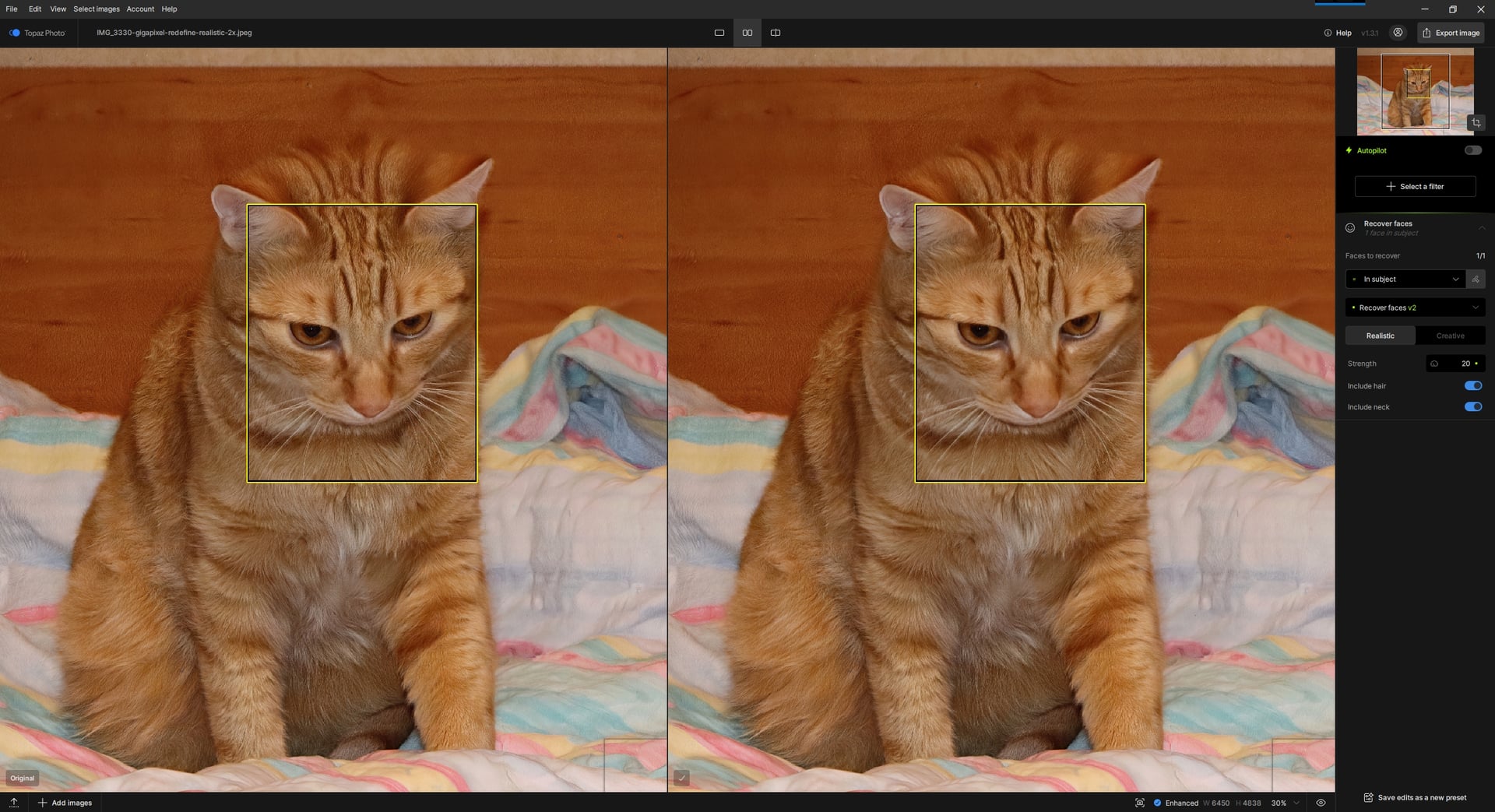
Recover face works well for me. (The cat gave me permission to use his photo, but not commercially. )
)
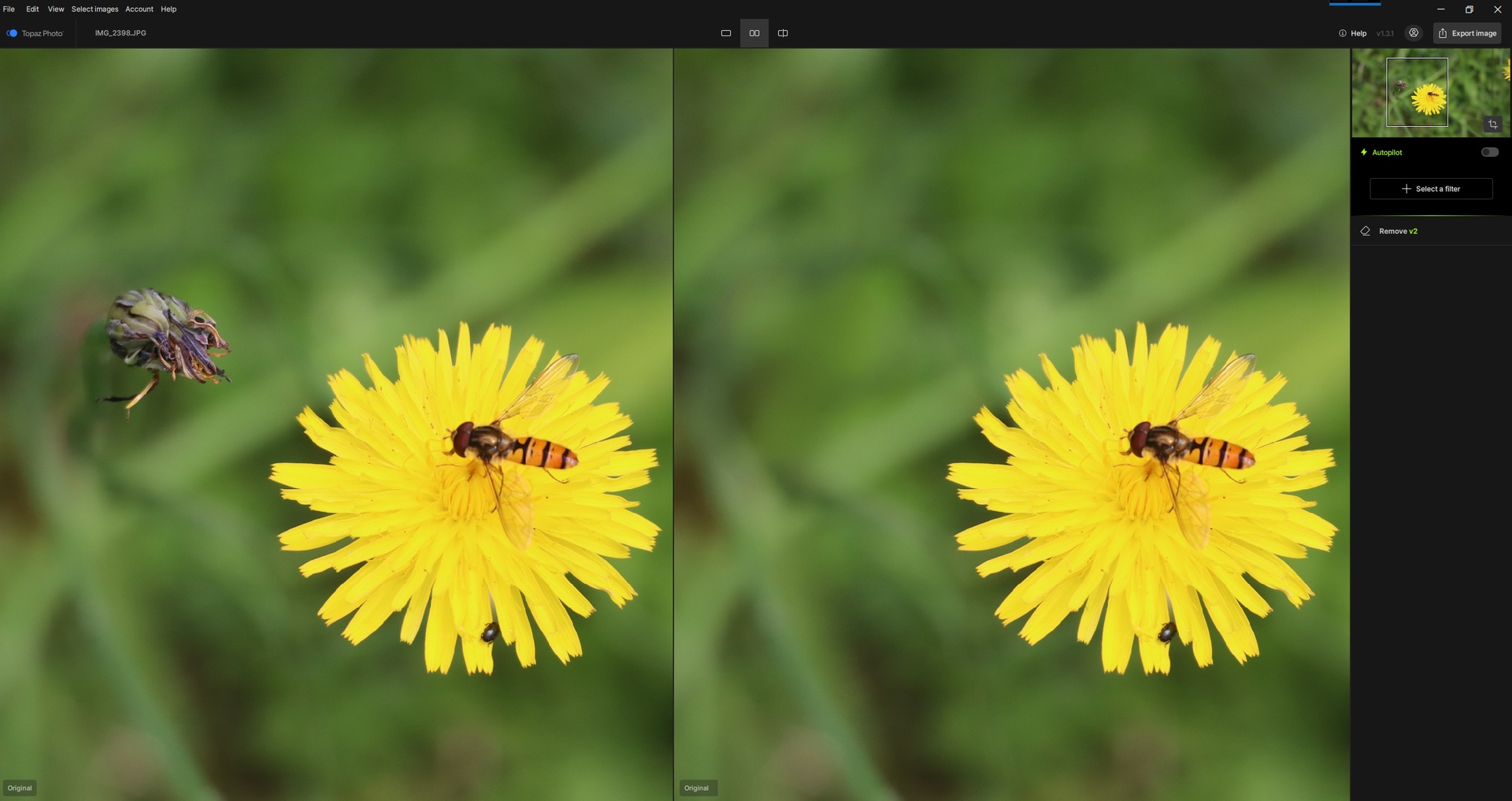
 I will test it on a larger object to be removed to see if I get the same quality.
Yeah, me too, but if I move the adjustment slider several times and test between V1 and V2, there comes a point where the software will crash.
Yes, I can confirm your result. I tried it as you wrote and it suddenly failed for me too.
2026-03-02-15-03-18.zip (64.8 KB)
Hi,
I tried the object removal tool with Remove V2 in version 1.2.1. (object of a ‘good size’) → Catastrophic result… All that’s left is to wait for a new version.
Thanks in advance for fixing this.
1 Like
Could we have the option, for people with 96 GB VRAM GPUs, to use the full Wonder2 model locally (if it fits into 96 VRAM) ? I guess the current version changes precision or is quantized which explains why many customer fellows report a quality hit between Wonder2 Cloud and Wonder2 Local. Thank you 
Another topic, I had to reinstall through the Windows Update menu Windows 11 H25. Worked fine. But since then, I cannot install the Topaz Photo updates, I need to uninstall the app, download from here the new version, and reinstall from scratch.
Well, I’m glad I’m not the only one with this problem. The Topaz development team is going to have a lot of work to do fixing it, hahaha  .
.
3 Likes
Yeah, so depending on the configurations, it gives this kind of result. For my part, I have an RTX 3070 Ventus.
1 Like
Here’s an Asus RTX 4090.
I see. So, a very high-end range. It’s surprising that there’s also this kind of bug with this graphics card. Apparently, depending on the type of map, the bugs are more or less similar or more or less different.
Yes, it’s not an RTX 5090, but my GPU isn’t outdated. I tried changing the AI processing from Auto to GPU: during the V2 remover, it averages between 5 and 10%, then jumps to 31% for just a second, and then drops back to almost 0%, but there’s no good result. I tried setting the AI processing to CPU: still no luck.
I have 128 GB of RAM, so that’s not the problem.
I have a 48-core CPU, so that’s not the problem either.
I’ll wait for the next version…
@jason-2269 - glad to hear it went through!
