Super Focus gives me the same error (Error loading model) – it keeps Preparing Image; if I wait a little longer, it will take forever. I kept looking for what I was doing wrong. So sorry, but I was “pleased” that it doesn’t work for anyone else besides me  .
.
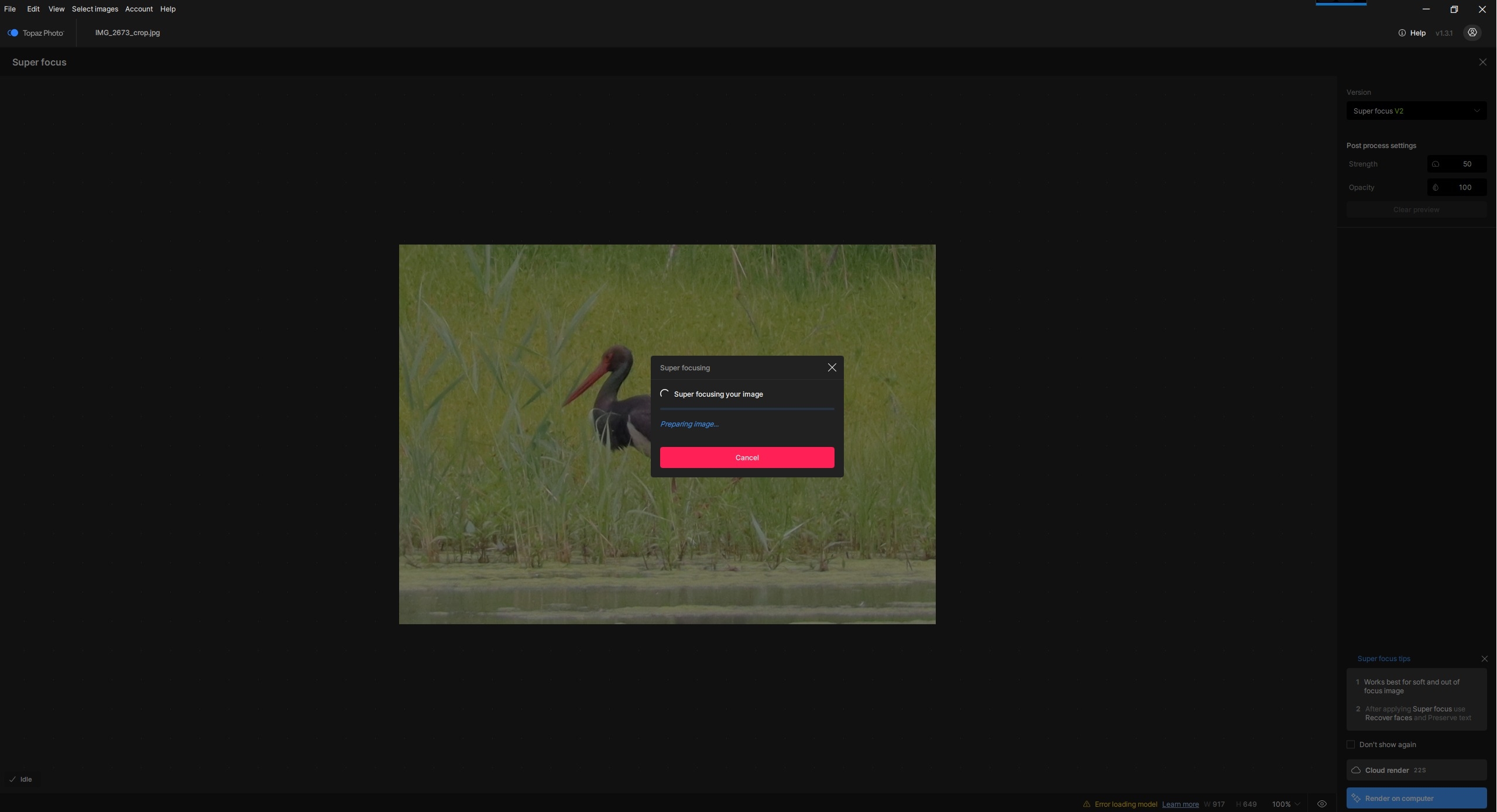
Dust and scratch: Same for me. Error loading model appears immediately.
I’m also having the same problem with Super Focus.
To install version 1.3.1, I (re)tried the following (I’m an administrator on my PC):
-
Clean install with Revo Uninstaller
-
Disabling all antivirus, firewall, and other security software.
-
Reinstalling 1.3.1: still the same problems.
-
Complete uninstallation again.
-
Creating a new user profile and rebooting the PC.
-Logging in with the new user profile:- Installing 1.3.1
- Launching and logging back in
- Whether it’s Dust & Scratch or Super Focus: model problem.
I reverted to 1.2.1: everything works, including Wonder 1 locally. I’m giving up looking for a solution.
A post was split to a new topic: Feature request for Texture Slider for RAW images
So I’d only use it if making a photo huge then cropping out a lot of the upscaled content (or, the inverse of that)…to see impact on an image? I’ll give it a go. That’s why I asked about specs for images to use. I don’t assume, as designs change, that old parameters or approaches hold. Some things never change… But others do. Or, are you talking about viewing size vs upscaling?
I was concerned I was going to get slammed for my PC’s specs or trying to use the product correctly, so nearly didn’t rpt the lack of visual processing impact.
I even reinstalled the software from scratch. I gained some space that way. 64 GB after the update, and 49 GB after the clean install. But Super Focus V1 and V2 are still broken.
It’s really, really frustrating because I absolutely needed it to improve some of my photos.
I’m glad I’m not the only one. There was clearly a lack of thoroughness in the testing before releasing the version.
1 Like
Oh, same for these? I haven’t tested them. I don’t have a damaged photo of them.
Yeah, I can confirm that “Dust & Scratch” is also broken for me.
1 Like
Try going to the top of this page and downloading the new version. Then go to the Downloads folder on your PC and double click on the new version and it should give you the option to Repair, take that option and maybe it will fix the problems with missing models.
Regards 
Okay, so there are three of us experiencing this problem at the moment. I hope they fix it very quickly.
1 Like
That won’t change anything. I already have the latest version. I even did a clean install after uninstalling all the Topaz Photo files. But the problem persists. And I’m not the only one.
I’ve come across this type of problem previously and fixed it by doing as I described.
Regards.
I’ve tried it (e.g. Super Focus), as you write, twice and the result is still the same (none). Switching to the cloud immediately returns me to local and it offers me its favorite error. I wanted to improve some photos, and instead I did what I didn’t want to do  . Hopefully they’ll fix it and test it.
Ok. Just trying to help.
Regards.
1 Like
I did this. Did not uninstall, but downloaded the recent version 1.3.1. Deactivated all Windows firewall and Virus checks (uneasy to do so but I did.) Ran the repair installation which took 20 min or so.
The result is still the same. “Error loading model” upon Super Focus 2. Doesn’t matter if I cloud render or local. Doesn’t matter if I load the photo directly or call Topaz Photo from Capture One (as I usually do).
My machine is connected via Ethernet. I am not going the VPN or WiFi path.
Would acknowledge a solution.
(Logfile removed for privacy and sent to the support address.)
Hello Michael.
I’m sorry. I’m just another forum member trying to help out. I’m sorry for any confusion caused. A Topaz Labs employee will be able to help you better tomorrow.
Best regards Robert.
2 Likes
Wonder v1 is also broken.
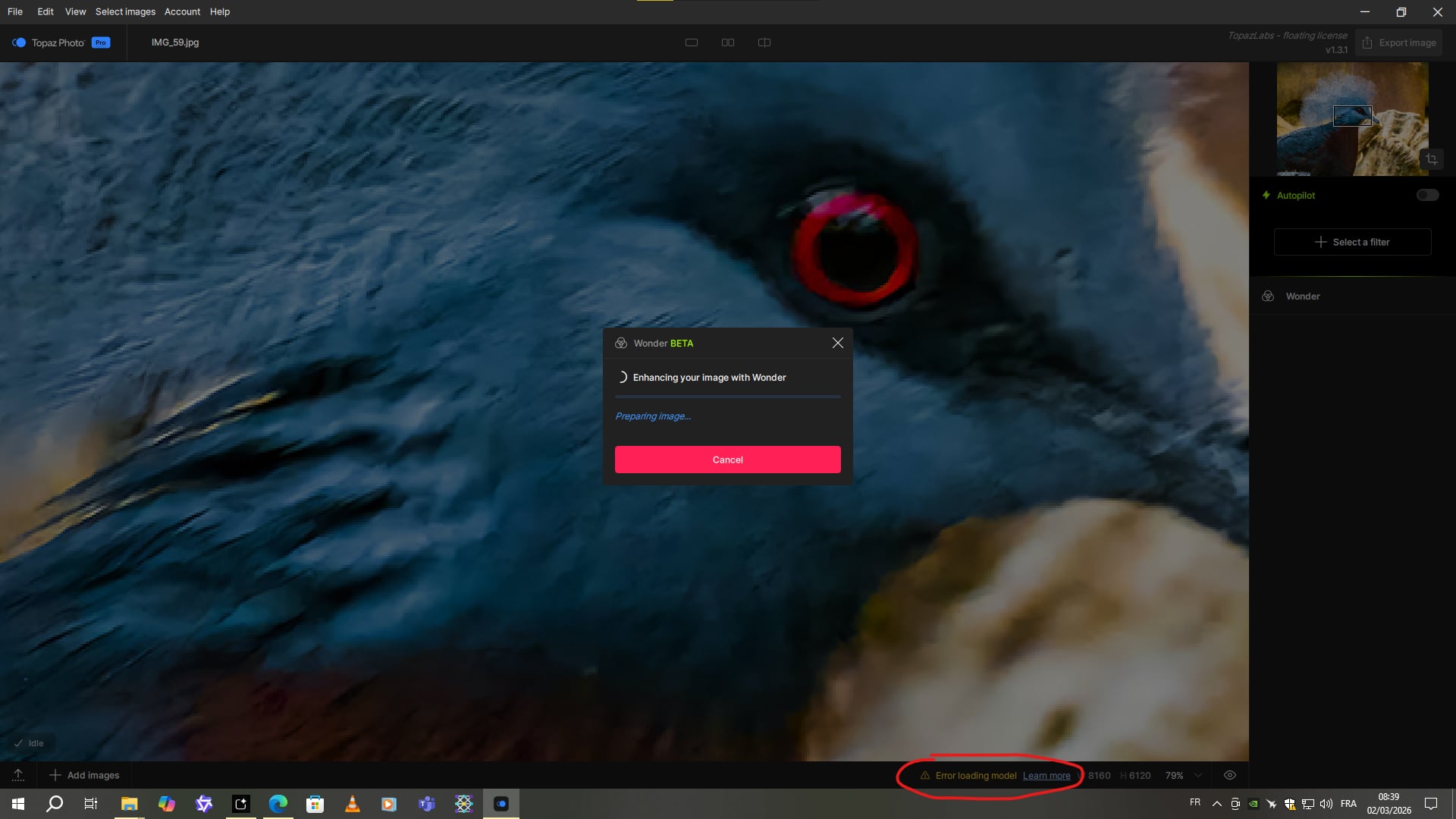
Wonder V2 works, but the quality isn’t great on this image. There’s almost no improvement over the original, unreduced image.
So far, there’s been an issue with three models not charging (Super Focus V1 and V2, Dust & Scratch, and Wonder V1). The other models seem to be working as expected.
But I haven’t tested everything yet.
I just had a major crash while trying to use Recover V3. While it was running, I went to a website, and that’s when the trouble started. My browser and Windows froze for 5 seconds. Then the screen went black for 10-15 seconds, and finally, my monitor lost signal for at least another 10 seconds. Then the PC restarted on its own. I’ve been experiencing this memory issue for a few years now. But usually, I don’t have a crash like this that forces the machine to restart. So your optimization system isn’t very effective.
Here are the logs:
Logs.zip (79,3 Ko)
